

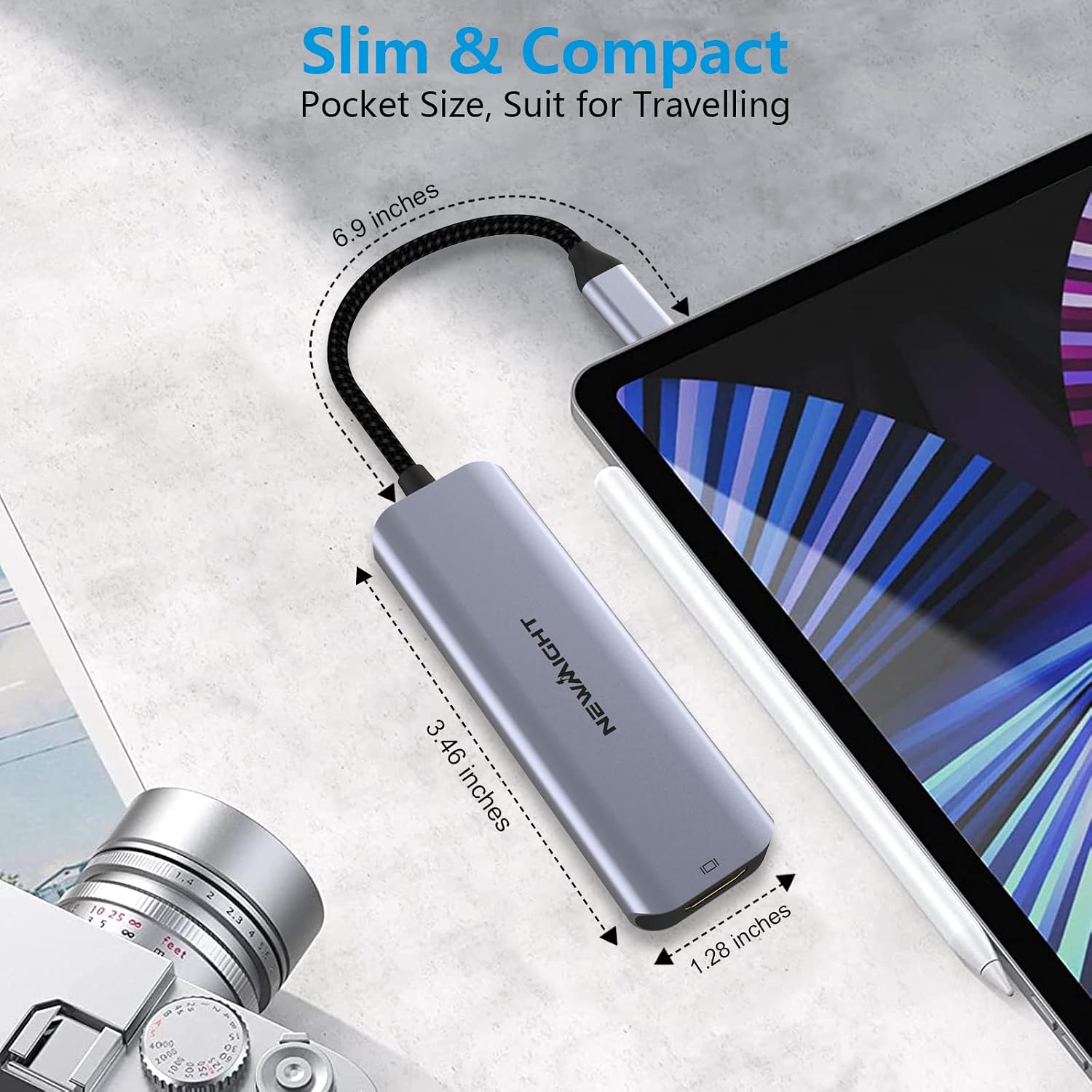
Newmight 4-in-1 USB-C Hub with 100W Power Delivery and HDMI 4K (USB 3.0 + USB 2.0 ports)
Product description
The essentials
If your laptop (or tablet) only has one USB-C port, you quickly end up in that annoying situation where you have to keep swapping chargers and cables. This Newmight 4-in-1 USB-C hub is designed to expand that single port into multiple connections: an HDMI output for a screen, a USB-C charging port, plus USB-A data ports (one USB 3.0 and one USB 2.0). On paper it’s a simple, practical add-on for home entertainment, office work, presentations and teaching.
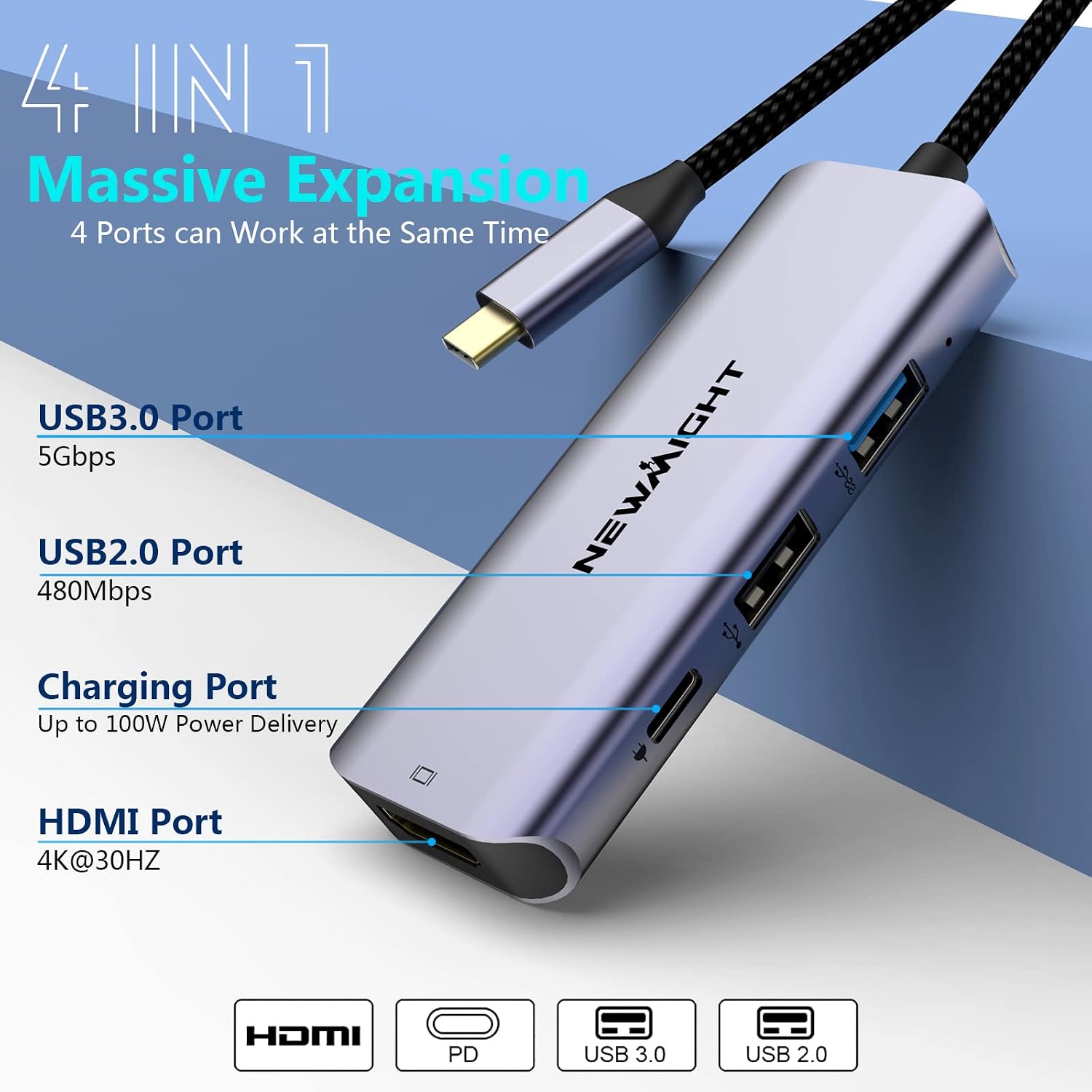
The headline features are a 4K HDMI output for mirroring or extending your display, and a USB 3.0 data connection rated up to 5Gbps. You also get a claimed 100W Power Delivery pass-through via the USB-C charging port, which is the kind of detail that matters when you want your device to keep charging while you use peripherals.
That said, it’s not trying to be a full workstation dock. It’s more of a compact “everyday expansion” hub, and a couple of limitations are worth being clear about before you buy.
What it actually gives you
This hub adds four functions from a single USB-C port:
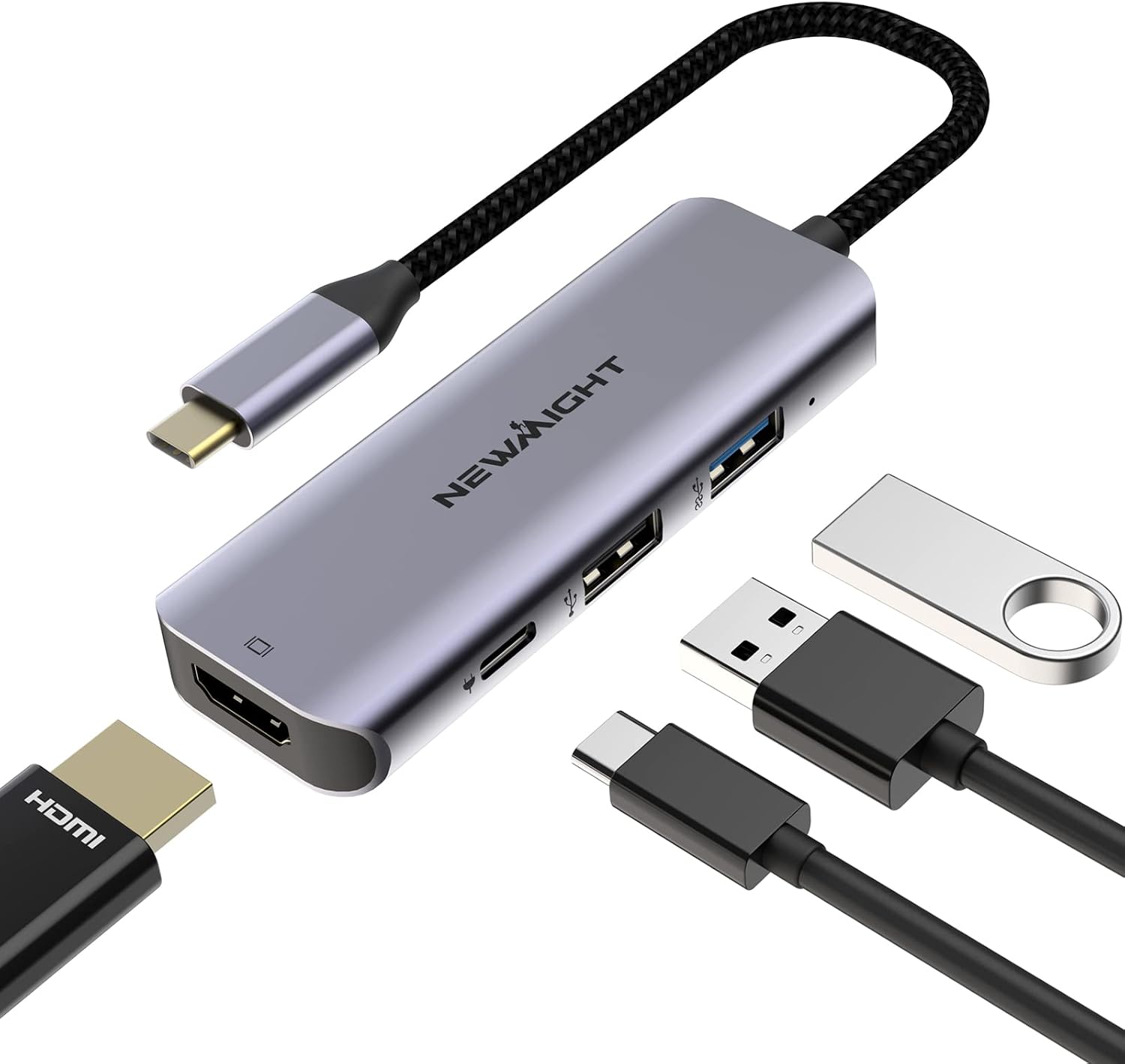
- HDMI for up to 4K UHD video and audio (for TVs, projectors or monitors)
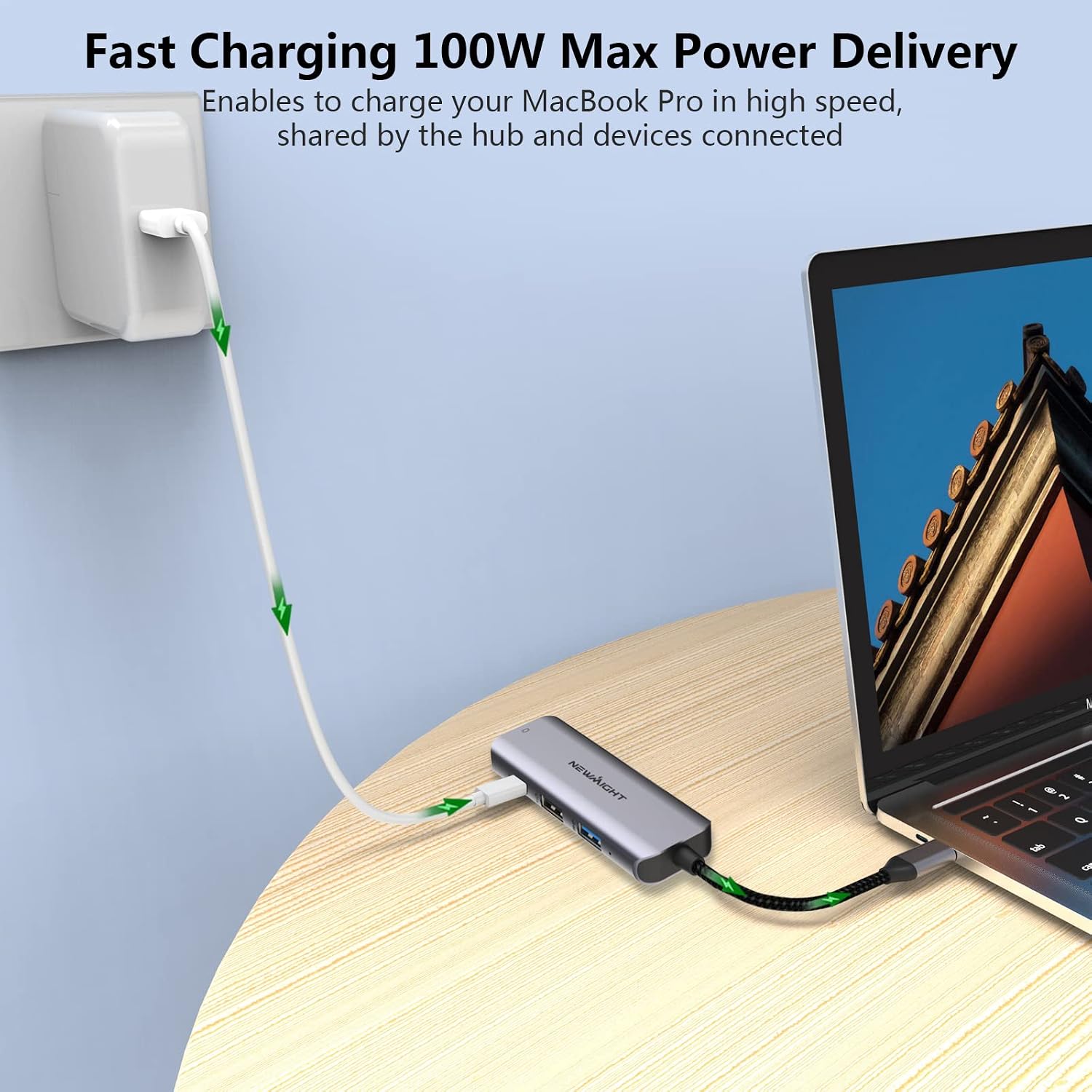
- USB-C charging (Power Delivery up to 100W) so the connected USB-C powered device can keep getting power
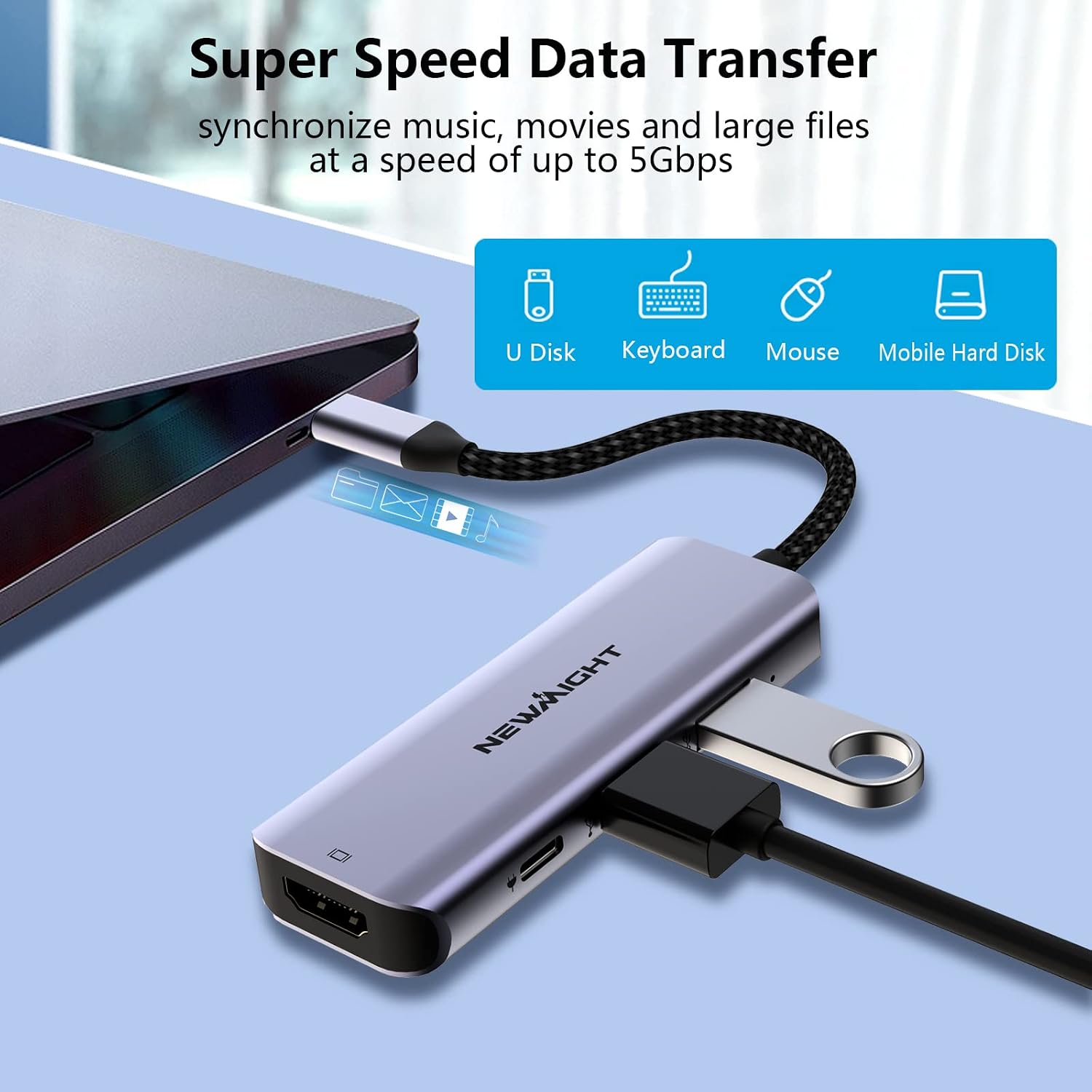
- One USB 3.0 type A port, for faster peripheral/data connections
- One USB 2.0 port, for lower-speed accessories
A notable point is the “no extra driver” claim—use is meant to be straightforward, which is what you want from a small adapter you’ll plug in and out.
In day-to-day terms, imagine you’re working on a MacBook Air at home: you plug in the hub, connect your monitor via HDMI, and add a mouse/keyboard via the USB ports. When you’re done, it’s small enough to stow away rather than keep a bulky dock permanently connected.
Where the 4K HDMI fits best
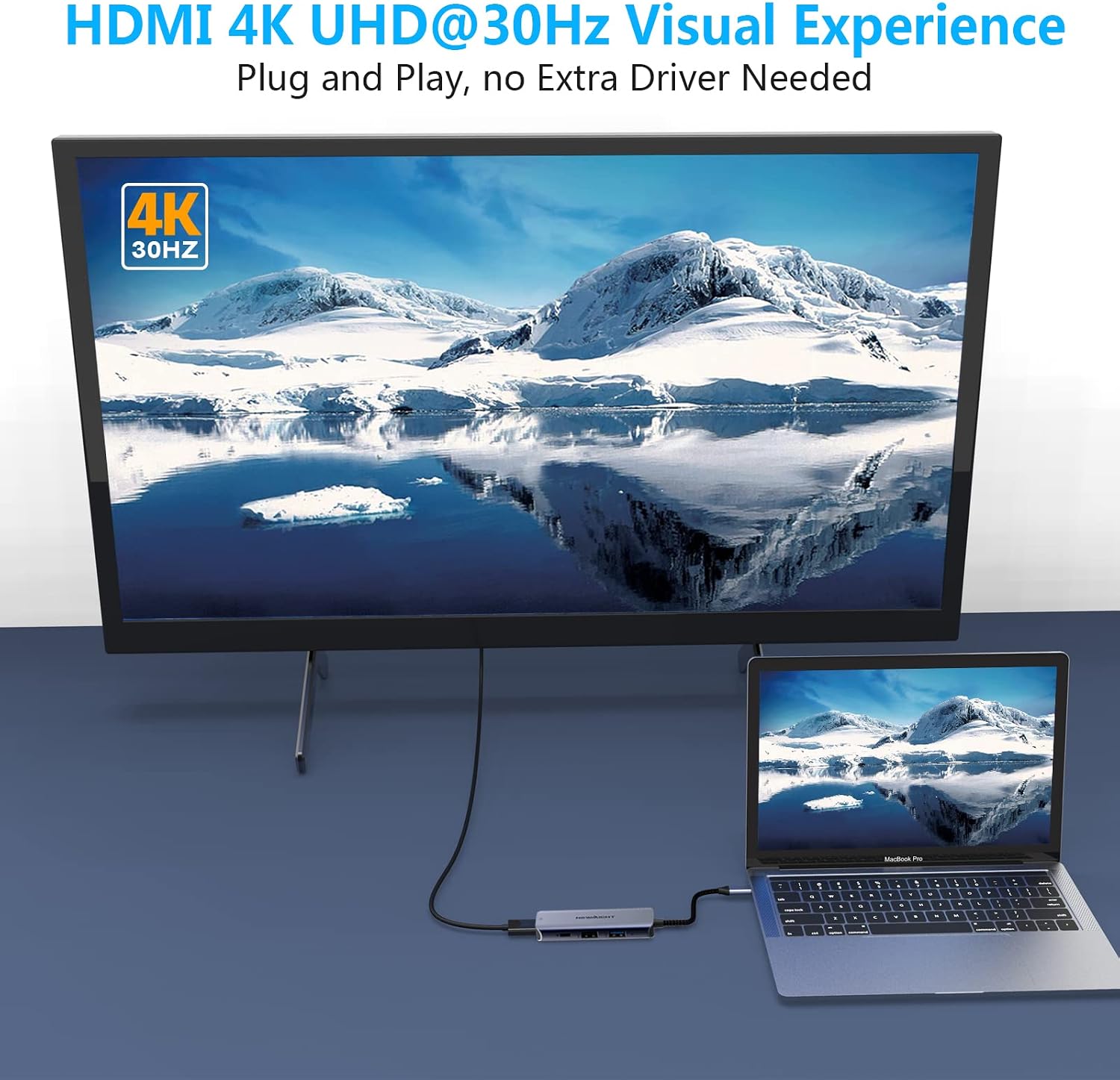
The hub’s HDMI side is built around “crystal clear” 4K output (up to 4K UHD), with mirroring or extending your display. That makes it sensible for:
- Watching content on a bigger screen
- Connecting to a projector for a talk or class
- Using a monitor setup for more screen space
The key buying question is what you expect from “up to 4K”. In practice, most users will care about whether it supports the kind of screen use they want (mirror vs extend) and whether the signal remains stable over the cable length they plan to use. The product description leans toward smooth video without visible lag, but if you’re sensitive to timing issues or plan to use demanding refresh-rate setups, it’s worth tempering expectations and checking your specific screen requirements.
Power Delivery: the main reason it’s not just another adapter
Many USB-C to HDMI adapters stop at video plus a couple of ports. This one tries to solve the “charging while using peripherals” problem by including a USB-C charging port with Power Delivery up to 100W.
So if your goal is to keep a USB-C powered laptop or tablet running while connected to an external monitor and some accessories, this hub’s design is meant to reduce the need for multiple chargers.
However, do keep expectations grounded: the description says it can pass up to 100W to a USB-C powered device, but it doesn’t spell out real-world power sharing behaviour across all connected devices. If you’re planning to run power-hungry drives and peripherals at the same time, it may be worth thinking through your setup rather than assuming all devices will run at peak comfort.
Data transfer and port limitations

On the data side, the USB 3.0 connection is described as up to 5Gbps for transferring files—useful for moving HD movies “in seconds” (that’s marketing language, but the point is that USB 3.0 is much better than relying on a slower port).
At the same time, there are two practical limitations stated in the description:
1) It’s intended for connecting one HDD/SSD only. 2) It won’t support Apple USB Super Drive.
If your plan involves multiple storage devices or a specific Apple accessory, this is where it could disappoint. If your goal is a single external drive plus a keyboard and mouse, it’s more in its comfort zone.
Build and heat: what you’ll notice
The hub uses an aluminium case design to minimise interference and promote better heat dissipation, plus it has a sturdy, braided-cable style build. That all sounds like it’s aimed at stability and longevity rather than flashy features.
It’s not perfect—compact hubs like this can still get warm depending on how heavily you load the ports and the kind of power draw going through the charging pass-through. But the focus on heat dissipation and interference reduction is the right general direction for an adapter you’ll use daily.
Compatibility & what to check before you buy
This hub is described as working with MacBook Air and iPad Pro, and “other Type C devices”. The specifics of compatibility aren’t fully detailed in the provided info, so it’s sensible to double-check your device’s USB-C video support and whether it handles HDMI output properly.
Also consider your exact connection needs:
- Do you need USB 3.0 speed for the device you’re plugging in?
- Are you only planning to connect one external HDD/SSD?
- Do you rely on any Apple USB Super Drive-type accessories?
It’s a good match if you want a compact multiport adapter with HDMI 4K and pass-through charging. It may not be the best match if you need more expansion, multiple storage devices at once, or support for specific optical drives.
Pros
Ports and functions are clearly aimed at everyday expansion: HDMI for 4K, USB-C charging, and two USB-A options. The 100W Power Delivery angle is the standout difference if you’re trying to avoid living on a separate charger. The aluminium build and heat dissipation focus also make it feel designed for regular use rather than occasional plugging.
Cons
It’s limited by design: only one HDD/SSD is supported, and it won’t support Apple USB Super Drive. Also, because it’s compact, it won’t suit setups that want lots of simultaneous high-speed or storage connections.
Is it worth it?
This Newmight 4-in-1 USB-C hub is a sensible buy if you’re trying to turn a single USB-C port into a small “home/office kit” for HDMI screen use, charging pass-through and basic peripherals. It makes particular sense when you want to mirror or extend your display and keep your device powered while using USB accessories.
You may want to skip it if you need support for multiple storage devices at once, depend on an Apple USB Super Drive, or you’re expecting a full dock-level experience with broader connectivity. In short: it sits in the compact, practical category rather than the “everything for everyone” end of the market.
FAQ
What does the hub let me connect at once?
It’s designed to expand one USB-C port into HDMI (up to 4K UHD), a USB-C charging port with Power Delivery up to 100W, plus one USB 3.0 type A port and one USB 2.0 port.
Does it need a driver?
The description states it works without an extra driver.
Can I connect more than one external hard drive?
The description says it only allows connection of 1 HDD/SSD.
Will it charge my USB-C device while using HDMI?
It includes a USB-C charging port with Power Delivery up to 100W, so the intent is to pass power to a USB-C powered device while you use the hub.
Does it support Apple USB Super Drive?
No—it's stated that it won’t support Apple USB Super Drive.