

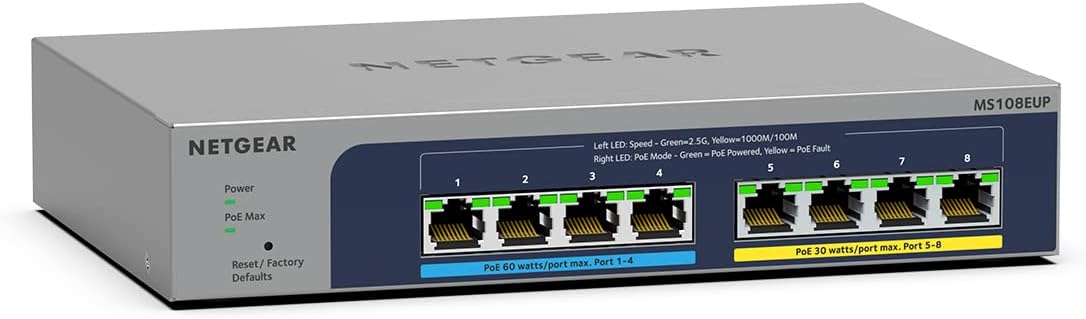
NETGEAR MS108UP 8-Port 2.5G Multi‑Gigabit PoE++ Switch (Ultra60, fanless, ProSAFE)
Product description
If you’re juggling multiple wired devices around the office, shop floor, or a busy home setup, a small managed-looking PoE switch can make life a lot simpler. The NETGEAR MS108UP is an 8‑port Multi‑Gigabit switch built around fanless, quiet operation and PoE power for devices that need both data and electricity.
The headline idea is straightforward: eight auto-adaptive 1G/2.5G Ethernet ports for faster network connections, plus high‑power PoE++ across four of the ports (and PoE+ on the rest) so you can run compatible gear without extra power bricks. It’s also designed to be plug-and-play, which helps if you don’t want to get stuck in configuration.
The essentials: what this switch is for
The MS108UP sits in the “use it as soon as it’s plugged in” lane, but with more capability than basic office switches. It’s aimed at scenarios where you want reliable wired links and you’d rather feed power through Ethernet.
On paper, it fits common use cases like: - IP cameras around a retail unit or driveway - Wireless access points that benefit from stable Ethernet backhaul - Smart lighting or other PoE-powered networking devices
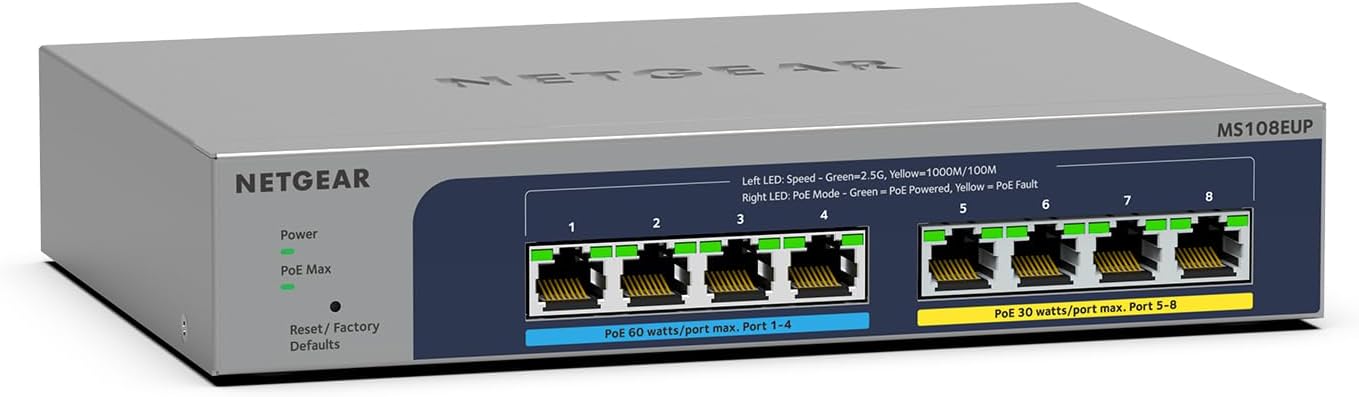
And because it’s fanless and compact, it’s also more believable for noise-sensitive spaces, where you’d rather not add any extra whirring hardware.
What you’ll notice day to day
The “quiet and compact” angle is a real selling point here. A fanless design matters in small offices, receptions, working rooms, and any place where electronics noise is noticeable.
The Multi‑Gigabit ports are another practical detail. Instead of being limited to 1G, the ports are auto-adaptive across 1G/2.5G, so you can get smoother performance for high-speed transfers and networked devices that support faster Ethernet.
One thing to consider: while it’s plug-and-play, it still includes features like VLAN support and port-based QoS. That’s helpful if your setup needs traffic segmentation or prioritisation—but you won’t know whether you’ll fully use those features until you see how your network is currently laid out.
PoE++ power: where this model earns its keep
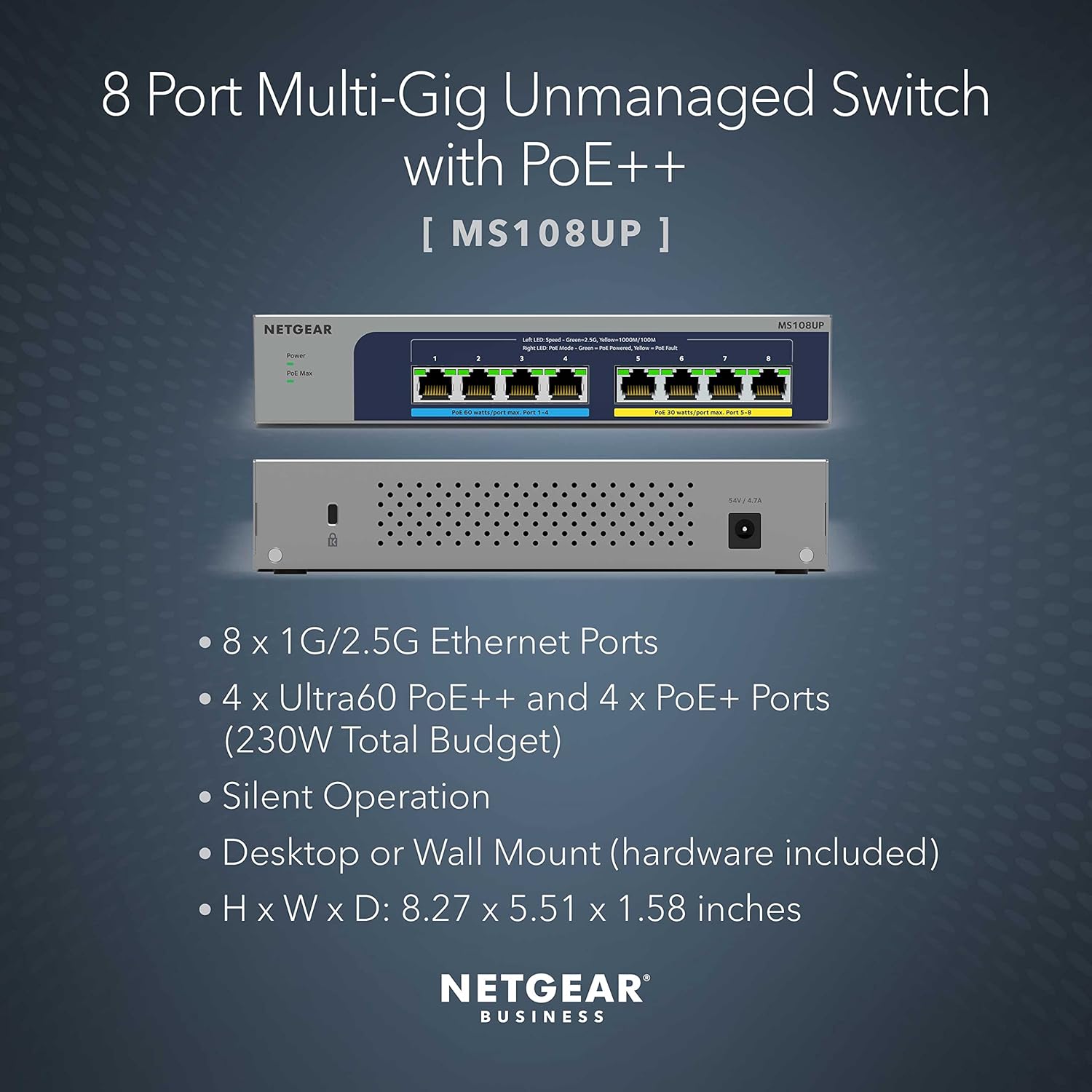
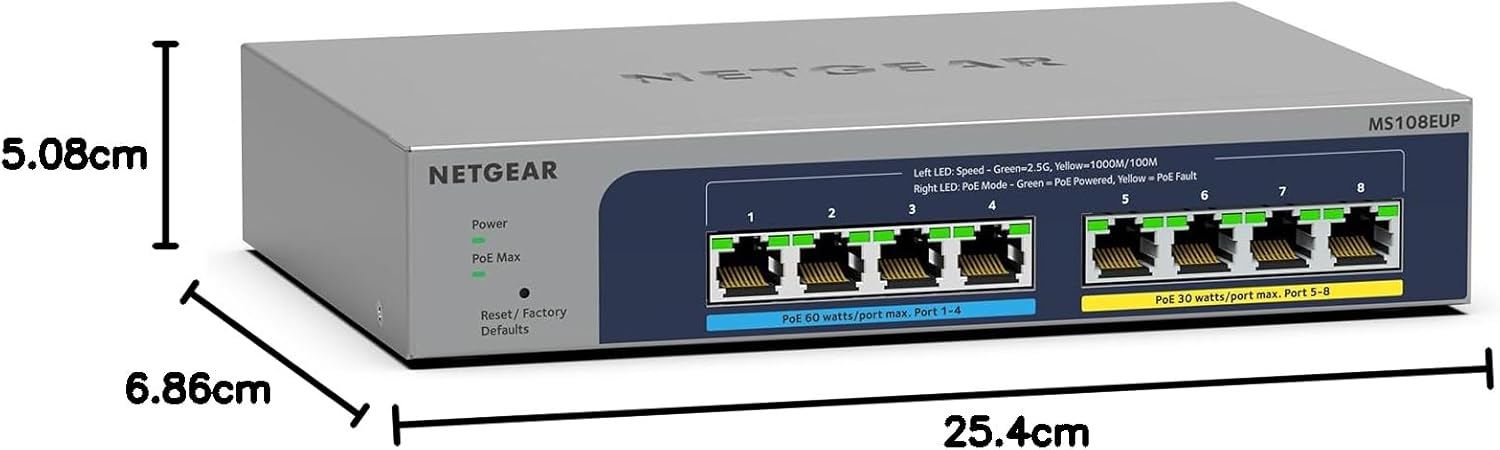
This switch’s PoE side is clearly the reason to look at it in the first place. It provides a total PoE budget of 230W distributed across PoE++ and PoE+ ports: - Four Ultra60 PoE++ ports with support for 802.3bt 60W per port - Four PoE+ ports with support for 802.3at 30W per port
That split matters if you’re mixing device types—say, higher-power equipment on a subset of ports and lighter PoE devices on the rest. It’s a handy approach when you don’t want to compromise by using a smaller PoE budget switch.
That said, it isn’t perfect for every scenario. If your devices are all very low-power, a PoE++-heavy model can be overkill and cost more than necessary. As always, you’ll want to sanity-check how your devices distribute across ports and how your total power draw compares to the stated PoE budget.
Security and performance features you can actually use
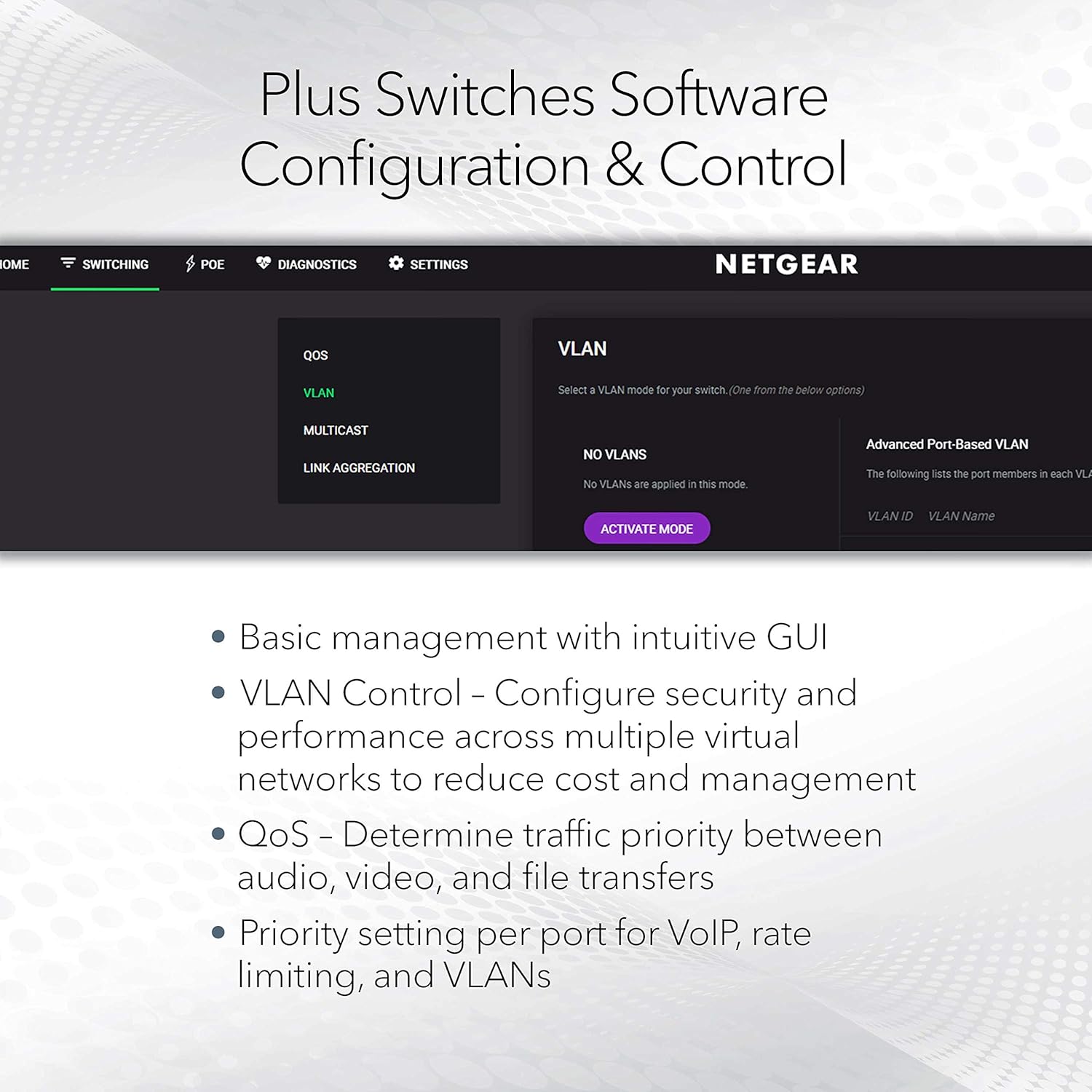
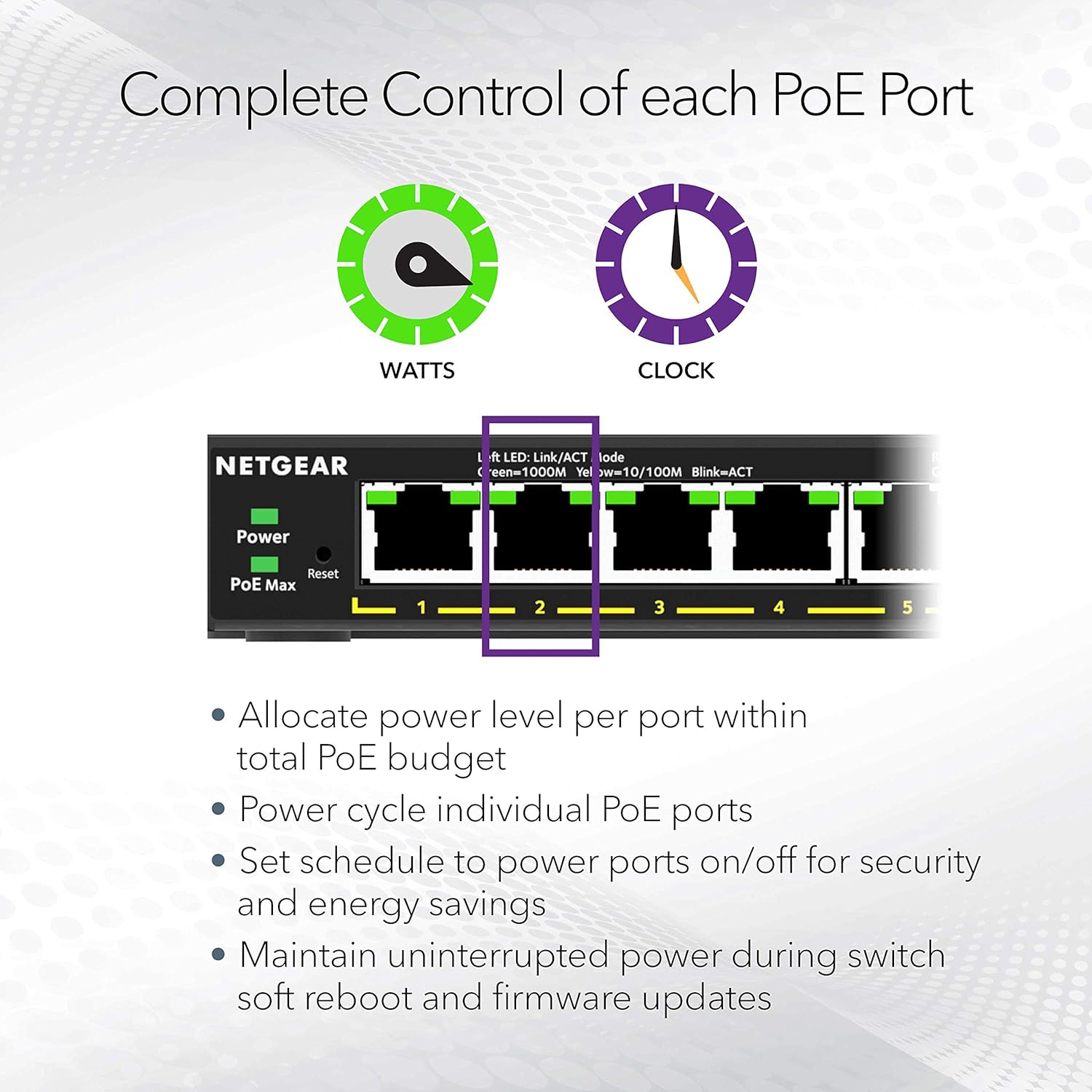
NETGEAR includes essential security and traffic-handling features such as VLAN support and port-based QoS. In practical terms, VLANs help with segmentation (separating traffic groups), while QoS can prioritise what matters most on your network.
This is the kind of feature set that becomes useful when you start stacking services—cameras, Wi‑Fi access points, and general office traffic—because unmanaged congestion can turn into lag when everything is competing.
It’s worth noting that the provided detail doesn’t say the switch is “fully managed” in the way some people expect from higher-end platforms. So if your goal is deep, hands-on network management, you may want to verify what level of control you actually get beyond VLAN/QoS support.
Installation approach: plug-and-play, for better and for worse
The MS108UP is positioned for easy, plug-and-play installation with no configuration required. That’s a big deal if you want the switch up and running quickly—especially if you’re setting up a small network or you’re not keen on digging into settings.
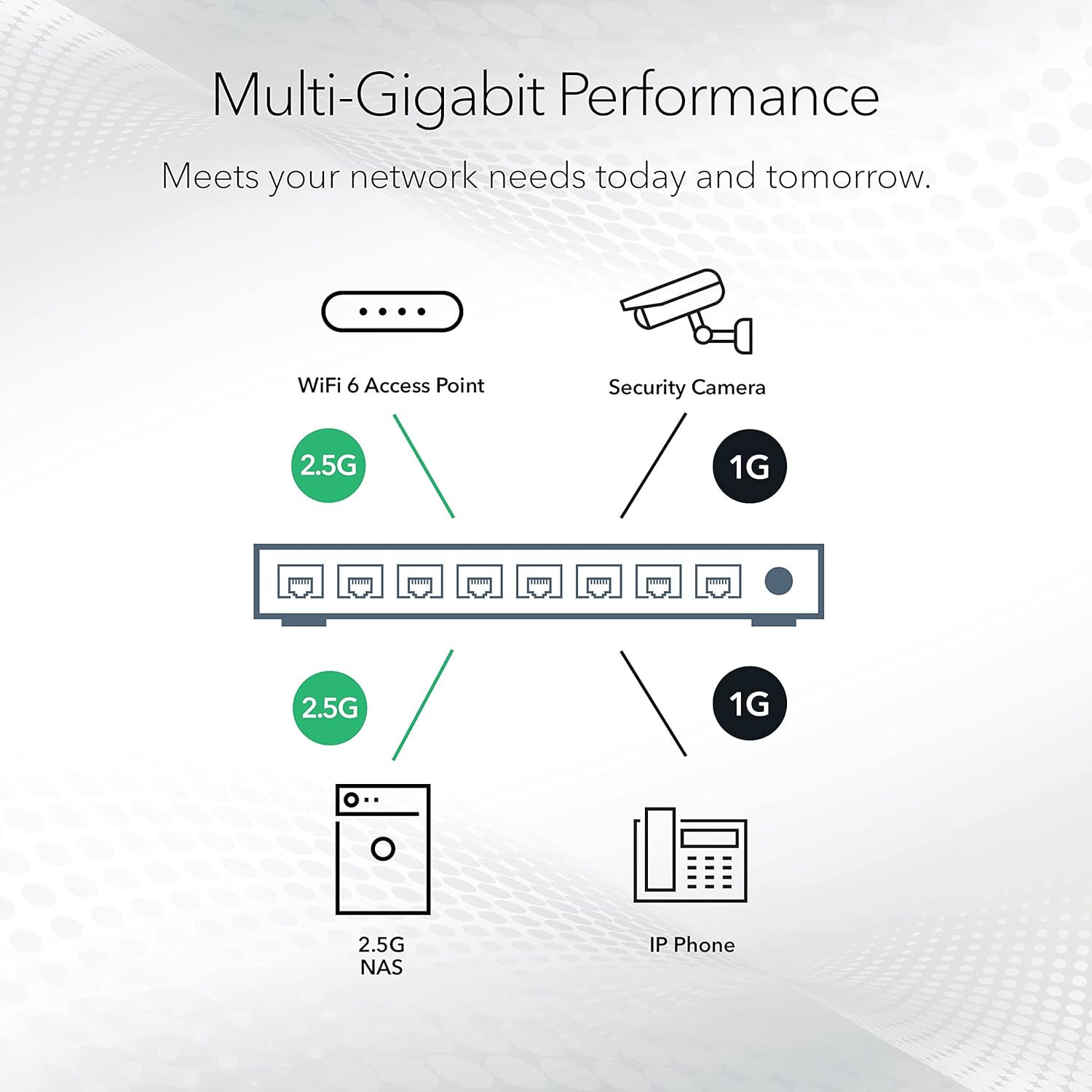
A micro example: imagine you mount two PoE wireless access points around a shop. With a plug-and-play approach, you can connect the switch to your router, plug the access points into PoE ports, and get them online without a long setup process. You still have the VLAN/QoS features available if you later decide to tighten things up.
Where it may fall short is if you’re expecting lots of advanced onboarding or custom behaviour out of the box. Plug-and-play is convenient, but it doesn’t automatically replace a thorough network plan.
Tech specs (what matters most before buying)
- Ports: 8 auto-adaptive 1G / 2.5G Ethernet ports
- PoE: 230W PoE budget across 4 Ultra60 PoE++ ports and 4 PoE+ ports
- PoE++ capability: 802.3bt 60W per port (on Ultra60 PoE++ ports)
- PoE+ capability: 802.3at 30W per port (on PoE+ ports)
- Design: compact, fanless (silent operation)
- Features mentioned: VLAN support and port-based QoS
- Platform mention: ProSAFE
Who it suits (and who should think twice)
It’s a good fit if you want an 8‑port switch that can both upgrade speeds to Multi‑Gigabit and power PoE devices without adding separate power supplies—especially in environments where noise levels matter.
It might not suit you if: - you only need simple, non‑PoE switching and want to avoid paying for PoE++ capacity - your network plans require a level of advanced management beyond what’s clearly described here - you can’t reasonably estimate your PoE load across the ports (because PoE budget and per‑port limits are the thing that can surprise people)
Is it worth it?
Buying this makes sense when you’re building a small-to-medium PoE network with a mix of devices—like cameras plus Wi‑Fi access points—and you’d rather keep the hardware quiet, compact, and easier to deploy. The 2.5G auto-adaptive ports plus the 230W PoE budget give it a solid “all-in-one” feel for wired deployments.
If you’re only running low-power gear, or you don’t need PoE at all, you may want to look at a simpler switch approach first to avoid paying for capability you won’t use.
Mini FAQ
Does the MS108UP need configuration to work?
It’s described as offering plug-and-play installation with no configuration required, so it’s intended to run straight away for basic setups.
What’s the PoE budget on this switch?
The stated PoE budget is 230W across four PoE++ ports and four PoE+ ports.
Is it noisy?
No—this model is fanless, so it’s designed for silent operation.
Will it support faster than 1G Ethernet?
Yes. The ports are auto-adaptive across 1G and 2.5G Ethernet.
What security/performance features are included?
VLAN support and port-based QoS are mentioned, which can help with traffic segmentation and prioritisation.