

NETGEAR GS348-100EUS 48‑Port Gigabit Network Switch (Plug-and-Play, Silent)
Product description
What it is and why people buy it
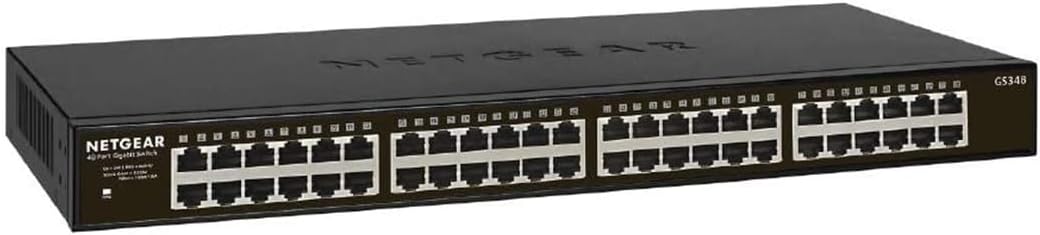
The NETGEAR GS348-100EUS is a 48‑port Gigabit Ethernet switch aimed at giving you more wired connections without making things complicated. In plain terms, it’s the kind of “network traffic organiser” you use when Wi‑Fi alone just can’t cover everything, or when your home/office setup grows beyond a couple of spare ports.
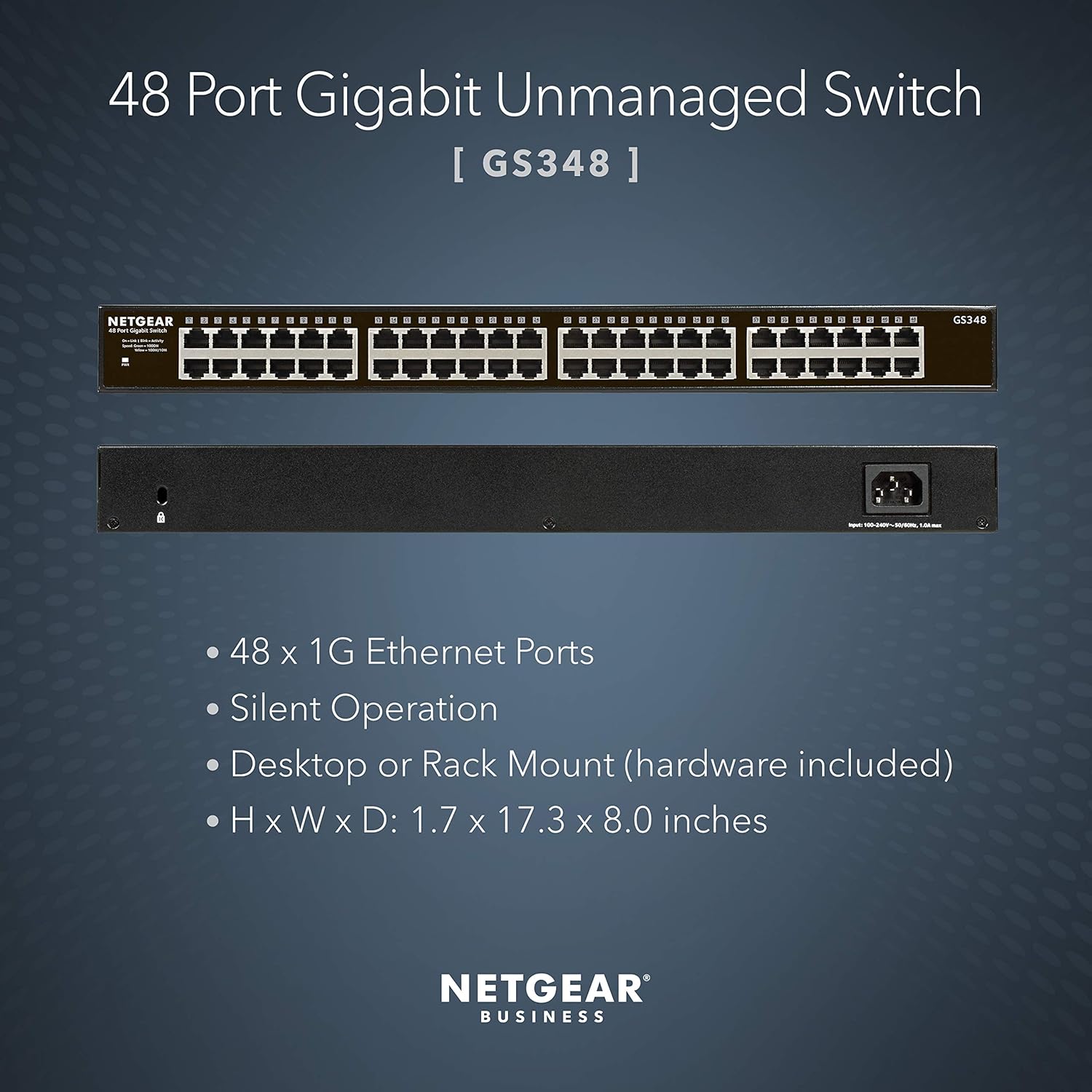
On paper, the GS348-100EUS ticks several practical boxes: it’s designed to be plug‑and‑play, it’s described as having silent operation, and it can be used as a desktop or mounted on the wall. That combination matters because most people don’t want a network project—they want extra ports that behave predictably.
A quick everyday example: imagine you’ve got multiple wired devices (a NAS, a PC, an IPTV box, smart devices that prefer Ethernet, and maybe a couple of workstations). Instead of swapping cables or relying on slower wireless for everything, this switch lets you centralise those connections in one place.
Where it stands out day to day
Silent operation is one of the more underrated features for a network switch. If you’re placing it in a home office, a living space, or anywhere you spend time, fan noise and hum can become a real annoyance. While we can’t tell from the listing how “silent” it feels to every user, the product is explicitly positioned for quiet use.
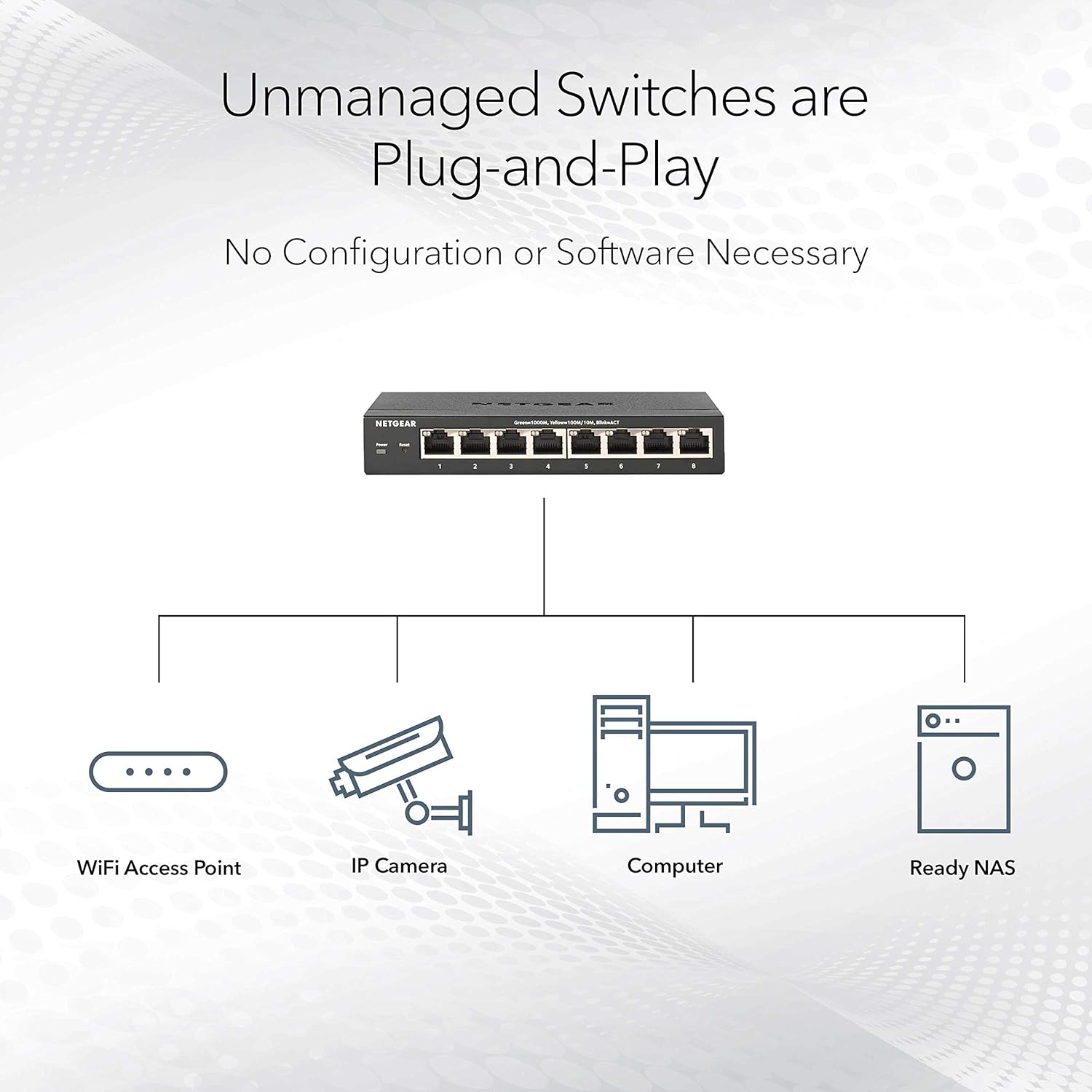
The plug‑and‑play angle also keeps it in the “get it working quickly” camp. Depending on your current setup, you may be able to move from unboxing to live networking with minimal fuss—useful if you’re not chasing advanced configuration.
And the mounting option is genuinely handy. A desktop setup is often fine, but when you’re short on space, wall mounting can keep the switch out of the way and tidy up cable management.
Key points to check before you buy
The name clearly suggests you’re getting a 48‑port Gigabit switch, but you should still sanity‑check your wiring plan. For example, think about:
- How many devices you truly need to connect now versus what you might add later.
- Where the switch will physically live (desk space vs wall mount placement).
- Whether your cabling is already prepared for Gigabit speeds on the devices/segments you care about.
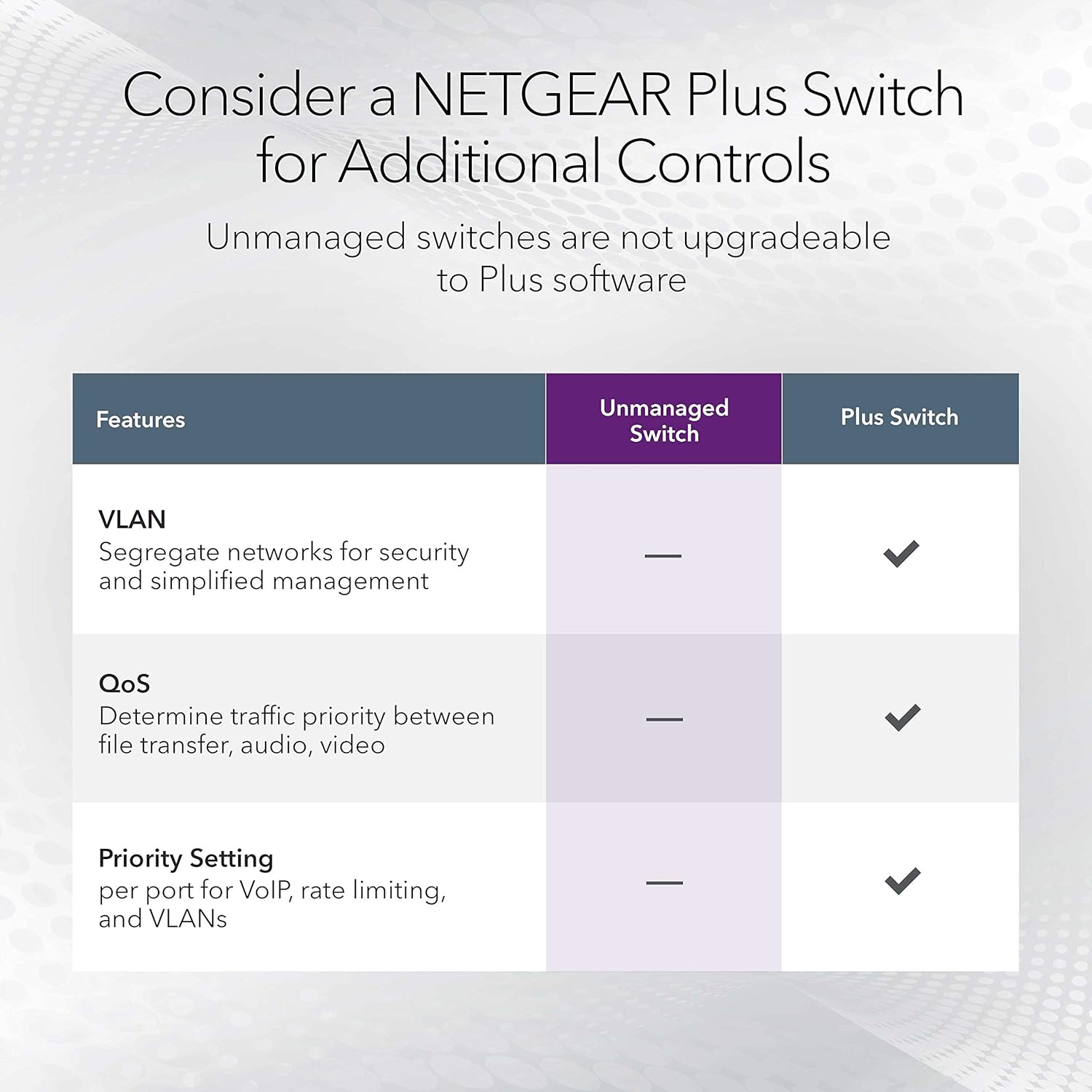
One limitation to be aware of: being “plug‑and‑play” can also mean you’re likely not buying this for fine‑grained, enthusiast‑level network tuning. If you’re specifically trying to squeeze out very specific performance tweaks or complex network behaviours, you may find you need a different class of managed switch. The GS348-100EUS looks more like a straightforward expansion tool.
Tech specs (what we know from the listing)
- Name: NETGEAR GS348-100EUS Switch
- Type: Ethernet Switch / Ethernet Hub / Ethernet Splitter (as described)
- Ports: 48
- Speed: Gigabit Ethernet
- Setup style: Plug-and-Play
- Operation: Silent Operation
- Mounting: Desktop or Wall Mount
If you’re comparing options, those are the headline numbers and use‑case cues that matter most.
Who it’s for (and who should probably skip it)
It makes sense if you want a simple, wired expansion for a small network that’s outgrowing the built‑in ports of routers, or if your workflow benefits from more stable connections than Wi‑Fi can reliably provide.
You may want to skip it if you’re looking for advanced network management features, or if you only need a handful of ports. In that case, a smaller switch could be a better match for cost and simplicity.
Also, consider whether “silent operation” is a must-have for where it will sit. If your switch will be tucked away in a cupboard or utility area, noise may not be a deciding factor—though it’s still a pleasant bonus.
Final verdict

It’s worth it if you need a 48‑port Gigabit switch for everyday wired expansion, and you value plug‑and‑play setup plus quiet operation. The desktop or wall mount flexibility is a practical touch for real homes and small offices.
It may not be the best choice if you only need a few extra ports, or if you’re expecting advanced configuration and hands‑on network control. For that kind of requirement, a different approach—typically a more feature-focused switch type—would fit better.
The decision is mostly about fit: you’re buying this to add wired capacity with minimal hassle, not to build a complex networking lab.
Mini FAQ
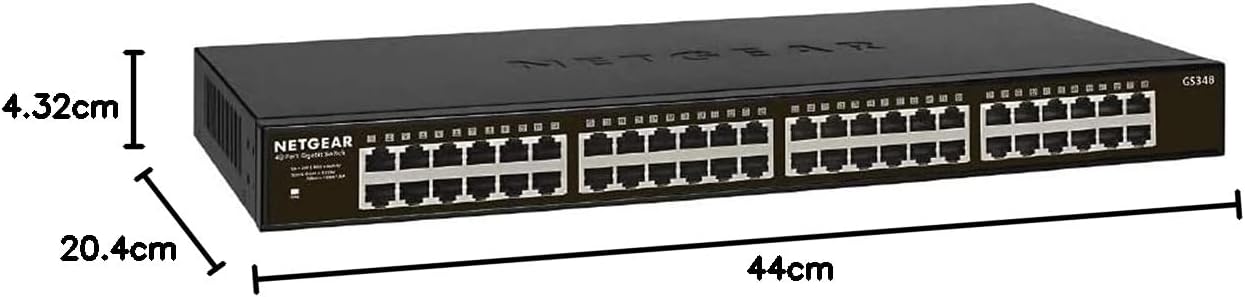
Can this be placed on a desk or mounted on the wall?
Yes—it's listed as suitable for desktop or wall mount, which should help with placement and cable neatness.
Is it designed to be easy to set up?
The listing describes it as plug‑and‑play, suggesting you can get it working with minimal setup compared to more complex managed options.
Is it aimed at quiet environments?
It’s specifically described as having silent operation, which is especially relevant if the switch will be near where people work or live.
How many connections does it support?
It’s a 48‑port switch, designed for Gigabit Ethernet connections.