

TP-Link TL-SG108-M2 8-Port 2.5Gbps Desktop Switch
Product description
What it is
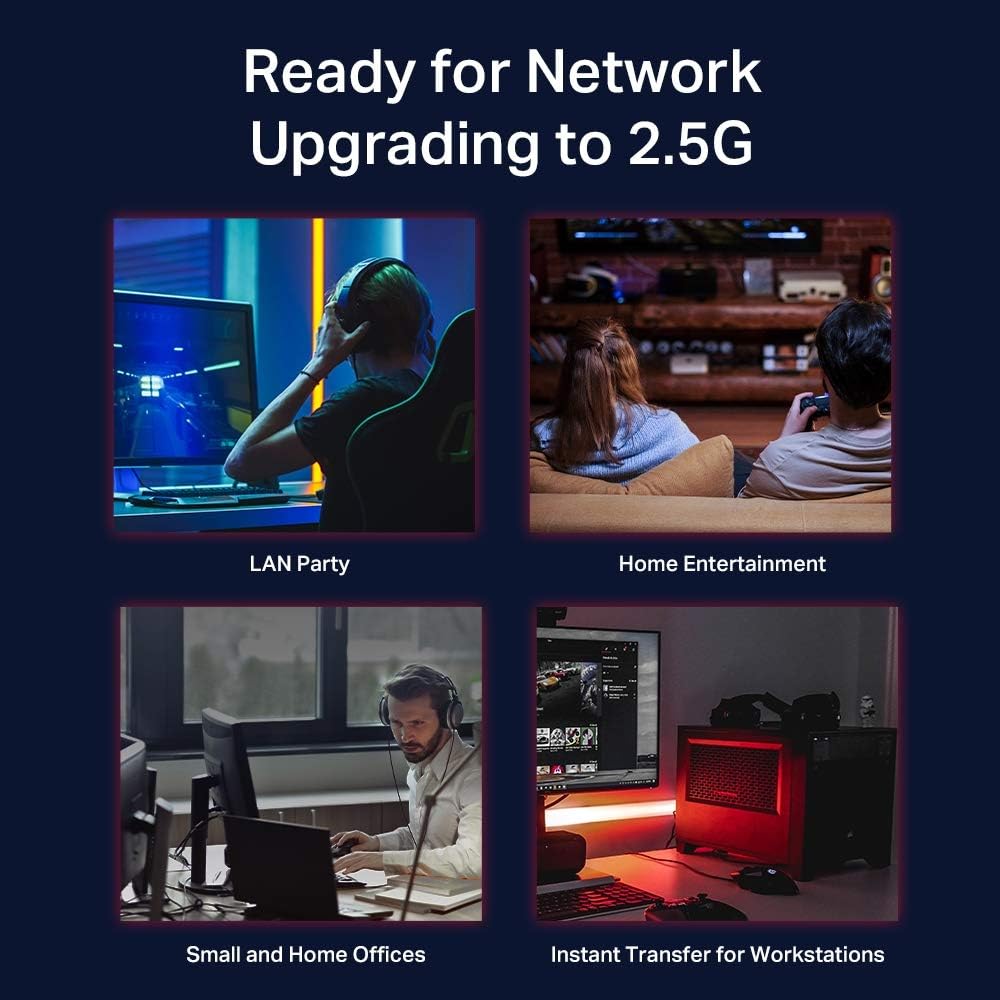
The TP-Link TL-SG108-M2 is an eight-port, 2.5 Gbps desktop network switch designed for simple, cable-friendly upgrades to multi-gigabit networking. With eight 2.5G ports, it targets home offices, small workspaces and gaming setups where a quick boost to NAS, server, PC or access point performance can reduce bottlenecks without a complete cabling overhaul.
How it helps your network
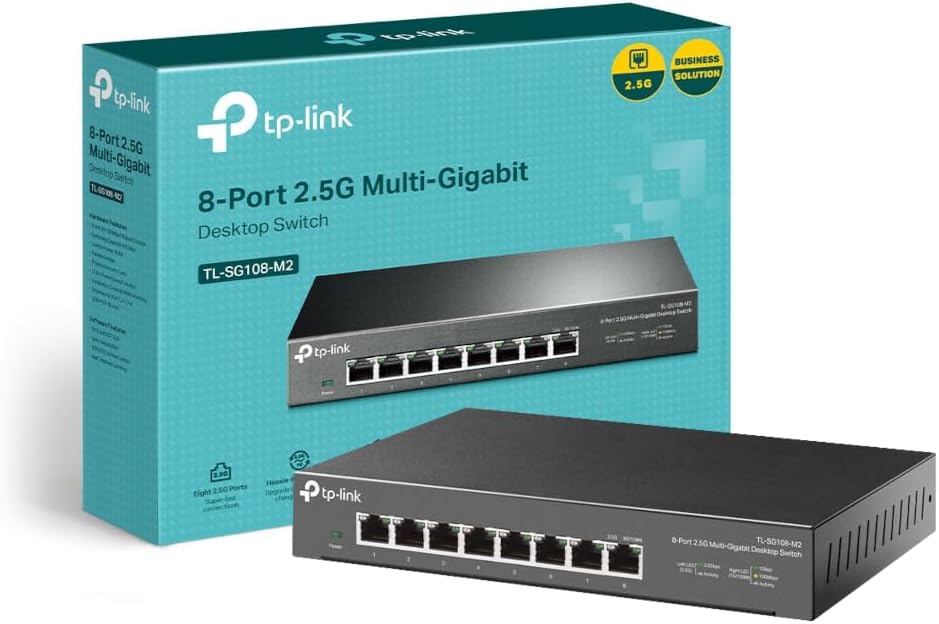
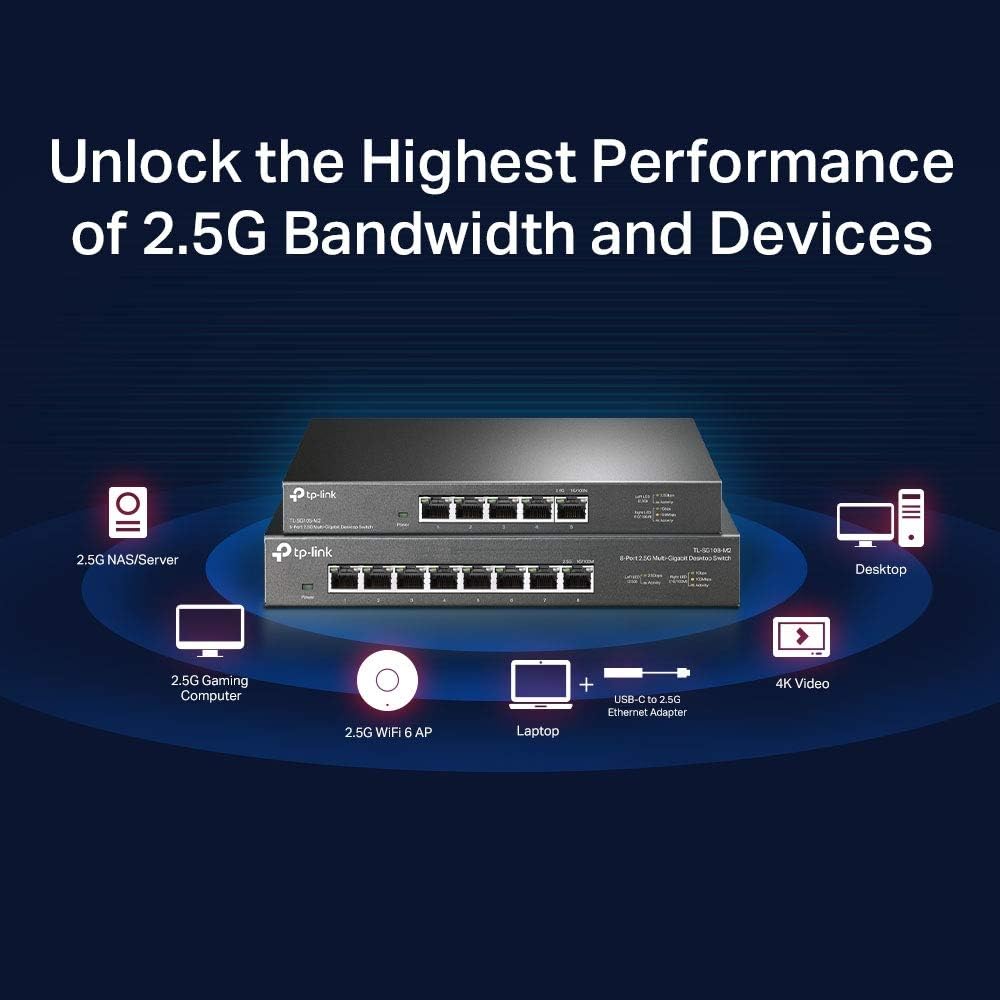
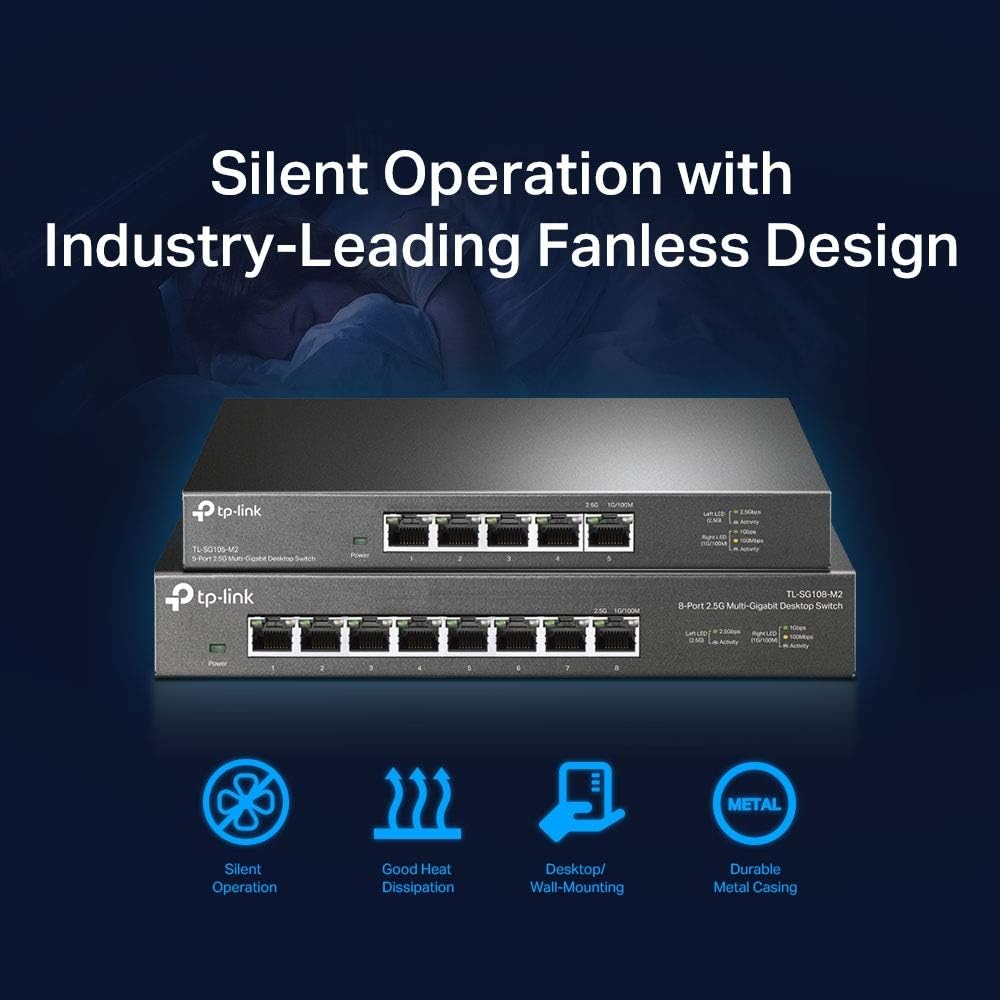
On paper, the TL-SG108-M2 offers a total switching capacity of up to 40 Gbps. That translates to higher potential throughput when multiple devices are transferring data at once, making it a sensible step up if you’re routinely moving large files to a NAS, streaming 4K content, or gaming with a wired connection. It’s designed for quick wins: plug and play, metal enclosure and a fanless design that keeps noise to a minimum in living rooms or quiet office spaces.
What stands out in use
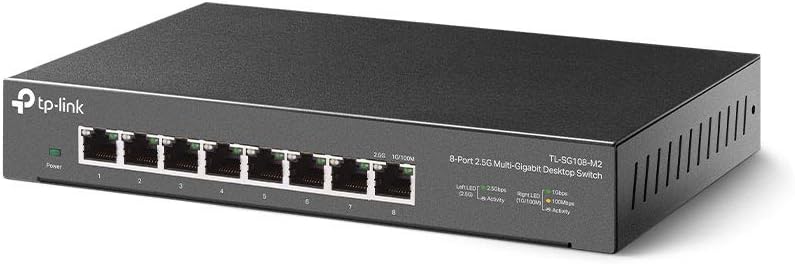
The box speaks to straightforward deployment. No drivers required—just connect devices to the eight ports and go. The metal case adds durability and helps with heat dissipation in a small desktop footprint or when rack/desk mounting is preferred. The omission of active cooling means it’s particularly quiet, a real plus in environments where silence matters.
Strengths you’ll notice day to day
- Simple, plug-and-play setup with no configuration needed for most households or small offices.
- Silent operation suitable for living spaces, study corners and quiet work areas.
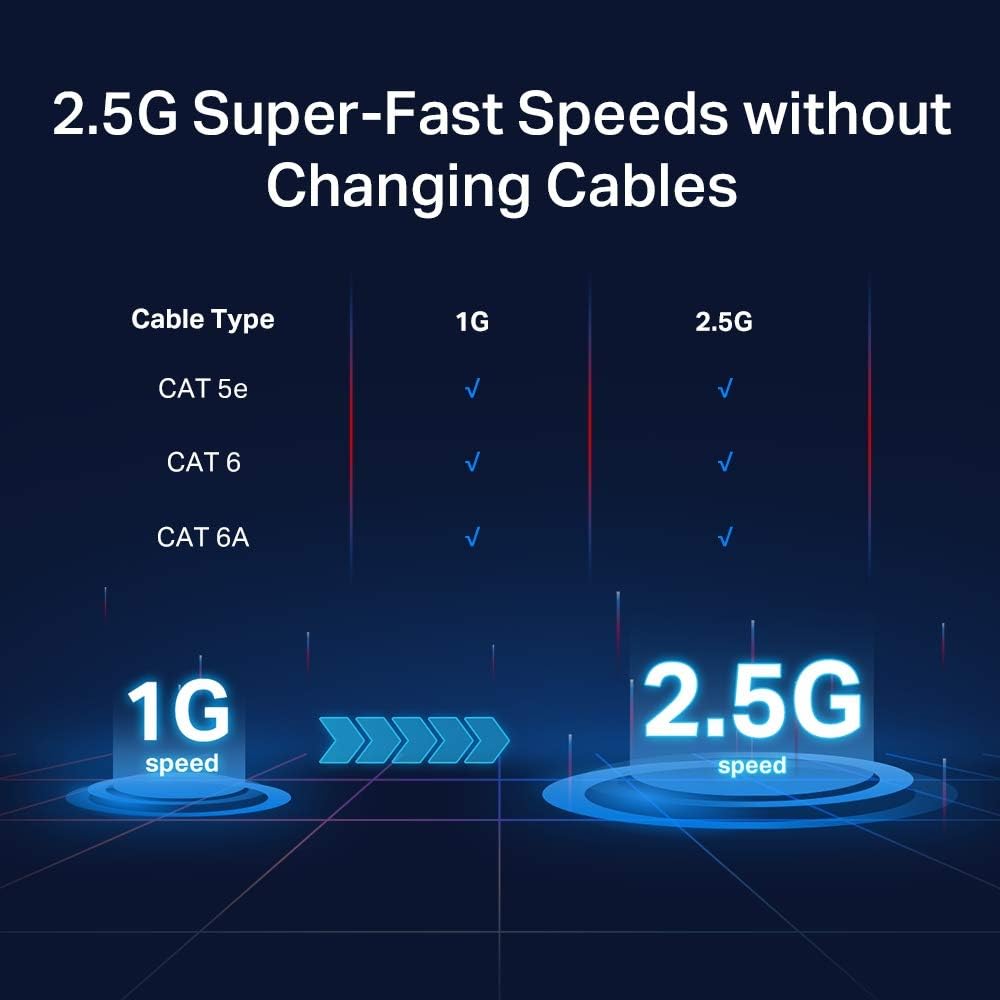
- Compatible with existing cabling, no mandatory upgrade to Cat6, which can save costs if you’re upgrading gradually.
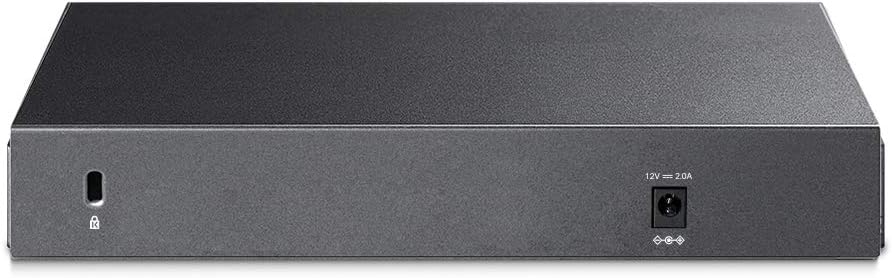
- Robust physical design with a metal housing that feels sturdy on a desk or wall mount.
Limitations and constraints
- As with most unmanaged switches, there are no advanced features (such as VLANs or QoS) exposed here, if you need those controls, this may not be the right fit.
- The marketing emphasis on 2.5G performance is useful up to a point, actual gains depend on your devices and network topology, so don’t expect a silver bullet if your other components are already bottlenecked.
- It is a desktop/wall-mount device, but large racks or long cable runs may require additional planning for cable management.
Who it’s for
This switch makes sense for users who want a concrete upgrade path to multi-gig connections without a big tech overhaul. If you’re frequently transferring large files to a NAS, streaming in 4K from a local server, or gaming with a wired PC or console in a home office, you’ll likely notice smoother, steadier throughput.
Who it isn’t ideal for
If you require advanced network features or granular traffic control, you’ll likely want a switch with managed configurations. Also, if your setup involves devices that don’t benefit from 2.5 Gbps connectivity or you’re dealing with long cable runs over extensive distances, the advantages diminish.
Before you buy—practical checks
- Confirm the devices you want to connect can actually utilise 2.5 Gbps ports to justify the upgrade.
- Consider current cabling: while Cat6 isn’t required, the right cable choices do influence sustained performance across multiple ports.
- Decide on placement: desktop versus wall-mount, ensure ventilation and accessibility for the cables.
A practical comparison in context
If you’re weighing between a basic gigabit switch and this 2.5 Gbps unit, the decision hinges on throughput needs rather than mere speed labels. For typical everyday tasks (web, office apps, streaming) a gigabit switch suffices, for local file transfers, backups, or media-heavy tasks, the 2.5 Gbps path provides breathing room and can reduce waiting times in multi-user scenarios.
Decision: Is it worth it?
It’s a sensible upgrade if you prioritise faster local transfers to NAS/servers, or want a quieter, robust multi-port solution without complex setup. It isn’t the best fit if you require advanced features or if every connected device cannot exploit the extra bandwidth.
Quick FAQ
- Do I need to configure anything to use TL-SG108-M2? No, it’s plug-and-play in most setups.
- Will upgrading to this switch automatically improve my gaming latency? It can improve throughput to gaming devices wired to the switch, but latency depends on multiple factors including the source, network path and interpoing devices.
- Is it suitable for a small home office? Yes, particularly if you want to connect a NAS, server and AP with a compact, quiet unit.