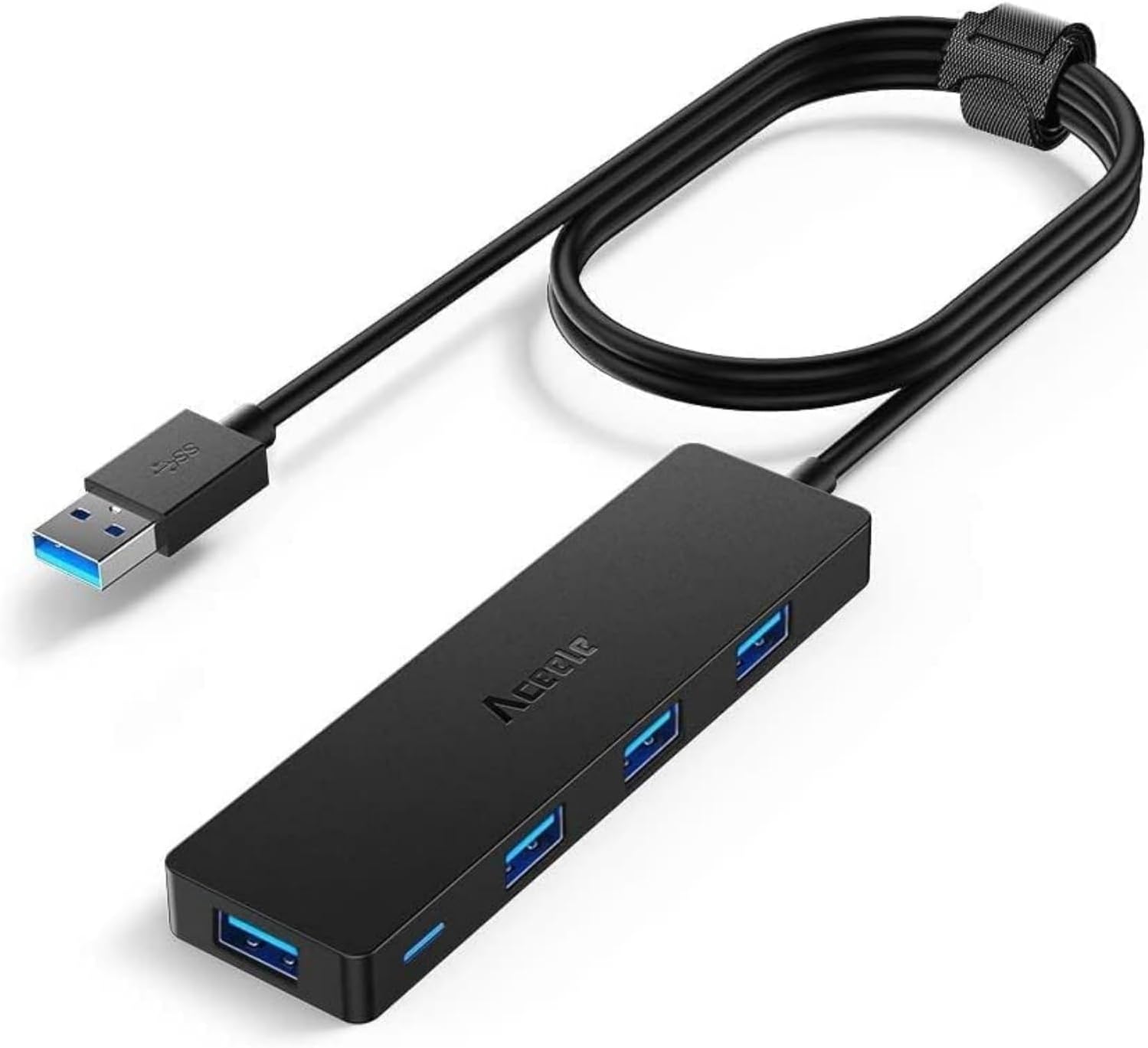
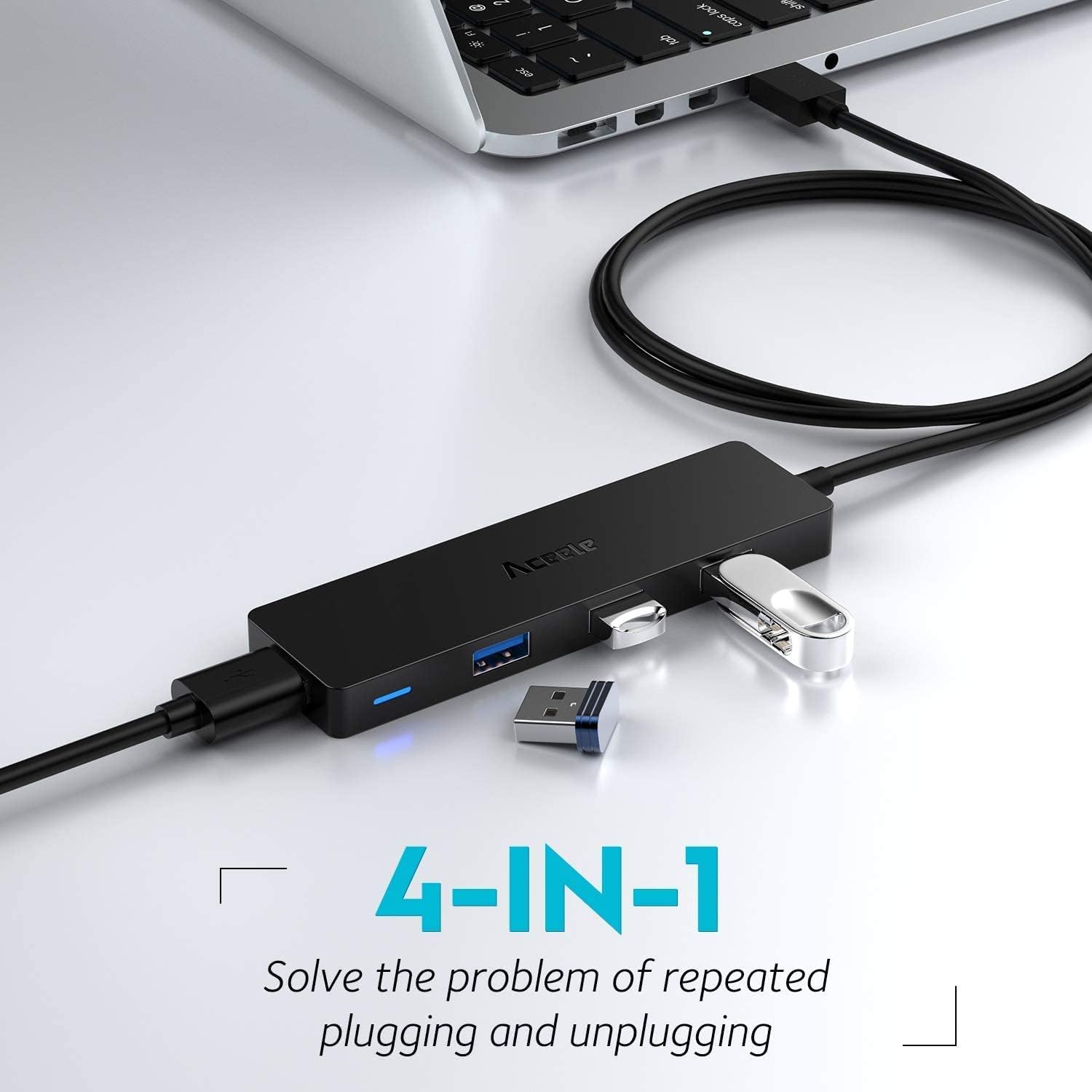
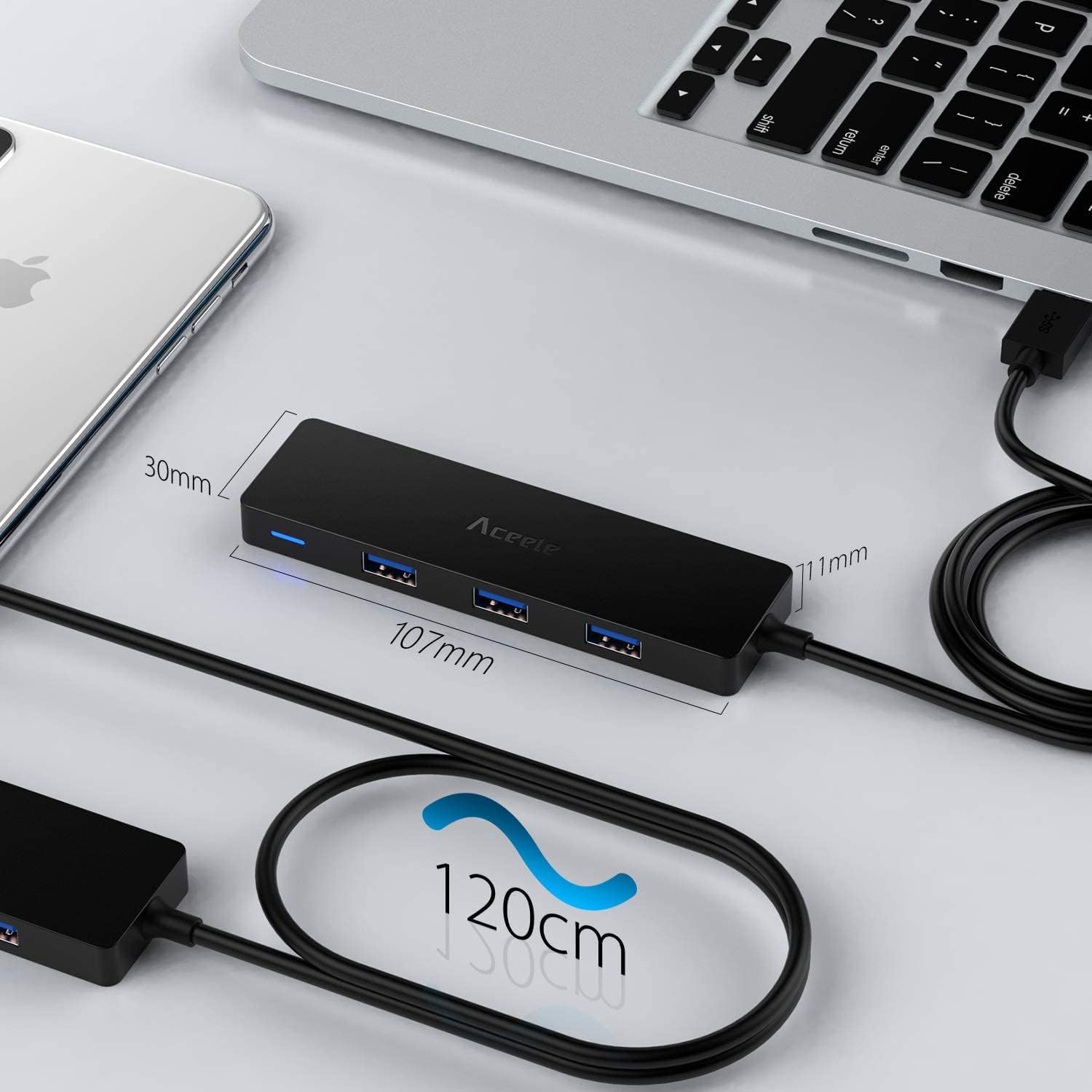
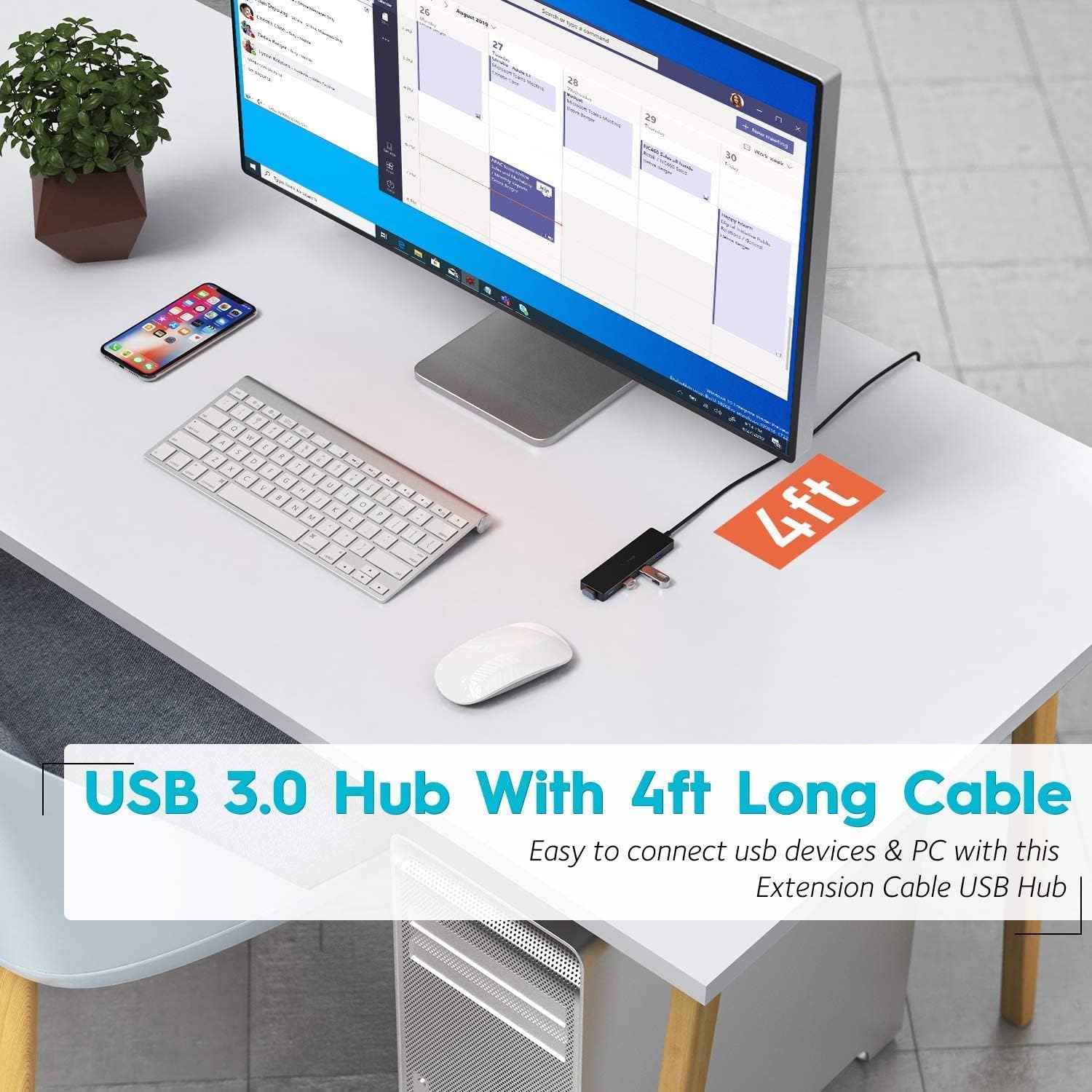
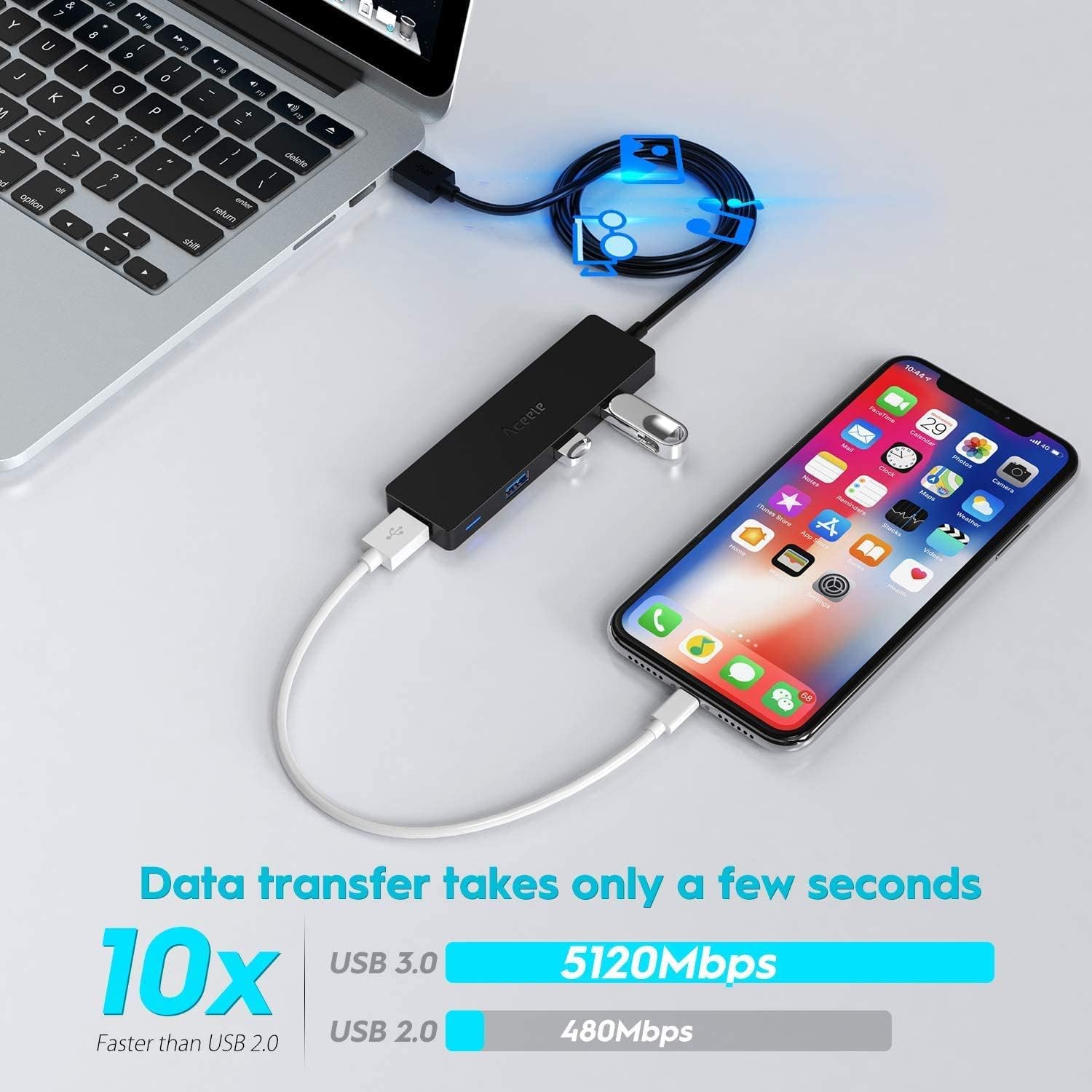
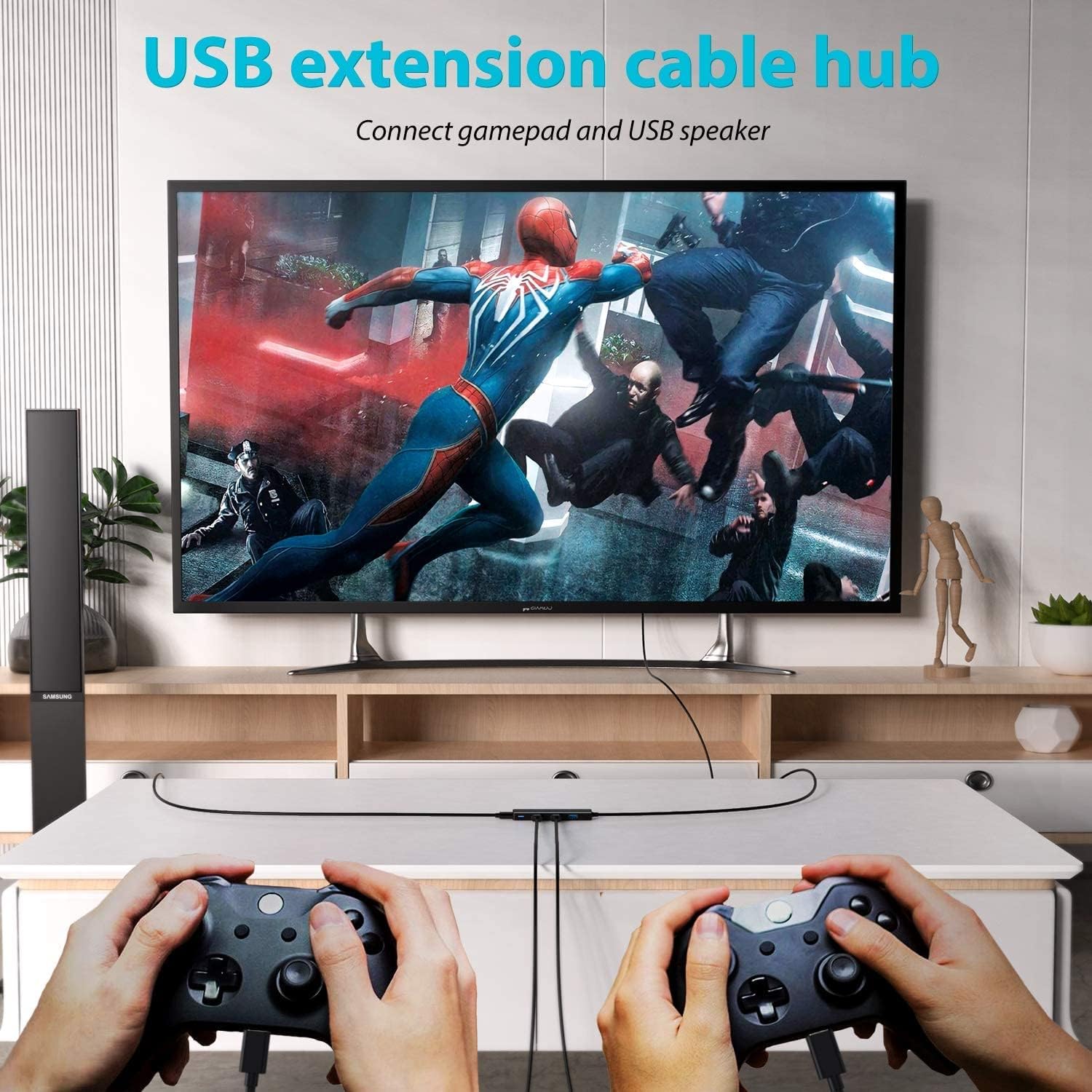
What it is and what it’s for\n\nThe Aceele USB Hub is a compact 4-port USB 3.0 splitter that adds extra connectivity to a desktop PC, laptop or Chromebook. It’s designed for everyday tasks, such as connecting a flash drive, webcam, printer, or other USB devices when the computer’s built‑in port is in short supply. On the paper, it’s straightforward plug‑and‑play: no drivers required, just plug into a USB 3.0 port and start using. If you’re juggling multiple peripherals at your desk, this kind of splitter can help keep things tidy and minimise port crowding.\n\n## How it’s laid out and what’s included\nThe hub features a long 1.2 m (4 ft) extension cable with a Velcro fastener, so you can route the lead neatly on a desk or behind a monitor stand. Its ultra‑slim, lightweight design means it won’t bulk up the workspace. There’s a dedicated USB 3.0 controller for each of the four downstream ports, and the unit is designed to be robust enough for day‑to‑day use.\n\n## Speed and power considerations\nUSB 3.0 is capable of up to 5 Gbps, which makes transferring large files or backing up data feel reasonably quick compared with older USB standards. However, there is a practical limit: each downstream port can supply up to 5 V/0.9 A (4.5 W). This means it’s not suitable for charging power‑hungry devices through the hub, and you should check the power needs of any connected device. If a single device requires more than 4.5 W, you may experience intermittent connections or the device not powering up reliably.\n\n## Build and safety notes\nEvery port includes overcurrent protection to help guard connected peripherals against short circuits. The outer casing looks durable, and the plug head is built to resist heat with normal use. That said, as with any passive hub, you’ll want to avoid daisy‑chaining multiple power‑driven devices or driving very high‑demand peripherals through the hub for extended periods.\n\n## Compatibility and what it works with\nThis Aceele hub is marketed as compatible with Windows, Mac OS and Android systems, and should work with USB 3.0/2.0 devices such as cameras and external drives. Useful to know is that USB 3.0 ports are not for charging, so you’ll still need a dedicated charger or a powered hub for devices with higher charging requirements.\n\n## Practical use cases and limitations\nIf you often find yourself short on ports for a conference laptop, a home PC setup, or a small office desk, this hub can help you plug in keyboards, mice, USB sticks, and peripheral gadgets without reaching for the laptop’s single port. On the downside, if your workflow relies on charging tablets or phones through a hub, this product won’t replace a proper charger or a powered hub.\n\n## Before you buy: what to check\n- Ensure the total power draw of all devices connected to the hub stays within the 4.5 W per port limit.\n- If you need to run high‑power devices (like external hard drives with powered enclosures) through the hub, consider a powered alternative.\n- Compatibility with your operating system is straightforward, but check that your device supports USB 3.0 for maximum speed.\n\n## What you get and quick scenario\nIn practice, you’re getting a slim 4‑port USB 3.0 expander with a long, tidy cable. It’s a sensible option if you want a low‑profile helper on a desk with limited rear USB ports or if you want to keep a clean front‑facing setup for data transfer tasks, like moving a large video file from a camera to a laptop.\n\n## FAQ (practical answers)\n- Can I charge devices through this hub? Not recommended for charging, the port output is capped at 4.5 W per device.\n- Is it compatible with Mac and Windows? Yes, it is described as compatible with Windows, Mac OS and Android.\n- Will it improve speeds for external SSDs? It supports USB 3.0 speeds up to 5 Gbps, but real world transfer rates depend on the connected device and the host port.\n\n## Final thoughts and decision point\nIf you prioritise extra ports on a tidy, lightweight setup and your devices don’t require high current charging from the hub, this Aceele model offers straightforward expansion with predictable speed and basic safety protections. It’s probably best for typical USB peripherals rather than power‑heavy charging or very demanding storage needs.\n\n## Quick-use example\nImagine you’re editing video on a laptop: you can quickly slot in a USB flash drive for footage backups, connect a small webcam for video calls, and keep a wireless dongle—without shuffling cables or swapping devices around. It won’t replace a powered hub where multiple external drives or charging requirements are high, but it handles everyday peripherals with ease.