

MERCUSYS MS106LP 6-Port PoE+ Network Switch (4 PoE+ Ports) – 10/100 Mbps, Metal Case, Plug and Play
Product description
What it is
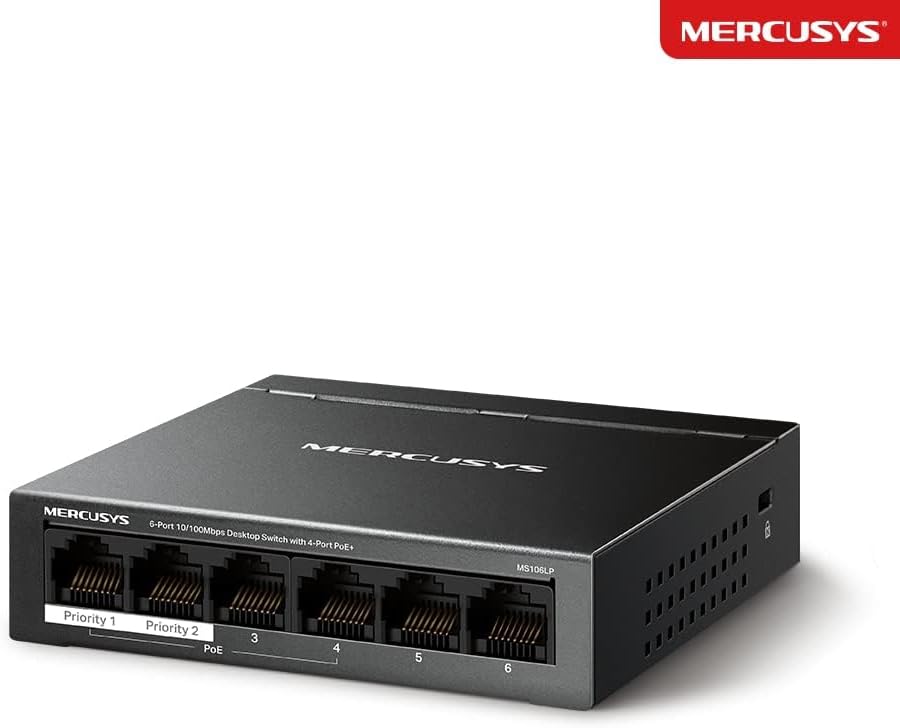
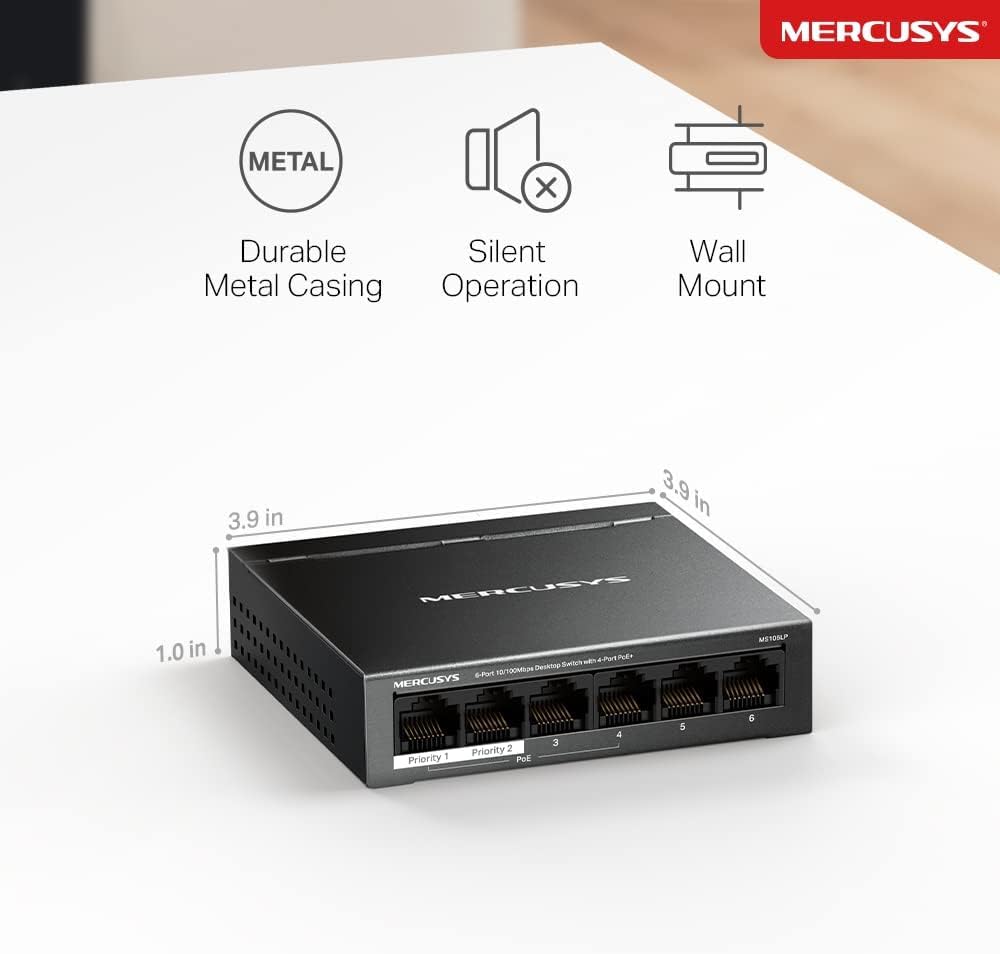
The MERCUSYS MS106LP is a compact 6‑port network switch designed for small setups that need Power over Ethernet (PoE) without complicated configuration. It provides 6 ports total, with 4 PoE+ ports and two standard Ethernet uplinks. The device is built in a durable metal case and is aimed at simple deployment in offices, classrooms or small business environments where PoE devices such as cameras or access points are used.
What it does
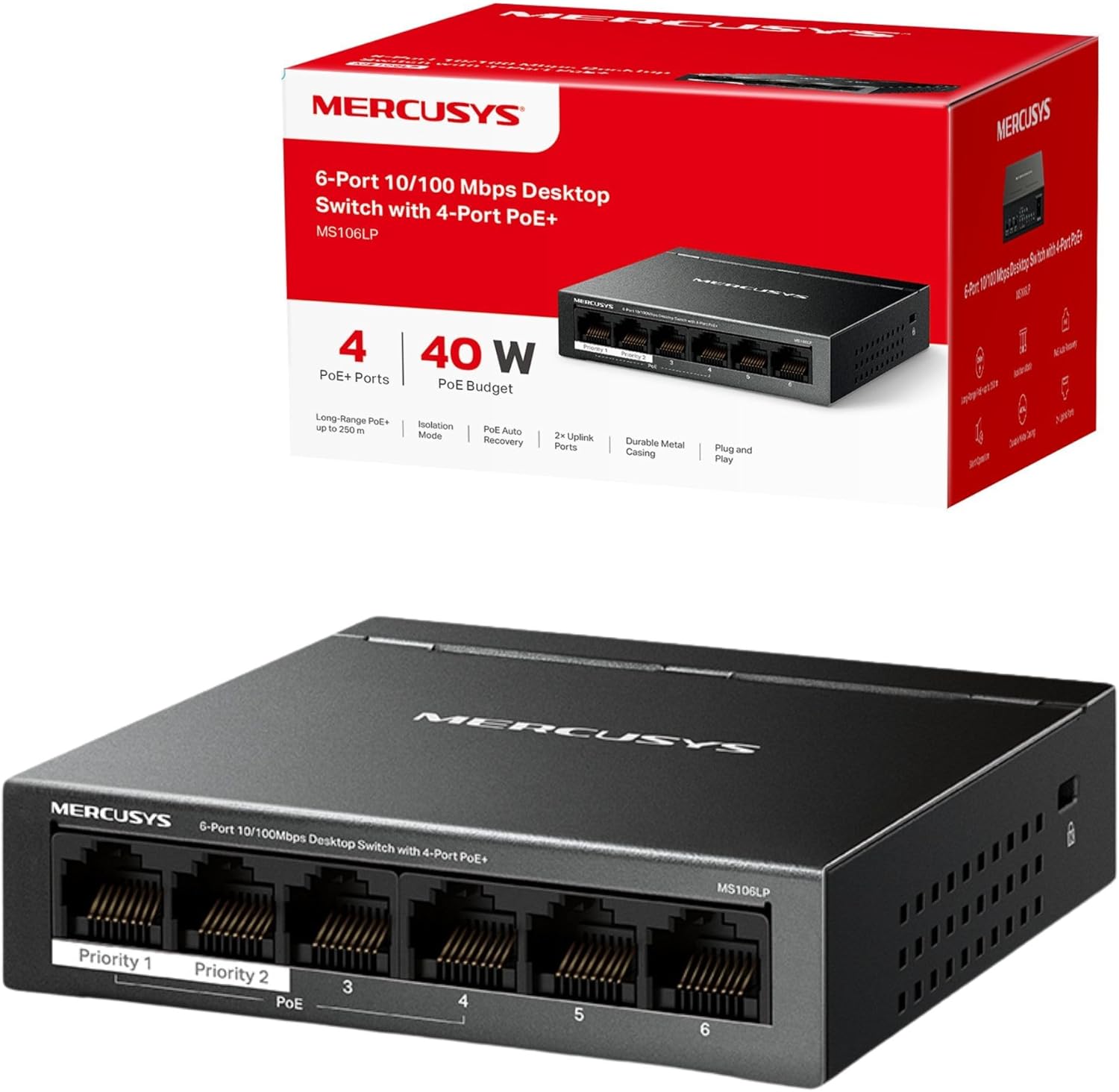
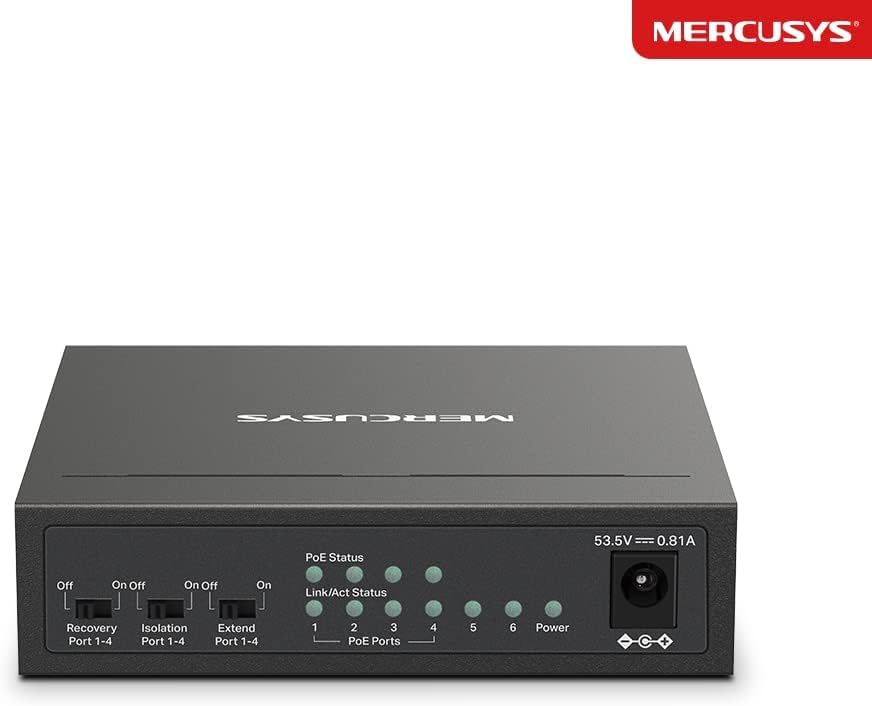
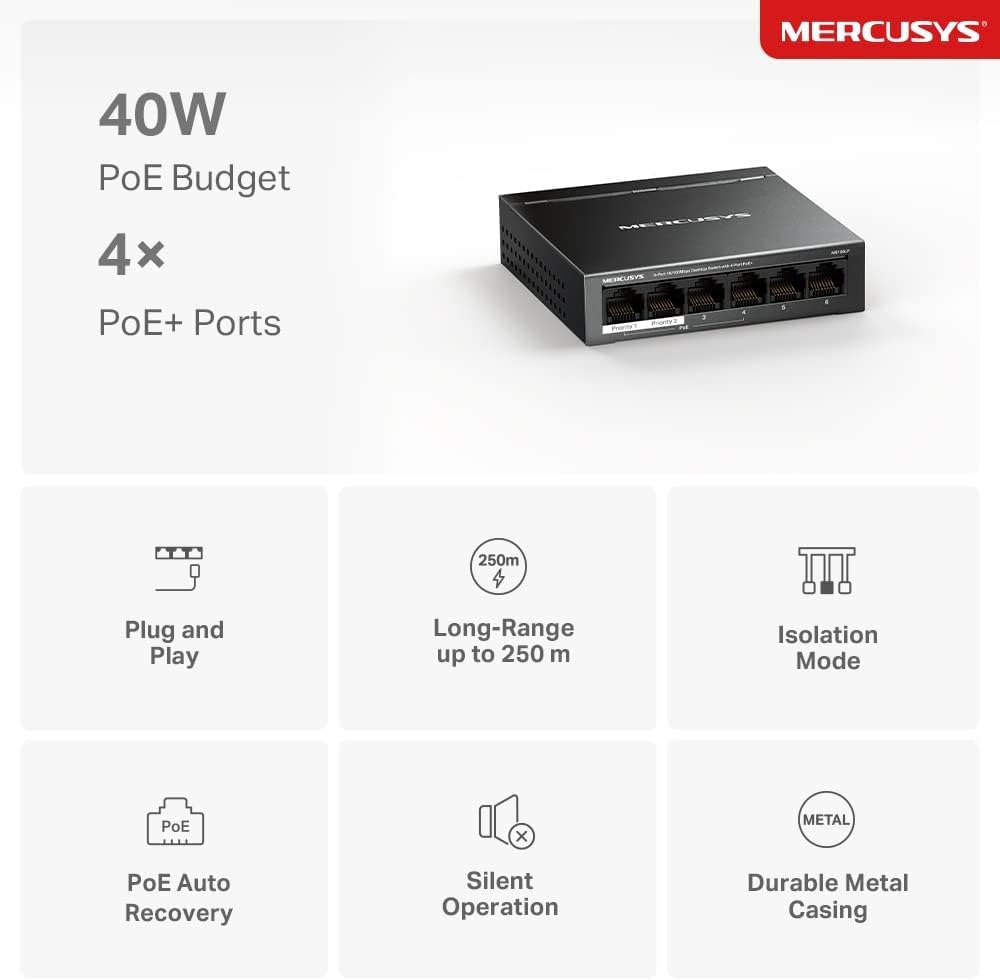
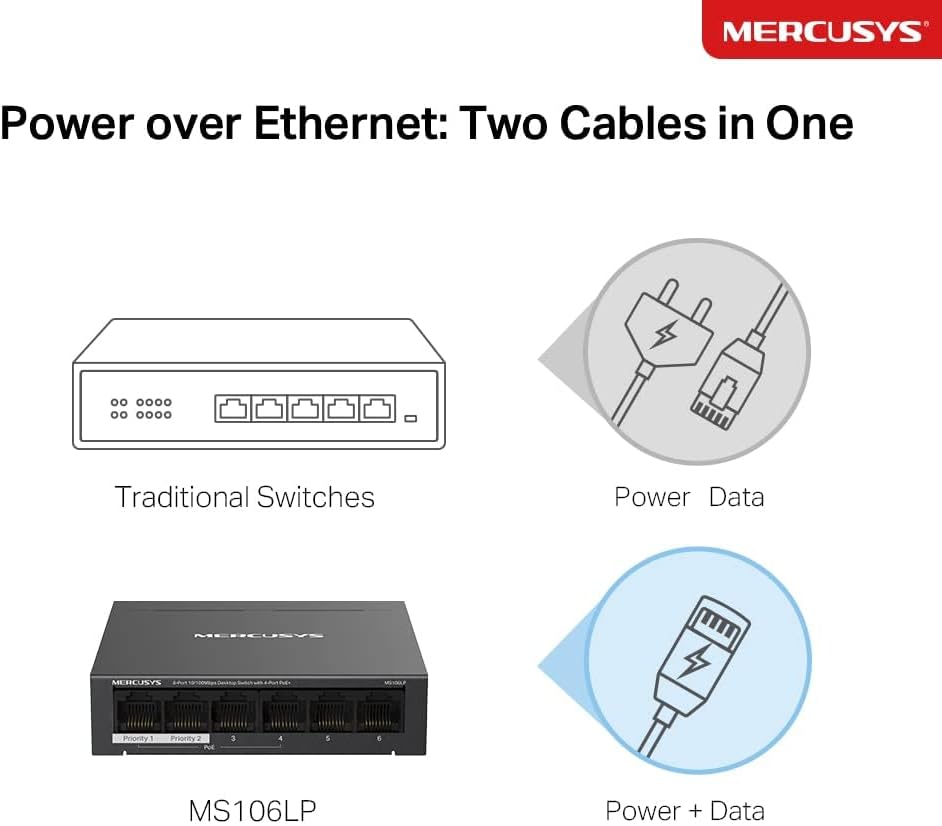
On paper, it supports IEEE 802.3af/at compliant PDs and can supply PoE power up to 30 W on each PoE port, with a total PoE budget of up to 40 W across all PoE ports. This enables powering compatible devices directly through the ethernet cables, reducing the need for separate power adapters. The switch is described as Plug and Play with two dedicated uplink ports that can be used to connect to the internet gateway and an NVR when the traffic is isolated for stability and security. A notable feature is PoE auto recovery, which reboots a dropped or unresponsive PoE device automatically.
Design and build
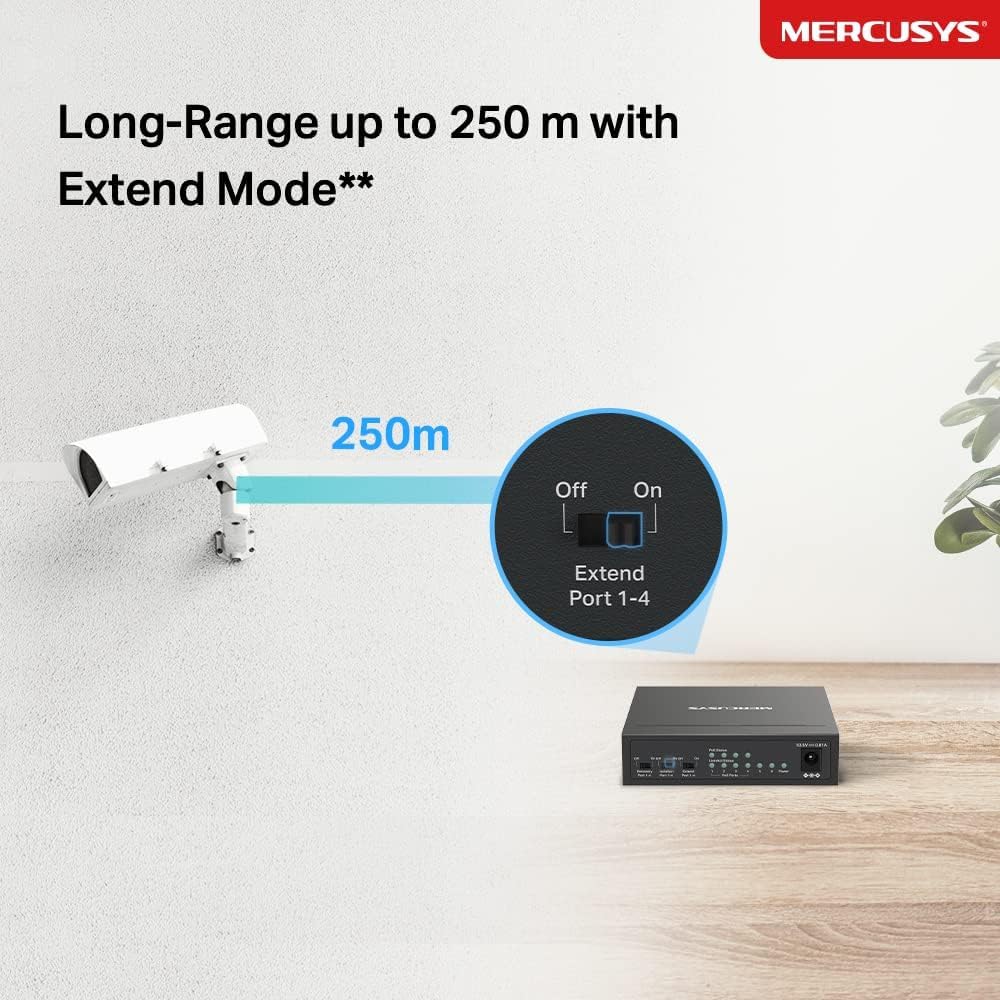
The MS106LP uses a metal enclosure that aids heat dissipation and should contribute to long-term reliability in everyday environments. The hardware is described as 10/100 Mbps, which is adequate for many non‑high‑bandwidth usages, such as IP cameras with modest bandwidth needs or basic office networking. There is a mention of an “Extend Mode Isolation Mode” that enables a one‑click method to divide traffic across specific ports, potentially improving stability and security in mixed networks.
What stands out
- Four PoE+ ports capable of up to 30 W per port, with a total PoE budget of up to 40 W.
- Two uplink ports with an isolation feature that helps segment traffic and manage bandwidth.
- Durable metal casing and fanless/quiet operation suitable for desk or wall-mount setups.
- Plug & Play operation with minimal setup required, including PoE auto recovery for devices that momentarily drop connection.
Potential limitations
- It is a 6‑port switch with 10/100 Mbps speeds, which may feel limiting in data-heavy environments or when used with high‑resolution cameras or larger office networks.
- The maximum PoE power per port is 30 W, which is decent for many PoE devices but may not cover higher‑power requirements for some cameras or IP phones.
- The exact guidance on how the isolation mode affects real-world performance isn’t detailed, so you may need to test how traffic separation works in your layout.
Who it’s for
- Small offices or home offices needing to power PoE devices without extra adaptors.
- Deployments with a mix of PoE devices and non‑PoE devices where a compact, sturdy switch is preferred.
- Environments where simple, quick setup and basic security through traffic isolation are valued.
Who it isn’t ideal for
- Networks requiring gigabit throughput or high‑bandwidth PoE devices.
- Users needing advanced management features or extensive port configurability.
- Those who expect comprehensive, vendor‑specific management tools from the switch.
When it makes sense to buy
- You require PoE power for several devices and want to minimise cabling complexity.
- You’re after a compact, sturdy switch that’s easy to deploy with little to no configuration.
- The budget prioritises value-for-money and you don’t need advanced network management features.
When to consider alternatives or delays
- If you anticipate upgrading to gigabit Ethernet or expanding to a larger PoE network, a switch with higher speeds and more features might be worth considering.
- If you need comprehensive remote management, monitoring, or complex VLANs, you may outgrow this model.
What to check before buying
- Verify the total PoE budget and ensure it covers your PoE devices’ power needs.
- Confirm the placement and environment will keep the metal chassis cool in practice.
- Consider how you’ll utilise the two uplink ports and whether isolation mode aligns with your network segmentation goals.
- Check cabling and distance expectations, noting that 10/100 Mbps has inherent speed limits compared to gigabit solutions.
Practical usage example
Install the MS106LP in a small office where wireless access points and IP cameras are connected via PoE. The two uplink ports simplify connecting to the router and an NVR, while the isolation mode can separate camera traffic from other devices for steadier streaming and recording. If a PoE device temporarily powers off, the auto‑recovery feature helps bring it back without manual intervention.
FAQ
- Do all four PoE ports deliver power simultaneously? Yes, up to 30 W per PoE port with a total PoE budget of up to 40 W across all PoE ports, subject to device needs.
- Is the switch suitable for high‑throughput devices? It is a 10/100 Mbps switch, so it won’t maximise bandwidth for gigabit‑class devices.
- What does the isolation mode do? It allows traffic on specific ports to be divided, which can help with stability and security in mixed networks.
Decision time
Is it worth it?
It’s a practical choice if you need straightforward PoE capability in a compact, durable switch and don’t require gigabit speeds or advanced management. It bufffers basic office needs with a focus on reliability and easy setup. If your needs grow or demand higher performance, you might later outgrow this model.