

TP-Link TL-SG1005LP PoE+ 5‑Port Gigabit Switch
Reviews
Price
Product description
This compact network switch supplies both data and power over Ethernet for small office and home setups, with four Gigabit PoE+ ports that simplify camera and access point installations. It aims to reduce cabling complexity and provide a stable connection for PoE devices, while remaining plug and play for easy deployment.
Key Points
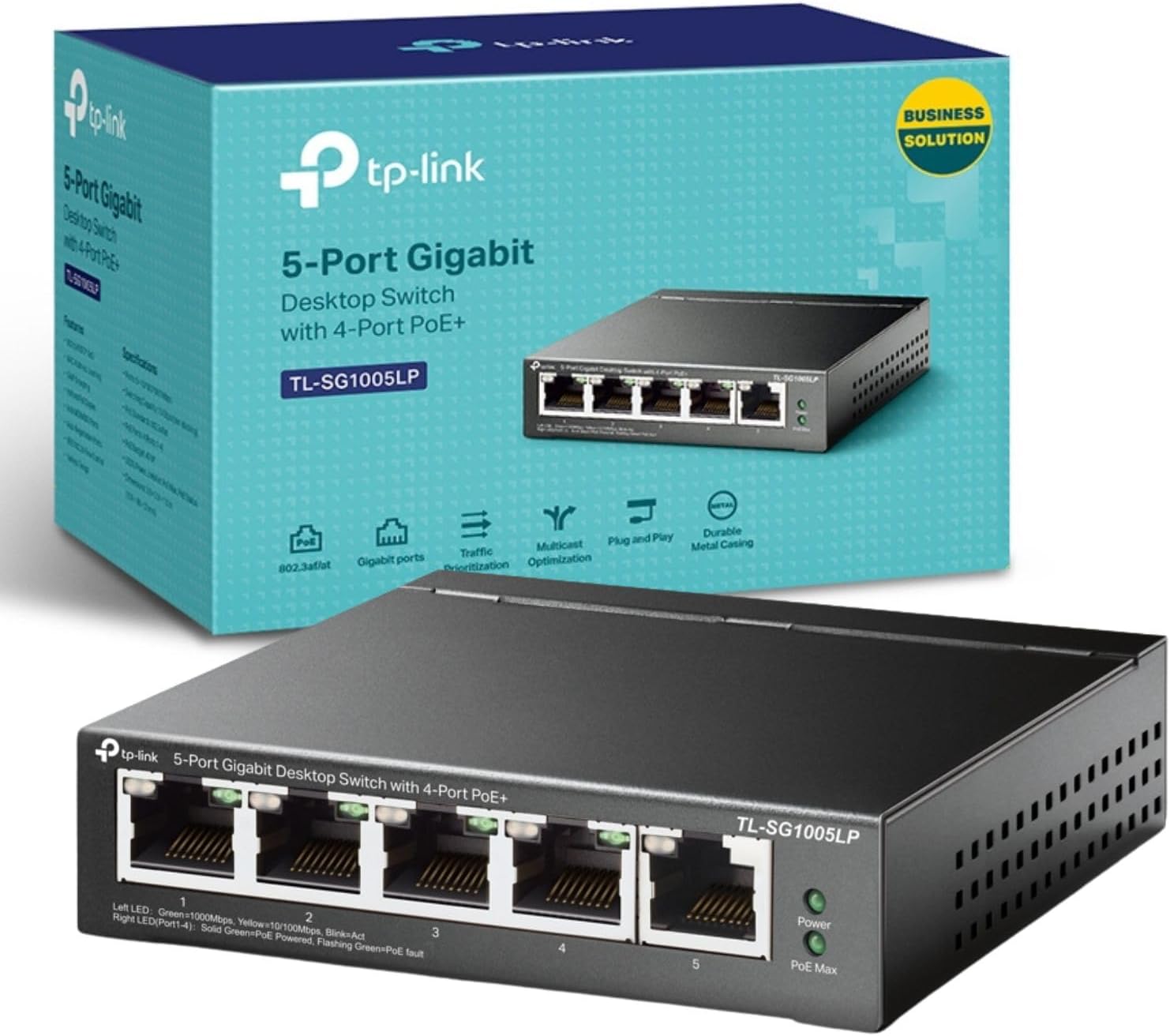
The device includes five 10/100/1000 Mbps RJ45 ports, four of which support PoE+ to power compatible devices such as IP cameras and wireless access points. According to the manufacturer, each PoE port can deliver up to 30 W and the total PoE budget for the unit is 40 W, so planning power-hungry devices may require attention. It comes in a metal case that helps with durability and passive cooling, and setup is immediate since no configuration is required, which suits scenarios where quick installation is preferred. A basic QoS implementation via 802.1p and DSCP helps prioritise latency-sensitive traffic such as voice or video streams.
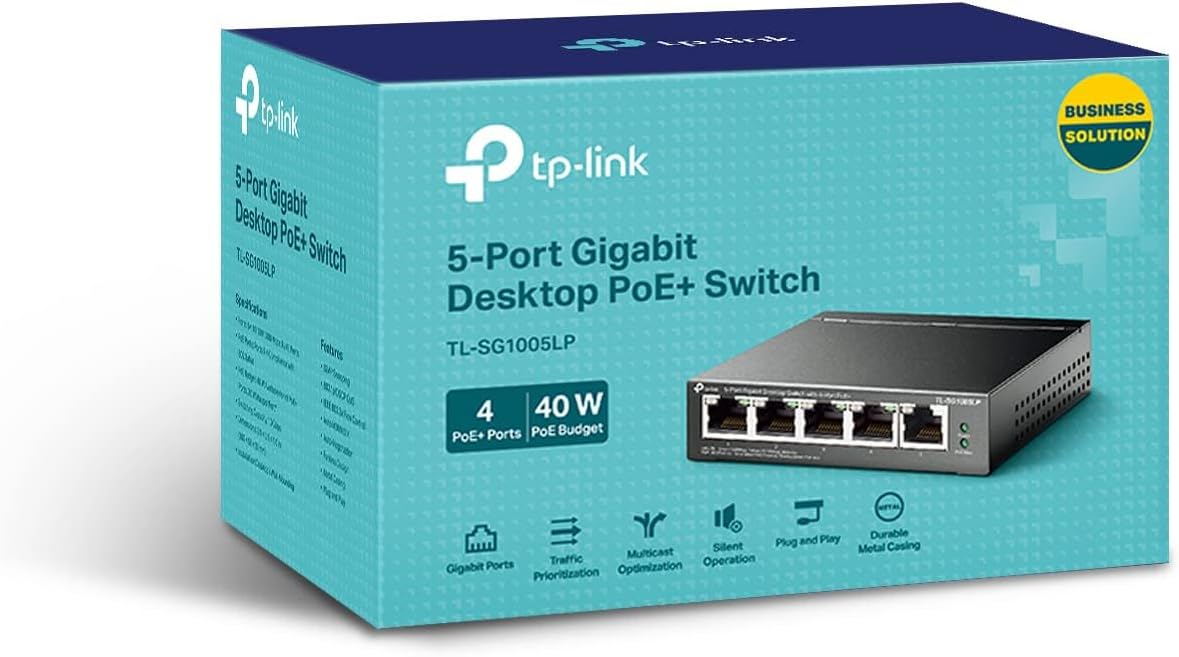
Technical Specifications
- Name: TP-Link TL-SG1005LP
- Ports: - 5 × RJ45 10/100/1000 Mbps
- PoE ports: - 4 × Gigabit PoE+ ports (802.3af/at compatible)
- PoE power per port: - Up to 30 W (according to the manufacturer)
- Total PoE budget: - 40 W (according to the manufacturer)
- Case: - Metal, fanless design
- Installation: - Plug and play, no configuration required
Advantages
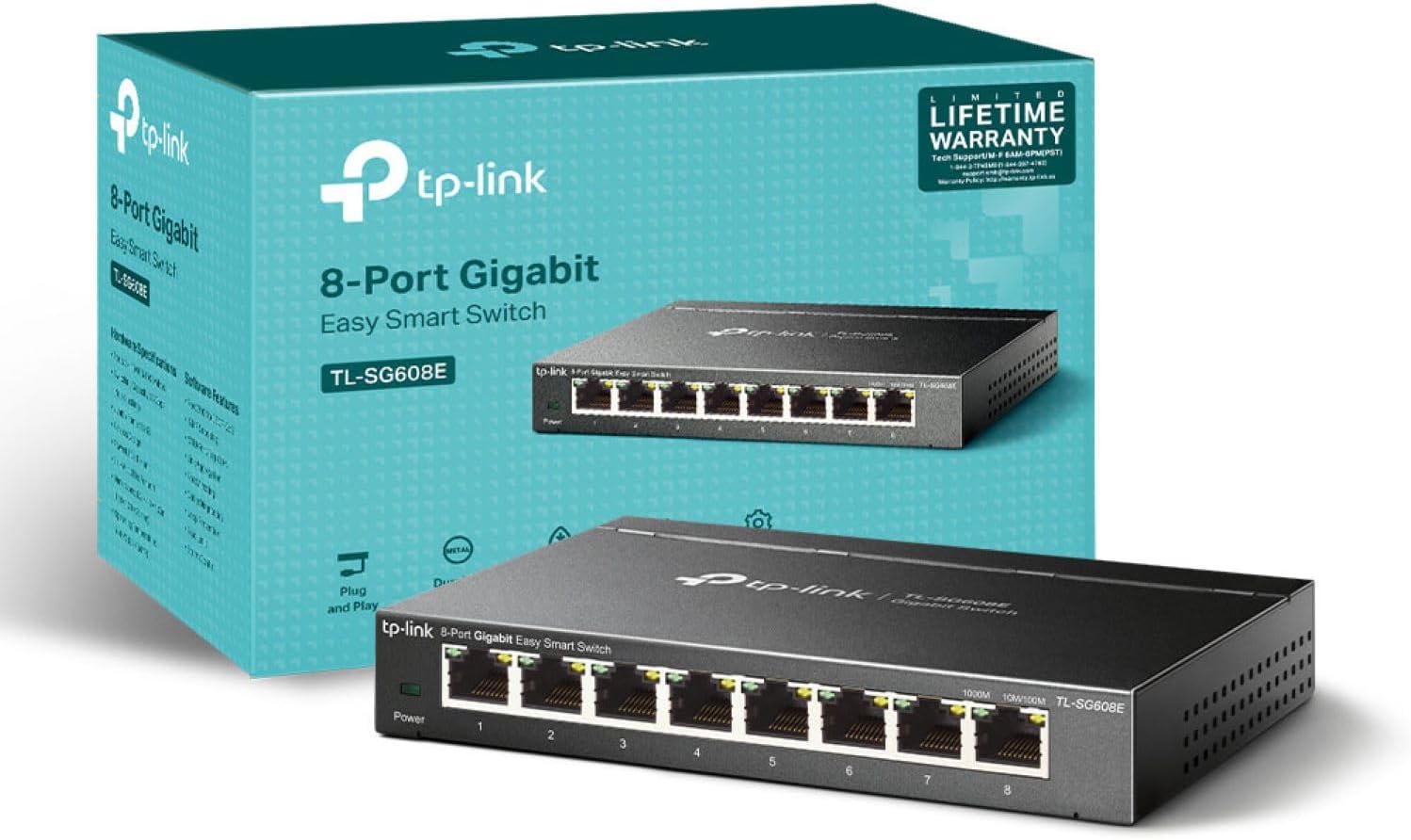
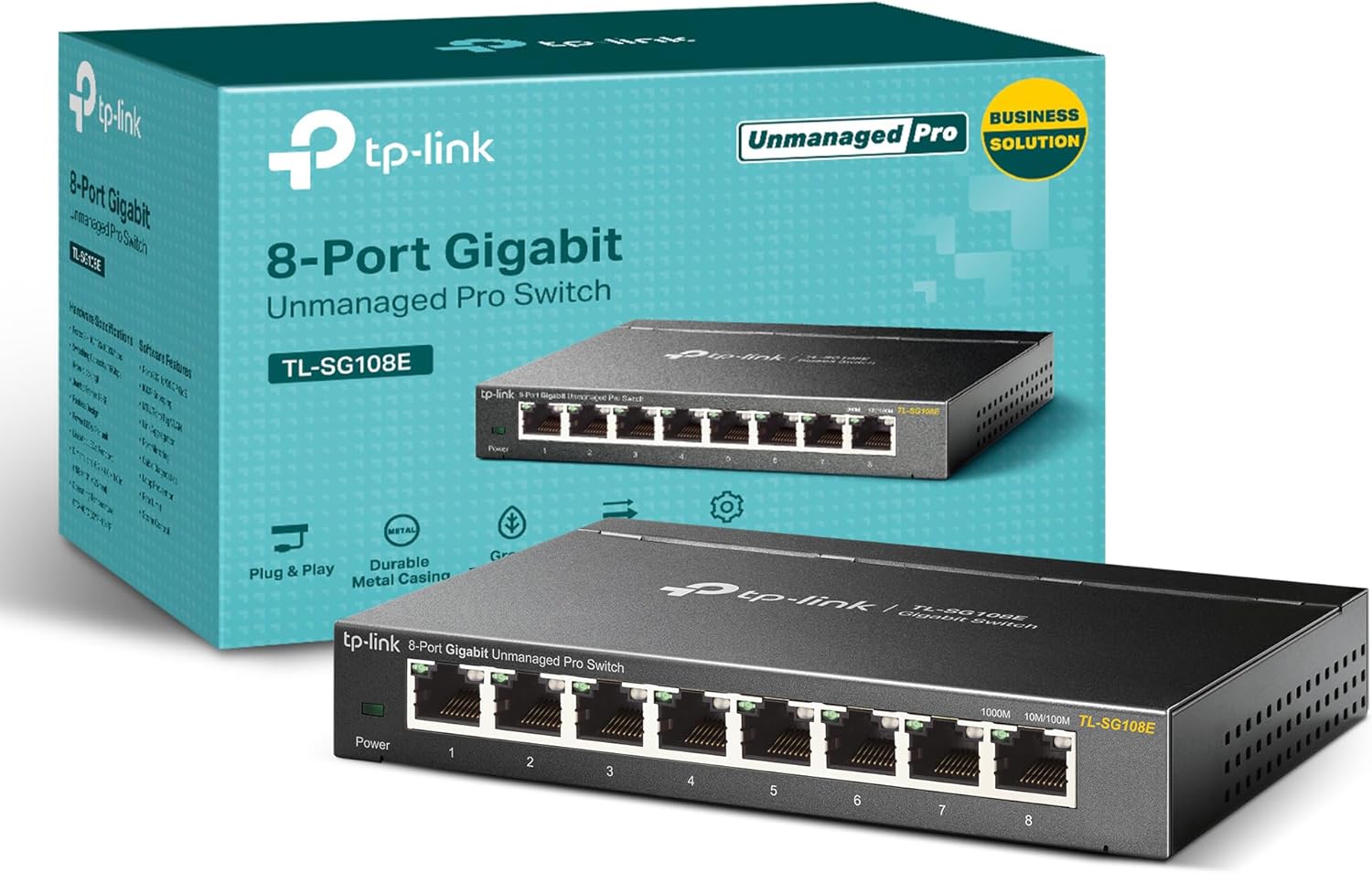
This switch improves cabling efficiency by carrying power and network data in a single Ethernet cable. It is practical for adding PoE cameras in small deployments, or for powering Wi-Fi access points in areas without nearby power outlets. The fanless metal chassis reduces noise and provides a robust feel, which can be useful in office environments where silence matters. The inclusion of QoS settings helps ensure smoother performance for real-time applications, such as video conferencing or surveillance feeds.
Usage Recommendations
Place the switch in a ventilated area to maintain passive cooling. When connecting multiple devices, verify the combined power draw to avoid exceeding the 40 W total budget, because high-draw equipment may not all run simultaneously at maximum power. For mixed environments, distribute devices across the PoE ports so that essential endpoints have priority. The plug and play nature allows immediate use, but if integration into a larger managed network is planned, consider labelling cables and documenting device power requirements for future maintenance.
Consider that the total PoE budget is modest compared with larger managed switches, so this unit is most suitable for small-scale installations or edge deployments rather than powering many high-wattage devices.