

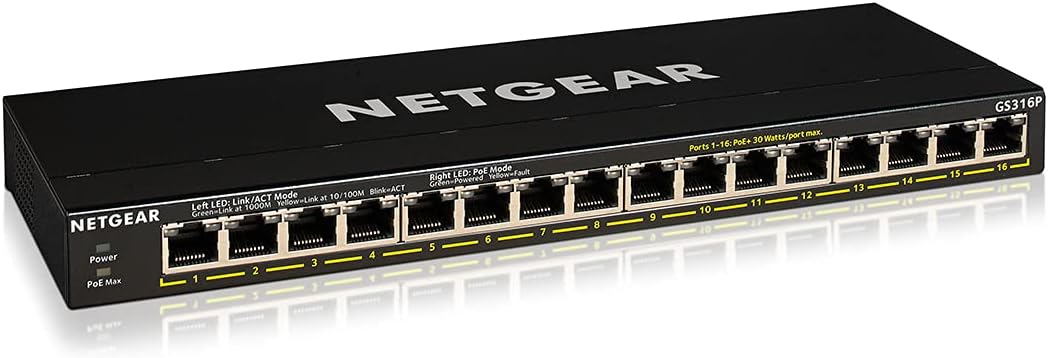
NETGEAR GS324P 24-Port PoE Switch (10/100/1000) with Plug-and-Play Mounting Options
Reviews
Price
Product description
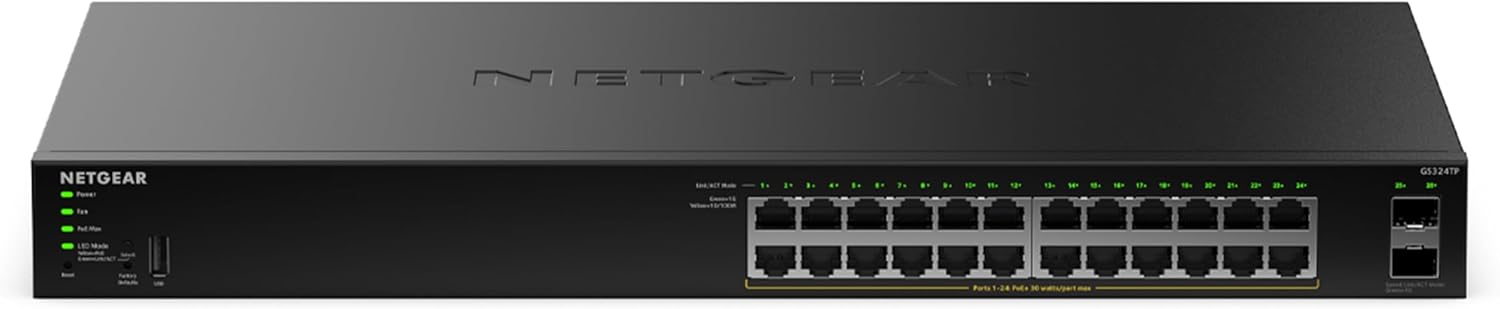
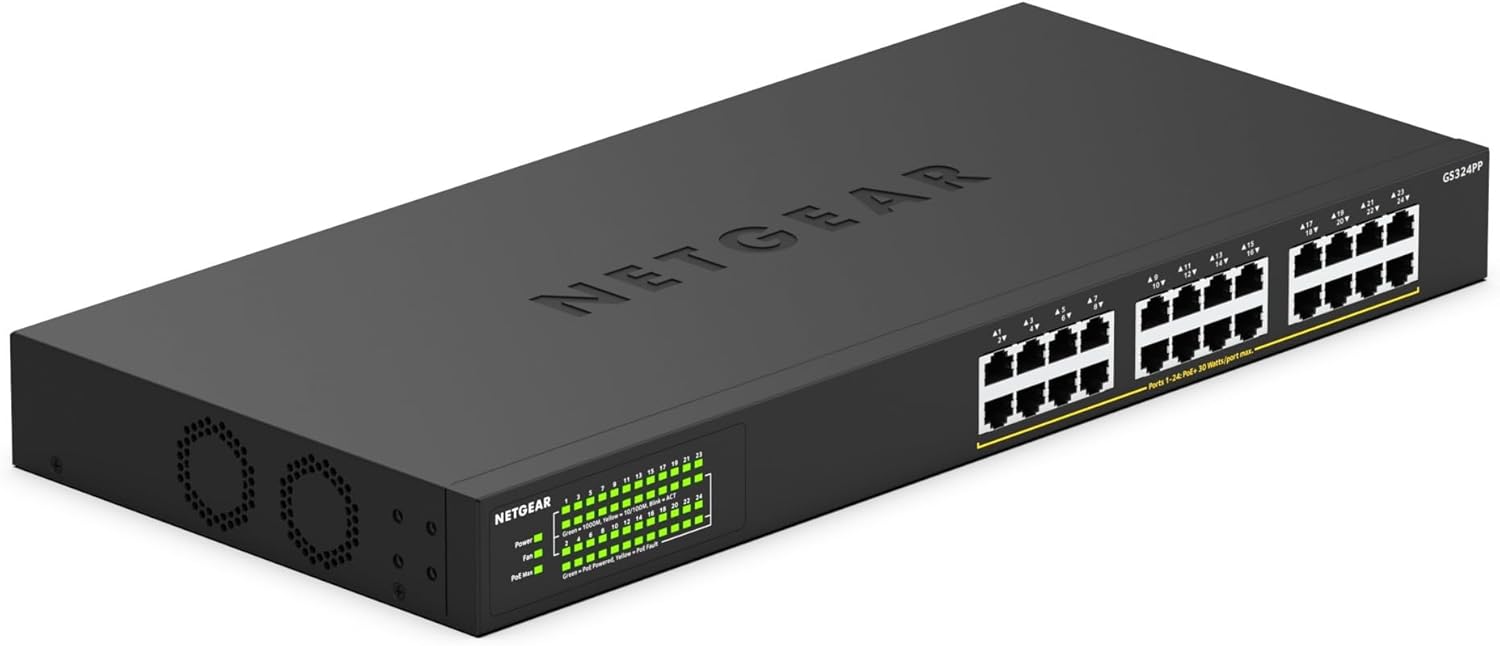
If you want a PoE switch that feels straightforward from day one, the NETGEAR GS324P is built around plug-and-play use. The headline here is practical: it’s a 24-port Ethernet switch rated for 10/100/1000 Mbps, with 16 PoE ports and a total PoE power budget of 190 W. That combination usually appeals when you’re setting up (or tidying up) a small-to-medium network and you’d rather not run separate power supplies for devices.
It’s also designed to be usable where noise matters. With a fanless, silent operation approach, it’s the kind of switch you can place in an office, a quiet room, or a cupboard without it becoming another background nuisance.
That said, there are a couple of “read the small print” areas to consider: PoE power is shared across the PoE ports, so your device mix matters, and a desktop/fixed switch isn’t the same as a fully-managed setup if you later want deep control.
The essentials

The NETGEAR GS324P is an Ethernet switch with PoE capability, aimed at powering eligible devices over the network cable. On paper, it’s a strong fit if you’re running multiple PoE devices at once—think IP cameras, access points, or other PoE-powered networking gear—because you get PoE on 16 of the 24 ports.
The 16 PoE ports are supported by a total PoE power budget of 190 W, which is the number you’ll want to sanity-check against what you plan to connect. If you’re adding several power-hungry devices, you may find you need to plan your allocation rather than assuming every port will be “maxed” at once.
What stands out in day-to-day use
Where this switch earns its keep is in setup and placement. “Plug-and-play” is the key phrase from the supplied information: you shouldn’t need software or extra configuration to get LAN distribution working. For many home and small office buyers, that’s a big part of the value—less tinkering, fewer surprises.
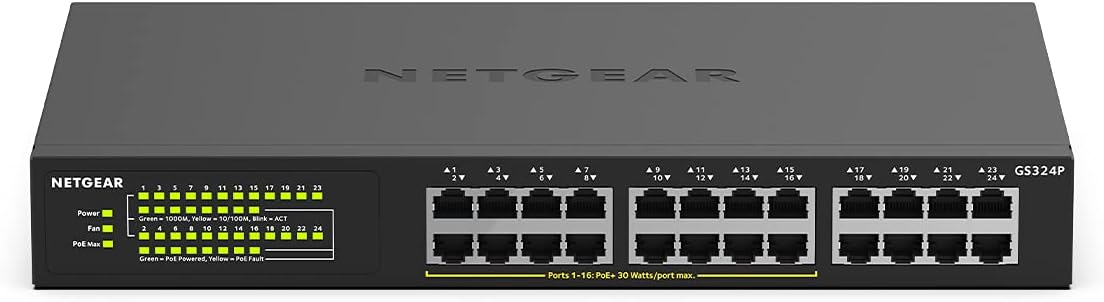
Silent operation is the other clear differentiator. A fanless design means it should run quietly regardless of where you mount or place it. If you’ve ever had a networking device that hums along and then becomes annoying late at night, you’ll probably appreciate this approach.
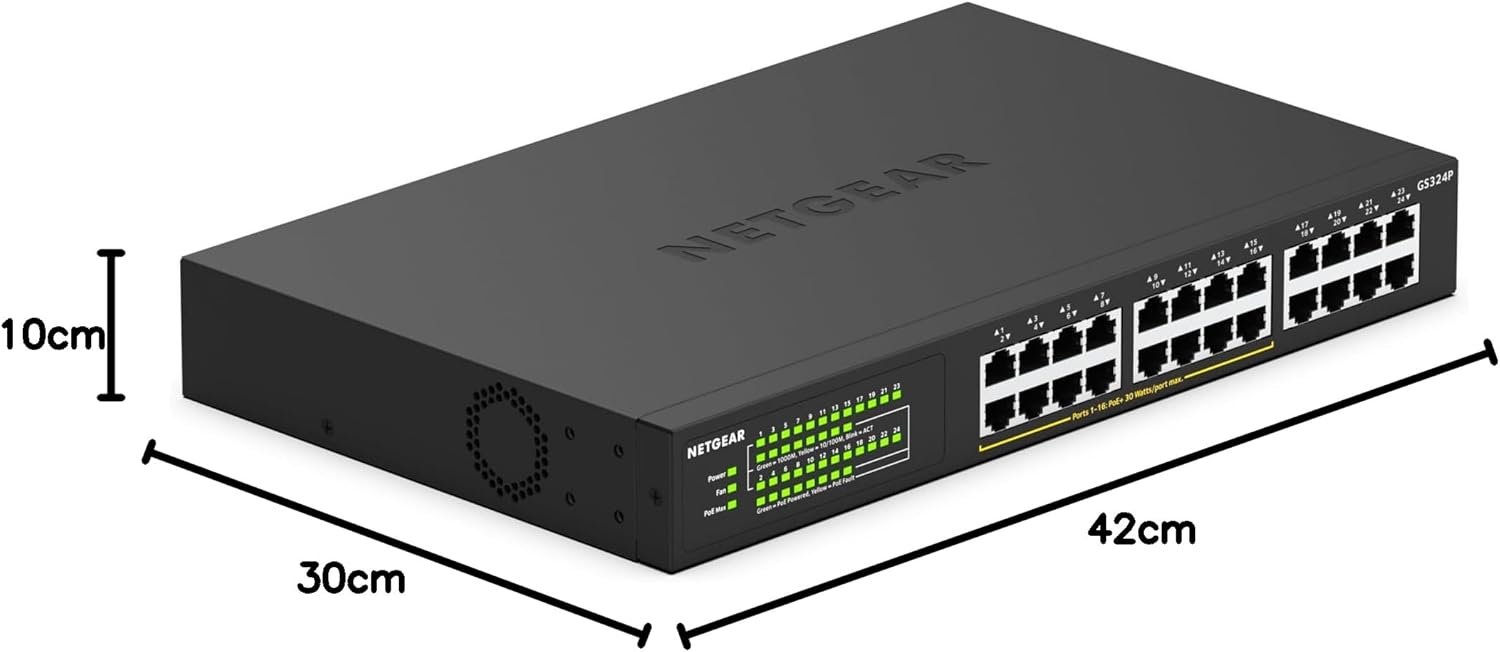
The included mounting options also make it more flexible than a basic desktop-only box. You can mount it on a desktop, on a wall, or use rack-mount support (the necessary brackets are included according to the details provided).
Key specs that affect your buying decision
Here are the practical technical points you’re likely to care about, based on the information provided: - 24-port Ethernet switch supporting 10/100/1000 Mbps - PoE on 16 ports, with total PoE power consumption of 190 W - Plug-and-play setup, with no software or configuration required - Silent operation thanks to a fanless design - Mounting options: desktop, wall mount, and rack/bastidor mounting with included brackets
This is the sort of spec sheet that usually puts the GS324P in the “capable everyday switch” bracket rather than something exotic. If you’re expecting cutting-edge features like advanced management, the provided information doesn’t suggest that’s the focus—so manage your expectations if you’re hunting for sophisticated control.
Where it shines (and where it may fall short)
It makes sense if you prioritise powering multiple devices cleanly with fewer wall adapters, while still keeping the switch installation simple. The quiet operation and flexible mounting mean it can live in a more visible, practical spot instead of being shoved somewhere inconvenient.
Worth considering if you’re building a tidy network for a small site and want dependable throughput at gigabit speeds (the 10/100/1000 support is there), without turning the setup into a mini project.
However, it might not suit you if you need heavy, granular management features or advanced configuration beyond plug-and-play. Also, if your PoE plan involves many high-power devices, remember the 190 W total is shared across the PoE ports—this is where people sometimes get caught out.
Practical example: typical PoE setup
Imagine you’re setting up a small office with several network-powered devices. You’d connect your router to the switch, then run Ethernet cables to your PoE devices. Because it’s plug-and-play, you’re not looking for a complicated software install, you’re mostly wiring and mounting.
If noise is a concern, you’d place it in the same room (or mount it on the wall) knowing it’s designed to run silently with no fan. Then the PoE ports handle power delivery over the Ethernet cables, which helps keep the desk and cabinet looking less cluttered.
¿Merece la pena? (Decision guide)
A solid pick if you want a 24-port gigabit switch with PoE on 16 ports, simple setup, and silent operation—especially if you plan to mount it on a wall, desk, or rack and want the hardware to suit your space.
Better avoided if you’re specifically after an advanced management switch where you expect sophisticated controls, or if you’re unsure your PoE power needs could exceed what the 190 W total can support across your devices.
Mini FAQ
Is this switch truly plug-and-play?
The supplied details state that it’s plug-and-play and shouldn’t require software or configuration for LAN distribution.
Does it need a fan?
No fan is part of the design approach described. The information says silent operation is achieved through a fanless layout.
How many ports support PoE?
It provides PoE on 16 of the 24 Ethernet ports.
How much PoE power does it offer?
The total PoE power consumption is listed as 190 W, so it’s worth checking your connected PoE devices against that shared budget.
Can you mount it somewhere other than a desk?
Yes. The information says desktop, wall mount, and rack/bastidor mounting are supported, with the required brackets included.