

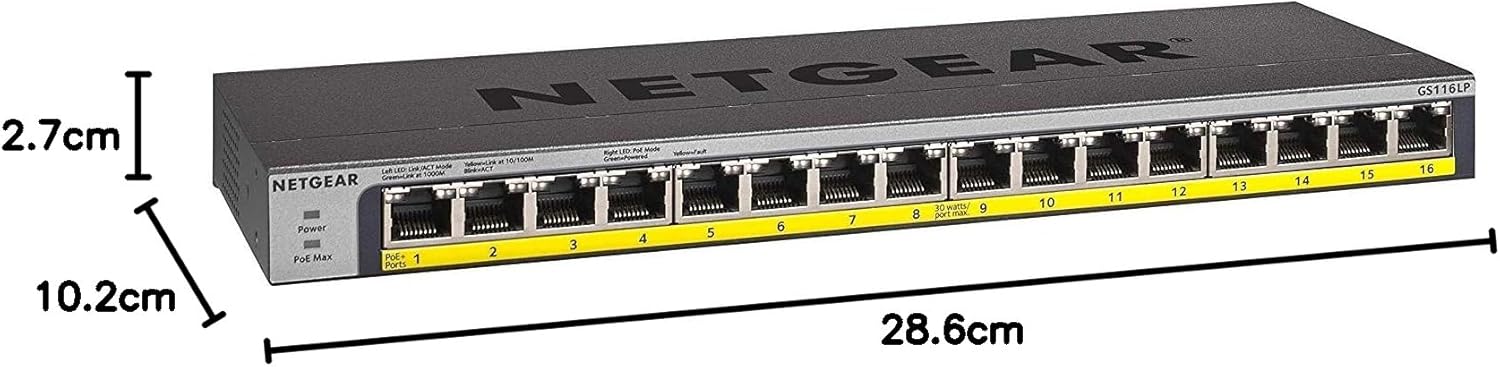
Netgear GS116LP 16-Port PoE+ Gigabit Unmanaged Switch (76W, FlexPoE-ready)
Product description
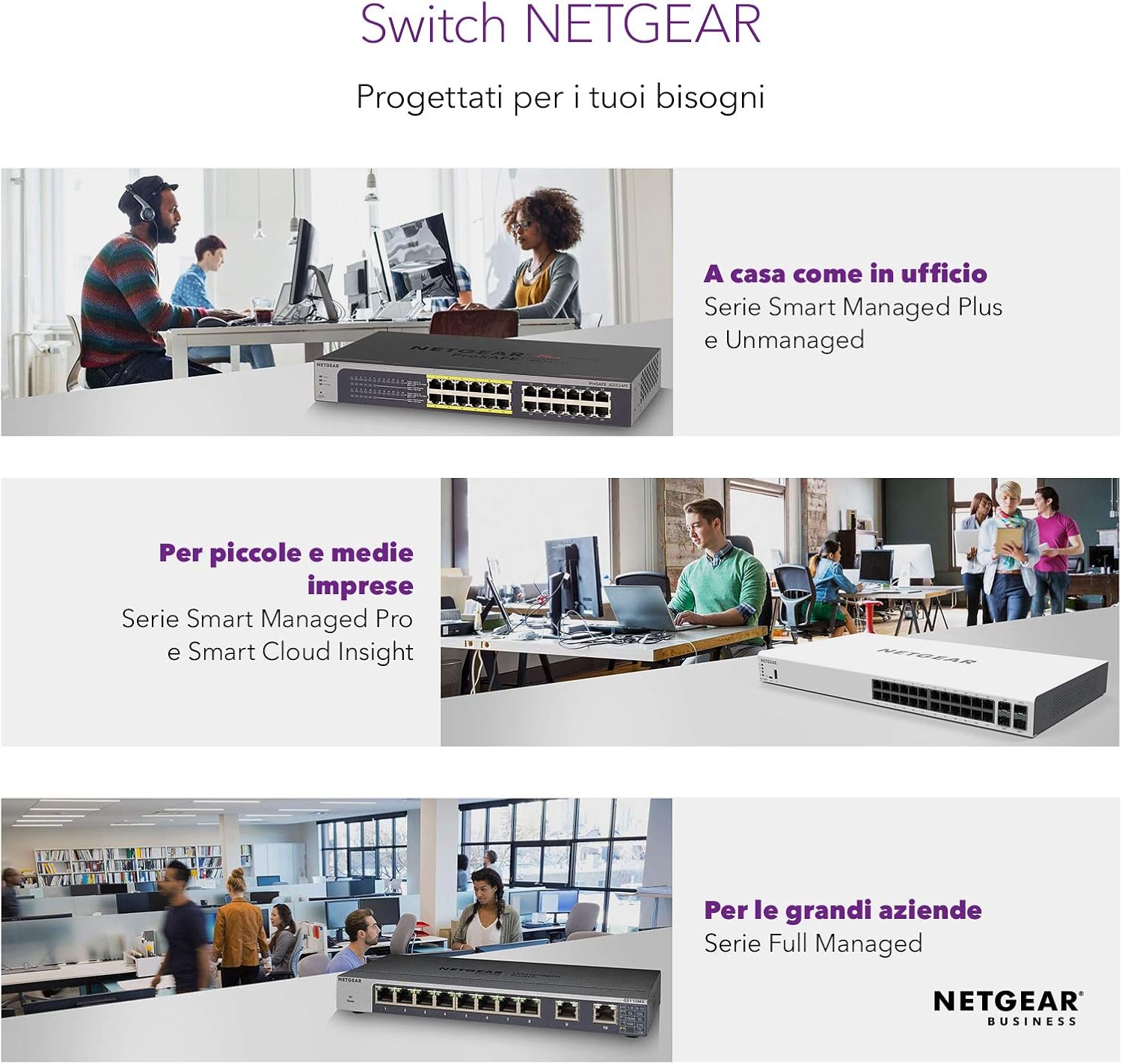
If you want PoE for a small office setup without getting pulled into complex network configuration, the Netgear GS116LP is a straightforward 16-port Gigabit unmanaged switch on paper. It’s built around plug-and-play use and includes mounting options, so it can live neatly on a desk, on the wall, or in a 19" rack.
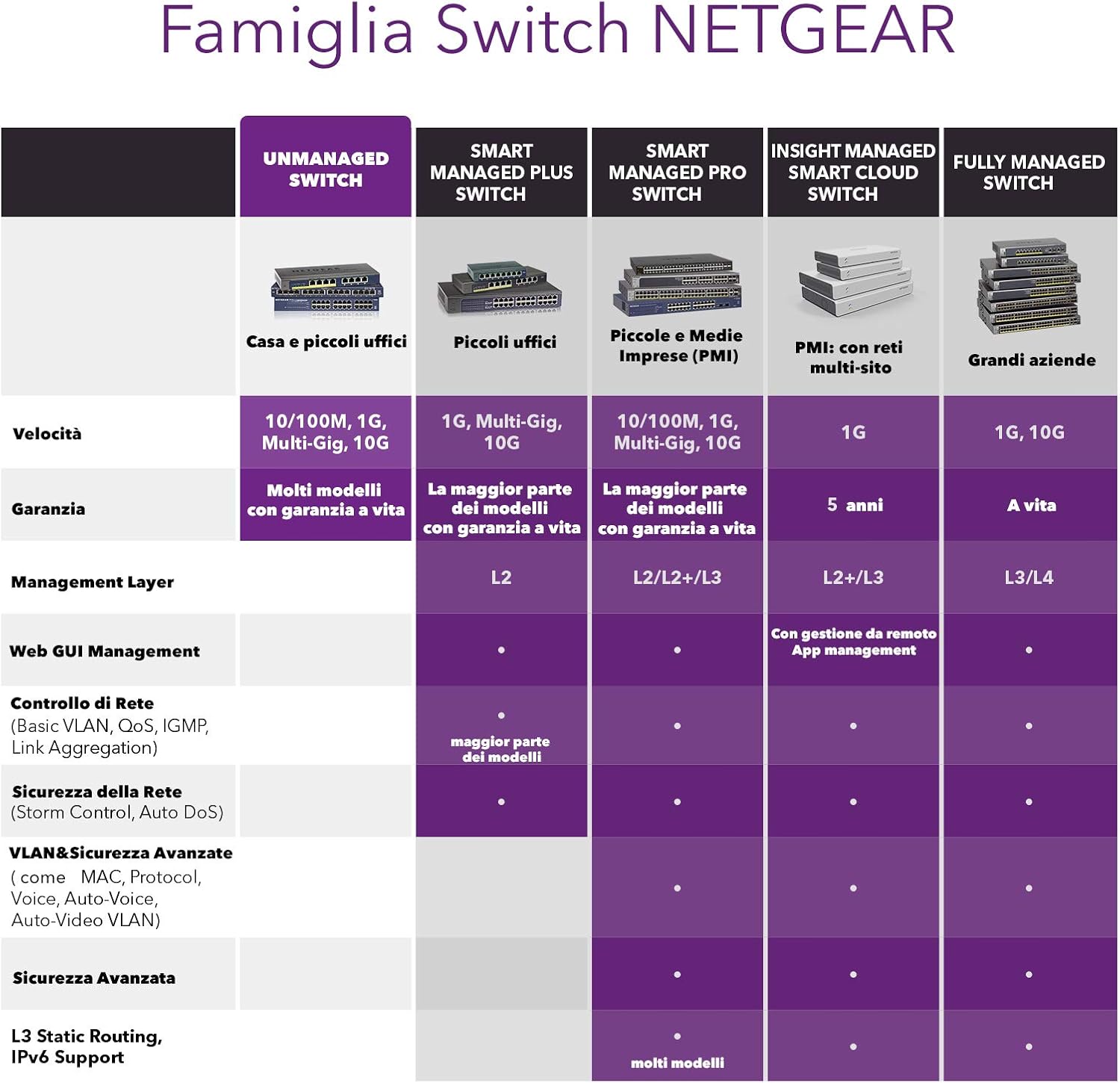
That said, it’s not trying to be a “do everything” managed switch. If you need advanced traffic control or deeper network features, you’ll have to look elsewhere. For simpler deployments, though, it can be a sensible way to tidy up cabling and power for compatible devices.
What it is and what it’s for
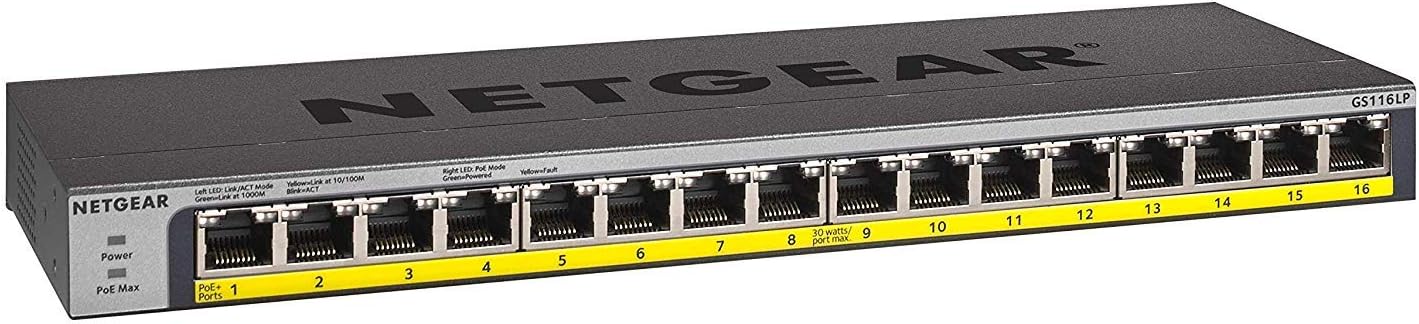
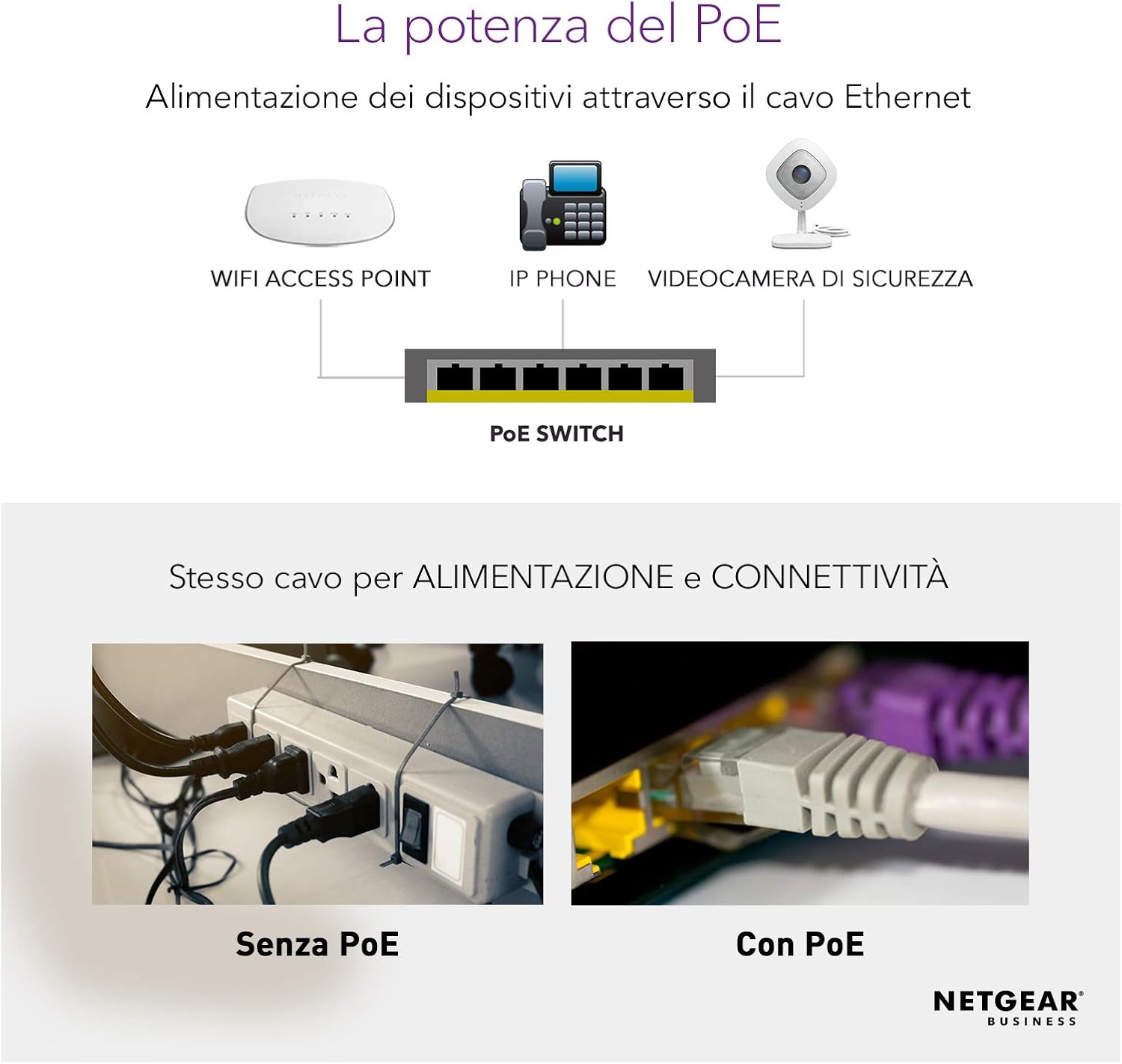
The GS116LP is a 16-port Gigabit Ethernet RJ45 LAN switch with Power-over-Ethernet (PoE+) on the ports. The core idea is simple: devices that support PoE+ can receive both data and power over a single Ethernet cable. In everyday terms, that’s useful for powering items like access points or IP cameras in a compact environment, while keeping installation cleaner than running separate power leads.
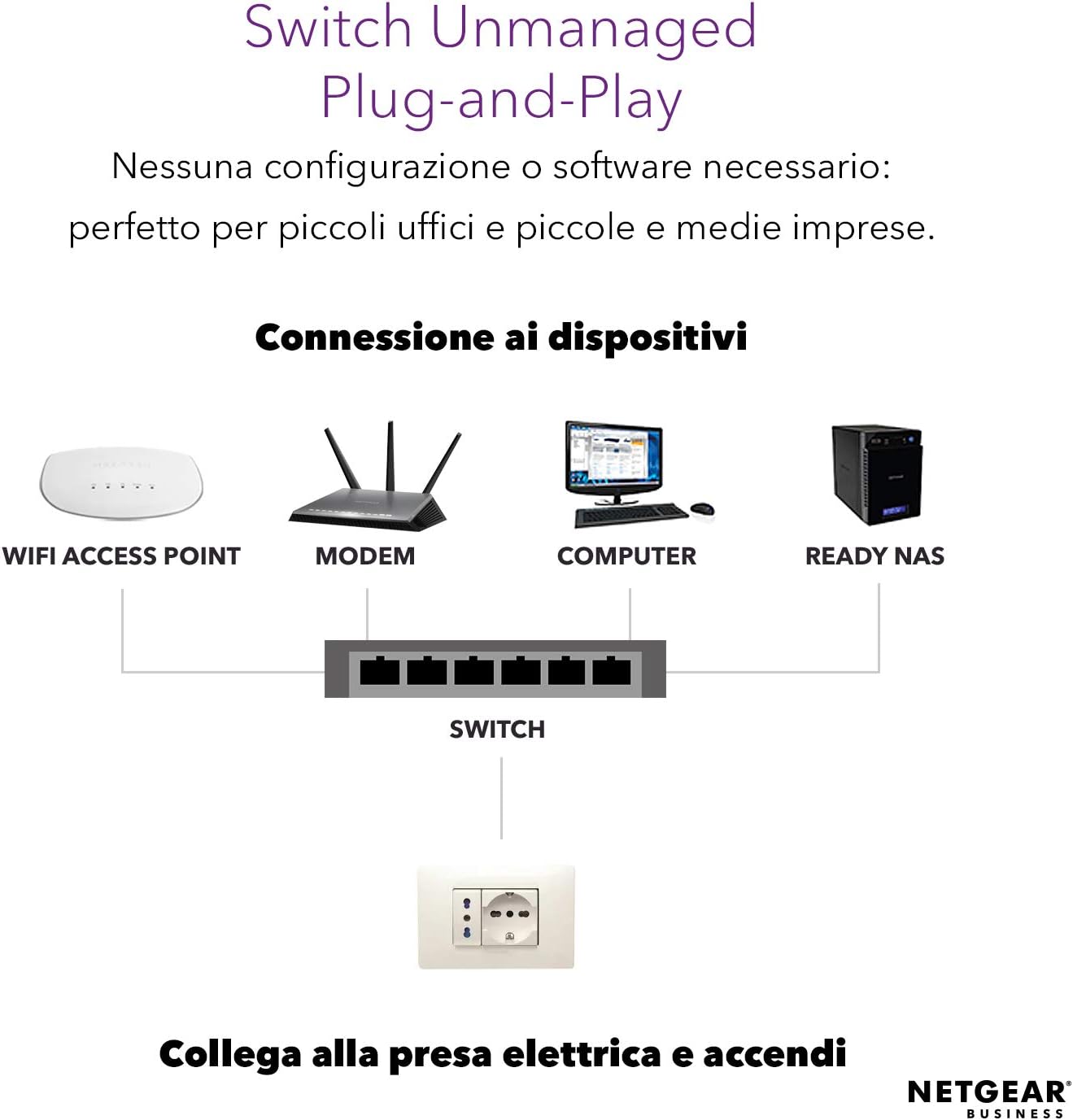
Because it’s unmanaged, there’s no software and no configuration required for basic switching. This can make a difference when you’re deploying quickly, or when you’d rather not spend time setting up VLANs, rules, or other management tasks.
Key takeaways
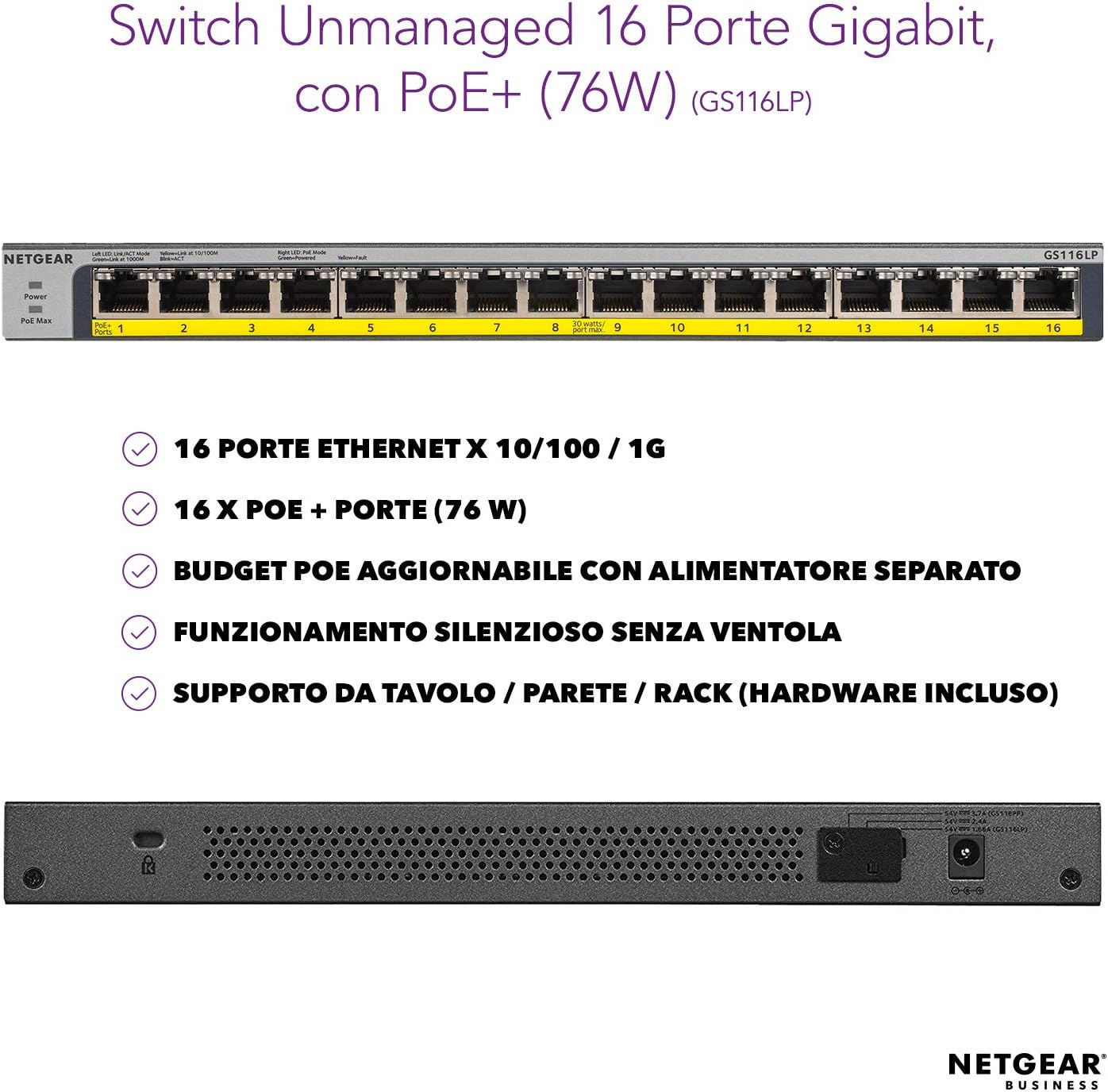
- Designed for plug-and-play switching without configuration, thanks to its unmanaged nature.
- 16 Gigabit ports for wired connections in small-to-medium setups.
- PoE+ with a total power budget of 76W, plus the ability to expand using NETGEAR FlexPoE.
- Mounting flexibility: desktop, wall mount, or 19" rackmount (hardware included).
Worth considering, depending on your plan: it’s positioned for convenience and installation ease rather than fine-grained network control.
Where it shines day to day
The day-to-day benefit is how quickly you can get from “equipment on the desk” to “devices running”. Since it’s unmanaged, there’s no initial configuration step to worry about, which tends to reduce mistakes during a rollout.
It also helps that you can place it where it fits your space. Having the option to mount it—desktop, wall, or rack—makes cable routing feel less like an afterthought. In a practical install scenario, you could mount the switch near a patch panel or cable run, connect your Ethernet lines once, then power compatible PoE+ devices directly from the switch. That’s the kind of setup that keeps desks clearer and reduces extra power adapters.
Power budget and expansion (the part to think about)
The GS116LP’s total PoE+ power budget is stated as 76W. That’s a key limit to plan around: if you attach multiple PoE+ devices, you’ll want to make sure the combined power draw stays within what the switch can supply.
The switch is also described as upgradeable via NETGEAR FlexPoE for expansion to 183W, but it requires a separate power supply. So, if your setup is likely to grow, the “upgrade path” is there—just note it isn’t automatic, you’d need the separate power hardware when you scale.
Tech specs
- Type: Unmanaged network switch (plug and play)
- Number of ports: 16 x RJ45 LAN Ethernet
- Data speed: Gigabit (10/100/1000 Mbps)
- PoE capability: PoE+ (16-port PoE+)
- Total PoE power budget: 76W
- PoE expansion: NETGEAR FlexPoE upgradeable up to 183W (separate power supply)
- Form factor / mounting: Desktop, wall mounting, or 19" rackmount (mounting hardware included)
Is it worth it?
A solid pick if you want a 16-port Gigabit PoE+ switch for a small deployment and you value simplicity: plug in, connect your wired devices, and power PoE-compatible equipment without software or configuration. The multiple mounting options are also a real plus if your install needs flexibility.
It might not be the best choice if you’re expecting advanced managed-network features, or if your PoE+ requirements could exceed the stated 76W budget (and you don’t plan for the FlexPoE expansion). Also, if you’re building a larger power-hungry setup, it’s worth planning carefully rather than assuming you can “just add more” later.
Mini check before you buy: confirm your connected devices are PoE/PoE+ capable, and map out how many you’ll run at once so the total budget doesn’t become the bottleneck.
Quick FAQs
FAQ 1: Does this switch need software or setup?
No—on the information provided, it’s plug and play with no software and no configuration required, because it’s unmanaged.
FAQ 2: How much PoE+ power does it provide?
The total PoE+ power budget is listed as 76W.
FAQ 3: Can I increase the PoE power later?
Yes, the description says it can be expanded up to 183W using NETGEAR FlexPoE, but it needs a separate power supply.
FAQ 4: Can it be wall-mounted or used in a rack?
Yes. It’s described as suitable for desktop, wall mounting, or 19" rackmount, with mounting hardware included.
FAQ 5: Is it suitable for advanced network control?
It’s unmanaged, so it’s best viewed as a switching-and-PoE solution where you don’t want to manage network settings. If you require advanced features, it may be less suitable.