

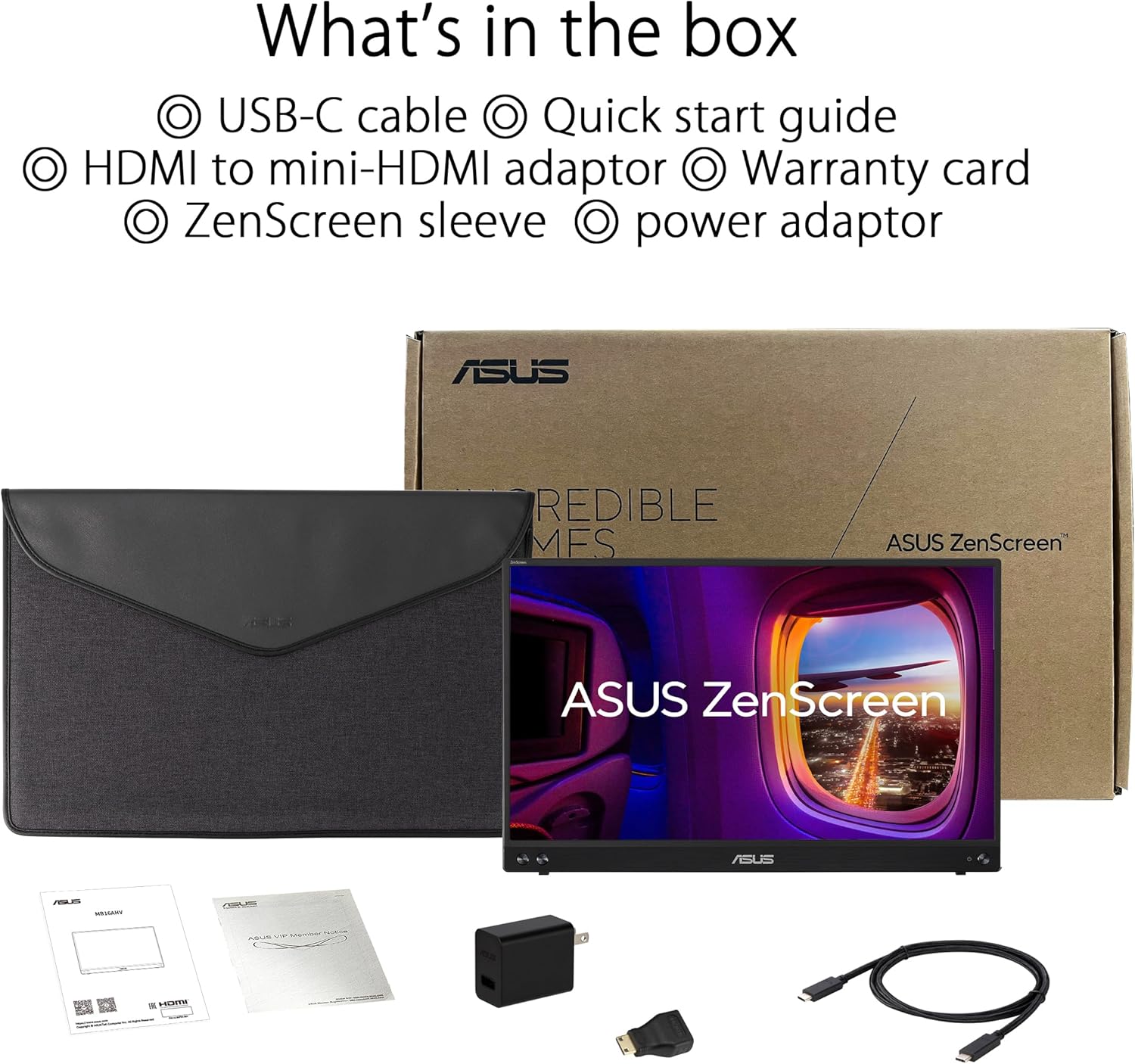
ASUS ZenScreen MB16AHV Portable Monitor (16-inch, Full HD, IPS)
Product description
What it is
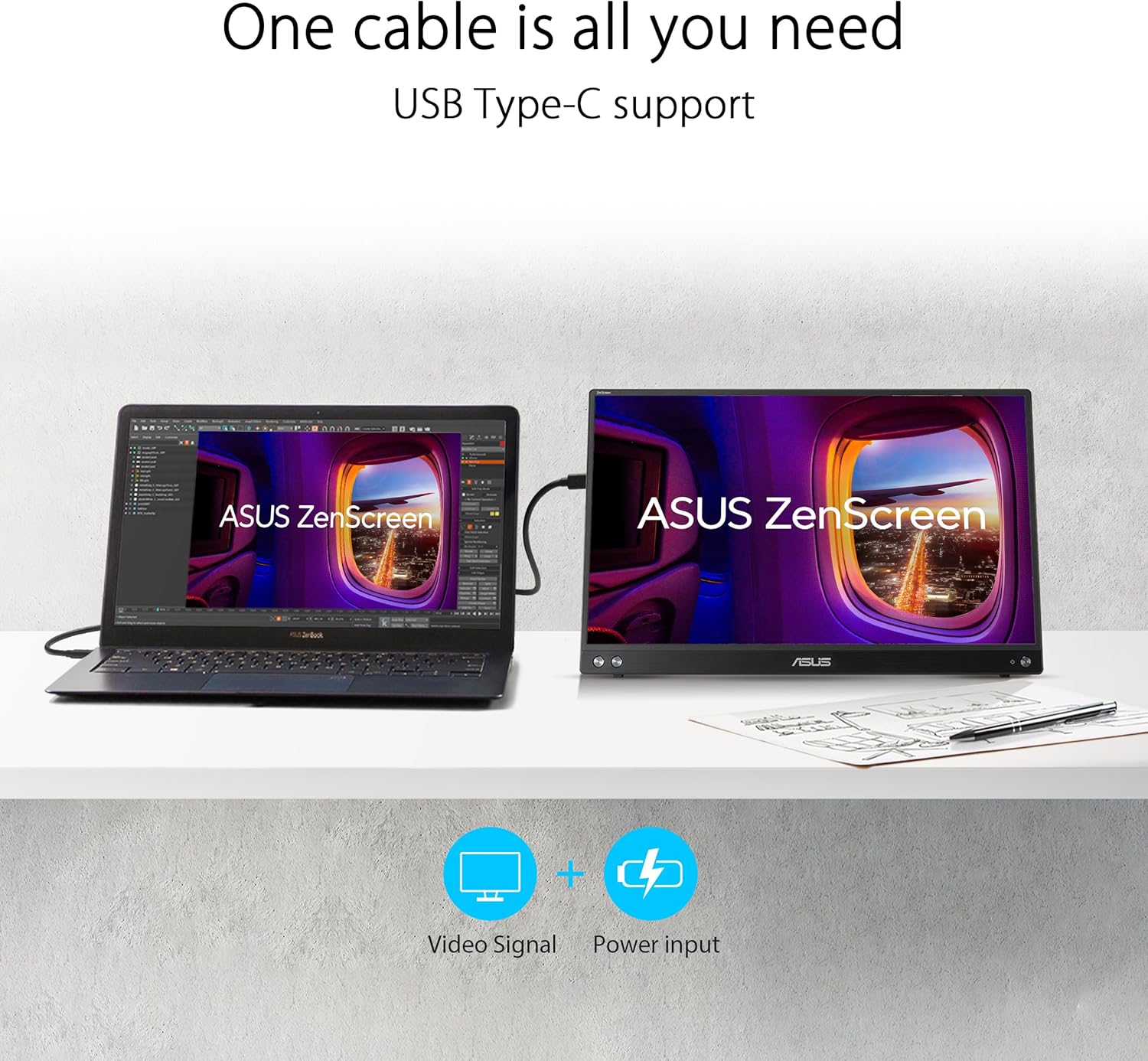
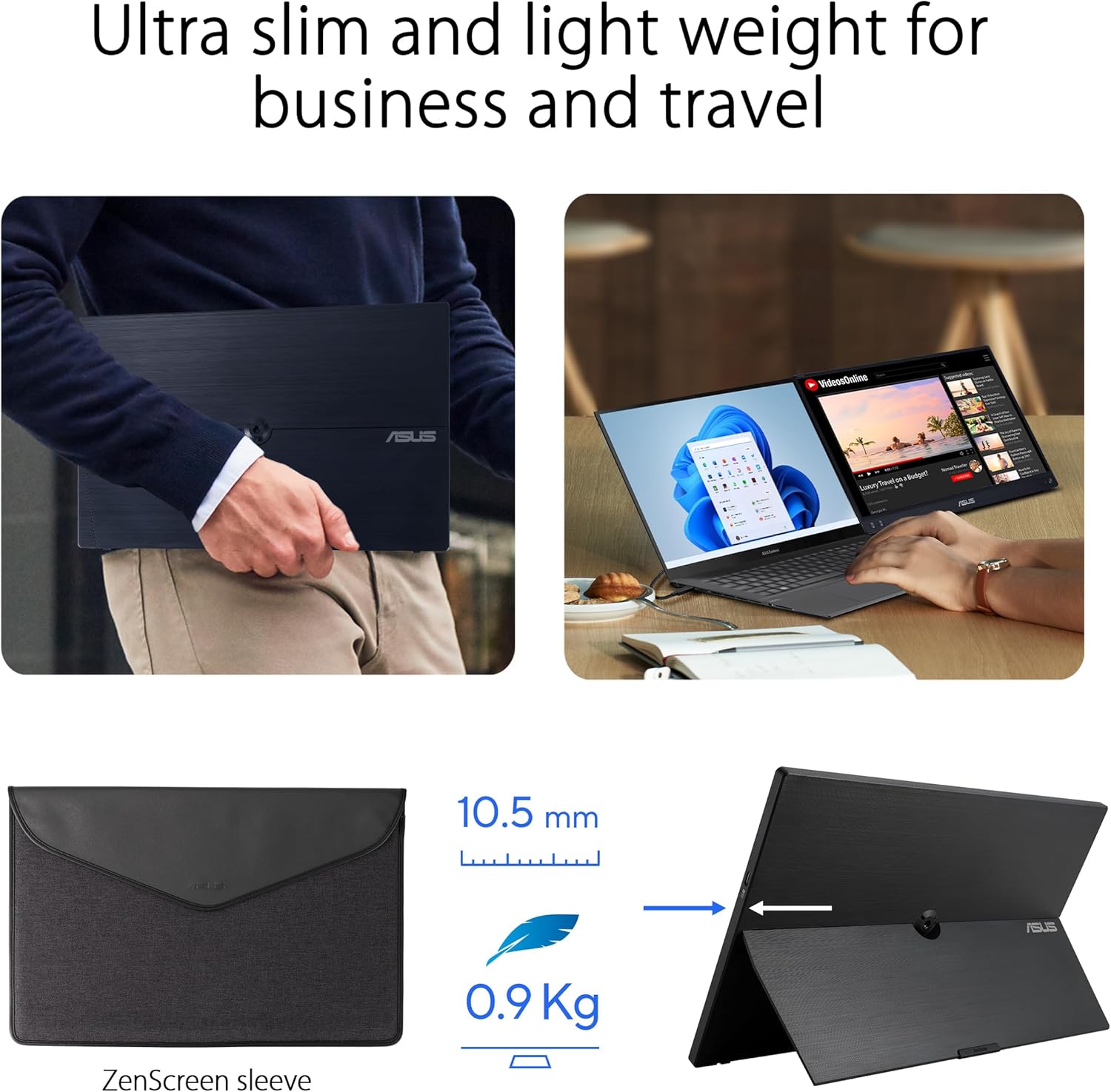
The ASUS ZenScreen MB16AHV is a 16-inch portable monitor designed to make on-the-go productivity smoother. With a 15.6-inch viewable IPS panel, it offers Full HD resolution and a slim, lightweight build that can accompany a laptop, game console or camera setup. Connectivity spans USB Type-C and micro-HDMI, enabling flexibility across devices without complex adapters.
How it helps you in daily use
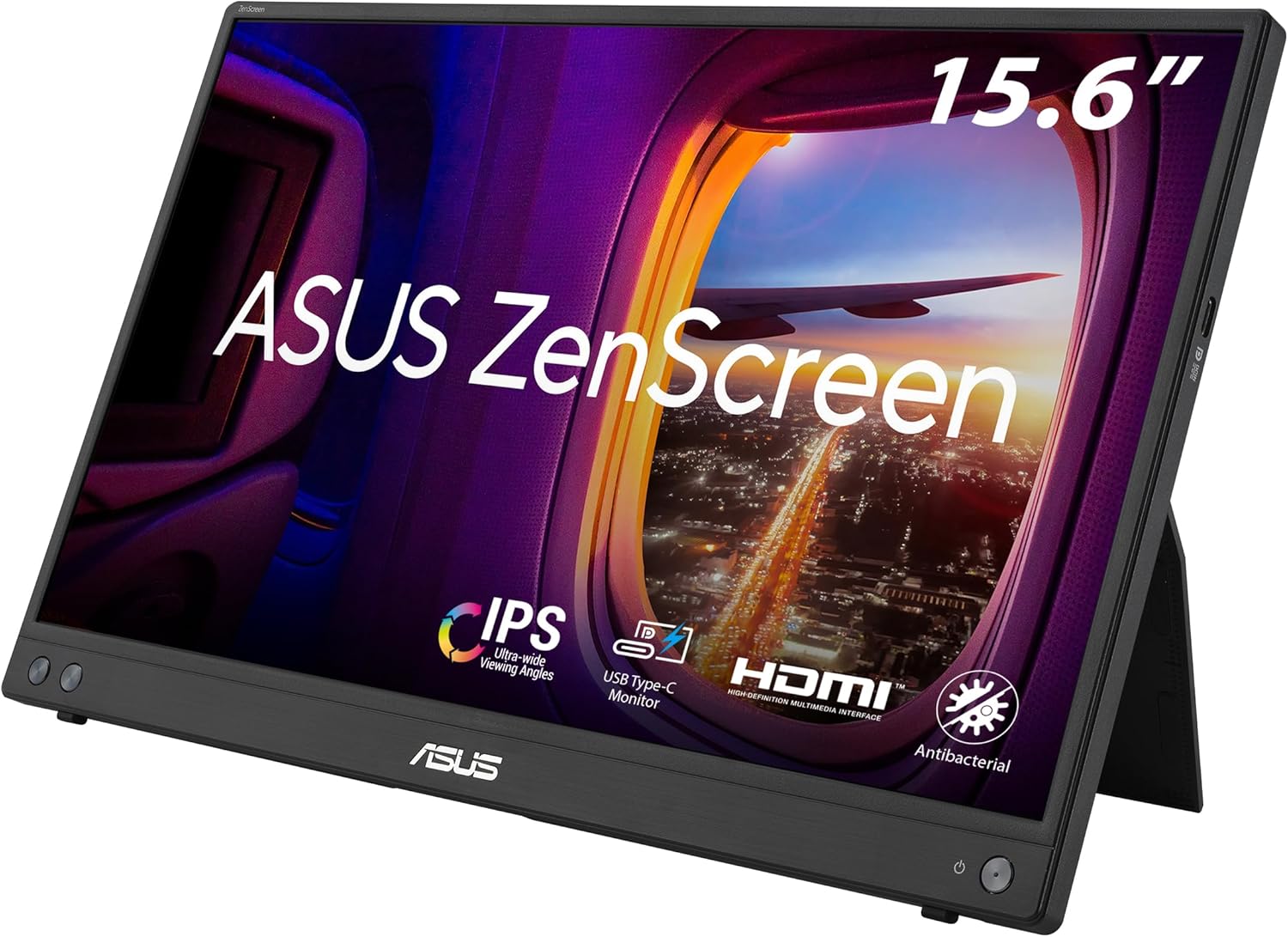
On the move, this monitor aims to boost efficiency by expanding screen real estate anywhere you work. Its auto-rotate feature senses orientation and switches between landscape and portrait modes, which can be handy for tasks like coding, document review, or content curation. The foldable sleeve case doubles as a stand, enabling quick setup at a desk, in a cafe, or while travelling.
What stands out on paper
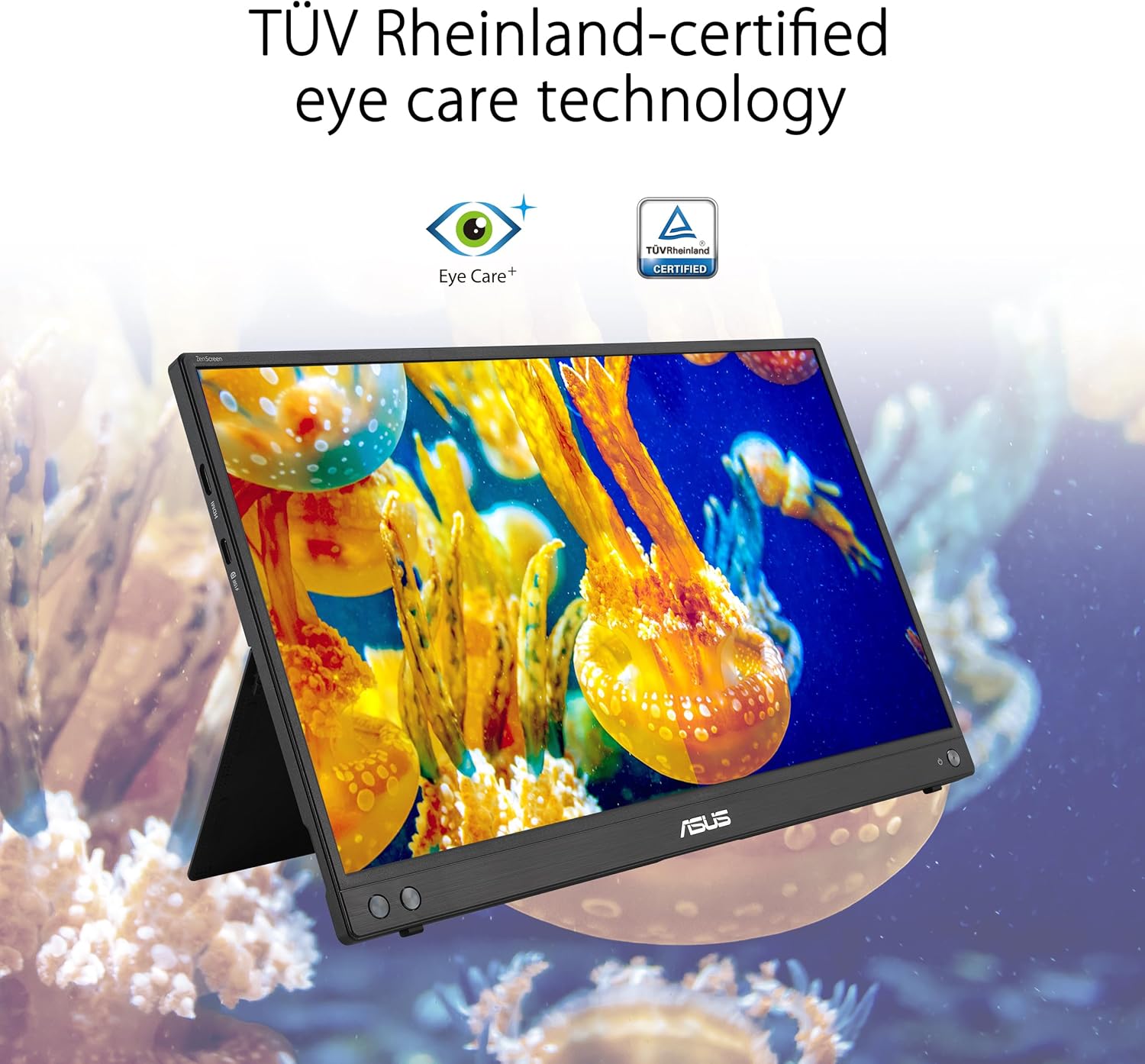
The display includes an anti-glare surface and a blue light filter, designed to reduce reflections and eye strain during longer sessions. ASUS emphasises Eye Care technology with TÜV Rheinland certification for Flicker-free operation and Low Blue Light, contributing to more comfortable viewing over extended periods.
The best and the rest
What works well: a compact, plug-and-play secondary screen that’s easy to carry, the mix of USB-C and micro-HDMI broadens compatibility with modern laptops as well as some gaming devices. The auto-rotate feature is practical for documents or vertical layouts. The anti-glare coating and eye-care tech address common concerns around prolonged use. What may be less compelling: the 16-inch footprint, while portable, is still larger than many pocket-sized displays and may not be ideal if you prioritise maximum portability over screen estate. Some users might want a stronger stand or more adjustable tilt, the foldable sleeve acts as a stand but may not offer fine-grained angle control.
Who it’s for
This monitor is well-suited for professionals who travel with their laptops and want a reliable external screen, students moving between locations, or creators who need a portable extended workspace. If you prioritise a lightweight companion with flexible connectivity and a respectable display, it tends to fit that scenario.
Who it isn’t for
If you require a larger display for desk‑based workloads, gaming at high refresh rates, or a beefier stand with extensive ergonomic adjustments, this model may feel limited. It’s also not a heavy-duty, high-brightness monitor meant to replace a desktop setup in bright environments.
When it makes sense to buy
Consider this if you value the convenience of USB‑C/HDMI connectivity, the option to rotate the screen for documents or code, and a compact form factor that won’t weigh you down in travel. It’s a sensible addition when you need an extra screen without heavy hardware baggage.
When you might hold off
If your work demands higher brightness, faster response, or more flexible physical adjustments, you could look for alternatives with those specific strengths. Likewise, if you rarely use an external display, a smaller or cheaper alternative may be more appropriate.
What to check before buying
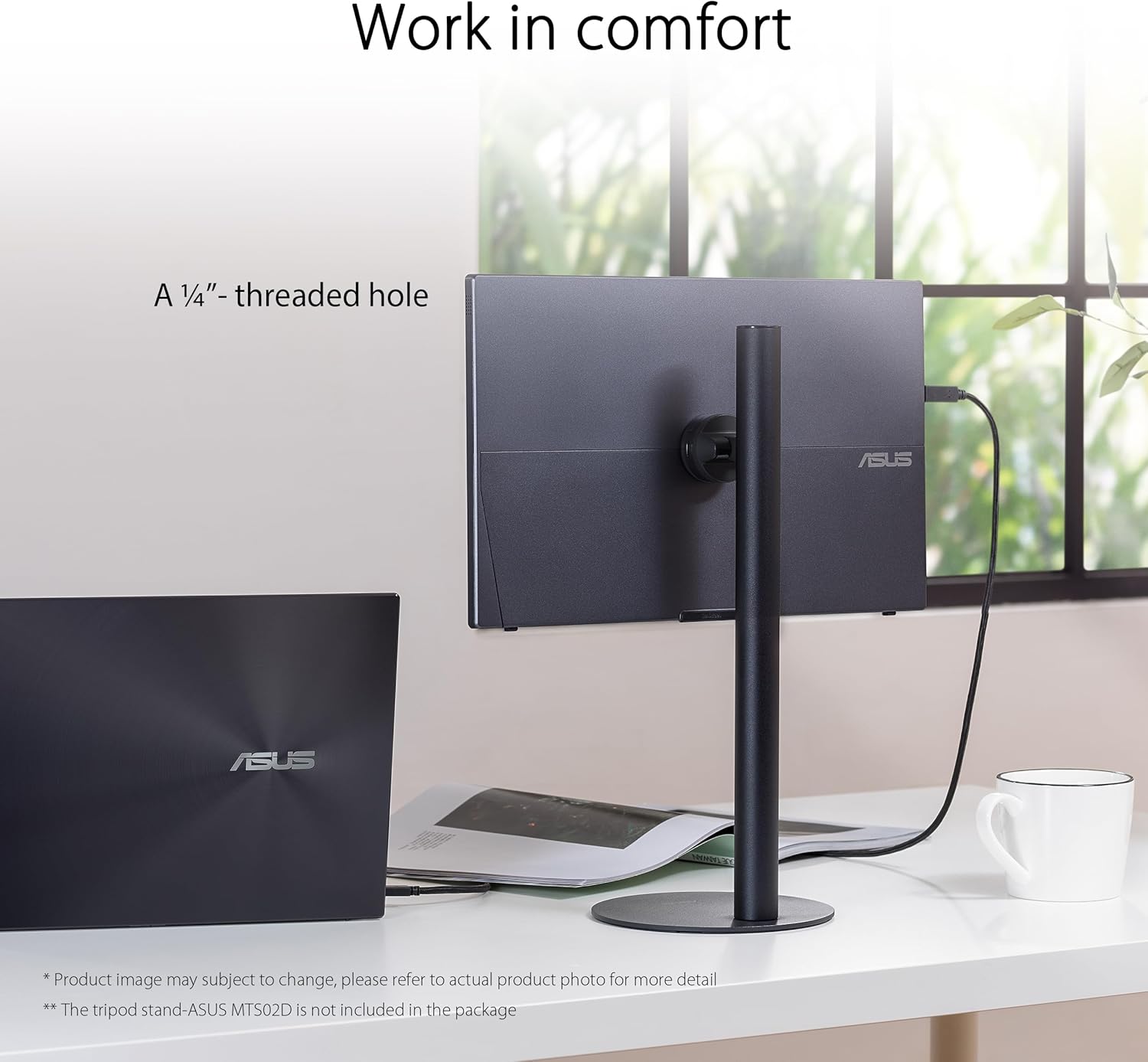
Ensure your devices can connect via USB‑C or micro‑HDMI and that you’re comfortable with the monitor’s height and tilt on the included stand/cover. Consider whether you value auto-rotation for vertical layouts and how the anti-glare and blue light features align with your typical work environments.
Practical usage idea
Imagine working on a train with a compact laptop and this ZenScreen clipped to your bag. You pop the sleeve case into a makeshift stand, extend the monitor, connect via USB‑C, and instantly gain a dual‑screen setup for editing a document while annotating on the side.
FAQ
- Do I need drivers for the ZenScreen MB16AHV? It typically behaves as a plug‑and‑play USB‑C/HDMI display, with no special driver required for standard use.
- Can I use it with a phone or camera? The micro‑HDMI input supports devices that provide HDMI output, check your device’s compatibility and cables.
- Is the display good for long sessions? With anti-glare coating and Low Blue Light technology, it’s designed to be gentler on the eyes during extended use, though comfort also depends on ambient lighting and seating.
Is it worth it?
Worth considering if you prize portability and flexible connectivity for a secondary screen, and you don’t require high‑end gaming specs. It tends to suit pragmatic users who want extra screen real estate on the go rather than a desktop replacement.