

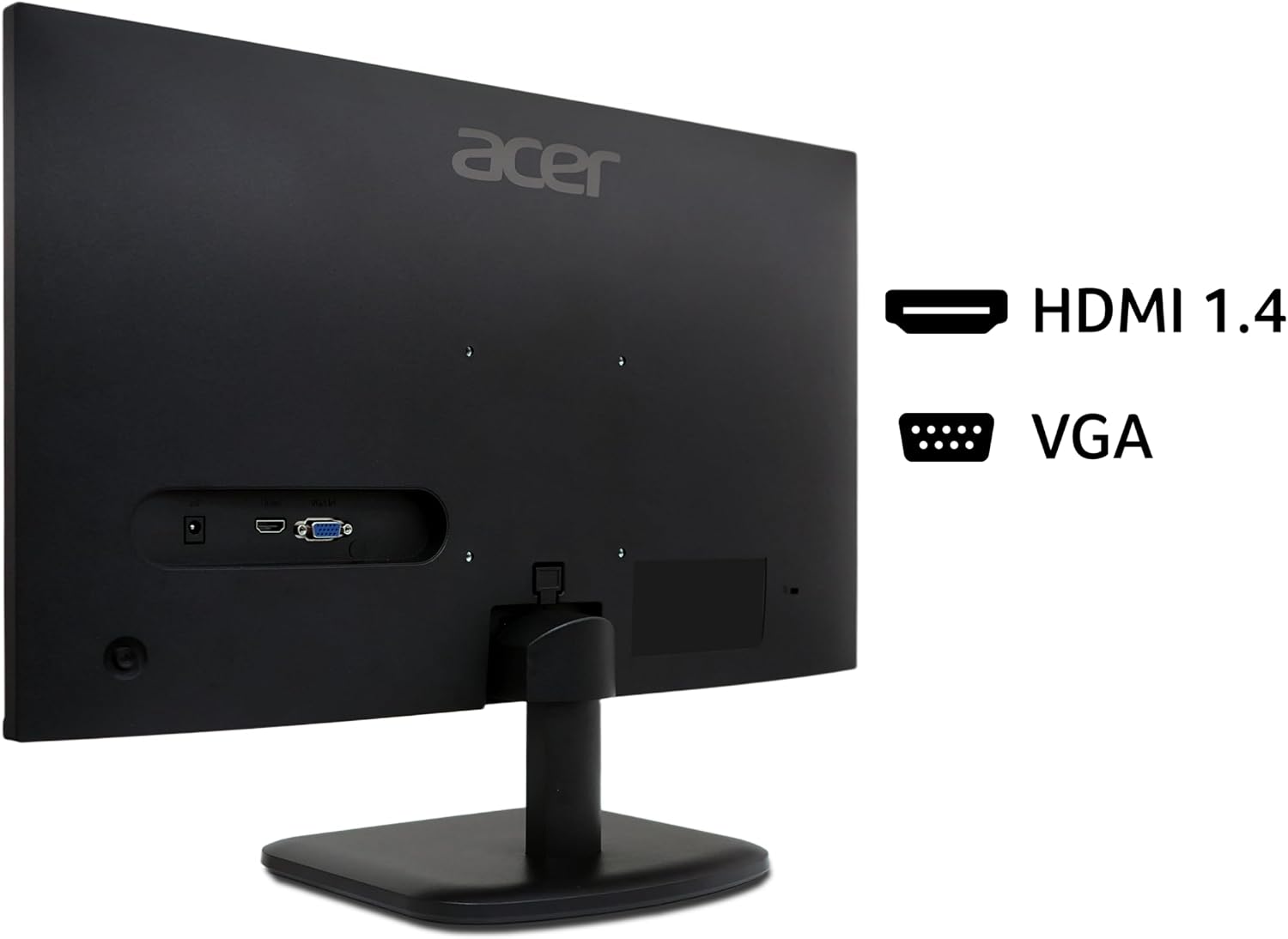
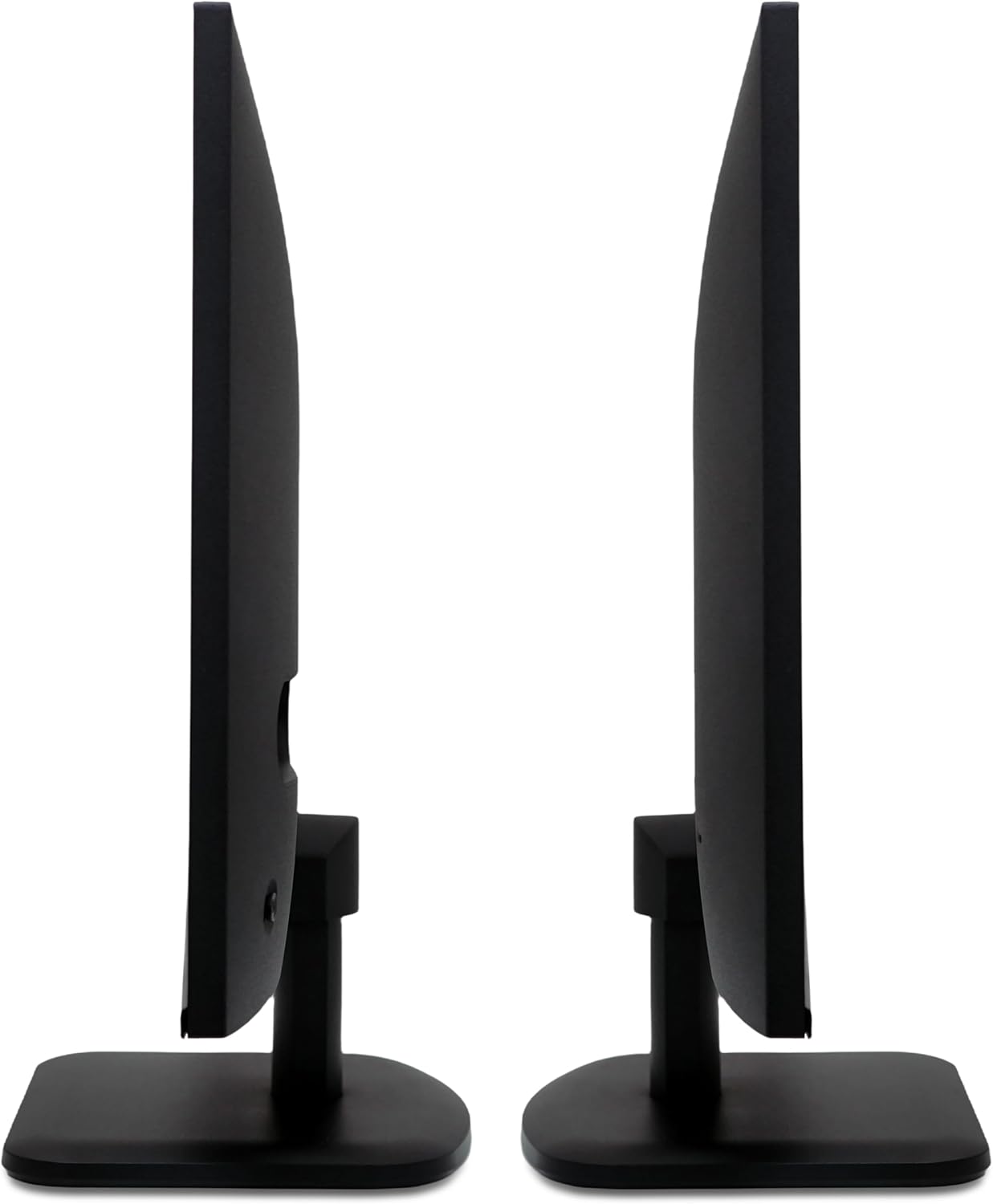
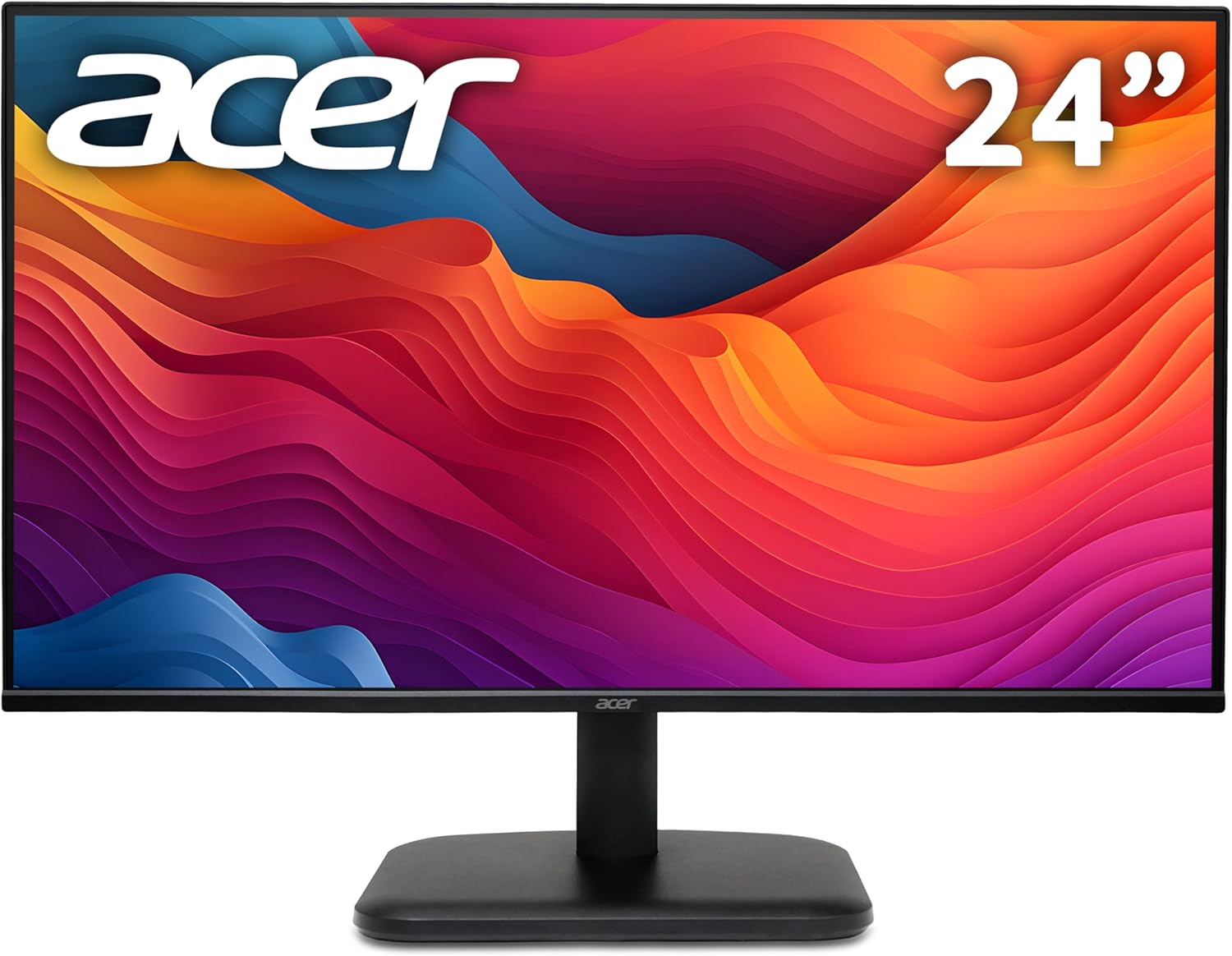
Acer EK271 27-inch 1080p 120Hz monitor
Product description
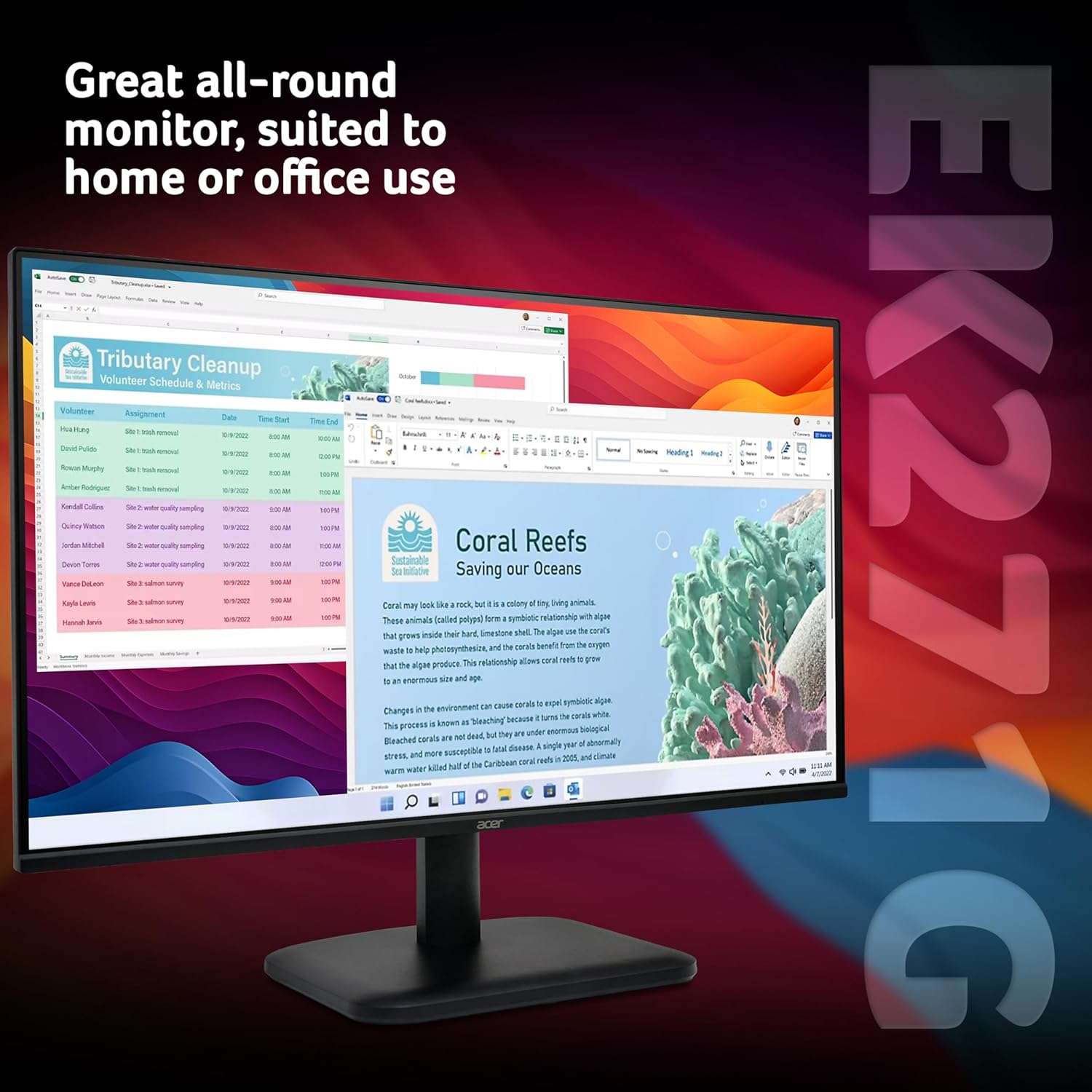
This 27-inch monitor from Acer expands desktop space for work and entertainment, with a VA panel and Full HD resolution that keeps text and web pages clear. It offers a higher refresh rate and adaptive sync for smoother motion, making it a practical choice for casual gaming and media playback.
Key Points
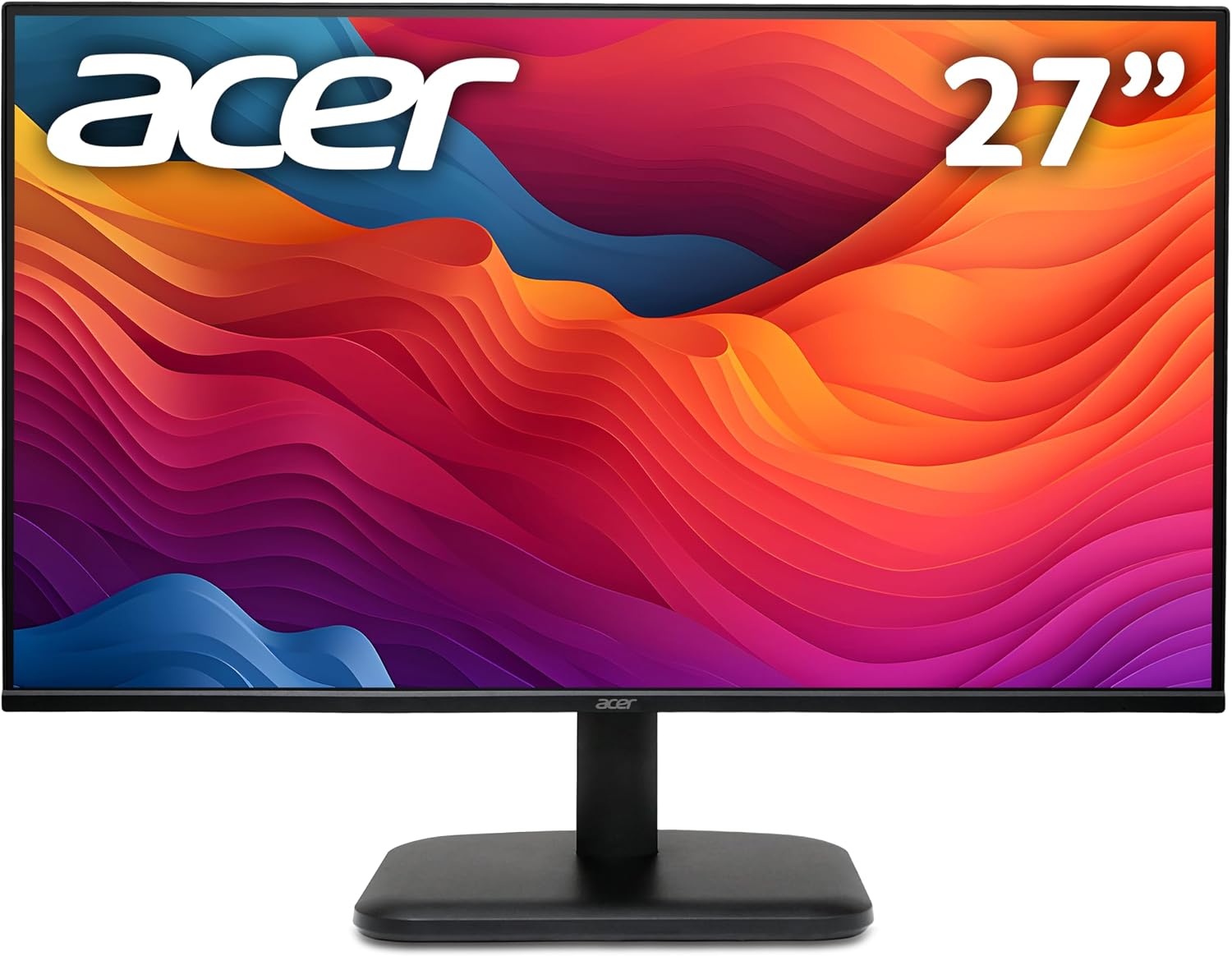
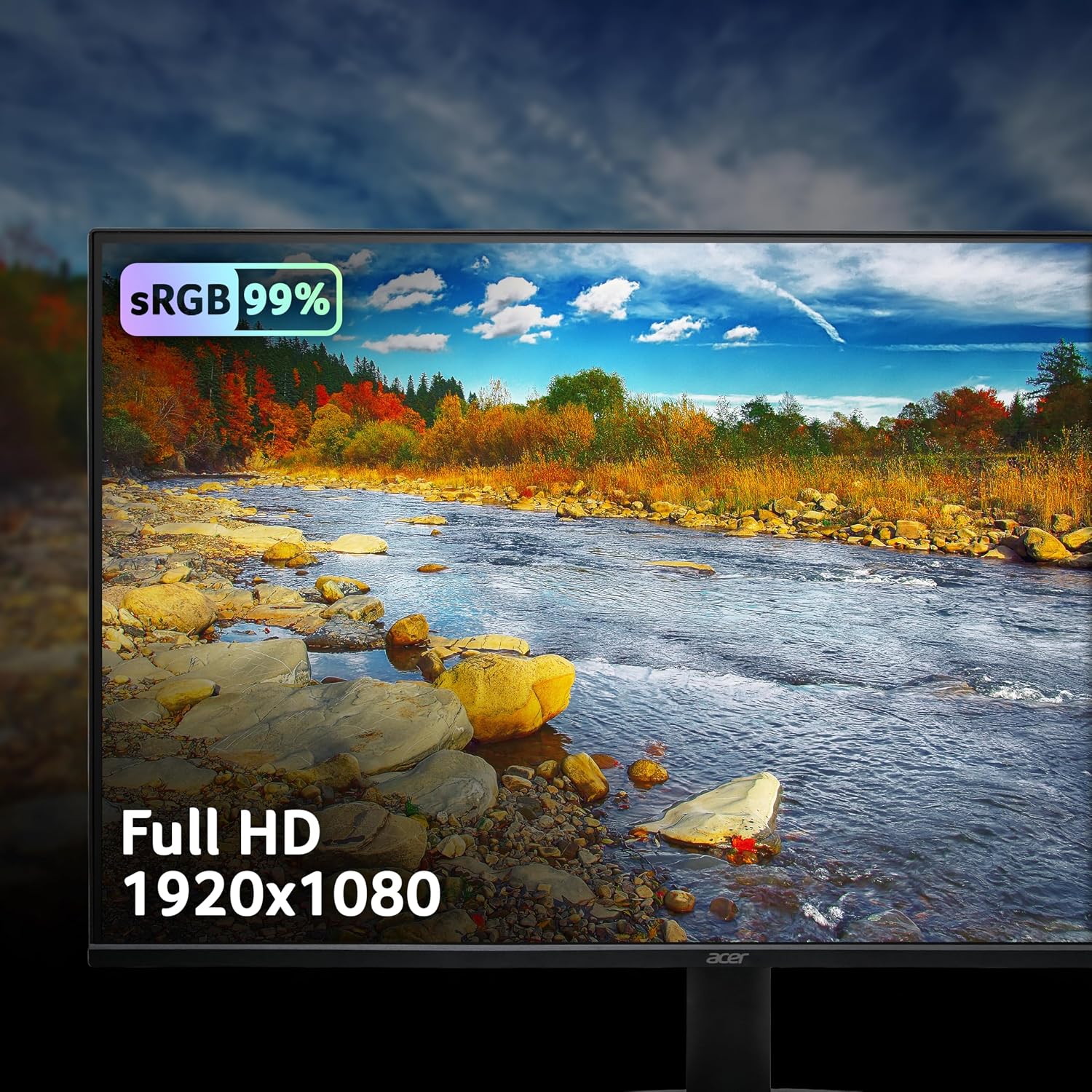
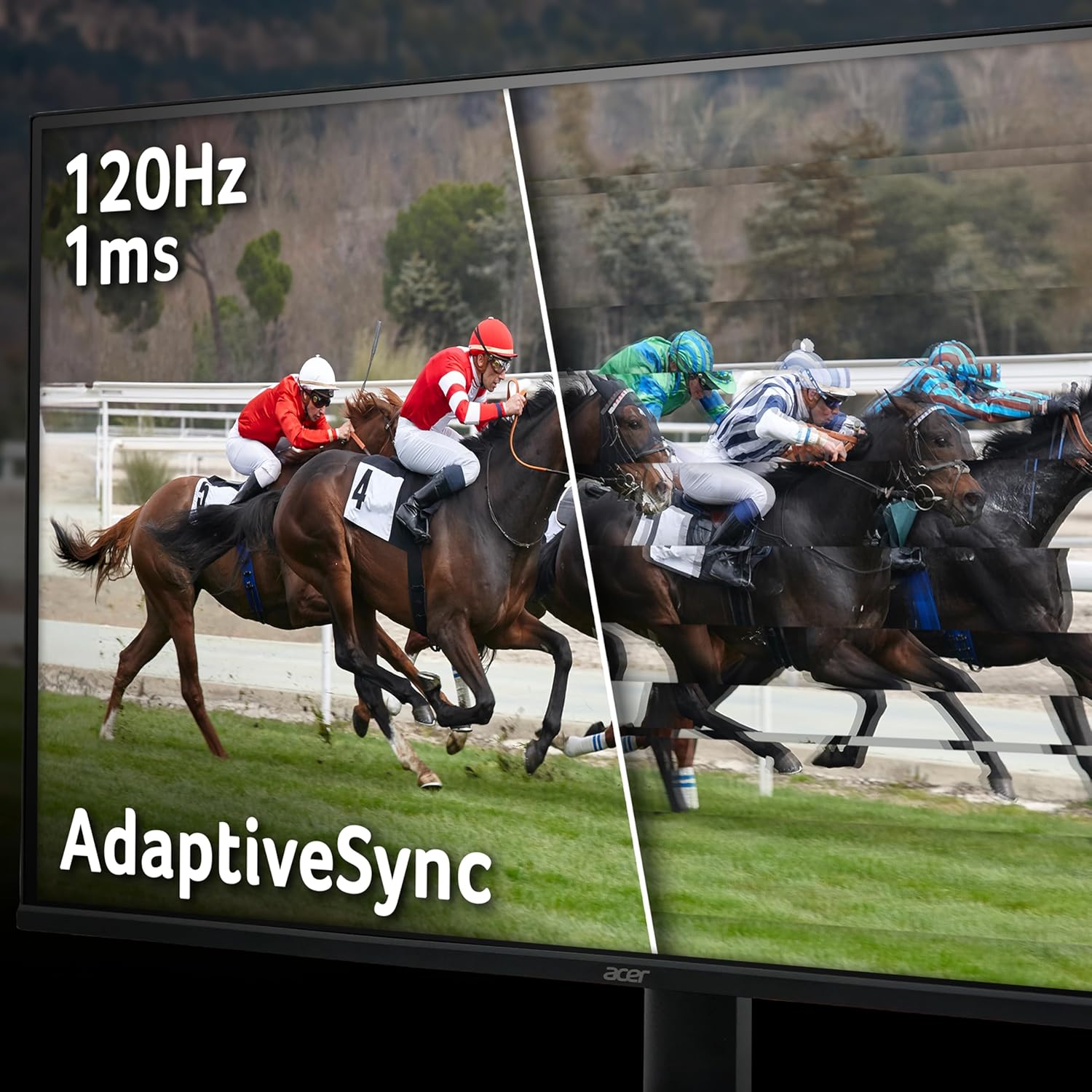
The Acer EK271 balances everyday productivity and recreational use by combining a larger screen with smoother frame transitions for moving images. With a 1920 x 1080 Full HD panel, documents and browser windows remain legible while movies look more cinematic on the 27-inch display. For gamers who want reduced tearing, AdaptiveSync and a 120Hz refresh rate help maintain fluid on-screen action. 🎮
Acer's VisionCare technologies aim to reduce eye strain during extended sessions, including a blue light reduction mode that can be adjusted according to personal comfort. The monitor uses a VA panel which typically delivers stronger contrast than some alternatives, so darker scenes appear richer and blacks feel deeper. 🖥️
Be aware that while the VA panel enhances contrast, it may not match the colour consistency and wide viewing angles of high-end IPS models. Also consider that Full HD on a 27-inch screen produces a readable desktop but will show less pixel density than higher resolution displays.
Technical Specifications
- Name: acer EK271 27-inch Monitor
- Panel type: VA Panel
- Resolution: 1920 x 1080
- Refresh rate: 120Hz
- Inputs: HDMI, VGA
Usage Recommendations
For office work and general web browsing, position the monitor at eye level to take advantage of the larger screen area and to reduce neck strain. When gaming, enable AdaptiveSync in both the monitor menu and your graphics driver to minimise tearing and stuttering. For long viewing sessions switch on the BlueLightShield feature to lower blue light emission and reduce visual fatigue.
When colour accuracy is important, for example for photo editing, consider calibrating the screen with external tools and check results at various angles, since VA panels can shift slightly in hue compared with professional IPS displays. If you plan to use multiple monitors, note that matching colour and brightness across different models may require additional adjustment.