

Memzuoix Wired USB Mouse (Optical 1400 DPI) – 5-Button Ergonomic Wired Mouse for Laptop, PC & Mac
Product description
The essentials
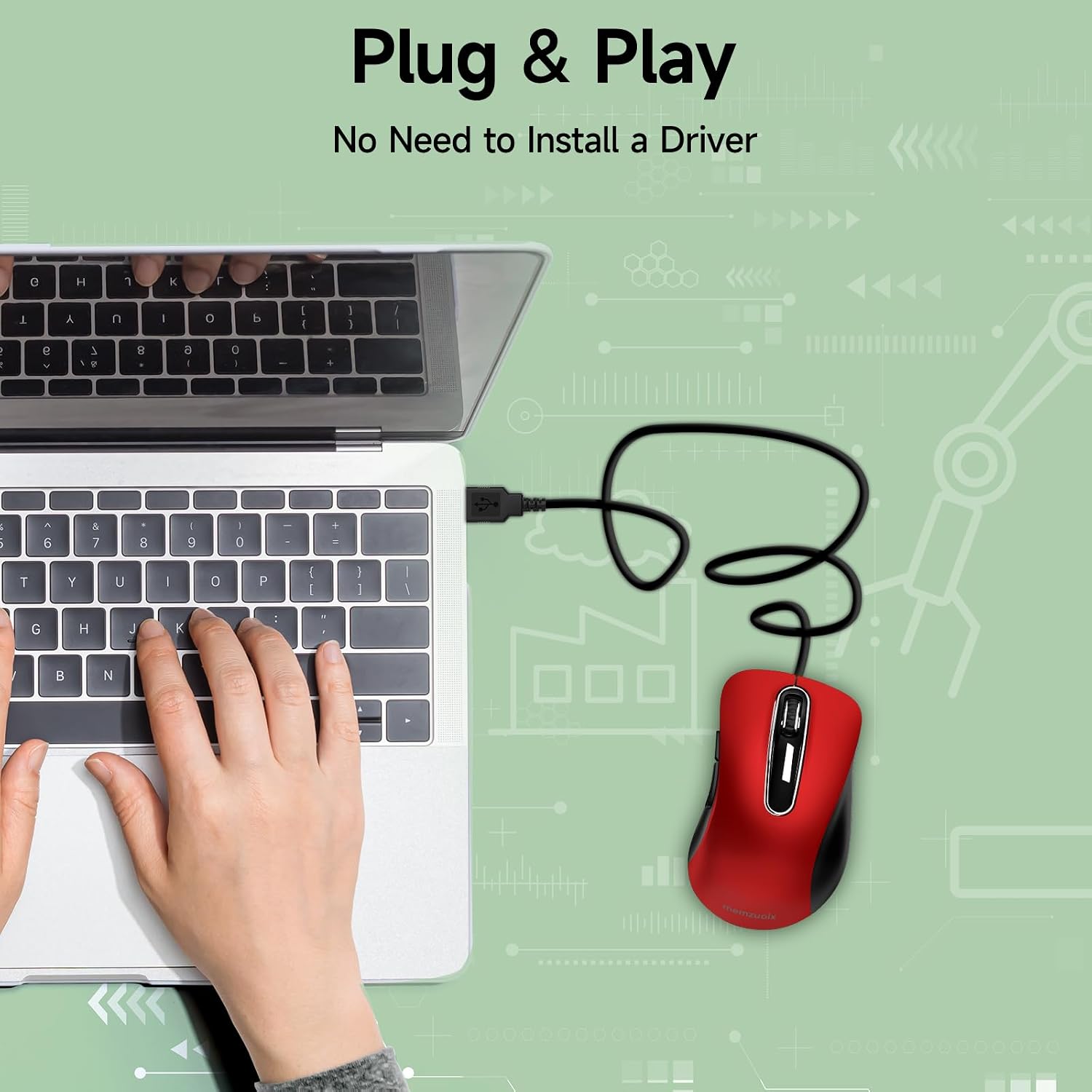
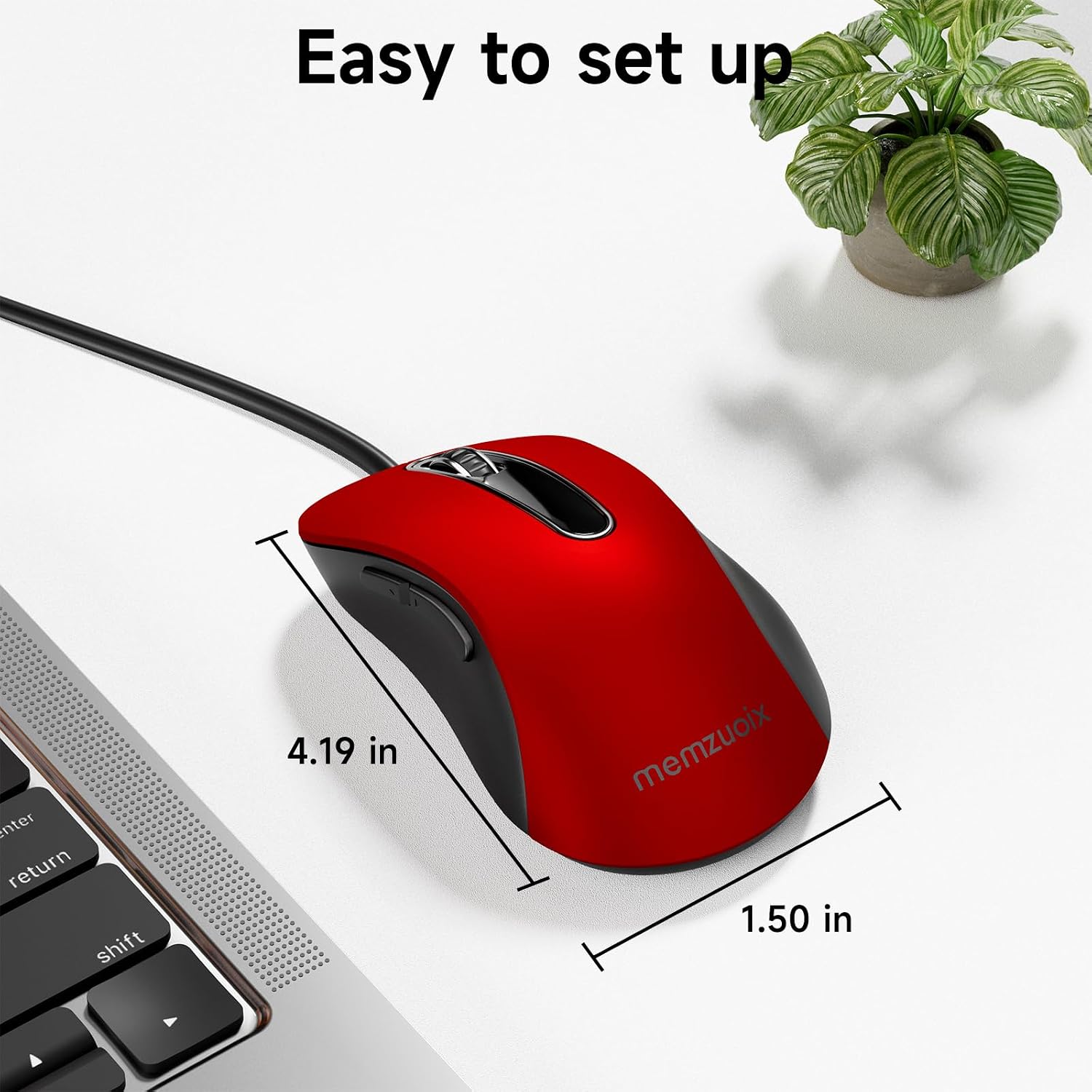
If you just want a mouse that works without faffing about, a wired USB model like this Memzuoix unit makes sense. It’s a straightforward plug-and-play option for everyday typing, browsing and office work, with a compact shape that should travel well.
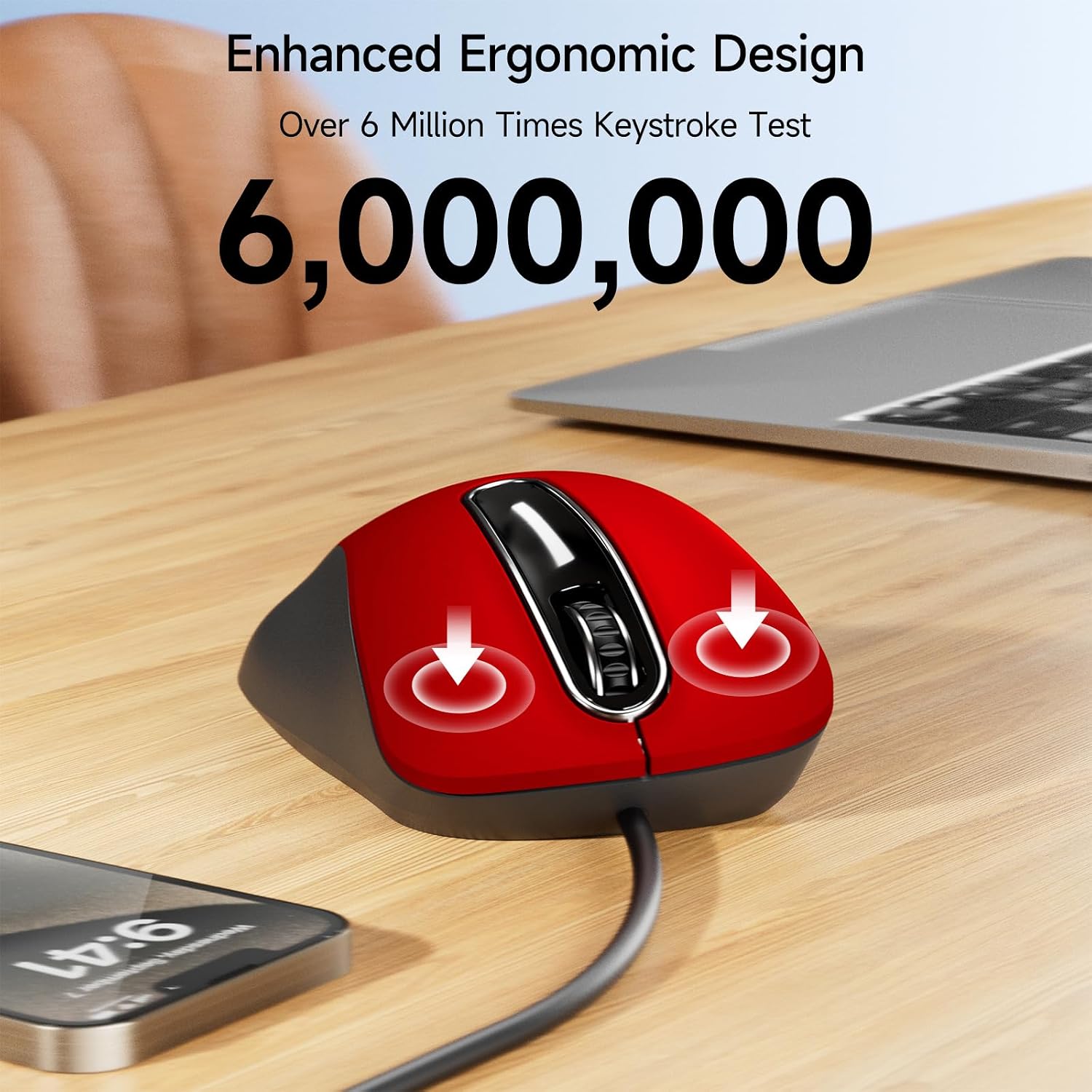
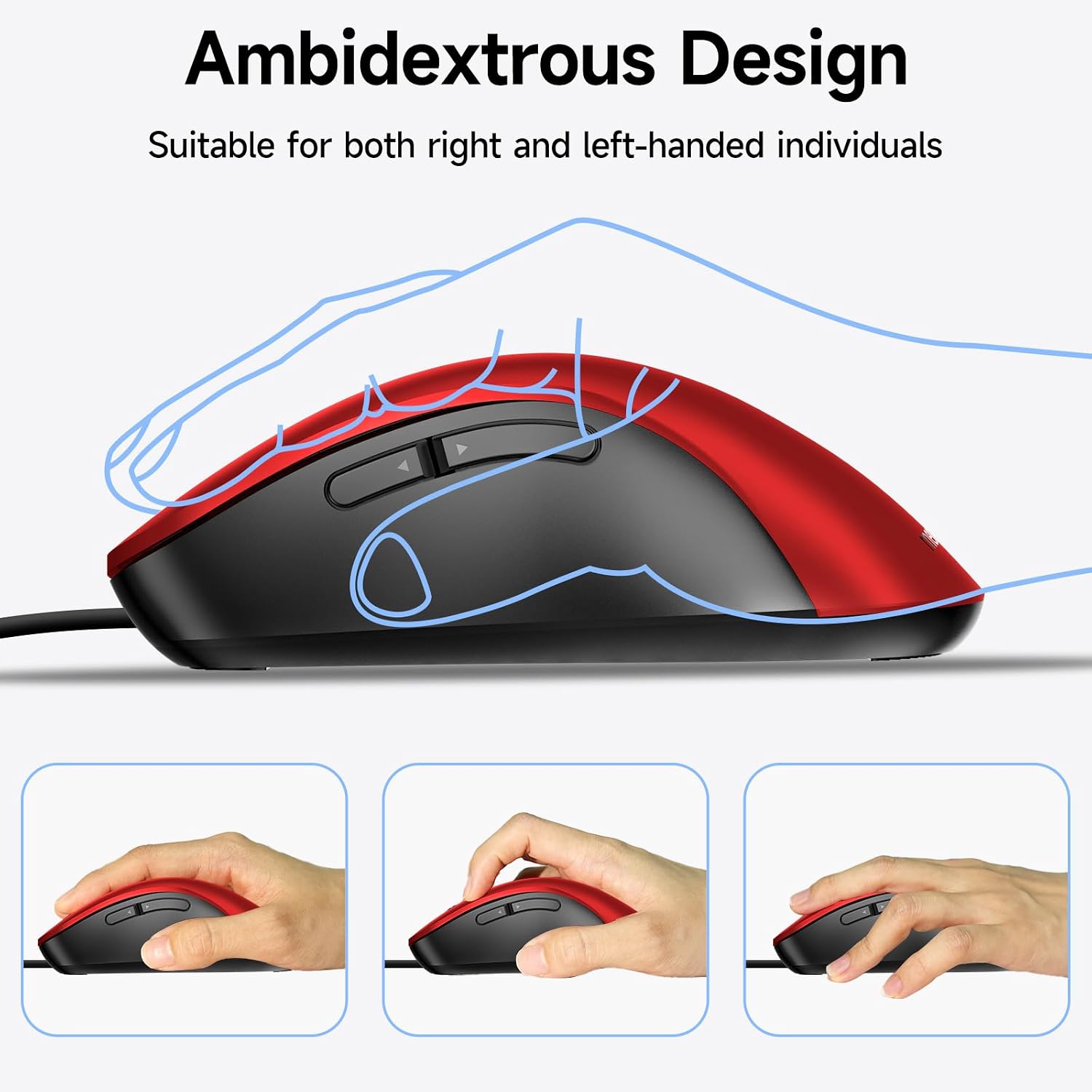
On paper, the appeal is clear: no drivers or software are required, and you get an ergonomic design intended to keep your wrist and hand in a more natural position during longer sessions. The 5-button layout and rubberised scroll wheel are also there for day-to-day control.
Key points that matter for buying
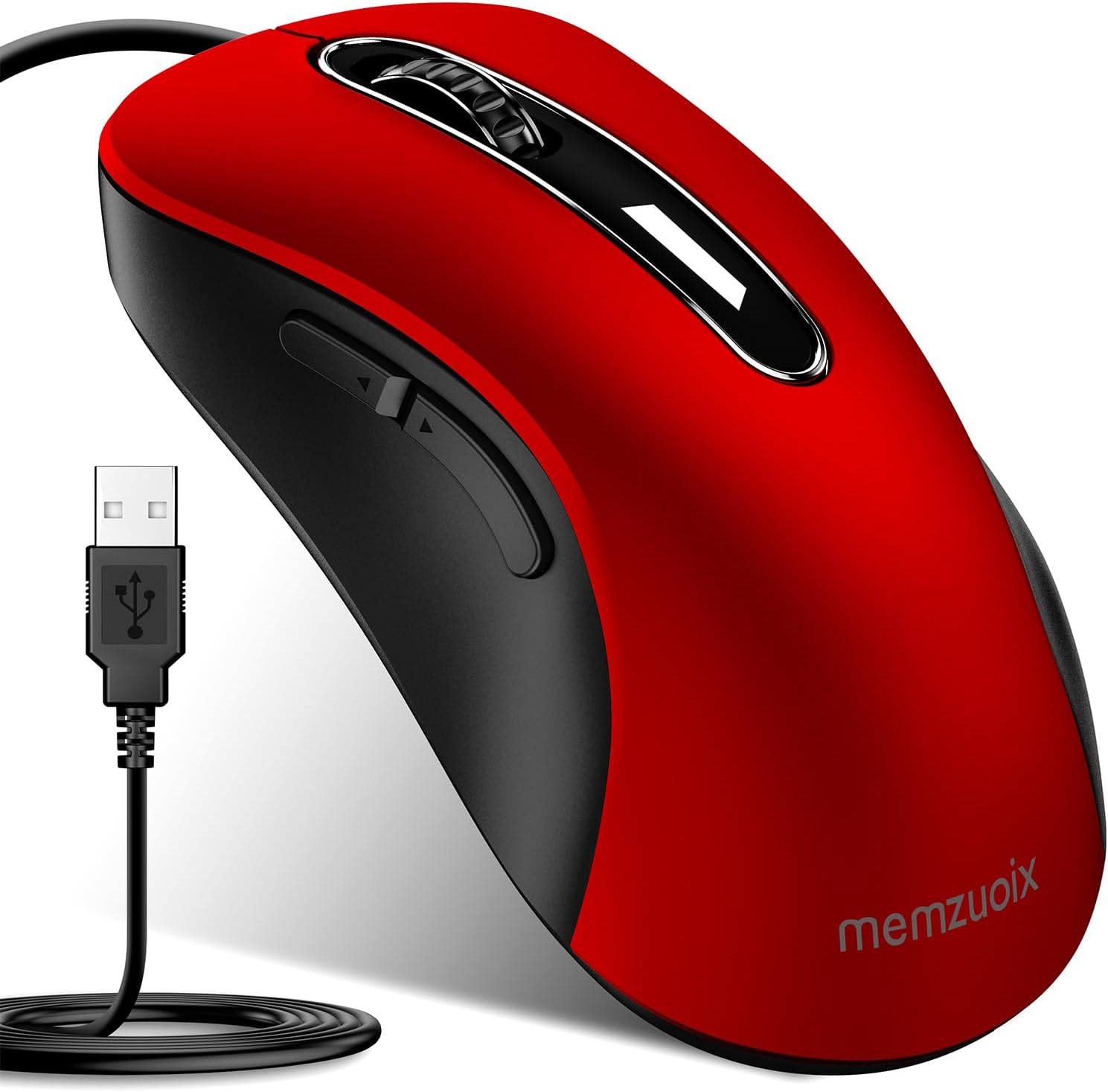
Ergonomics and reliability are the two themes running through this mouse’s design. The manufacturer says the ergonomic shape is built to fit the natural curve of your hand, aiming to reduce strain and fatigue when you’re using it for hours. It’s not a gaming mouse, and it doesn’t claim anything beyond normal optical tracking.
The other big practical factor is the wired connection. A 5FT USB cable is included, which gives you some flexibility around your desk—handy if your laptop charger sits on the same side, or if you prefer to keep the mouse slightly away from your keyboard.
One limitation worth keeping in mind: the side buttons aren’t supported on Mac, so if you’re buying specifically for macOS shortcut use, you may find the experience less convenient than you’d hoped.
What you’ll notice in everyday use
This is the kind of mouse you reach for when you want simplicity over features. The plug & play setup is the first win: connect it to a USB port and you should be ready to go quickly, without installing software.
The scroll wheel is rubberised, which is a small thing but can make a noticeable difference for grip, especially if you’re scrolling a lot through documents, spreadsheets or web pages. The 1400 DPI optical sensor figure suggests it’s aimed at general desktop navigation rather than precision-heavy tasks.
A micro example: say you’re working from a laptop in a café. You plug the mouse into the laptop USB port, set the pointer on your screen and use the scroll wheel for a couple of pages of notes—no pairing steps, no charging, no hunting for a Bluetooth connection.
Key features (without overpromising)
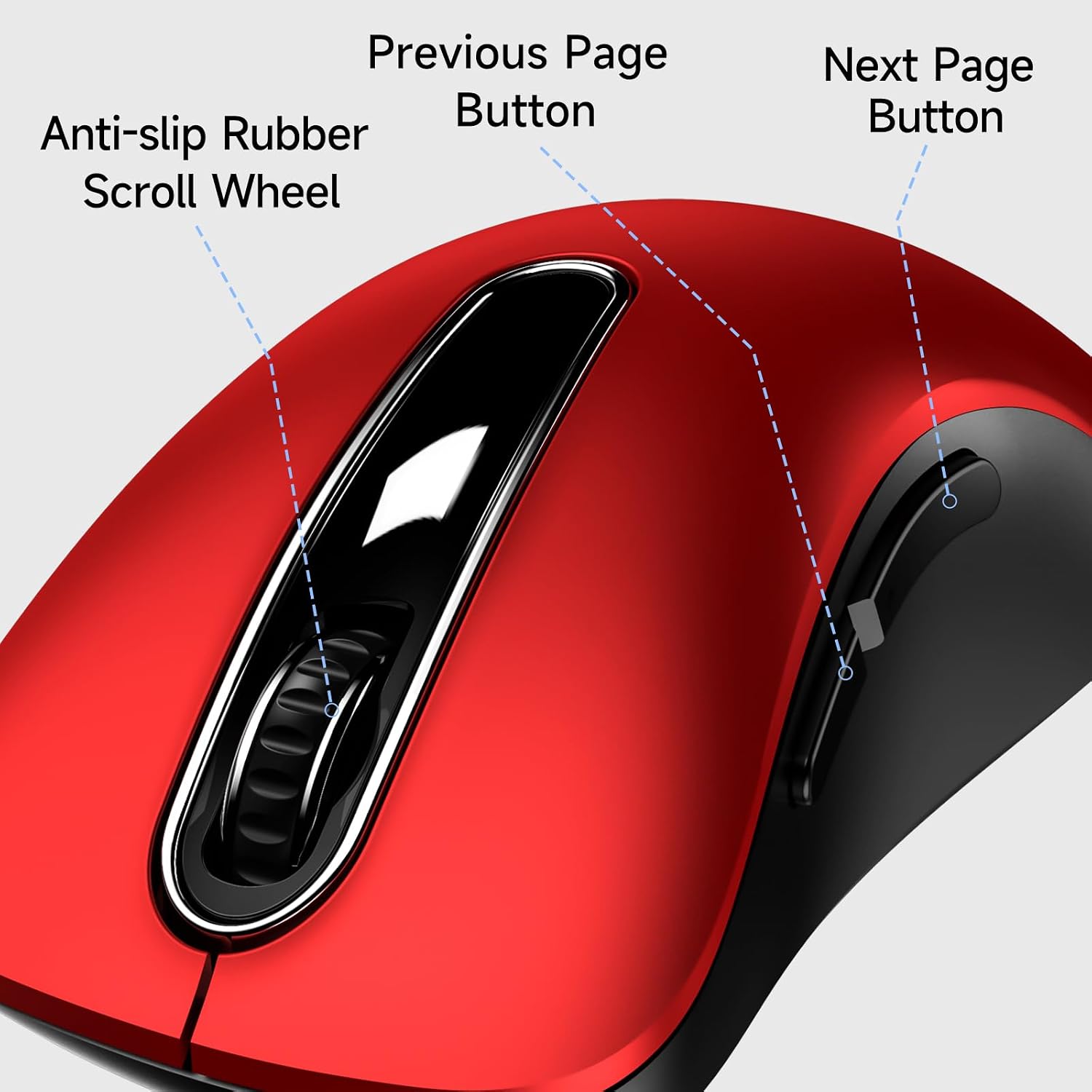
You get a few ingredients that tend to be useful in the real world: - Plug & play USB setup, with no drivers or software required - Ergonomic shape intended to reduce hand strain during long use - Rubberised scroll wheel for firmer grip - Wired connection via a 5FT USB cable to help avoid typical wireless issues - 5-button control layout
That said, it’s still a basic wired mouse. If you’re the sort of person who wants deep customisation, advanced software control or high-end sensor performance, this one may feel a bit underpowered on ambition.
Compatibility & requirements
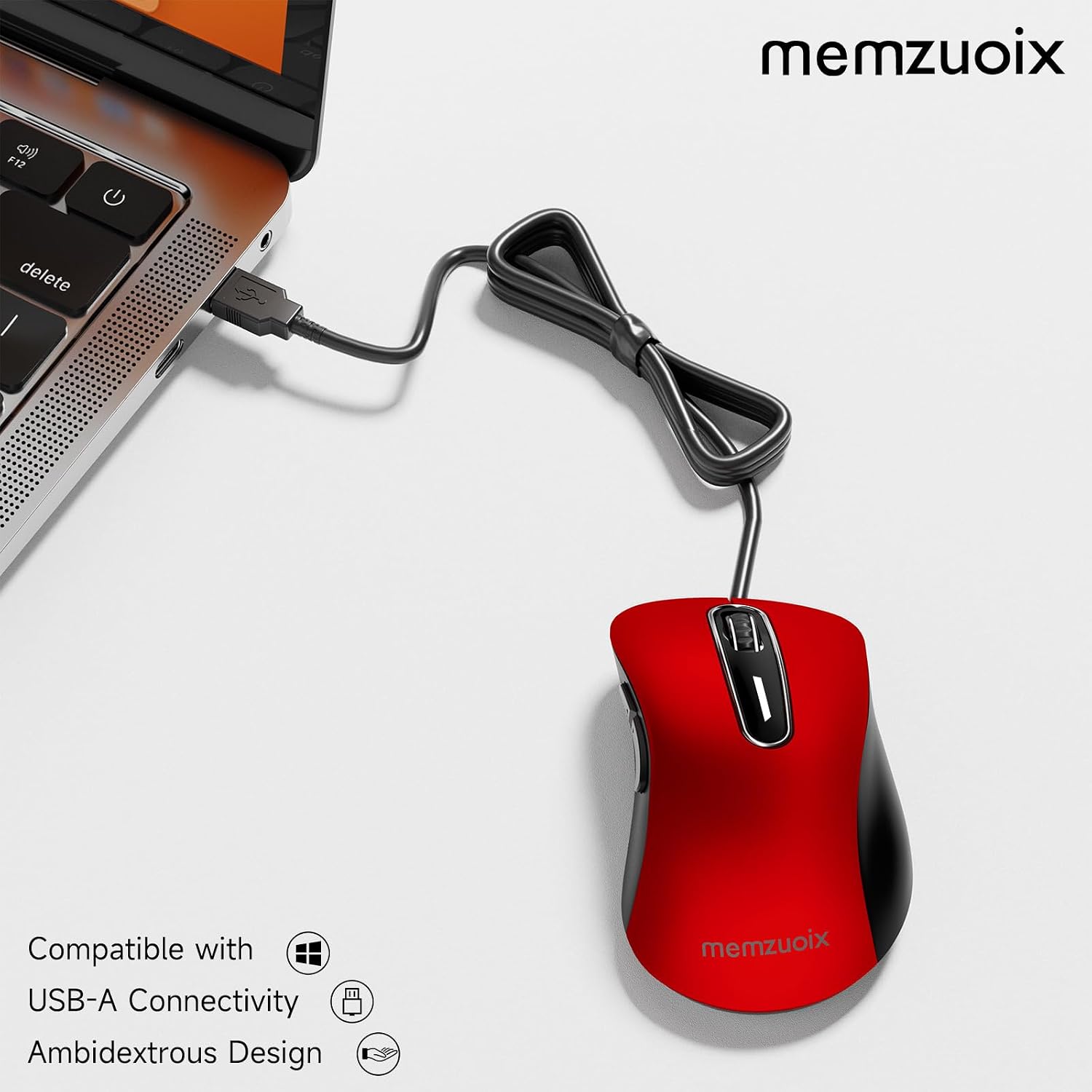
Compatibility is broadly covered on Windows. The mouse is described as compatible with Windows 11/10/8/7, Vista and XP, and it also works with Mac OS.
There’s one caveat for macOS users: side buttons are not supported on Mac. So while you can still use it as a standard mouse, you may lose some shortcut functionality.
Also, because it’s wired, you’ll need an available USB port. If your device only has limited ports (common on slim laptops), you might already be using a hub or dongle.
Is it worth it?
It’s a solid pick if you want a simple, reliable USB mouse for everyday office work, home browsing and travel—particularly if you dislike charging or pairing hassles.
You may want to skip it if you’re buying for Mac shortcut-heavy workflows that rely on side button support, or if you’re looking for a mouse with advanced customisation and software-level control. It’s more of a practical, “just works” type of purchase than a feature-packed upgrade.
Mini FAQ
Does it need drivers or software?
According to the product description, it’s plug & play and should not require drivers or software.
What devices is it compatible with?
It’s described as compatible with Windows 11/10/8/7, Vista, XP and Mac OS.
Are the side buttons supported on Mac?
No—the description notes side buttons are not supported on Mac.
Is it suitable for travel?
It’s described as compact and intended for everyday use and travel, which should make it easier to pack in a laptop bag.
Is the wired cable long enough for a typical desk setup?
The cable is listed as 5FT, which should provide some reach if your setup places the keyboard and monitor not directly beside your laptop’s USB port.