

Logitech G502 X Wired Gaming Mouse – LIGHTFORCE switches and HERO 25K sensor
Product description
What it is and who it’s for
The Logitech G502 X is a wired gaming mouse that reimagines the familiar G502 silhouette with newer technology. It’s aimed at players who want precise control, fast response and customisable buttons in a wired form factor that works across PC and macOS. If you prioritise accuracy and reliability in competitive or long-session gaming, this model is worth considering.
How it’s designed
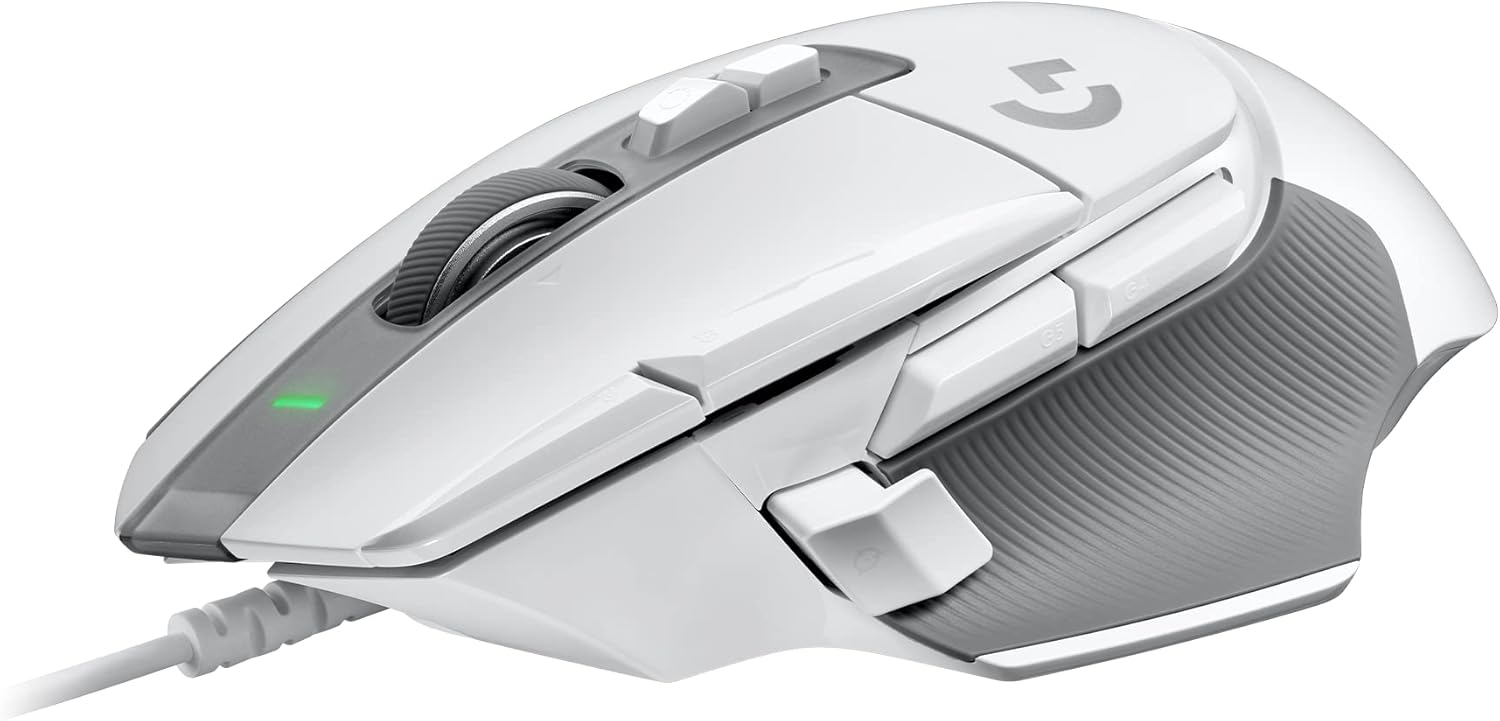
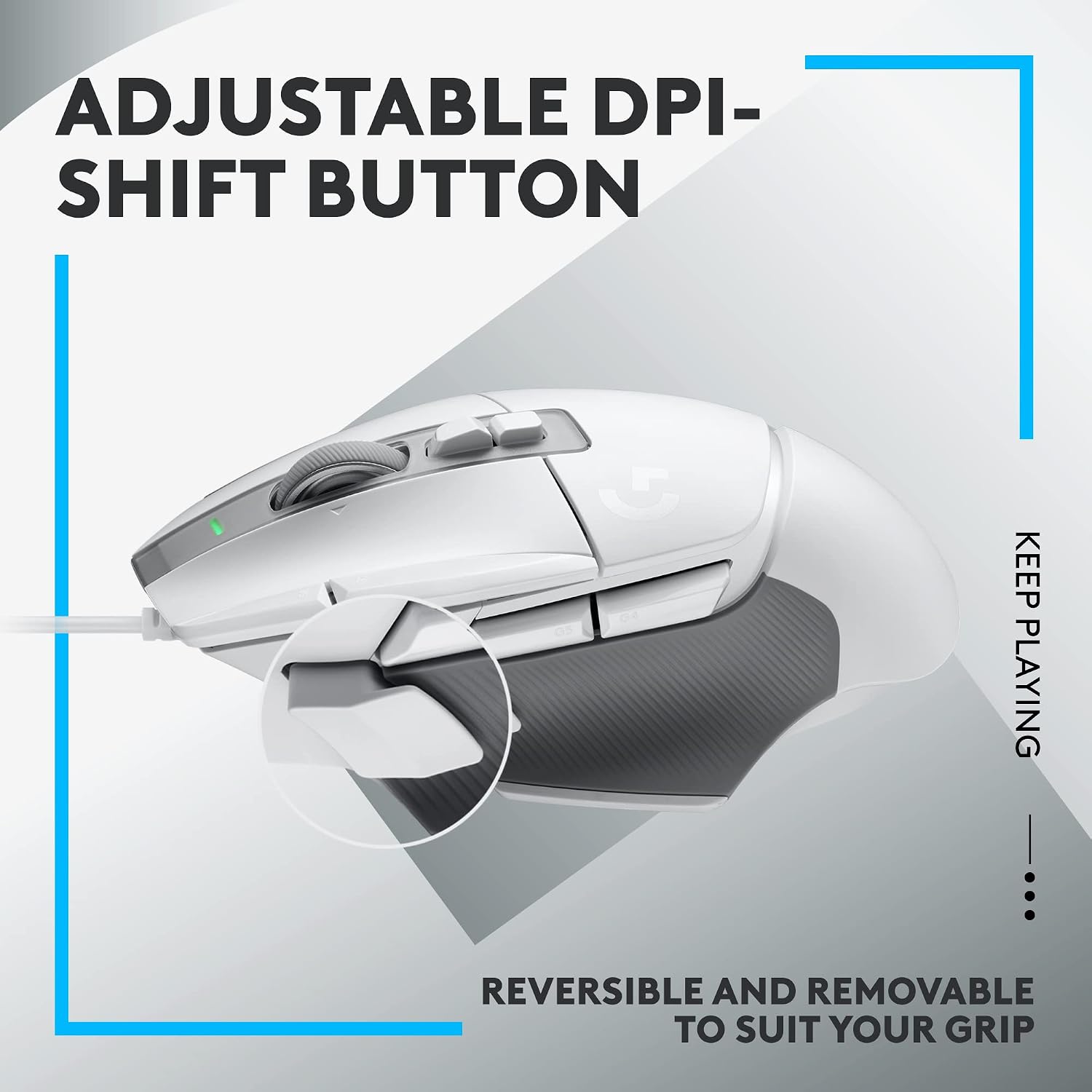
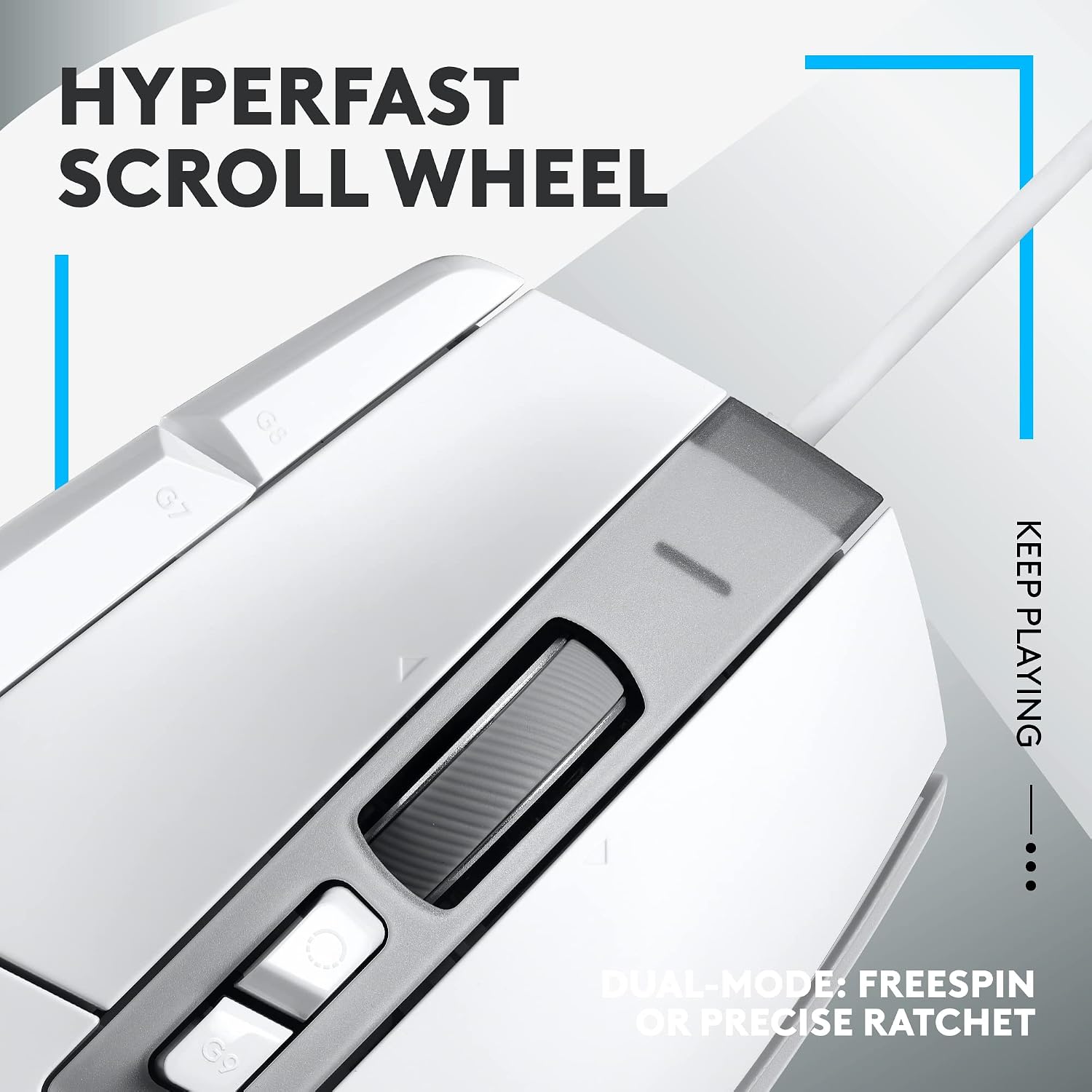
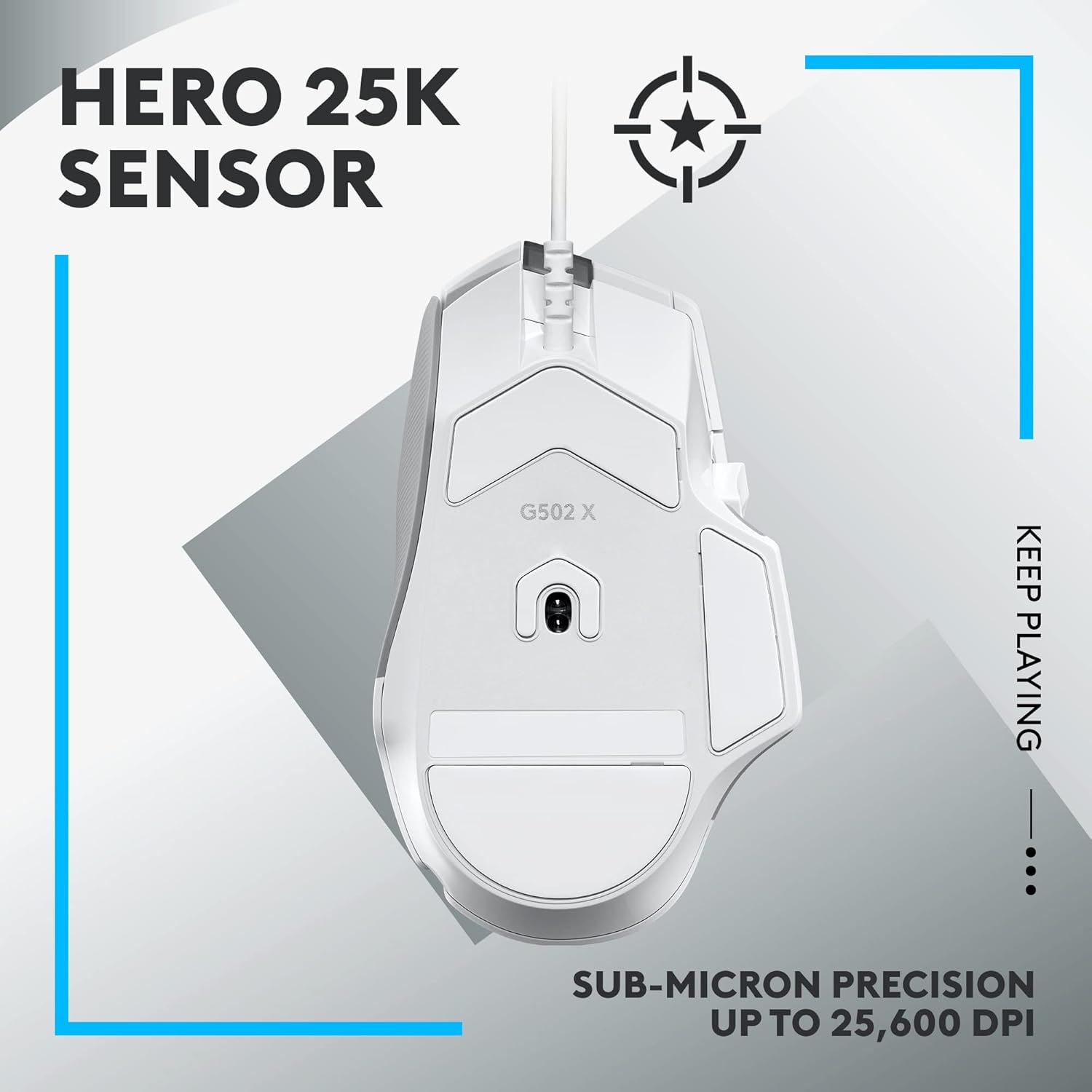
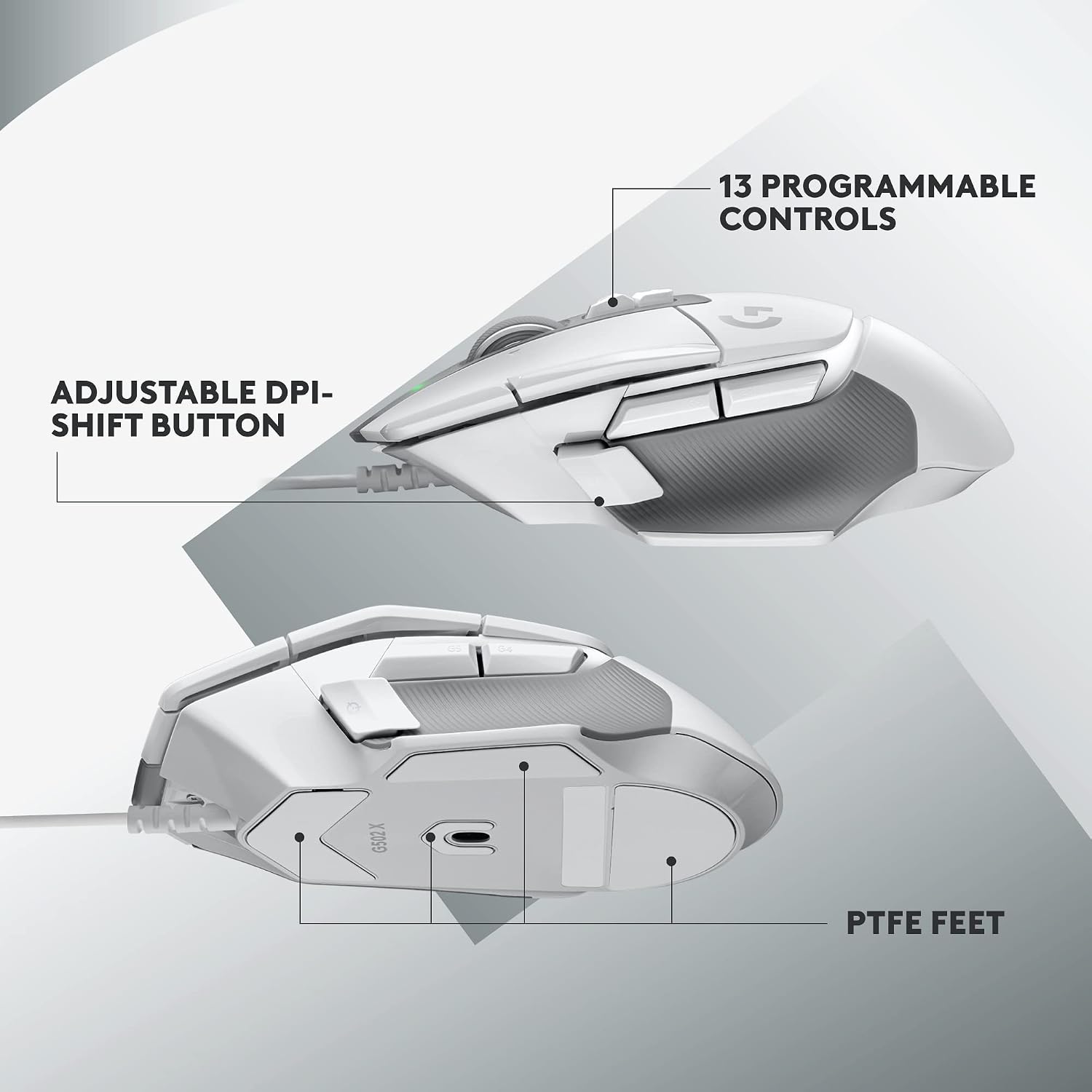
A key feature is the LIGHTFORCE hybrid optical-mechanical primary switches, designed for speed and crisp actuation. This means quicker response and a more tactile feel without sacrificing durability. The HERO 25K gaming sensor promises high-precision tracking with minimal smoothing, filtering or acceleration, which can translate to more exact aiming and movements on screen. The DPI-shift button has been redesigned to be reversible and removable, letting you tailor button placement to grip and preference, which is handy if you switch between palm and claw grips. The scroll wheel now supports a hyperfast free-spin mode as well as a ratchet mode, plus tilt actions for two extra customisable controls.
Core tech in plain terms
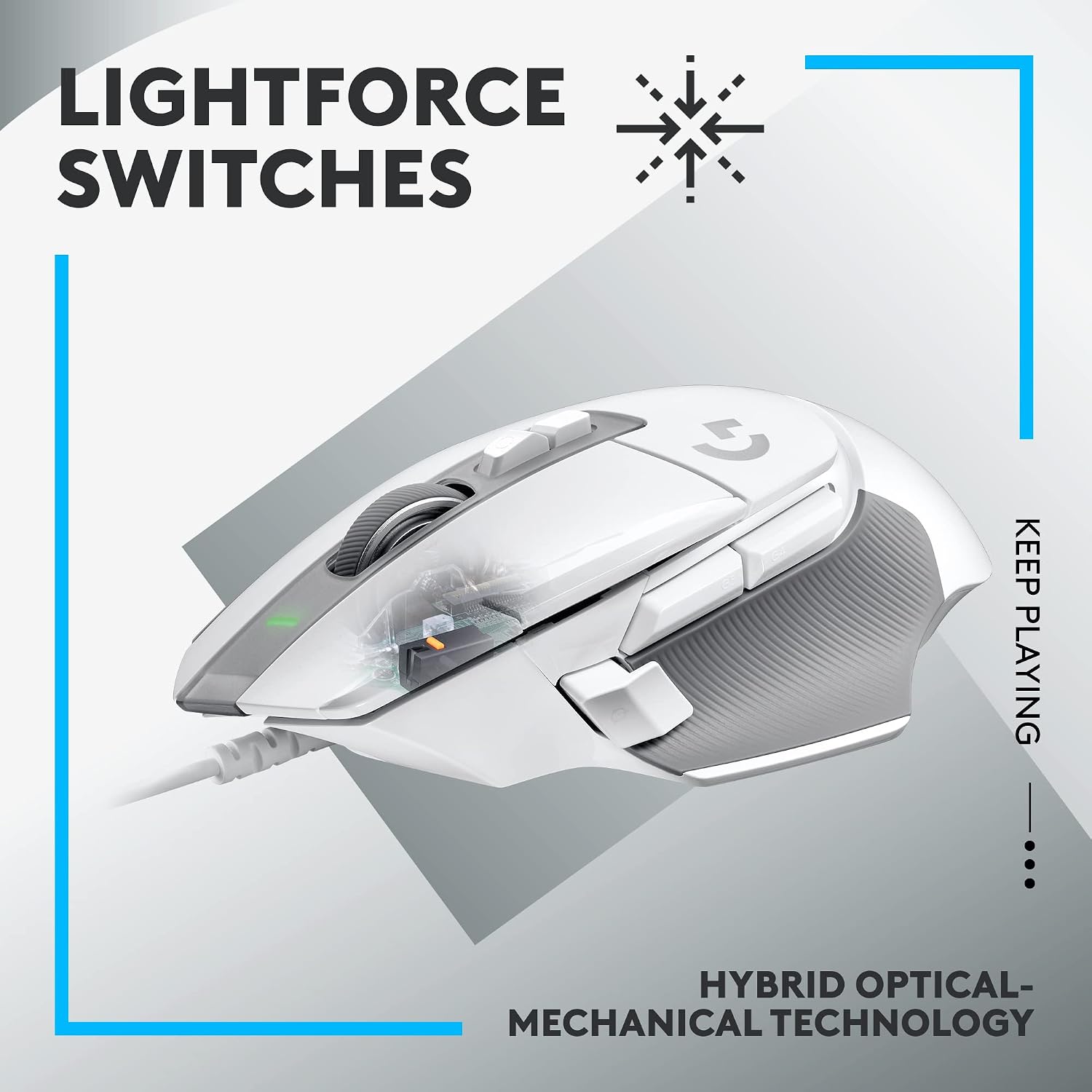
On paper, the combination of LIGHTFORCE switches and the HERO 25K sensor is meant to offer fast actuation, reliable click response and precise tracking across multiple DPI settings. The wired connection removes wireless latency concerns, which matters in fast-paced titles. You can expect a straightforward plug‑and‑play experience on PC and macOS, with software optional for deeper customisation.
The best bits
- Hybrid optical-mechanical switches aim for speed and reliability.
- HERO 25K sensor promises high precision with minimal processing artefacts.
- Reversible, removable DPI button adds customisation for different grips.
- Hyperfast scroll wheel provides quick navigation and an alternative left/right tilt for extra controls.
- Available in black and white to suit different setups. These features collectively make the G502 X a solid candidate for players who want a robust, feature-rich mouse without constantly rejigging settings.
Where it might fall short
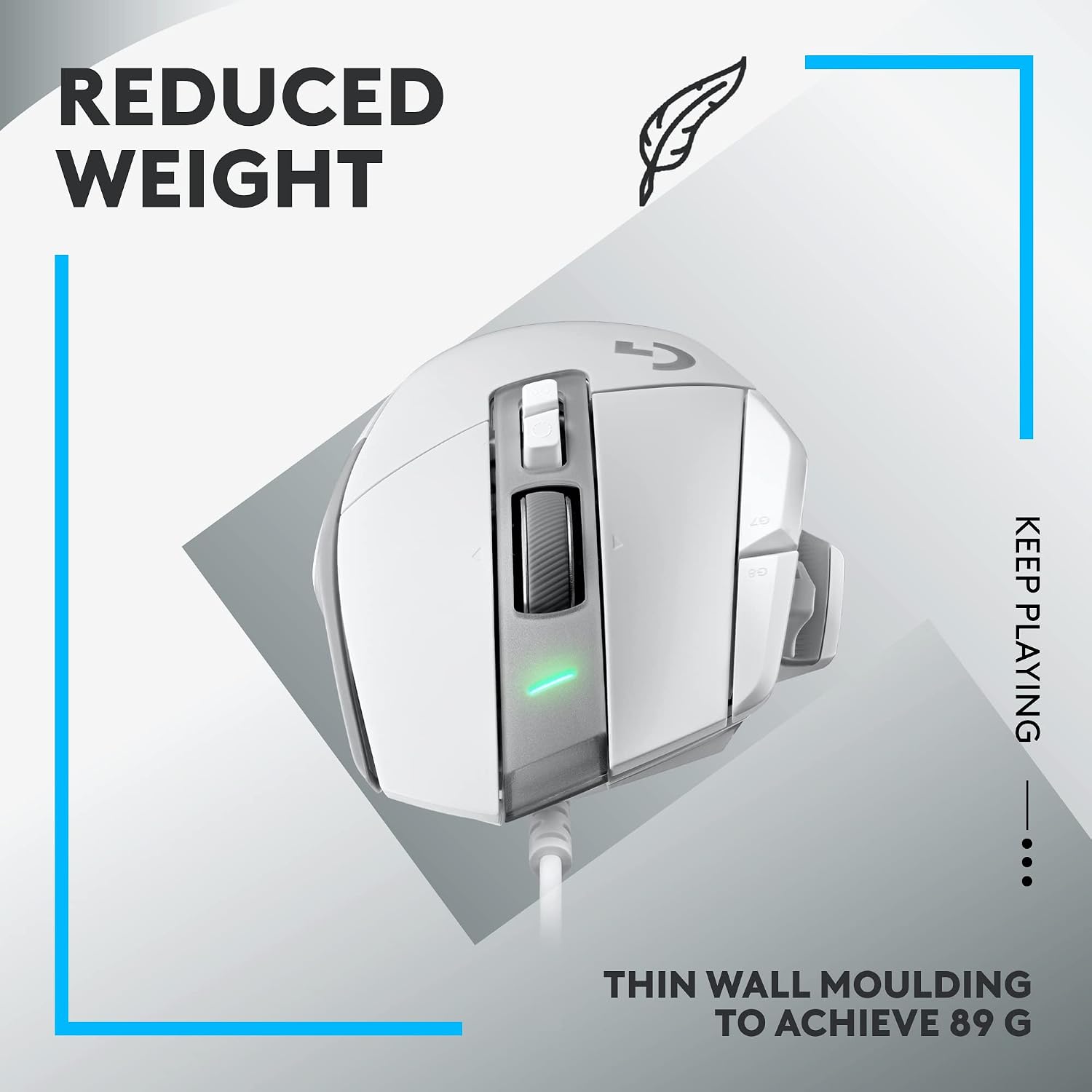
The model is not a budget option, it sits in a mid-to-high value segment, so if you’re after something ultra-simple or minimalistic, this could feel overkill. Some users may prefer a lighter weight or a simpler button layout, and the full suite of customisation is most fully realised when you’re comfortable adjusting settings in the software. Also, as a wired mouse, you’ll want to ensure your desktop space and cable length meet your needs.
Practical use cases
- FPS and MOBA players who benefit from precise sensor output and customisable button placements.
- Anyone who wants a wired setup to avoid wireless latency in competitive play.
- Users who like to tailor their DPI profile and button layout to different games or grip styles. A concrete scenario: you’re practising snappy crosshair flicks in a shooter, and the reversible DPI button lets you switch DPI on the fly without changing grip.
Who it’s for and who might skip it
Conviene tener en cuenta if you value high-precision tracking and extensive hardware customisation and you don’t mind investing in a capable mid-to-high end mouse. It’s likely less suited for those seeking a featherweight, ultra-simple creature in a clutter-free setup or someone who plays casually and won’t use the programmable features regularly. If you prioritise portability in a laptop-only workflow, a lighter option could be more appealing.
Before you buy: what to double-check
- Compatibility with your OS and whether you’ll use the software for fine-tuning, or prefer to run with default profiles.
- How you grip your mouse and whether you’ll benefit from the DPI button being reversible.
- Whether your gaming needs include rapid scrolling and extra controls via wheel tilt.
- Cable length and desk space to accommodate a comfortable, stable stance during long sessions.
A quick comparison mindset
If you’re deciding between this and a more basic wired option, the G502 X leans into customisation and precision. If you want a plug‑and‑play device with fewer settings, a more streamlined model might suffice. For those who value durability and a recognised design heritage, the G502 X sits as a compelling middle ground, offering more control features than entry-level mice but not locking you into a proprietary, high-price ecosystem.
FAQ (practical answers)
- Does it work with both Windows and macOS? Yes, it is compatible with PC and macOS.
- Can the DPI button be moved or removed? Yes, it is redesigned to be reversible and removable to suit grip preference.
- Is it suitable for long gaming sessions? The combination of precision sensor and robust switches is aimed at durability and steady performance, though comfort will depend on your grip and hand size.
Decision point
Is it worth it?
Worth considering if you prioritise precise tracking, fast response and a high level of button customisation in a wired form factor. If you value a straightforward setup with fewer adjustments, it may feel more feature-dense than needed. For dedicated gamers who want a reliable, upgradeable base with room to personalise, this mouse makes sense.