

ATTACK SHARK X11 SE wireless gaming mouse (BT/2.4G/USB-C) with PAW3311 sensor and 65 hours battery
Reviews
Price
Product description
The essentials
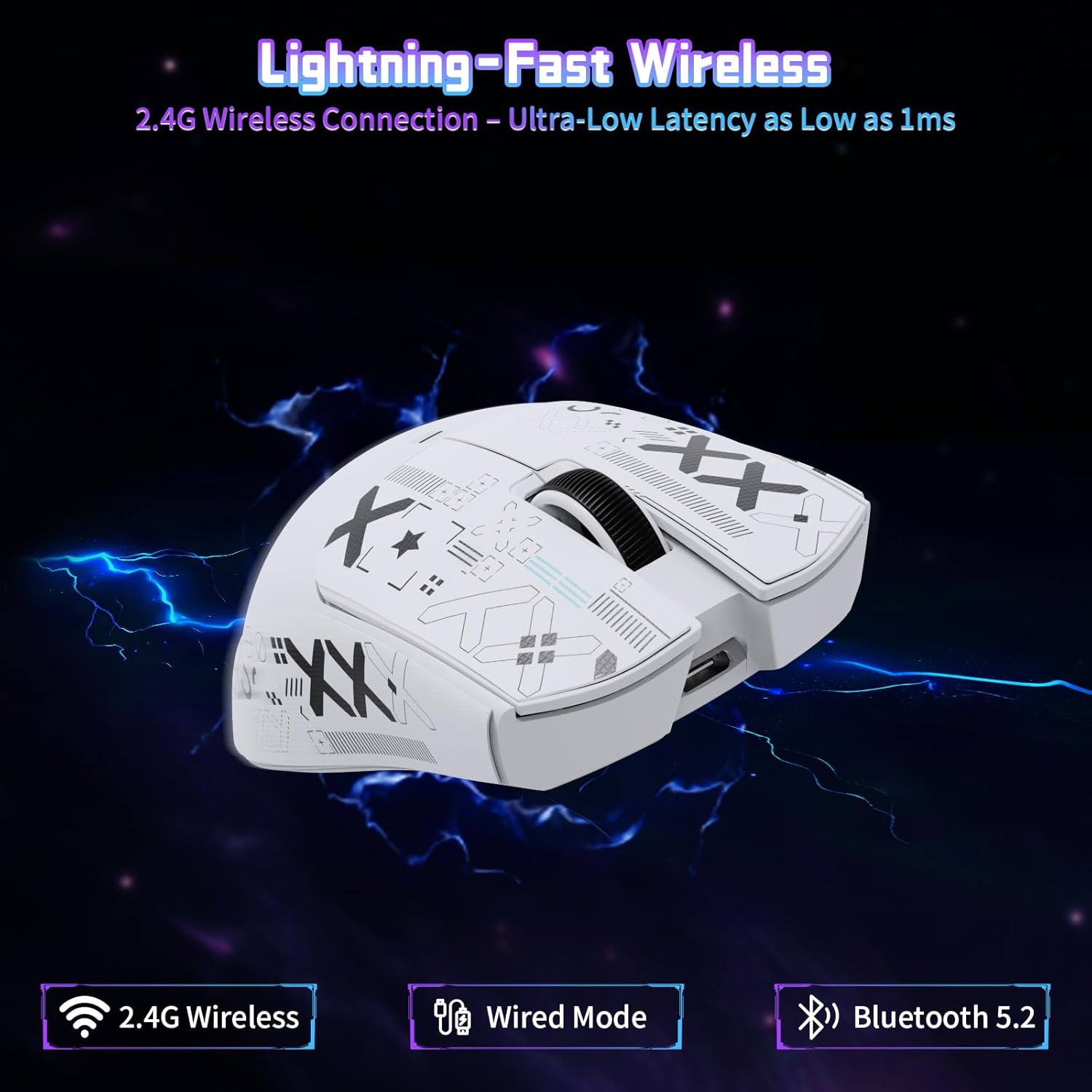
If you’re after a mouse that can switch between work and gaming without you constantly re-plugging, the ATTACK SHARK X11 SE is built for exactly that kind of day. It supports three connection modes: wired via USB-C, wireless over 2.4GHz, and Bluetooth. On paper, that mix makes it useful if you bounce between a desktop, laptop, and even an Xbox/PS setup.
The headline spec is the PixArt PAW3311 optical sensor paired with a wide DPI range (800 up to 22000). You also get a lightweight feel at 63g, plus 5 programmable buttons. There’s a lot going on for the money, but it’s not the kind of mouse that’s “perfect for everyone”, depending on how sensitive you are to things like software workflow and the feel of a particular sensor/DPI step setup.
Key features that matter in real use
The three connection options are the big practical win. You can change modes using a button on the underside, which is handy if you’re leaving the mouse docked to your PC one minute and want it to pair to a tablet/laptop the next. Bluetooth also means fewer dongles, though Bluetooth performance can be more variable than 2.4GHz depending on your setup.
In gaming terms, the claimed responsiveness looks strong: the mouse is designed for low latency (up to 1ms over wired and 2.4GHz) and uses a 1000Hz polling rate (as stated). That’s the sort of spec sheet detail you’ll notice most in fast flicks and quick aim corrections rather than in slow, deliberate play.
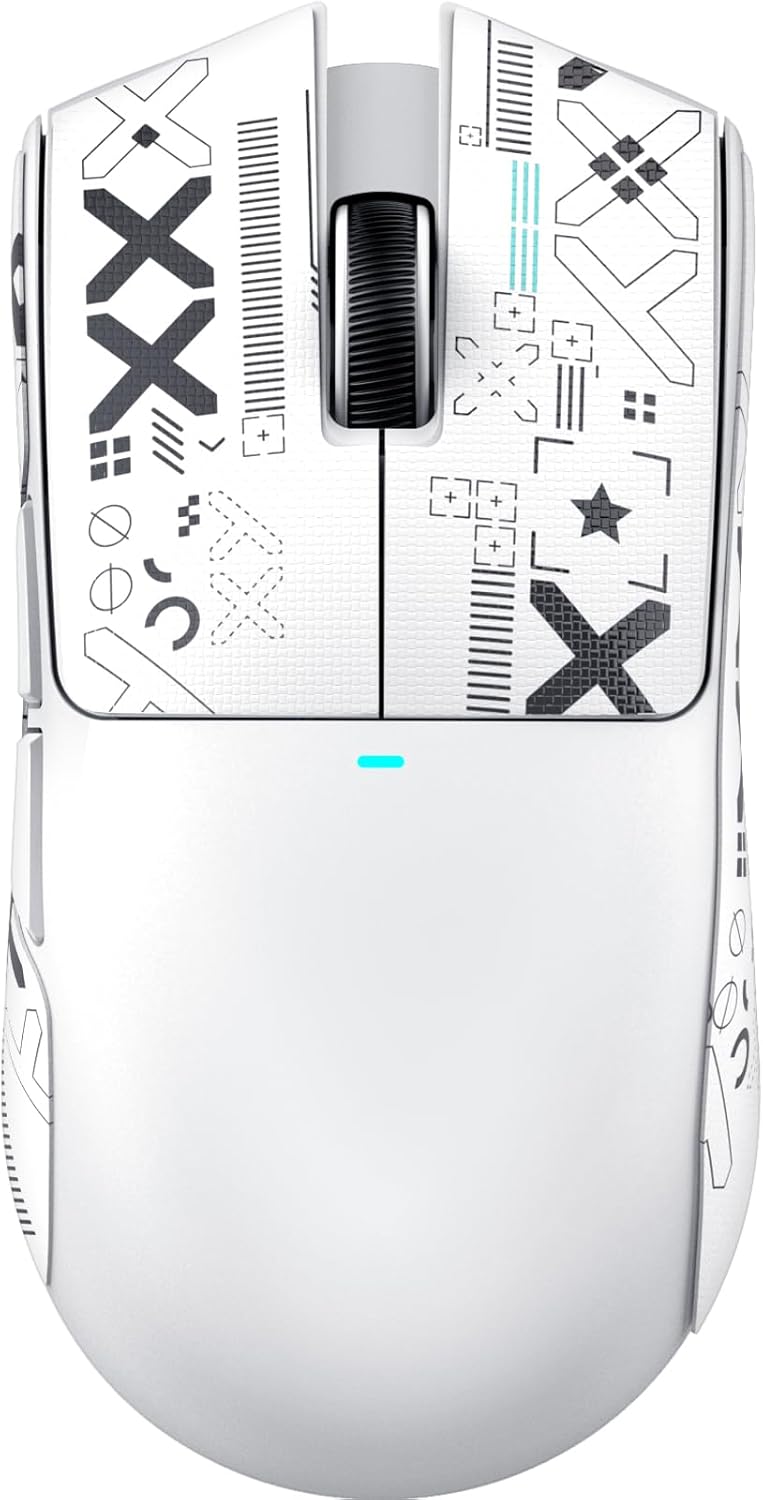
It also includes a pre-applied anti-slip tape (self-adhesive, meant to be residue-free when removed) designed to give a smoother, more controlled grip and help with sweat absorption. It’s a small touch, but if you’ve ever felt a mouse get slippery mid-match, it’s the kind of feature you’ll appreciate more than you expect.
Tech summary
Here’s what ATACK SHARK lists for the X11 SE, in a straightforward way:
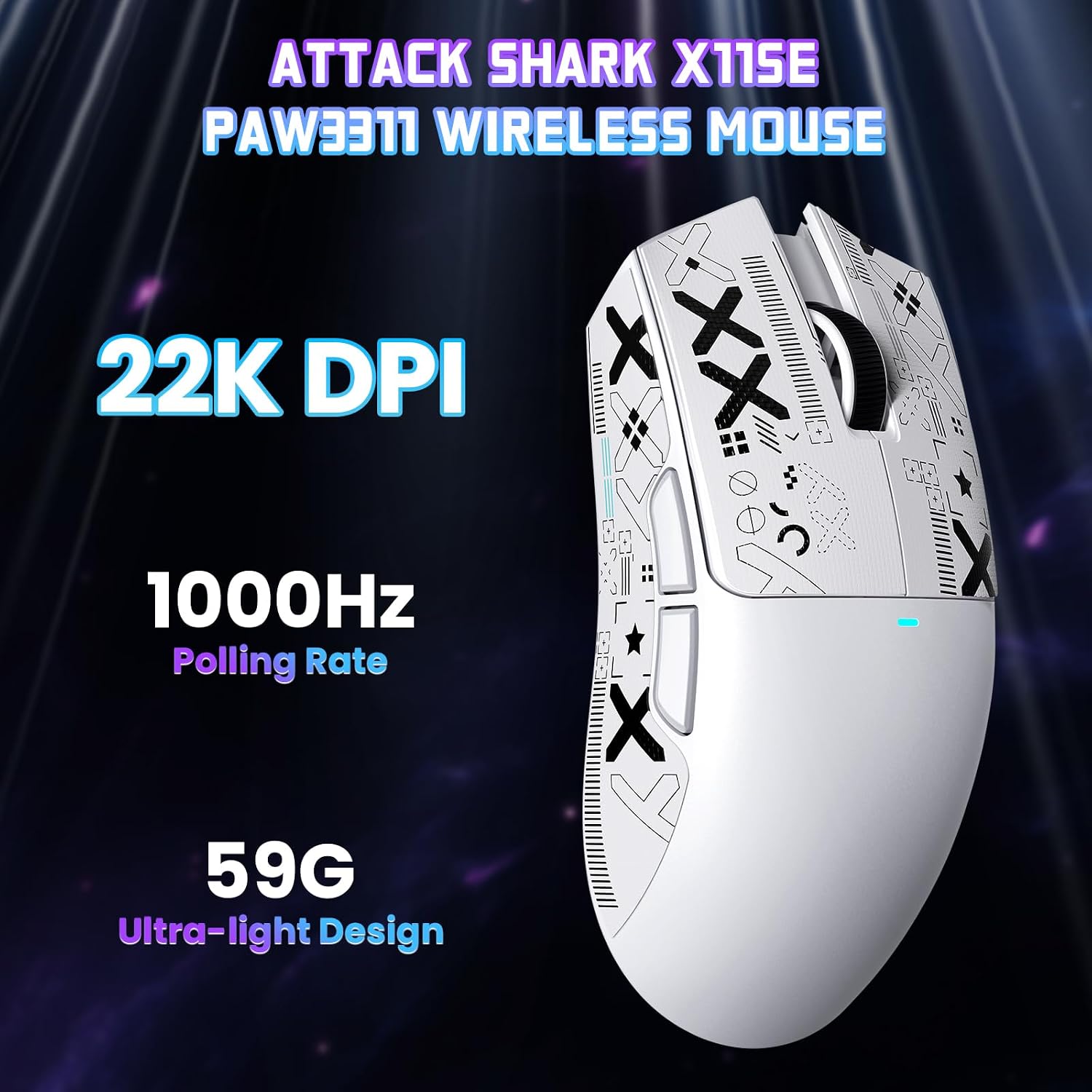
- Type: Wireless/wired gaming mouse with Bluetooth and 2.4G
- Name: ATTACK SHARK X11 SE
- Sensor: PixArt PAW3311 optical
- DPI range: 800 / 1600 / 2400 / 3200 / 5000 / 22000 (6 levels)
- Max tracking speed: 300 IPS
- Polling rate: 1000Hz
- Max acceleration: 35G
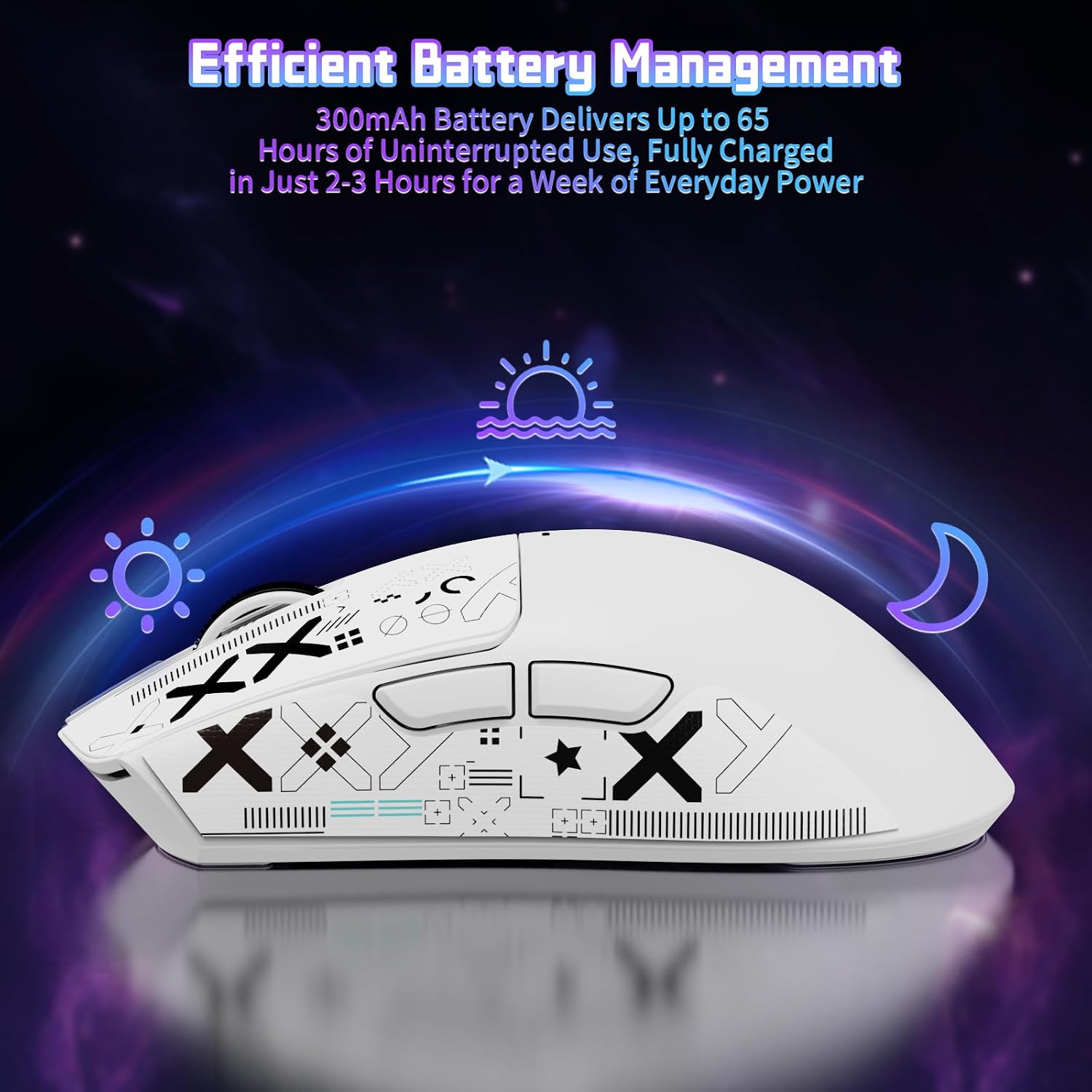
- Battery life: up to 65 hours (one charge)
- Charging time: approximately 2-3 hours for a full charge
- Weight: 63g
- Switch rating: up to 20 million clicks (HUYU switches + TTC encoder mentioned)
- Buttons: 5 programmable buttons
- Connectivity: USB-C (wired), 2.4GHz wireless, Bluetooth
What you’ll notice day to day
At 63g, the mouse should feel nimbler than heavier office-style mice, especially if you prefer lighter, faster movements. The ergonomic shape is also meant to reduce fatigue during longer sessions.

The DPI handling is clearly set up for quick changes, and each DPI level is paired with a different colour light inside the mouse. That means you can sanity-check your current DPI at a glance, rather than diving into software every time.
The 5 programmable buttons give you room to map shortcuts, DPI/tuning changes, and macros. One thing to be aware of: if you’re the type of user who doesn’t want software at all, you may find this less satisfying, because the customisation is tied to the controller software (with an online version referenced for Linux and macOS).
Where it shines (and where it may not)
It makes sense if you want one mouse that works across different setups thanks to wired + 2.4GHz + Bluetooth. This is particularly appealing if you play casually but still care about responsiveness, and you also want a mouse that feels comfortable for day-to-day computer use.
However, it might not be the best match if you’re chasing the most “dialled-in” performance for a specific competitive niche, because you’re limited to the listed six DPI steps rather than something fully granular. Also, the “up to 65 hours” figure is good on paper, but real battery life can depend quite a bit on your usage pattern (lighting, connection mode, and how often you switch).
How to get the most from it
A simple way to approach it is to pick one connection mode for each device and keep your switch routine consistent. For example: 2.4GHz for gaming sessions on your main PC, and Bluetooth when you’re working away from the desk. If you’re sensitive to grip, try the included anti-slip tape method early—place it where your fingers naturally rest, then see if it reduces any slipping during longer sessions.
If you like having different sensitivities ready, set your most-used DPI levels and keep them mapped to what you actually switch between. The included options mention adjusting things like lift-off distance and poll rate within the software, so there’s room to tune your feel rather than using default settings only.

Mini FAQ
Is the ATTACK SHARK X11 SE good for both office and gaming?
The manufacturer positions it as usable for both. With its multi-connection support, programmable buttons, and performance-focused sensor specs, it’s designed to cover both everyday tasks and gaming sessions.
Can I use it without the software?
You can still use the basic functions, but the more advanced customisation (like macros and parameter changes) is described as available through the controller software.
Does it support Bluetooth and a 2.4GHz wireless mode?
Yes. It offers Bluetooth, 2.4GHz wireless, and also wired USB-C operation.
How long does the battery last?
The listed claim is up to 65 hours on one charge, with a full recharge time of roughly 2-3 hours.
What platforms is it compatible with?
The description mentions compatibility with Windows XP/Vista/7/8/10/11, Linux, and macOS, and it also references use with Win11/Xbox/PS in the product name.
Final verdict
Worth considering if you want a lightweight, multi-connection gaming mouse that can realistically follow you between devices, with a strong sensor spec and a decent battery claim for wireless use. It’s not for you if you need ultra-fine DPI control beyond the six steps, or if you prefer a completely software-free setup. Before buying, it’s sensible to double-check that your preferred connection mode (especially Bluetooth vs 2.4GHz) matches how you actually use your devices, and whether you’re comfortable applying and living with the included anti-slip tape for the grip you like.