

YUNZII B98 PRO QMK/VIA Wireless Mechanical Keyboard (Milk V2 Pink) with 96% Layout
Product description
What it is and who it’s for
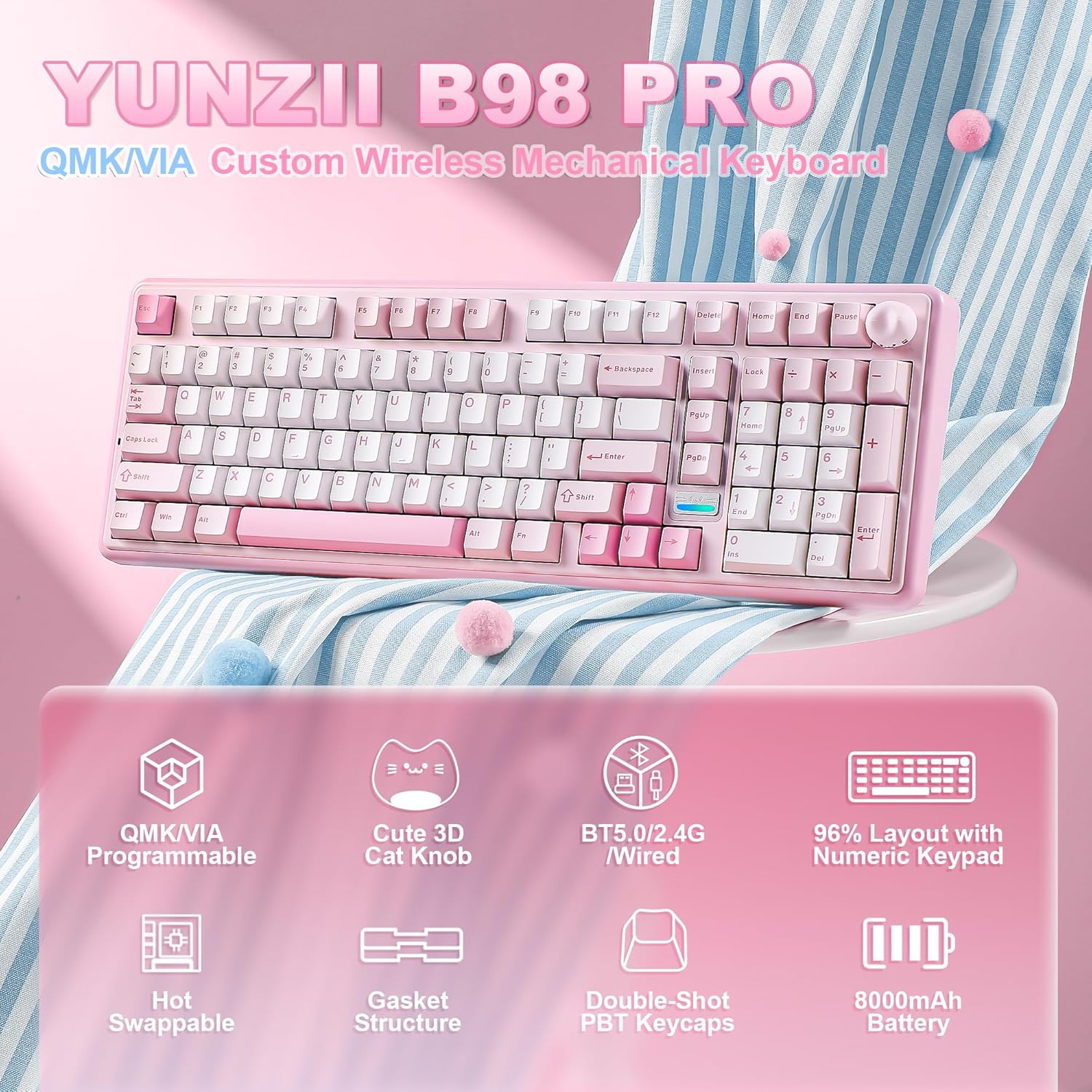
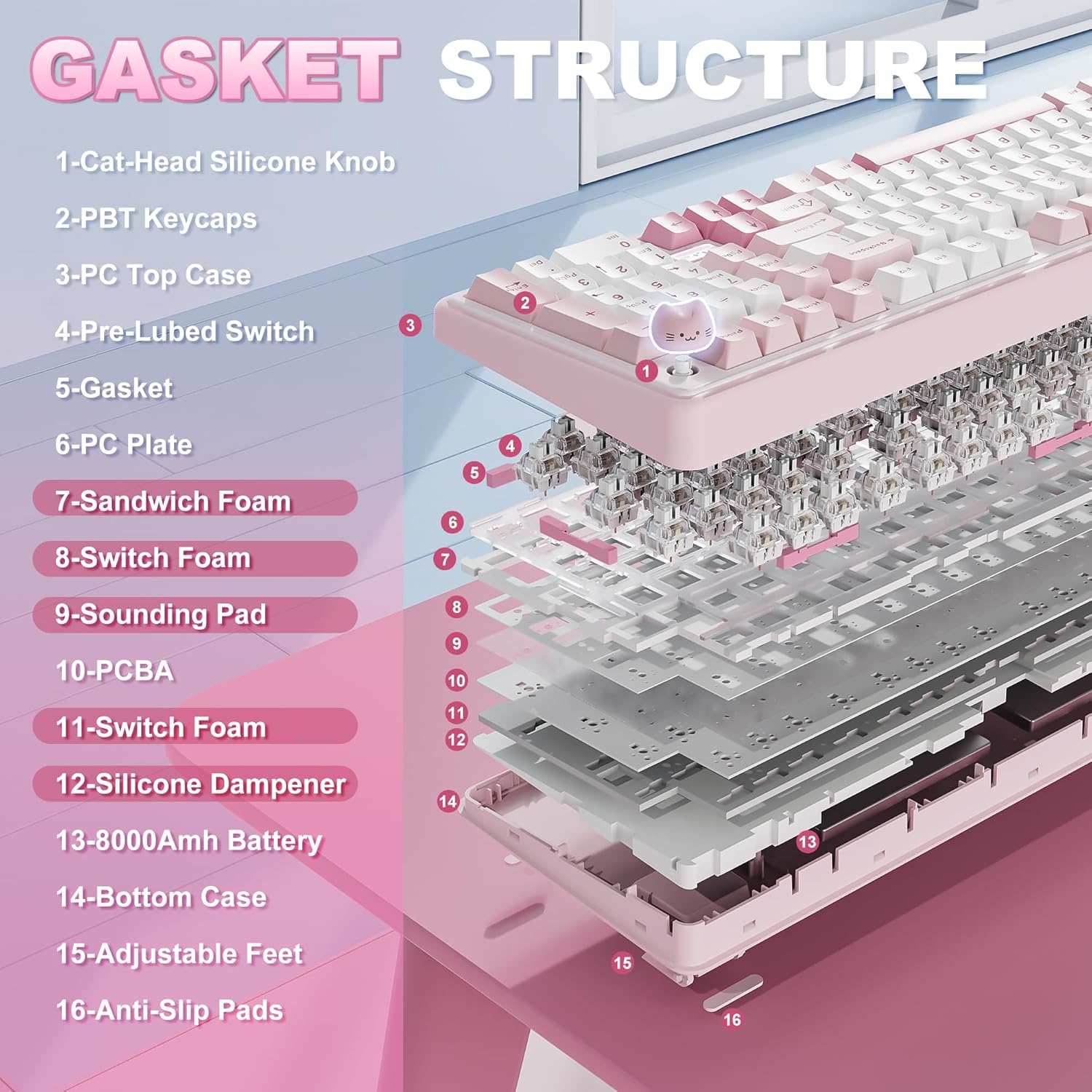
The YUNZII B98 PRO is a wireless mechanical keyboard that combines a compact 96% layout with a dedicated numeric keypad, aimed at both productivity and gaming. It’s built around a gasket mounting system with a five‑layer filling, designed to soften keystrokes and reduce hollow echoes. If you value a creamy, smooth typing feel and the flexibility to switch between work and play without docking your desk to a charger, this keyboard is worth considering.
How it feels and sounds
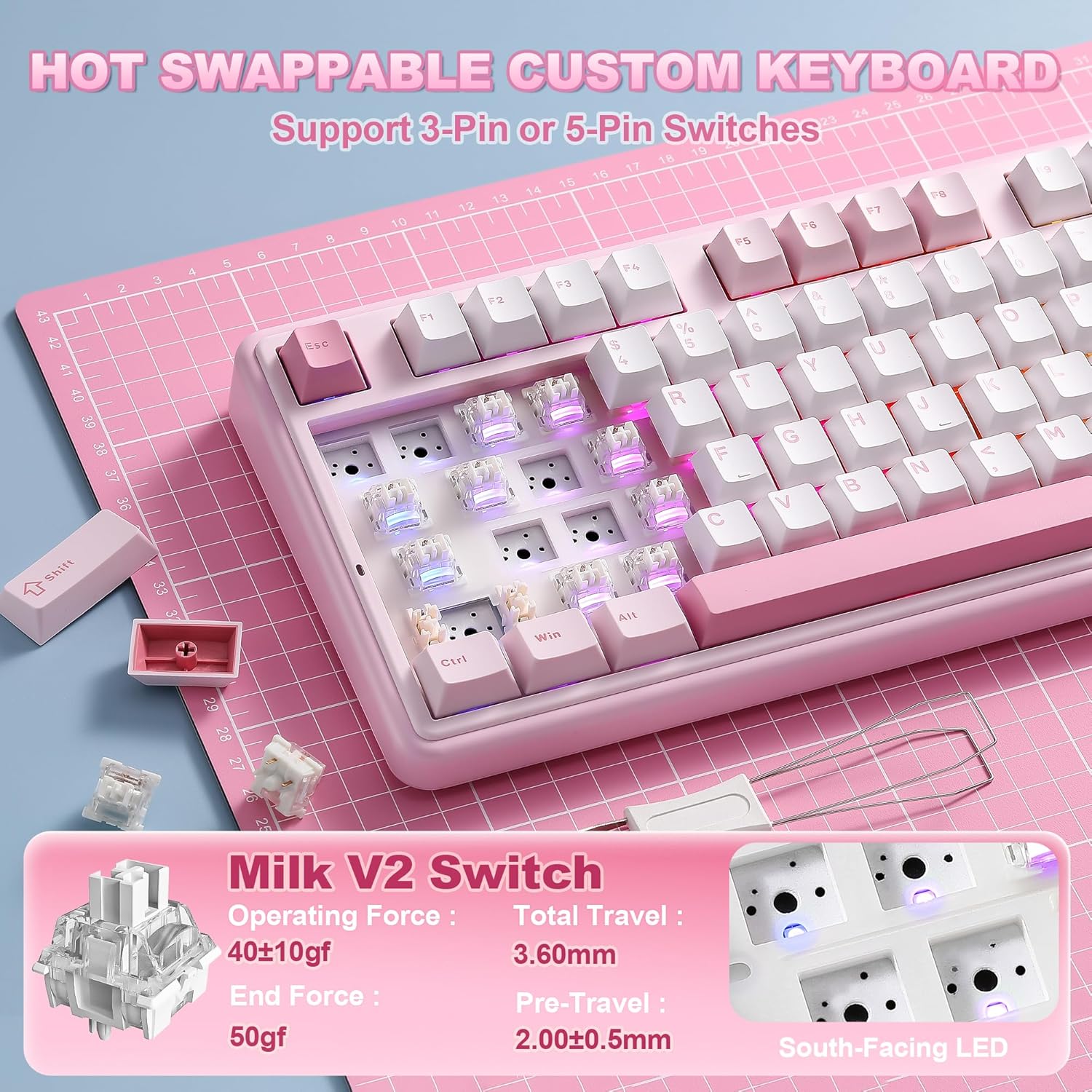
A standout feature is the hot‑swappable base, compatible with 3‑pin and 5‑pin switches, which means you can tailor the feel without soldering. Pre‑lubed switches and tuned stabilisers contribute to a consistent, creamy sound and accuracy during long typing sessions or late‑night gaming. The connection between the typing feel and sound is further refined by the gasket structure and internal dampening, so you’re unlikely to get a harsh ping on louder keystrokes. For many, the creamy thock is pleasant, but it won’t be perfect for everyone—sound preference is personal, and the kit may still require tweaks depending on your keycap and switch choice.
Connectivity and power in one package
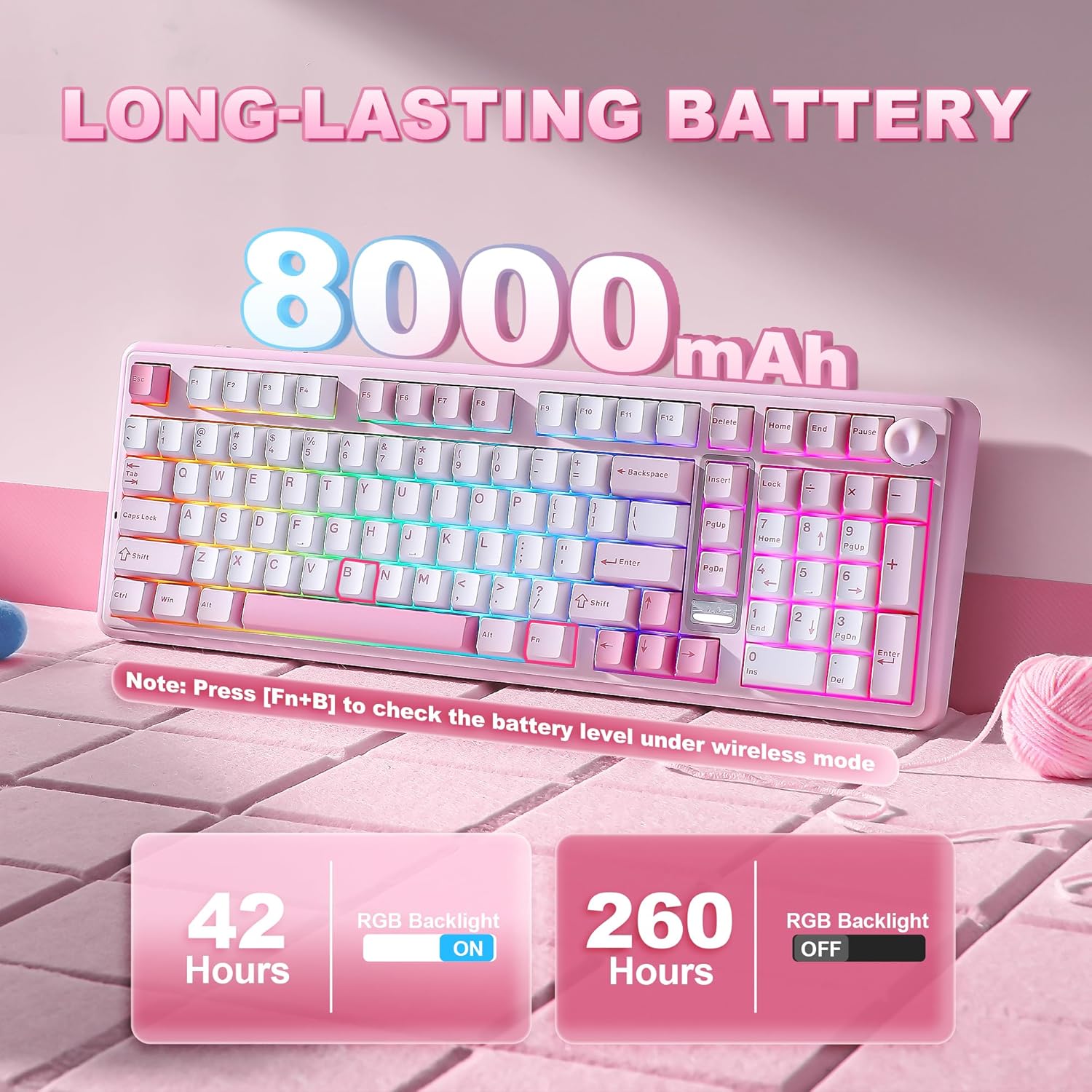
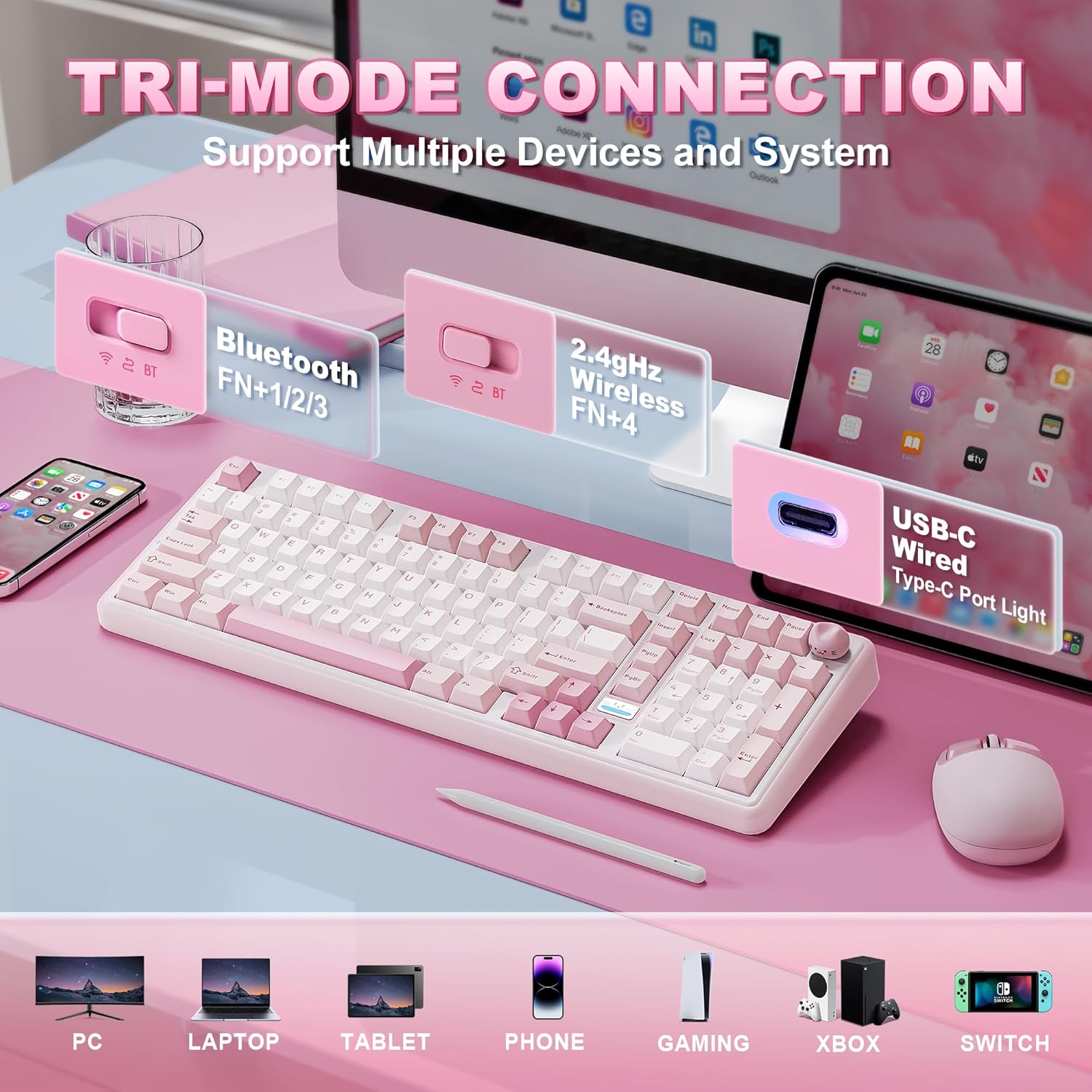
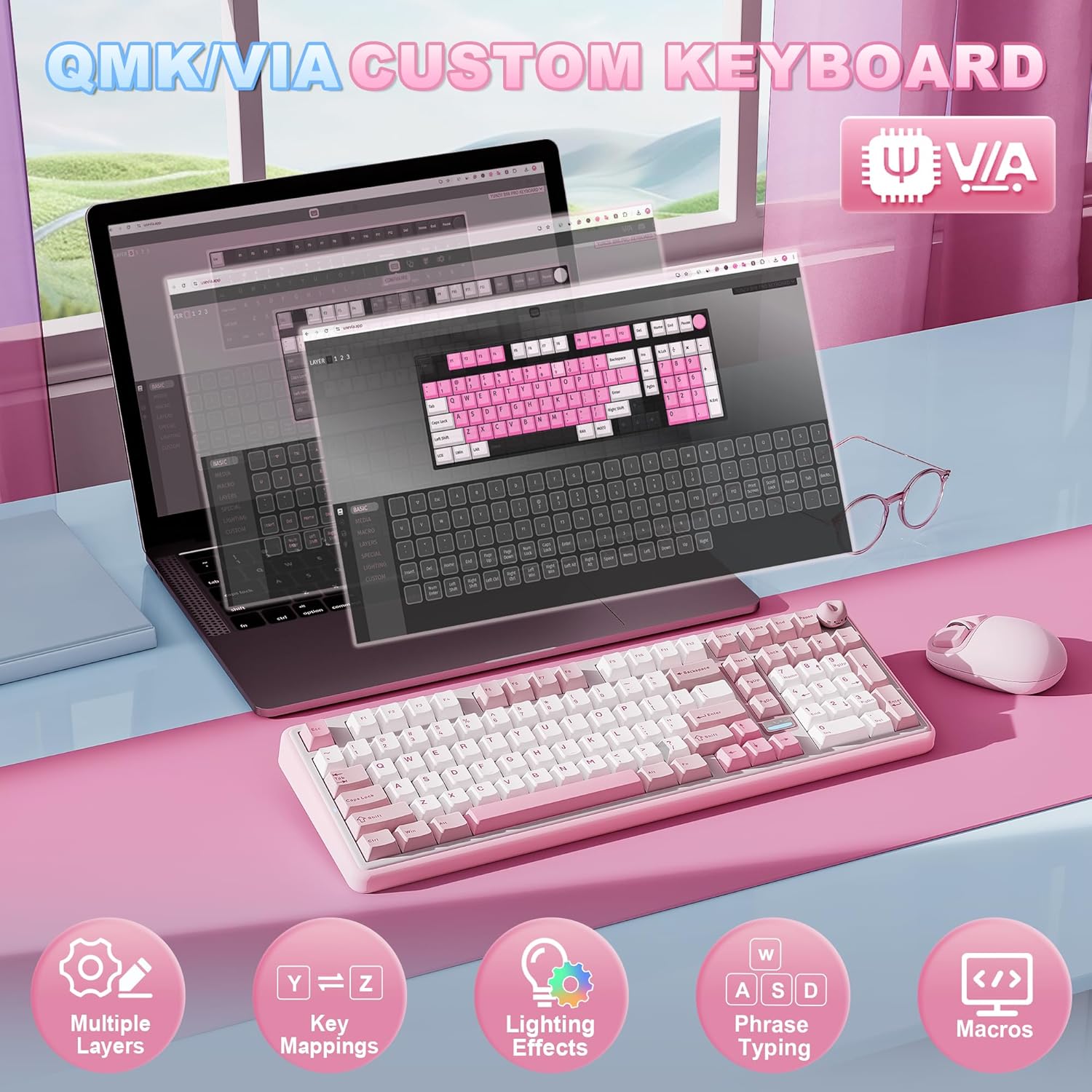
Triple‑mode connectivity (Bluetooth 5.0, 2.4GHz, and USB‑C) lets you pair the B98 PRO with up to five devices across Windows, Mac, and Android. A very large 8000mAh battery supports extended sessions away from a desk charger, making it suitable for long workdays or gaming marathons. A small companion detail—under the stand a 2.4G receiver can be tucked away—helps keep the setup tidy. If you tend to switch devices often, the firmware openness of QMK/VIA means you can remap keys, set up macros, and build multiple RGB profiles to match each device or use case.
Design and ergonomics in daily use
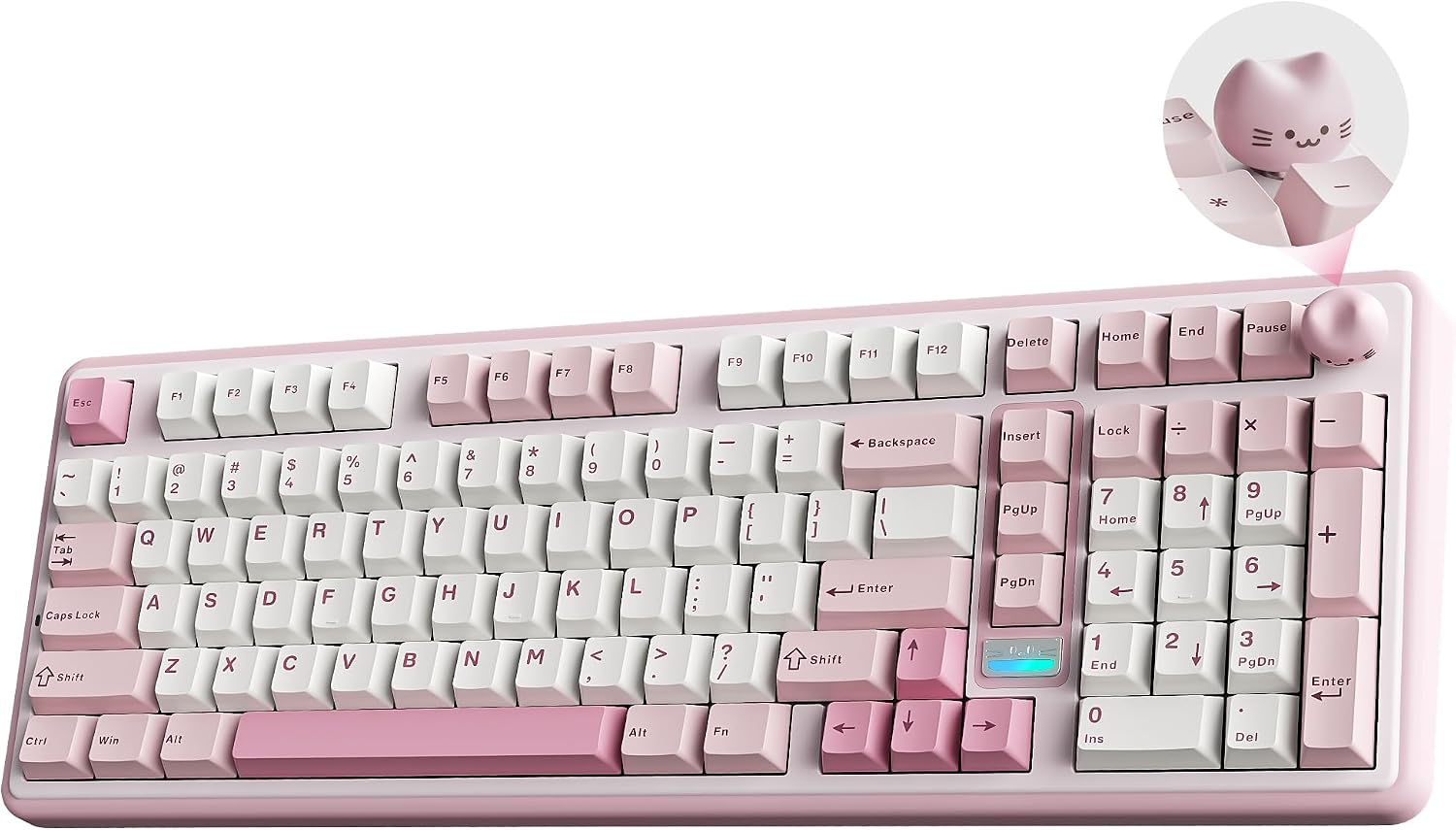
The keyboard ships with pre‑lubed switches and stabilisers, reducing stiction and wobble. The pink Milk V2 colourway with a cute cat knob adds a playful touch, and there’s a choice between two knobs: a 3D cat knob and a round metal knob that you can swap to suit mood or task. The dual‑stage stand and Cherry‑profile keycaps are intended to promote a comfortable, natural typing angle for longer sessions. The RGB backlight supports 16.8 million colours and is south‑facing, which tends to brighten the keys without overpowering the desk setup.
What to compare it against (contextual choices)
If you’re weighing this against a full‑size board, the B98 PRO’s 96% layout is a sensible compromise: you keep the numeric keypad and gain desk space. In the world of wireless, you’ll find other options with fewer layers of software control, however, the combination of VIA/QMK customization, hot‑swap versatility, and a long‑lasting battery sets this apart for users who want both hardware flexibility and work‑day reliability. For strictly plug‑and‑play users, or those who don’t care for hot‑swap or per‑profile lighting, this may feel more than necessary.
Strengths and potential limitations
You’ll likely appreciate the ability to customise through QMK/VIA, the long battery life, and the tactile, premium feel of the gasket‑mounted chassis. On the flip side, the 96% form factor, while compact, still isn’t pocket‑sized and the initial sound and feel are very subjective—your ideal “creamy” tone may require a switch or keycap swap to taste. If you prioritise minimal weight or a near‑silent clack, you might experiment with different switches or dampening further.
Who it’s best for
This board suits buyers who want a more compact keyboard without sacrificing a separate number pad, and who enjoy deeper software customization for gaming or content creation. It’s a practical choice if you balance remote work with occasional esports or fast‑typing tasks and you’re comfortable tuning a keyboard to your preferences.
Who should think twice
If you rely on a rock‑solid out‑of‑the‑box experience with minimal maintenance, you may prefer a simpler, wired setup or a board with fewer customisation levers. If your priority is ultra‑light travel or a noiseless keystroke, you could find the initial “creamy” sound a bit soft or variable until you experiment with switches and dampening.
Before you buy: what to check
- Power and charging expectations: ensure you’re comfortable charging via USB‑C and using Bluetooth/2.4GHz on multiple devices.
- Personal feel: consider whether you’ll want to swap switches later and how the included pre‑lubed options align with your preferred sound and feedback.
- Keycaps and layout: the Cherry profile keycaps affect typing height, ensure this matches your comfort preference for long sessions.
- Software access: QMK/VIA support is valuable for advanced users, if you’re new to this, expect a learning curve to fully exploit macros and profiles.
In use: a practical vision
Imagine composing a long document or coding a micro‑project: you switch profiles for work and gaming with quick key reconfigurations, adjust volume on the cat knob, and glide through pages with a satisfying, steady keystroke. The standout feature is not just the looks but the ability to tailor controls when your workflow shifts during a session.
FAQ snapshot
- Is it really wireless across multiple devices? Yes, it supports Bluetooth 5.0, 2.4GHz, and USB‑C.
- Can I change switches easily? Yes, it’s hot‑swappable for 3‑pin and 5‑pin switches.
- Does it include RGB customization? Yes, via QMK/VIA with extensive lighting options.
Final decision
Is it worth it? Worth considering if you value a compact 96% layout with broad customisation, long battery life, and a playful but functional design that supports work and play alike. If you want plug‑and‑play simplicity or a ultra‑minimal travel keyboard, you may prefer other options. It should suit you if you’re prepared to invest time in tuning profiles and enjoying the tactile, premium typing experience. For many, the B98 PRO hits a practical balance between versatility and comfort for daily use.