


memzuoix LED Wireless Mouse (Green) – Rechargeable 2.4G optical mouse with RGB lighting
Product description
If you want a wireless mouse that looks fun on your desk but still behaves like a normal work companion, this memzuoix model is clearly aimed at that middle ground. The transparent, magnetic-cover style with soft RGB lighting is the headline here, and it’s paired with a rechargeable 2.4G optical setup that’s meant to be low-fuss (plug in the USB receiver, get going).
That said, not everything is rosy. LED lighting is exactly what drains battery life compared with running it off, and there are also some limitations around macOS side buttons. If you’re buying for quiet, distraction-free office use, the “LED flow” might feel more gimmick than necessity.
At a glance: what this mouse is for
This is a rechargeable wireless mouse using a 2.4 GHz USB receiver connection (so no Bluetooth pairing), designed for everyday computing on a laptop, desktop, or PC setup. The optical sensor is rated at 1400 DPI, which should be enough for typical office tasks like writing, browsing, spreadsheets and general navigation.
It’s also built around comfort and portability. The shape is compact and ergonomic, and the manufacturer states it’s designed to suit both right- and left-handed users. If you bounce between home, study, and work, that lightweight feel matters more than you might expect.
Where it shines in daily use
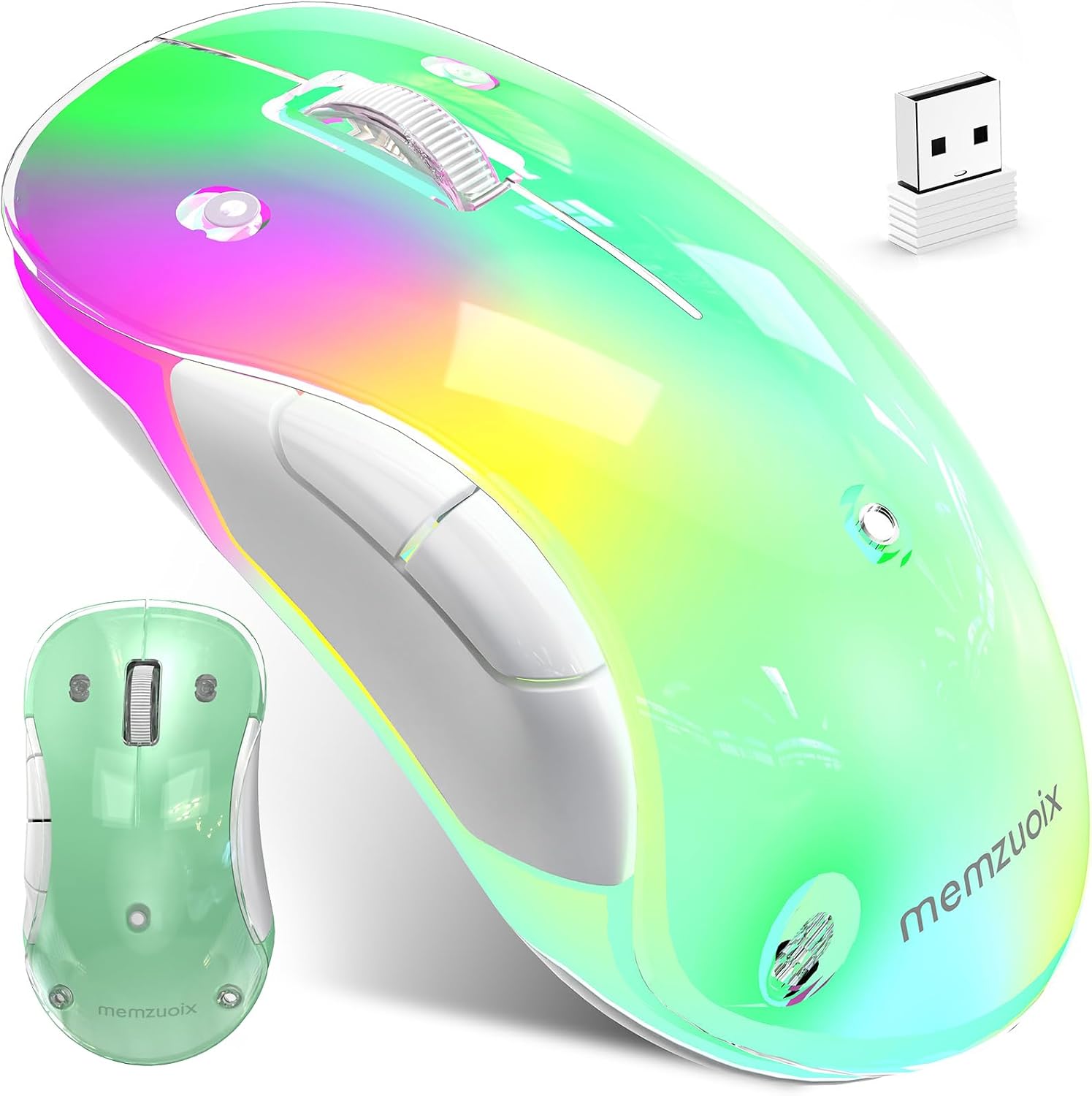
On paper, the daily appeal is the combination of convenience and sensible power-saving.
Convenience: pairing is essentially just plug-and-play. You plug in the USB receiver and you’re up and running—no drivers and no Bluetooth pairing step. For anyone who’s tired of fiddling with settings every time they switch devices, that’s a genuine quality-of-life win.
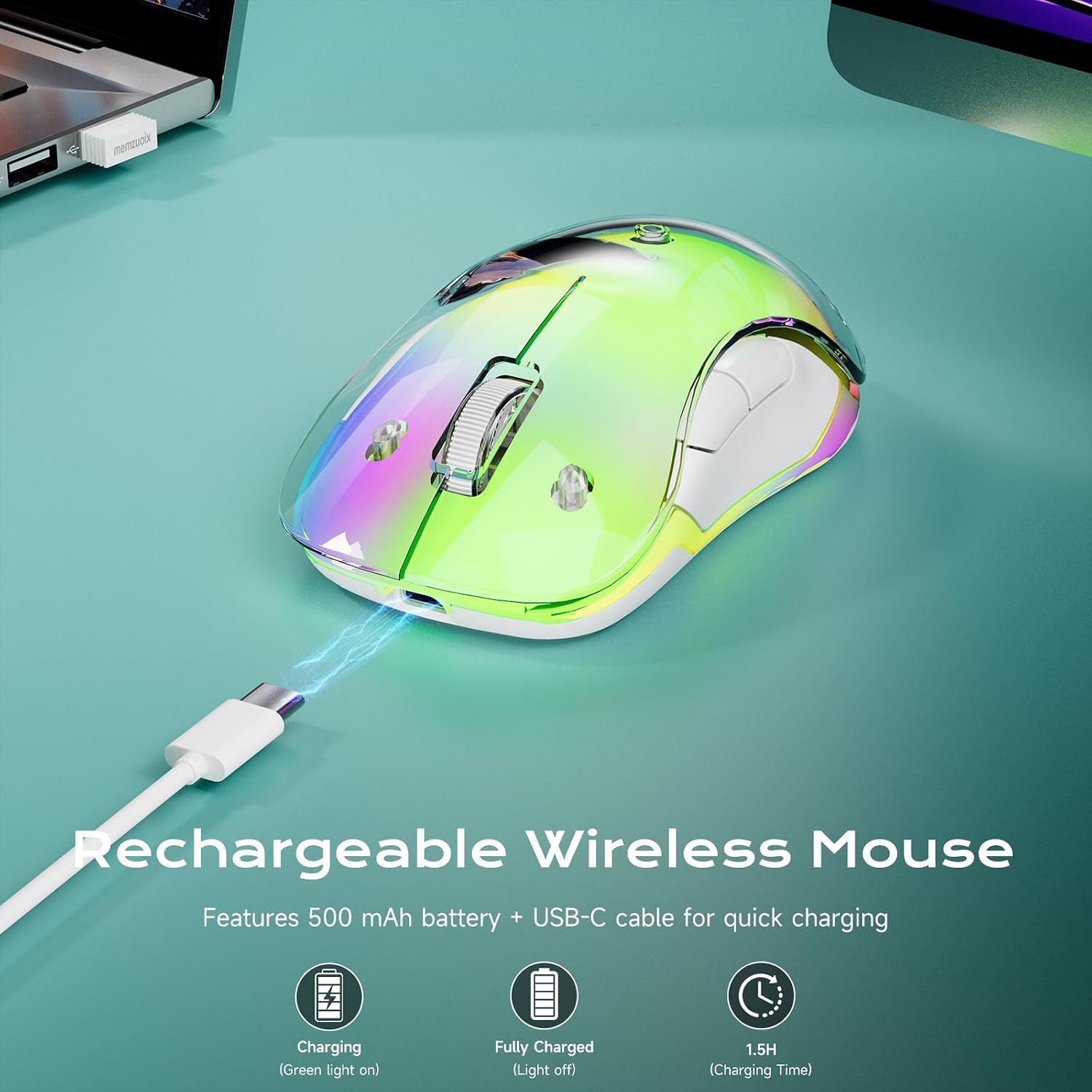
Power handling: the built-in rechargeable 500 mAh battery charges via USB-C (USB-A connector). The stated charging time is around 1.5 hours, and battery life depends heavily on whether you keep the LEDs on: - up to 17 hours with lighting - up to 90 hours with LEDs off
Sleep mode: it automatically enters sleep mode after 8 minutes of inactivity and wakes with a single click. In practice, that’s the sort of feature that helps if you forget to turn devices off.
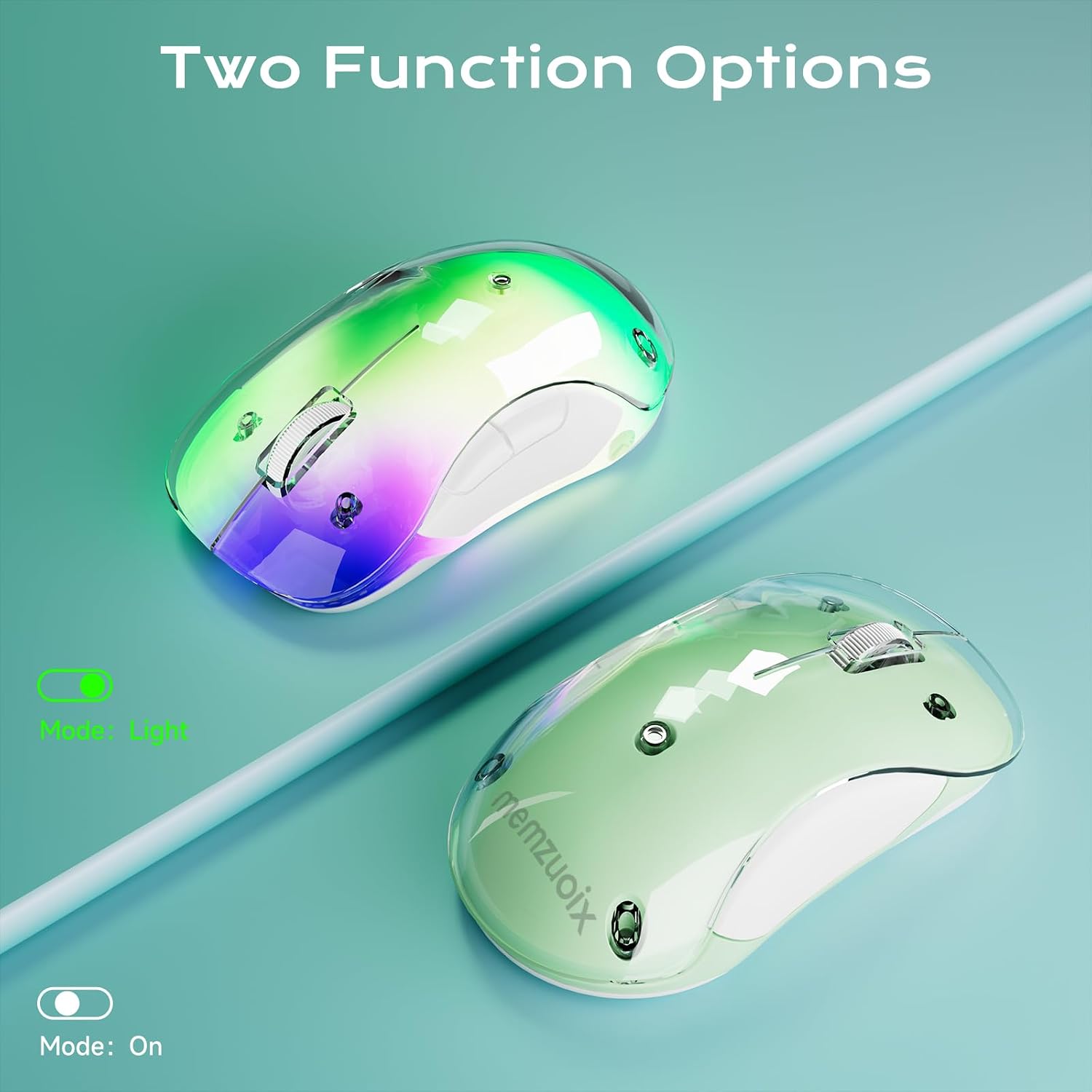
One more detail: the lighting indicator turns green while charging and switches off when fully charged. Small, but useful when you’re trying to guess “are we ready yet?”.
Tech specs that matter (and a few that could limit you)
This mouse is positioned as a mid-range practical pick with a decorative twist rather than a precision gaming tool.
Key specifications
- Type: Wireless optical mouse
- Connection: 2.4 GHz (USB receiver), no Bluetooth pairing required
- Rechargeable battery: 500 mAh (USB-C charging)
- Charging time: around 1.5 hours
- Battery life: up to 17 hours with LEDs on, up to 90 hours with LEDs off
- Auto sleep: after 8 minutes of inactivity
- DPI: 1400 DPI
- Wireless range: up to 10 m (33 ft)
- Size: 4.7 × 2.3 × 1.5 in
- Weight: 3.17 oz
- Compatibility: Windows 8/10/11/XP/Vista, macOS (side buttons not supported), and Linux
- DPI/sensor notes: optical sensor for smooth, accurate control (as described)
A key limitation to keep in mind: macOS side buttons aren’t supported. If you rely on those for back/forward or productivity shortcuts, you may find the experience a bit incomplete compared with a mouse that supports full button mapping on mac.
Also, the 1400 DPI figure is fine for everyday work, but if you’re used to high-DPI sensors for fast, accurate pointer movement, you might find this sits more in “comfortable normal use” than “performance-first”.
Design and comfort: the real-world feel

The transparent magnetic shell and flowing RGB effect are meant to brighten your desk without being too loud visually, at least according to the positioning. If you like the look of a modern setup, it will definitely stand out more than a basic office mouse.
Comfort-wise, it’s a compact ergonomic shape and the stated design is meant to work for both right- and left-handed users. At just 3.17 oz, it should be easy to live with during long sessions, especially on a laptop desk where you want something that doesn’t feel bulky.
Still, “lightweight and compact” can cut both ways: if you prefer a larger mouse body or a heavier feel, this one may feel a touch too small.
Compatibility: what it works with (and what to double-check)
It’s described as suitable for Windows 8/10/11/XP/Vista, macOS (with the side-button limitation), and Linux. Connection is via USB receiver, which is generally straightforward as long as you have a USB port available on your laptop or desktop.
If you switch between systems, consider how you use buttons. The stated note about macOS side buttons not being supported is the main thing to sanity-check before you buy. For Windows and general work, it’s presented as straightforward.
Who it’s a good fit for
It makes sense if you want a wireless mouse that’s:
- rechargeable, so you’re not constantly buying batteries
- simple to connect via a 2.4G USB receiver
- comfortable for everyday browsing and office-style tasks
- happy to have RGB lighting as a desk feature (and you can switch it off if you need longer battery)
It may not be the best choice if you’re after maximum button support on macOS, or if you want a distraction-free mouse where LEDs are never part of the story.
Mini FAQ
Does it use Bluetooth?
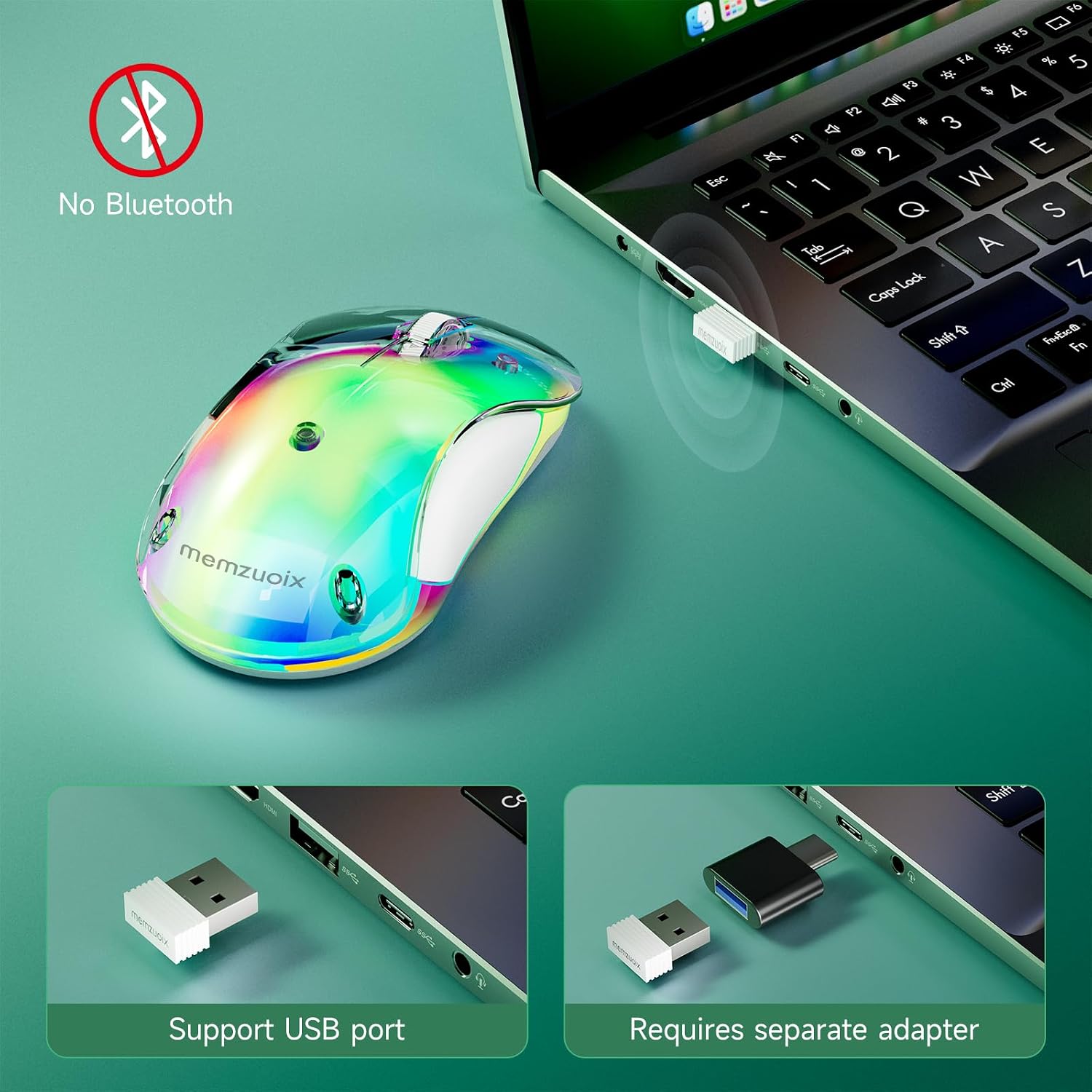
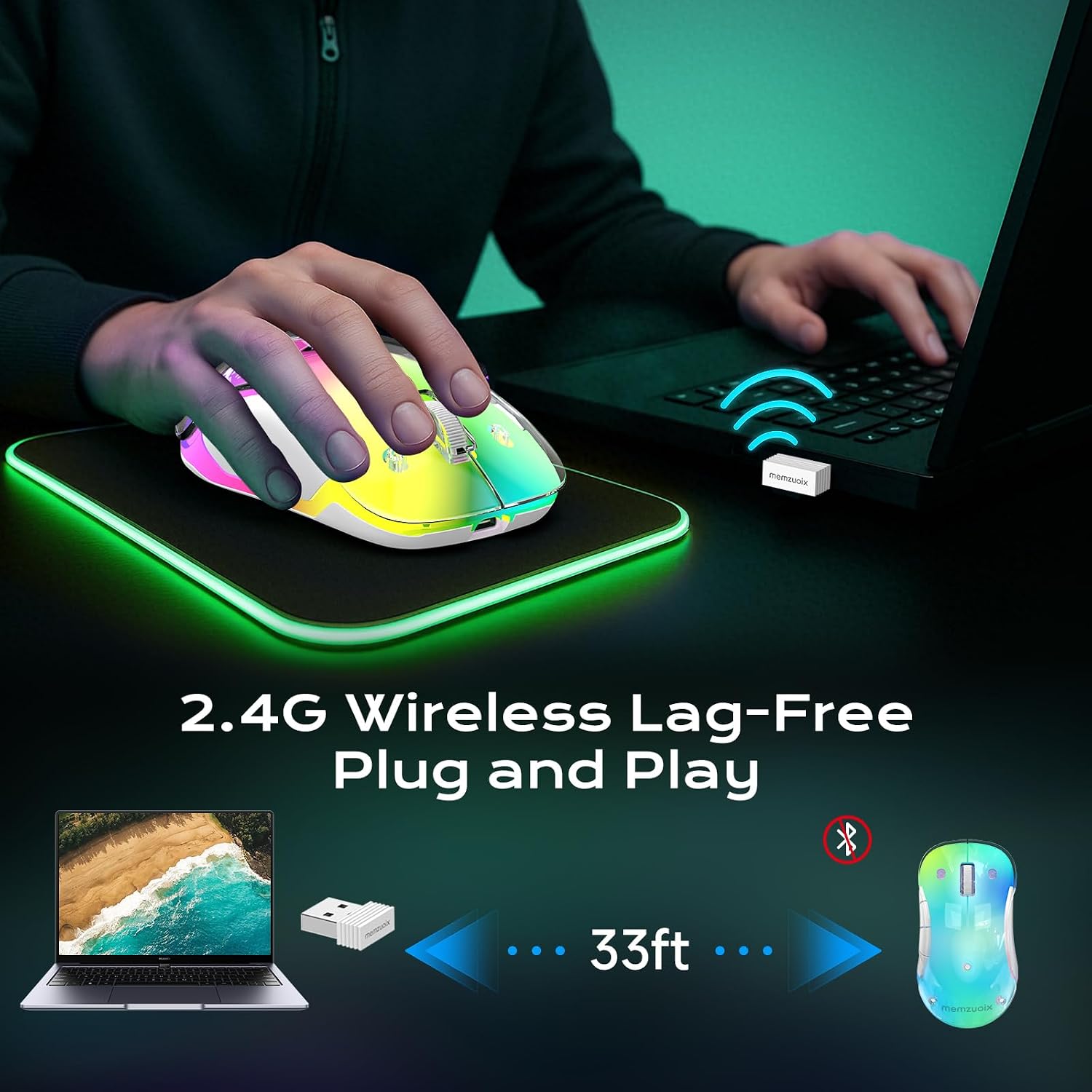
No. It connects using a 2.4G wireless connection with a USB receiver, so there’s no Bluetooth pairing step.
How long does the battery last?
The stated figures are up to 17 hours with the LEDs on, and up to 90 hours with LEDs off. There’s also auto sleep after 8 minutes of inactivity.
How long does it take to charge?
The manufacturer states a full charge takes around 1.5 hours via USB-C charging.
Will side buttons work on a MacBook?
Not fully. The description says macOS side buttons are not supported.
What’s the wireless range?
It’s rated for up to 10 m (33 ft) range (as described).
Is it worth it?
Worth considering if you want a rechargeable 2.4G wireless mouse for everyday laptop and home-office use, and you’ll actually enjoy the transparent RGB desk look—especially because turning LEDs off is an easy way to get longer battery life. It’s also a sensible pick if you value plug-and-play convenience over configuring Bluetooth or drivers.
You may want to skip it if your main priority is distraction-free work (LEDs might annoy you), or if you’re on macOS and rely heavily on side-button controls—because those aren’t supported as stated. For buyers who expect “one mouse for everything, perfectly”, it may feel a bit more like a lifestyle-leaning everyday mouse than a fully rounded power-user option.