

Keychron K10 Max Wireless Mechanical Keyboard - UK Layout, Full-Size, QMK Programmable Red Switch
Product description
What it is
The Keychron K10 Max is a full-size wireless mechanical keyboard designed for multi-device use. It combines hot-swappable switches with modern connectivity options and a compact yet comfortable typing experience, aiming to suit both Mac and Windows setups without sacrificing practicality.
How it’s set up
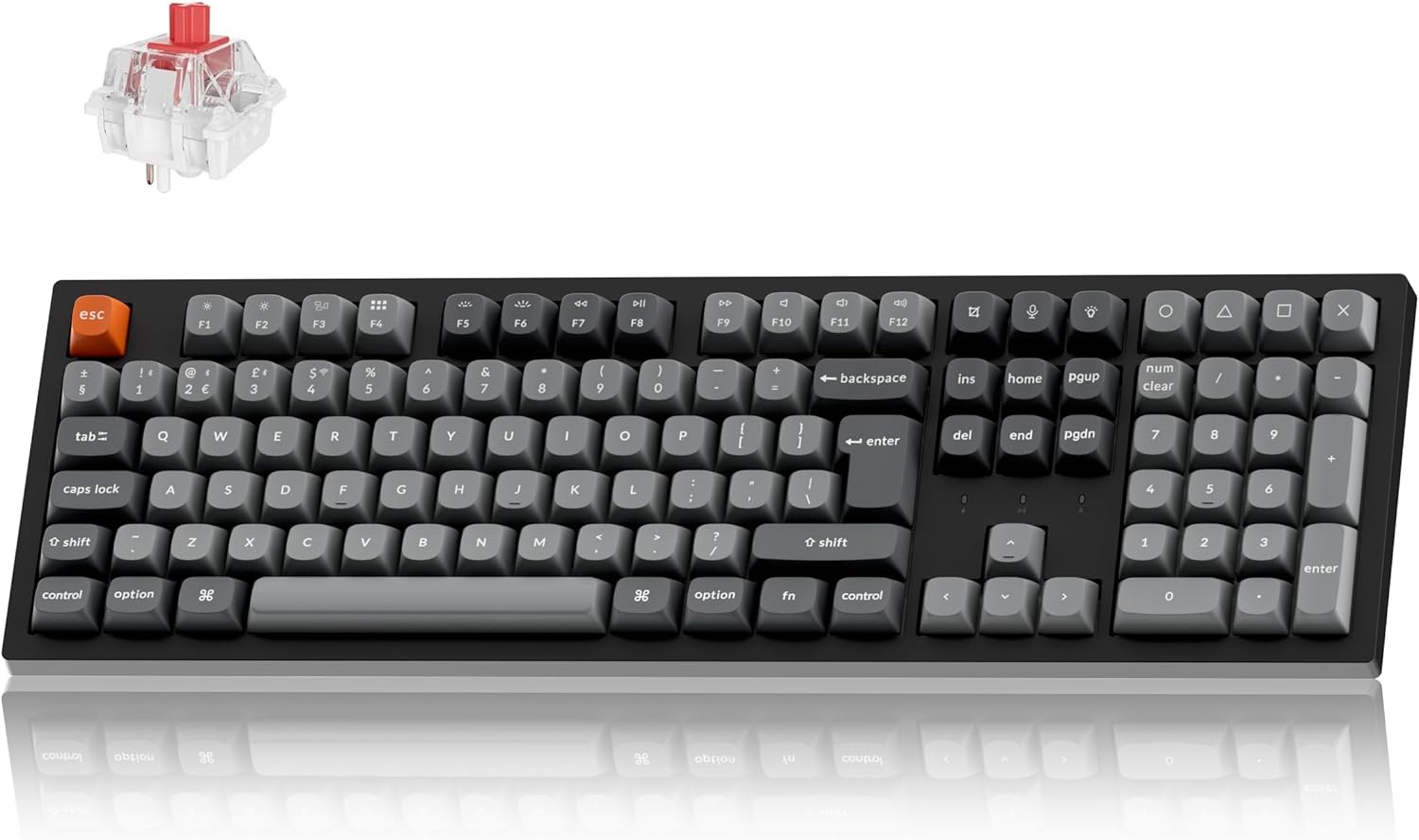
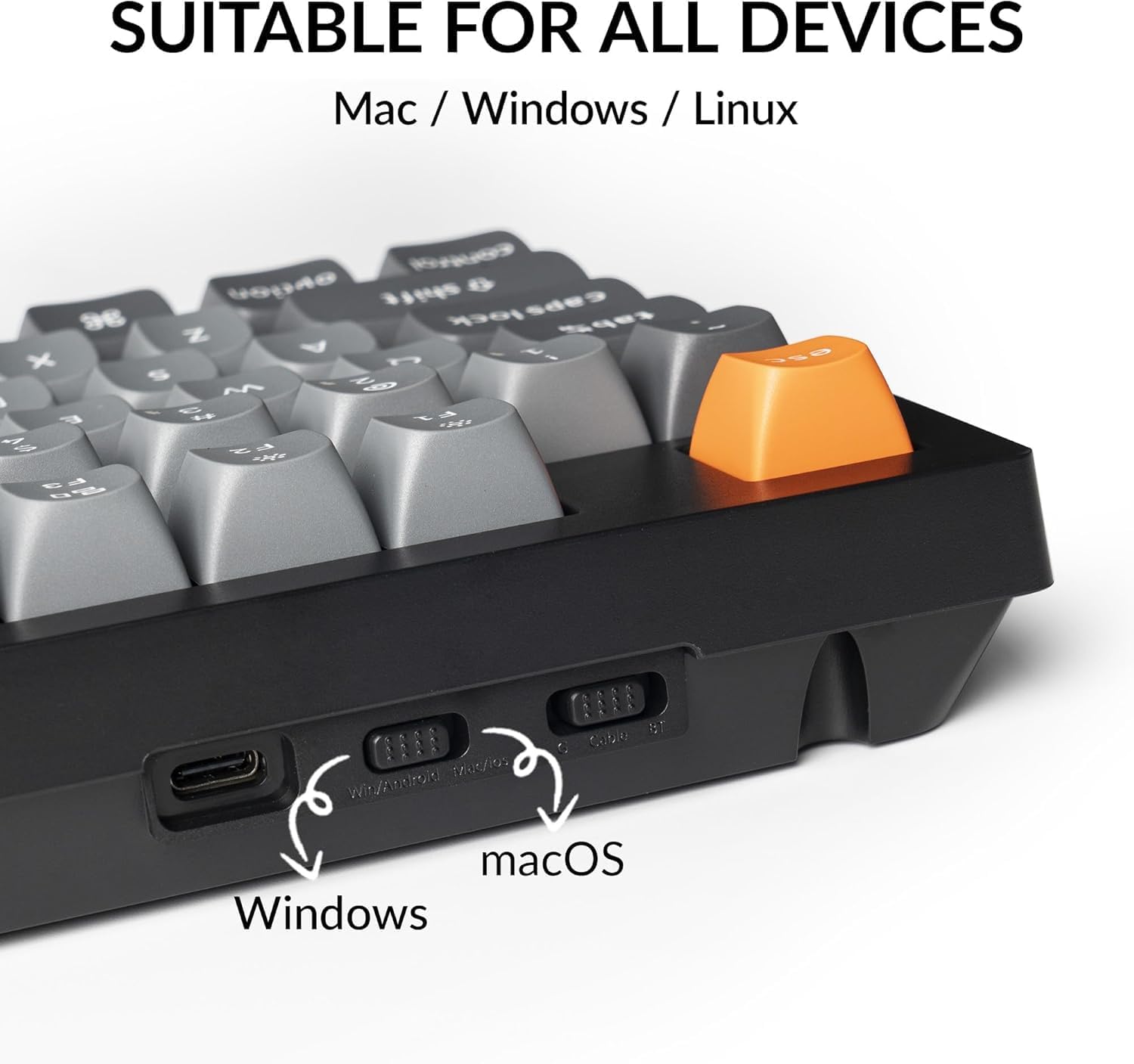
Adaptability is a key strength. You can switch between 2.4 GHz wireless with a 1000 Hz polling rate for low latency, or pair it via Bluetooth 5.1 to two or three devices at once. A USB‑C connection keeps wired flexibility handy when needed. The keyboard ships with a UK layout and extra keycaps for both macOS and Windows, plus a system toggle to simplify switching between OS environments.
Build and feel
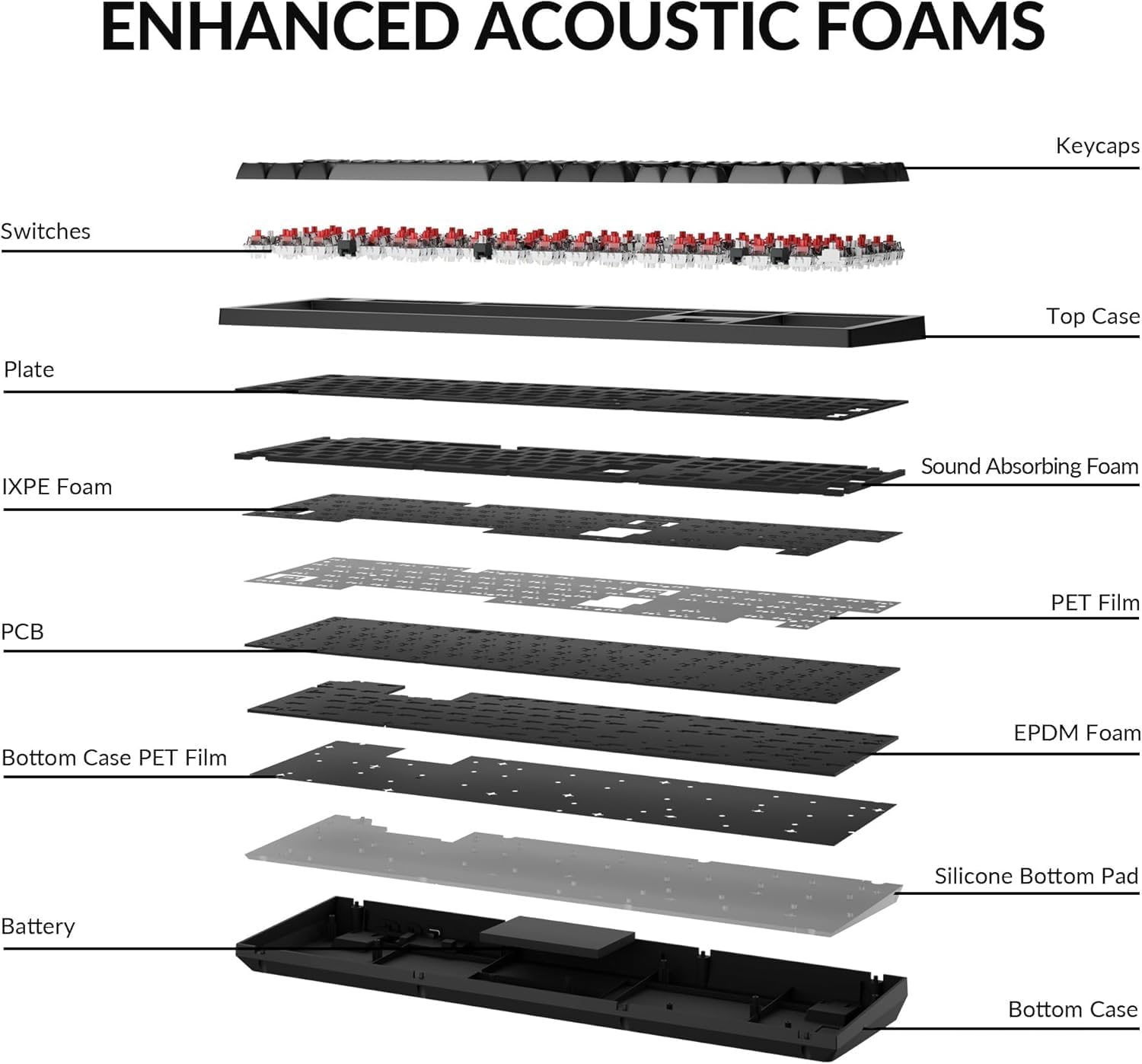
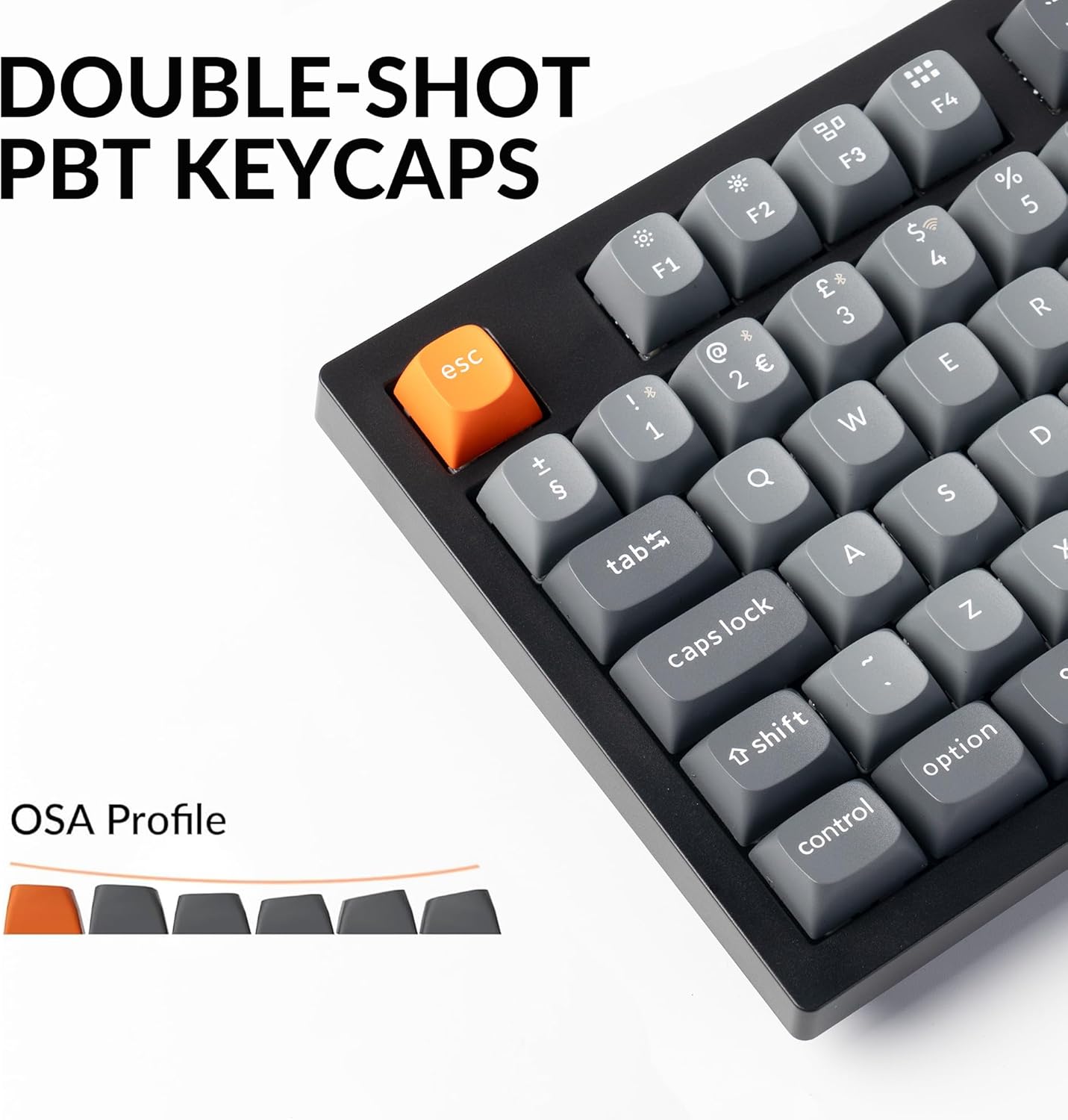
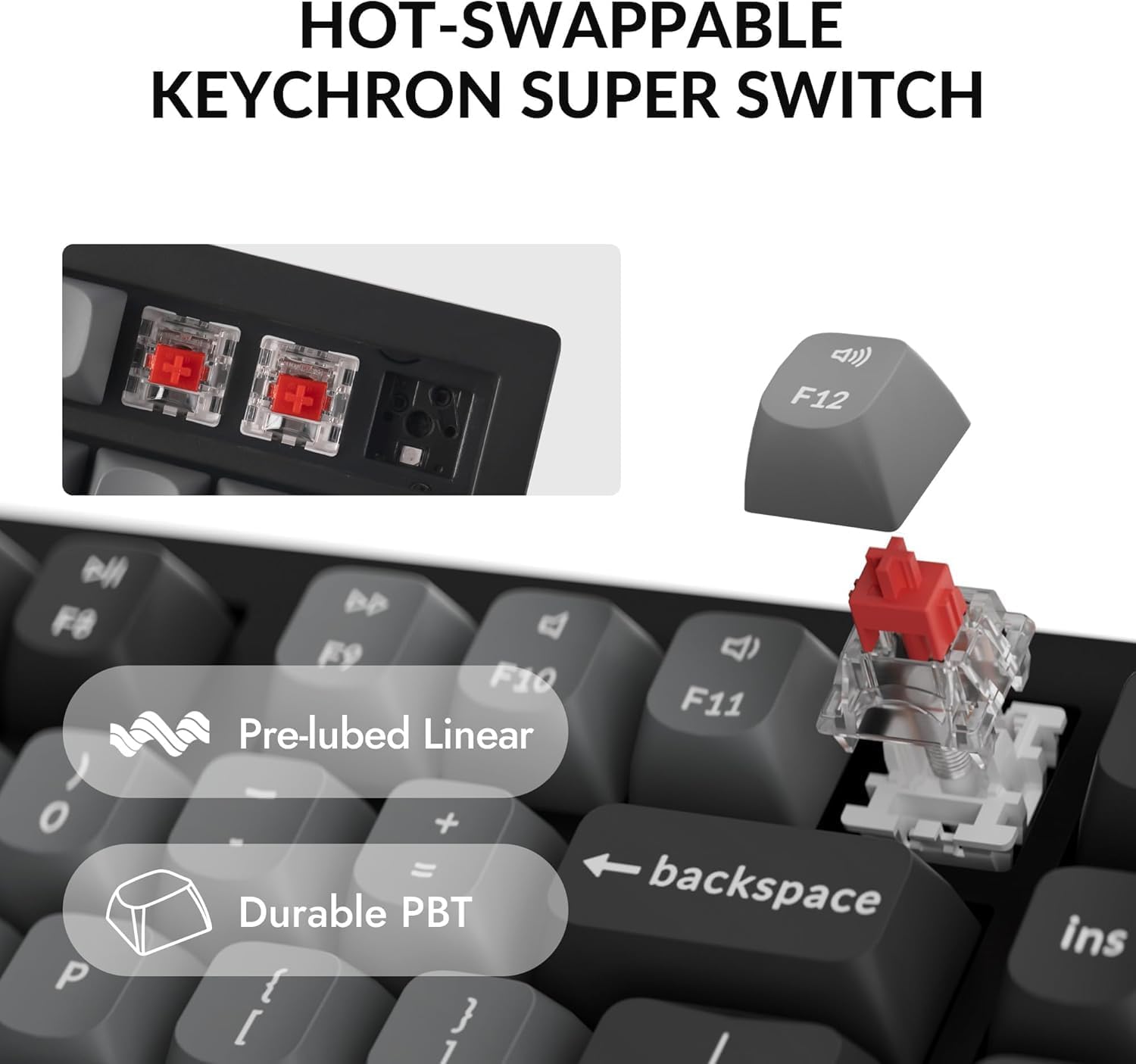
Hot-swappable switches let you tailor the feel and acoustics without soldering. Keychron’s transparent top housing and light‑focused design aim to deliver a brighter, more even backlight across the full-size board. The doubleshot PBT keycaps in an OEM/Osa profile are designed for durability and oil resistance, offering a distinct tactile surface that’s comfortable for long typing sessions.

What stands out in use
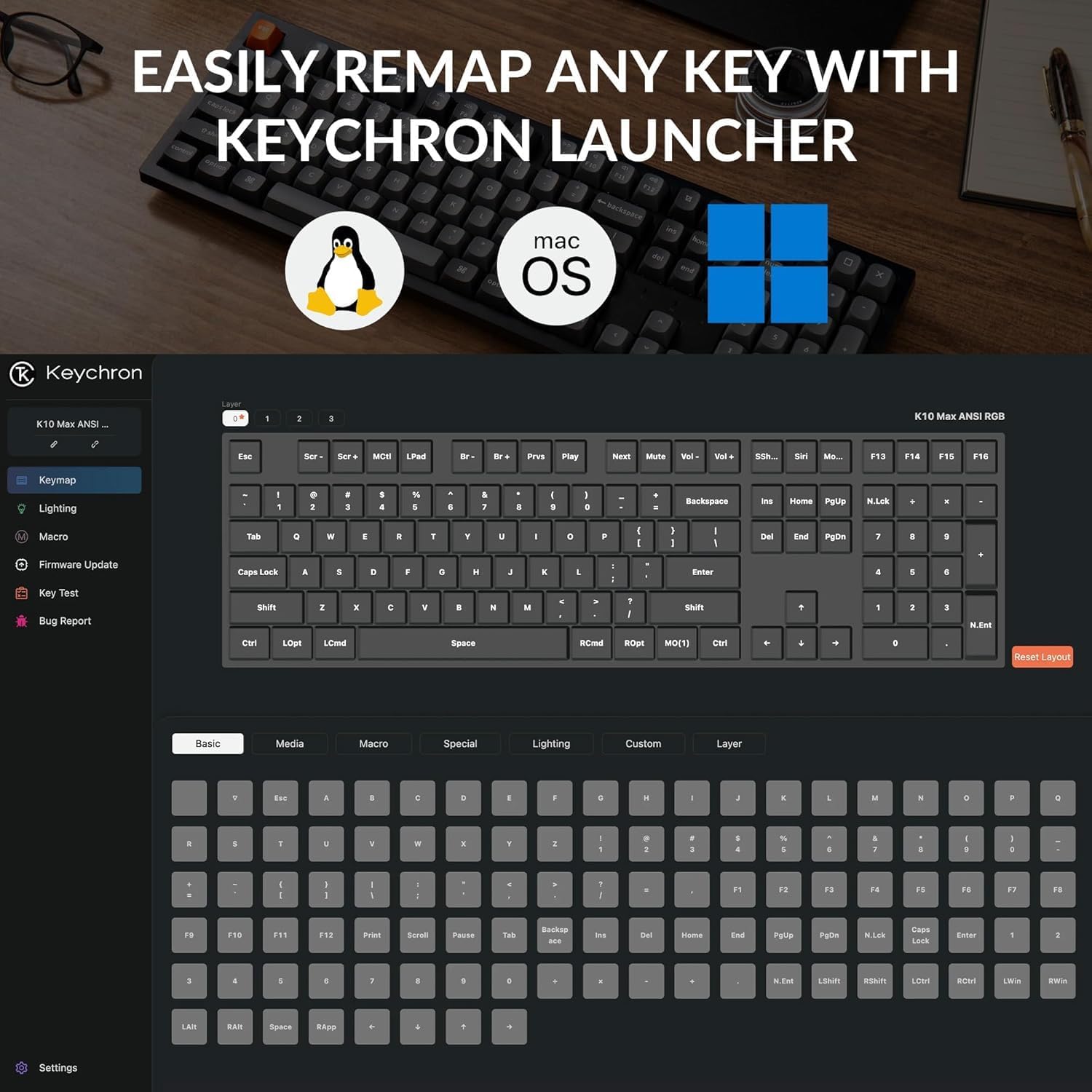
If you prize customisation without software installs, the Launcher Web Configurator is a notable feature. Remap keys, create macros and shortcuts directly in your browser, then save two separate configurations to flip between macOS and Windows on the fly. The inclusion of a system toggle and extra OS‑specific keycaps helps reduce setup friction on mixed devices.
Practical strengths
On paper, the K10 Max offers a strong balance between versatility and durability: a full‑size layout with hot‑swap capability, robust wireless options, and user‑friendly configuration. It’s convenient for multitasking across a desktop, tablet and phone, and it appeals to users who appreciate a personalised typing experience without diving into complex software ecosystems.
Potential limits worth noting
While the feature set is compelling, the overall value hinges on how much you value hot‑swapping and web-based configuration. If you rarely switch between OSes or don’t need a very bright backlight, the extra features might feel more about flexibility than essential performance. Additionally, as a full‑size board, it takes up considerable desk real estate, which could be a drawback for smaller setups.
Who it’s for
This keyboard suits Mac users who also work with Windows or Linux, someone who wants to experiment with different switch feelings via hot‑swap, and those who enjoy custom macros and key remapping without installing dedicated software. It’s a sensible option if you want a durable, feature‑rich board that can adapt across devices and OS layouts.
When it makes sense to buy
Consider the K10 Max if you value multi‑device connectivity, hot‑swap versatility, and a web‑configured workflow. It’s a practical choice for a permanent desk setup that requires frequent OS switching, or for users who like to fine‑tune their keystroke experience over time.
Before you buy
Check the availability of the UK layout and the compatibility of the OS toggle with your primary devices. If you rely heavily on macOS but occasionally use Windows, ensure the supplied macOS/Windows keycaps cover your typical key usage. Also, think about desk space: a full‑size model demands a bit more room than compact alternatives.
Quick practical example
Imagine you’re editing a document on macOS, then jump to a Windows laptop to test a file transfer. With the K10 Max you can switch devices via Bluetooth or 2.4 GHz, swap between two stored configurations for macOS and Windows, and continue typing with minimal interruption, all while enjoying backlit keys that help in dim lighting.
FAQ
- How easy is it to hot‑swap the switches? It’s designed to be straightforward, allowing you to swap switches without soldering.
- Can I use it with multiple devices simultaneously? Yes, Bluetooth 5.1 supports multiple devices, and 2.4 GHz wireless provides low‑latency connections for a single device at a time.
- Do the keycaps support long‑term durability? The doubleshot PBT keycaps are chosen for durability and oil resistance with the included UK layout.
Is it worth it?
Final verdict: It’s a solid pick if you prioritise multi‑device workflow, a flexible configuration process, and a full‑size keyboard that won’t lock you into one OS. If those elements align with your daily tasks, the K10 Max offers tangible advantages over simpler, single‑OS or non‑hot‑swap alternatives.