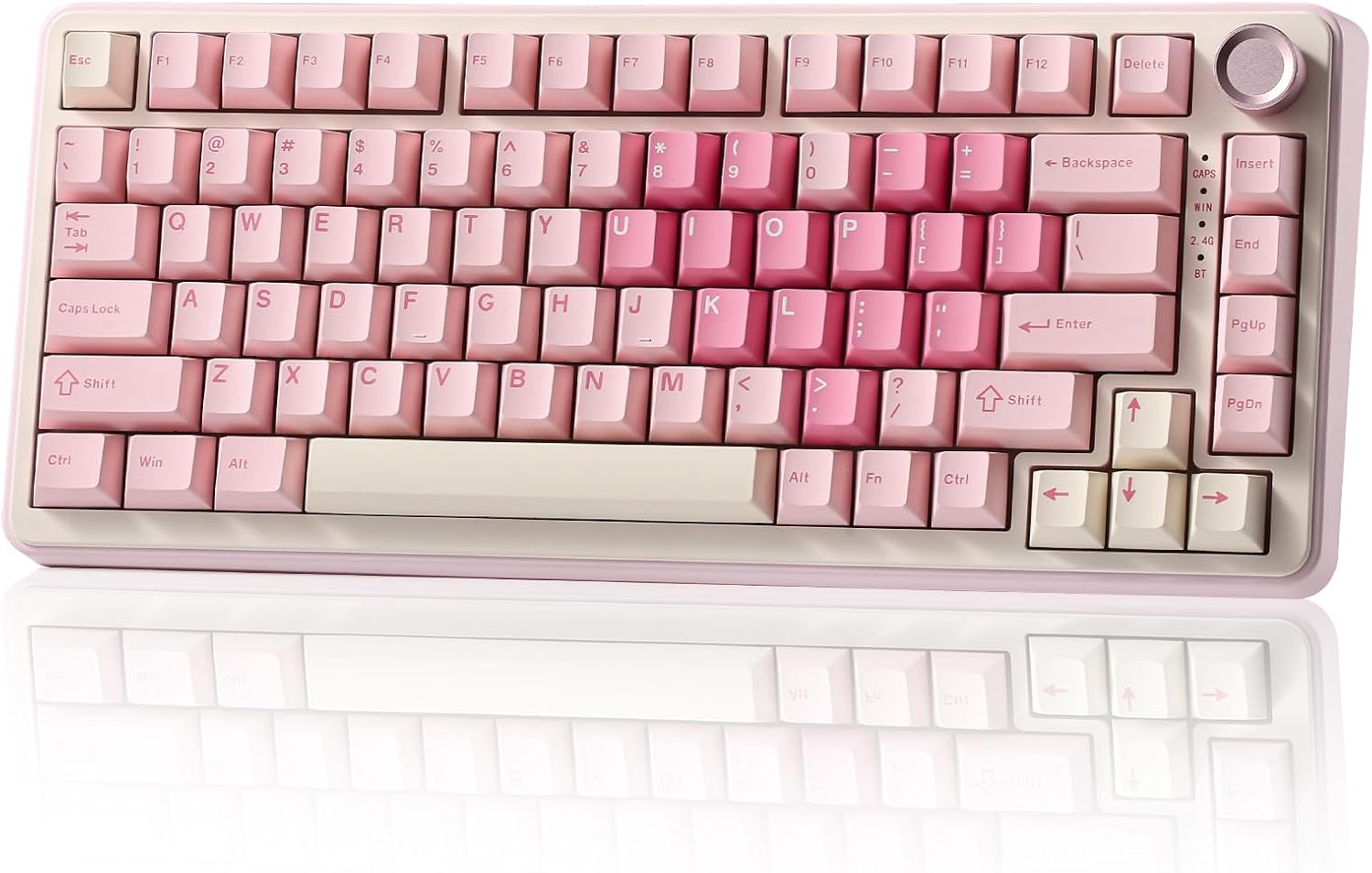
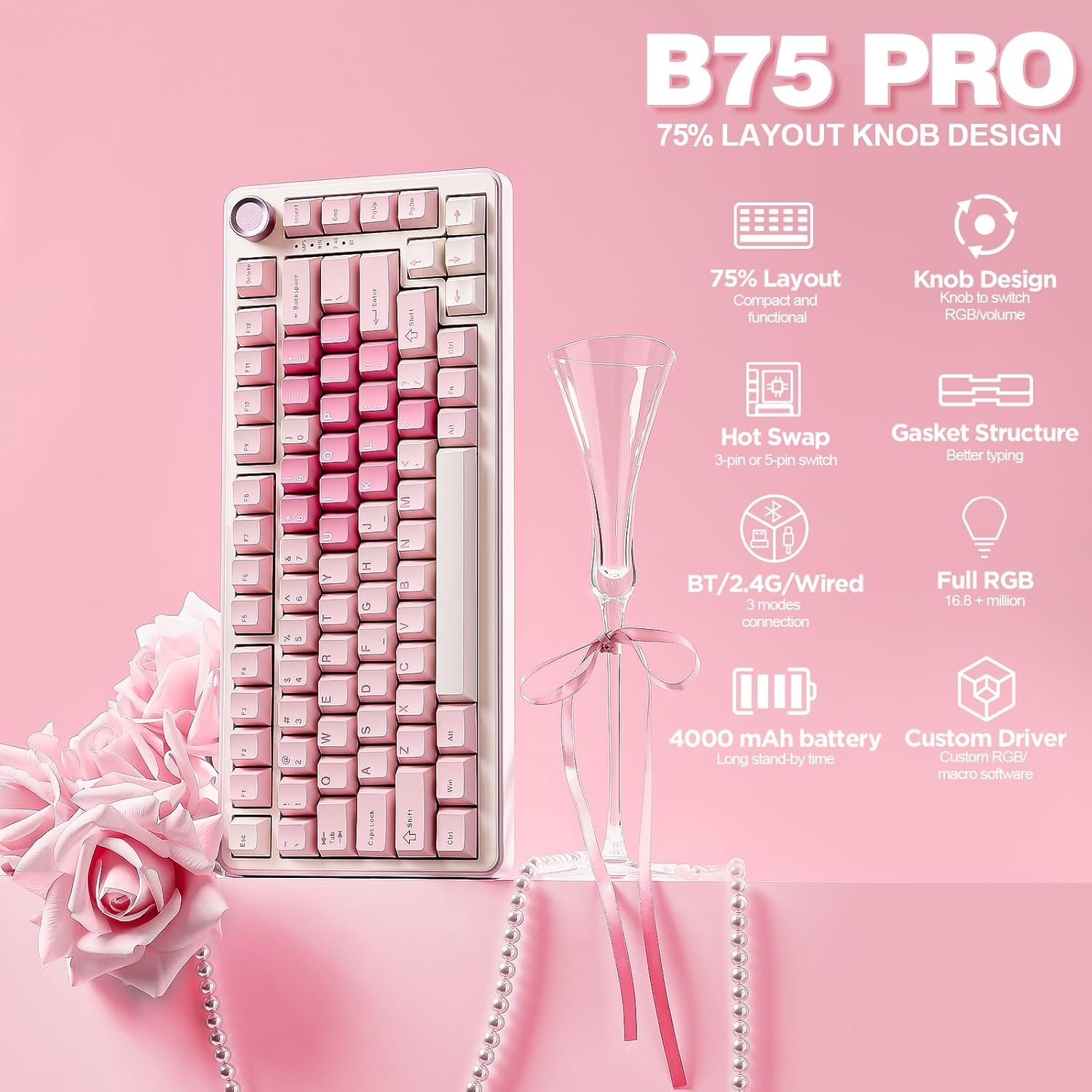
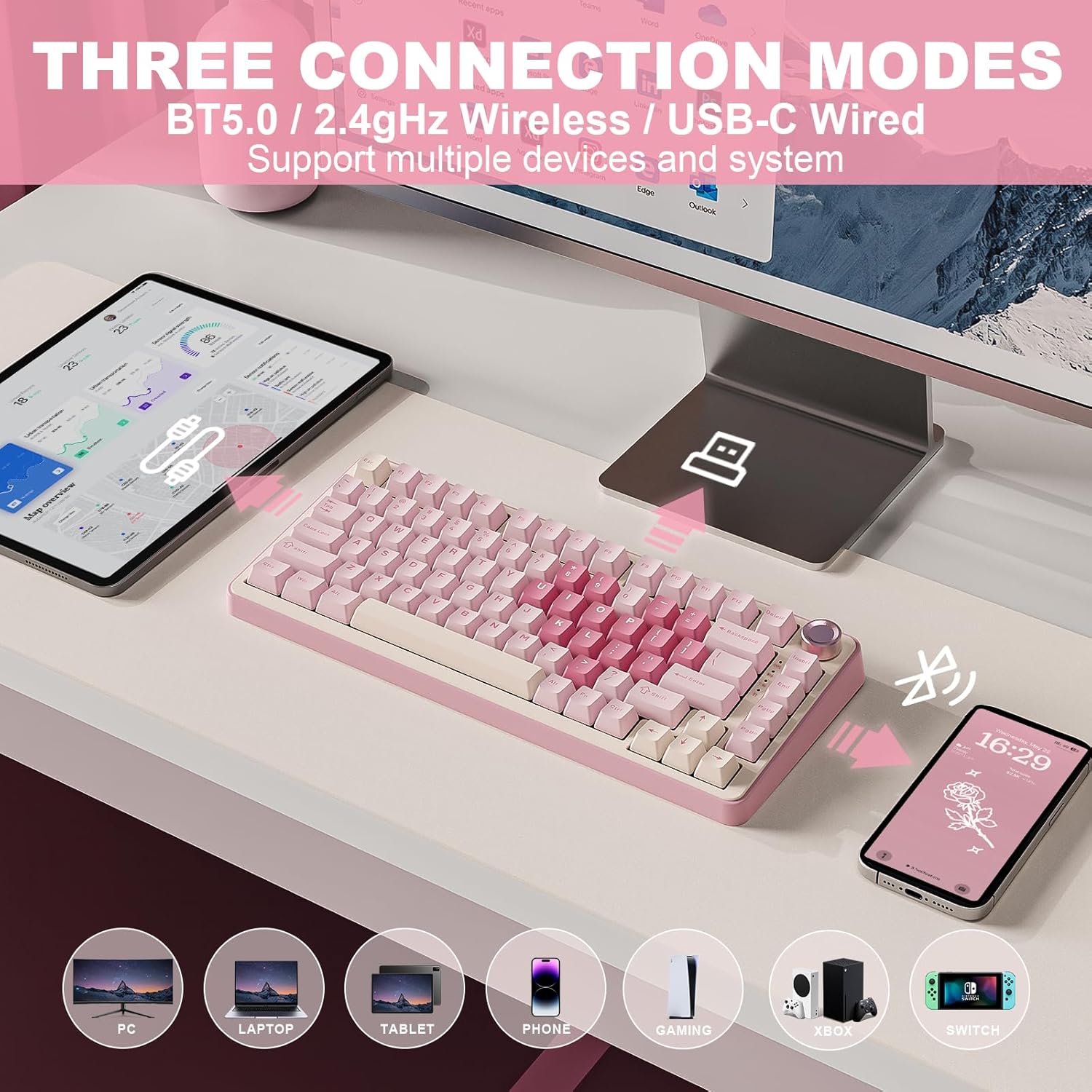
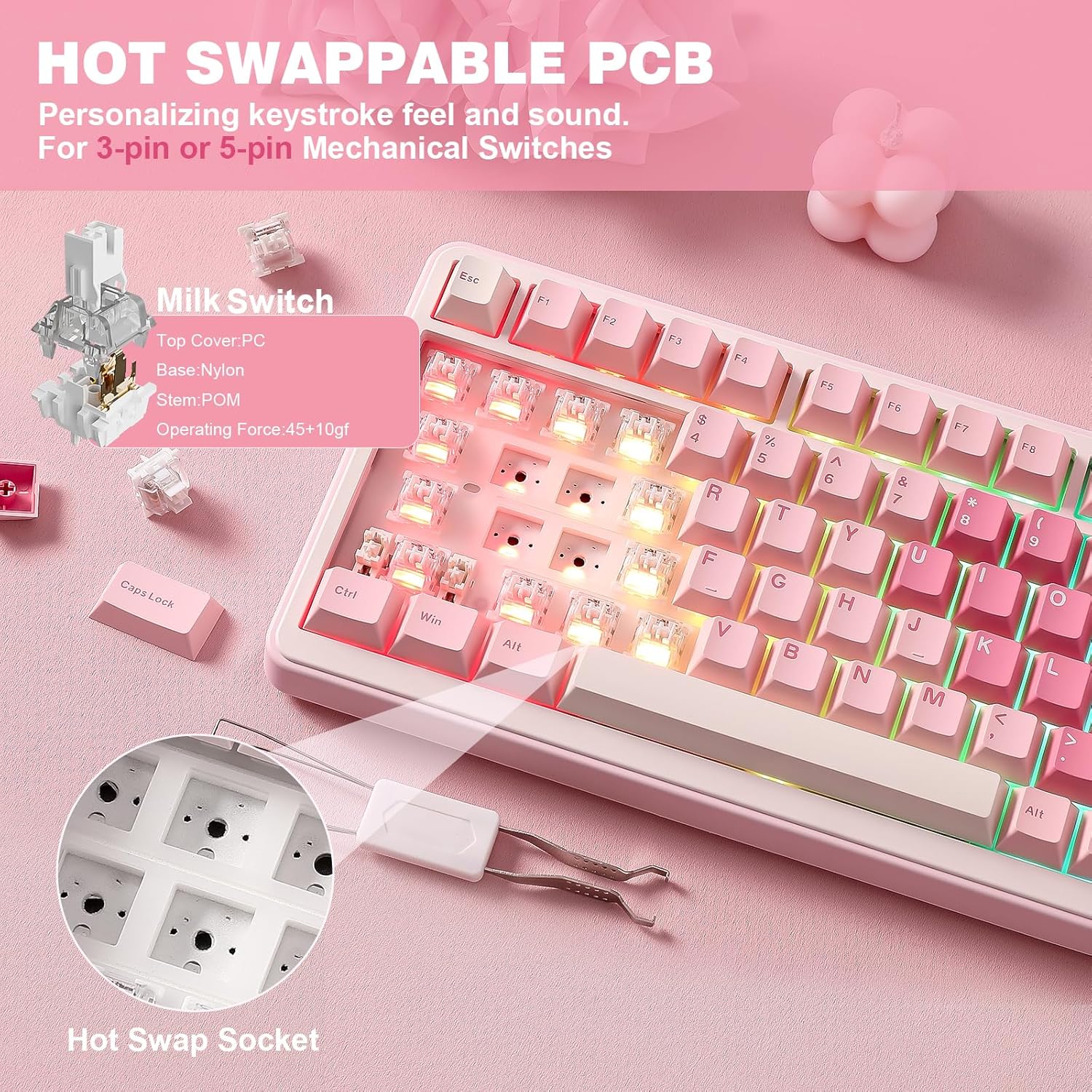
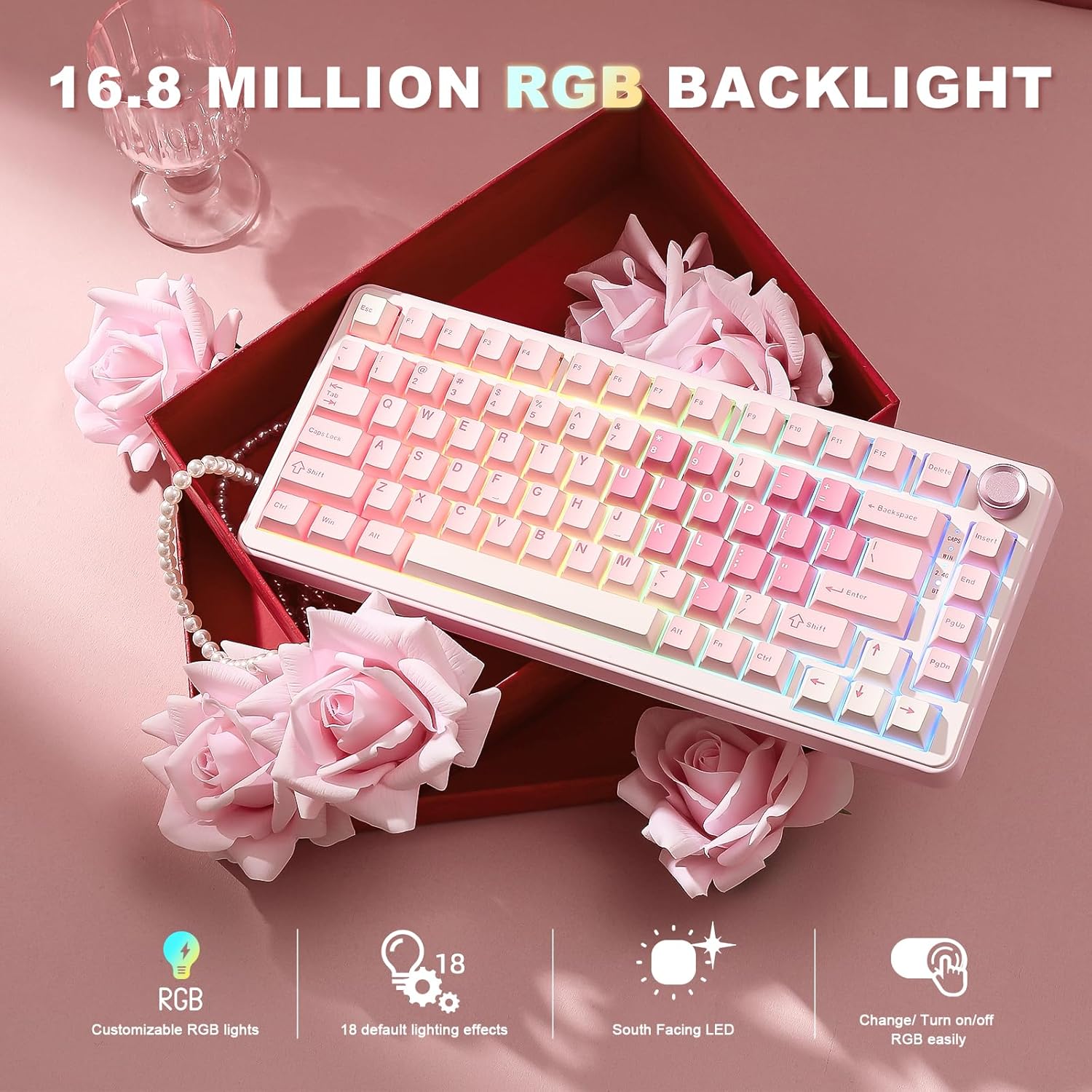
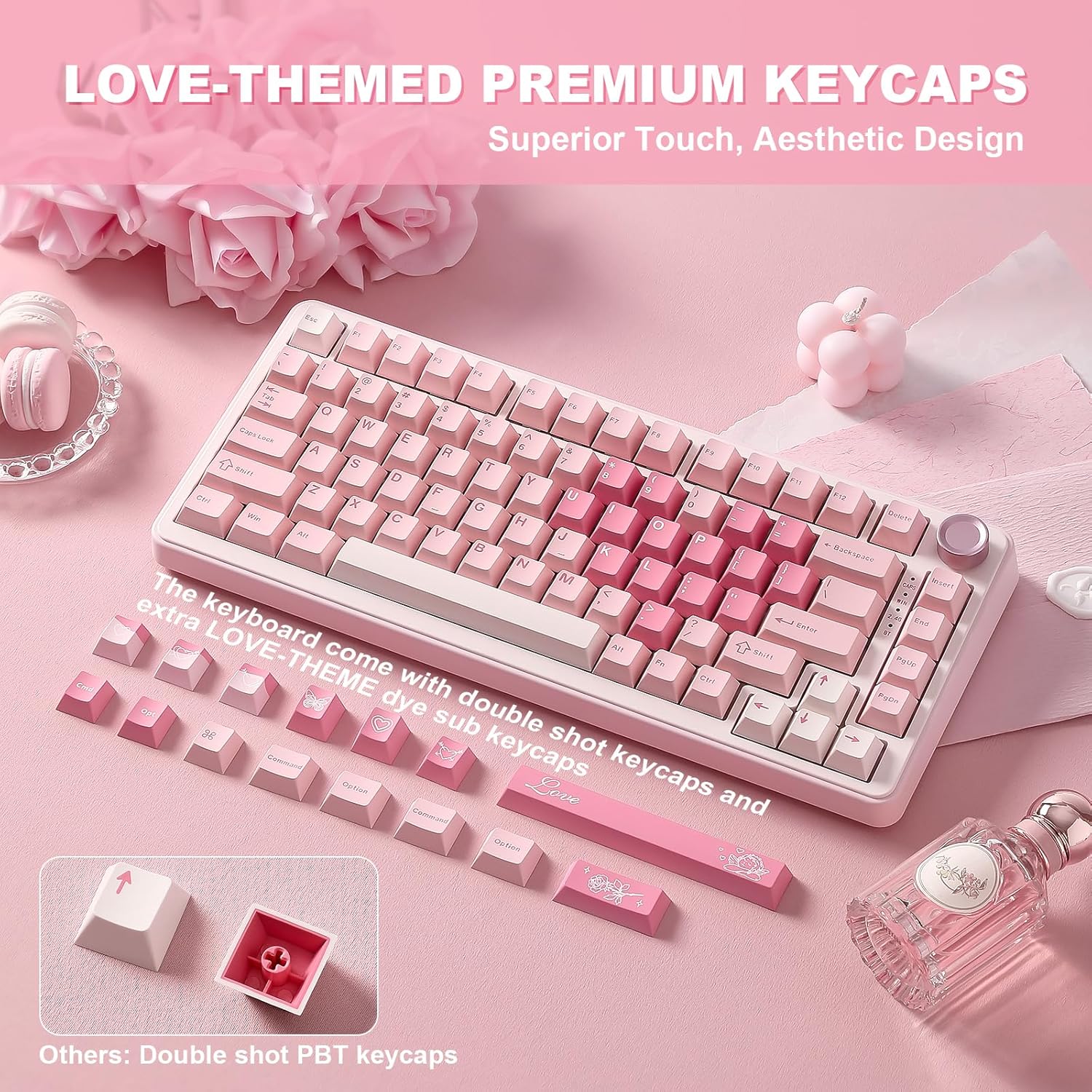
What it is and who it's for\nThe YUNZII B75 PRO is a compact wireless keyboard in a 75% layout with a multifunctional knob. It aims to mix a space-saving form with practical controls, suitable for both productivity and gaming setups. If youprioritise a smaller footprint without sacrificing essential keys, and you want a knob to tweak volume or lighting on the fly, this model could be worth a closer look.\n\n## Design and build considerations\nThis keyboard uses a gasket-style, multi‑layer construction described as cream‑styled switches and pre‑lubed internals. The title mentions hot‑swappable switches, compatible with 3‑pin and 5‑pin options, which invites experimentation with different feels. The keycaps are described as Double Shot, and the overall aim is a smooth, controlled typing experience with a more “creamy” feel compared with standard linear options. The unit supports RGB backlighting with multiple effects and per-key illumination that can be customised via software.\n\n## What stands out about the features\n- 75% layout adds function keys and arrows without a full TKL footprint, plus a dedicated knob for quick adjustments.\n- Built-in 4000mAh battery promises longer sessions away from a desk, useful for gaming or work when a wired connection isn’t convenient.\n- Connectivity covers Bluetooth, 2.4GHz wireless, and USB‑C wired, offering flexibility for different devices and platforms.\n- Hot‑swap sockets mean you can swap individual switches without soldering, which is handy for customisation or swapping to your preferred feel.\n- The keyboard is marketed with Creamy pre‑lubed switches and a gasket‑mounted structure intended to reduce unwanted noise and improve the overall sound profile.\n\n## How it feels in day‑to‑day use\nOn paper, the combination of gasket mounting and pre‑lubed switches suggests a softer, more controlled bottom-out than typical mechanical boards. The knob adds a tactile control point that many users find convenient for volume or lighting. The 75% layout keeps essential keys reachable, which helps with typing flow and gaming efficiency.\n\n## Practicality and limits\nIt isn’t the simplest option if you’re after a totally minimalist setup, 75% still has a handful of missing keys relative to a full‑size board. The RGB software can be powerful, but as with many custom keyboards, there may be a learning curve to map keys and macros effectively across Windows and macOS. The claim of “creamy” switches is subjective and will depend on the exact switch type you choose, which isn’t fully specified beyond the cream‑themed lubrication.\n\n## Who it’s best for\n- Users who want a compact wireless keyboard with a dedicated volume/lighting knob.\n- People who value hot‑swap capabilities for experimenting with different switch types.\n- Those who use both Windows and MacOS and need reliable cross‑platform connectivity.\n\n## Who it may not be for\n- If you require a fully standard, stock feel with a traditional loud/tactile profile, the “creamy” lubrication and gasket design may not align with every preference.\n- If you rarely use wireless or want an ultra‑minimal aesthetic, a larger or wired option might feel with more straightforward compatibility.\n\n## What to check before buying\n- Confirm which specific switches are pre‑lubed and whether the unit you’re eyeing ships with the Creamy switches or a variant.\n- Verify software compatibility and how easy it is to remap the knob functions and RGB effects on your primary OS.\n- Consider your primary use case: gaming on wireless vs. long typing sessions at work, and whether the 75% footprint aligns with your desk space.\n\n## How it compares to typical options\nCompared with standard wired keyboards, this model emphasises battery life, wireless flexibility, and a tactile control knob, which can be convenient for on‑the‑fly adjustments. It sits between entry‑level compact keyboards and more premium gasket designs by offering hot‑swap capability and a custom structure without claiming to be the most feature‑dense option on the market. If you prioritise a mix of portability, customisation potential, and cross‑platform use, it makes sense, if you want a utilitarian, no‑fuss device, you might prefer simpler builds.\n\n## Decision: Should you buy it?\nShould you buy it? It makes sense if you value a compact wireless keyboard with a functional knob, wish to customise switches, and need cross‑platform compatibility. It may not be the best choice if you prioritise a completely neutral typing feel or if you want a straightforward, plug‑and‑play setup with minimal configuration.\n\n## FAQ\n- Do I need to install special software to use the knob? In most cases, yes for full RGB and macro customisation, though basic volume and lighting controls are likely accessible via hardware.\n- Are 3‑pin and 5‑pin switches fully compatible? The board advertises compatibility with both, enabling a broader range of switches.\n- Is the battery replaceable? The description notes a 4000mAh internal cell, it does not specify user‑replaceable battery access.\n