


Logitech M240 Silent Bluetooth Mouse: Compact, Quiet Wireless for Everyday Use
Reviews
Price
Product description
What it is
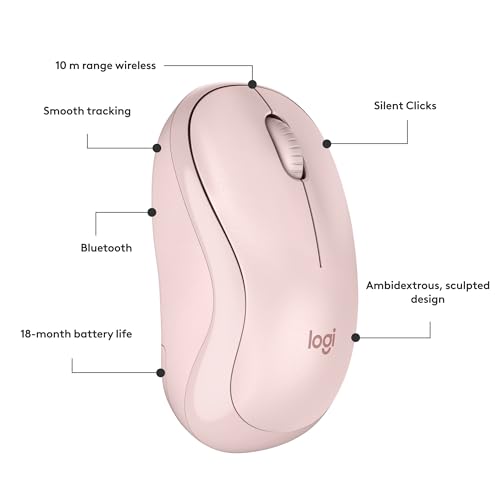
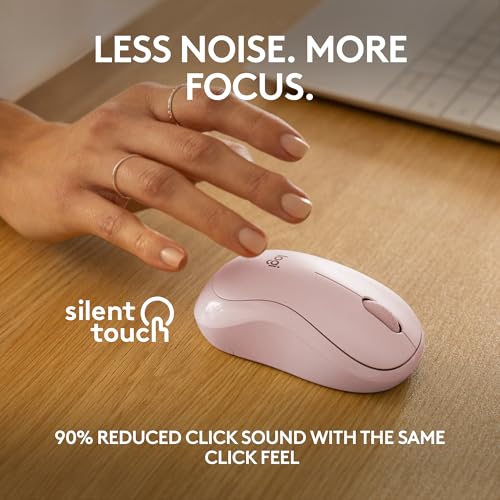
The Logitech M240 Silent Bluetooth Mouse is a compact, ambidextrous wireless mouse designed for everyday computing tasks. It pairs quickly via Bluetooth without the need for a dongle, making it a low-hassle option for laptops and desktop setups that prioritise a tidy workspace. Its defining feature is silence: the click sound is reduced by about 90%, which can help minimise distractions in shared spaces or late-night sessions.
How it fits into daily use
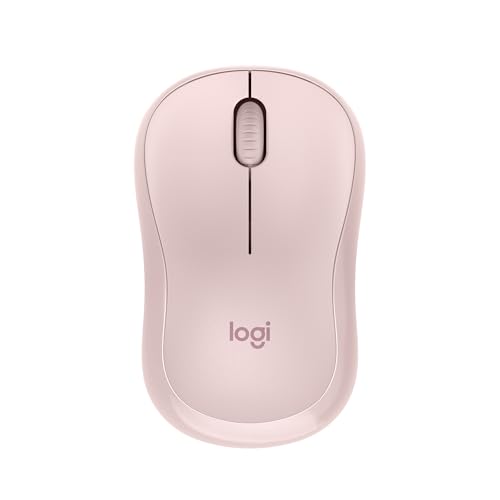
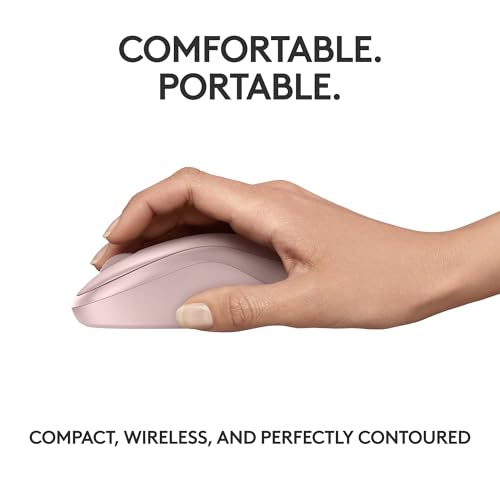
If you value focus and a distraction-free environment, this mouse aims to deliver just that. The slim, travel-friendly form factor makes it easy to slip into a bag, while the ambidextrous design suits both left- and right-handed users. In practice, it feels unobtrusive in the hand—more about keeping your workflow going than making a bold statement about your gear.
Battery life and reliability
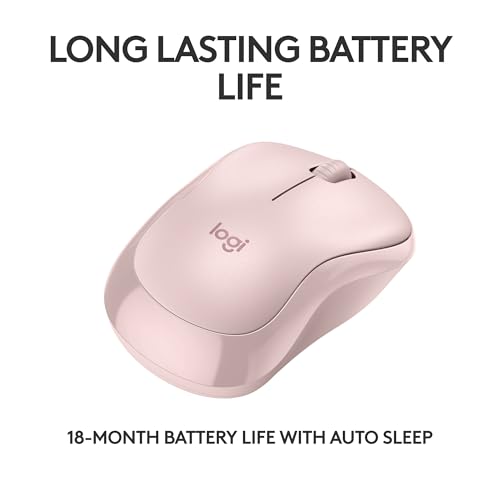
Battery longevity is a key selling point here, with the claim of up to 18 months on a single set of batteries thanks to an energy‑saving auto sleep feature. Real-world results will vary with your usage patterns (heavy scrolling and gaming will drain power faster), but the emphasis is on longer periods between changes, which reduces maintenance and downtime.
Connectivity and compatibility
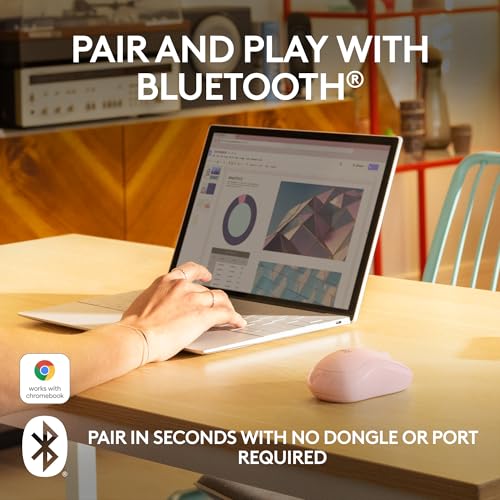
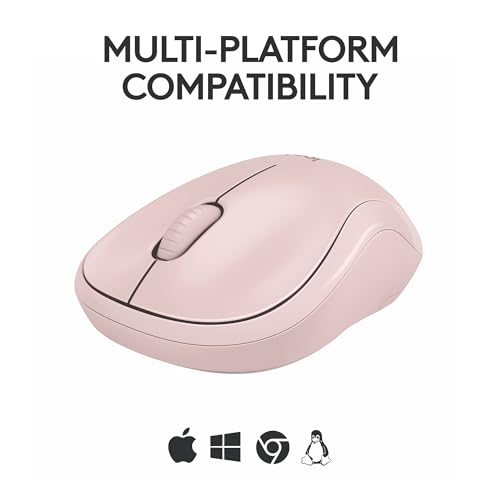
The M240 uses Bluetooth, so you can connect to devices without relying on a USB dongle. Range is specified up to 10 m (33 feet), which covers typical home or small-office layouts. It’s described as “Works with Windows, macOS, Linux, ChromeOS, iPadOS and Android,” with additional certification indicating compatibility with Chromebooks. Importantly, Logitech also notes compatibility with MacBook Neo laptops for instant Bluetooth pairing and colour‑matched aesthetics.
Design and materials
The mouse is small and portable, designed for travel and easy packing. The compact silhouette supports ergonomic use for shorter sessions, however, those with larger hands might find it less comfortable for extended use. In terms of sustainability, some plastic components are made from post‑consumer recycled material (a portion varies by colour variant).
What to check before buying
- If you prioritise a silent click in a compact form, this model aligns with that need, but keep in mind that very quiet clicking can sometimes feel less tactile for some users.
- Bluetooth connectivity is convenient, yet it can occasionally introduce latency or pairing quirks on certain devices or older operating systems. If you rely on ultra-stable corporate deployments, consider testing on your primary devices.
- The ambidextrous, compact design is great for portability and versatility, it may not offer as much support for large hands or extended sessions. If you spend long hours at the desk, you may want to trial the grip feel in person.
Performance vs. alternatives (implied context)
For users who want to ditch dongles and keep a quiet workstation, this mouse presents a pragmatic option in the compact, Bluetooth category. It stands somewhere between entry-level portability and everyday reliability rather than being pitched as a high-performance tool for precision tasks. If you need more pronounced ergonomics, extra buttons, or higher sensitivity, you might look at larger or differently configured models.
Practical usage example
Imagine commuting with a slim laptop bag and needing a quiet, unobtrusive input device for a morning workflow in a shared office. You pair the M240 via Bluetooth as soon as you boot up, and you notice the nearly silent clicks while you draft documents and navigate spreadsheets. It behaves predictably on a small desk, and you appreciate not having to keep track of a dongle or dedicated receiver.
Pros and cons at a glance
- Pros: Quiet operation, Bluetooth pairing, compact and portable, long battery life claim, Works across multiple platforms, some recycled content in plastics.
- Cons: May feel small for users with larger hands, long sessions could be less comfortable, Bluetooth reliability can vary by device or OS.
Is it worth it?
A solid pick if you prioritise a compact, quiet, and easy-to-use Bluetooth mouse for everyday tasks and travel. It suits office workers, students, or anyone who wants to reduce noise around their workstation without sacrificing cross‑platform compatibility. Not ideal if you need a larger, more ergonomic mouse for prolonged desk work or heavy cursor tasks.
FAQ
- How quiet is the clicking really? It’s designed to reduce click noise by about 90% while keeping the same click feel for familiar feedback.
- Will it connect to my tablet or Chromebook? Yes, Bluetooth connectivity and compatibility with multiple operating systems are highlighted, including ChromeOS and Android environments.
- How long will the battery actually last? Logitech advertises up to 18 months under typical use, actual duration depends on usage pattern and sleep behaviour.
Final verdict
Final verdict: worth considering if you want a travel-friendly, quiet Bluetooth mouse that works across platforms and reduces desk noise. It’s an affordable, low-maintenance option for everyday computing, provided you’re comfortable with a compact form and the trade-offs that come with small ergonomic devices.