

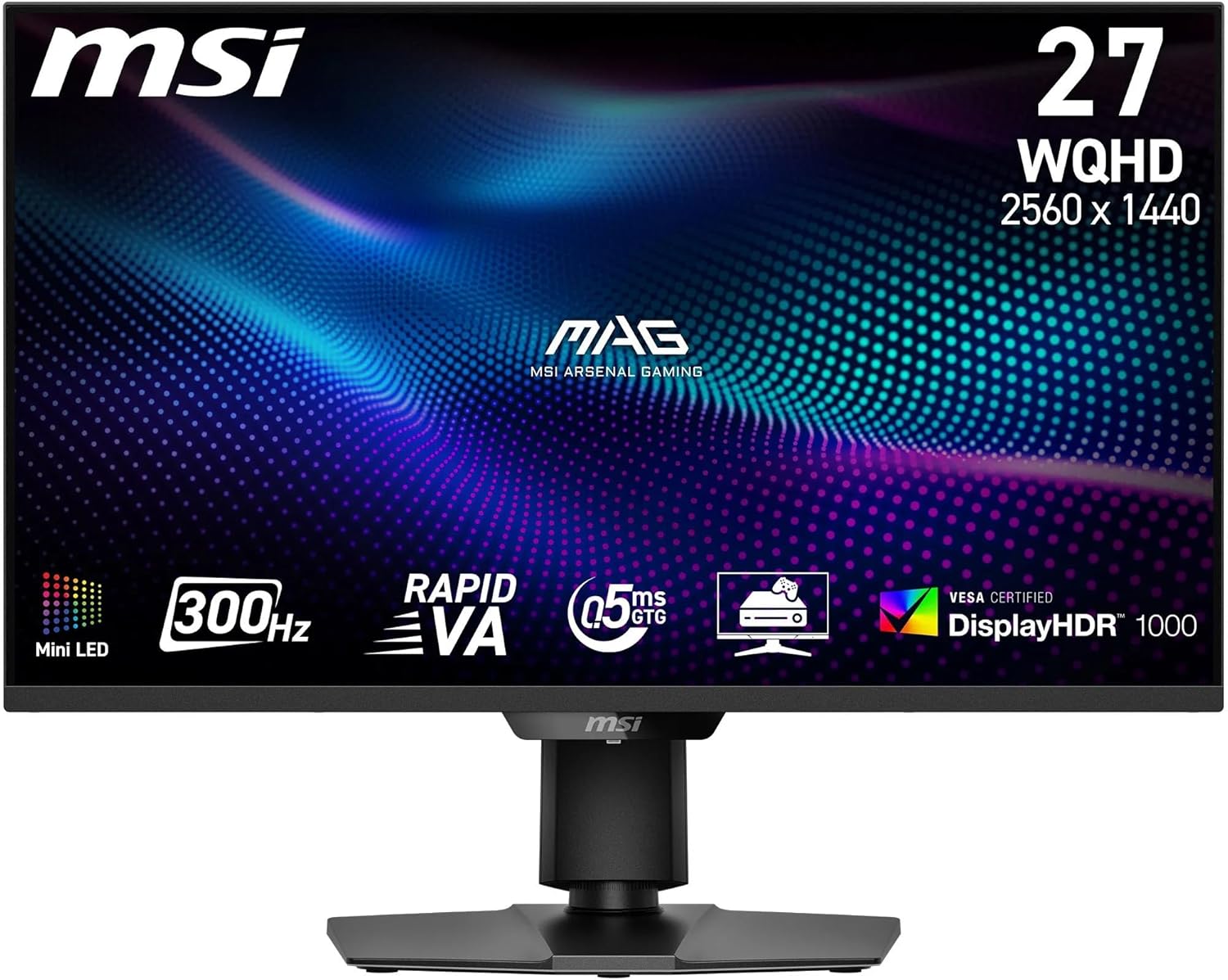
MSI MAG 342CQR E2 34-Inch UWQHD Curved Gaming Monitor
Product description
What it is
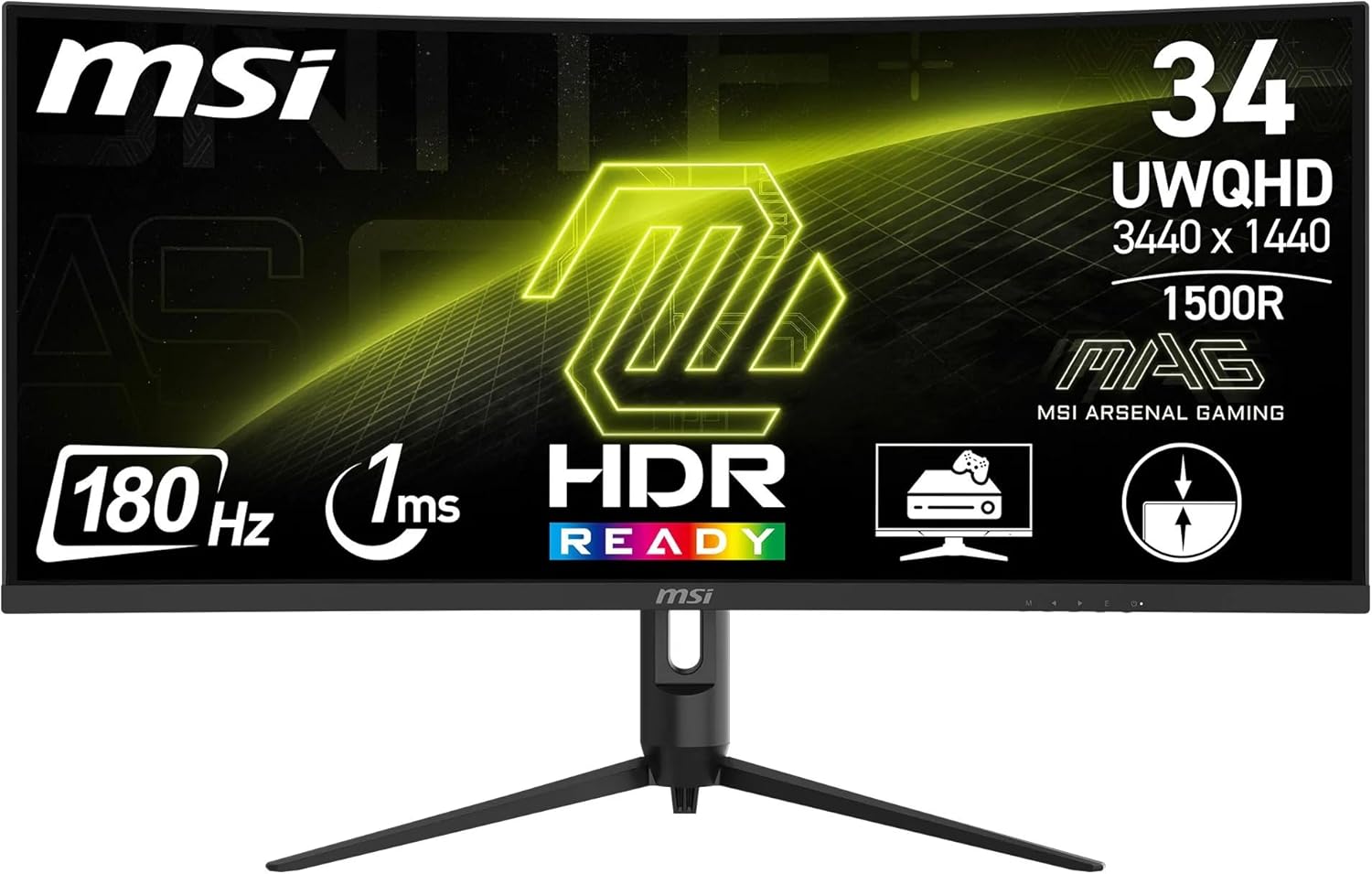
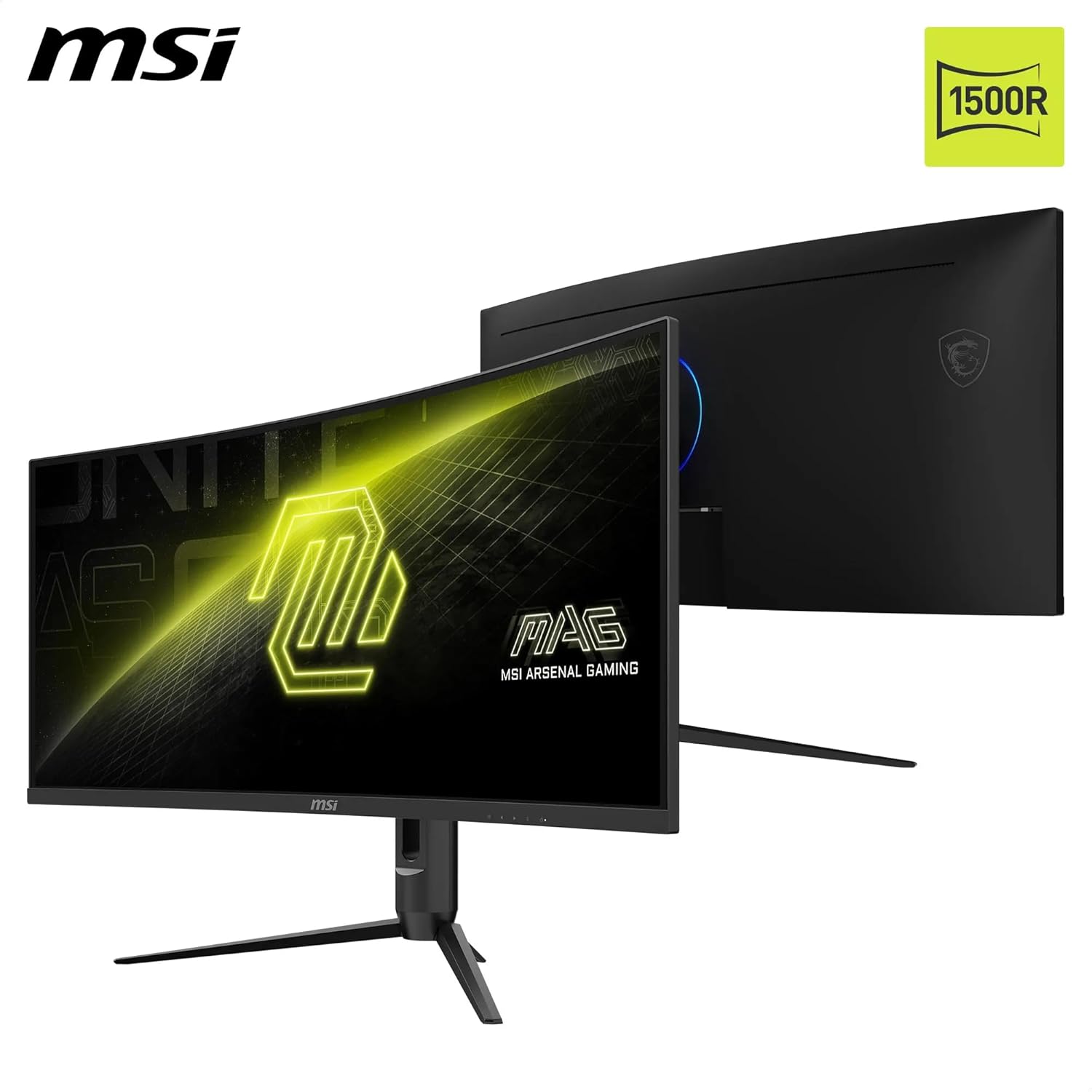
The MSI MAG 342CQR E2 is a 34-inch curved gaming monitor with a UWQHD (3440 x 1440) VA panel and a 1500R curvature, designed to create a more immersive visual field for gaming and general multimedia.
Why it matters
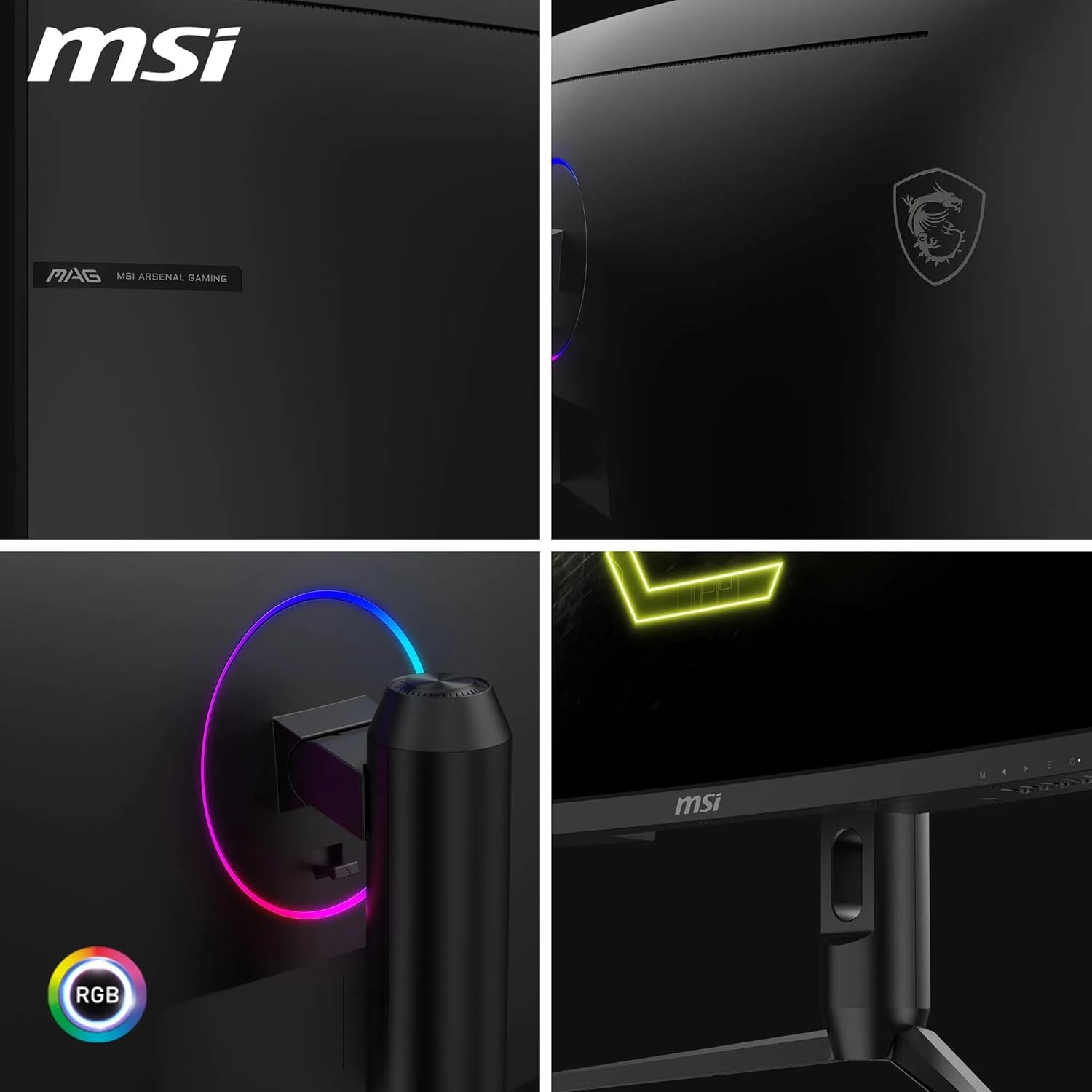
On paper, the 34” ultrawide format gives you extra horizontal screen real estate, which can help with immersive single-player experiences and more efficient multitasking. The frameless design is aimed at reducing bezel lines between screens, which may help when you have multiple displays in your setup.
Core performance notes
The monitor maxes out at 180 Hz with Adaptive Sync, offering smoother aiming and movement tracking in supported titles. A 1 ms MPRT (motion picture response time) helps to limit motion blur in fast action. The VA panel typically provides strong native contrast, which MSI attributes as up to 1:3000, and dynamic contrast up to 1:100M is supported.
Colour and image quality
MSI markets a wide colour gamut with up to 1.07 billion colours and 119% of sRGB, which should contribute to richer mid-tones and darker scenes. The eye-fatigue considerations include Less Blue Light and Anti-Flicker technology, which can help during longer sessions.
Connectivity and inputs
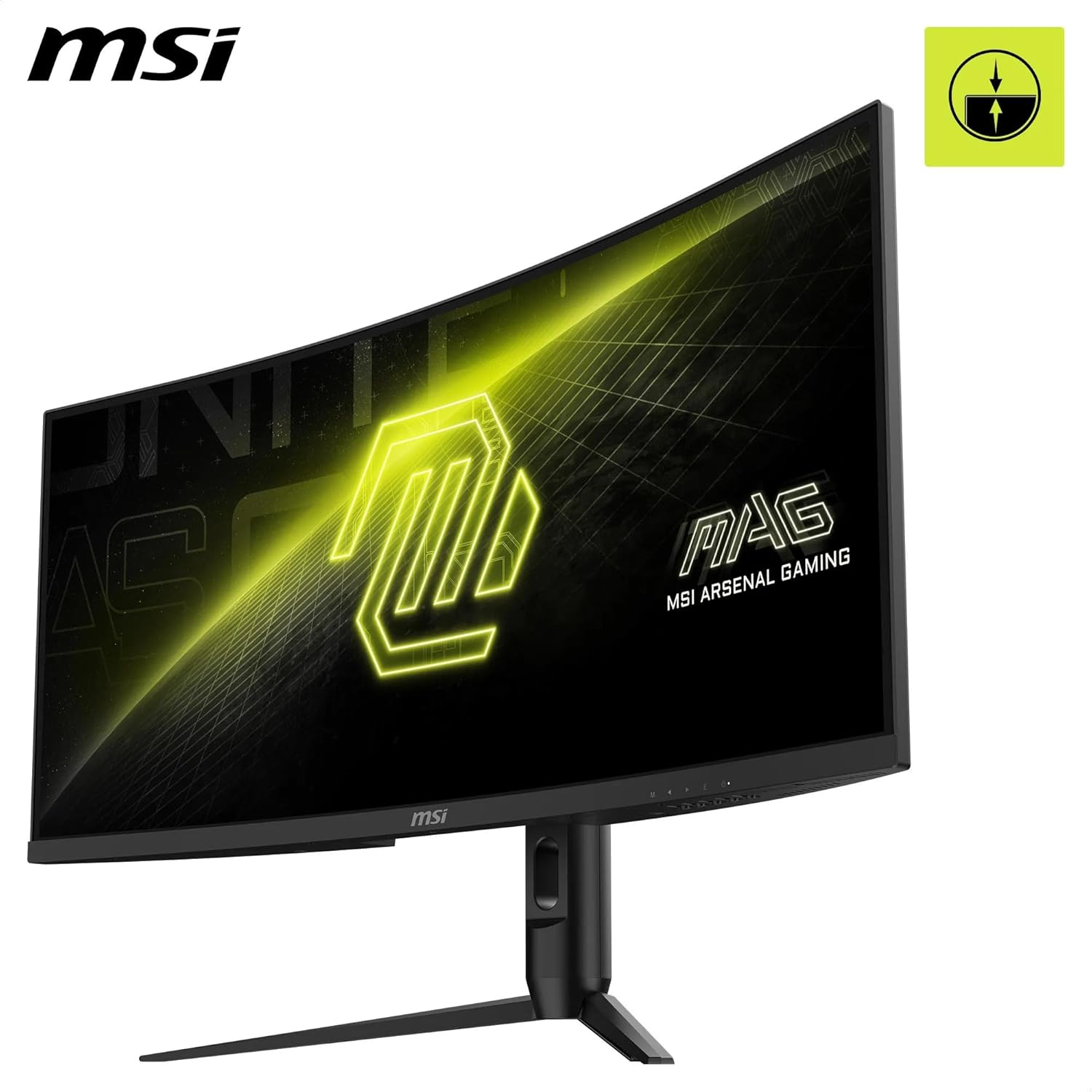
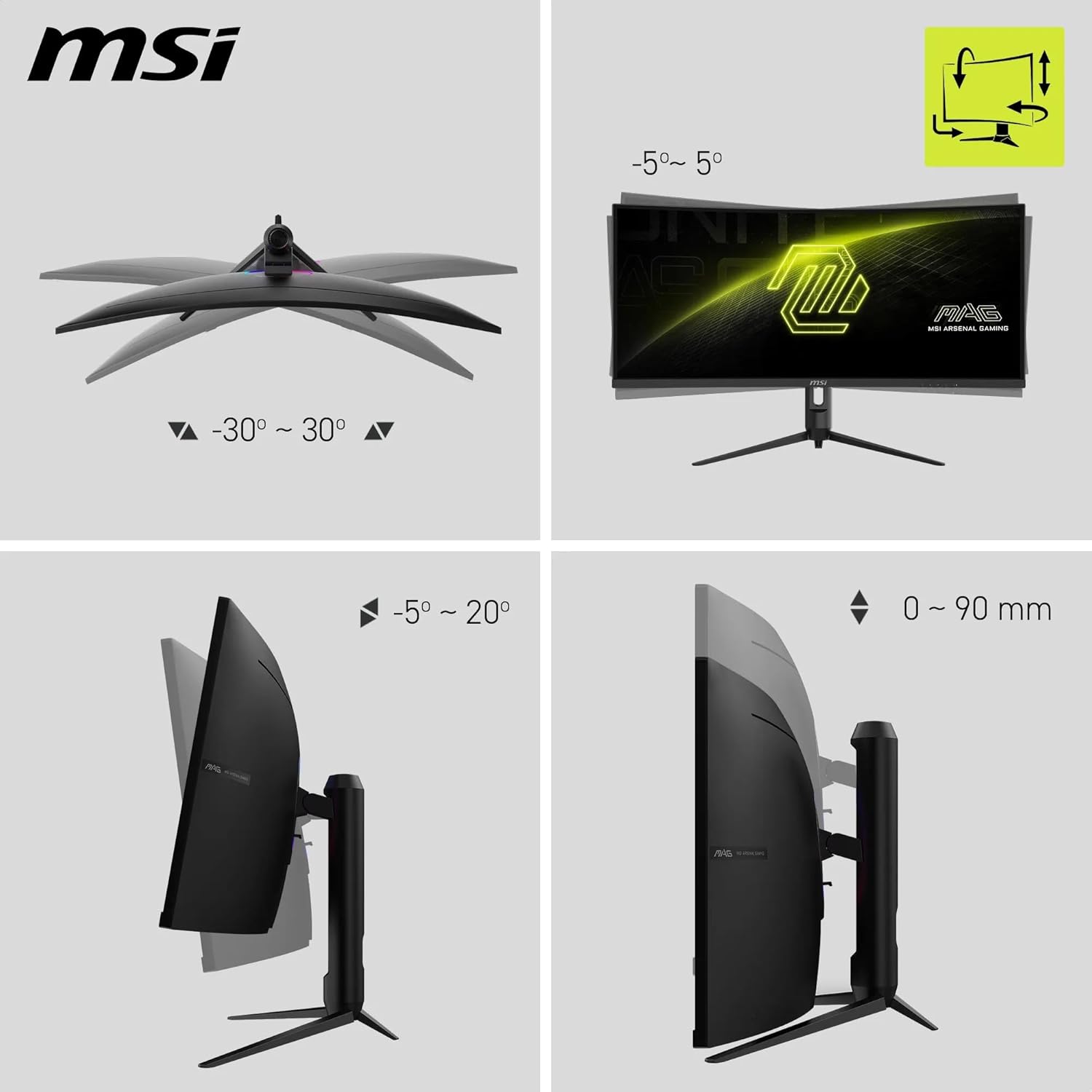
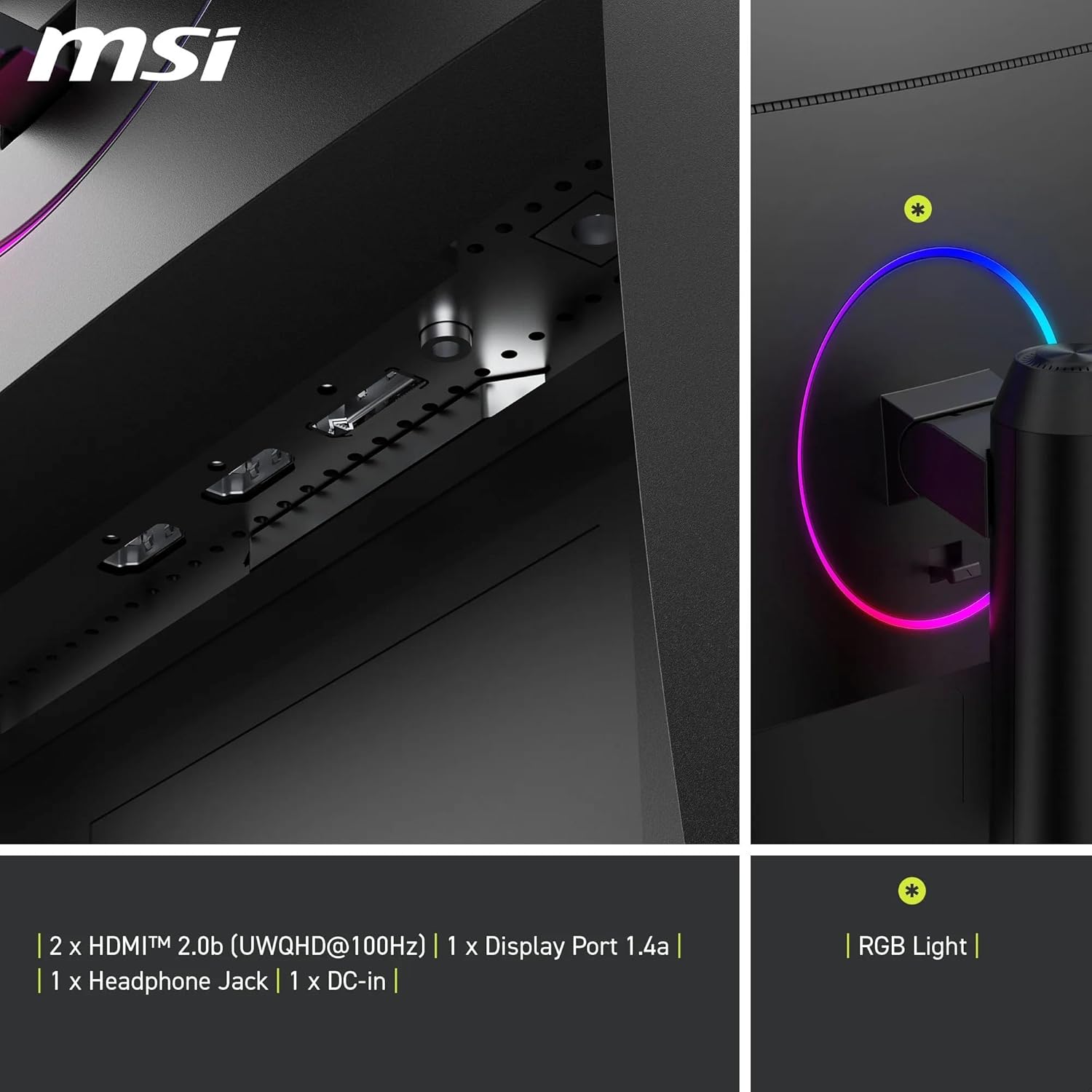
For device compatibility, you get DisplayPort 1.4a for UWQHD up to 180 Hz and HDMI 2.0b with CEC support, which can be handy if you’re switching between PC and consoles. The rear stand is adjustable, which is useful to fine-tune ergonomics for long sessions.
What it does well
If you prioritise a broad, immersive field of view and smooth motion at high refresh rates, the 180 Hz (with Adaptive Sync) and 1 ms response are compelling for fast-paced games and esports-style play. The 34” ultrawide format can also be enjoyable for certain productivity tasks and media consumption, where more horizontal space makes a difference.
Where it may fall short
The combination of ultrawide size and high refresh rate can be overkill if you’re primarily playing at standard 16:9 resolutions or if you’re budgeting, as the extra screen real estate doesn’t always translate to every game or workflow. The official max HDMI refresh is 100 Hz at UWQHD via HDMI, which means you’ll want DisplayPort for the 180 Hz in fast titles. If you mainly game on a tight desk or prefer a flatter panel for competitive shooting at 1080p, this model might feel large.
Who it’s for
This monitor is likely to appeal to gamers who value immersion and screen real estate, shooters who benefit from a fast 180 Hz refresh, and users who want a single, expansive display for both gaming and light productivity.
Who it isn’t for
If you’re restricted by budget, desk space, or you don’t need the ultrawide format, a smaller 16:9 model or a monitor with a simpler input setup could be more practical. It’s also worth noting that the best performance at UWQHD (180 Hz) requires DP input rather than HDMI.
Practical usage tips
- Use DisplayPort 1.4a for the full 180 Hz UWQHD experience.
- Enable adaptive sync to minimise tearing in compatible games.
- Consider light-room conditions, the anti-flicker and eye comfort features can help during longer sessions.
What to check before buying
- Confirm your GPU and cables support UWQHD at 180 Hz via DP.
- Check your desk depth and chair height to accommodate a 34” curved display.
- If you plan to run tasks at 3440 x 1440, ensure your preferred titles support ultrawide resolutions for the best effect.
Practical example
Imagine starting a long gaming session: you load a fast-paced title, you set the display to UWQHD via DP, and the 180 Hz refresh keeps motion looking smooth while the 1 ms MPRT reduces trailing during rapid turns. The curved screen draws your attention into the action, and the wider canvas helps you keep track of your surroundings without constantly turning your head.
FAQ (quick answers)
- Q: Does the monitor support HDR? A: The data provided does not specify HDR support, so treat it as not confirmed.
- Q: Can I use HDMI to reach 180 Hz? A: HDMI 2.0b is listed, but UWQHD at 180 Hz typically requires DP, rely on DisplayPort for the highest refresh.
- Q: Is the stand fully adjustable? A: The rear features an adjustable stand, but exact degrees of tilt/height aren’t detailed.
- Q: Is it suitable for work beyond gaming? A: The ultrawide format can be beneficial for multitasking, but the description focuses on gaming performance.
Decision time
Is it worth it?
It makes sense if you prioritise high refresh, fast response and a wide, immersive field of view for games that support ultrawide resolutions. If you’re after a compact desk setup, or if you don’t need 180 Hz at UWQHD, you might want to explore alternatives with a more modest footprint or different panel technologies.