

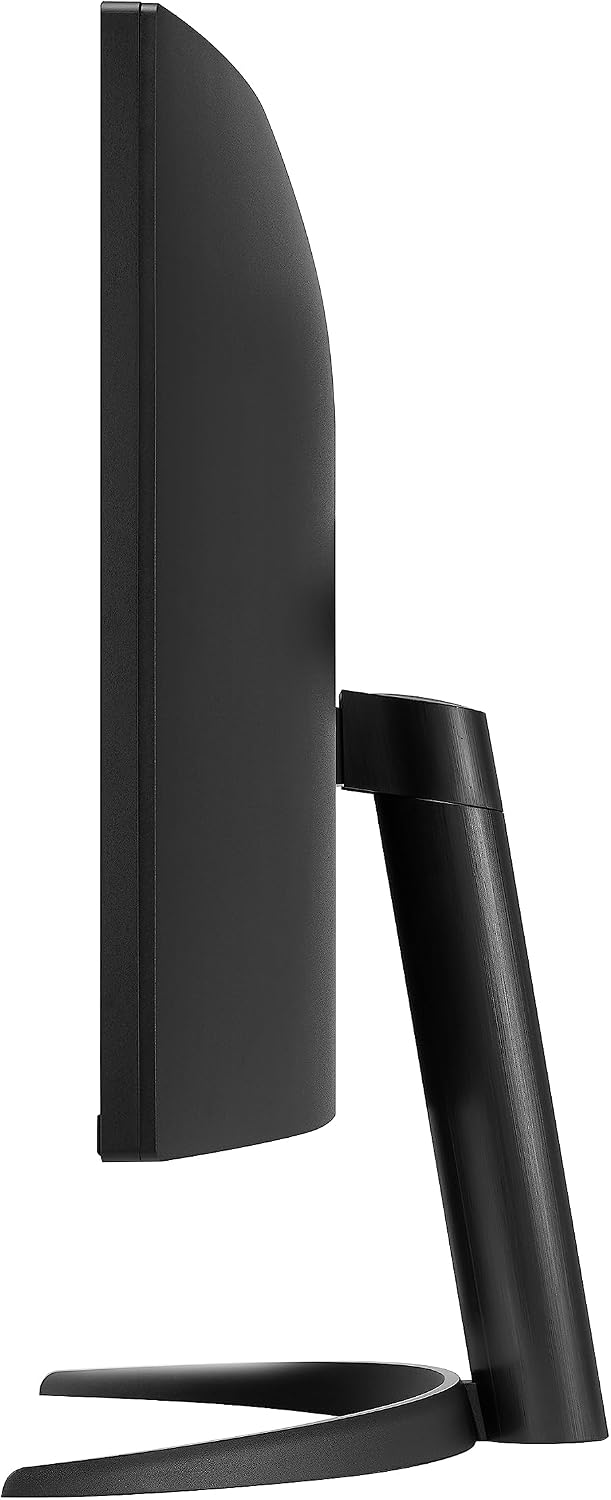
LG 34WR50QK UltraWide Curved Monitor – 34-inch QHD, 100Hz
Product description
What kind of monitor is this?
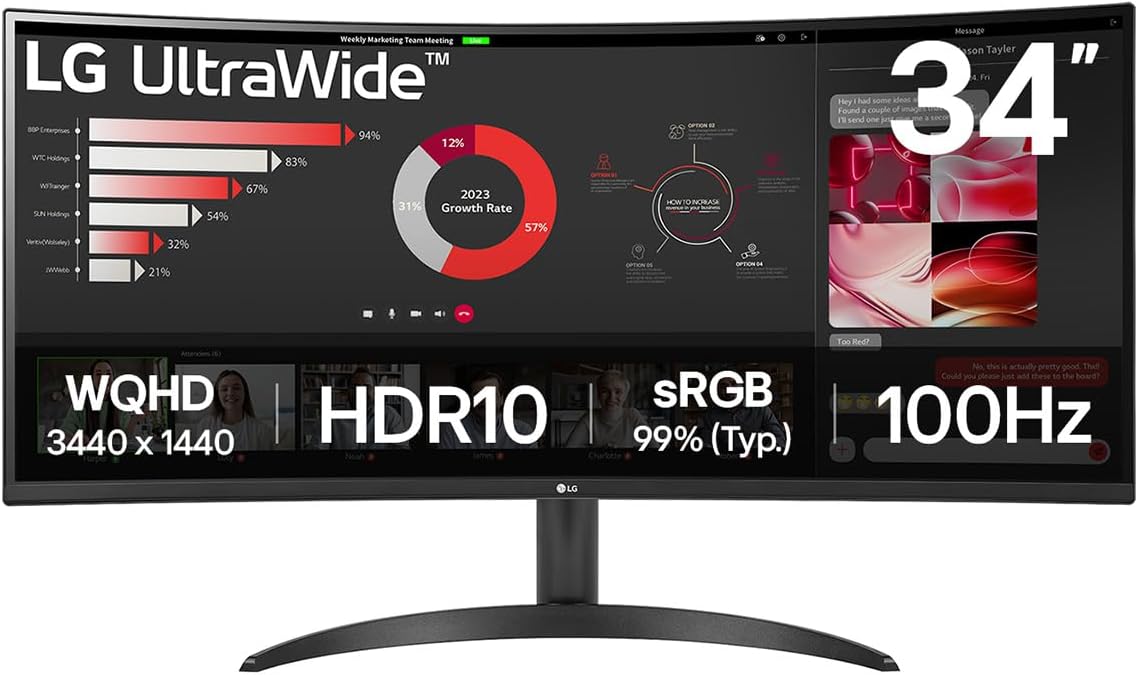
The LG 34WR50QK is a 34-inch curved UltraWide monitor designed to expand your workspace. With a 21:9 3440x1440 (QHD) panel, it naturally lends itself to multitasking, letting you keep more windows visible side by side without constant alt-tabbing. The curved VA panel aims to provide a broader field of view and consistent contrast across the screen.
Why choose a curved UltraWide?
Curved screens can help reduce peripheral distraction and make wide content feel more immersive. For everyday use, that means fewer head movements when referring to multiple documents or browser tabs. For creatives and professionals, the extra horizontal real estate can improve productivity by allowing longer timelines, larger spreadsheets, or more precise side-by-side comparisons.
Key specs at a glance
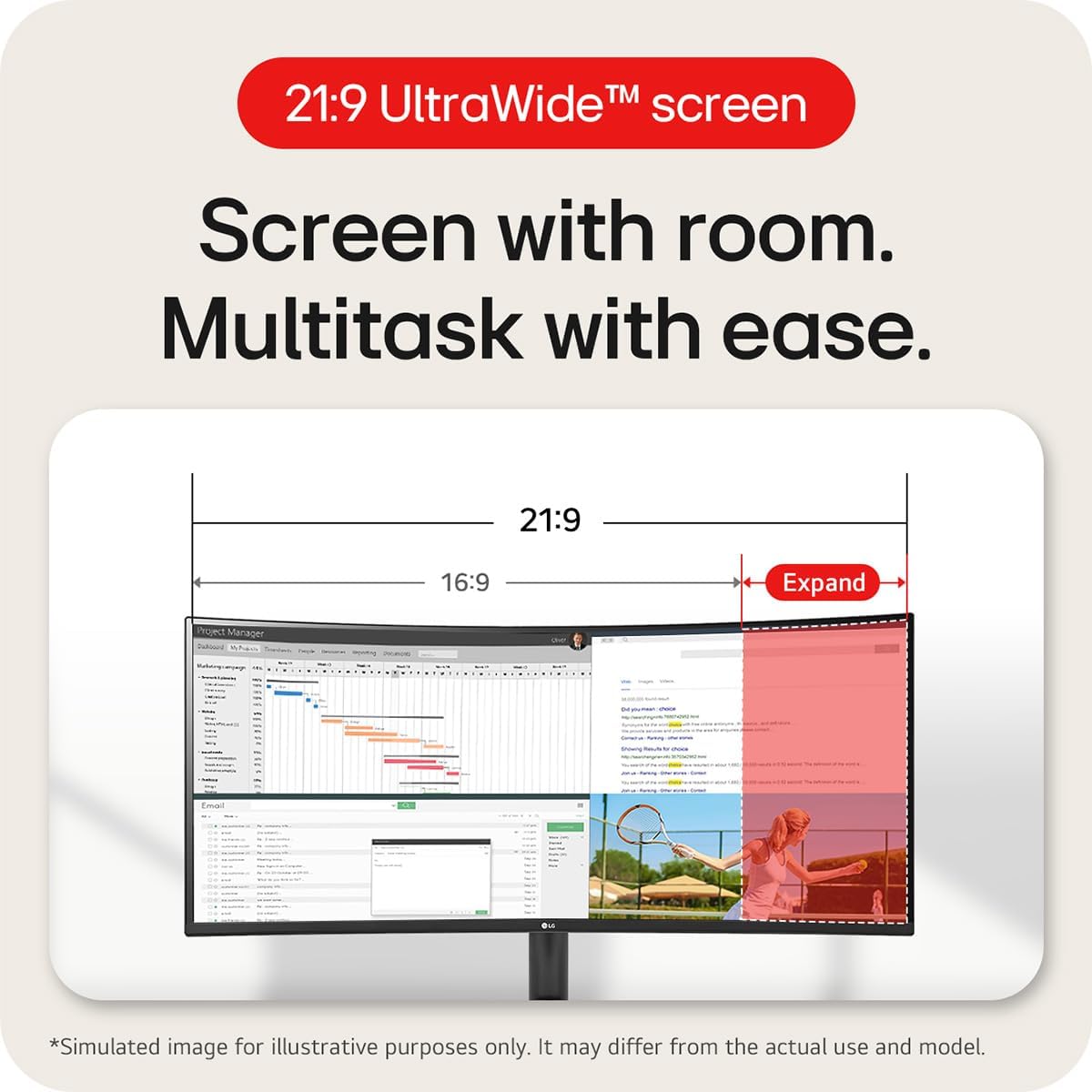
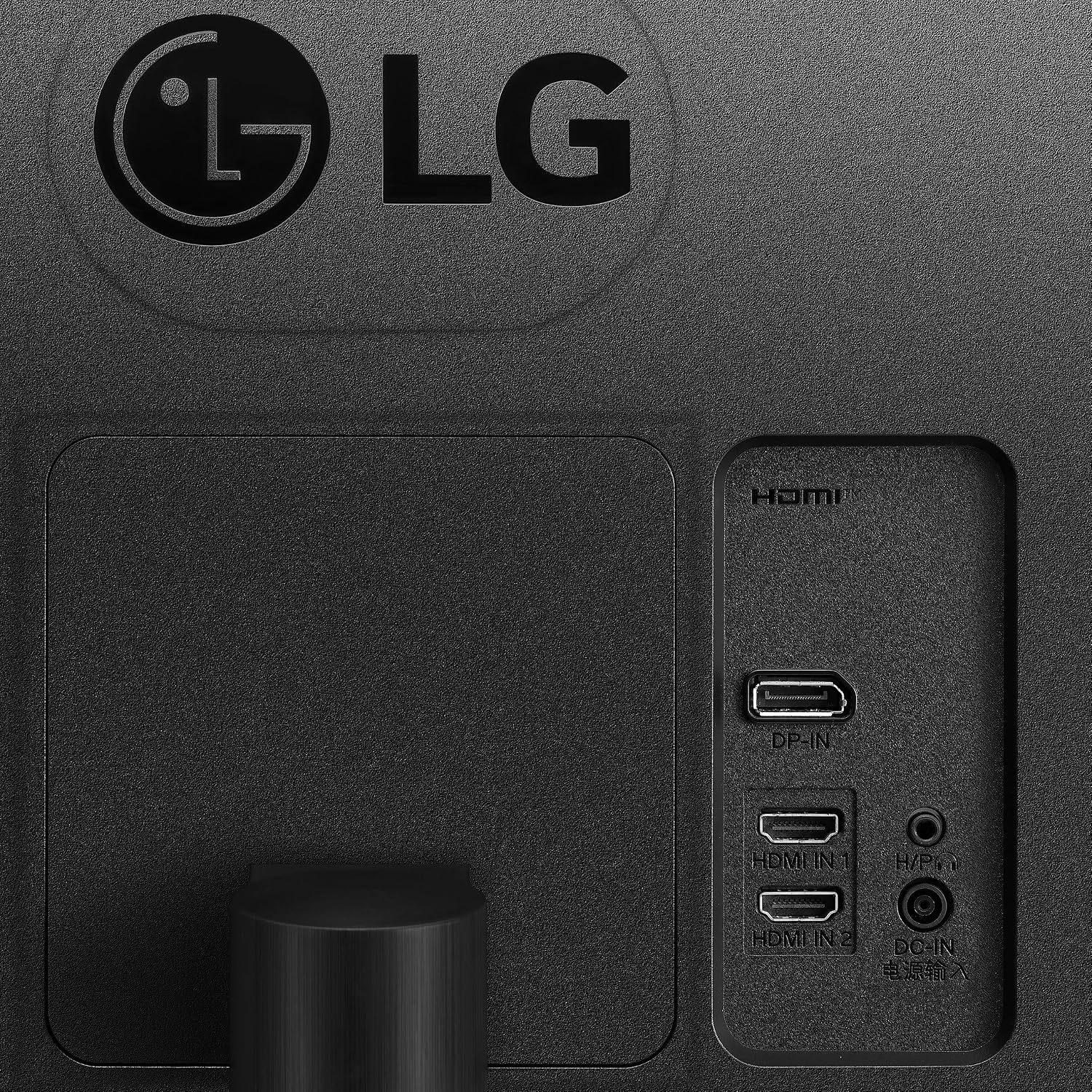
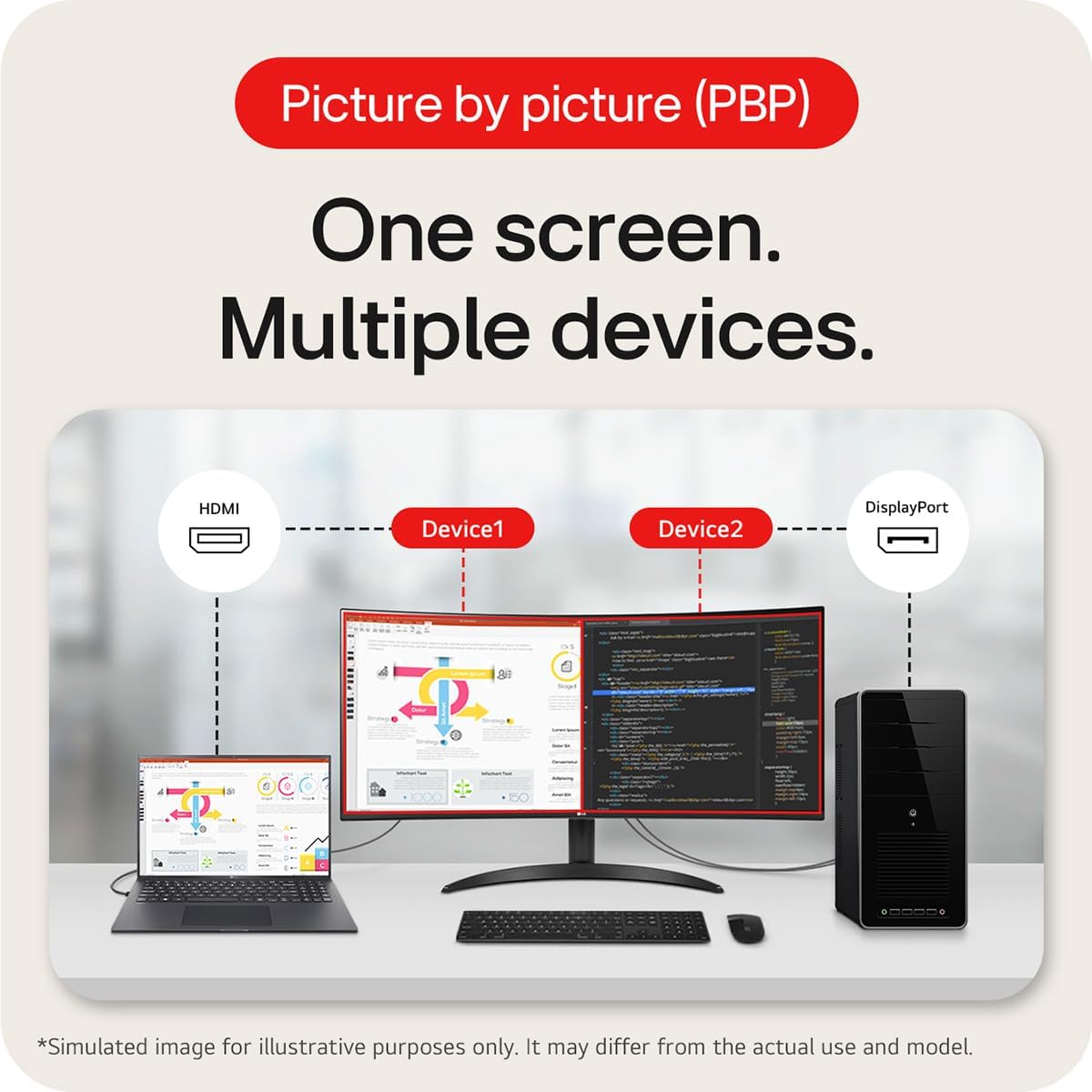
On paper, this model offers a 34-inch curved display with a 3440x1440 resolution, a 100 Hz refresh rate, and a 5 ms response time. It includes HDR10 compatibility and covers a substantial portion of the sRGB colour gamut (typical 99%), which should translate to more accurate colours for everyday tasks and media consumption. Connectivity includes DisplayPort and HDMI, with energy-saving features described as Smart Energy Saving. A Picture by Picture (PBP) feature is present, enabling you to view content from two different devices at once.
How it performs in use
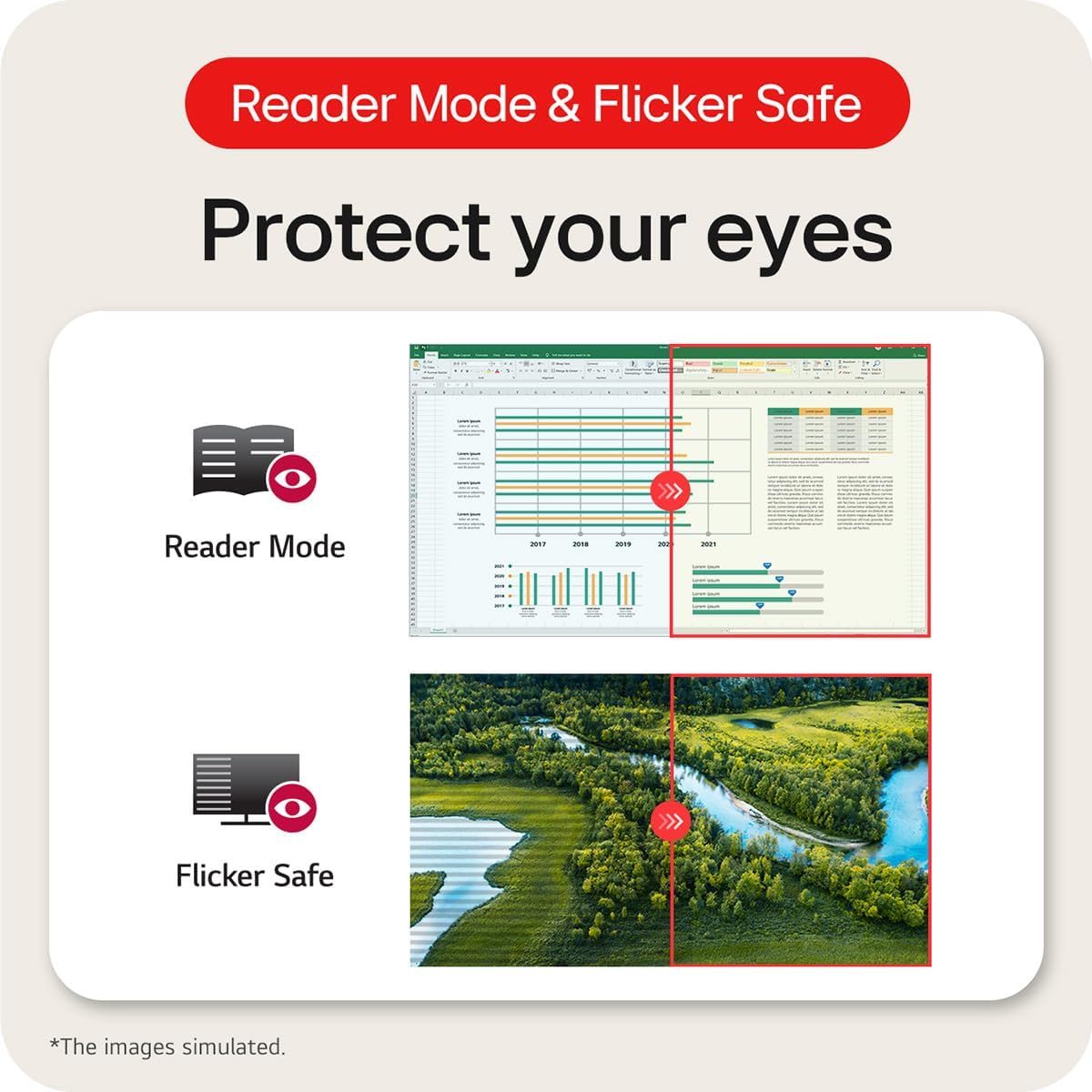
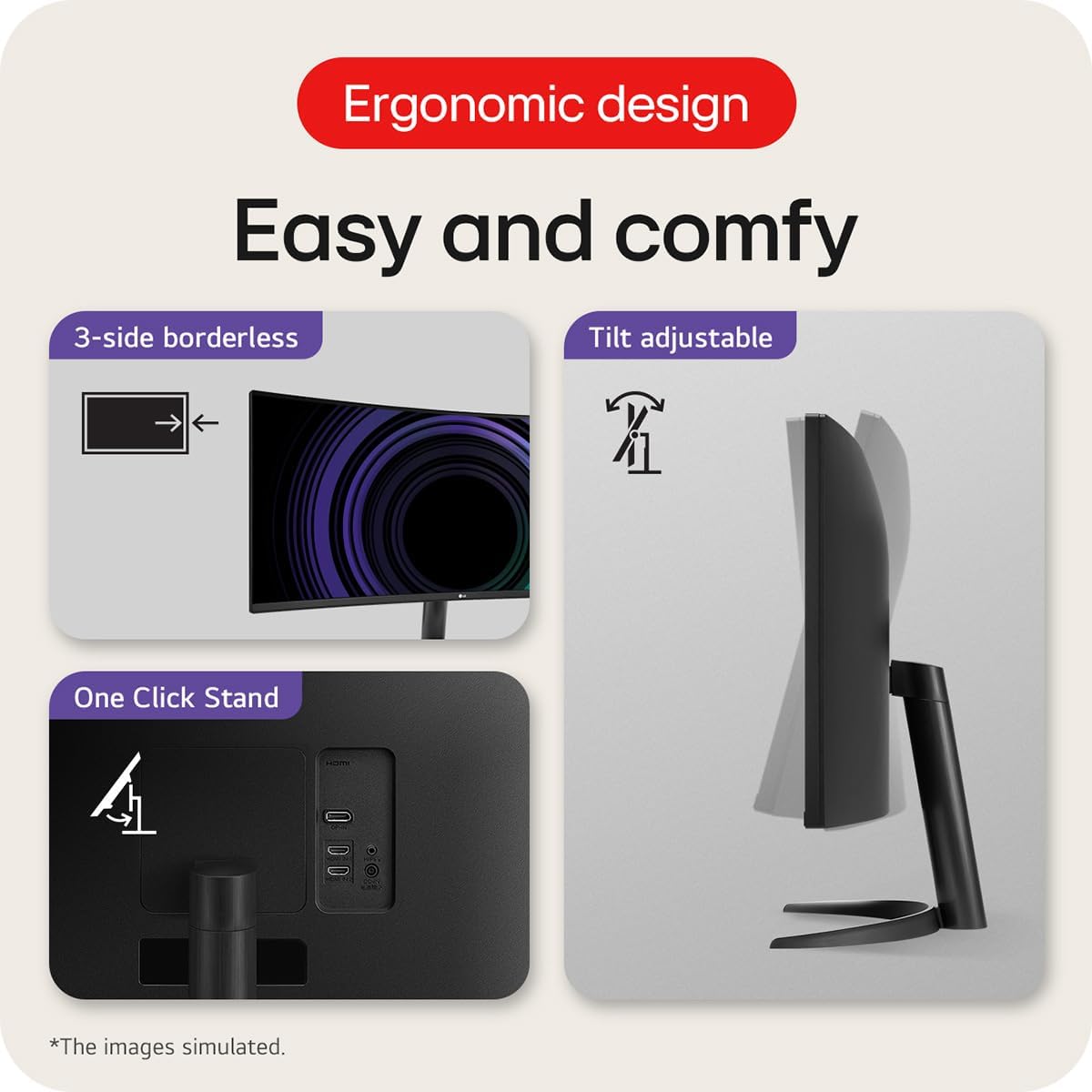
In practical terms, the 100 Hz refresh rate is helpful for smoother motion and responsiveness compared with standard 60 Hz displays, particularly when scrolling through long documents or light gaming and multimedia tasks. The HDR10 support can enhance colour and brightness for compatible content, though the real-world impact depends on the source material and the display’s peak brightness. The ergonomic stand aims to simplify setup with tilt adjustments, which helps you find a comfortable viewing position with relatively little effort. Eye care features like Reader Mode and Flicker Safe are included to reduce eye strain over long sessions, a consideration for desk users who spend many hours staring at a screen.
Who it’s for
This monitor fits well for professionals who work across multiple apps or documents at once, students juggling research in several windows, and casual creators who value a wide, immersive workspace without stepping up to a multi-monitor setup. If you prioritise a compact desk footprint with a single expansive display and reasonable colour accuracy for everyday tasks, it’s a sensible option.
Drawbacks and limitations
It isn’t a bespoke gaming monitor with high-end features like very fast refresh rates or high-end adaptive sync beyond 100 Hz, the 5 ms response time is respectable but not aimed at competitive esports. As a curved VA panel, you may notice some viewing angle limitations compared with IPS panels, particularly for colour consistency from extreme off-centre angles. The HDR performance is dependent on the device’s brightness and content, not every HDR source will fully showcase its potential. If your workflow relies on precise colour-critical work, you’ll want to verify colour accuracy in person before committing.
What to check before buying
- Confirm your PC can drive 3440x1440 at 100 Hz or use the PBP feature if you plan to work across two machines.
- Check if your desk space allows a 34-inch curved panel and the stand’s tilt range for your preferred seating height.
- Consider the room lighting, HDR may look best with balanced ambient light and higher brightness sources.
- Ensure you actually use HDR10 content and expect practical gains rather than a dramatic, model-specific boost.
Practical usage example
Imagine editing a long research document while referencing a data spreadsheet on the side. The extra horizontal real estate means you can keep both windows open and legible without constantly resizing or switching windows. For a designer drafting visuals and checking reference images at the same time, you’ll appreciate the broad canvas and the ability to keep tools docked in view while content remains visible in one continuous workspace.
Buying verdict
Buying verdict: Worth considering if you want a single, expansive display for multitasking and media consumption, with reasonable eye-care features and sturdy everyday usability. It may not be the best choice if you need ultra-fast gaming performance or absolute colour-critical accuracy, and you should verify ergonomics and panel performance in person where possible.
FAQ
- Can I use two devices at once with this monitor? Yes, via Picture by Picture (PBP) you can monitor content from two different devices side by side.
- Is HDR10 worth it on a VA panel? HDR10 can improve contrast and colour for compatible content, but the real-world impact depends on content and brightness.
- How does the stand help with setup? The stand offers tilt adjustment for aligning the screen to your seating position, aiding comfort during long sessions.