

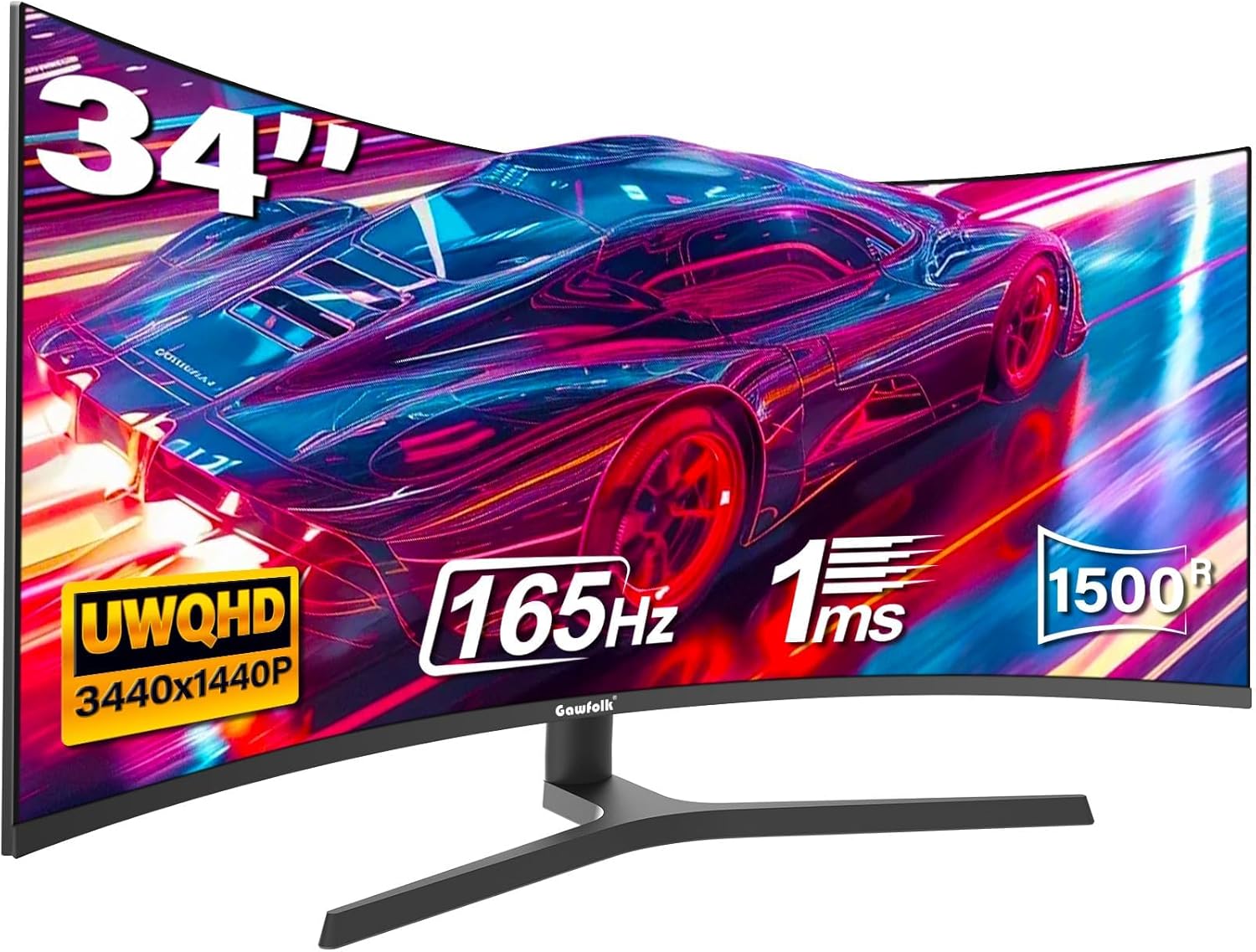
Gawfolk 34 Inch Ultrawide Curved Gaming Monitor – 3440x1440, 165Hz, FreeSync, 1500R
Product description
What matters most
The Gawfolk 34 Inch Ultrawide Curved Gaming Monitor is designed to maximise screen real estate and immersion with a 34-inch ultrawide panel and a 1500R curvature. With a resolution of 3440x1440 and a 165 Hz refresh rate, the display aims to balance productivity tasks and gaming demands. Its adaptive Sync (AMD FreeSync) is positioned to reduce tearing, while HDR support and a broad 99% sRGB coverage suggest a visually-rich experience. The screen also includes multiple video inputs and a height-adjustable stand with VESA mounting compatibility for flexible setup.
Technical details at a glance
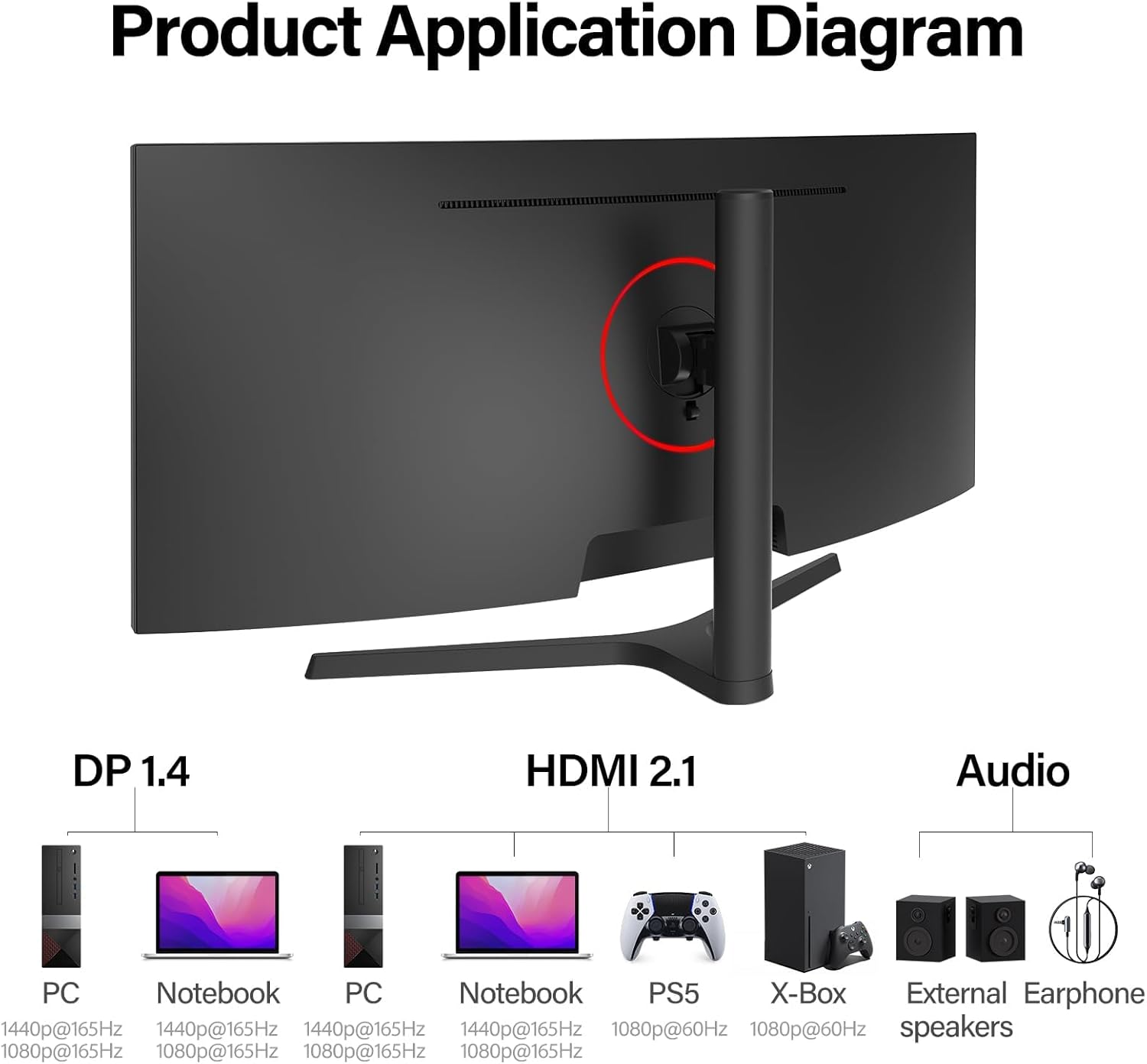
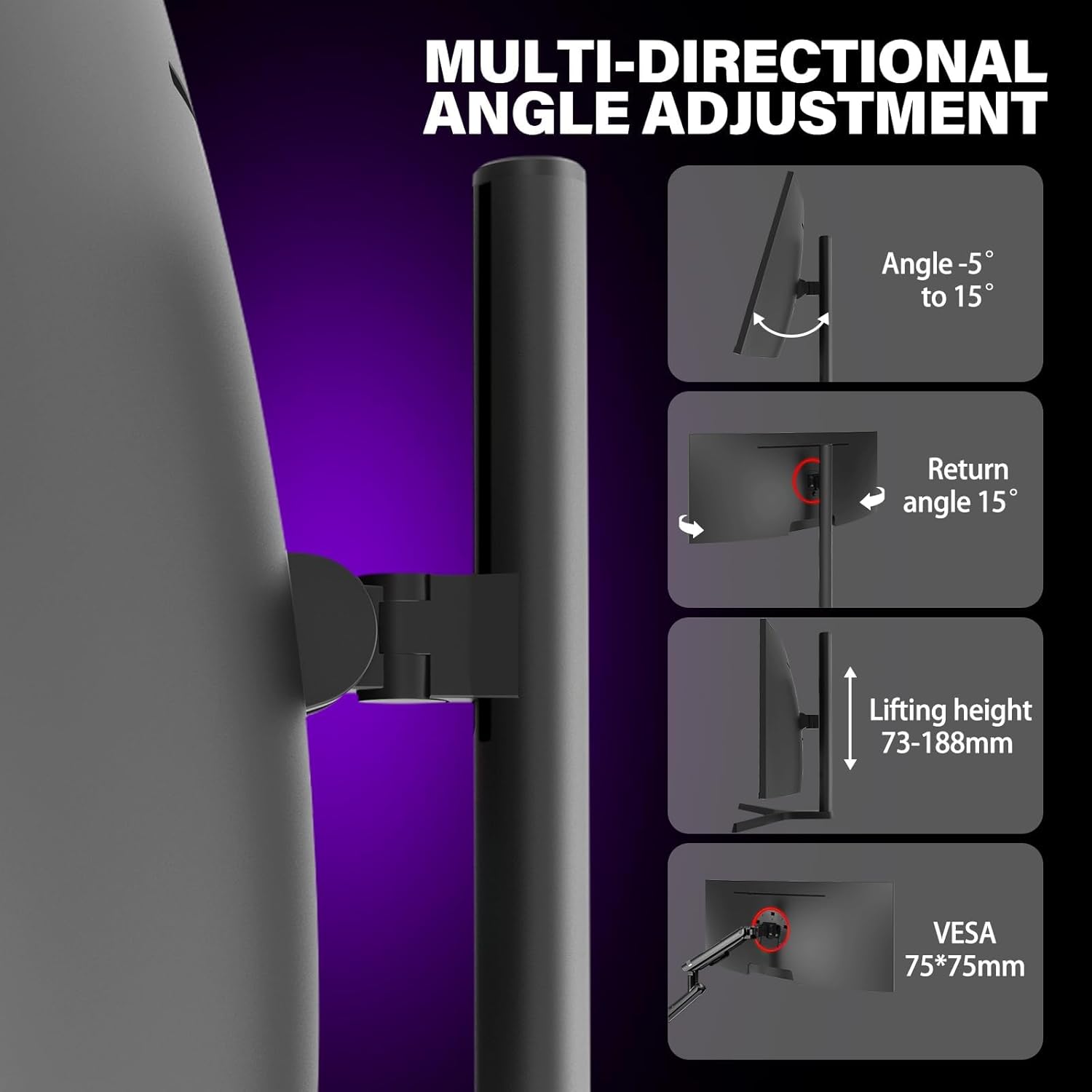
On paper, the monitor offers 2x HDMI ports and 2x DisplayPort connections, with HDMI 2.0 delivering up to 120 Hz and DP 1.4 up to 165 Hz. The brightness is listed at 300 cd/m² and an 8-bit colour depth is indicated. A relatively up-to-date feature set for a curved UWQHD panel, designed to suit both work multitasking and gaming sessions. The stand supports height adjustment from 2.8 to 7.4 inches and tilt/angle adjustments, and the VESA 75x75 mounting option is available (although the wall mount isn’t included).
Who it’s for
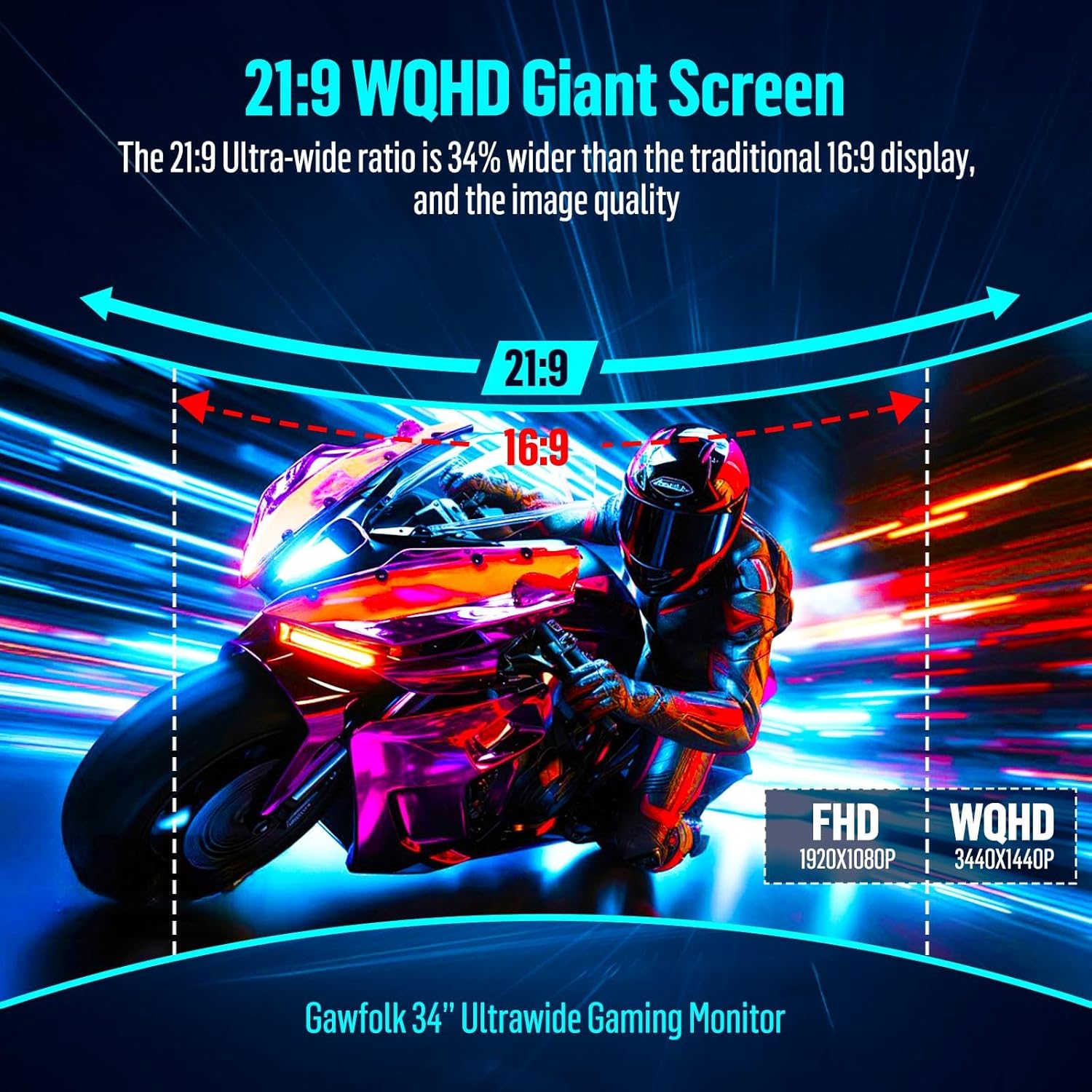
If you prioritise more screen space for spreadsheets, video editing timelines, and multi‑app workflows, this monitor’s 21:9 aspect ratio can reduce the need to constantly alt‑tab. For gamers, the high refresh rate and FreeSync promise smoother motion, especially in fast-paced titles. It may appeal to those who want a single monitor solution that can handle both productivity and entertainment without investing in a multi‑monitor setup.
What stands out
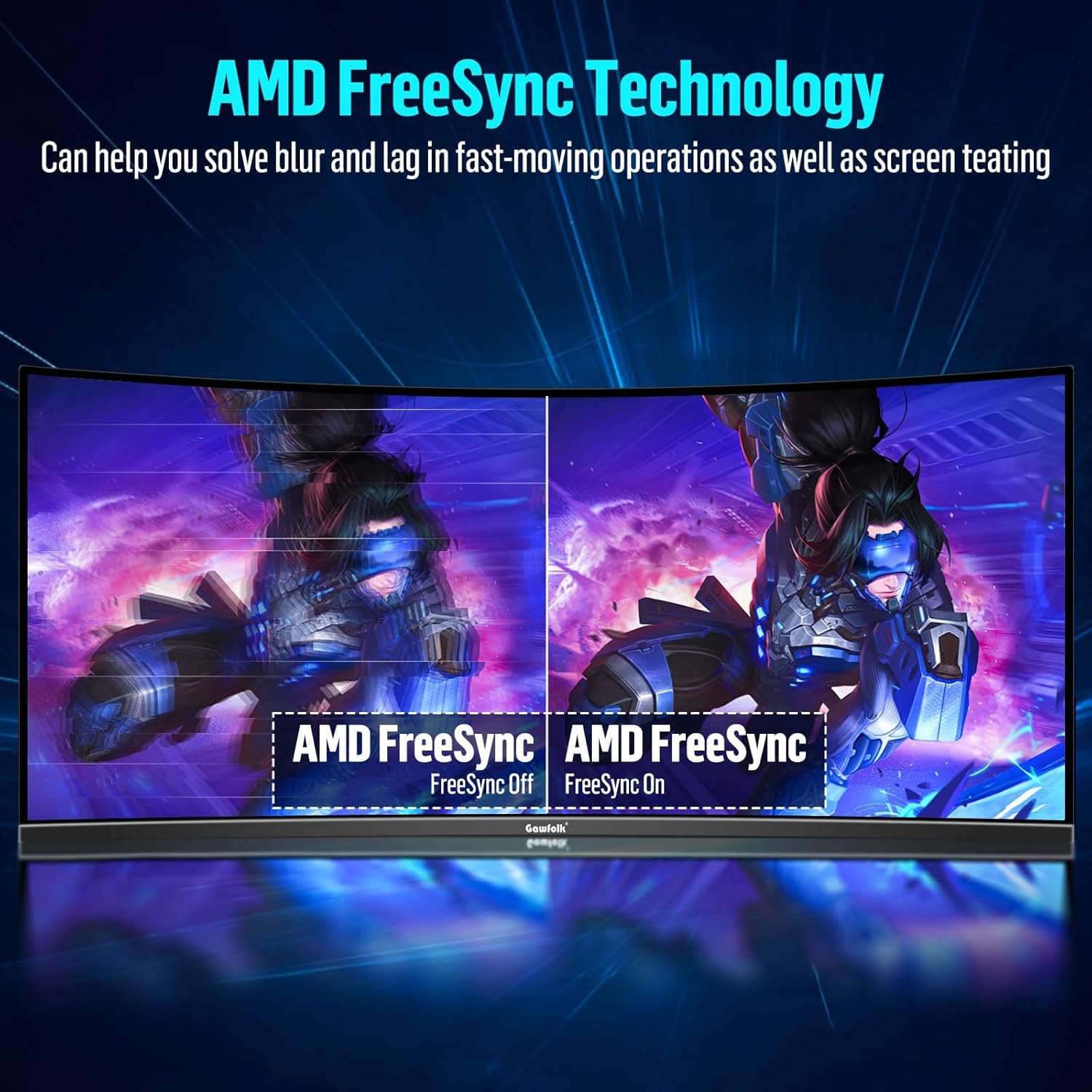
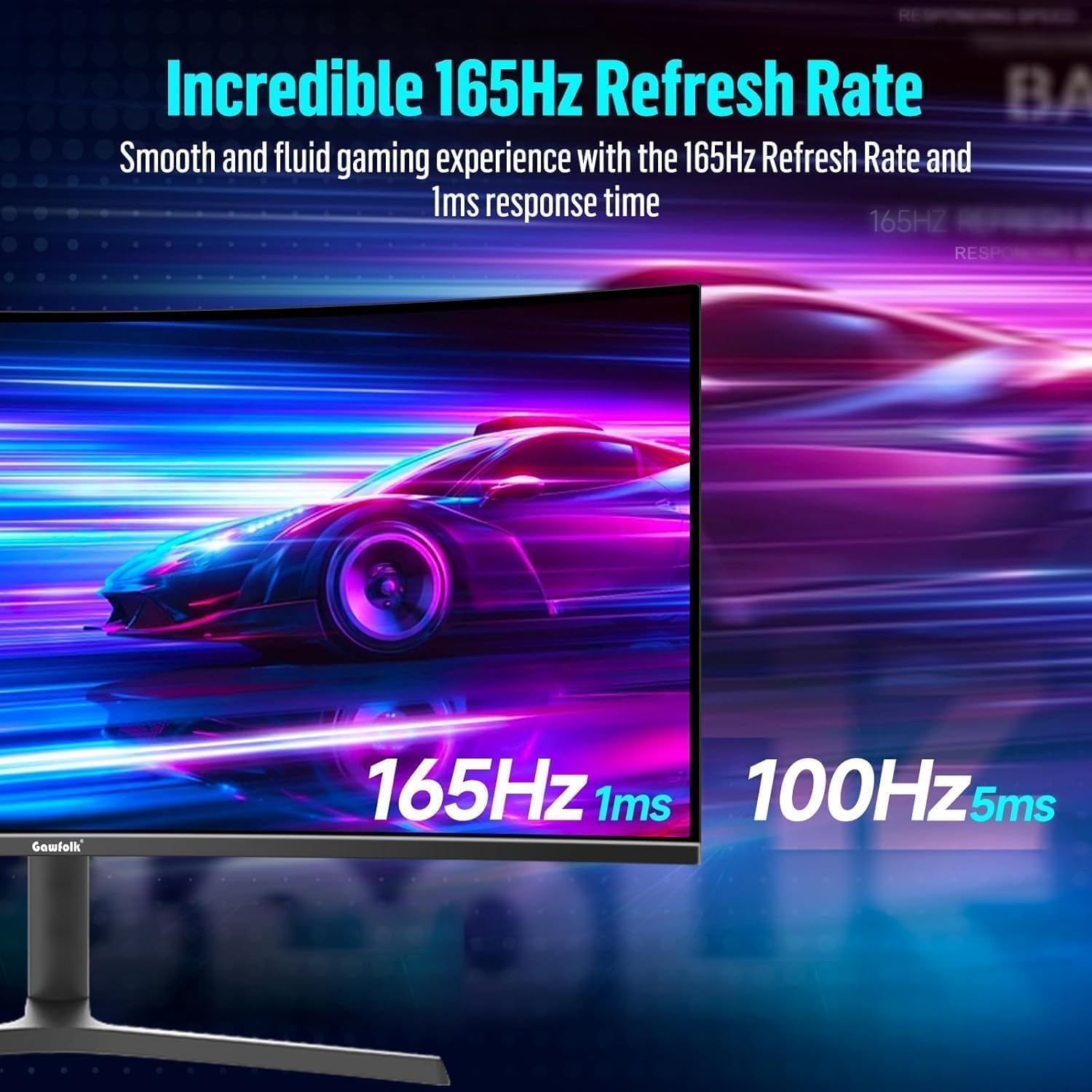
The ultrawide format is the headline feature, offering substantially more horizontal space than a standard 16:9 screen. The 1500R curvature is designed to bring content closer to the eye line, potentially improving immersion and perceived depth. The combination of 165 Hz and Adaptive Sync can contribute to a more fluid gaming experience, while HDR and wide colour coverage aim to deliver richer visuals. The breadth of connectivity (HDMI 2.0 and DP 1.4) supports modern GPUs and consoles, though benefits depend on your source’s capabilities.
Potential limitations
On paper, the brightness of 300 cd/m² is modest by modern standards, which could impact HDR brightness in very bright or glare-prone rooms. The 8-bit colour depth means it relies on UI processing for colour accuracy, and some users may crave a higher colour depth for photo work. Notably, the wallmount is listed but the actual mounting hardware isn’t included, and setup may require time to fully optimise height, tilt, and distance for comfort. If you’re sensitive to backlight bleed or curved screen uniformity, it’s sensible to check reviews for real‑world consistency.
How to use it day to day
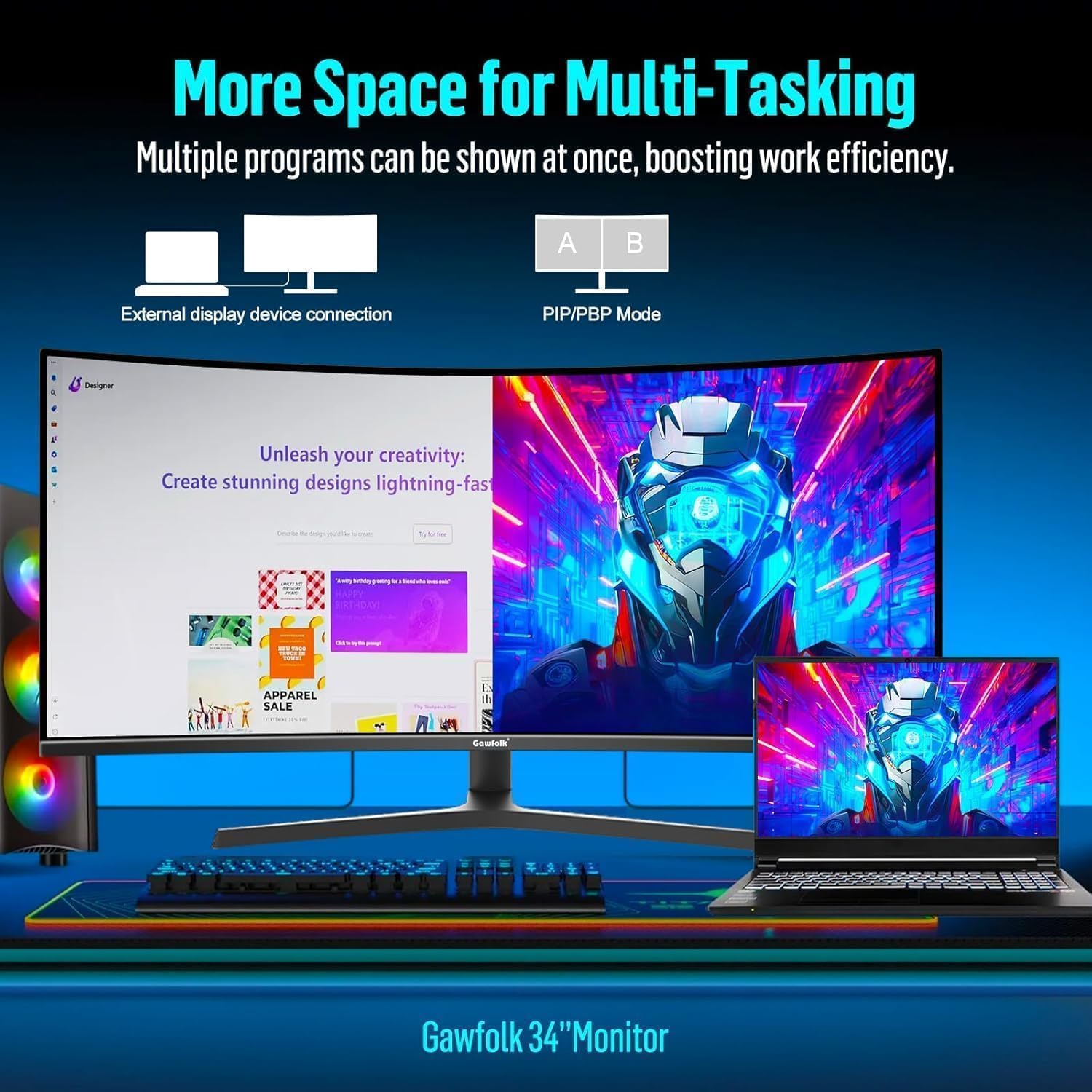
For productivity, place a primary document window on one side and a reference or chat app on the other to reduce tab-switching. In gaming, enable FreeSync and try a middle‑to‑high field of view to make the most of the wide horizontal space. When content creation, take advantage of the extra workspace for timelines and palettes. If you value a distraction-free desk, a sturdy arm or stand with cable management can complement the monitor’s footprint.
Before you buy: what to review
- Confirm whether your GPU supports DP 1.4 for the full 165 Hz at UWQHD. If you’re limited to HDMI, you may not hit the maximum refresh rate.
- Consider your room lighting to judge whether the 300 cd/m² brightness and 8-bit colour depth meet your needs, especially for HDR content.
- Check the mounting options and whether the included stand meets your preferred ergonomic range before committing.
- If you use multiple devices, ensure your intended inputs match your typical setup (PC, console, laptop) and note that latency and colour accuracy may vary with source.
Alternatives and what they change
This monitor sits between entry-to-mid level ultrawide gaming displays and higher‑end models with brighter HDR and higher colour depth. If you value sheer brightness and top-tier colour precision, you might consider options with higher peak brightness or better HDR performance. If your priority is a simple, compact desk footprint, a standard 16:9 monitor or a dual‑monitor setup could reduce the need for curved immersion but at the cost of horizontal workspace.
Is it worth it?
Is it worth it?
You’ll like it if you want a single screen that blends work and play with substantial horizontal workspace and a responsive gaming experience. It may be less compelling if you primarily need accurate photo editing or require very bright HDR. Consider how much you’ll benefit from the 1500R curve and whether your desk and GPU setup can exploit 165 Hz at UWQHD.
FAQ (brief)
- Does it support HDR? Yes, HDR technology is listed alongside the other features.
- Can I wall-mount it? Yes, it supports a 75x75 mm VESA mount, but wall mount hardware is not included.
- Is the stand adjustable? Yes, the stand allows height, tilt, and angle adjustments to tailor the viewing position.
- What about colour accuracy? It offers 99% sRGB coverage, which is solid for general productivity and gaming, though for professional colour work you may want a display with higher colour depth.
Final decision
Is it worth it? If a spacious, immersive screen for mixed use is a priority and you have a compatible GPU to push 165 Hz at UWQHD, this Gawfolk monitor can be a sensible choice. It balances screen real estate with a practical feature set and a reasonably ergonomic stand. However, for those chasing peak HDR brightness or studio-grade colour fidelity, this model may fall short of higher‑end rivals. Reflect on your typical tasks, your lighting conditions, and whether you’ll utilise the ultrawide workspace daily.