

BenQ GW2790E 27 Inch Eye-Care Gaming Monitor review
Product description
What it is
The BenQ GW2790E is a 27-inch IPS monitor aimed at casual gaming and mixed-use setups, with a 100 Hz refresh rate and full HD 1920x1080p resolution. It includes built-in speakers, two HDMI ports, DisplayPort, a wall-mount option, and a slim bezel design. The model emphasises eye care features and user comfort for long sessions.
Why it stands out
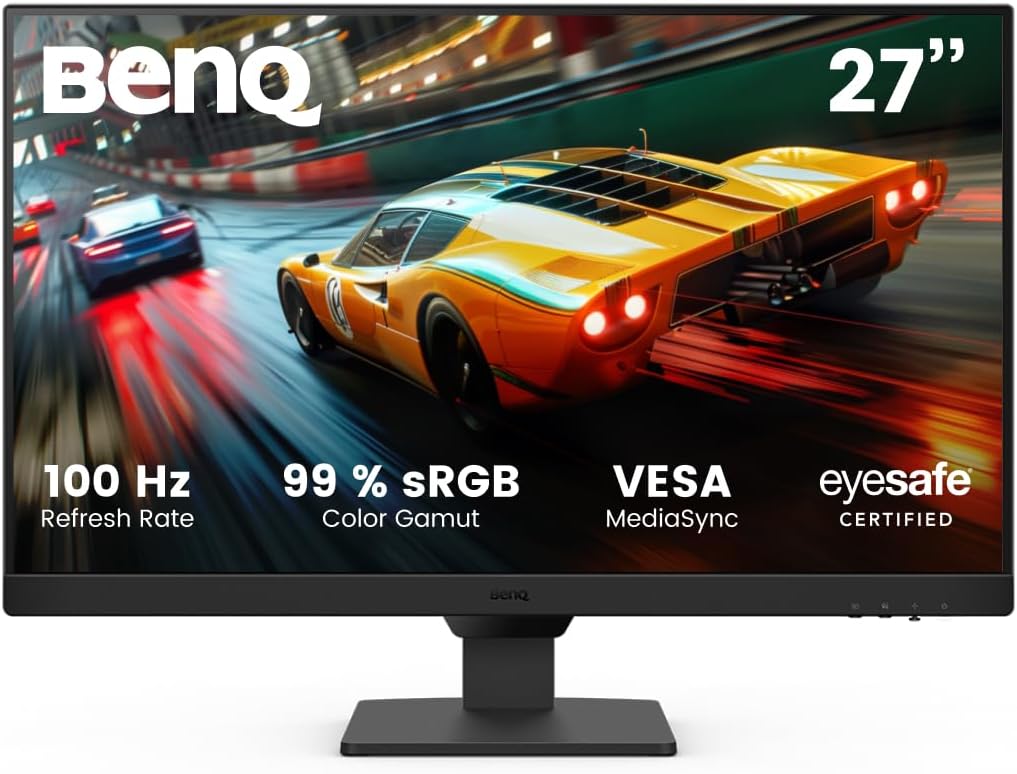
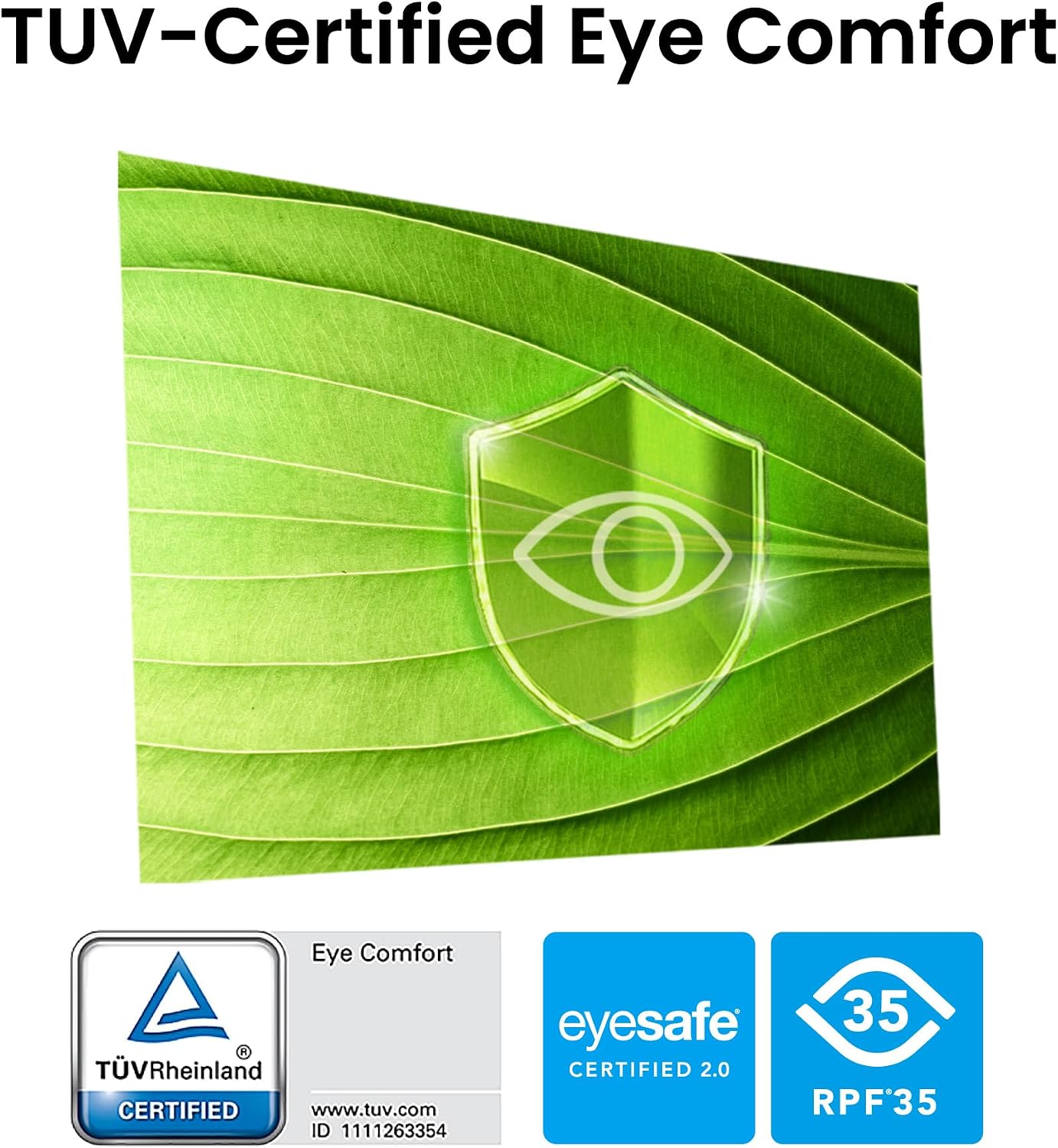
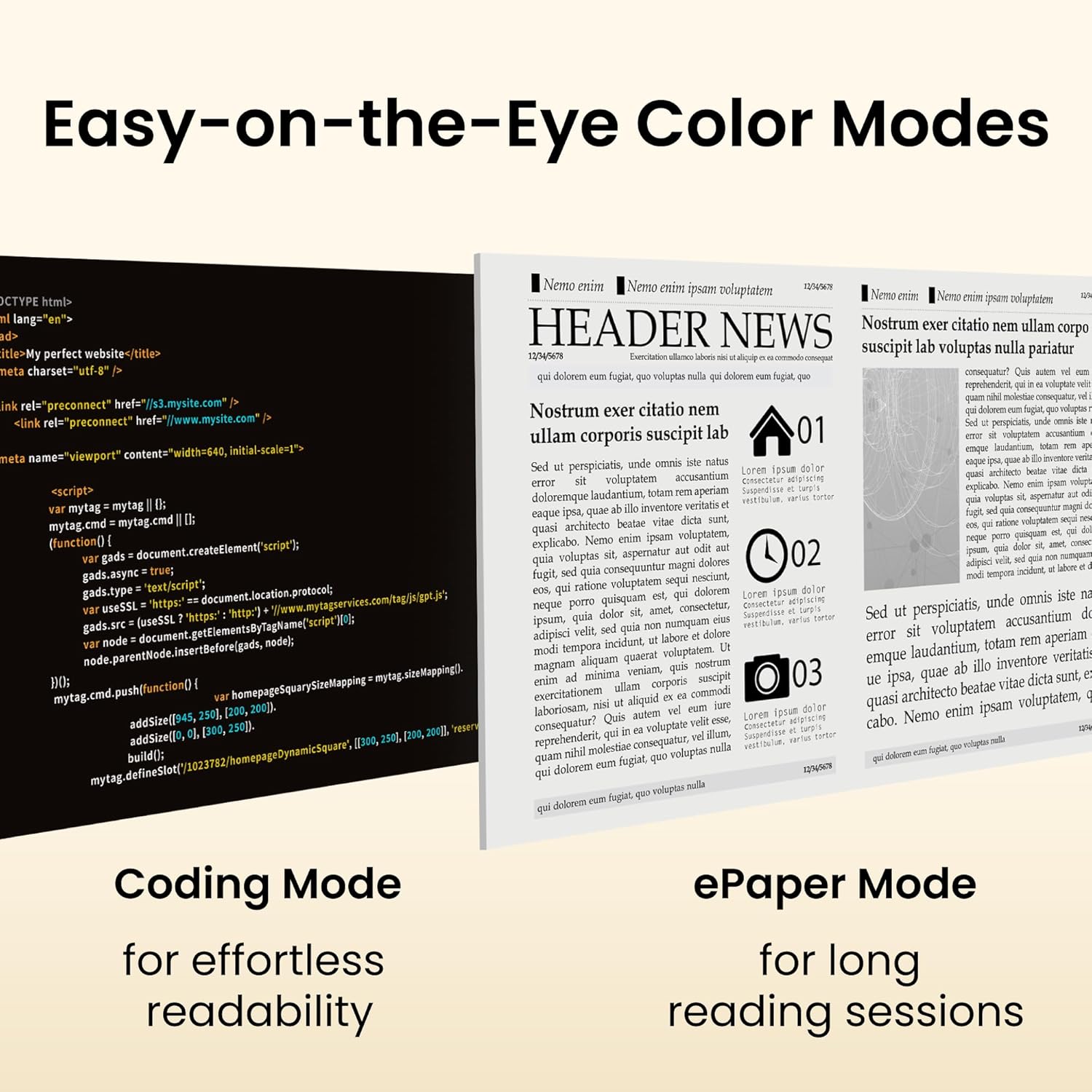
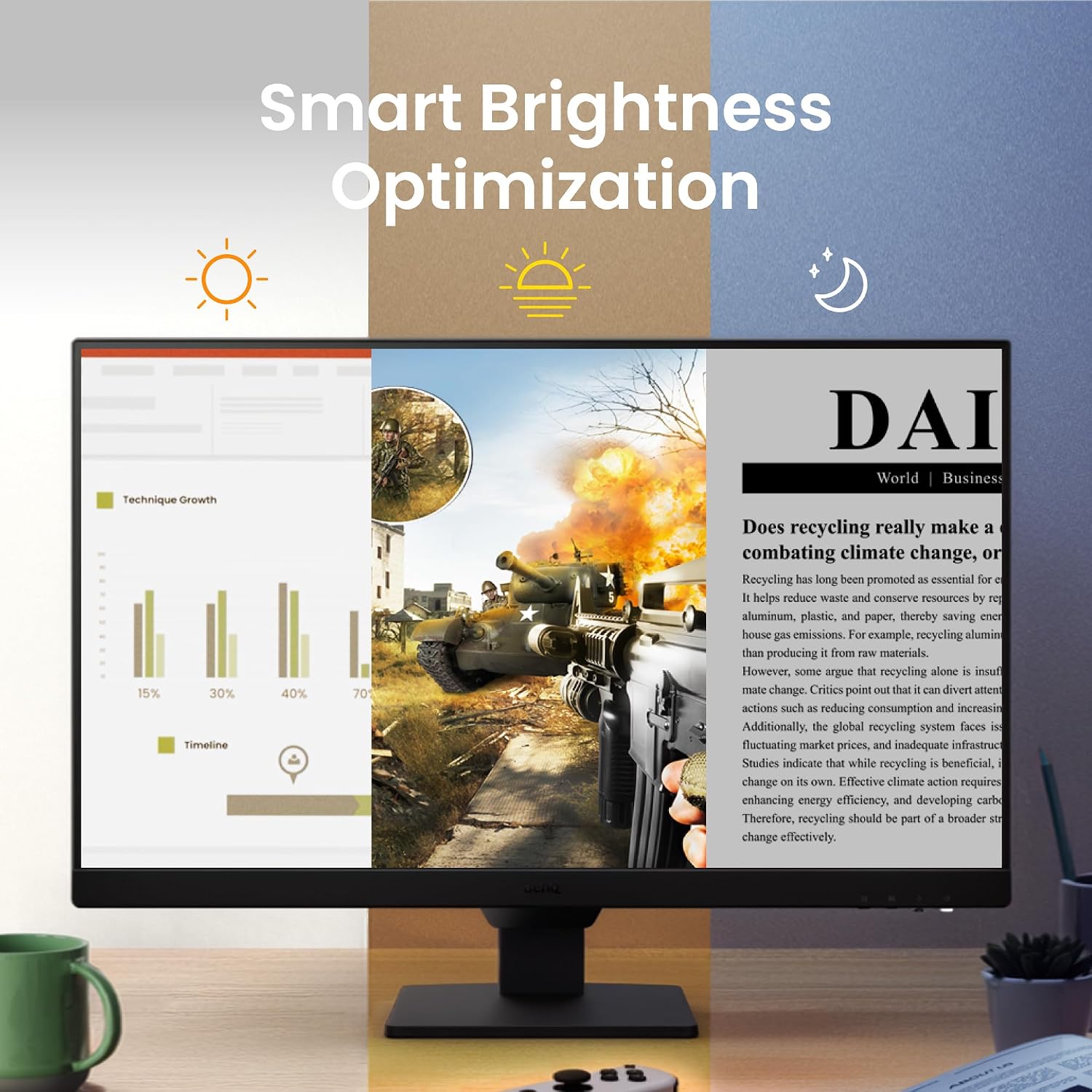
On paper, the GW2790E blends practical gaming basics with comfort-focused tech. The 100 Hz refresh rate can make fast movement feel smoother than standard 60 Hz panels, and the IPS panel should deliver wide viewing angles with accurate colours. The screen offers multiple colour modes, including Gaming Mode, Coding Mode and ePaper Mode, which can aid readability in different scenarios. Built-in Low Blue Light Plus reduces potentially harmful blue-violet light while aiming to preserve colour quality. Brightness Intelligence Tech automatically adjusts brightness to match on-screen content and ambient light, with the B.I.Gen2 system offering customisation options.
What to know before you buy
If your priority is a straightforward screen for office tasks, streaming and light gaming, this panel can be a solid choice on the face of it. However, the resolution is 1080p on a 27-inch display, which means pixel density won’t be as high as some 1440p or 4K models. That can be noticeable if you sit very close or favour sharper text and detail in productivity work. The “eye-care” features are practical, but they rely on software presets rather than a single defining specification, so comfort will depend on personal preferences and usage patterns.
Pros and cons in practice
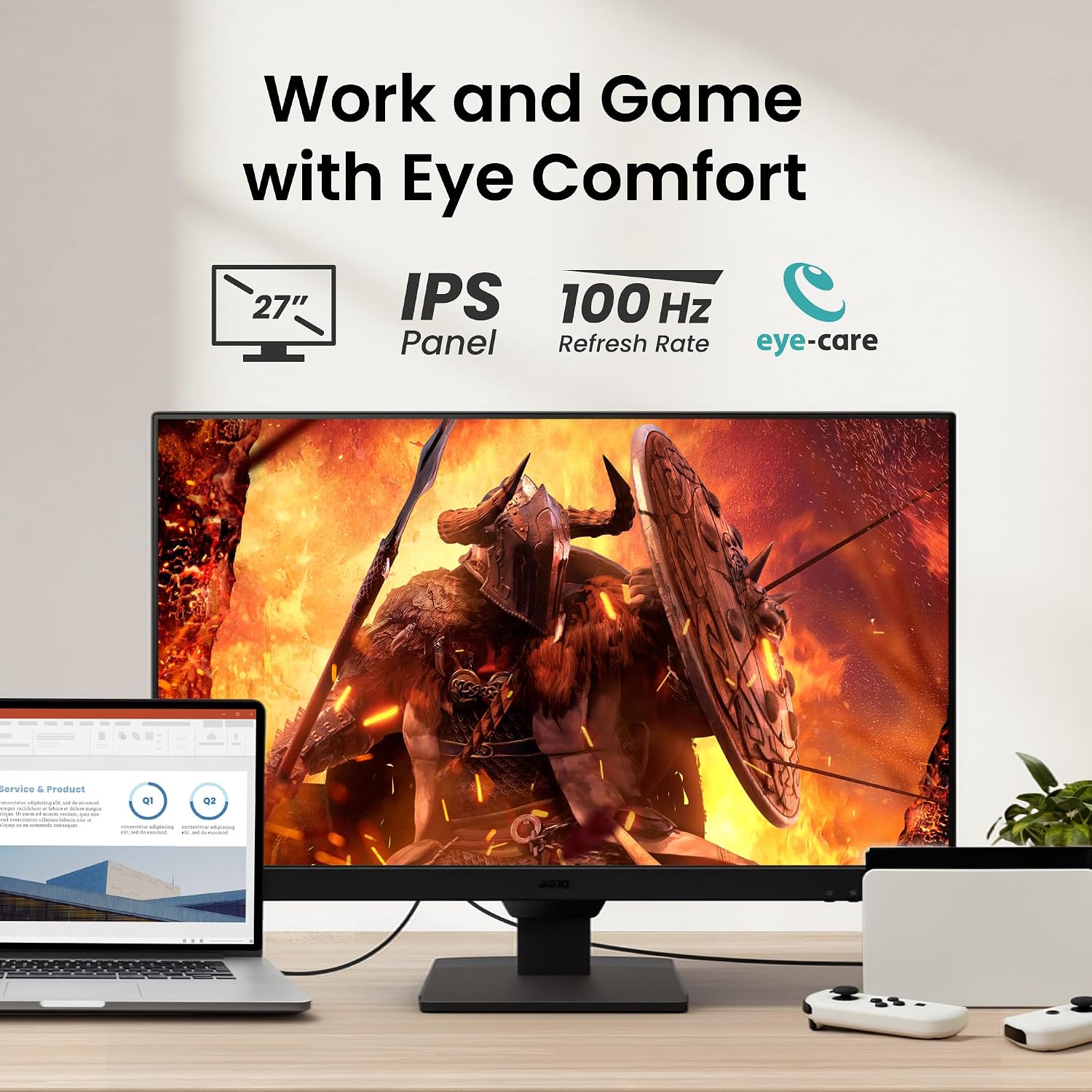
Pros: 100 Hz can boost smoothness in supported titles, IPS gives decent colour and viewing angles, several display modes help readability, adaptive brightness and blue-light filtering support long sessions, there are multiple input options for easy switching between devices, and the slim bezel plus wall-mount compatibility offers flexibility in setup. Cons: 1080p on a 27-inch screen means less pixel density than higher-resolution peers, and it’s unclear how strong the built-in speakers are for critical audio tasks. The feature set is practical but not groundbreaking, so it may feel modest against higher-end gaming panels.
Who it’s for
This monitor suits buyers looking for an affordable 27-inch IPS screen with eye-care features and simple gaming capabilities. It’s a sensible option for students, home office use, or entry-level gaming where the priority is value-for-money and a comfortable viewing experience over maximum resolution and chase for extreme performance.
Who it isn’t for
If you demand high-resolution text clarity for long productivity sessions, high-end gaming with competitive frame rates, or top-tier HDR and audio performance, this model may not land as the best match. It’s more of a solid mid-range pick than a premium performer.
When it makes sense to buy
Consider this monitor if you want a balanced, affordable 27-inch IPS screen with eye-care features, adjustable brightness, and decent connectivity for a mixed-use environment. The wall-mount option adds flexibility for smaller spaces.
When to look elsewhere

If you prioritise higher pixel density (1440p/4K) or brighter HDR imaging, or you rely on strong integrated speakers, it may be worth exploring other options. In competitive gaming where every millisecond counts, you might prefer panels with higher refresh rates or faster response times.
What to review before purchasing
- Check whether your desk space can accommodate a 27-inch screen at a comfortable viewing distance.
- Verify that your primary devices can connect via HDMI or DisplayPort and that any intended audio setup matches your needs.
- Consider whether you value the built-in eye-care features enough to offset the lack of higher-resolution options.
Practical use case
Imagine a student who uses this monitor for lectures and coding during the day, then relaxes with a few light games in the evening. The Coding Mode and ePaper Mode can ease long reading sessions, while the 100 Hz refresh helps with everyday gaming. The ability to switch devices with a single hotkey is handy when moving from a laptop to a desktop setup.
Decision: Is it worth it?
Is it worth it? Worth considering if you want a sensible 27-inch IPS screen with eye-care features and flexible inputs at a reasonable price. It’s a practical, non-flashy choice for mixed use, not the best option if you require ultra-high resolution or top-tier gaming features.
FAQ
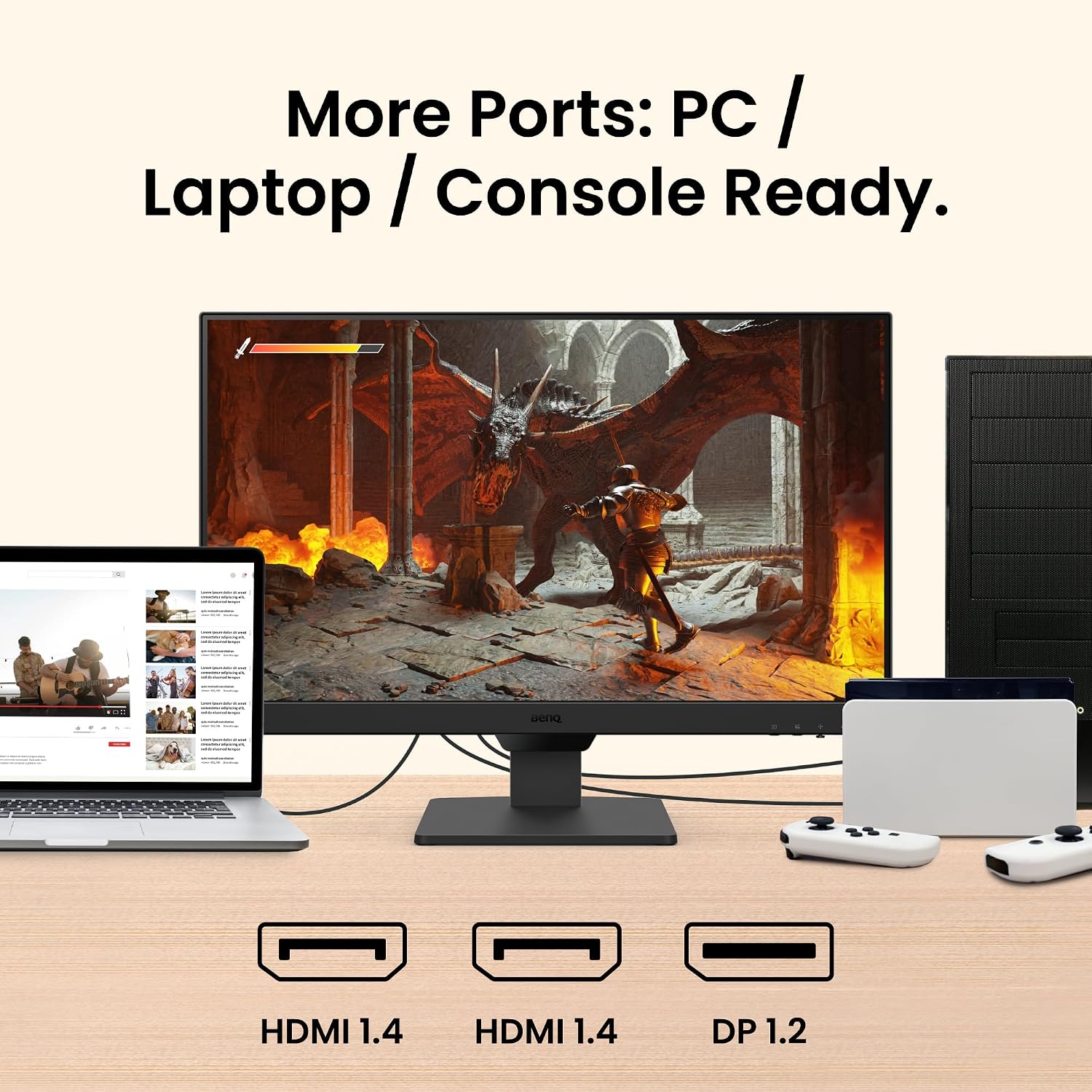
- What inputs does it have? It offers 2x HDMI and DisplayPort.
- Does it include built-in speakers? Yes, there are built-in speakers.
- Is it suitable for long reading sessions? The eye-care features and mode options are designed to support longer use, though real comfort will depend on individual preference and setup.
Tech details (brief)
- Display: 27-inch IPS, 1080p
- Refresh rate: 100 Hz
- Connectivity: 2x HDMI, DisplayPort
- Special features: Low Blue Light Plus, Brightness Intelligence Tech, multiple display modes, wall mount support