

KTC M27P6 27-inch MiniLED Gaming Monitor (4K@160Hz / FHD@320Hz) with 1152-zone Local Dimming
Product description
The essentials
If you’re looking at a 27-inch gaming monitor and want the image punch of MiniLED rather than a more basic backlight setup, the KTC M27P6 makes a serious case. It pairs a 4K option up to 160Hz with a FHD mode up to 320Hz, and it’s designed around fast switching between those two refresh/resolution “personalities”. On paper, that dual-mode approach is aimed at players who want sharper detail for slower moments, but also want high refresh for fast action.
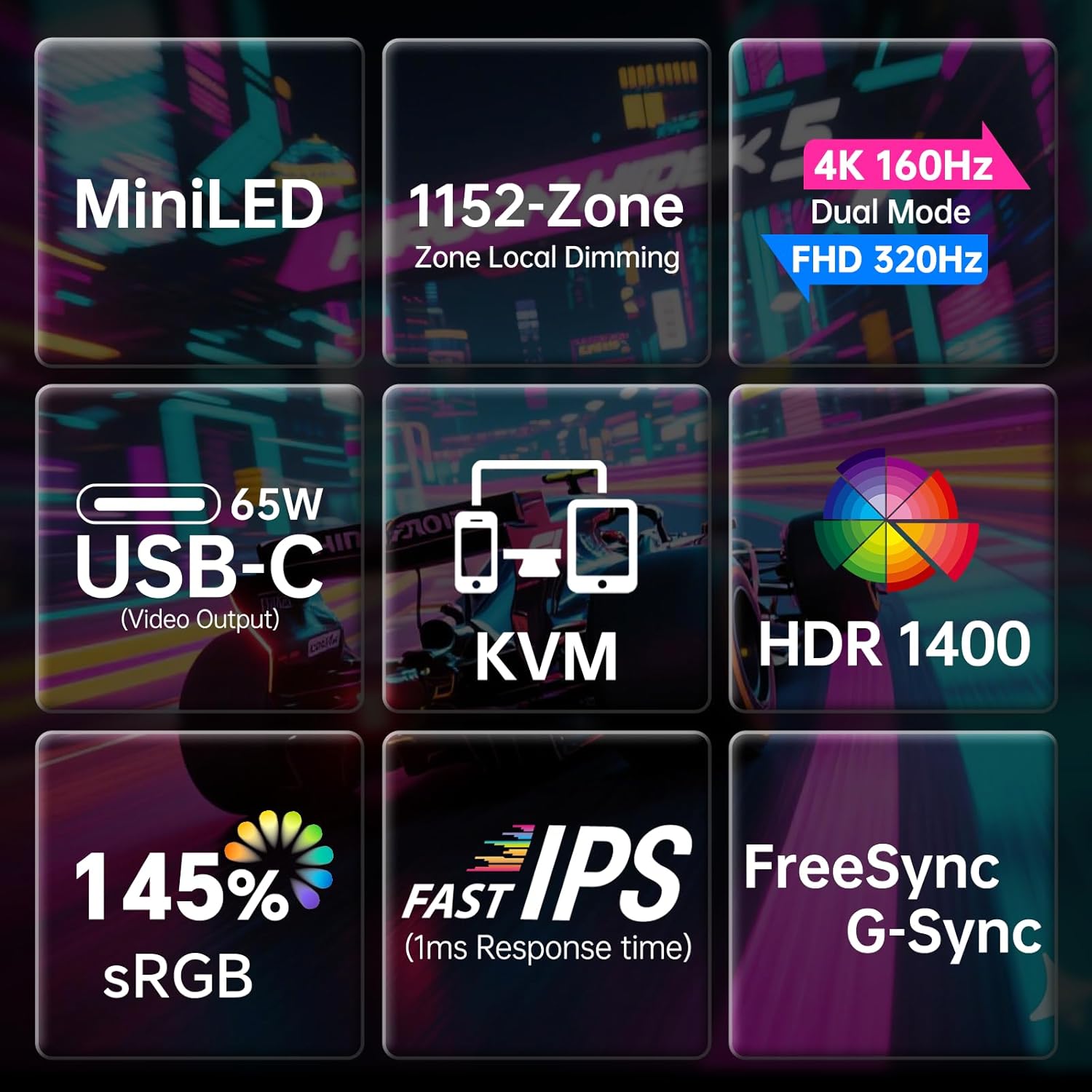
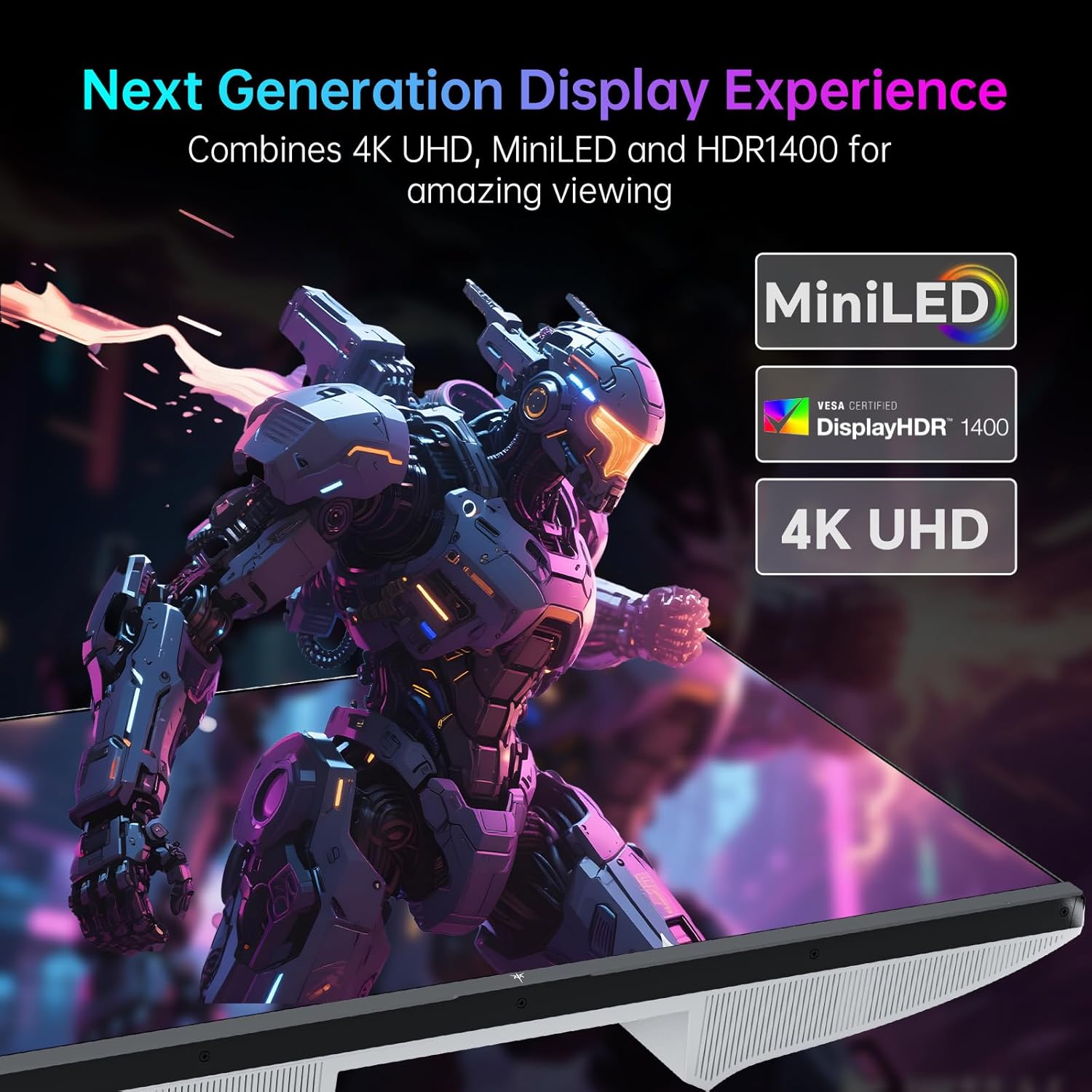
Where it gets more interesting is the lighting control: 1152 local dimming zones are listed, alongside VESA DisplayHDR 1400 and a quoted peak brightness of 1400 nits. The practical question is whether you’ll actually notice the difference in your games and viewing habits, or whether you mainly care about raw smoothness. With this monitor, you’re paying for both.
What you’ll notice day to day
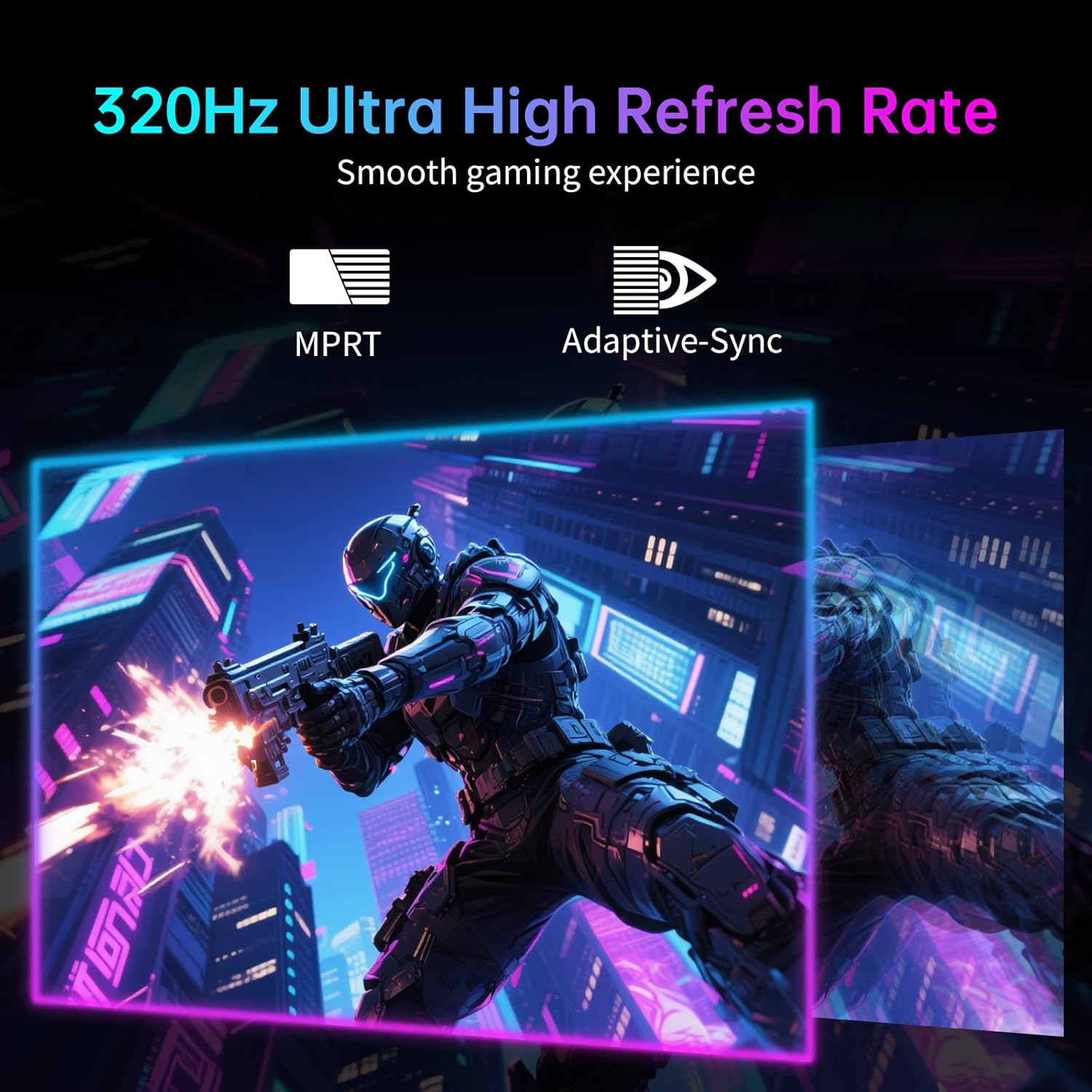
The headline gaming spec here is a maximum 320Hz refresh rate in FHD mode, paired with a 1ms response time (GTG is mentioned in the input). For competitive gaming, the setup also includes Adaptive Sync to reduce tearing, which is the sort of thing you’ll feel most during frantic movement.
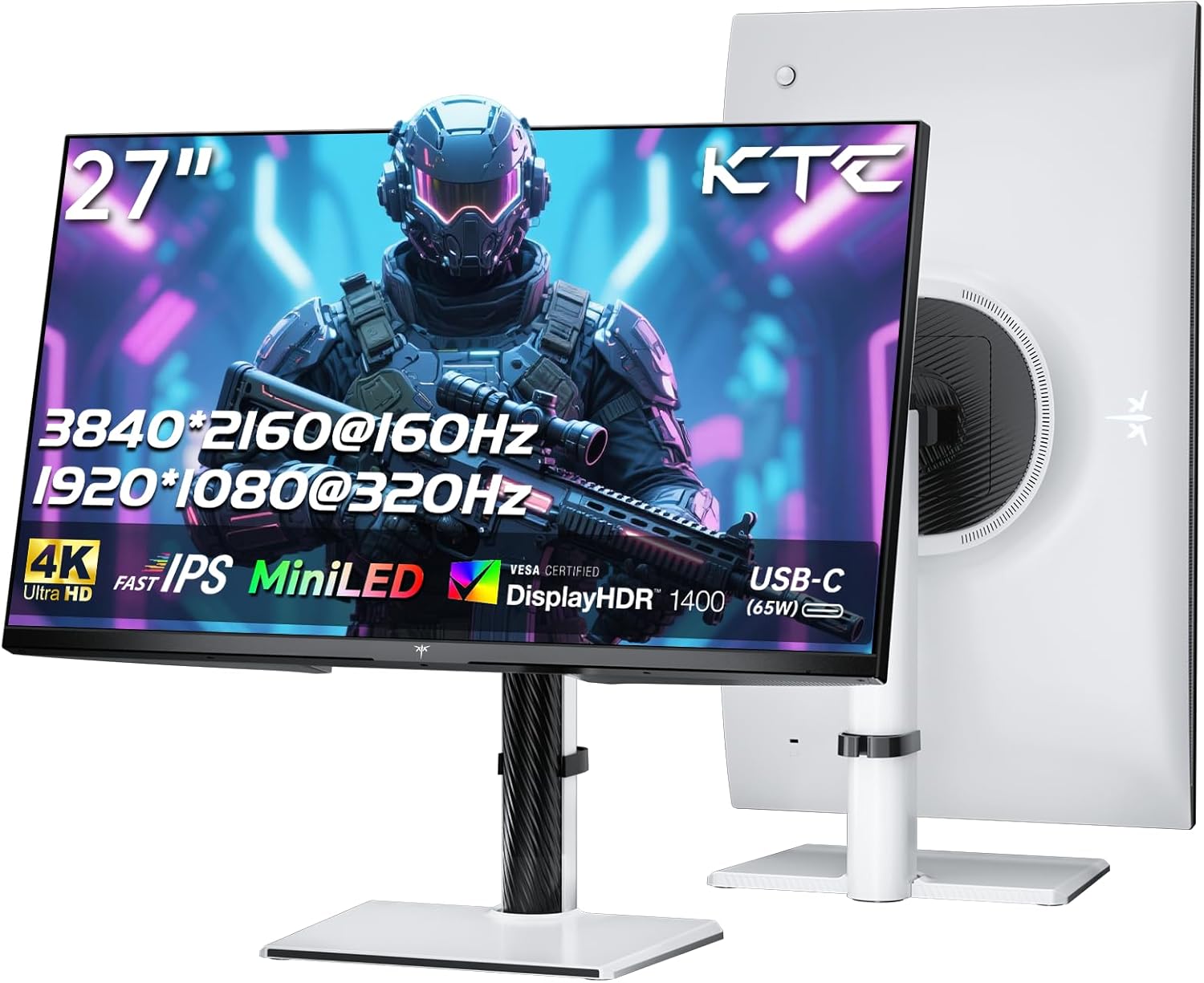
The “seamless switching” angle is a big part of the appeal: dual-mode display technology lets you swap between UHD 4K@160Hz and FHD 1080P@320Hz according to scenario, with a one-click switch described. That could be handy if you rotate between different genres—say, switching from a visually detailed single-player scene to a twitchier FPS session.
That said, it’s worth being realistic: the highest refresh rate is tied to the FHD mode. If you consistently prefer native 4K for everything, you may not use the 320Hz side as often as the spec sheet suggests.
Key features that matter for picture quality
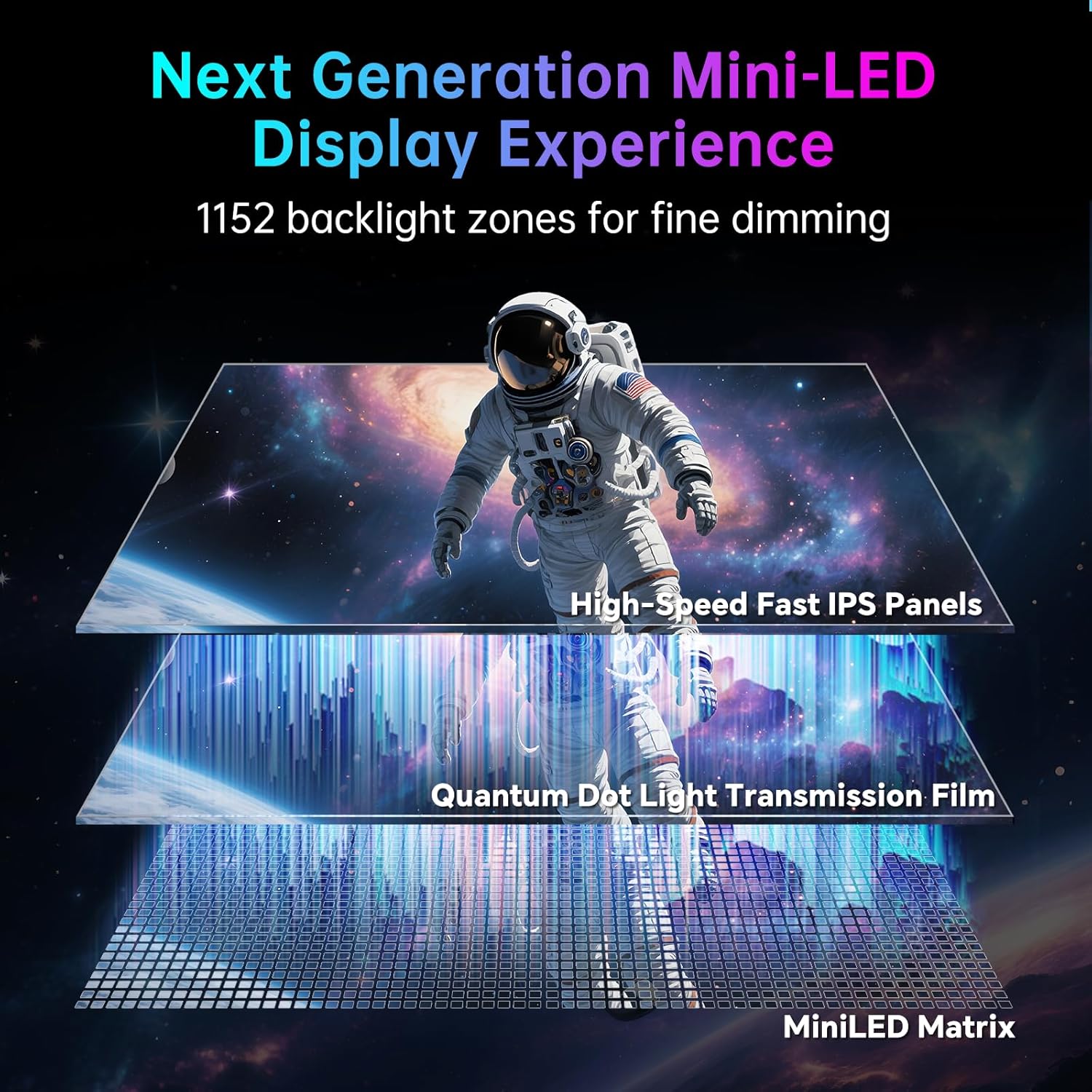
MiniLED local dimming is the core of the image-control story. With 1152 zones, the monitor is positioned for more precise light management than simpler “edge-lit” or fewer-zone backlights, particularly when dark scenes and bright highlights appear in the same moment.
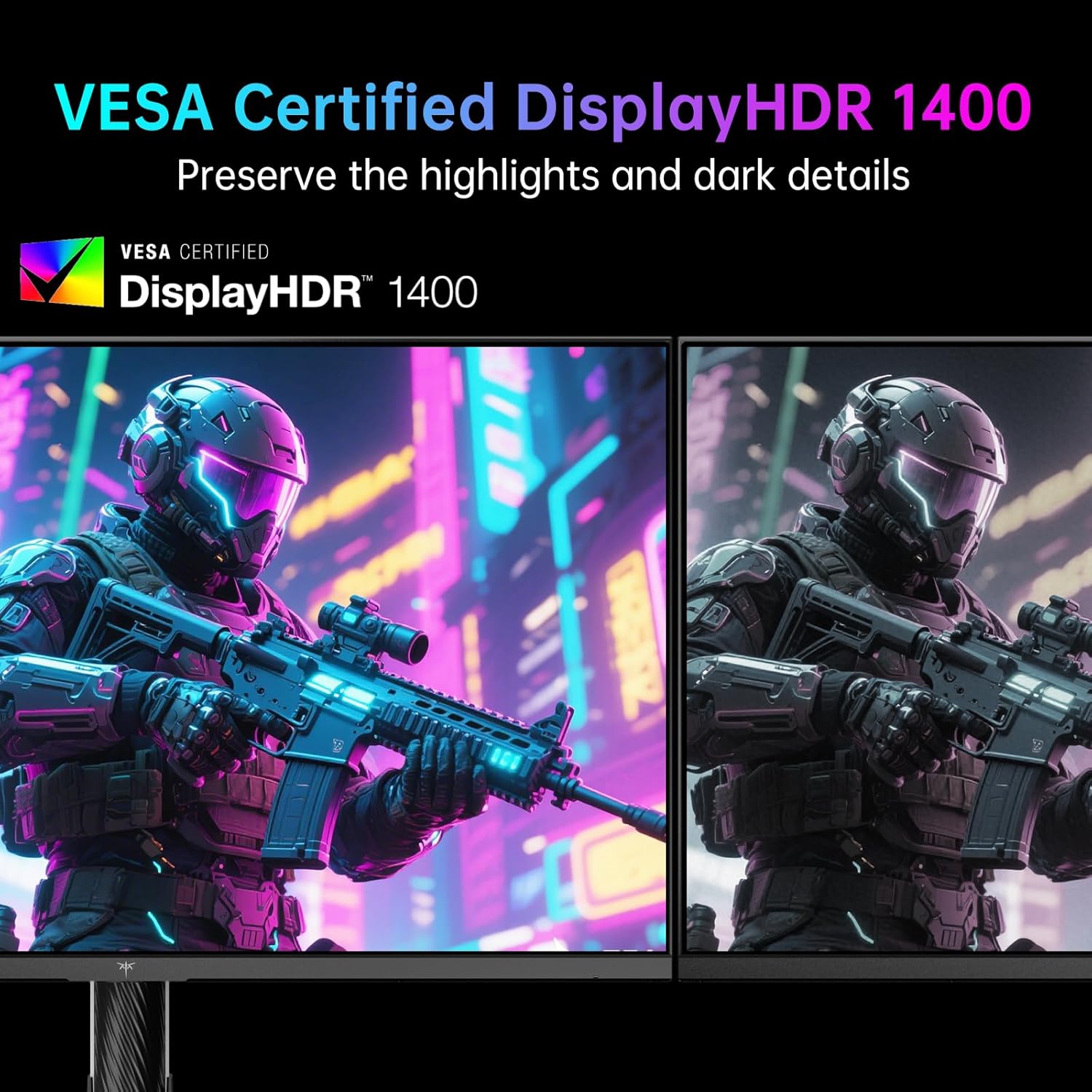
For HDR credibility, it’s listed as VESA DisplayHDR 1400, along with a million-level dynamic contrast claim in the input and “no loss” highlight rendering wording. Even without over-reading the marketing language, the inclusion of HDR 1400 certification indicates it’s built to target more serious HDR performance than mainstream office-style monitors.
Colour coverage is also clearly part of the pitch. The input mentions 145% sRGB and quantum dot technology, plus quoted gamut coverage figures and a △E less than 2 calibration claim. If you play games where colour is a big part of atmosphere, or you also watch HDR content, that’s the sort of spec combo that can make the monitor feel less “gaming-only”.
Ports, switching, and the KVM angle
On connectivity, the monitor lists 2 x HDMI 2.1, 2 x DP 1.4, and a USB-C port that’s specified as 65W with support for 4K@160Hz / FHD@320Hz. There are also 3 x USB-A 3.0 ports.
It also includes KVM, which is one of those features that can genuinely reduce desk clutter—especially if you run a PC and a laptop side by side. The input doesn’t spell out the exact KVM behaviour (whether it swaps input focus, keyboard/mouse control details, and how the switching interacts with the display modes), so it’s worth checking how KVM is implemented in the documentation before you assume it matches your exact workflow.
The stand is adjustable too: Lift, horizontal swivel, tilt, and vertical rotation are listed. This can matter more than people expect, because HDR and contrast effects are easier to manage when you can set your viewing angle.
Tech specs (at a glance)
- 27-inch MiniLED gaming monitor
- 1152 local dimming zones
- Up to 4K@160Hz and FHD@320Hz with dual-mode seamless switching
- 1ms response time (GTG mentioned)
- Adaptive Sync support
- VESA DisplayHDR 1400 and quoted 1400 nits peak brightness
- 145% sRGB quoted colour coverage
- KVM support
- Ports listed: 2x HDMI 2.1, 2x DP 1.4, 1x USB-C (65W), 3x USB-A 3.0
- Stand adjustments: lift, horizontal swivel, tilt, vertical rotation
Who it’s for (and who should be careful)
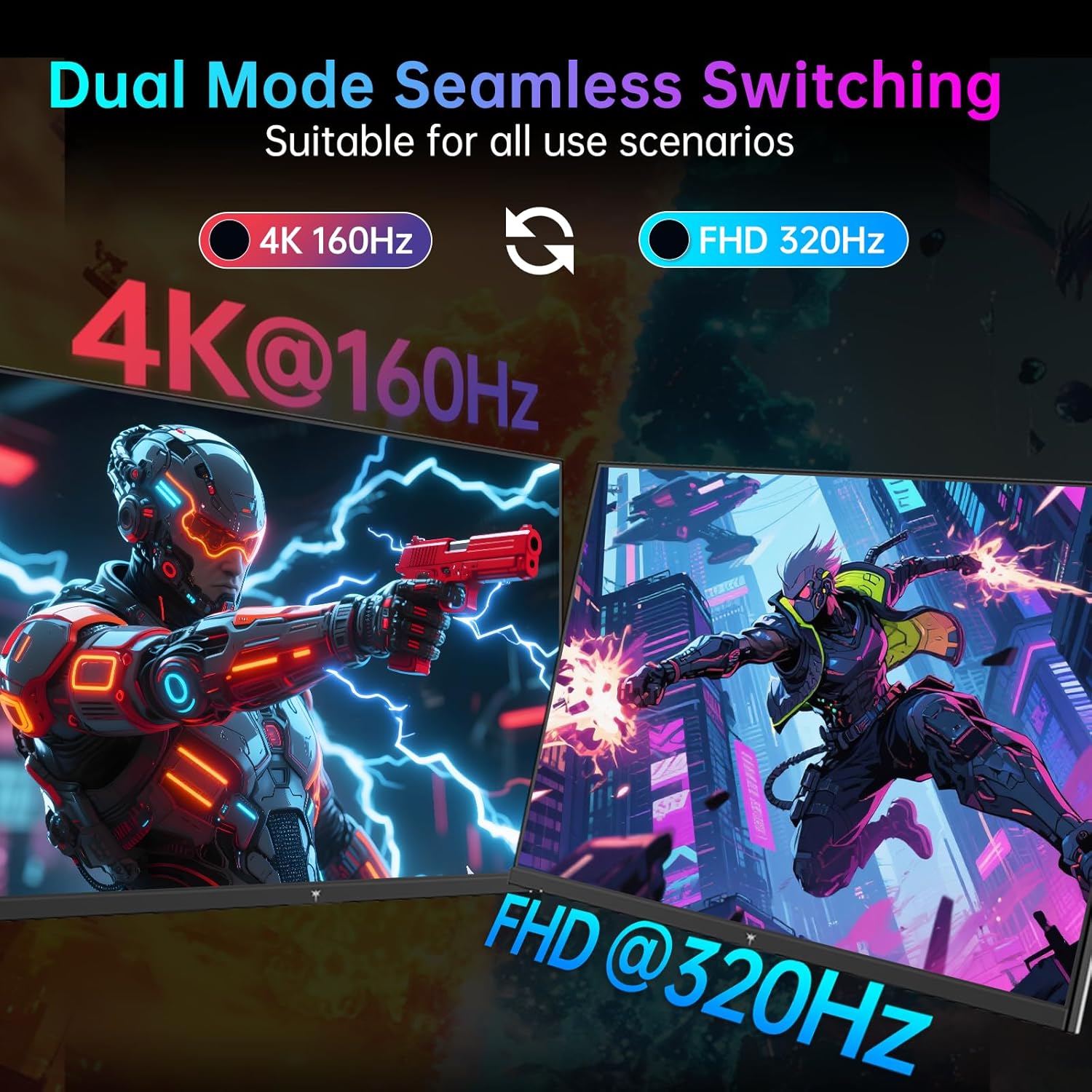
It’s a good fit if you want a single 27-inch monitor that can cover two extremes: cleaner, higher-detail gameplay at 4K up to 160Hz, and high refresh smoothness in FHD up to 320Hz. If you play both cinematic single-player titles and competitive FPS, the dual-mode switching concept could save time versus manually changing settings.
Worth considering if you also care about HDR brightness and local dimming behaviour, since 1152 zones and HDR 1400 certification are strong signals of intent.
It might not be a great match if you only ever game at one resolution and don’t plan to switch. In that case, you could end up paying for features you won’t actively use, especially the FHD@320Hz mode.
Also keep in mind that HDR performance depends quite a lot on content and room lighting. If your room is bright all day, even a high-spec HDR monitor can look less impressive than expected.
Final verdict
Is it worth it?
Buy the KTC M27P6 if you’re the sort of player who actually benefits from switching between 4K@160Hz and FHD@320Hz, and you care about HDR impact thanks to MiniLED with 1152 local dimming zones. With Adaptive Sync and a listed 1ms GTG response time, it’s built to chase smooth, responsive gameplay rather than just looking good on the spec sheet.
Skip it if you want a straightforward “set it and forget it” monitor for one resolution mode, or if you prefer a simpler setup where switching doesn’t matter. It’s not perfect for everyone, but for mixed-genre gaming plus HDR-focused viewing, it’s the kind of monitor that can feel genuinely more flexible than most.
Mini FAQ
What does “seamless switching” mean here?
The input says it’s a dual-mode technology with a one-click switch between UHD 4K@160Hz and FHD 1080P@320Hz, based on the scenario.
Is 320Hz available in 4K?
The input lists 320Hz for the FHD 1080P mode, while 4K is listed up to 160Hz.
Does it support HDR?
Yes—VESA DisplayHDR 1400 certification and a quoted 1400 nits peak brightness are mentioned.
Does it include USB-C charging?
USB-C is listed with 65W and support for the stated 4K@160Hz / FHD@320Hz modes, so it’s designed to do more than just video.
Can I use two devices thanks to KVM?
KVM is listed, but the input doesn’t detail exact switching behaviour. If you rely on very specific keyboard/mouse switching patterns, it’s worth checking the documentation on how KVM works with your devices.