

KTC 4K Gaming Monitor 27 Inch — Dual Mode 4K@160Hz / FHD@320Hz with Fast IPS, HDR400, USB-C 90W and KVM
Reviews
Price
Product description
What matters most
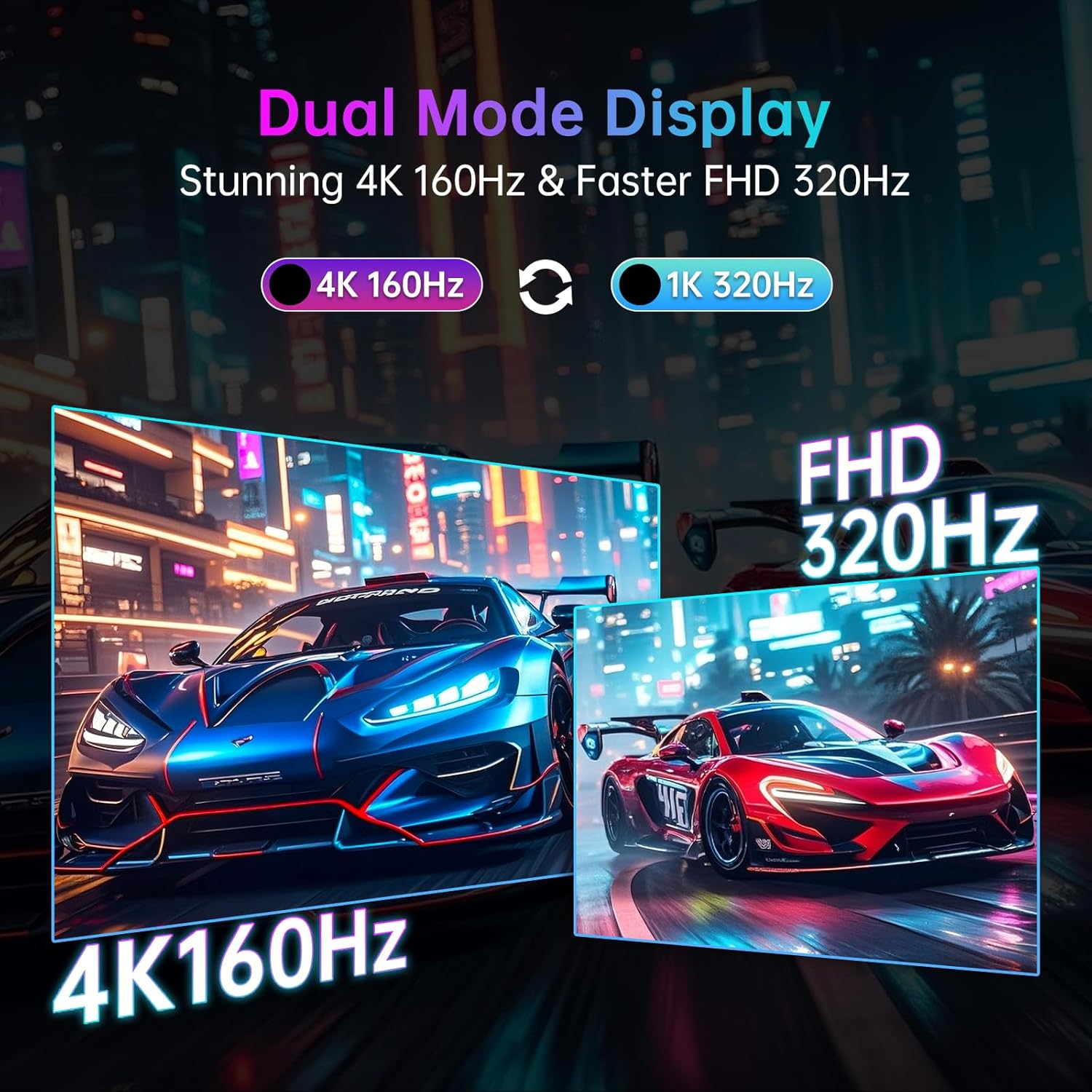
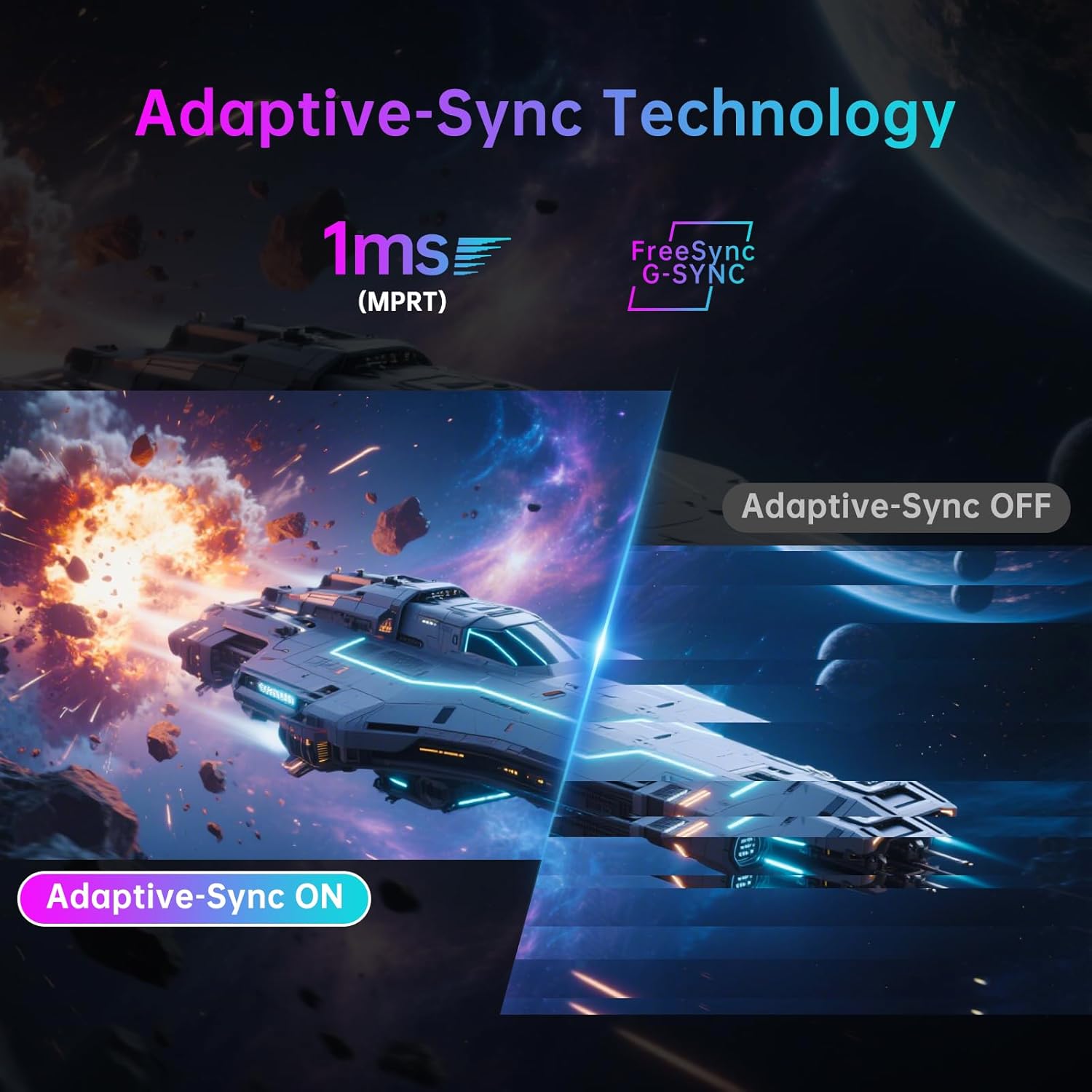
This 27-inch monitor from KTC is designed to cover both cinematic 4K gaming and fast-paced FPS titles. Its dual-mode system lets you switch from UHD 4K@160Hz to Full HD 1080p@320Hz with a single click, which can be handy when you’re juggling story-driven campaigns and competitive matches. If you value a single screen that can adapt to different game genres without needing multiple devices, this model is worth considering. On paper, the combination of a 1ms GTG response, Adaptive Sync to curb tearing, and HDR400 support promises smooth visuals with detailed highlights, both in dark scenes and bright sequences. Whether you’re chasing cinematic experiences or high-refresh precision, this monitor aims to cover both ends of the spectrum.
The essentials
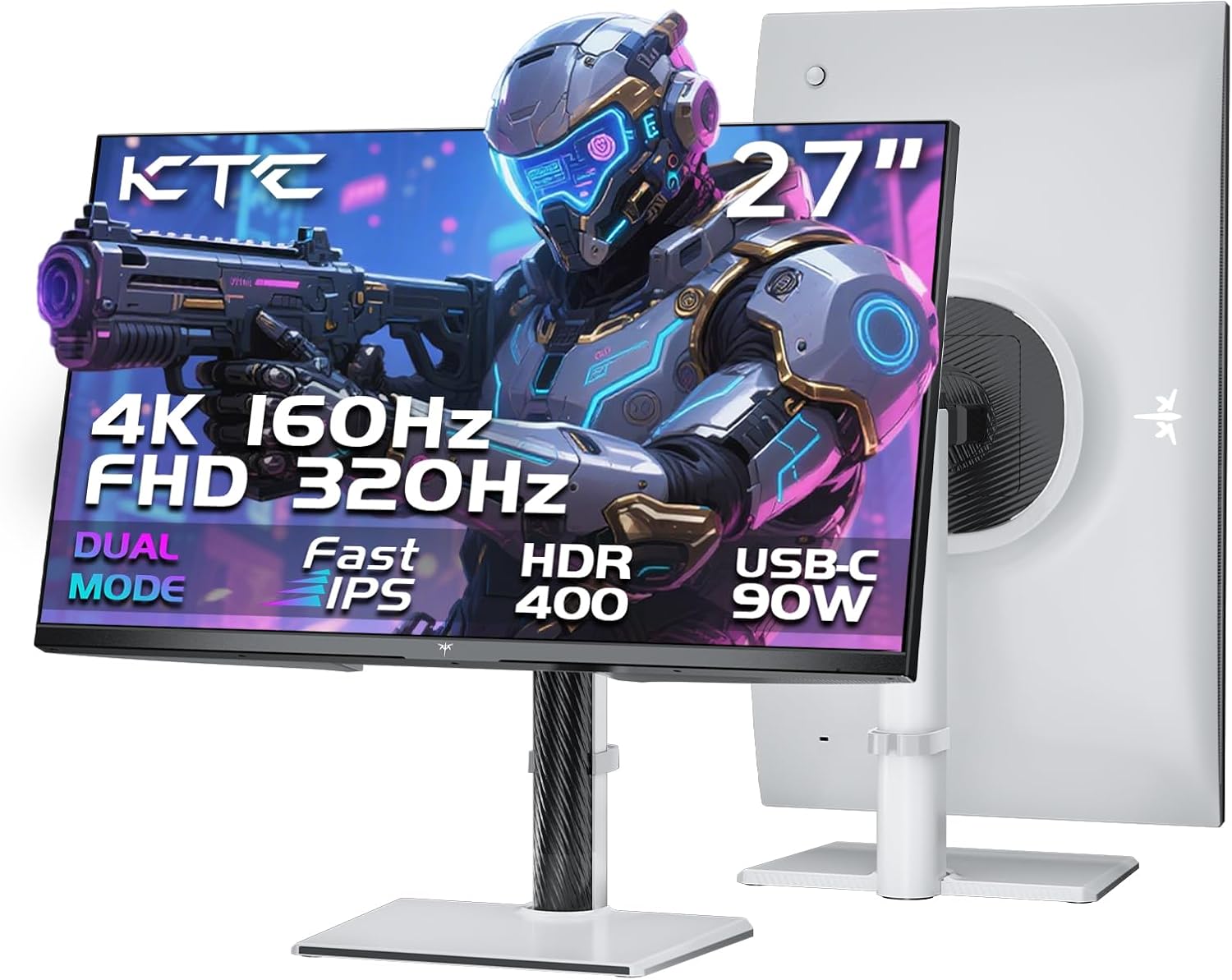
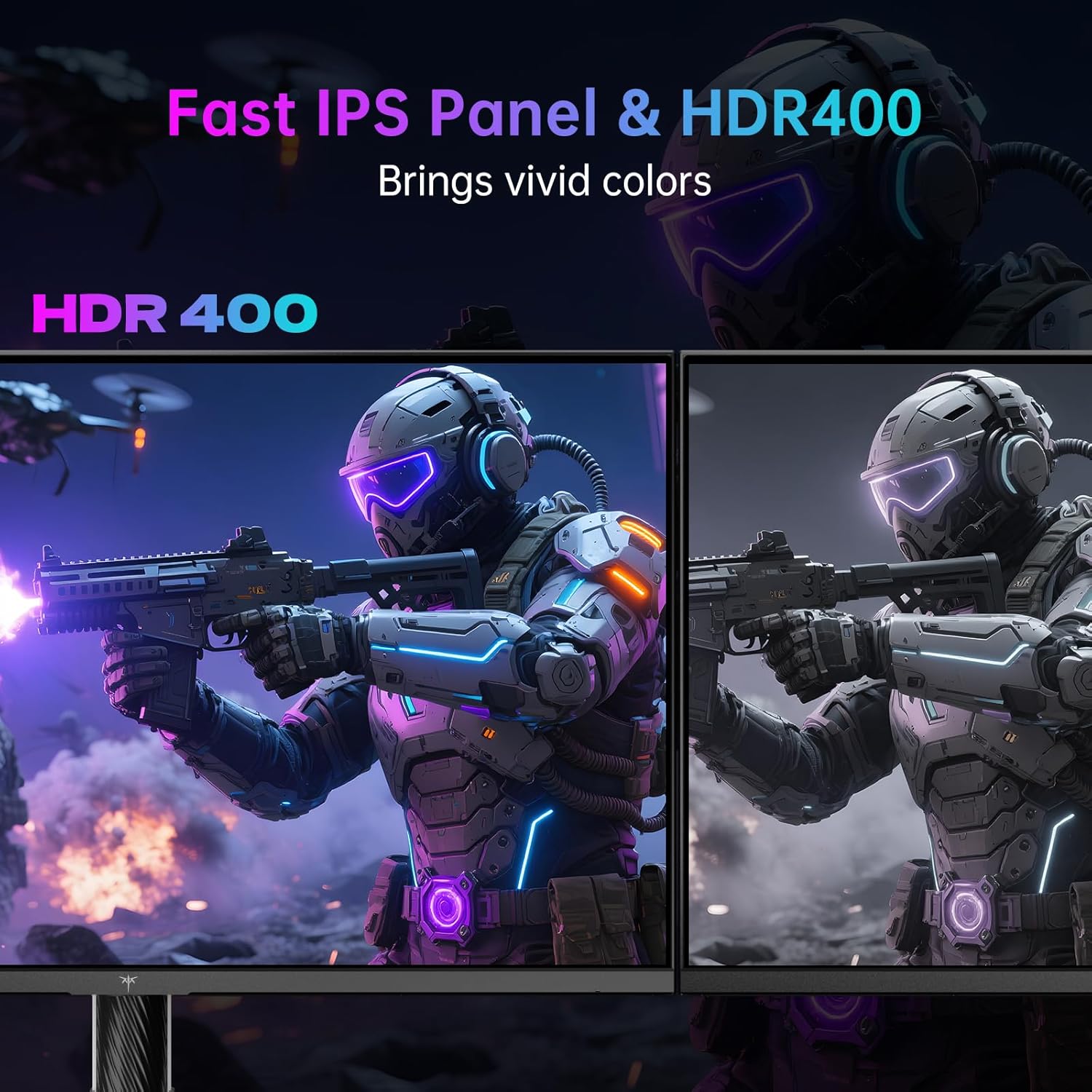
The display foregrounds a fast IPS panel, enabling quick response times and accurate viewing angles. At 4K, you get a high-resolution image with the claim of professional-grade colour calibration: 125% sRGB and 97% DCI-P3 coverage, with claimed ΔE < 2. In practice, this suggests that both gameplay and film content should appear vibrant and well balanced, though the ultimate accuracy will depend on individual unit calibration and in-game colour management. HDR400 support adds brightness potential up to 400 cd/m², which helps with light and shadow details in supported titles.
Tech specs (at a glance)
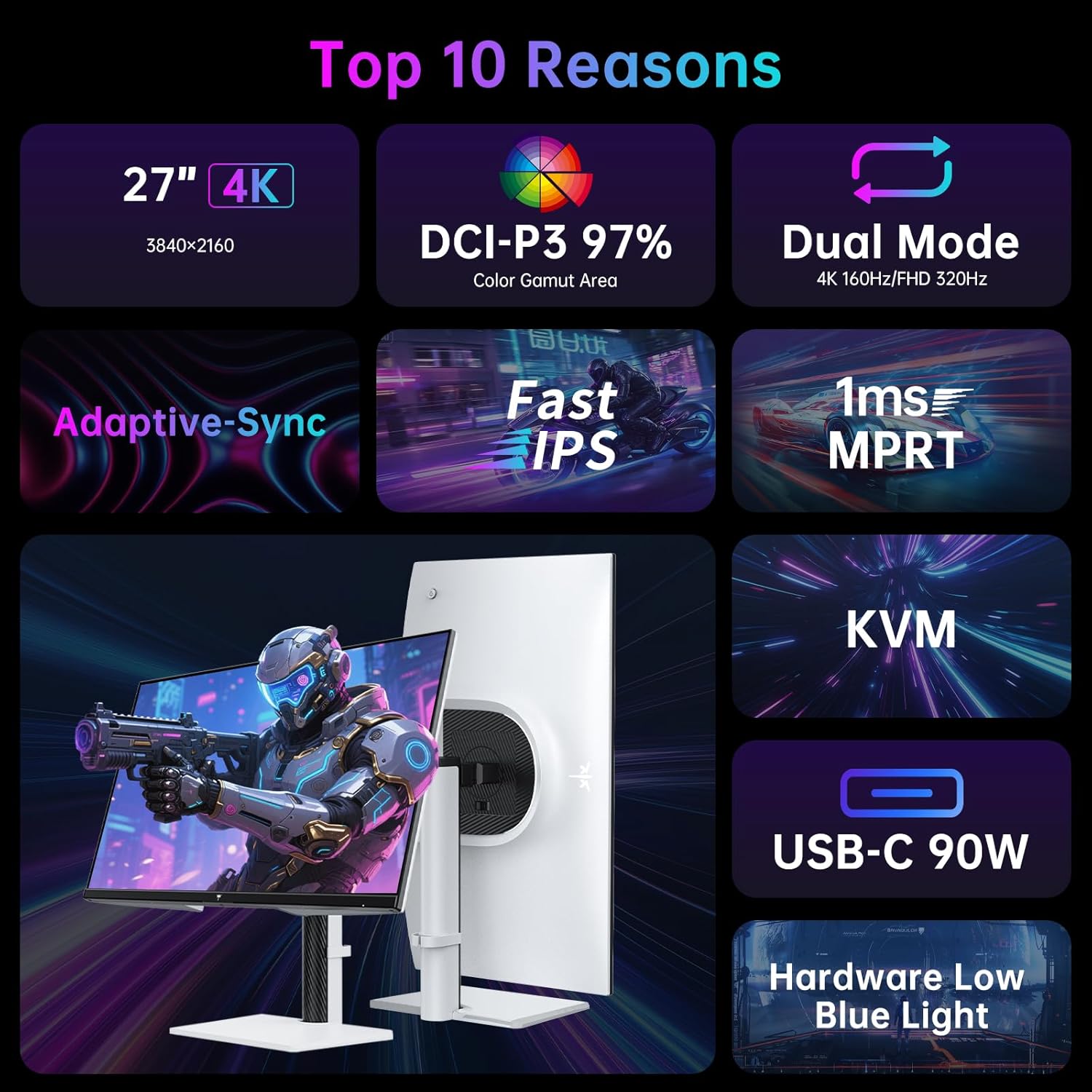
- Display: 27 inch, Fast IPS panel
- Modes: UHD 4K@160Hz and FHD 1080p@320Hz (dual-mode) with one-click switching
- Refresh and response: up to 320Hz, 1ms GTG
- Colour: 125% sRGB, 97% DCI-P3, ΔE < 2 (calibration target)
- HDR: HDR400
- Connectivity: two HDMI 2.1, DisplayPort 1.4, USB-C (PD 90W, 4K@160Hz / FHD@320Hz), three USB-A 3.0
- Features: Adaptive Sync, KVM functionality
- Stand: RGB base with height, tilt and rotation adjustments
What you’ll notice day to day
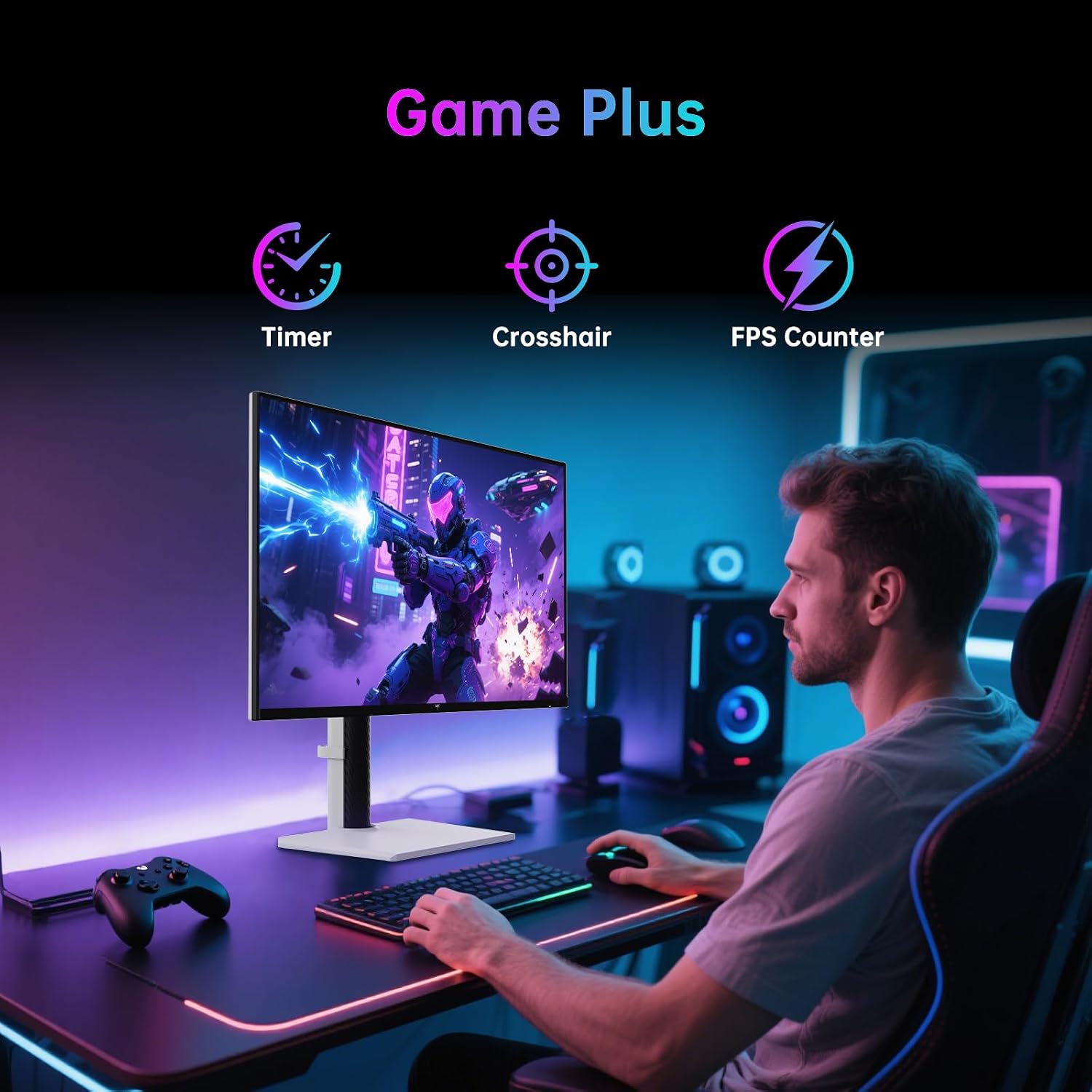
In practice, you’ll notice how responsive the panel can feel in fast shooters when switching to FHD@320Hz, the higher refresh helps with synthetic aim and motion clarity, while the 4K mode offers a more cinematic, detail-rich image for story-driven games and media. The colour gamut coverage is generous, which should translate to vivid greens, reds and skin tones in most titles, while the ΔE<2 target suggests faithful colour reproduction on a well-calibrated unit. The presence of USB-C with 90W power delivery makes it practical for modern laptops or devices that support USB-C video, and the built‑in KVM allows you to share peripherals across two systems, which can simplify a multi-PC desk setup.
Who it’s for
This monitor is likely to suit gamers who want a flexible, single display that can handle both triple‑A single-player campaigns and competitive multiplayer titles. If you prioritise a higher resolution for cinematic games and a blistering refresh rate for shooters, the dual-mode capability is a clear draw. It also appeals to users who need multiple device connectivity, thanks to the USB-C PD and KVM features. Beginners should note that the real-world benefits of 4K at 160Hz hinge on a capable GPU and the right lighting conditions, not every game or system will perfectly hit 4K@160Hz at max settings.
When it makes sense to buy
- You want a monitor that can switch between high-resolution cinematic gaming and ultra-fast competitive play without a second screen.
- You value colour richness and calibrated tone for both games and films, with HDR support for more dynamic scenes.
- You need a practical desk setup, including USB-C connectivity and KVM for easy peripheral sharing across devices.
- Your system can drive 4K@160Hz or 4K output reliably, or you regularly switch to 1080p for esports titles.
When it might not be the best fit
- If your primary concern is the absolute colour accuracy for professional photo/video work, you may want to verify the factory calibration and consider additional calibration steps.
- If you’re working with older hardware that can’t sustain 4K@160Hz consistently, you might spend more time in the FHD mode without realising the full potential of the 4K panel.
- If you have space constraints, the 27-inch size with a robust stand may demand enough desk depth to avoid crowding the keyboard and mouse.
Before you buy: what to check

- Ensure your GPU and HDMI/DP outputs align with 4K@160Hz or FHD@320Hz to maximise the dual-mode benefits.
- Check margins for HDR content and how your typical lighting affects perceived depth and brightness at HDR400.
- Confirm that USB-C PD and the KVM setup integrate smoothly with your PC and peripherals.
- Consider how the stand’s height and rotation options fit your preferred viewing posture and desk arrangement.
Practical usage note
If you’re playing a fast FPS, you’ll likely appreciate the FHD@320Hz mode for snappier aim and reduced motion blur. When switching to story-driven games, the 4K@160Hz setting can deliver richer textures and more immersive scenes, albeit at a higher GPU load. A practical approach is to reserve FHD mode for esports sessions and switch to 4K when you want to take in the scenery or rewatch a cutscene in high detail.
FAQ (based on available data)
- Does it support multi-device use with a single keyboard/mouse setup? Yes, via the built‑in KVM.
- Can I game at 4K@160Hz with HDMI? Yes, the monitor provides HDMI 2.1 ports supporting 4K@160Hz.
- Is the colour accuracy guaranteed out of the box? The listing cites ΔE<2 calibration targets, but real-world results depend on unit-level calibration and content.
Buying verdict
Is it worth it? For gamers who want a flexible 27-inch display that can fluidly switch between high-resolution cinema and ultra-fast esports, this KTC monitor presents a logical approach. The combination of dual-mode switching, rapid response, HDR400 brightness, and robust connectivity makes it a compelling option if the desk and system can support 4K@160Hz. If your emphasis is purely on professional colour accuracy or if your budget requires stingier specs, you may want to compare other options. Overall, it’s a sensible choice for a mid-to-upper range gaming setup where versatility matters.