

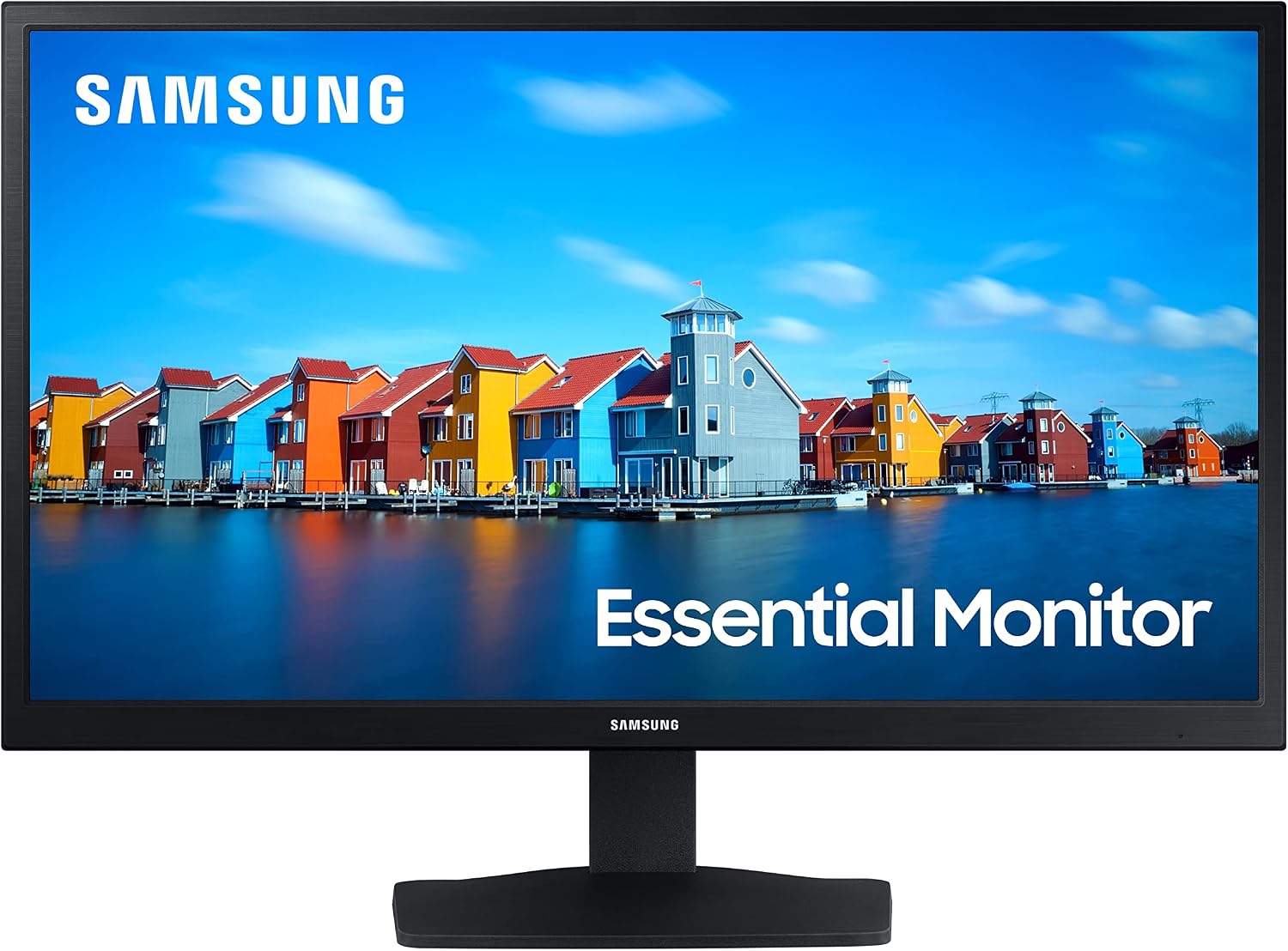
Samsung LS24D310EAUXXU 24" Full HD Monitor
Product description
What this is
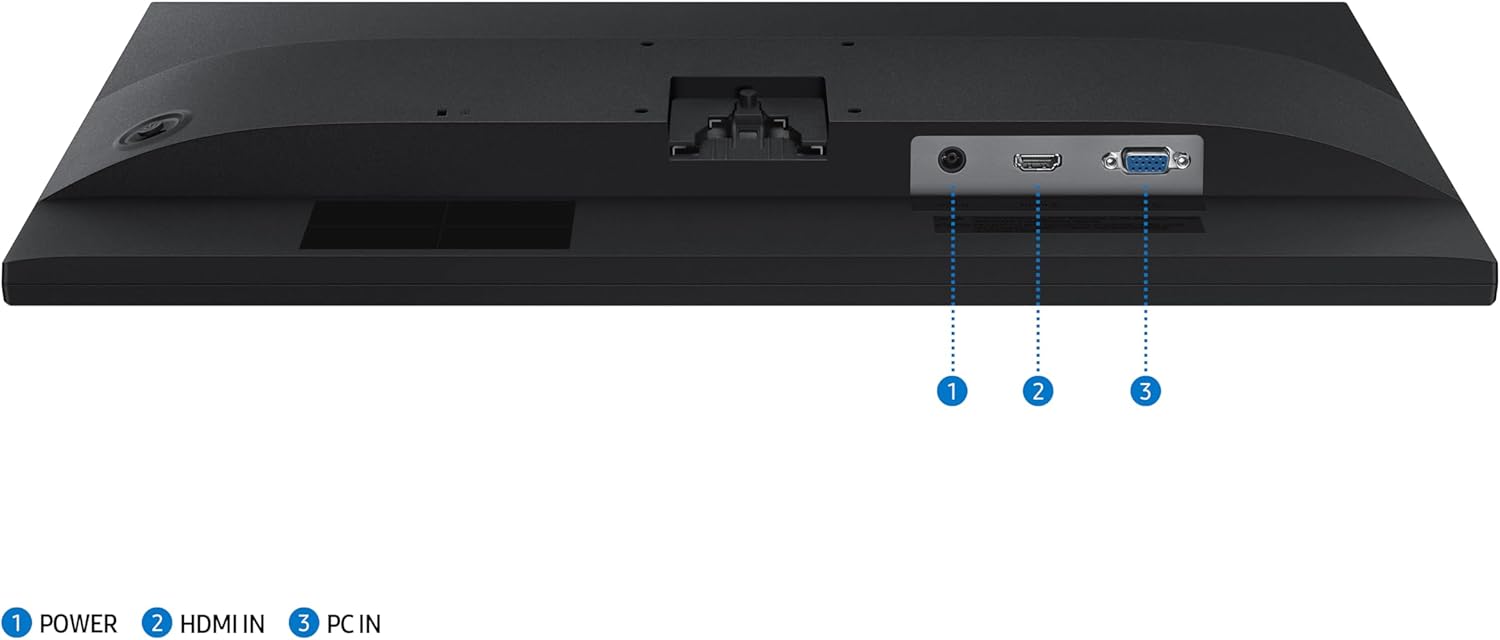
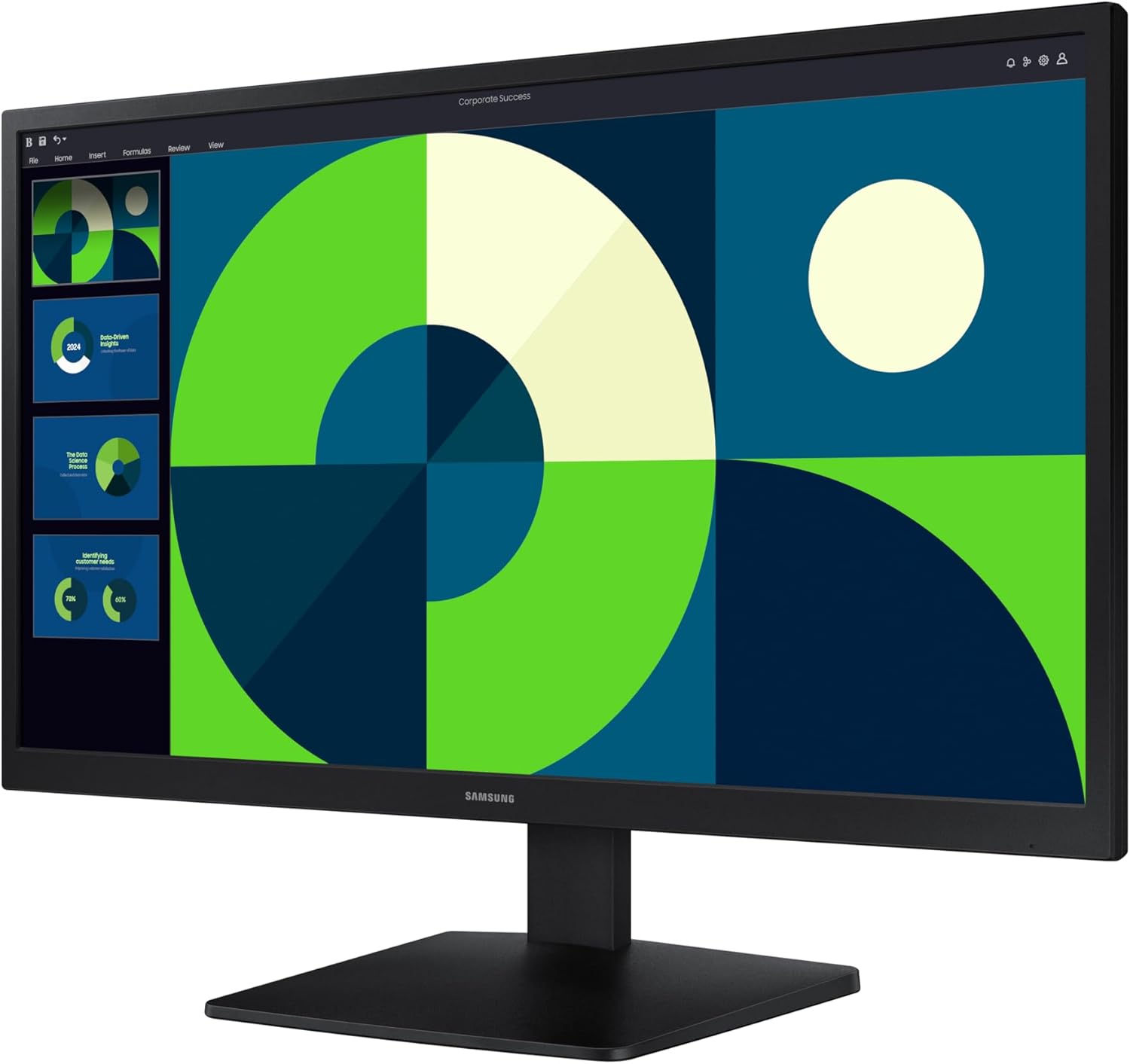
The Samsung LS24D310EAUXXU is a 24-inch Full HD monitor featuring a 1920x1080p panel with 75Hz refresh rate. It offers both HDMI and VGA inputs for flexible connection and includes Eye Saver Mode to help reduce eye strain during longer sessions. On paper, it aims to be a practical, everyday display for work, entertainment and light gaming alike.
How it helps you
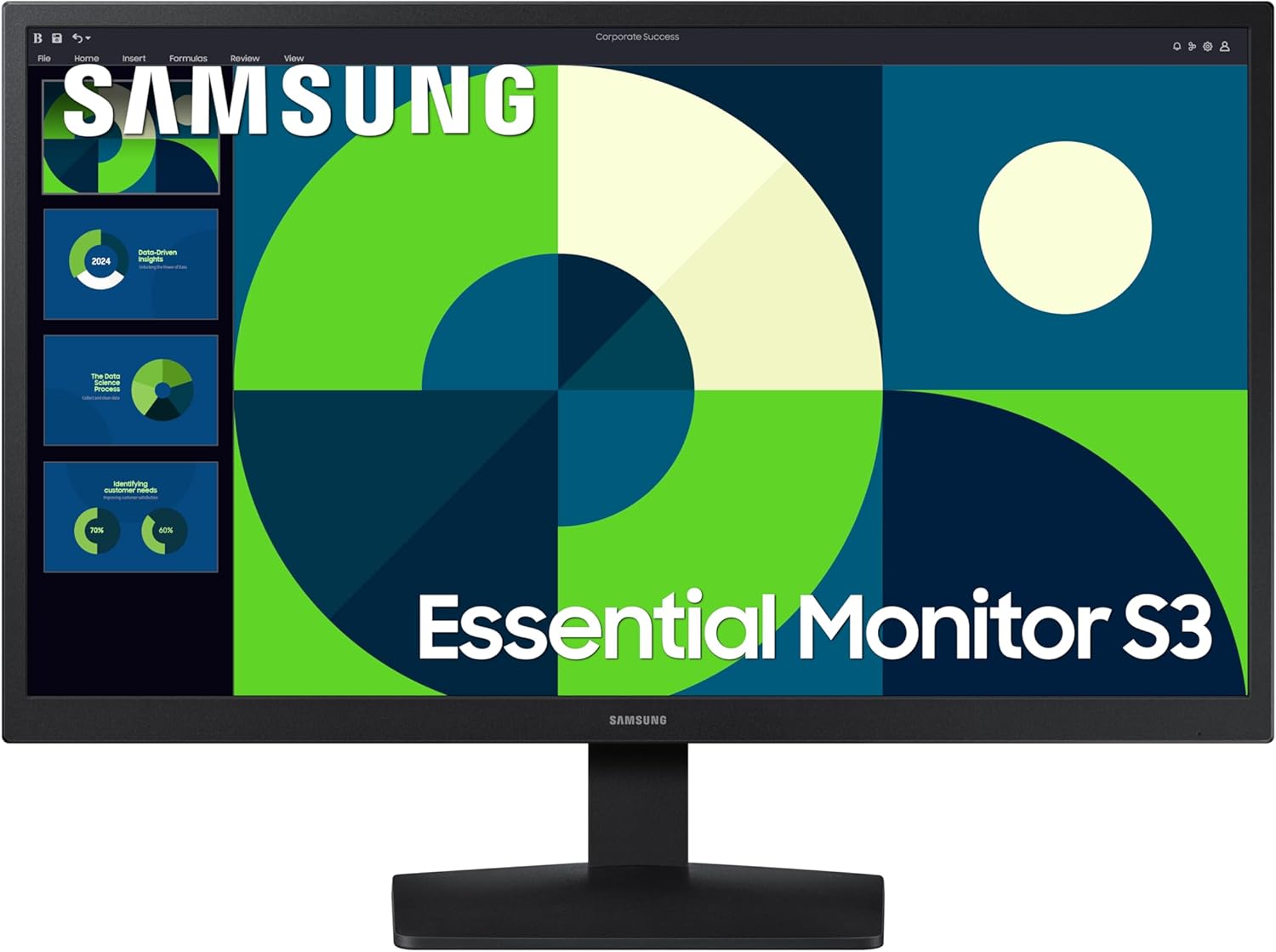
If you’re looking for a straightforward, value-focused screen, this model ticks a few pragmatic boxes. The 1920x1080p resolution delivers sharp text and clear images for standard productivity, browsing and streaming. The 75Hz refresh rate is noticeable for less motion blur compared with basic 60Hz screens, though it won’t satisfy enthusiasts chasing ultrafast gaming. Eye Saver Mode can be useful if you spend long periods in front of the screen, potentially easing fatigue by reducing blue light exposure and screen flicker.
What stands out
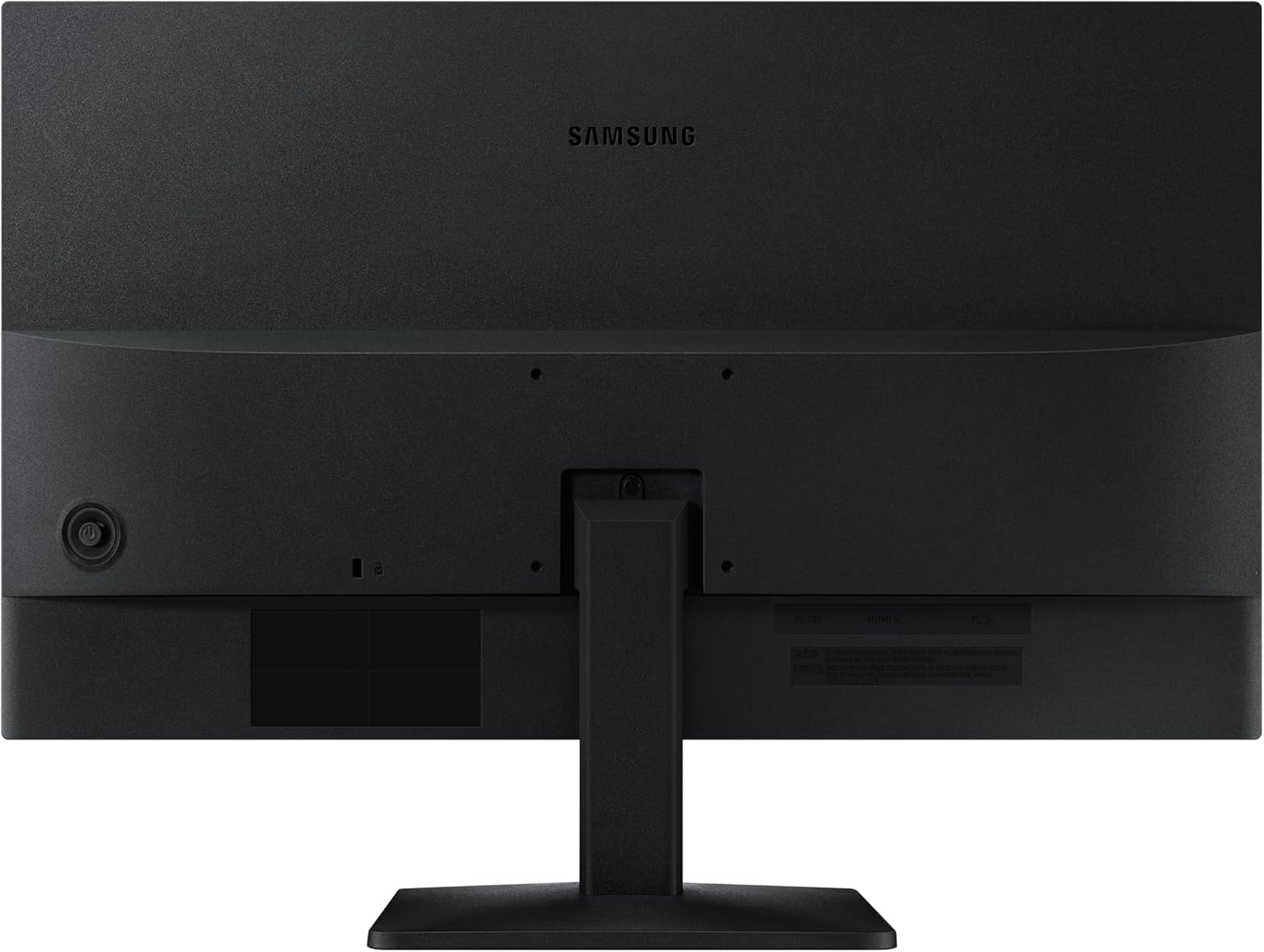
- Dual connectivity: HDMI and VGA give you flexible options, handy if you’ve got older devices or a simple setup.
- Eye Saver Mode and reduced screen flicker: designed to improve viewing comfort during longer sessions.
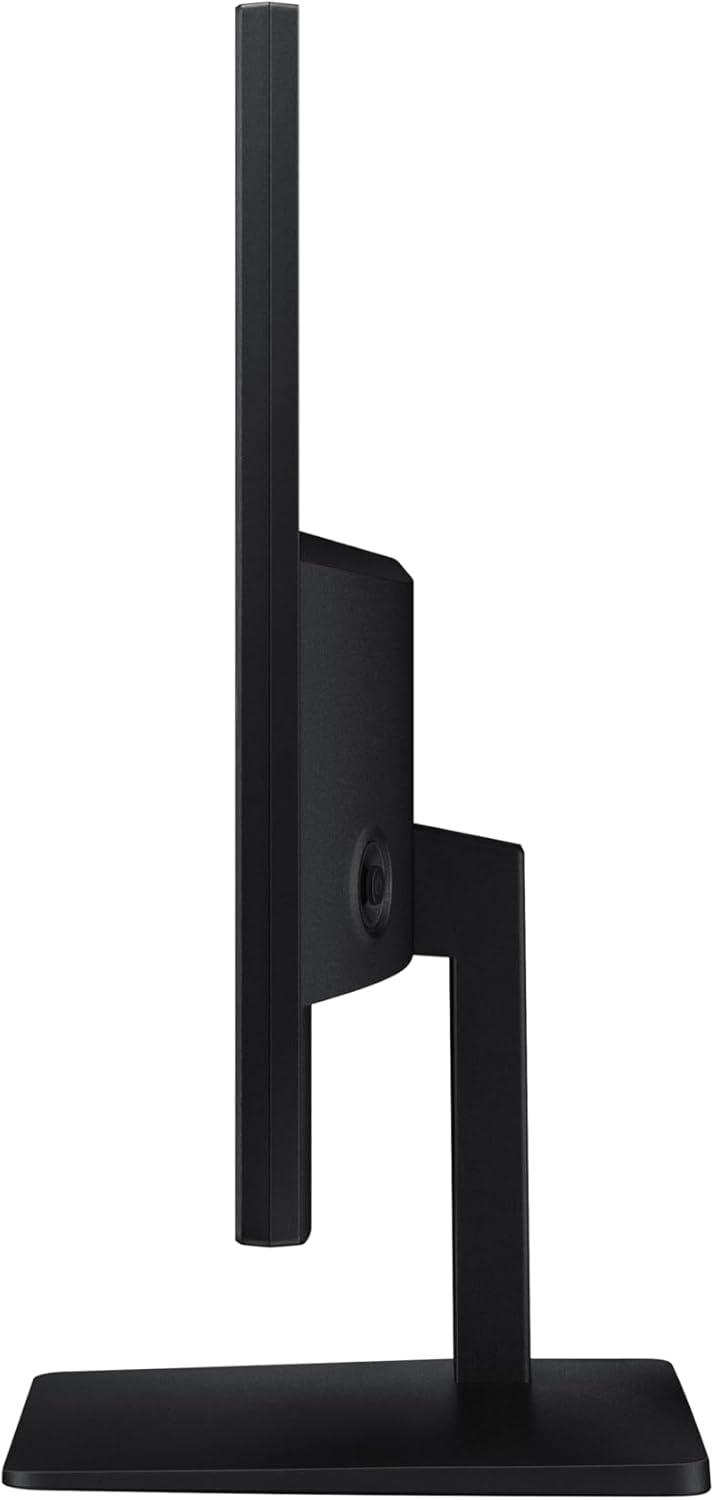
- Practical size and spec balance: 24" is a common desk-friendly footprint with full HD clarity that should suit many home offices and dorm rooms.
Limitations to consider
- The 75Hz refresh rate, while smoother than a basic 60Hz panel, is not aimed at high-end competitive gaming. If your priority is fast, responsive gaming on newer titles, this may feel limited.
- The specification mentions a 3000:1 contrast ratio, while this suggests good static contrast on many scenes, real-world results can vary with lighting and screen technology.
- It’s a single-monitor proposition without built-in speakers, you’ll still need external audio if required.
Ideal for these users
- Casual users who want a reliable, no-fuss monitor for everyday tasks, media and light gaming.
- Small offices or students who need a spare display with adaptable inputs and decent image quality.
- Setups where HDMI and VGA compatibility helps you connect older equipment without extra adapters.
When it may not be the best fit
- If you’re after top-tier gaming performance with higher refresh rates and faster response times.
- If you need curved panels or higher resolutions (such as 1440p or 4K) for more screen real estate or sharper image detail.
- If integrated speakers are important, or if you require multiple HDMI ports for a richer multi-device setup.
Before you buy: practical checks
- Confirm your devices have compatible outputs (HDMI or VGA) to maximise the monitor’s usage.
- Consider how you’ll position the monitor on your desk for comfortable viewing angles and to avoid glare.
- If you’re upgrading from a much older display, you might notice the jump in clarity and colour, but the experience won’t mimic high-end gaming monitors.
How it compares (contextual view)
This monitor sits in the mainstream, value-focused segment. For people who don’t need ultrafast gaming specs or 4K detail, it represents a sensible upgrade over older 1080p displays with basic inputs. Alternatives within the same tier often offer similar connectivity and ergonomics, but the decisive factors are input options, panel quality in practice, and whether Eye Saver features translate into noticeable comfort gains in your routine.
What you get and care tips
What you get is a straightforward display ready to plug into common setups. Keep the screen clean with a soft cloth and avoid harsh cleaners that might damage coatings. If you rely on the monitor for long sessions, enable Eye Saver Mode and adjust brightness to a comfortable level to reduce eye strain.
Decision time
Is it worth it?
Worth considering if you prioritise a practical, no-frills 24" monitor with flexible inputs and viewing comfort features rather than the latest gaming-centric tech.
FAQs
- Will it handle modern office software smoothly? Yes, for typical productivity tasks and media consumption at Full HD resolution.
- Can I use it for gaming? It supports casual gaming with a 75Hz refresh rate, but it’s not aimed at high-end competitive titles.
- Does it include built-in speakers? No, external audio is required if you need sound.