


Wacom Pro Pen 2 (KP504E) stylus pen – pressure sensitivity for Intuos Pro, Cintiq Pro & MobileStudio Pro
Product description
What it is and what it’s for
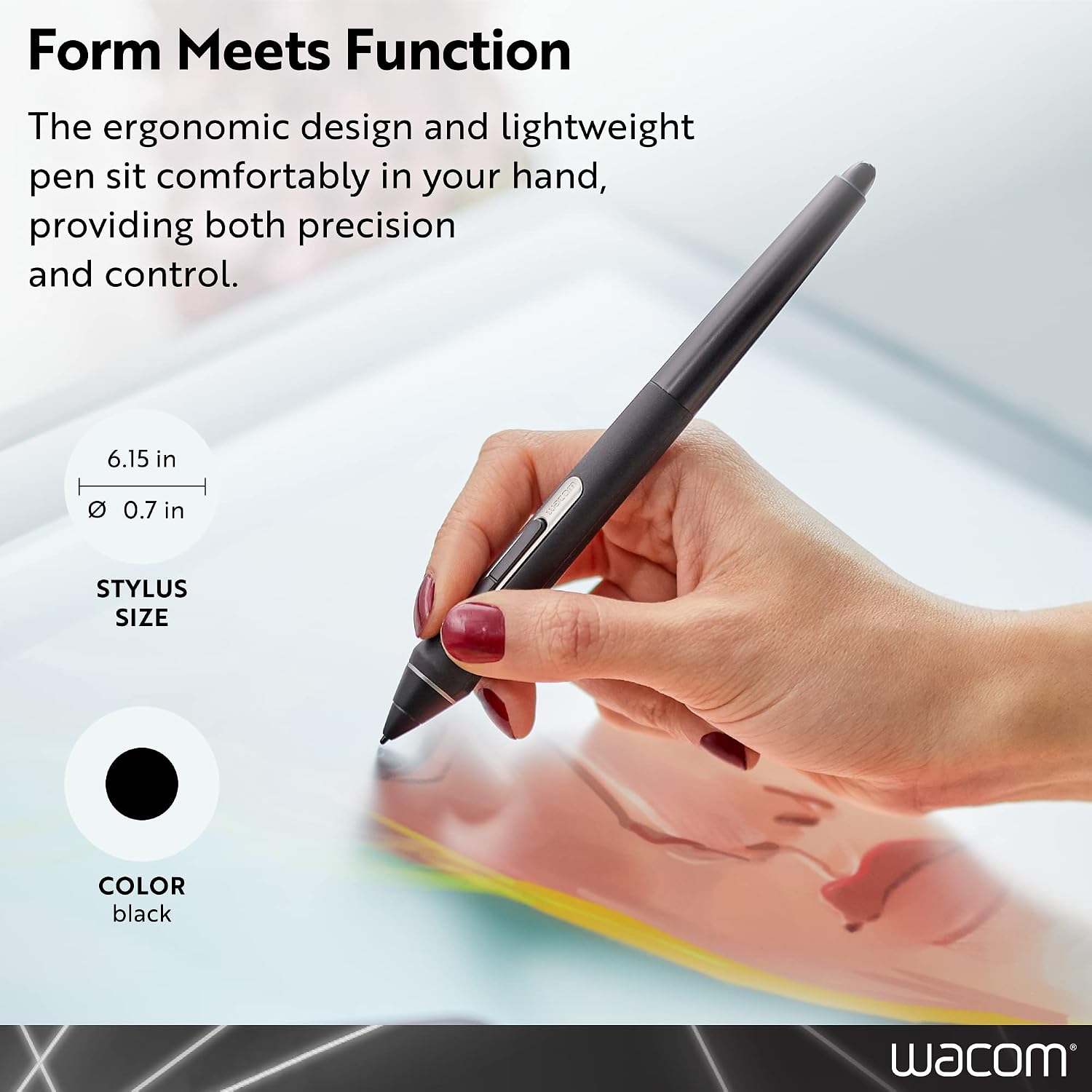
Wacom Pro Pen 2 (KP504E) is a pressure-sensitive stylus designed to work with a specific set of Wacom creative displays and drawing tablets. If your goal is more precision and better control during sketching, inking, or detailed illustration work, a pressure-sensing pen like this is one of the most direct upgrades you can make.
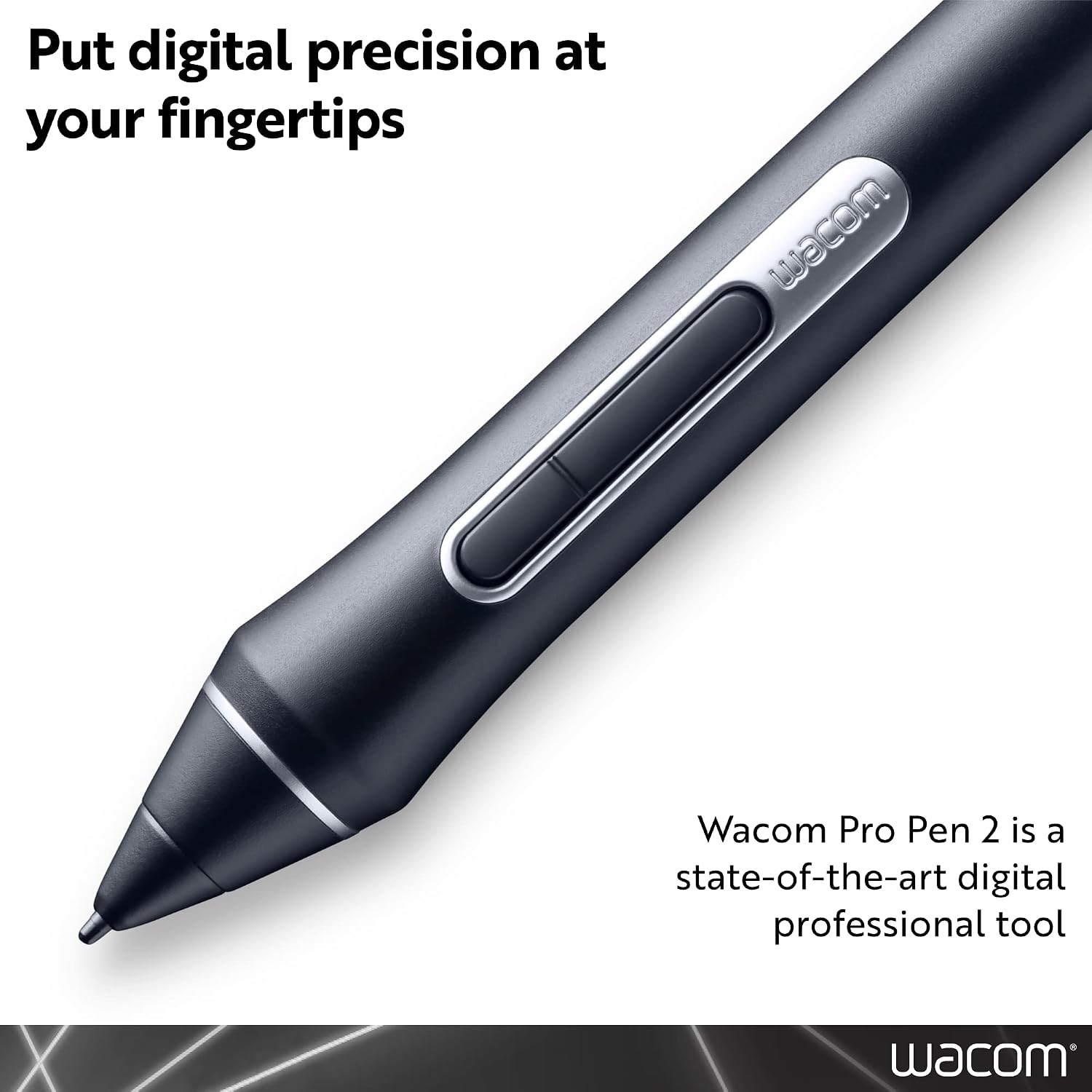
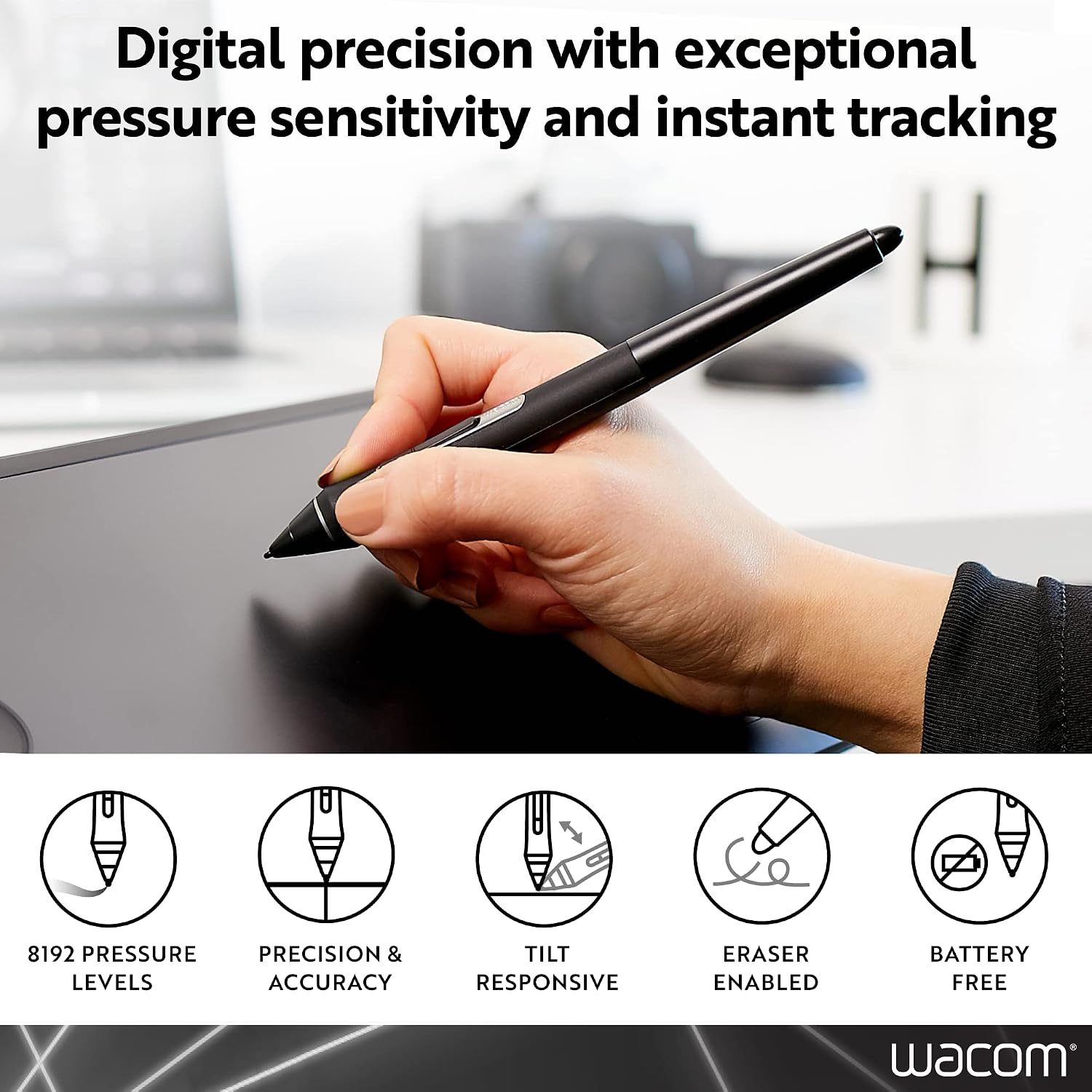
On paper, what stands out is the 8192 levels of pressure sensitivity. That’s the kind of spec that matters when you want line weight and shading to feel responsive rather than “all-or-nothing”. It’s also a sensible choice if you’re trying to keep your existing Wacom setup running smoothly and you need a replacement pen rather than switching your workflow.
Still, it’s not a universal pen for every Wacom device. Compatibility is the real make-or-break point here, and the exclusions matter.
Where it fits best (compatibility matters)
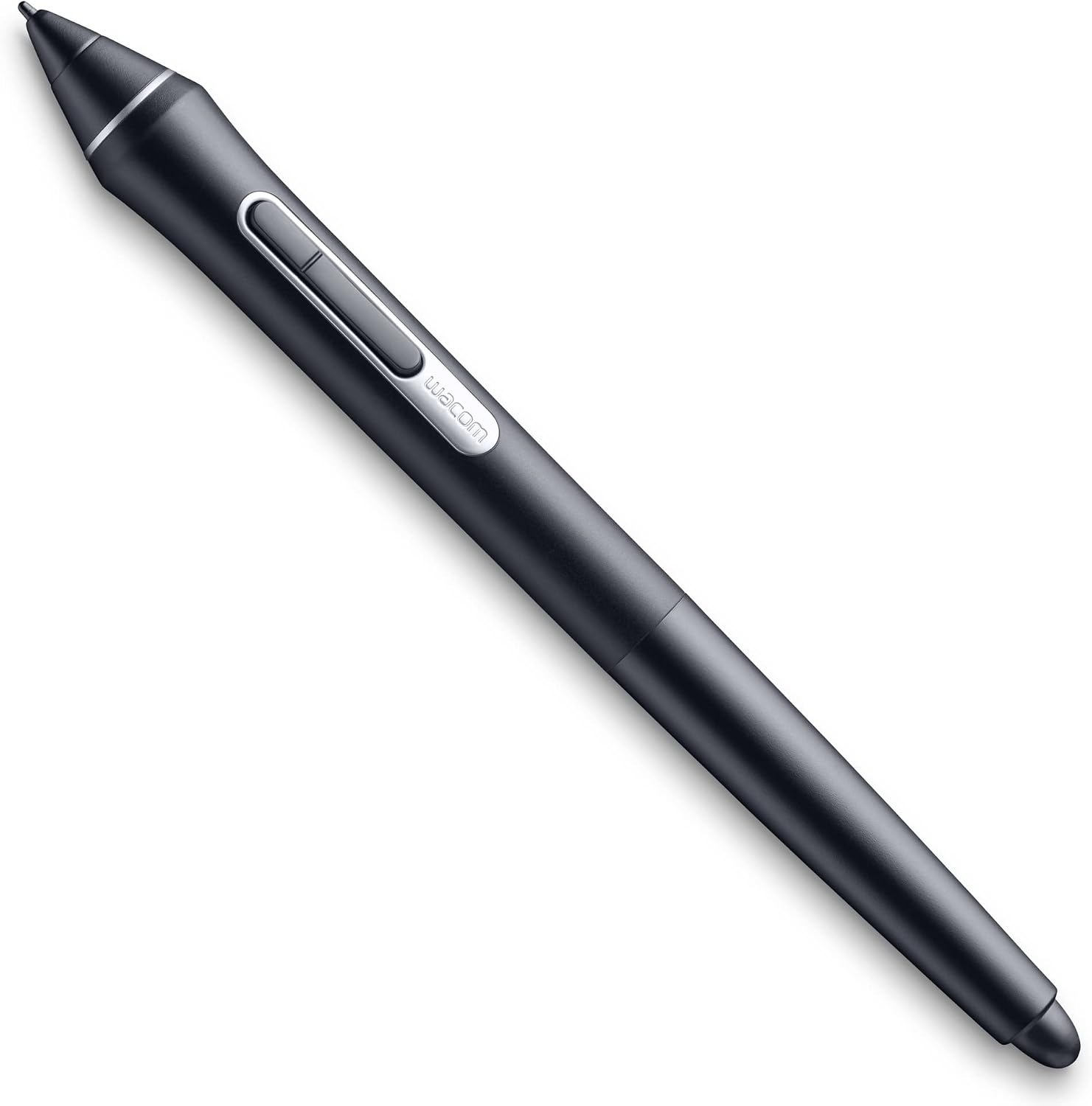
This Pro Pen 2 is listed as compatible with: - Intuos Pro (PTH660, 660P, 860, 860P) - Cintiq Pro (DTH1320, DTH1620, DTK2420, DTH2420, DTH3220) - MobileStudio Pro (DTHW1320, DTHW1620, DTHW1621H) - Cintiq (DTK-1660, DTK-2260)
It’s also explicitly not compatible with several “Companion” models, including Cintiq Companion, Cintiq Companion Hybrid, Cintiq Companion 2, and Intuos 8192.
It makes sense if you already own one of the compatible devices and simply want a pen that matches your display/tablet’s expectations. It’s less appealing if you have a different Wacom model outside the list, because a pen bought “in general” won’t magically solve compatibility.
The essentials: what you’ll notice using it
The main practical feature here is the 8192 levels of pressure sensitivity. In day-to-day terms, that tends to translate into more nuance: lighter touches for delicate sketch lines and firmer pressure for darker strokes or more confident inking.
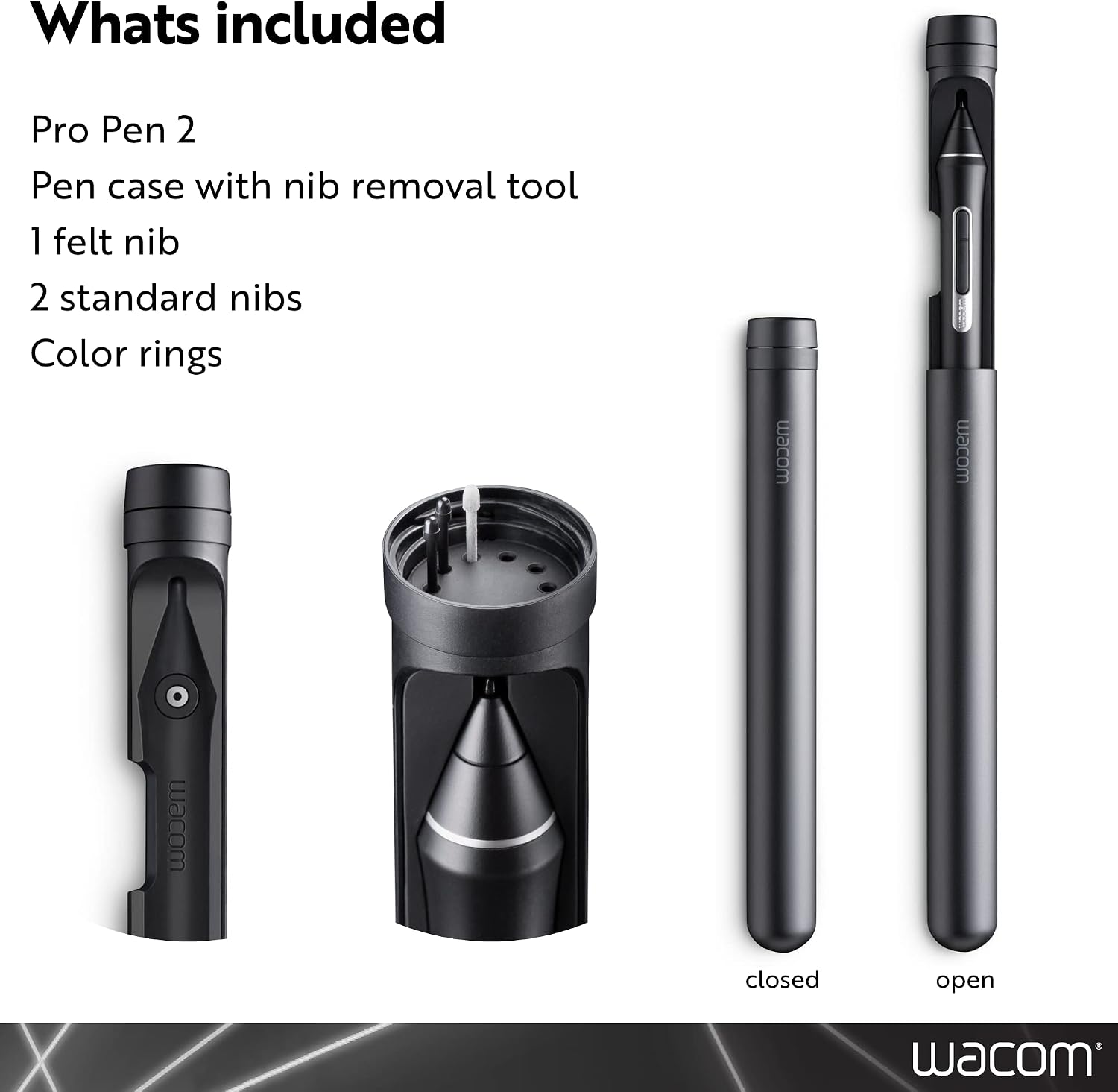
There’s also an included set of nib options, which is handy if you like to tune the feel over time. You get: - 1 felt nib - 2POM nib - and a pen case
A small but real point: over months of use, nibs wear, and having a spare set reduces friction. You can keep working without waiting on replacement parts if you’re in the middle of a commission, study project, or personal drawing routine.
What stands out (and the one limitation to keep in mind)
What stands out is that this pen is clearly positioned for precision work with compatible Wacom hardware, not as a generic stylus. The combination of pressure sensitivity and the included nibs/case makes it feel “ready to live with”, especially if you’re protecting the pen when it’s not in use.
The limitation is compatibility. The list of supported models is quite specific, and the exclusions for several Companion devices are clearly stated. If you’re not sure which exact Wacom model you have, it’s worth double-checking before buying—because returning an incompatible pen is rarely fun.
For whom it’s a solid pick
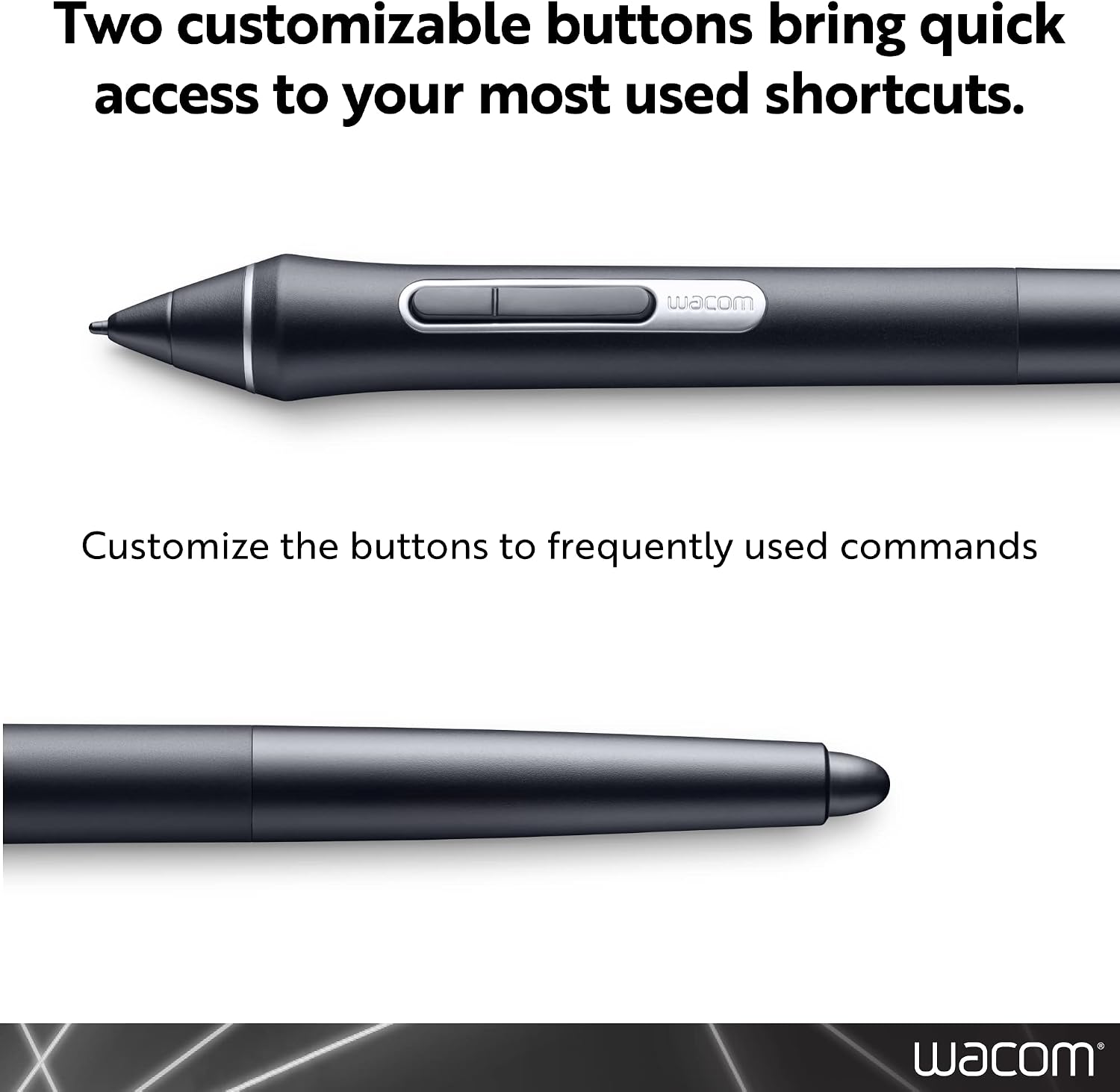
It’s a good fit if you: - Use compatible Intuos Pro, Cintiq Pro, Cintiq, or MobileStudio Pro devices - Want more expressive pressure control for drawing, colouring, and line work - Prefer having spare nibs so you can maintain your setup - Are replacing a pen and want the same Wacom Pro Pen 2 approach
It may not be a great match if you: - Have one of the listed non-compatible Companion models - Are buying without checking your exact tablet/display model - Expect “plug-and-play” across different Wacom lines (this one is more particular)
Buying checks before you commit
Before you purchase the Wacom Pro Pen 2 (KP504E), make sure: - Your device model number matches one of the compatible entries in the listing - Your current setup isn’t one of the explicitly incompatible Companion/Intuos options - You’re comfortable sticking with the Wacom-specific pen ecosystem for your workflow
Also, note the store listing reminder about international products: international terms and what’s included can differ, including fit and language of instructions. It’s a minor point, but it’s worth knowing if you’re picky about manuals and labelling.
Is it worth it?
Worth considering if you’re already in the compatible Wacom Pro ecosystem and you want a pressure-sensitive pen replacement that supports nuanced drawing—especially with the 8192 pressure levels and included nibs for maintaining the feel. It’s also a sensible buy if you like to keep your pen stored properly, thanks to the included case.
Better avoided if your device isn’t one of the listed compatible models, or if you own a model from the excluded Companion/Intuos lines. In that situation, you could end up with a pen that looks right but simply won’t be the correct match for your hardware.
Mini FAQ
Does this pen work with all Wacom tablets?
No. The listing specifies compatibility with particular Intuos Pro, Cintiq Pro, Cintiq, and MobileStudio Pro models, and it also states several non-compatible Companion models.
What pressure sensitivity does it offer?
The Pro Pen 2 (KP504E) is listed with 8192 levels of pressure sensitivity.
What’s included in the box?
The listing states it includes the Pro Pen 2, Pro Pen 2 case, colour rings, 1 felt nib, 2POM nib, and a Quick Start Guide.
Is it suitable for detailed drawing and inking?
If your device is compatible, the pressure sensitivity and nib options are exactly the sort of features that help with line control and more expressive strokes.
Does it include instructions for UK users?
The listing mentions international products may have separate terms and may differ in instructions/labelling. It’s worth checking what comes with the specific international batch you receive.