

HDMI Splitter 4K 60Hz 1x2 para 1080p120Hz con HDCP y gestión EDID (HDMI 2.0, audio Dolby Atmos)
Product description
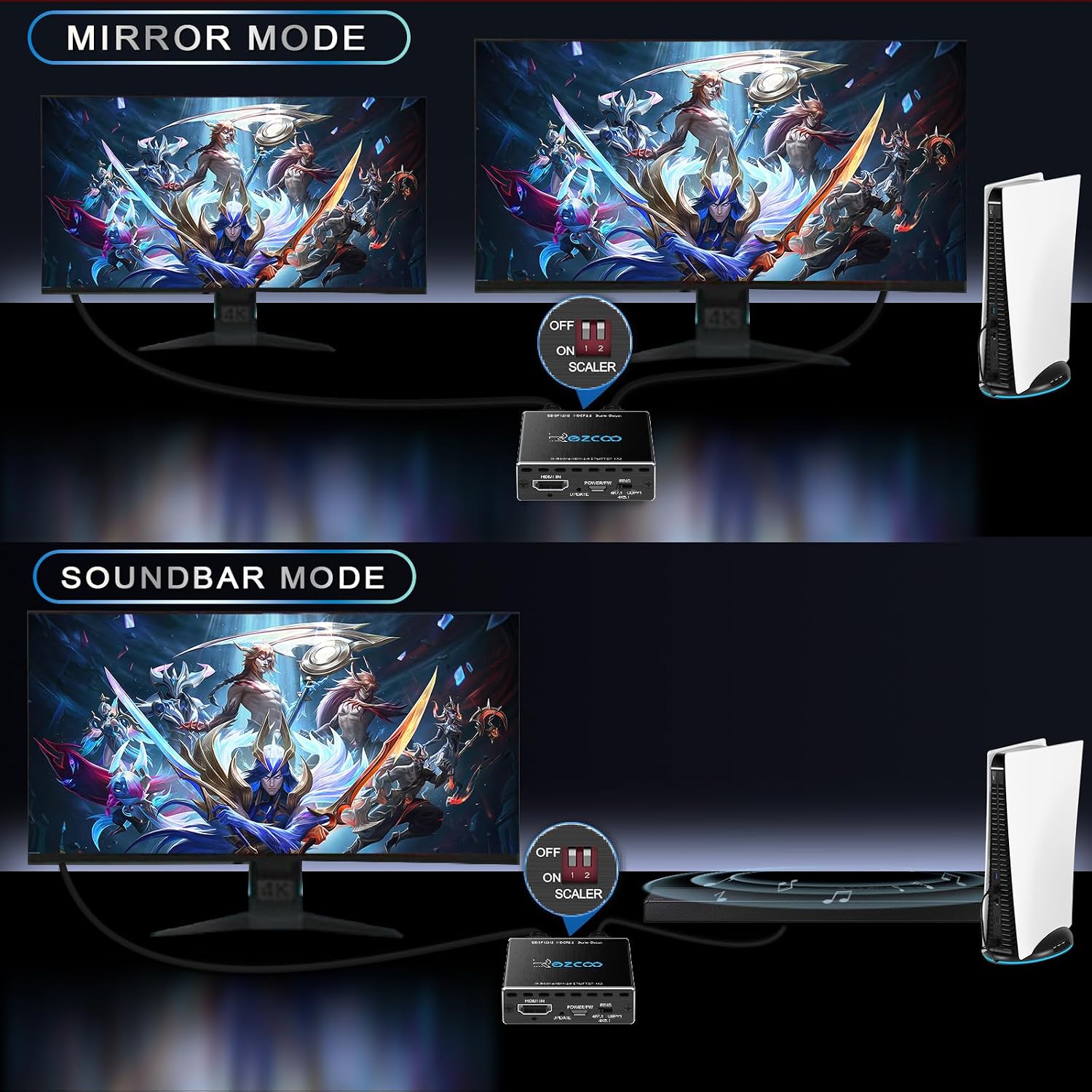
If you’re trying to feed the same HDMI signal to two displays (or a TV and a sound setup), an HDMI splitter is often the simplest way to keep everything running in sync. This HDMI Splitter 1 in 2 out is designed for dual-monitor and living-room setups where you want duplication/mirroring, with support for 4K 60Hz and 1080p up to 120Hz modes, plus EDID management.
The essentials
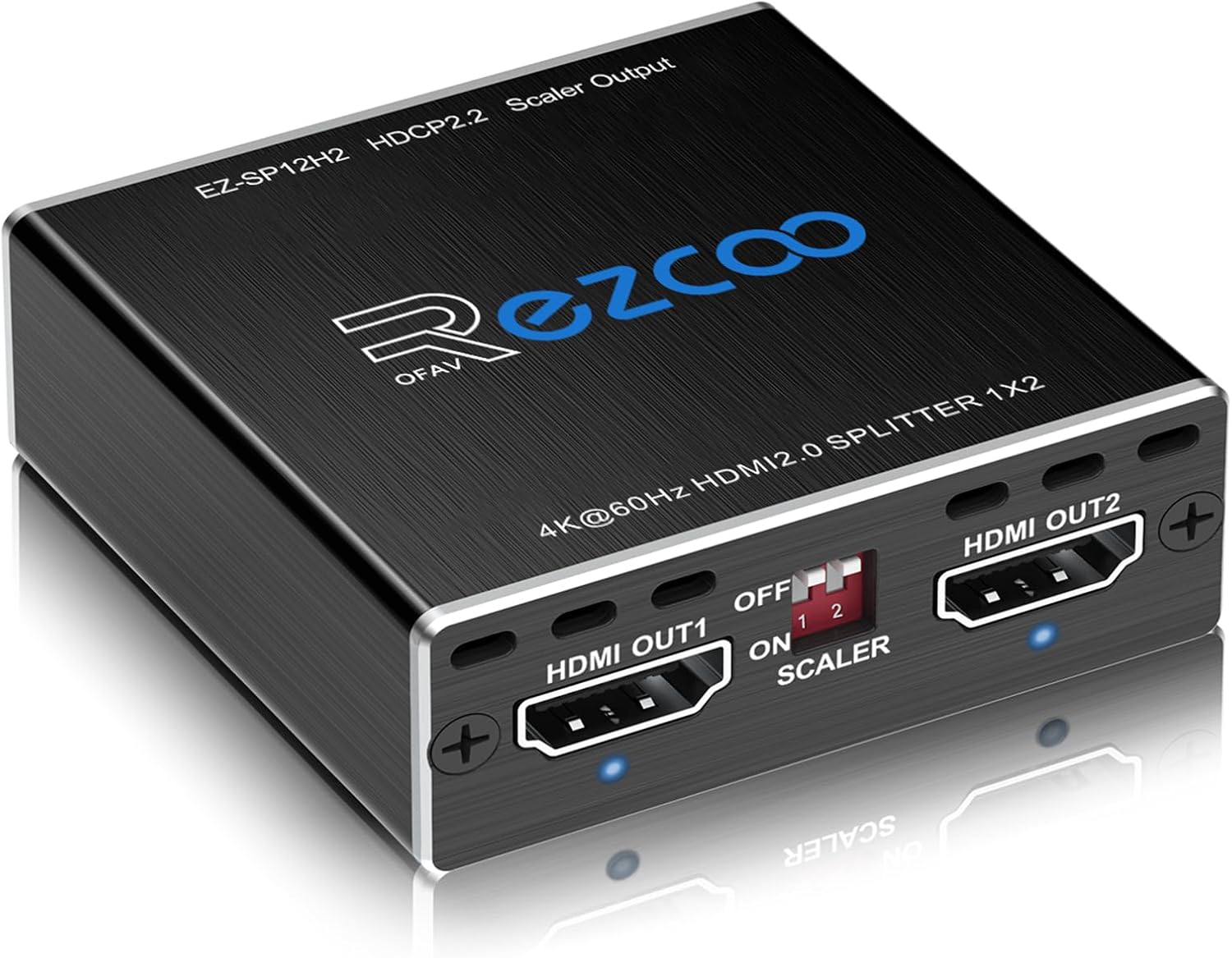
This unit is an HDMI 2.0 splitter that takes one HDMI input and duplicates it to two outputs. On paper, that makes it a good fit for anyone who needs the same video stream on a second screen—think gaming monitors, a projector, or a TV plus another display—without messing about with software or extra switching hardware.
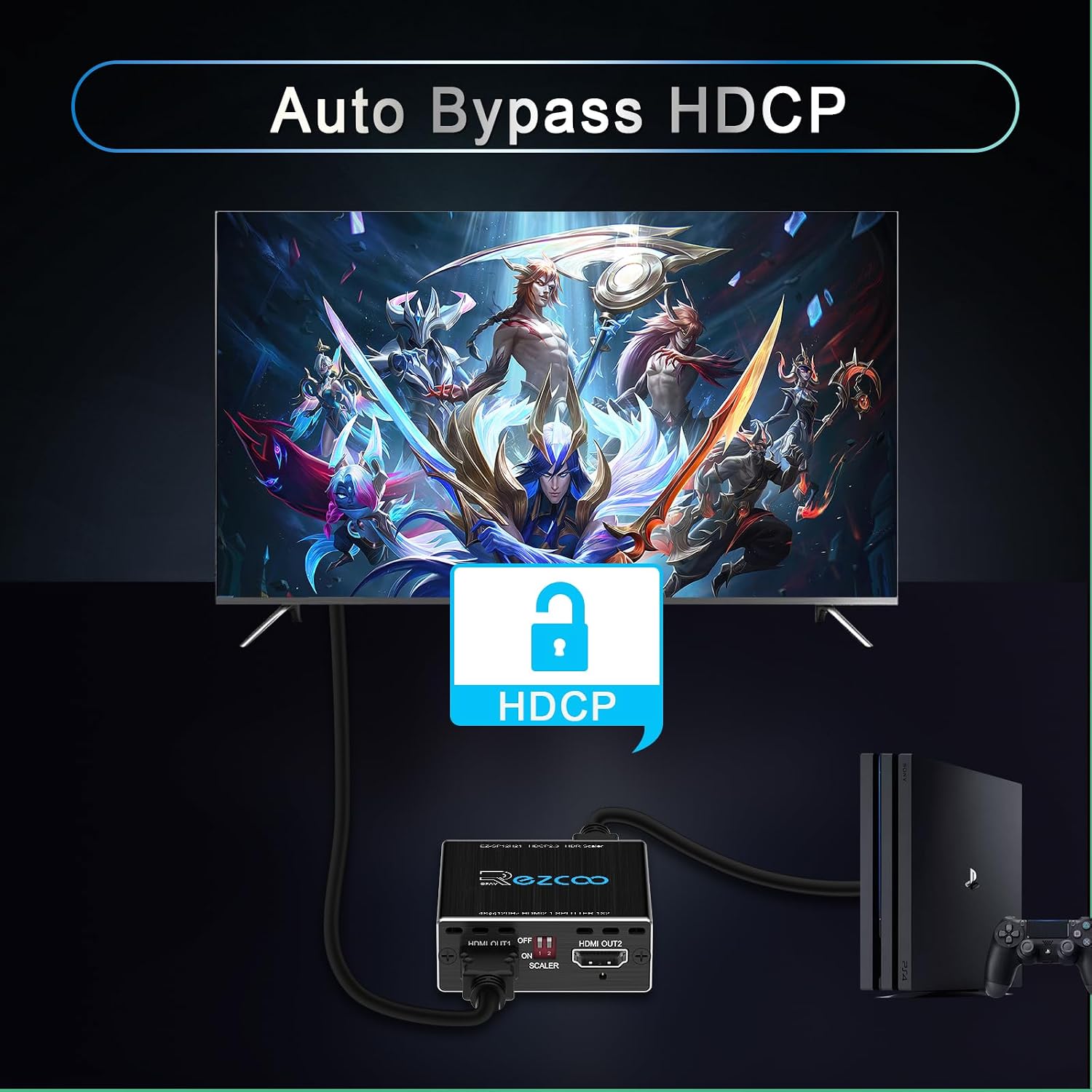
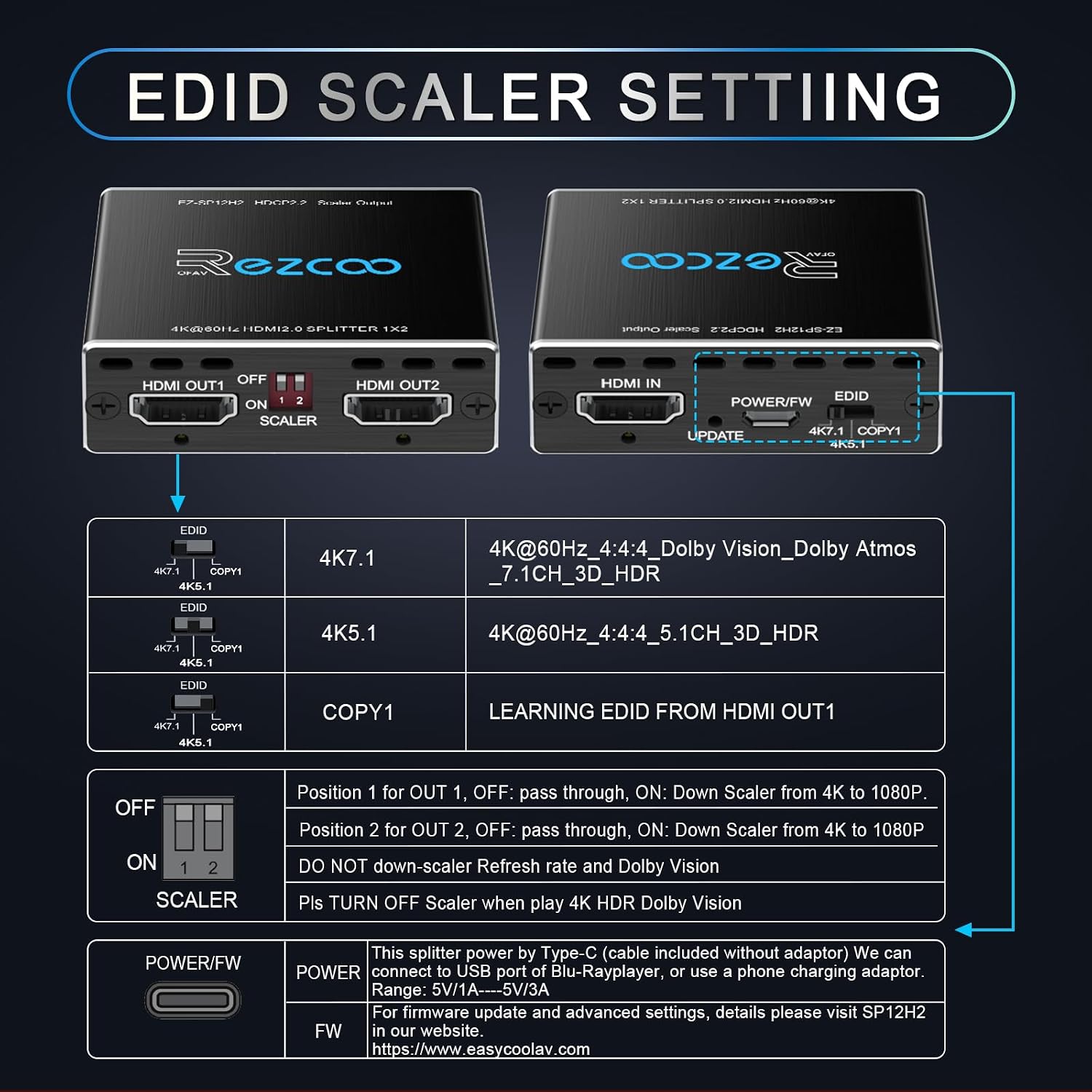
It also includes features aimed at avoiding common “no signal” headaches: EDID management is mentioned as part of the setup, alongside HDCP 2.2 and HDCP 2.3 bypass behaviour. For audio, the splitter is positioned for Dolby-related formats, including Dolby Atmos (and other mentioned multichannel audio formats).
That said, it’s not a universal solution. The included attention notes are quite specific about what it does not do (for example, it doesn’t support ARC/e-ARC, and it won’t do HDR conversions). If your current setup depends on those, you may end up frustrated.
What you’ll notice in everyday use
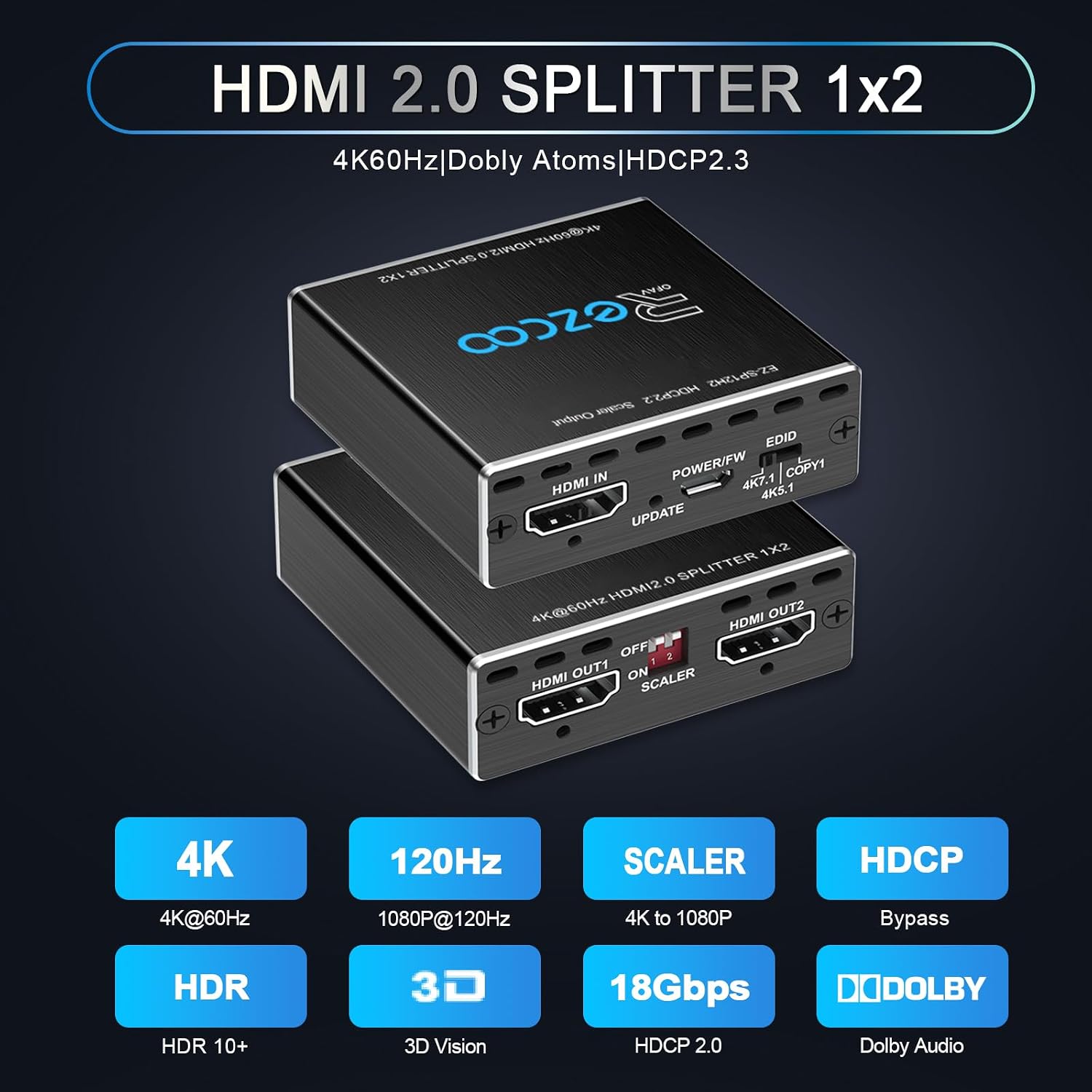
Set-up is described as plug and play, with a micro USB power connection included (so you’re not relying on HDMI power). In a typical scenario: you connect your console, set the EDID mode on the splitter, then connect OUT 1 to one display and OUT 2 to the other.
A concrete example: if you’re running a 4K TV alongside a 1080p gaming monitor, the guidance says to put the splitter into the 4K EDID mode, assign the 4K TV to OUT 1 and the 1080p display to OUT 2, then enable the scaler setting (referred to as SCALER 2 ON). That’s the kind of detail that can make or break sync and handshake behaviour.
Key points
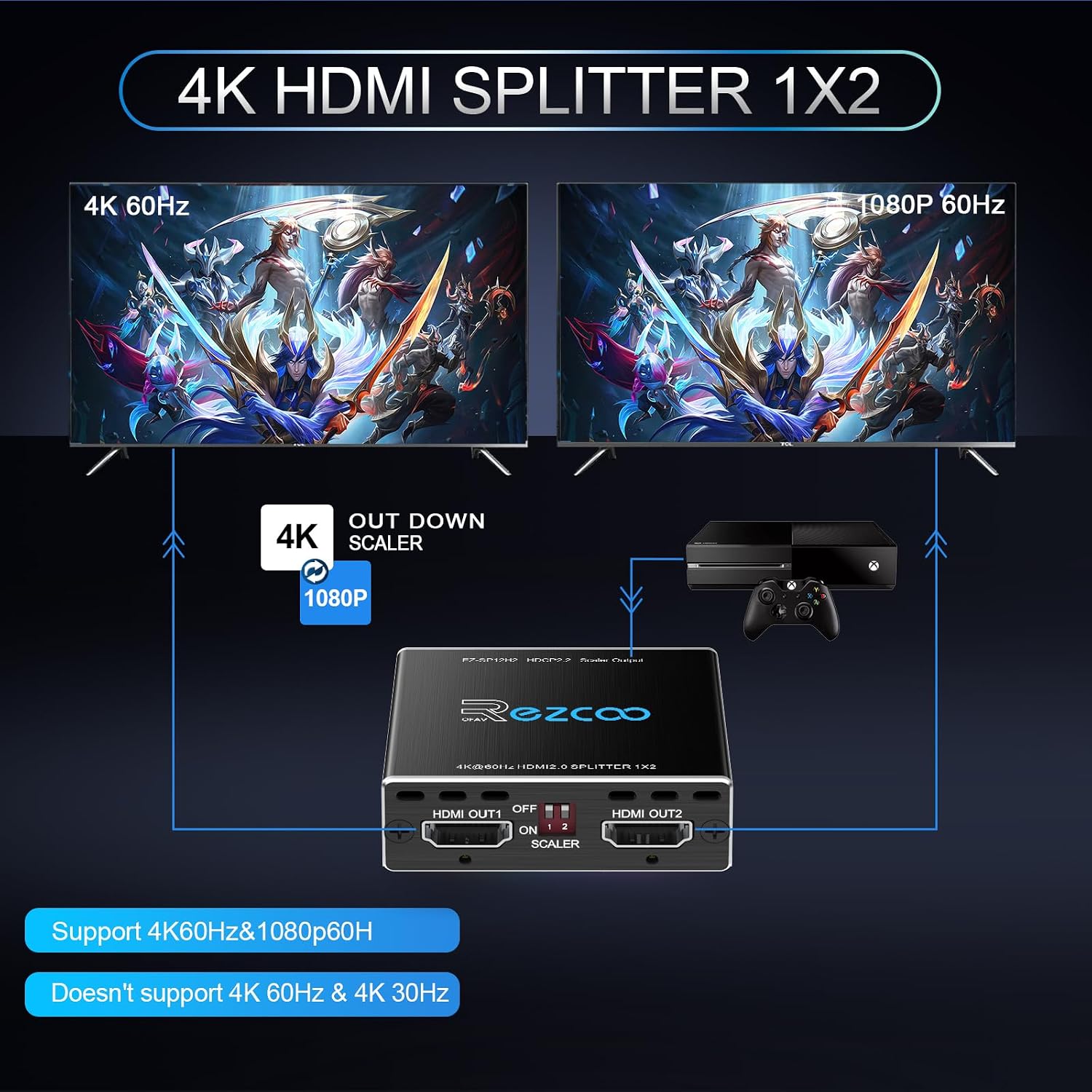
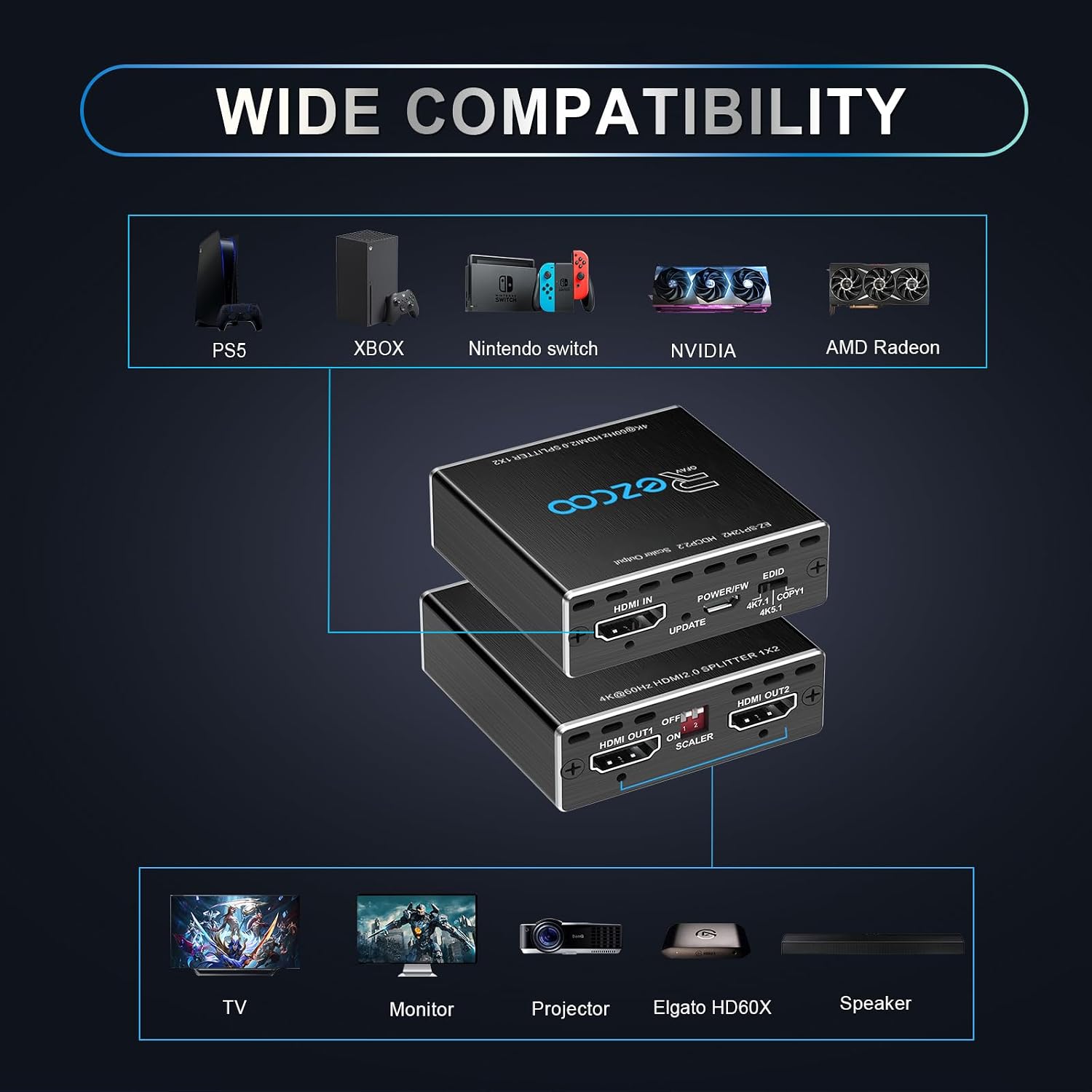
The main draw here is straightforward duplication (1 input to 2 outputs) with EDID management to help displays agree on what resolution they’ll receive. It also targets popular home and gaming sources named in the listing, including PS5/PS4, Xbox, Apple TV, Fire Stick, Sky Q, and others.
If you prioritise getting two screens working without a complicated matrix switch, this is the “single box” approach you’re looking for. But keep expectations realistic: it’s built for mirroring/duplication, not for showing different content on each output.
Tech specs
- Type: HDMI 2.0 splitter (1x2)
- Video support: 4K@60Hz, 1440p@60Hz, 1080p@120Hz, 3D
- Bandwidth: 18Gbps
- HDR formats mentioned: HDR and D-olby Vision, HDCP 2.2 bypass and HDCP 2.3 bypass
- Audio support mentioned: Dolby Atmos, digital 7.1CH, Dolby TrueHD, DTS-HD Master Audio
- Included/required power: micro USB cable for power supply (plug and play no driver)
Where it shines (and where it may not)
It shines when your goal is to duplicate one HDMI source across two displays and keep the handshake stable enough to get usable video and the mentioned audio formats.
However, there are clear limitations you should take seriously before buying. The listing explicitly says it does not support ARC/e-ARC (including Sonos ARC), CEC, VRR, and does not support 4K@120Hz or upscaling. It also warns not to down-scale HDR D-olby Vision and notes that it does not convert HDR to SDR. In other words, if your priority is advanced HDMI features (ARC audio return, CEC control) or format conversion, this isn’t the right tool.
It might also be a bit of a mismatch if your displays handle EDID differently and you don’t want to do any manual mode selection—EDID and scaler settings are part of the recommended process.
¿Merece la pena?
If your setup is fairly typical—one HDMI source, two outputs that you want to mirror, and you’re willing to follow the EDID/scaler instructions—this can be a solid value-for-money way to get dual-screen output.
But it may not be worth it if you rely on ARC/e-ARC, CEC, VRR, or if you specifically need 4K@120Hz or upscaling. Also, if you expect the splitter to “fix” HDR problems by converting formats, you’ll want to look elsewhere because the notes suggest it won’t do HDR-to-SDR conversion.
So it’s a buy when you want duplication and you’re comfortable setting EDID modes, it’s a skip when your system needs HDMI features beyond what’s stated.
Quick compatibility check before you press buy
The listing names a broad range of sources (PS5, Sky Q, Xbox, Fire TV, BluRay players, Apple TV, projectors, etc.), but compatibility can still come down to your specific TVs/sound systems and what they support.
Pay attention to these points before purchase:
- If you need ARC/e-ARC control, double-check you’re not depending on that feature.
- If you’re using Dolby Vision and Dolby Atmos together, the listing advises that both the TV and receiver should support them.
- If your second screen is 1080p while the first is 4K, you’ll likely need to choose the correct EDID mode and assign OUT 1/OUT 2 as instructed.
- Use a good HDMI 2.0 cable under 3m, as the listing recommends.
Mini FAQ
Does it work without a driver?
Yes, it’s described as plug and play with no driver needed.
Can it send different images to each output?
No—this is meant for duplicating/mirroring one input to two outputs.
Does it support ARC or e-ARC?
The notes say it does not support ARC/e-ARC (and mentions Sonos ARC).
Will it convert HDR to SDR?
The listing states it does not do HDR to SDR conversion, and it also warns about down-scaling HDR D-olby Vision.
Is 4K@120Hz supported?
No, it’s not listed as supported, and the attention notes specifically mention it does not support 4K@120Hz.
Care and reliability angle
This splitter is presented as being tested before shipping, and the listing mentions after-sales/warranty service. That’s reassuring, but the day-to-day success will still depend on your HDMI cables and getting the EDID/scaler mode lined up with your screens.
If you’re the type who likes set-and-forget, it may take a short adjustment period the first time you connect two different displays. If you’re happy to do that, you’ll probably like the simplicity of a single splitter solution.