

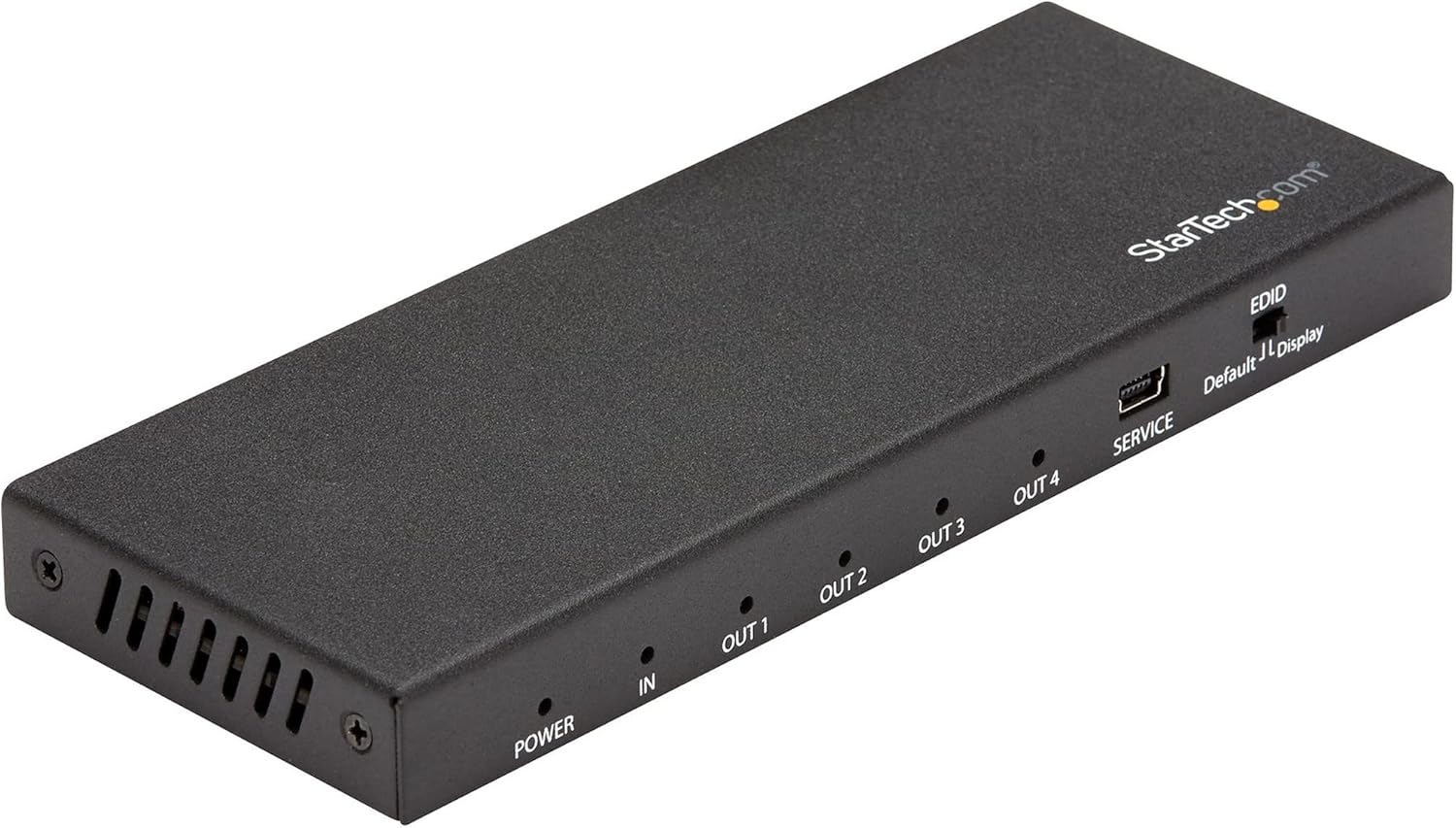
StarTech.com 4-Port HDMI Splitter for Ultra HD 4K 60Hz with 7.1 audio
Product description
What it’s for (and why people buy a splitter)
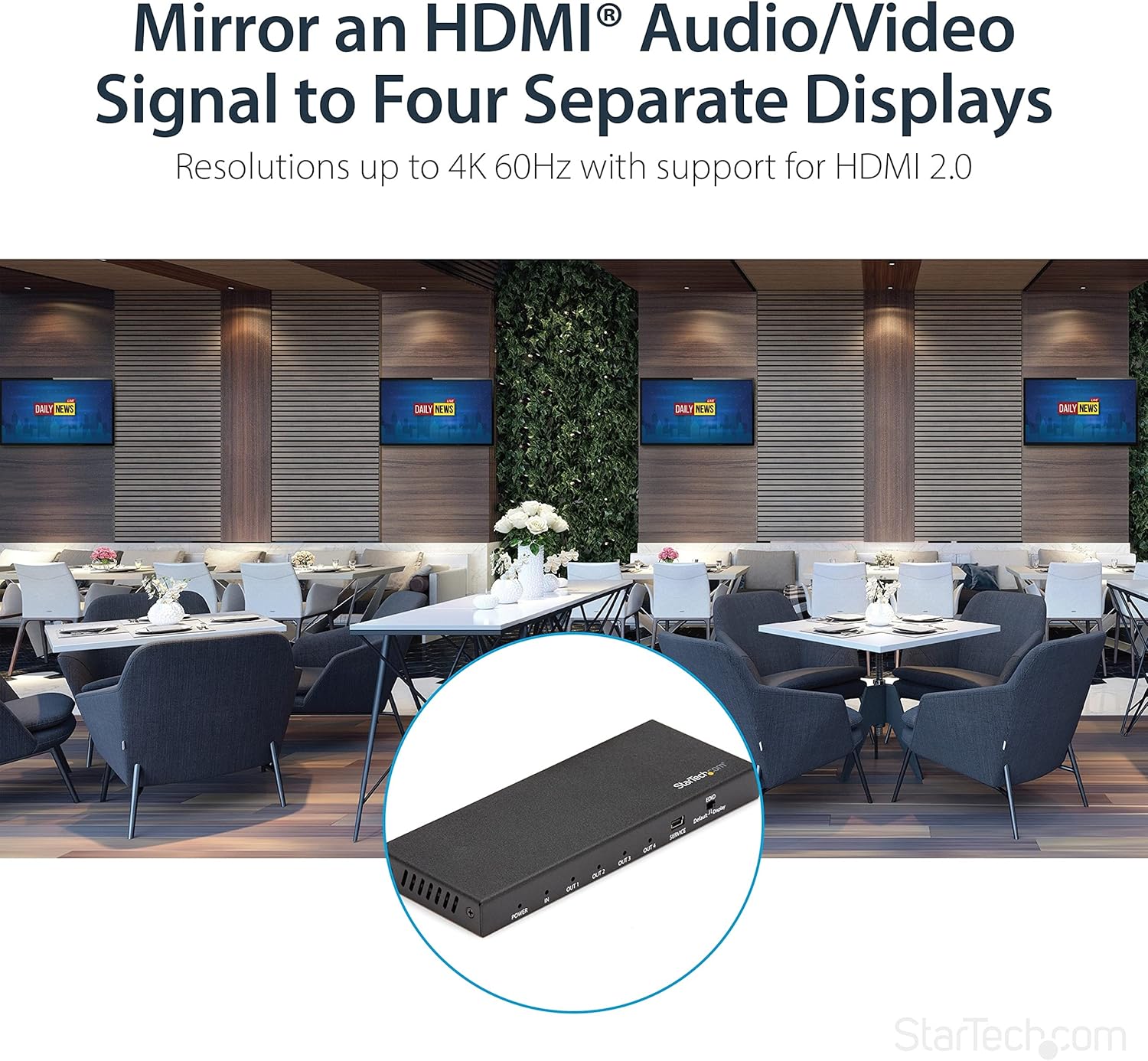
A 4-port HDMI splitter like the StarTech.com model is made for one job: taking a single HDMI video source and showing the same picture (and sound) on multiple screens at the same time. If you’re setting up a home office with two monitors, running a small meeting room with a projector plus a display, or trying to keep kids’ screens in sync without constantly switching inputs, the value is pretty straightforward—one input, four outputs.
On paper, it’s aimed at everyday “mirror mode” use rather than complex presentation switching. You send the signal in once, then let the splitter duplicate it to all four displays. That’s also where the trade-off is: you don’t get different content per screen, so if your goal is independent control for each display, this kind of device may feel limiting.
Key points
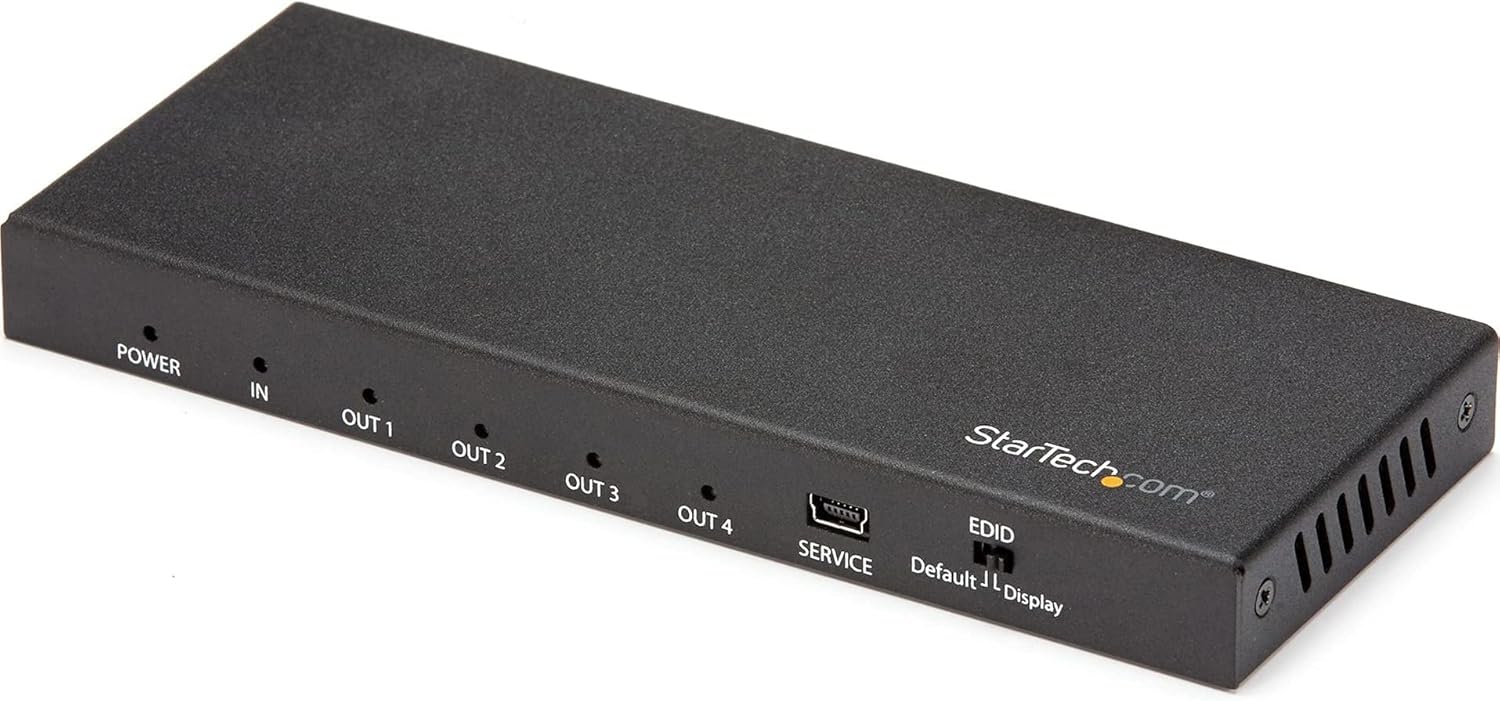
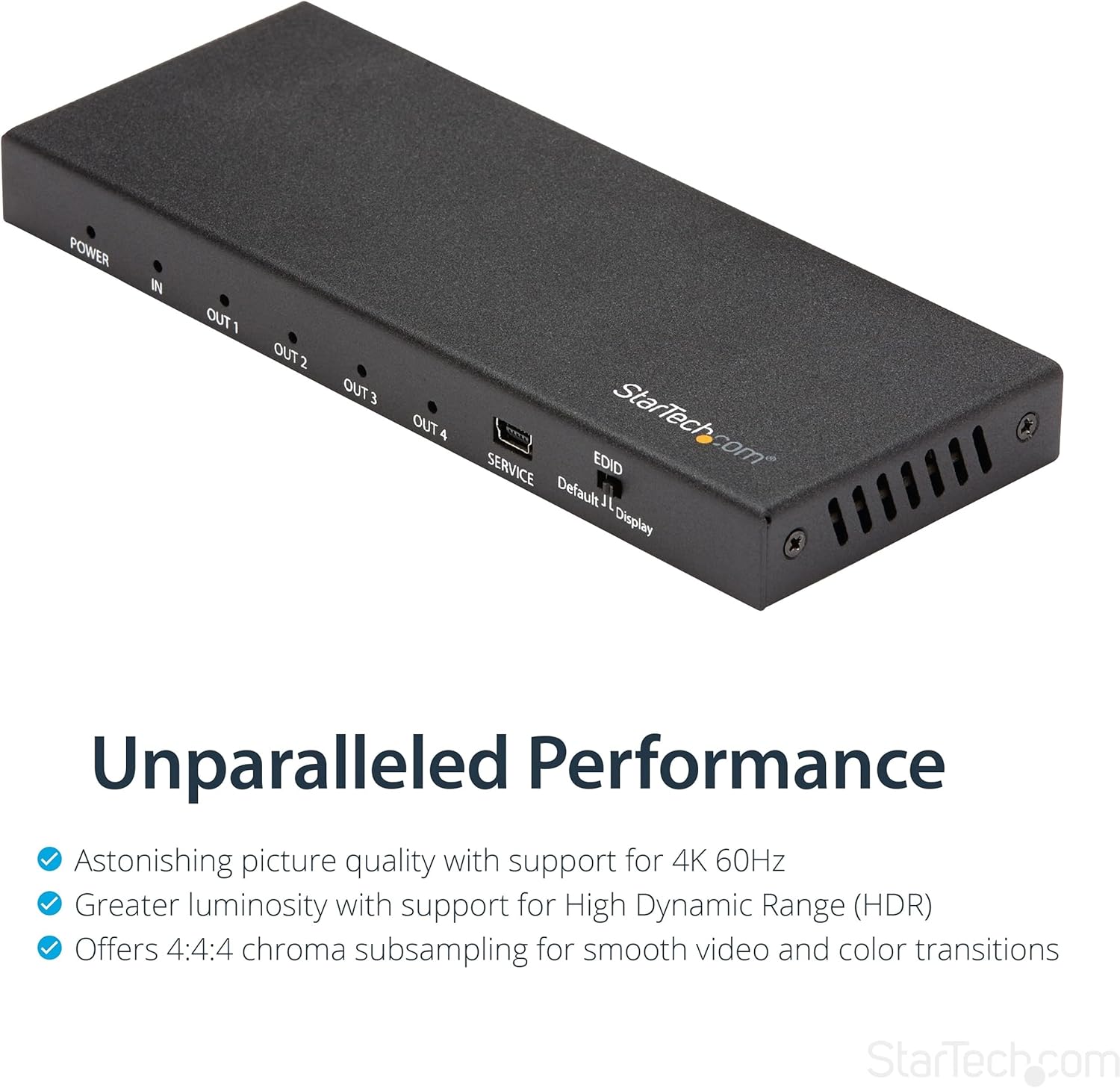
This StarTech.com 4-Port HDMI Splitter supports splitting an HDMI signal up to Ultra HD 4K 60Hz and 7.1 channel audio, with HDR support. It’s built around HDMI 2.0b-class features (including 4:4:4 chroma subsampling support and bandwidth up to 18Gbps) and it includes EDID emulation to help keep connected displays talking nicely to the source.
A practical bonus is that audio output is supported on all ports simultaneously, including support for 7.1 surround sound formats such as Dolby True HD and DTS HD Master Audio. Setup is also described as driver-free: connect the HDMI cables, power it, and use the EDID switch set to Auto to start.
Worth noting: the mention of “long reach” is tied to a passive HDMI cable reach of up to 16.4ft (5m). If your run is longer or in a noisier installation, you may need active HDMI cables or extenders (sold separately), so it’s worth planning cabling early.

Tech specs
- Type: HDMI splitter (1-input to 4-output)
- Video format support: Ultra HD 4K 60Hz
- Audio support: up to 7.1 channel audio on all ports simultaneously
- Chroma subsampling: 4:4:4 supported
- Bandwidth: up to 18Gbps (HDMI 2.0b)
- HDR: supported
- EDID handling: EDID emulation and pass-through (with EDID switch set to Auto)
- HDCP support: conversion between HDCP 2.2 and HDCP 1.4
- Reach: up to 16.4ft (5m) with a passive HDMI cable
What you’ll notice day to day
The “feel” of this splitter is largely determined by the EDID behaviour. In real setups, EDID helps the source and display agree on resolution and refresh rate, which can reduce the usual hassle of displays negotiating settings when you add or change screens. The description specifically states EDID is automatically passed between the video source and the display attached to port 1 when the EDID switch is set to Auto.
Also, because audio is supported on all ports at once, you don’t need a separate audio routing approach just to get sound on multiple screens. For instance, in a living-room setup with a TV and a secondary display/monitor, you could route one HDMI feed into the splitter and have both screens play the same 7.1-capable audio stream.

Where it can be less ideal: if you’re trying to use different refresh rates or resolutions across four different displays, the “single EDID decision” approach (port 1 being the reference for EDID pass-through) might not match how every screen prefers to negotiate. That doesn’t make it unusable, but it’s a point to consider before you buy.
Who it suits best (and who should be cautious)
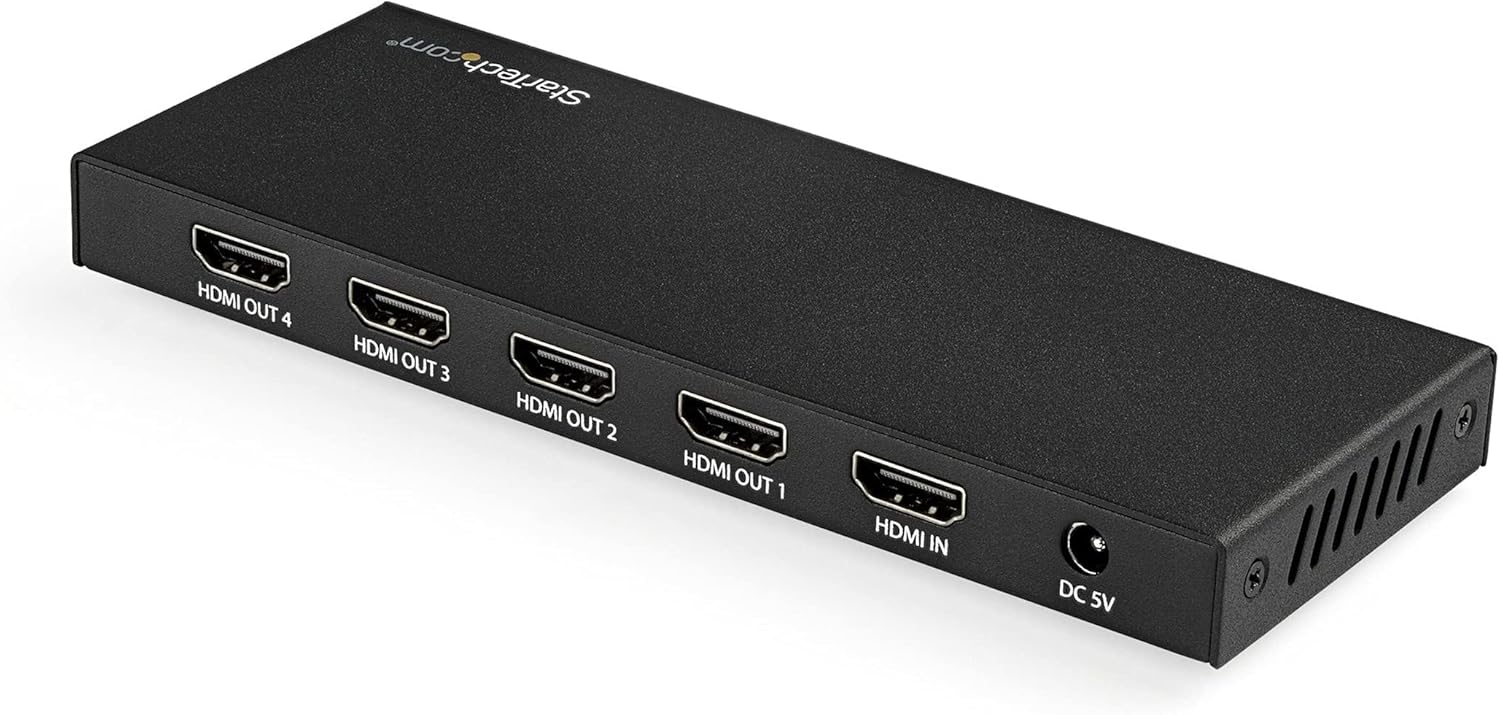
It makes sense if you want a straightforward way to mirror one HDMI source across four screens, without drivers or complex configuration. It’s also a solid match for users who care about higher-spec signals such as 4K 60Hz, HDR, and 7.1 surround audio.
It may not be the best choice if your setup needs different content per display, or if your installation relies on very long HDMI runs where passive cabling isn’t enough. In those cases, the advertised reach (with a passive cable) may leave you short, and you’d likely need active HDMI cables or extenders.
It’s also worth being realistic if you’re working with an unusual mix of devices: while the splitter includes HDCP 2.2 to HDCP 1.4 conversion and EDID emulation, HDMI/HDCP compatibility can still vary depending on the source and display. Consider testing with your exact devices when possible.
Should you buy it?
Buy it when you need one HDMI source duplicated across four screens and you want support for Ultra HD 4K 60Hz, HDR, and 7.1 surround audio. The EDID emulation and EDID auto behaviour are especially relevant if you’ve previously had trouble with resolution/refresh negotiations after connecting multiple displays.
Skip it if you want independent output signals, different content on each screen, or if your HDMI distances are likely to exceed the stated passive-cable reach. It’s also not the simplest pick if you’d rather manage display switching at the source than mirror the same feed everywhere.
Mini FAQ
Does it require drivers?
The setup is described as not requiring drivers for this 1-input 4-output UHD HDMI 2.0 splitter box.
Can it send audio to all four screens?
Yes. Audio output is supported on all ports simultaneously, including support for 7.1 surround sound formats mentioned in the description.
What does EDID emulation do here?
It helps the source and the attached display negotiate native settings. With the EDID switch set to Auto, EDID is passed between the video source and the display attached to port 1.
How far will the signal reach?
It’s stated to reach up to 16.4ft (5m) using a passive HDMI cable. For longer distances, the description notes that active HDMI cables or HDMI extenders are available (sold separately).
Is HDR supported?
Yes, HDR is supported according to the product description.