

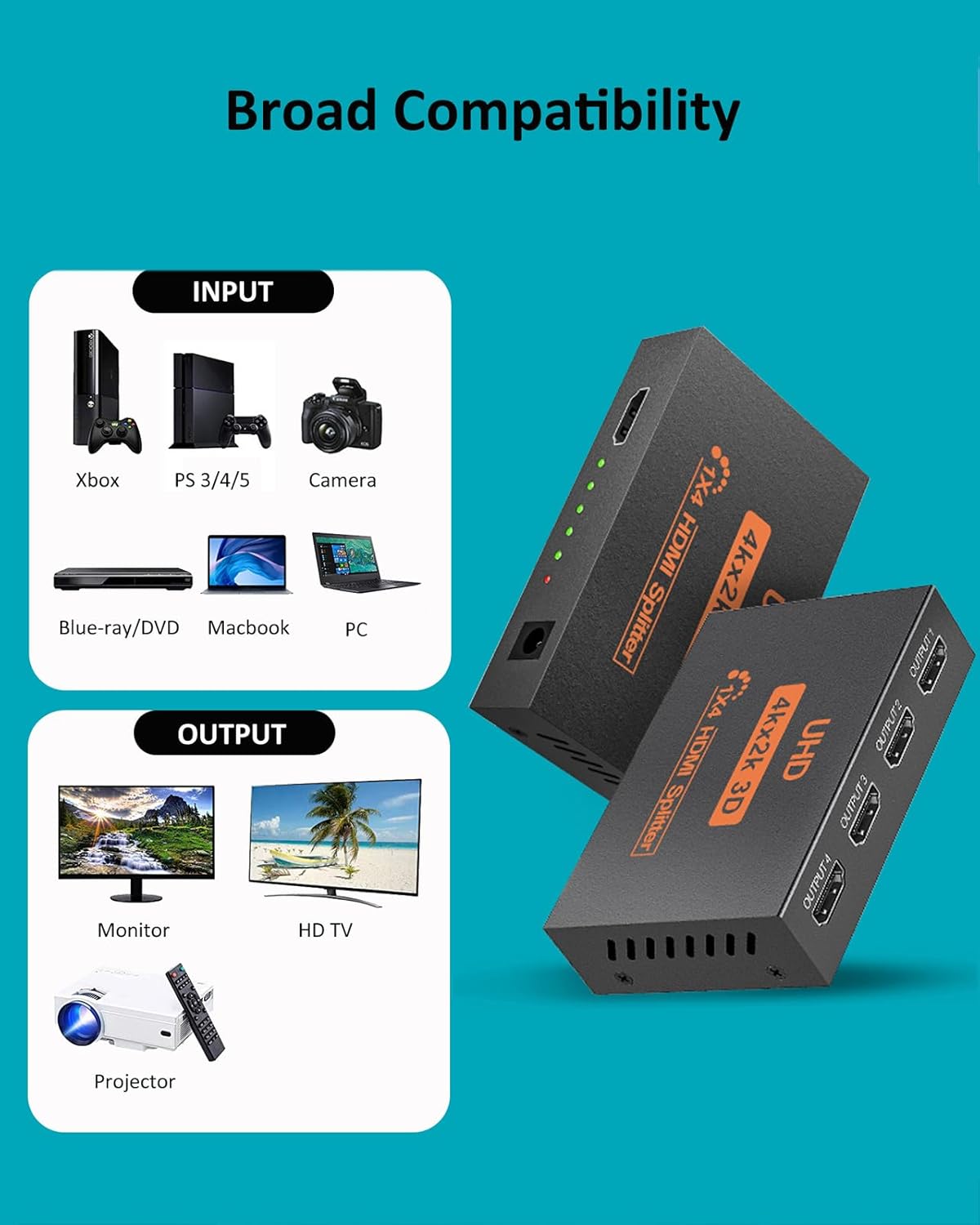
L’Puluva HDMI Splitter 1 in 4 out (4K) — Duplicate mode for 4 displays
Product description
The essentials
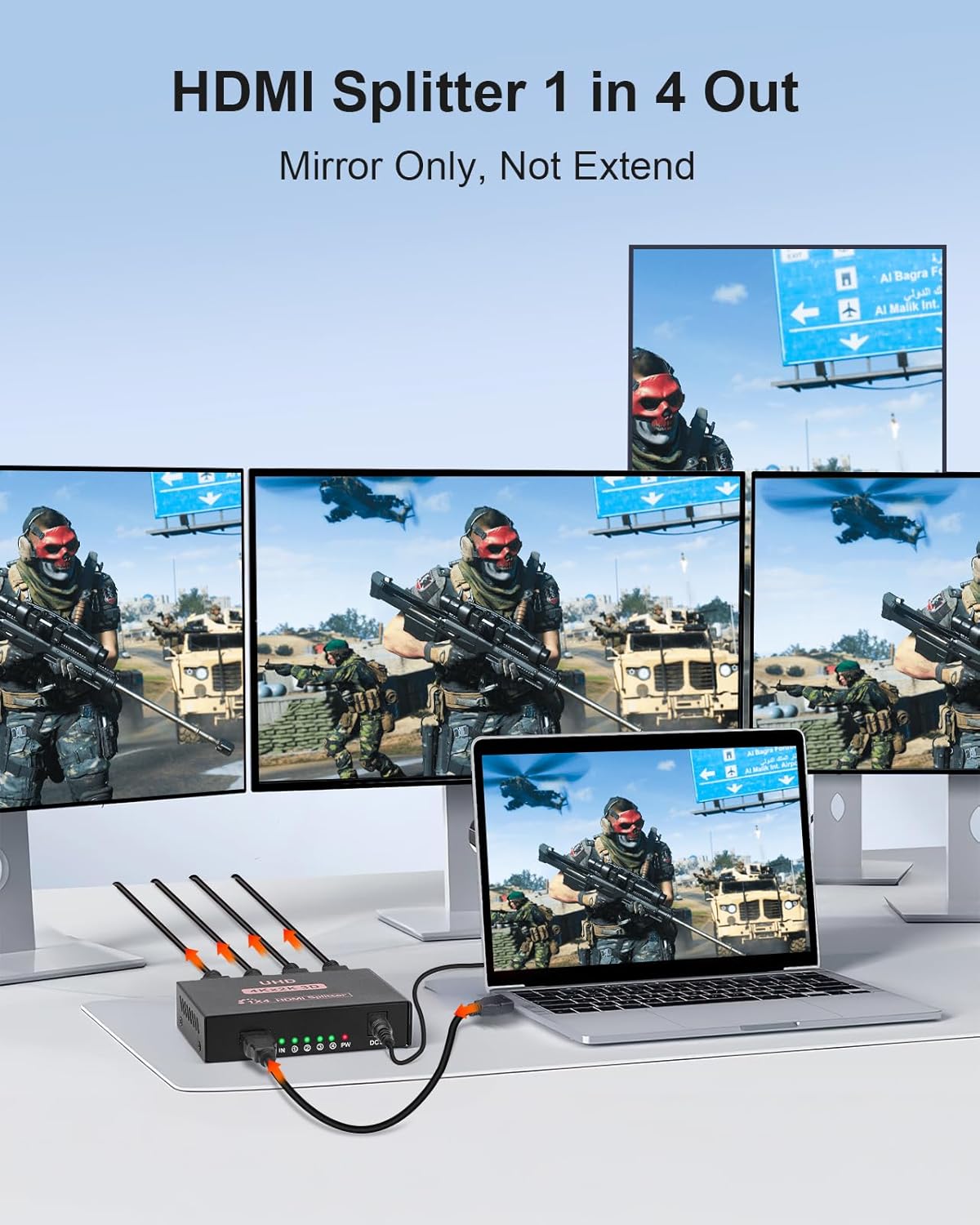
If you’ve got one HDMI source and you want the same picture on multiple screens at once, the L’Puluva HDMI Splitter 1 in 4 out is built for that job. It takes a single HDMI input and duplicates it across four displays, so what you see on screen one is the same on screens two, three and four.
That “duplicate only” approach is actually the key thing to understand before buying. This isn’t an extender, and it also isn’t a switcher. In other words, it won’t help you run different resolutions per display, and it won’t let you mix four different HDMI sources into one set of outputs.
The good news is that for simple, multi-screen setups (retail, meeting rooms, simple home viewing), a 1x4 splitter like this can be a straightforward way to tidy up cabling and avoid running a more complex distribution system.
Key features (and what they mean)
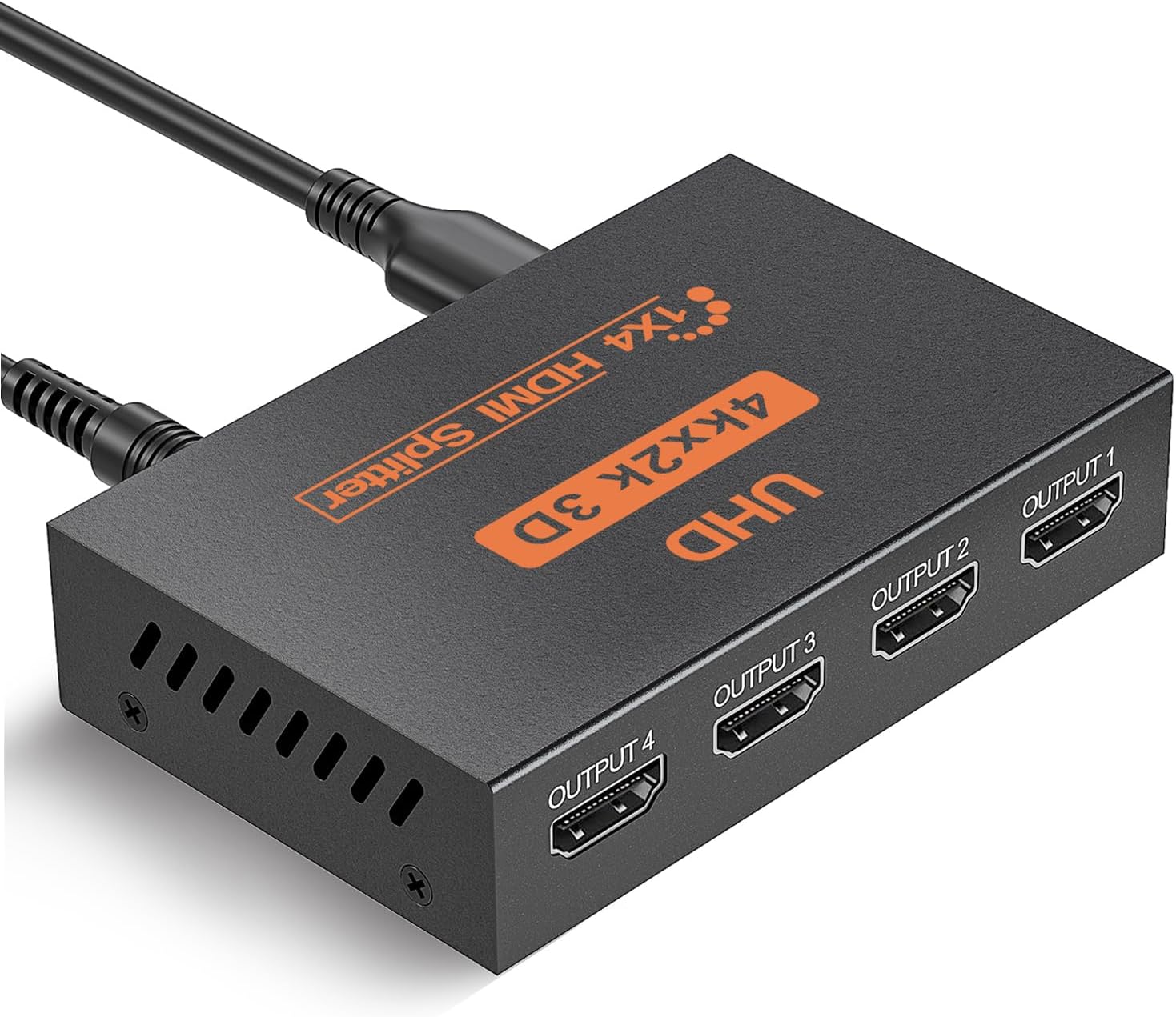
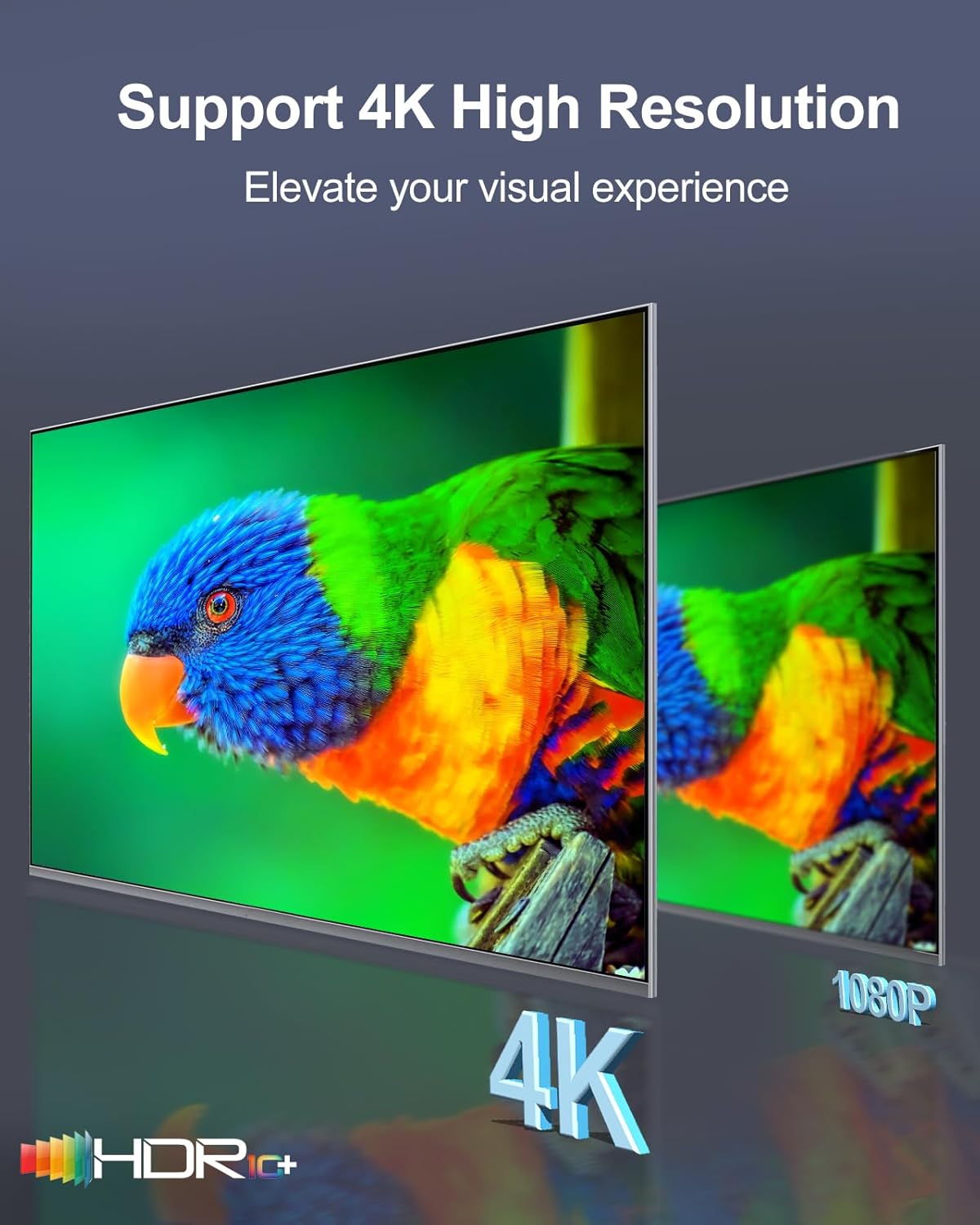
On paper, this L’Puluva HDMI splitter supports 4K output up to 30Hz, while staying backward compatible with a range of lower resolutions and refresh rates (including 1080p and 1080i variants, plus 720p). It also mentions support for 3D, HDR, and EDID management, plus HDCP 1.4 compliance.
There’s also a long list of audio formats it claims to pass through (such as DTS-HD, Dolby TrueHD, LPCM 7.1, DTS, Dolby AC-3, and Deep Color). One practical caveat: it’s not positioned as an audio extractor. So if your plan is to send audio from the HDMI signal into a separate audio-only device (for example speakers or a soundbar), this likely won’t match that requirement.
Another detail worth noting: it does not support ARC. If you were hoping to rely on ARC from a TV/soundbar-style setup, you’ll need an alternative approach.
Finally, the manual asks you to use HDMI 2.0 (or higher) cables for full 4K compatibility, and it specifies keeping the splitter powered during use.
Tech specs
- Type: HDMI Splitter (1 input, 4 outputs)
- Format: HDMI distribution (duplicate only)
- 4K output support: up to 4K@30Hz
- Backward compatibility: supports 1080p@50/60Hz, 1080i@50/60Hz, 720p/720i@50/60Hz, 576p/576i@50Hz, 480p/480i@60Hz
- HDCP compliance: HDCP 1.4
- EDID management: supported
- Audio pass-through: DTS-HD, Dolby TrueHD, LPCM 7.1, DTS, Dolby AC-3, DSD, Deep Color (8/10/12-bit)
- 3D support: supported
- HDR support: supported
- ARC: not supported
- Extend mode: not supported (not an extender)
- Mixed resolutions across outputs: not supported, output defaults to the lowest resolution among connected displays
- Recommended HDMI cable length: up to 13 meters (maximum)
- Power: keep connected to the power source while using
Worth considering if… (use cases)
It’s a good fit if you want the same HDMI feed on four screens at the same time. Typical examples based on the included description include retail environments, and also setups like showing one streaming box, media player, or laptop feed across multiple monitors.
A simple micro-scenario: you plug in a single media player into the splitter, then connect four TVs/monitors/projectors. When you play a film or a presentation, all four displays show the same content simultaneously. If you’re trying to run a staggered or different-per-screen layout, though, you’ll hit the limitations fast.
It suits you if you can standardise your display settings—particularly the resolution—because the splitter can’t output different resolutions to each screen. If one display is set lower than the others, the overall output will drop to the lowest supported resolution.
What stands out (and where it can fall short)
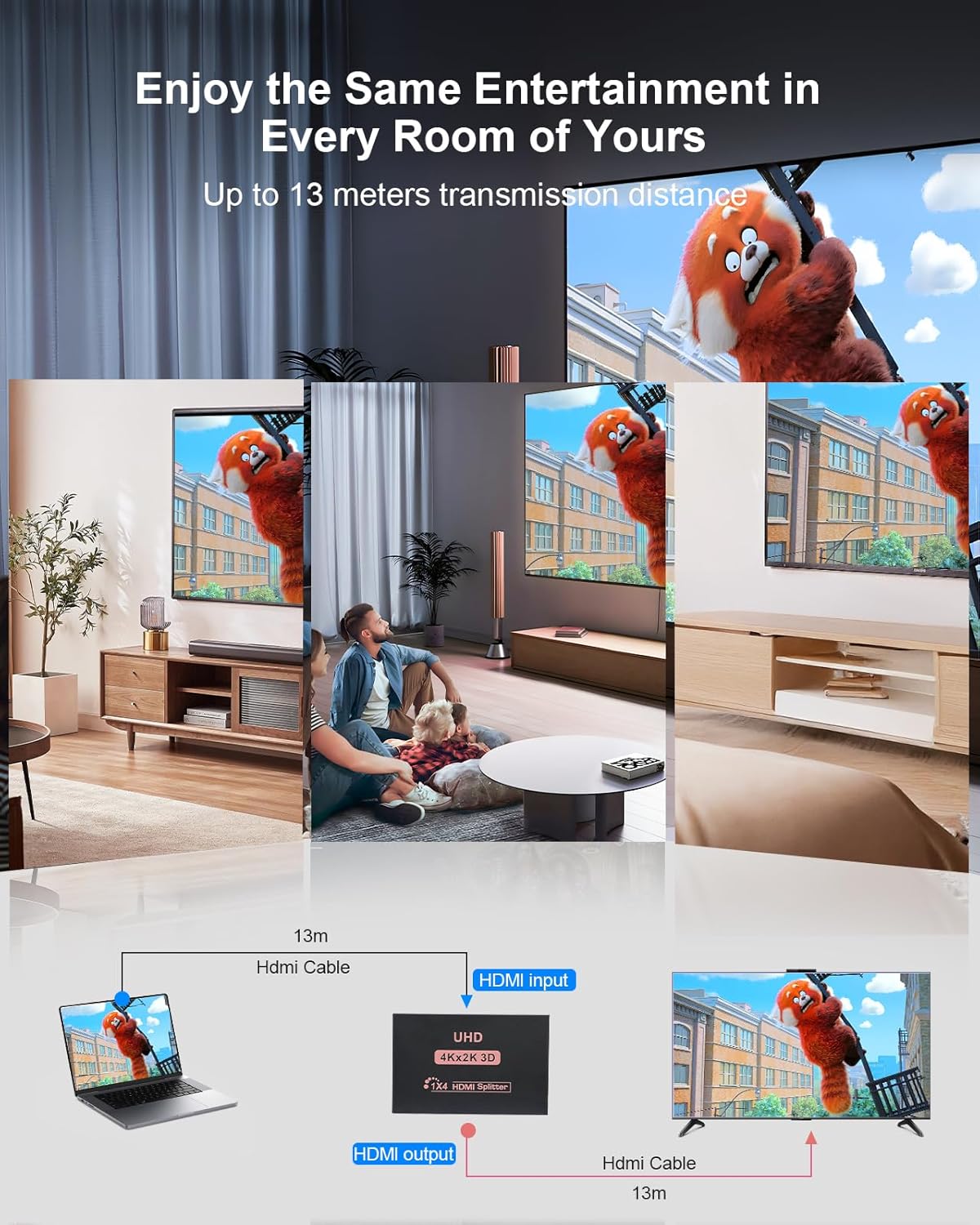
What stands out is the focus on duplication and multi-display distribution: one source, four outputs, identical content. That makes it easier to design setups where everyone needs to see the same thing.
That said, it’s not perfect for everything. It won’t behave like an extender, and it won’t act as a switcher for multiple HDMI inputs. It also isn’t an audio extractor, so it’s not designed for taking the HDMI audio and feeding it into a separate audio device that expects a different connection approach.
For your purchase decision
It makes sense if you’re buying for a straightforward 1-source-to-4-displays layout and you already have (or can use) HDMI 2.0 or higher leads for the best chance of proper 4K compatibility.
You may want to skip it if you need to extend video to distant screens without mirroring, if you need to connect multiple HDMI sources into one display, or if your core goal is audio extraction into speakers/soundbars.
Worth thinking about before you press buy: confirm your four displays can work with the same resolution. Also check whether ARC matters to your setup, the splitter isn’t built for it.
Frequently asked questions
Does this HDMI splitter support extending to different locations?
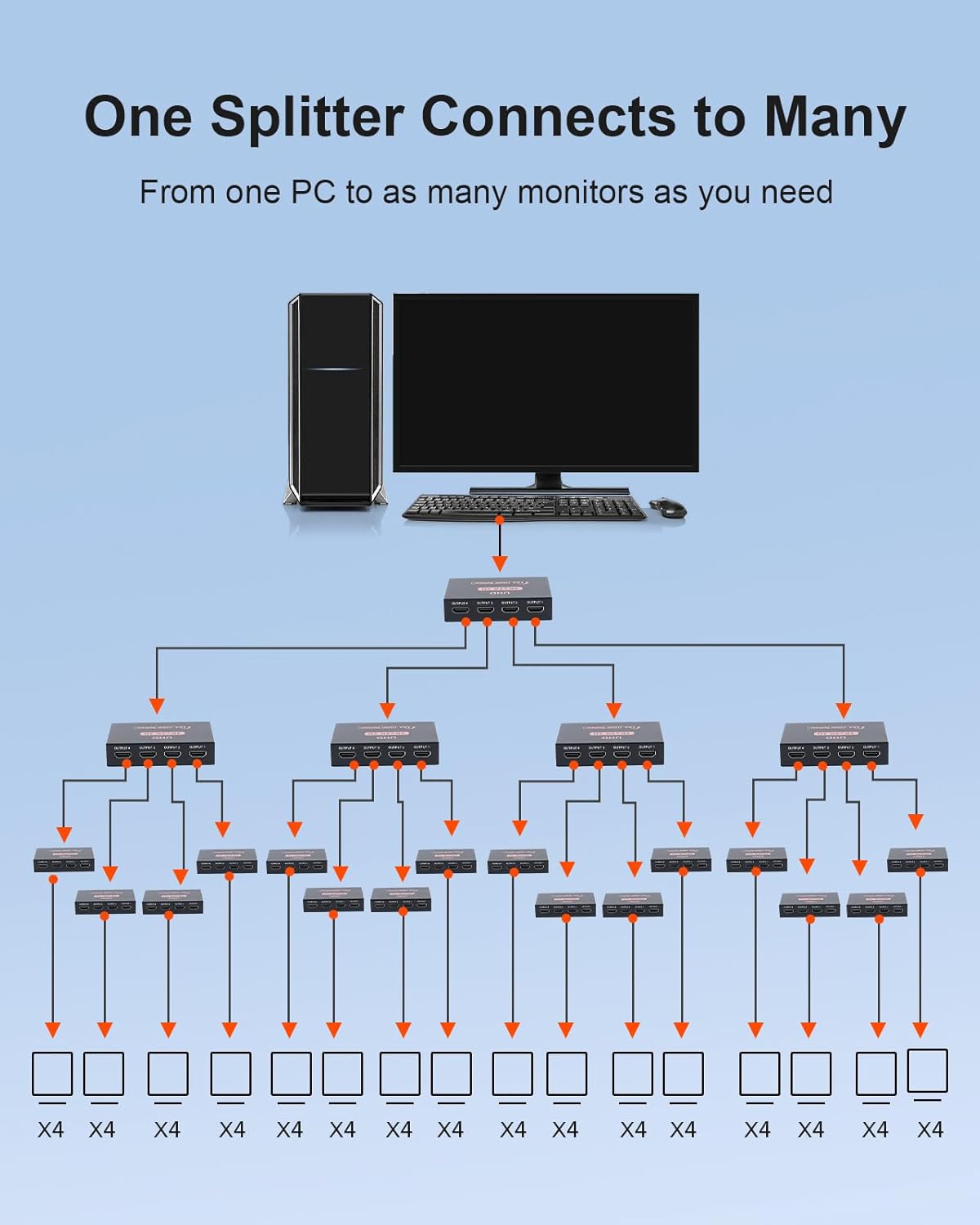
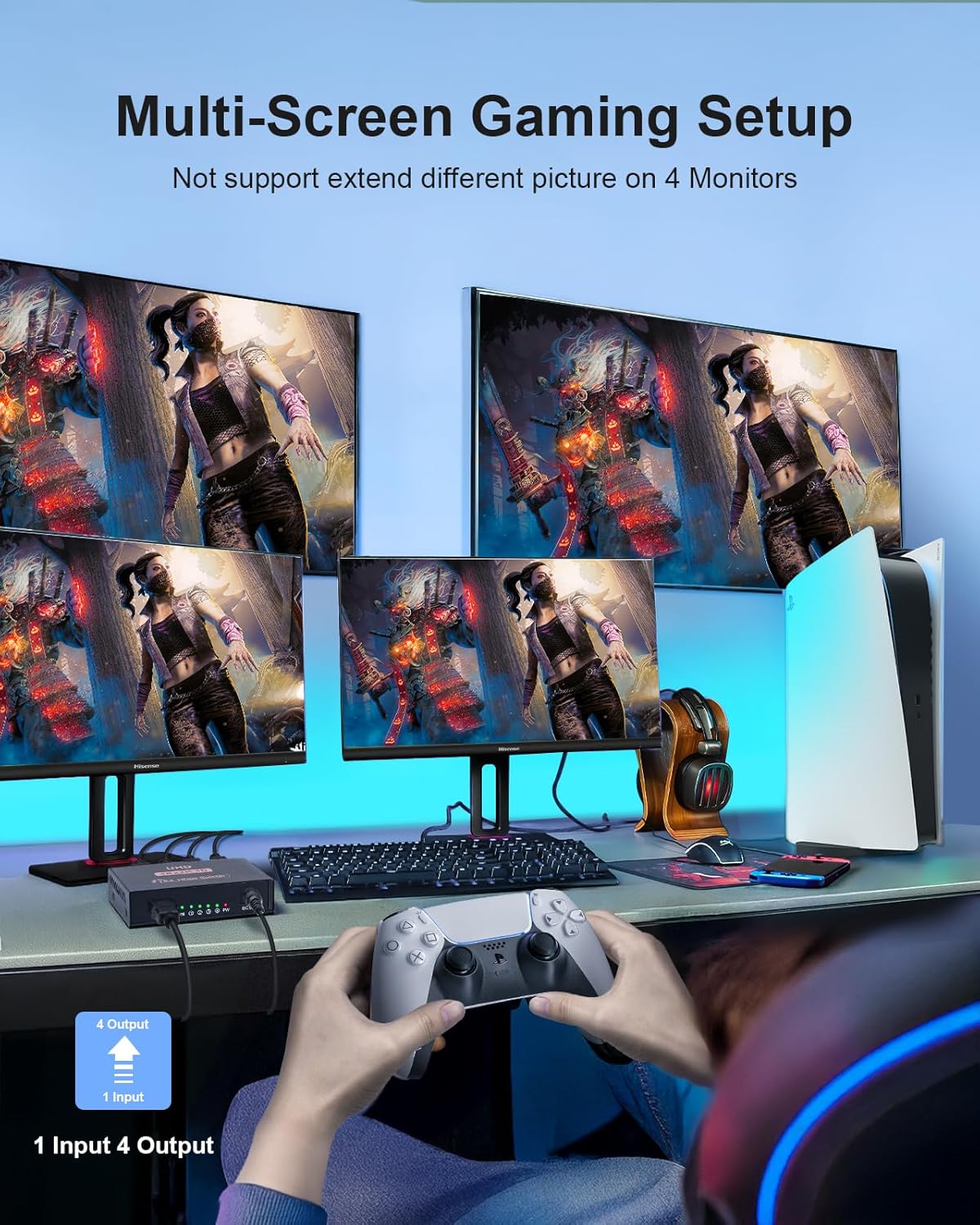
No. It supports duplicate mode only (not an extend mode), so it’s intended for mirroring the same signal to multiple displays.
Can it show different resolutions on each screen?
Not really. It does not support mixed resolutions across connected displays, the output defaults to the lowest resolution among them.
Is it an audio extractor for connecting to speakers or a soundbar?
No. The notes specify it is not an audio extractor and doesn’t support connecting to audio devices for audio extraction.
Does it support ARC?
No, ARC is not supported.
What’s in the box?
The package list includes the HDMI splitter itself, a micro USB cable, and an instruction manual. The power adapter is not included, so you’ll need to account for power separately.
Final take
For a simple “one source, four screens” job, this L’Puluva HDMI Splitter looks purpose-built and easy to reason about: mirror the same content to all displays, keep resolution consistent, and use suitable HDMI cables for 4K. It’s more of a practical distribution tool than a flexible AV hub—so if you need switching, extending, audio extraction, or ARC, it may not match what you’re trying to achieve.