

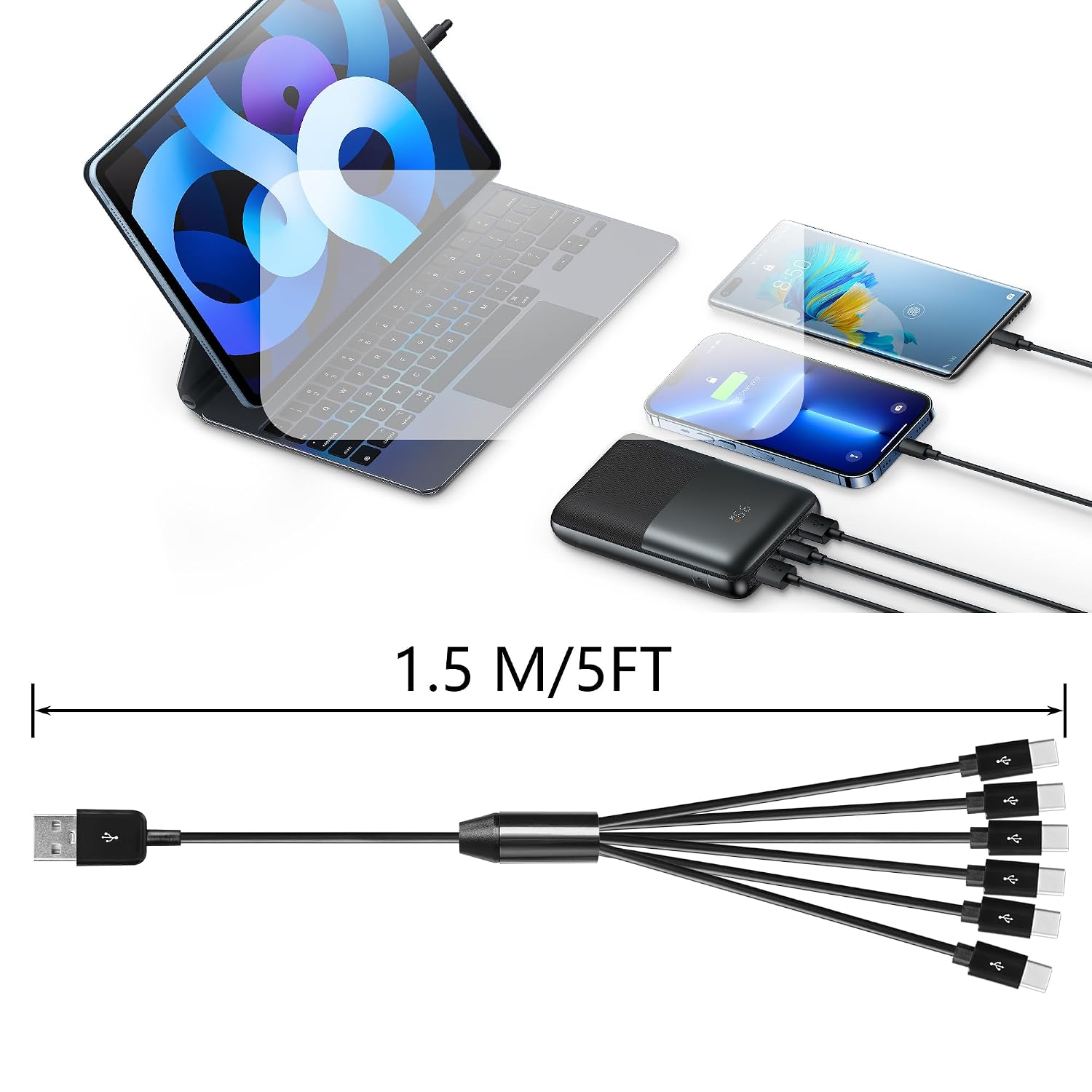
CERRXIAN 5FT USB-C 1-to-6 Splitter Cable (USB 2.0) with 1 data port for keyboards, mice & USB-C charging
Reviews
Price
Product description
If you’re dealing with a couple of USB-C gadgets that all need power at the same time, this CERRXIAN 1-to-6 USB-C splitter cable is built around a simple idea: give you one data-capable connection and separate charging for the rest. It’s the sort of setup that’s handy in desks, living rooms, or anywhere you don’t want to keep unplugging devices just to charge them.
That said, it’s not a “magic hub” for everything. Based on how it’s described, only one of the six USB-C outputs supports USB 2.0 data transmission, while the other five are for charging only. So it’s a good fit if you understand that limitation upfront.
The essentials (what it is and what it’s for)
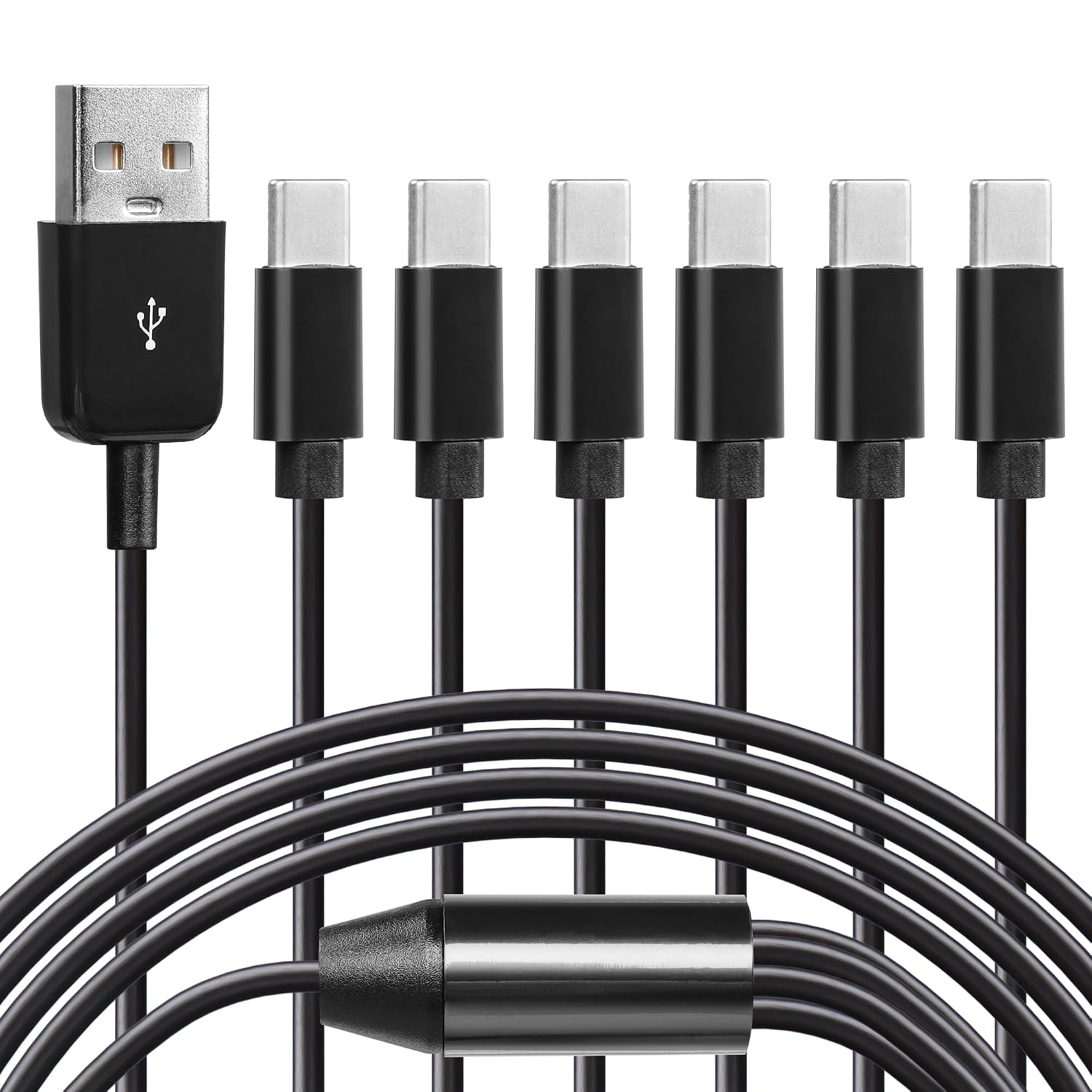
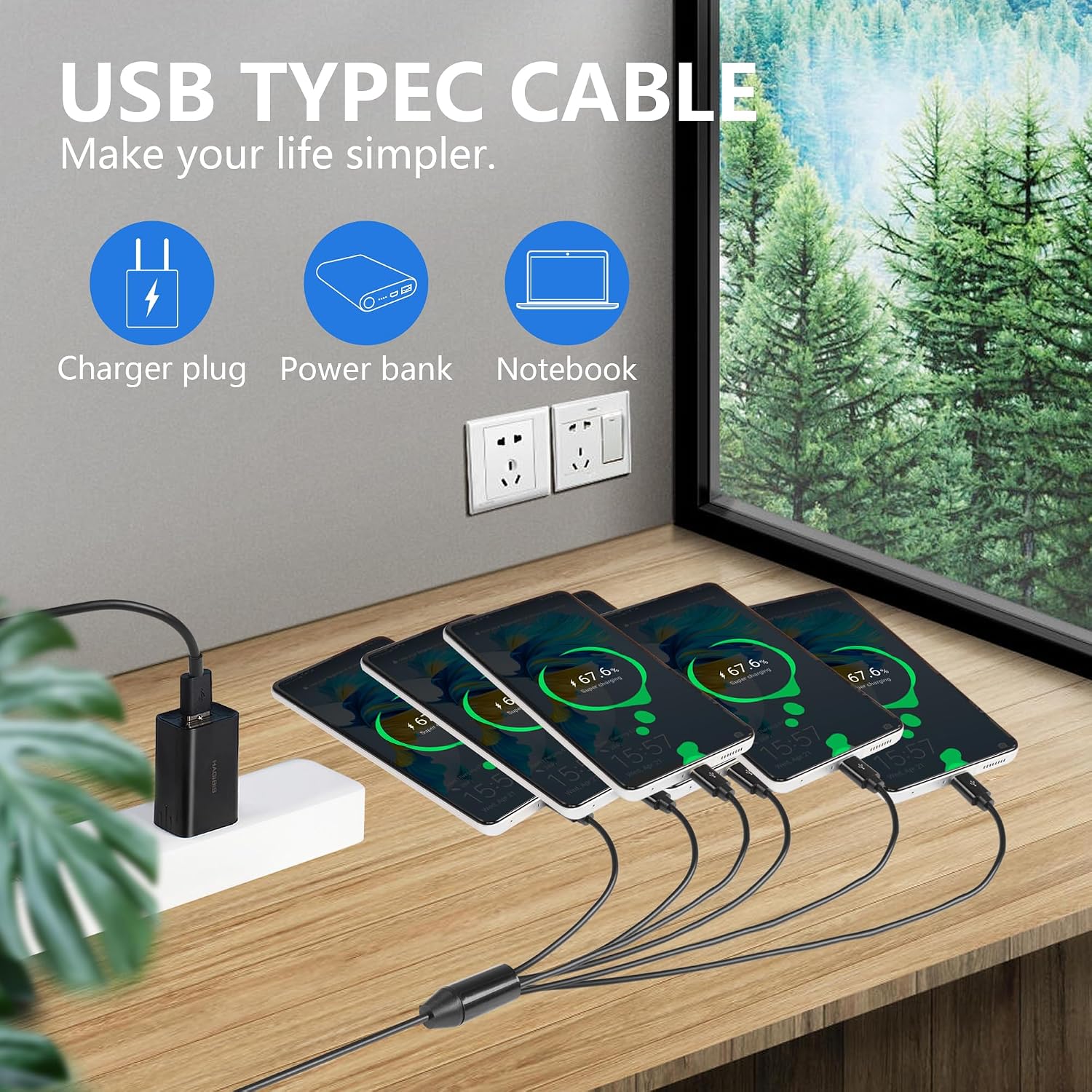
This is a USB-C splitter/expander cable: one USB-C male input becomes six USB-C male connections at the other end, with a main emphasis on USB 2.0 data where it matters, plus power for multiple USB-C devices. The description specifically mentions it supports data transmission for things like USB flash drives, keyboards and mice, alongside simultaneous charging for multiple low-power USB-C devices.
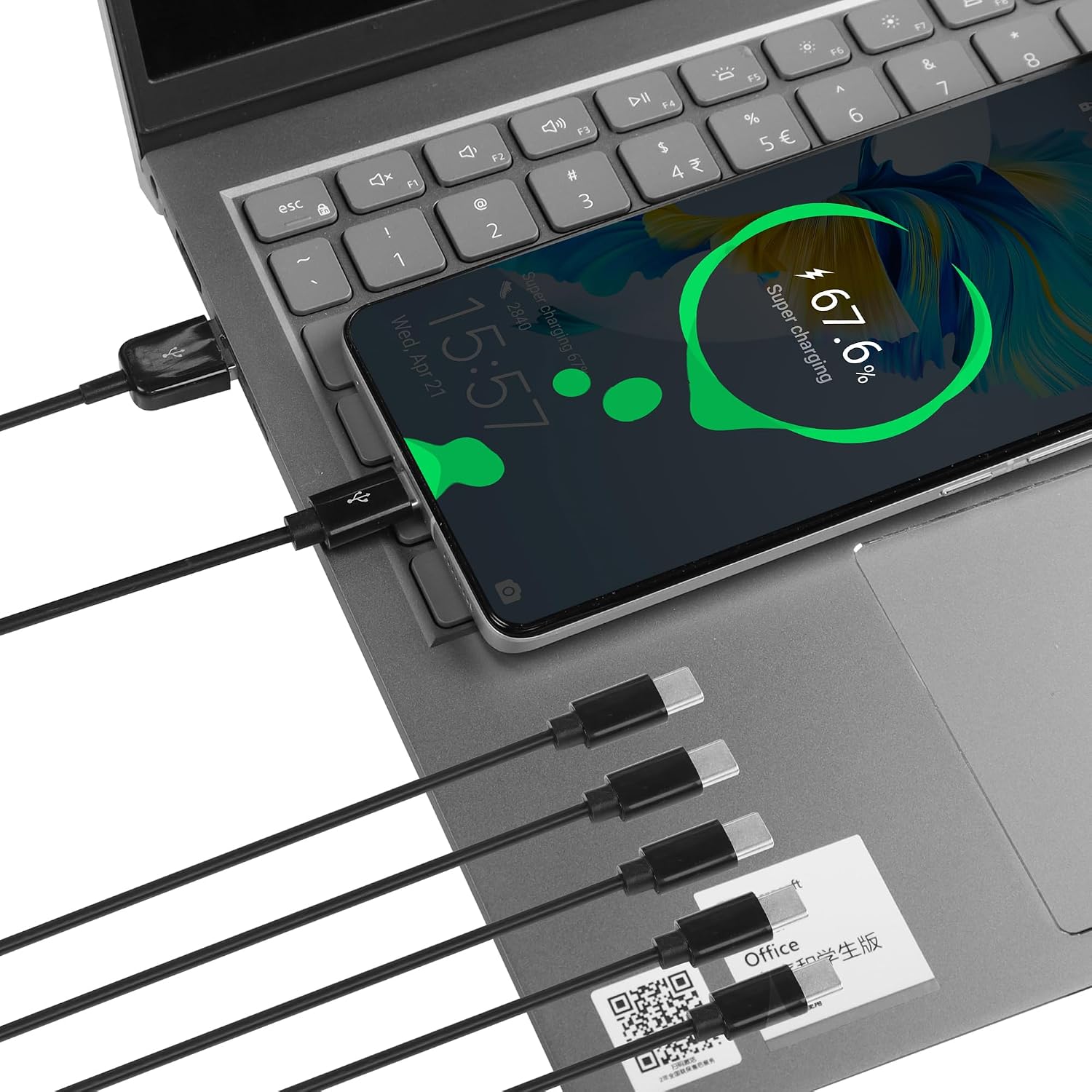
A practical example: you could connect your laptop to the splitter, then plug in a USB-C keyboard and mouse to the data-capable side, while also powering a couple of other USB-C accessories from the charging-only ports. It’s the kind of everyday arrangement that reduces cable clutter when you’re working, studying, or setting up a small desk station.
What stands out in day-to-day use
The biggest day-to-day advantage is convenience. Instead of using separate chargers or constantly swapping power leads, this cable is designed to let you connect multiple USB-C devices in one go. If you’ve ever had a “just plug it in” moment where you need to top up several devices together, this kind of splitter is made for that.
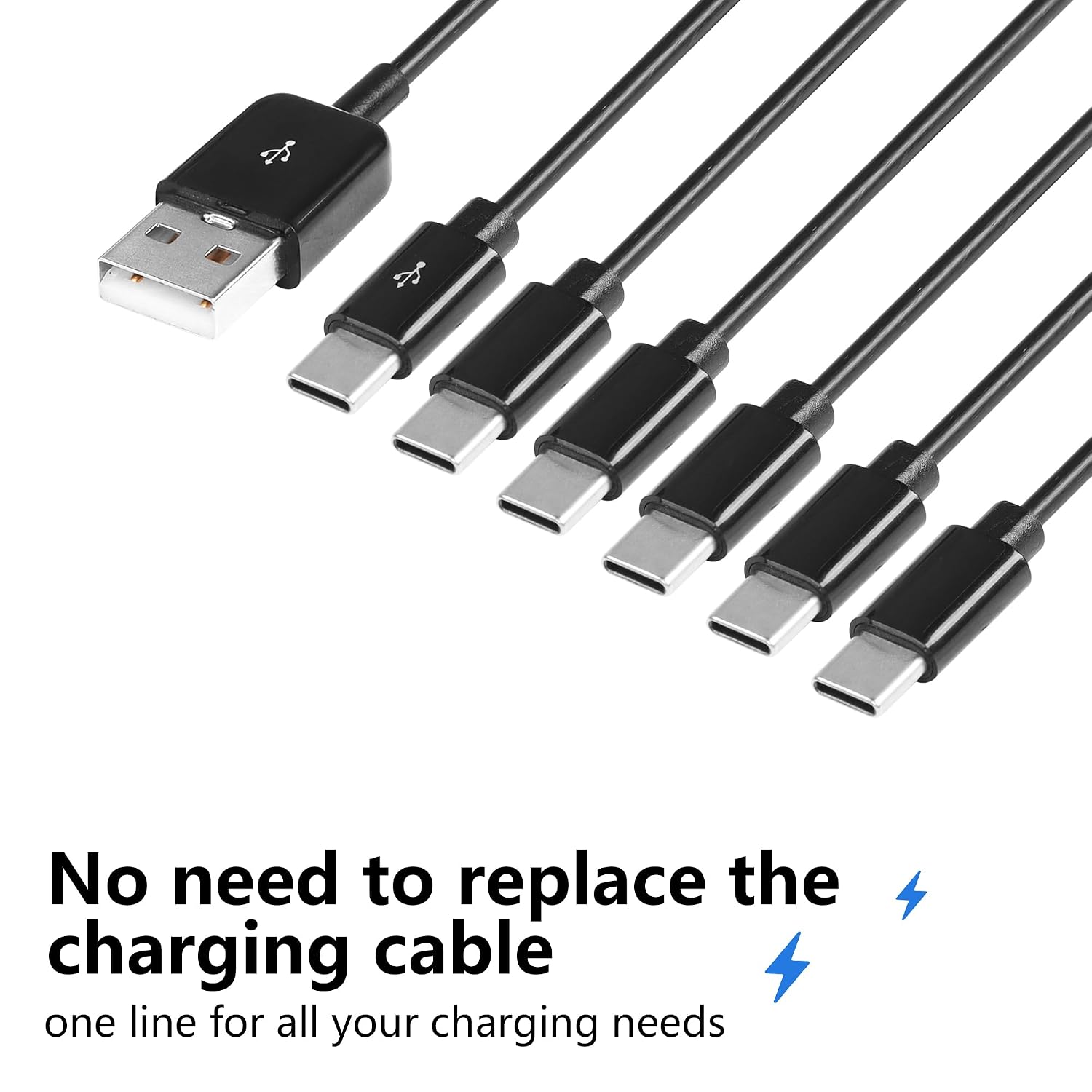
It also targets the common mix of devices people actually own: mice, keyboards, card readers, USB sticks, and other USB peripherals. For some setups, it may also be relevant to charging low-power USB-C equipment like small fans (as mentioned in the description).
Key compatibility expectations (and a sensible limitation)
The description positions this as a USB 2.0 expander/hub style cable and highlights broad compatibility with “computers” and typical USB peripherals. On paper, that includes USB-C device classes such as USB drives, input devices, and other USB accessories.
However, you should be clear about the limitation: only one of the six USB-C outputs is for data transmission. The other five are charging-only. That means if you need data from multiple USB-C devices at the same time (for example, multiple storage devices, or peripherals that must appear independently over USB), this may not suit your expectations.
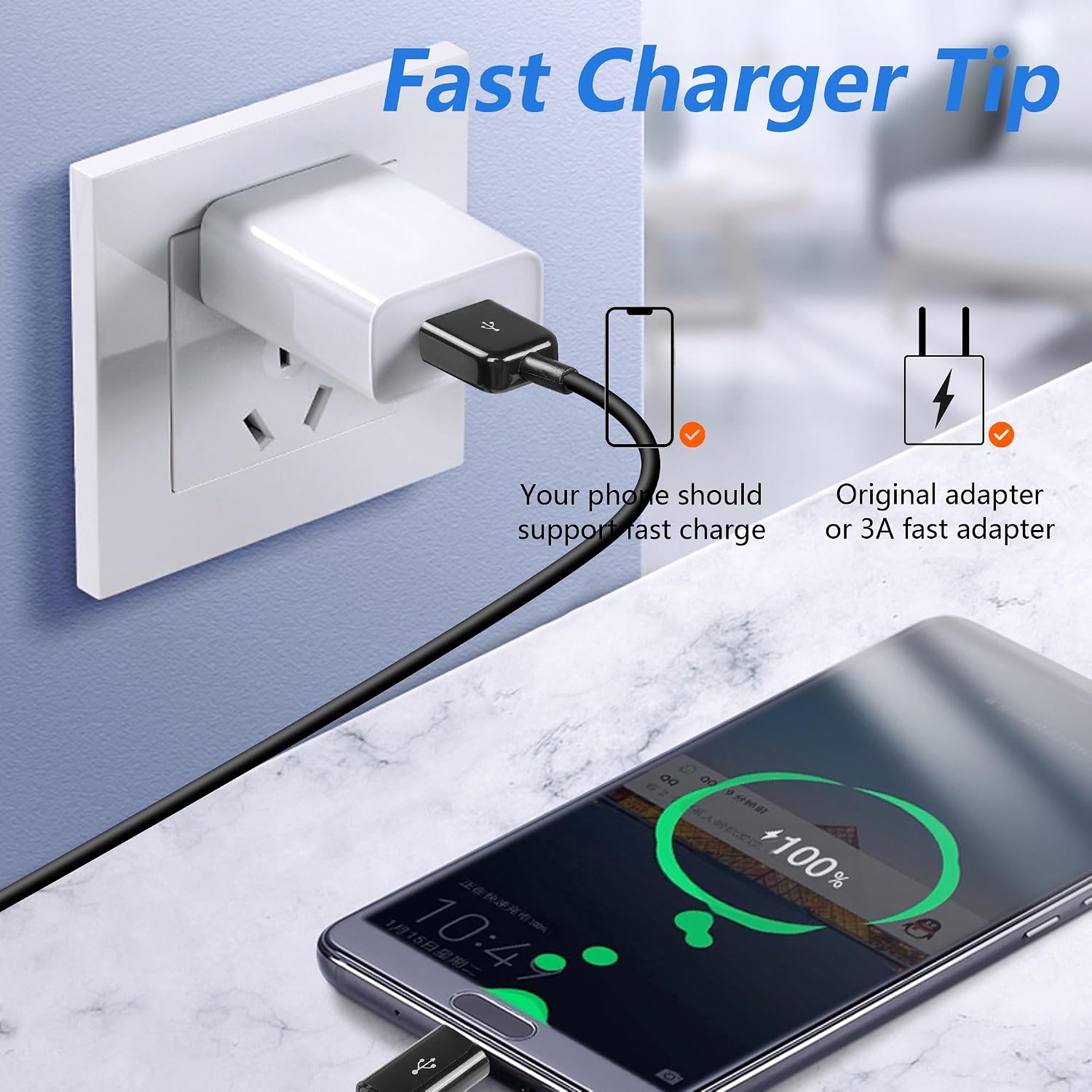
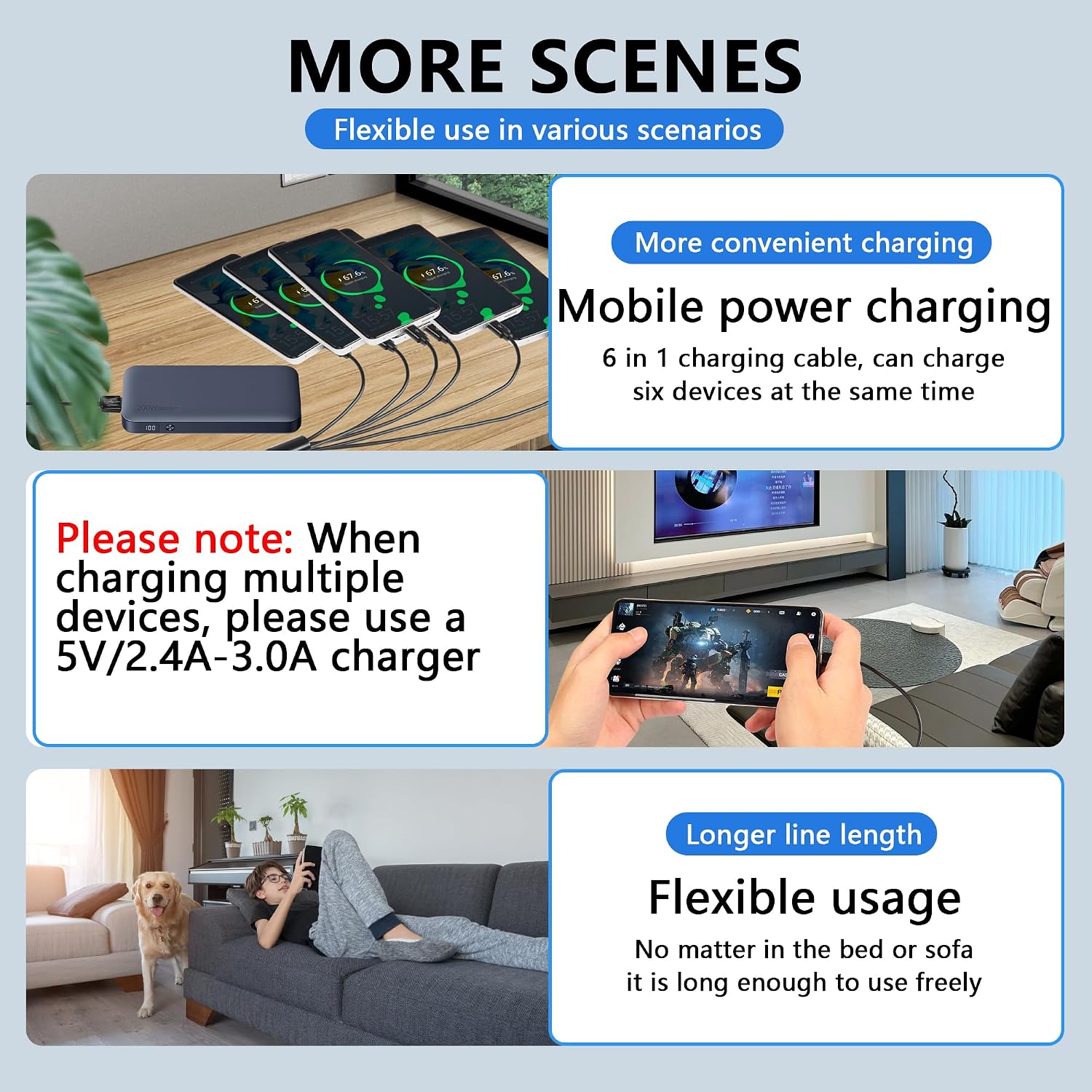
Also worth noting is the power guidance: when charging several devices together, the description says to use a charger in the range of 5 V/2.4 A to 3.0 A. If you’re using a low-power charger, it can feel less reliable in real life simply because there’s less headroom.
Tech summary for buyers who want the facts
- Name: CERRXIAN 5FT USB 1 Male to 6 Male USB-C Splitter Y cable (USB 2.0)
- Type: USB-C splitter/expander cable (1-to-6)
- Format: USB 2.0
- Capacity / power guidance: nominal 5V / 2A, charger guidance when charging multiple devices: 5 V/2.4 A–3.0 A
- Data transmission: one USB-C output supports USB 2.0 data, the other five are for charging only
Who it suits, and who should avoid it
It makes sense if you want one main connection for data (think keyboard/mouse or a USB flash drive) while using separate ports to keep other USB-C devices topped up. It’s a solid option for people who want fewer chargers and simpler desk wiring, especially for low-power accessories.
It’s not the best choice if you’re expecting all six ports to share data traffic. If your priority is running several USB-C devices as fully independent data connections at once, you may find it frustrating because most of the outputs are described as charging-only.
Is it worth it?
Worth considering if you’ve got a small cluster of USB-C devices that mostly need power, and you’re happy with USB 2.0 data via a single port for the items you actually need to connect (like a mouse, keyboard or USB drive). In that scenario, it’s more convenient than juggling multiple leads.
You may want to skip it if data connectivity across multiple ports is essential, or if you’re planning to rely on it with a low-power charger while charging several devices simultaneously.
Before buying, it’s a good idea to check two things: whether you can live with the “one data port + five charging ports” approach, and whether your charger matches the guidance for multi-device charging.
Mini FAQ
Does this support data and charging at the same time?
Yes, the description indicates the cable supports USB 2.0 data transmission on the data-capable port while also providing power to the other ports.
Will all six USB-C ports transmit data?
No. The description states only one USB-C port supports data transmission, while the other five are used for charging only.
What kinds of devices does it mention?
It mentions USB flash drives, keyboards, mice and other USB peripherals, plus power supply for USB-C devices such as low-power fans.
What charger should I use for multiple devices?
The description advises using a charger of 5 V/2.4 A to 3.0 A when charging multiple devices.