

VEDINDUST HDMI 2.1 Splitter 1 in 2 out (8K 60Hz, HDCP 2.3, EDID) for dual monitors
Product description
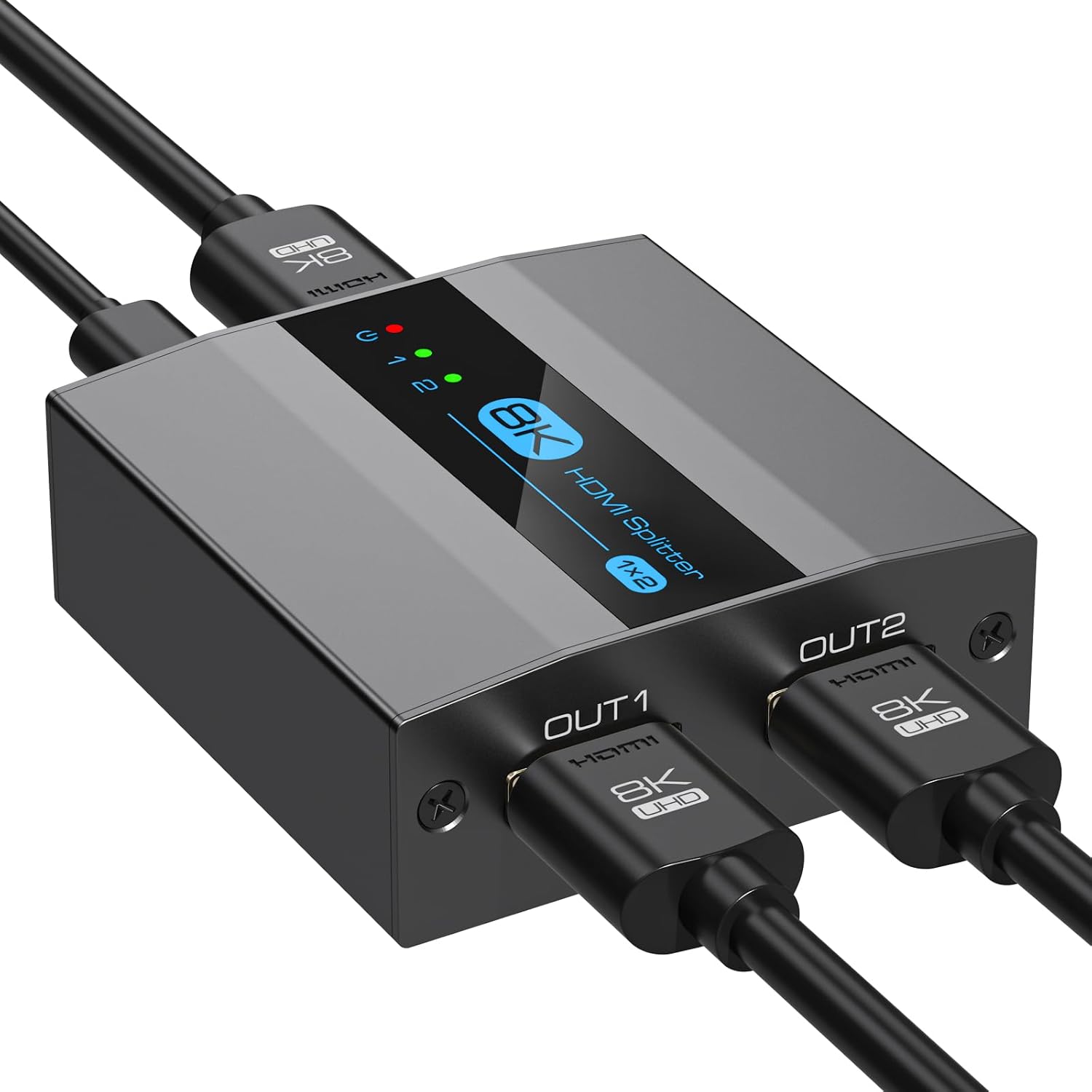
If you’re trying to run two screens from one HDMI output, this VEDINDUST HDMI 2.1 splitter is built around the “mirror the same image” approach. On paper, it supports HDMI 2.1 features like EDID copying and HDCP 2.3, plus up to 8K at 60Hz.
That said, it’s worth setting expectations early: a splitter is not the same as a proper display matrix for independent content. If you need different screens showing different things, you may find this style of device quite limiting.
Where it helps most (and where it can’t)
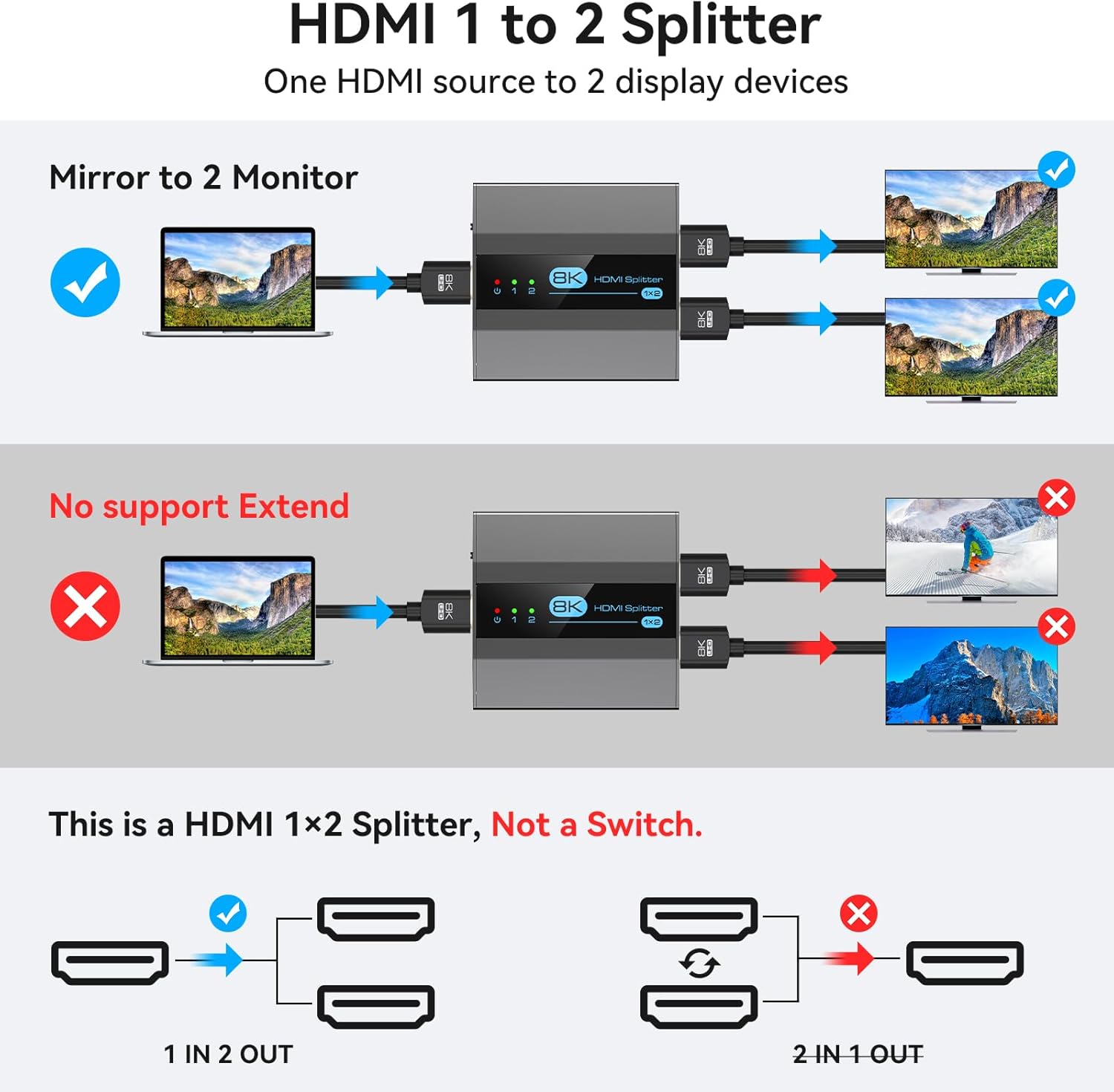
This splitter takes a single HDMI input signal and duplicates it to two outputs, so both displays can show the same picture at the same time. That’s ideal for simple dual-monitor setups where the goal is shared content: the same desktop on two panels, the same TV output to two rooms, or mirroring a console’s video to two displays.
Where it gets a bit less convincing is independent workflows. Because it’s designed for copying/mirroring, it does not support expanding different content across two screens. If your use case is productivity multi-tasking (different windows on each display), you’ll likely want a different solution rather than a splitter.
Key takeaways on output modes (EDID handling in plain English)
One of the reasons people buy HDMI splitters is to avoid headaches where displays don’t “agree” on a resolution. This model focuses on EDID-related behaviour:
- It supports EDID copy and auto EDID.
- It also mentions an AUTO adaptive intelligent optimised output mode.
The AUTO mode is described as detecting and duplicating compatibility/display settings of the lowest resolution monitor. In COPY mode, it states OUT2 will automatically duplicate or reduce the resolution of monitors connected to OUT1, and it recommends connecting the highest resolution monitor to OUT1 in that mode.
Tech summary: headline capabilities you should care about
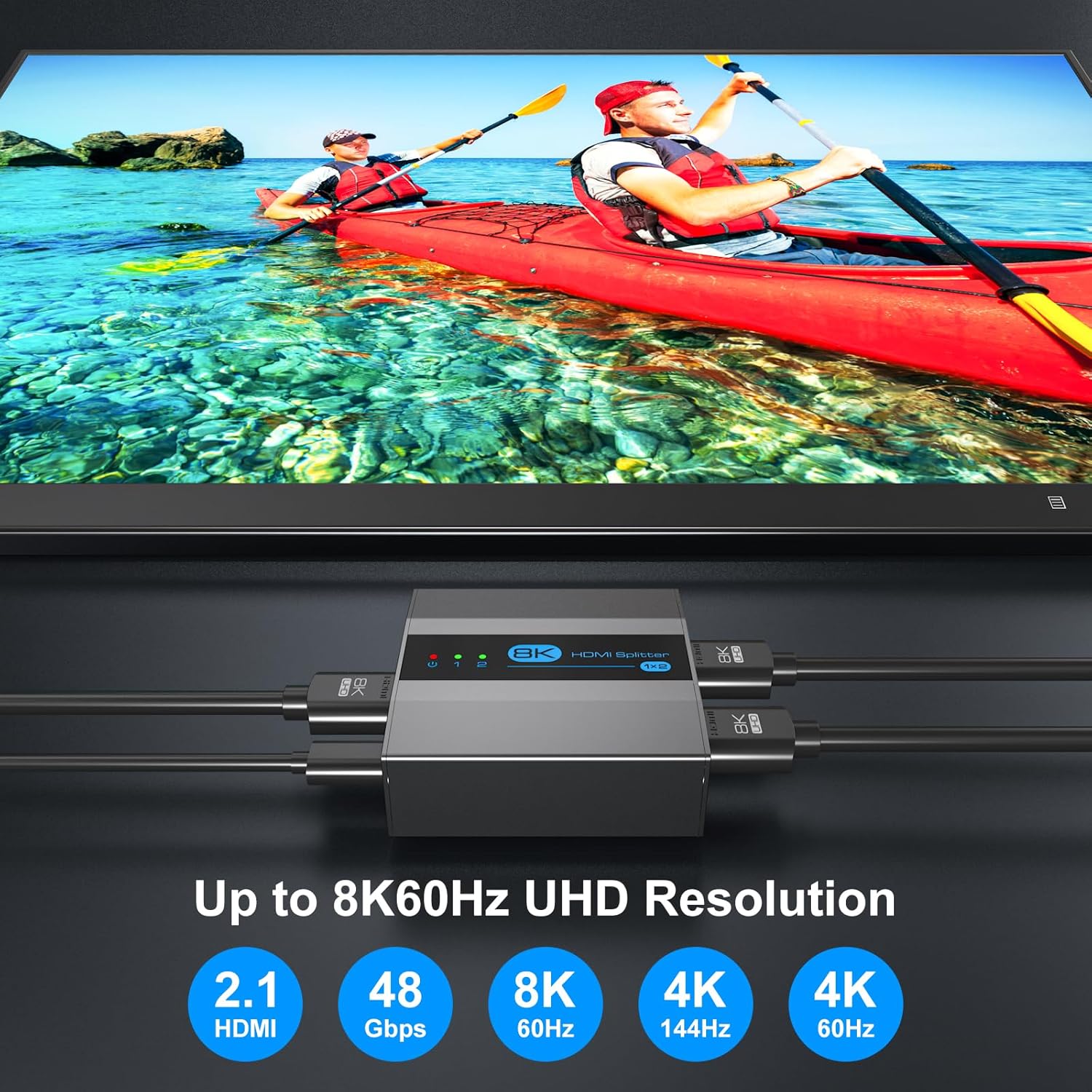
This is positioned as an HDMI 2.1 splitter with support for:
- 8K at 60Hz ultra HD resolution
- Backward compatibility with 4K at 60Hz and 1080P
- High-bandwidth data transmission up to 48Gbps
- Dynamic HDR10 technology
- HDCP 2.3 support
It’s also intended for common HDMI devices, and it’s described as compatible with inputs like laptops, PCs, game consoles (including PS5/PS4/PS3), TV boxes, and media players such as DVD/Blu-ray players.
A practical note: to experience 8K at 60Hz, it specifically recommends using an HDMI 2.1 cable up to 3 metres, along with an 8K HDMI source device and an 8K HDMI display. If your setup isn’t already “8K-ready”, you may not see the benefits you’re expecting.
What stands out for everyday use
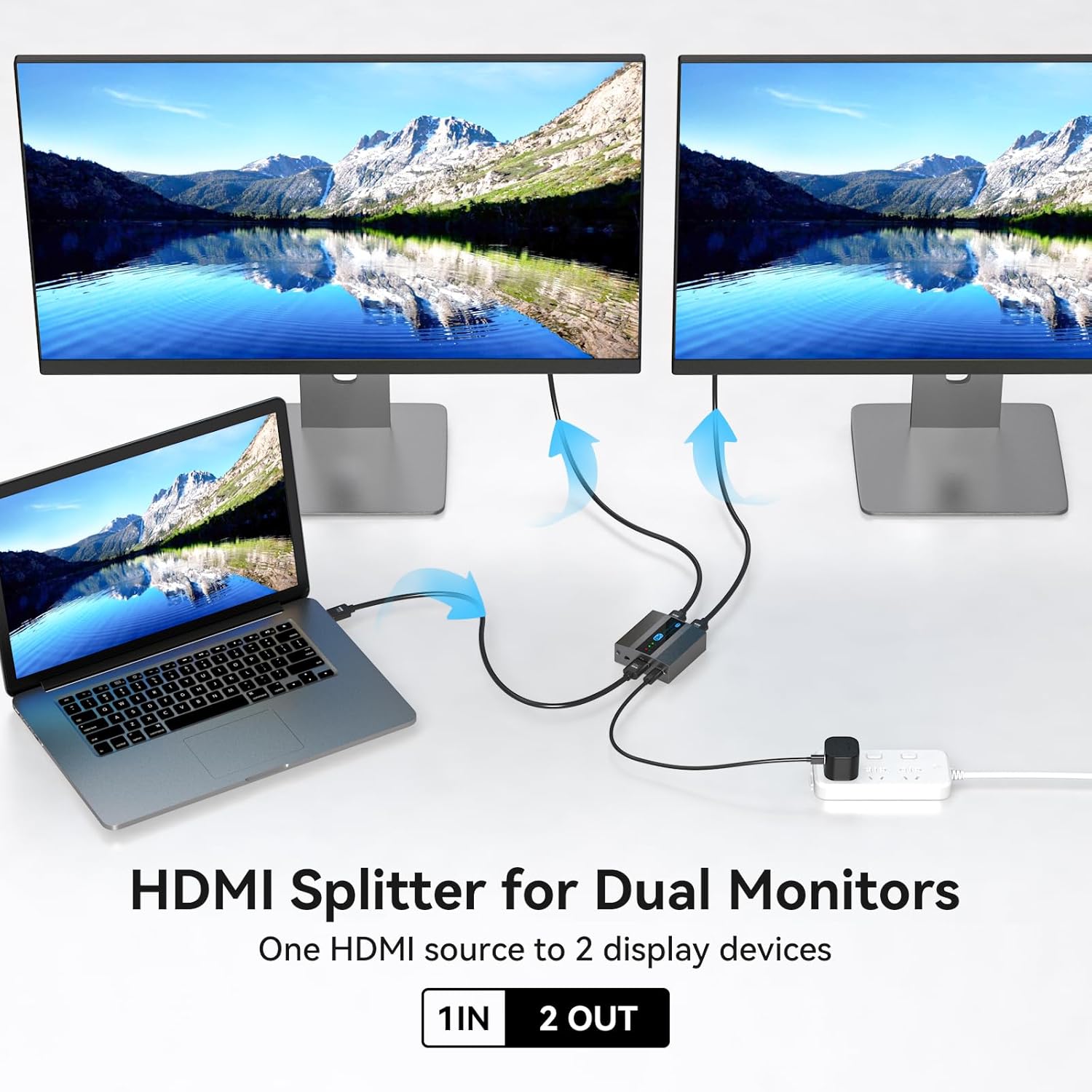
For a lot of people, the day-to-day win isn’t the headline 8K number. It’s the ability to duplicate a signal to two displays reliably:
- For gaming couch setups: you can mirror the console output to a TV and a monitor without juggling two separate HDMI outputs.
- For training or demos: showing the same content on two screens can be handy where space or viewing angles matter.
- For meeting rooms and exhibitions: mirroring the same presentation/video to two panels is straightforward.
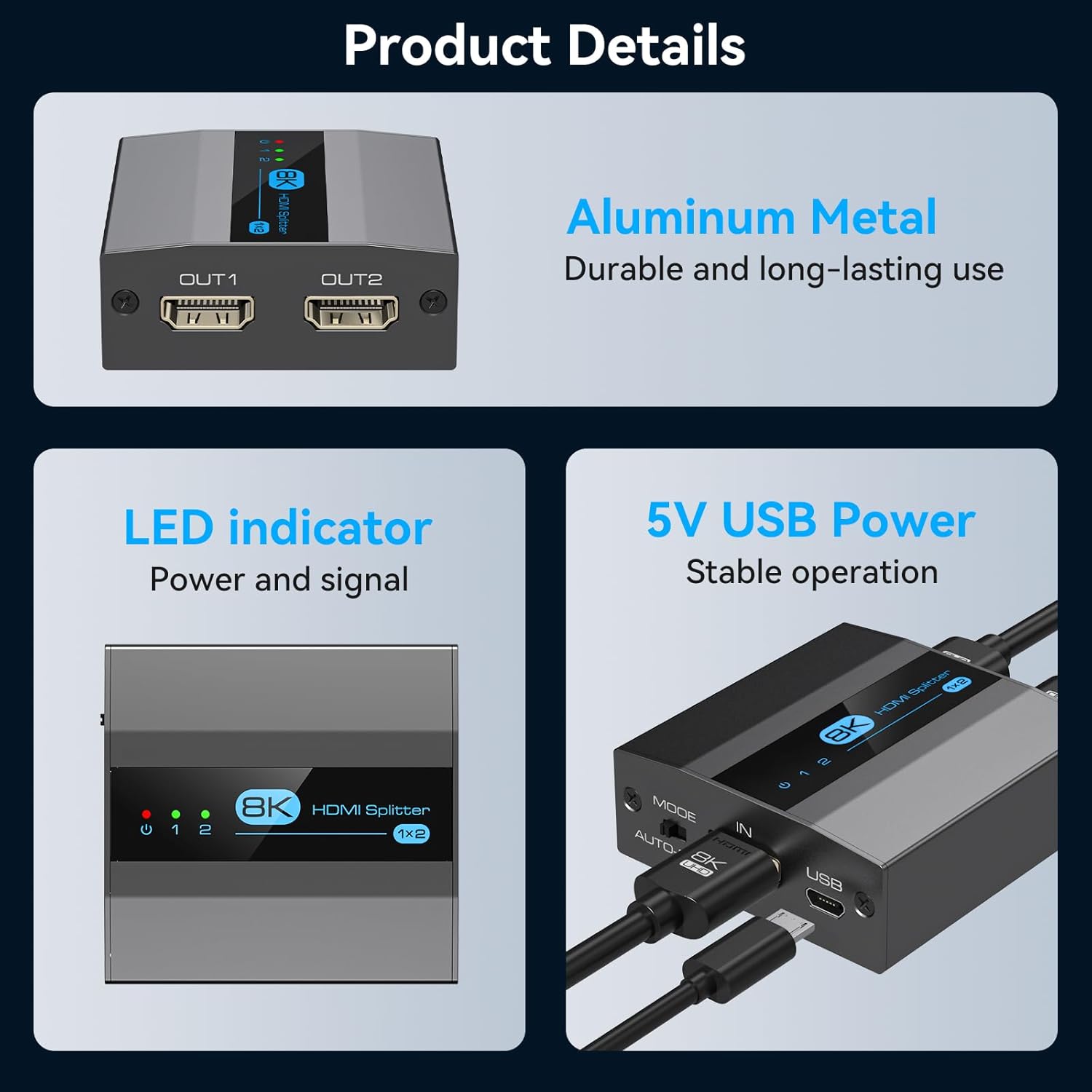
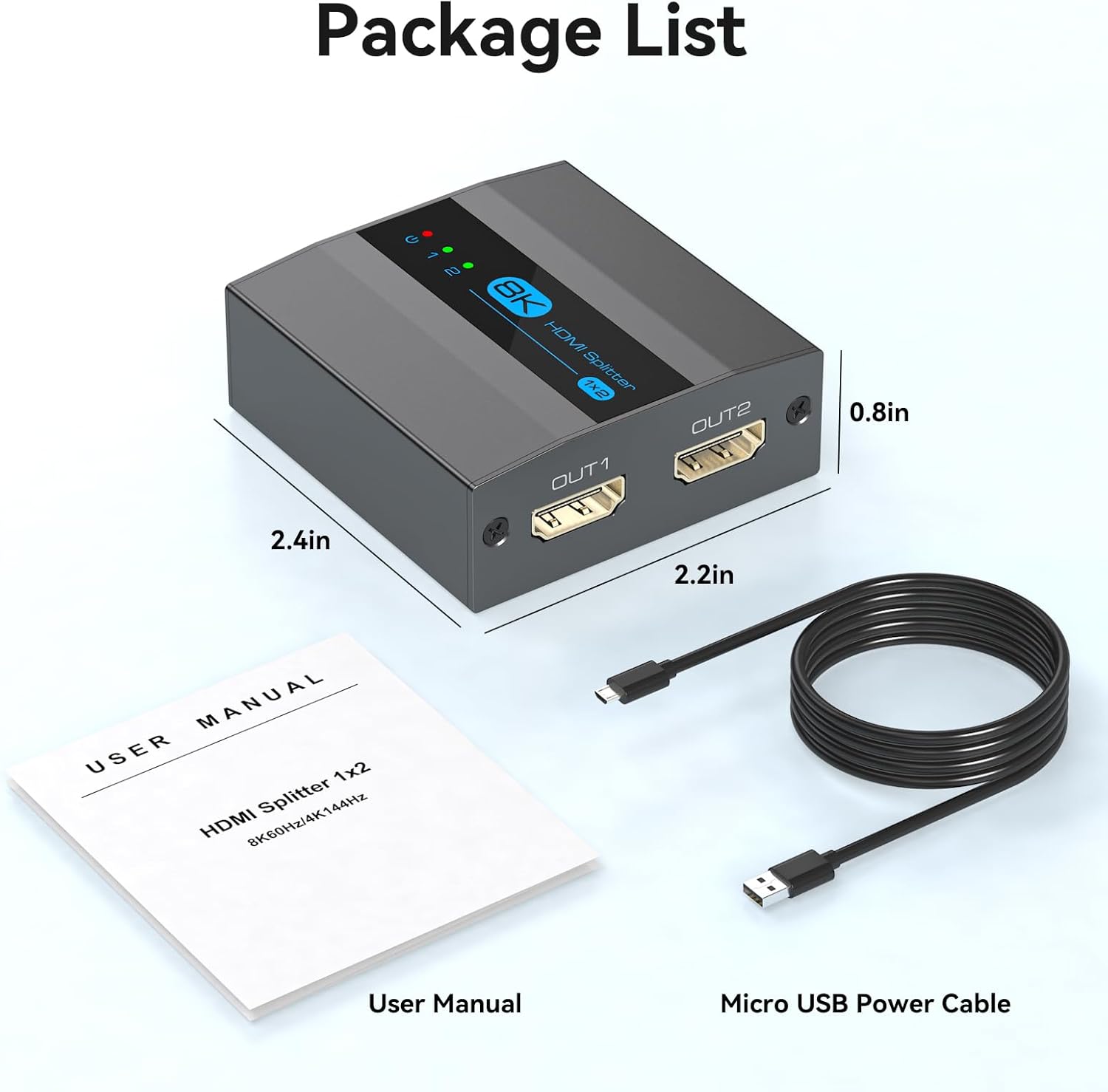
It’s also housed in a metal aluminium alloy casing, which is described as small and designed for stability/durability and heat dissipation. That’s the sort of unglamorous detail that can matter if you’re leaving it running during long sessions.
Worth considering if… / better avoided if…
It’s a good fit if you want a simple way to send one HDMI source to two displays that should show the same content, and you value EDID-related behaviour to help displays negotiate settings.
It might not be a great match if you’re trying to run two monitors with different content, or if you don’t want to think about which screen is connected to which output in COPY/AUTO mode.
Tech specs
- Type: HDMI splitter (1 in / 2 out)
- Supported resolution: up to 8K @ 60Hz
- Backward compatibility: 4K @ 60Hz, 1080P and more
- Data bandwidth: up to 48Gbps
- HDR support mentioned: Dynamic HDR10
- Copy/handshake support: EDID copy and Auto EDID
- Protection support mentioned: HDCP 2.3
Buying verdict
It makes sense to buy this VEDINDUST HDMI 2.1 splitter if your priority is mirroring one HDMI source to two screens, and you want HDMI 2.1-era features like EDID copy/auto EDID and HDCP 2.3. The AUTO/COPY behaviour is also relevant if your two displays don’t match in resolution, because the unit is described as adjusting output based on the lower-res screen.
You may want to skip it if you need independent dual-screen content, since this splitter is explicitly about copying the same image rather than expanding different displays.
Before you buy, it’s worth checking two things: first, whether your source and displays are actually capable of the resolutions you’re aiming for, second, whether your cabling setup aligns with the recommendation for 8K at 60Hz (including HDMI 2.1 cable length guidance). If those don’t line up, the practical value will be more about duplication than premium picture performance.
Mini FAQ
Does it show different content on each monitor?
No—this splitter is designed to mirror/copy the same content to both displays, not expand different content.
What does EDID copy/Auto EDID mean in practice?
In this context, it’s about helping the splitter and connected displays negotiate compatible resolutions/settings, including the “lowest resolution monitor” behaviour described for AUTO mode.
Is it compatible with game consoles?
It’s described as compatible with devices that use a standard HDMI connector, including PS5/PS4/PS3, and other HDMI sources like laptops/PCs and media players.
Will I get 8K at 60Hz?
Only if your source and displays are set up for it, and you follow the recommendation to use an HDMI 2.1 cable (up to 3 metres is mentioned) along with an 8K HDMI source and an 8K HDMI display.
Is the metal casing a big deal?
It’s not usually the deciding factor, but the aluminium alloy housing is described as helping with stability/durability and heat dissipation, which can be reassuring for continuous use.