

AV Access 1x4 HDMI Splitter: 4K@60Hz distribution with auto downscaling and HDR/HD audio support
Reviews
Price
Product description
What it is and what it does
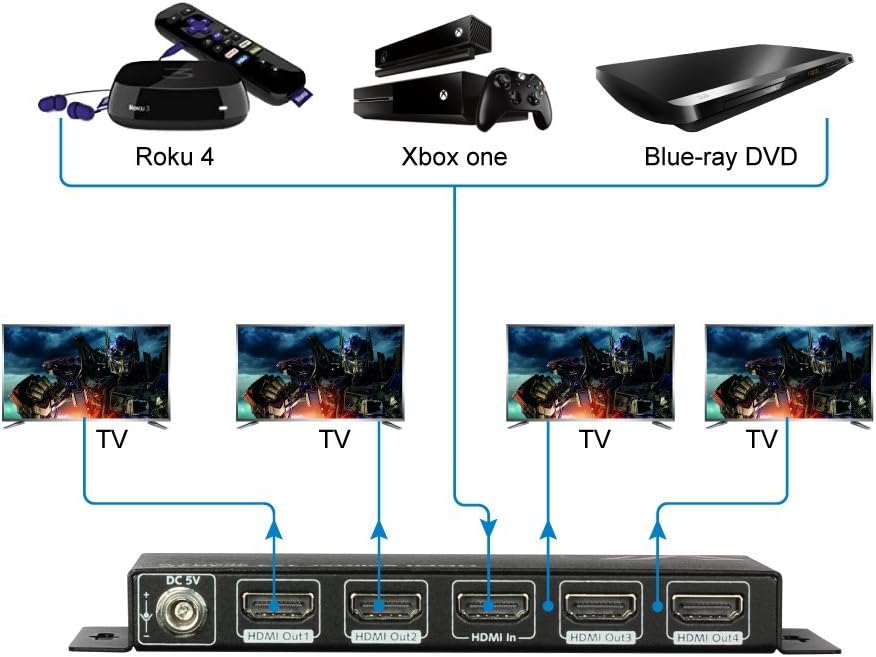
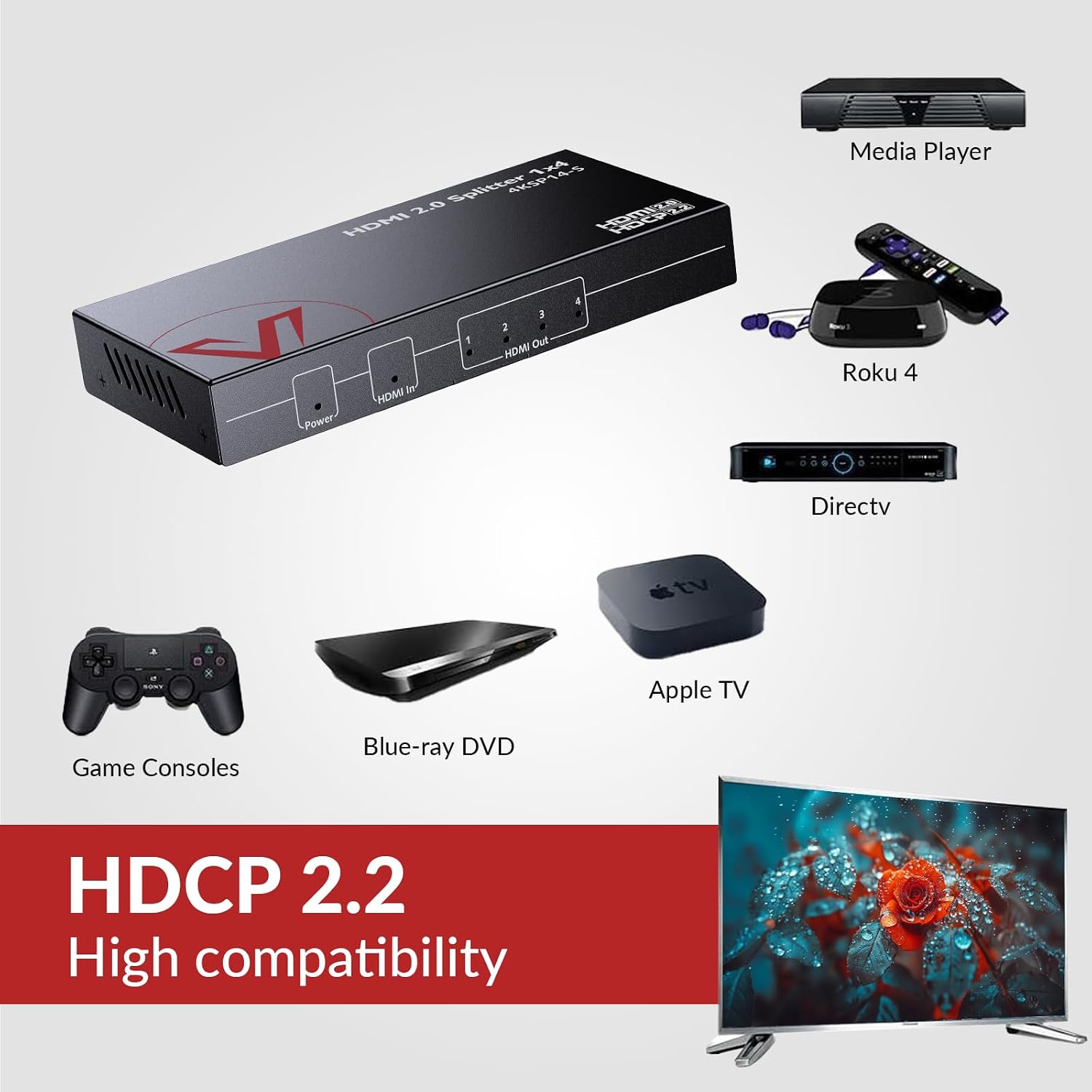
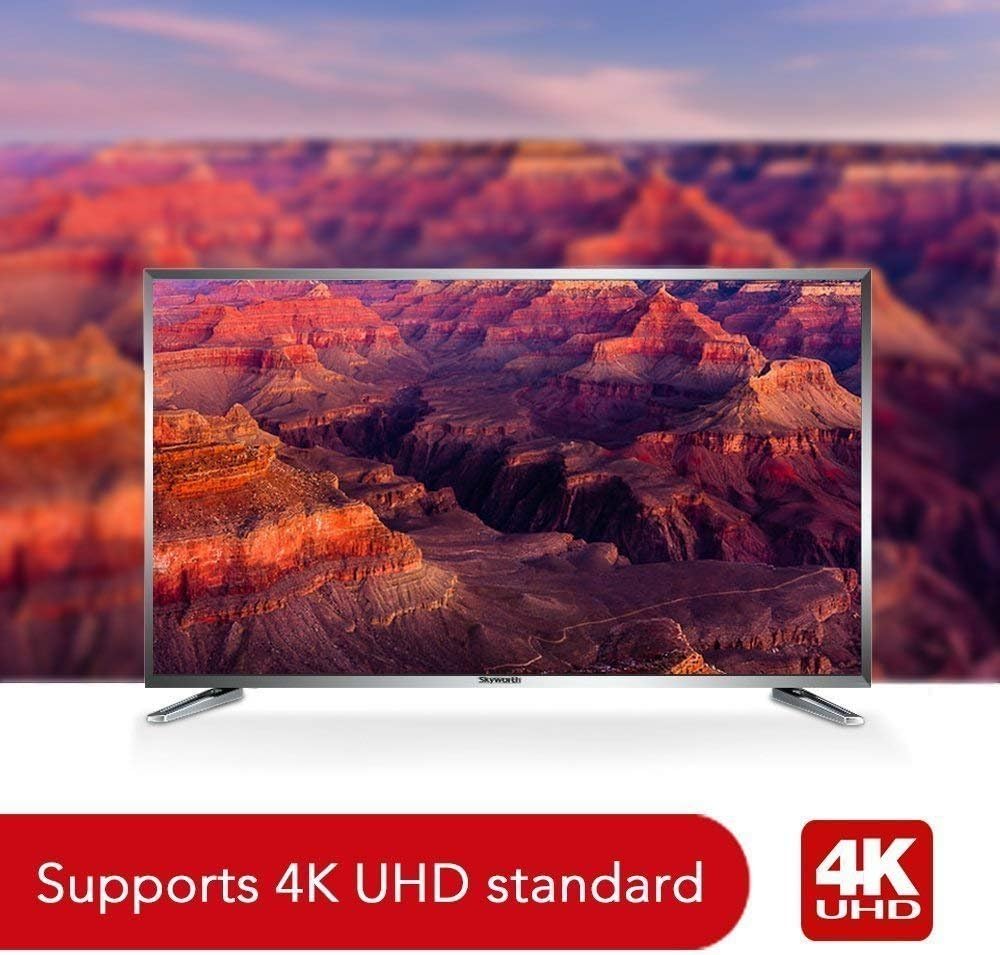
The AV Access 1 In 4 Out UHD HDMI Splitter is designed to take a single HDMI source and mirror it to four displays. On paper, it supports up to 4K@60Hz (YUV 4:4:4) with HDR and 3D, along with 1080p@120Hz output. It uses HDMI 2.0 bandwidth (18Gbps) and is compatible with HDCP 2.2/1.4, which means it should work with a broad range of 4K media players, game consoles and streaming devices. A notable feature is its auto downscaling and EDID management, which aims to match each connected display’s capabilities automatically. This can simplify multi-monitor setups where displays vary in native resolution.
How it helps in real use
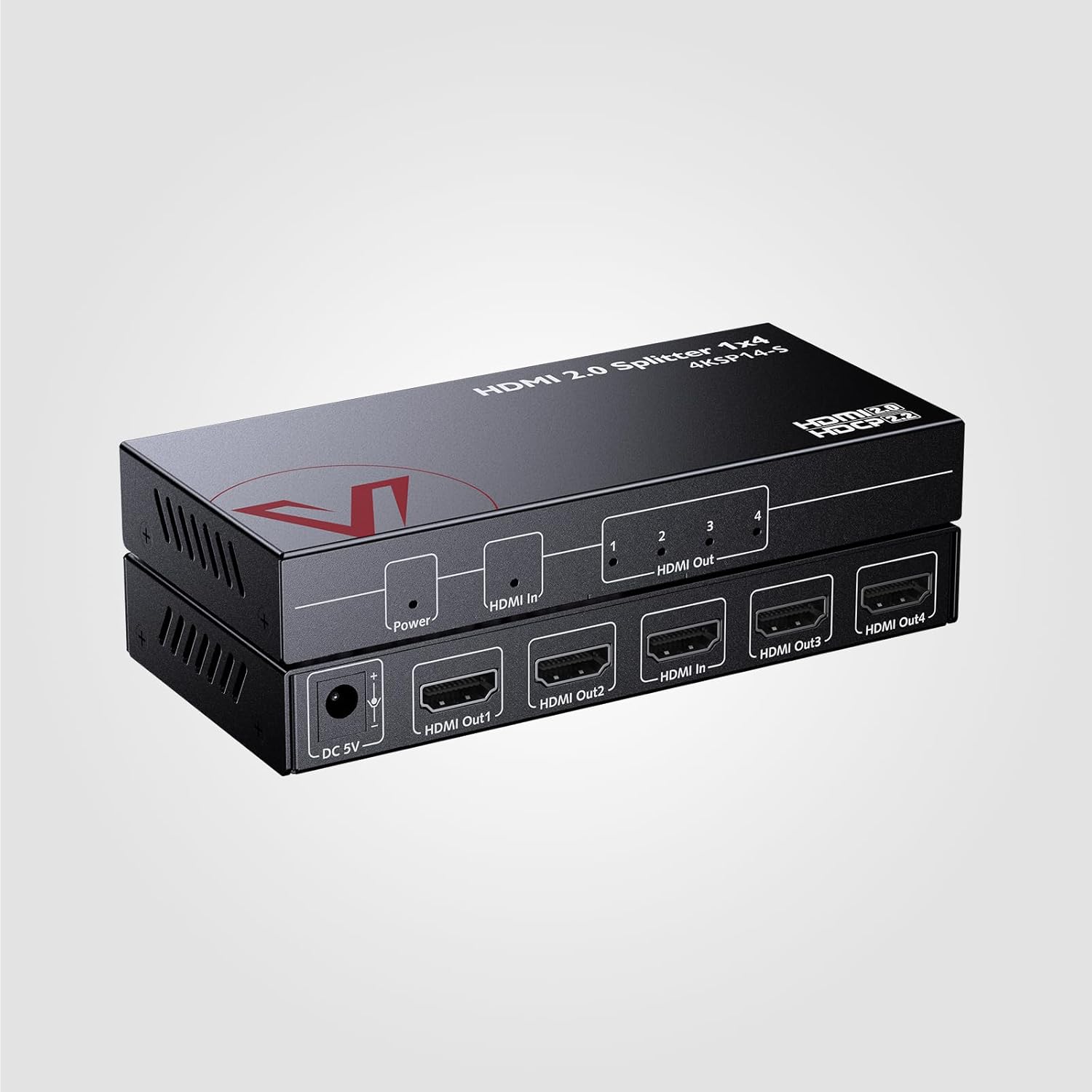
If your goal is to run a single source across multiple screens without juggling multiple cables or repeaters, this splitter offers a straightforward solution. The unit is designed to distribute the same signal to four outputs simultaneously, which is convenient for living rooms with multiple display options or a small conference area where several screens are present. It also carries HD lossless audio formats such as Atmos, DTS:X, DTS-HD Master Audio and TrueHD, which is relevant if you’re wiring an AV system with a soundbar or receiver.
What stands out and what may not
On the positive side, the support for HDR10 and 3D, plus the broad compatibility with Windows, macOS, Linux and various streaming devices, makes it a flexible multipurpose tool. The built-in surge/ESD protection is a practical safeguard in homes or small offices. The auto EDID feature is useful when displays differ in capability, reducing the usual back-and-forth test setup.
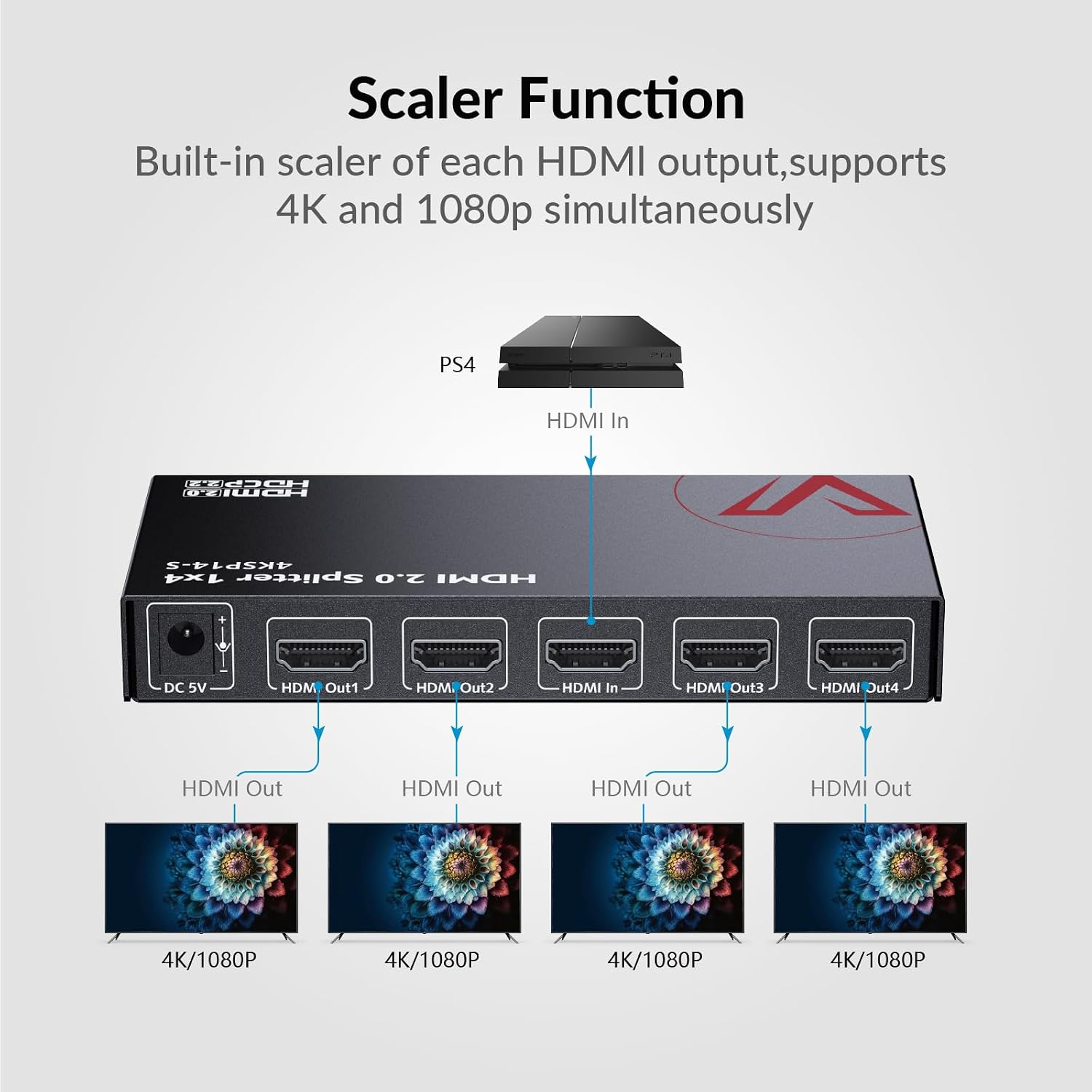
On the other hand, there are practical limits to note. The documentation points out that 4K downscaling to 1080p is not supported in all cases (specifically 4K 2K@60Hz with certain colour subsampling). There is a suggestion of recommended cable lengths for different resolutions, which implies you may need to manage cable lengths carefully to avoid signal degradation. If your use case relies on frequent full 4K 60Hz downscale to 1080p across varied displays, you’ll want to verify exactly how your displays interpret the EDID handshake.
Who it’s for
This splitter can suit home theatres or small office setups where one source must be shown on several screens at once. It’s sensible for people who value HDR support, 3D compatibility and a relatively simple, auto-managed EDID experience. It also appeals to users who want reliable audio passthrough for high‑end audio formats without extra handshakes.
Who it isn’t for
If your main requirement is guaranteed 4K@60Hz downscaling to 1080p across all outputs regardless of the display, or if you need independent outputs (different content on each screen), this device isn’t designed for that. Similarly, if you’re attempting long HDMI runs at full 4K60 across multiple screens with constrained cable budgets, the guidance on cable lengths suggests you should check your setup carefully.
When it makes sense to buy
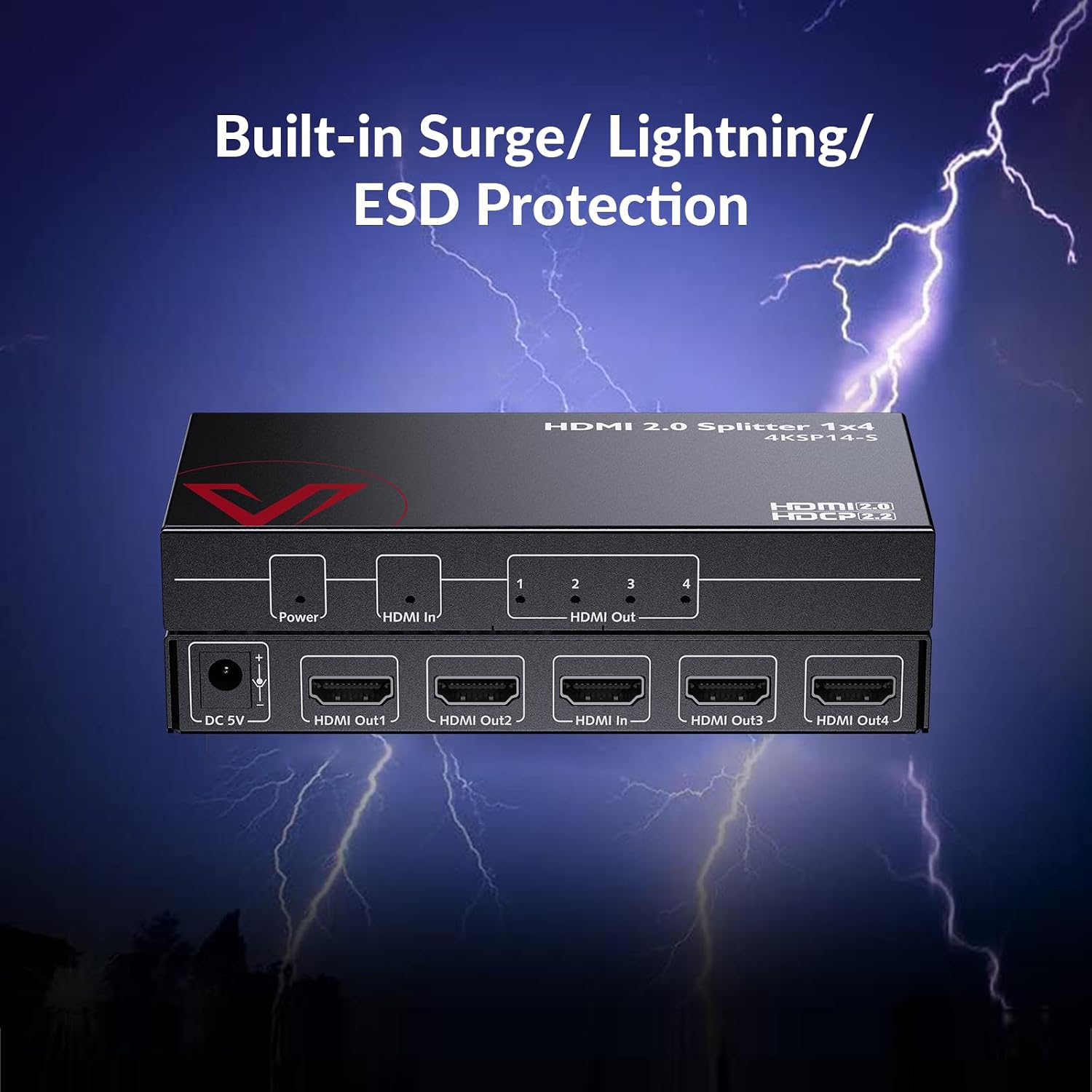
Consider this splitter if you have a single 4K source and want to drive four displays with the same content, while keeping HDR and high‑quality audio in the chain. It’s worth factoring in the auto EDID management to reduce setup time and potential compatibility issues, provided your displays are within the supported use cases and you don’t rely on heavy downscaling to 1080p in all scenarios.
Before you buy: what to check
- Ensure your source and displays support HDR10 and the HDCP version required (2.2/1.4) for your content.
- Review the EDID management behaviour in your environment: mixed-resolution displays may benefit from auto negotiation, but verify that the end result matches your expectations on all screens.
- Plan your cable lengths according to the recommendations: 1080p@60Hz inputs/outputs around 15m, 4K@30Hz 10m, and 5m for 4K@60Hz 4:4:4 8bit to maintain signal integrity.
- Consider audio routing: if you plan to extract audio to an AV receiver, ensure you connect the right outputs as per the device's guidance.
Practical usage scenario
Imagine a home cinema setup where one Blu-ray player feeds four different TVs in a media room and a neighbouring lounge. You’d connect the player to the splitter, then route four HDMI cables to each display. If one TV supports 1080p while others can do 4K, the auto downscaling and EDID management may smooth the experience, letting everyone see the same content at an appropriate resolution. The HDR and object-based audio formats would stay intact if your display chain and speaker system support them.
Comparison in mind
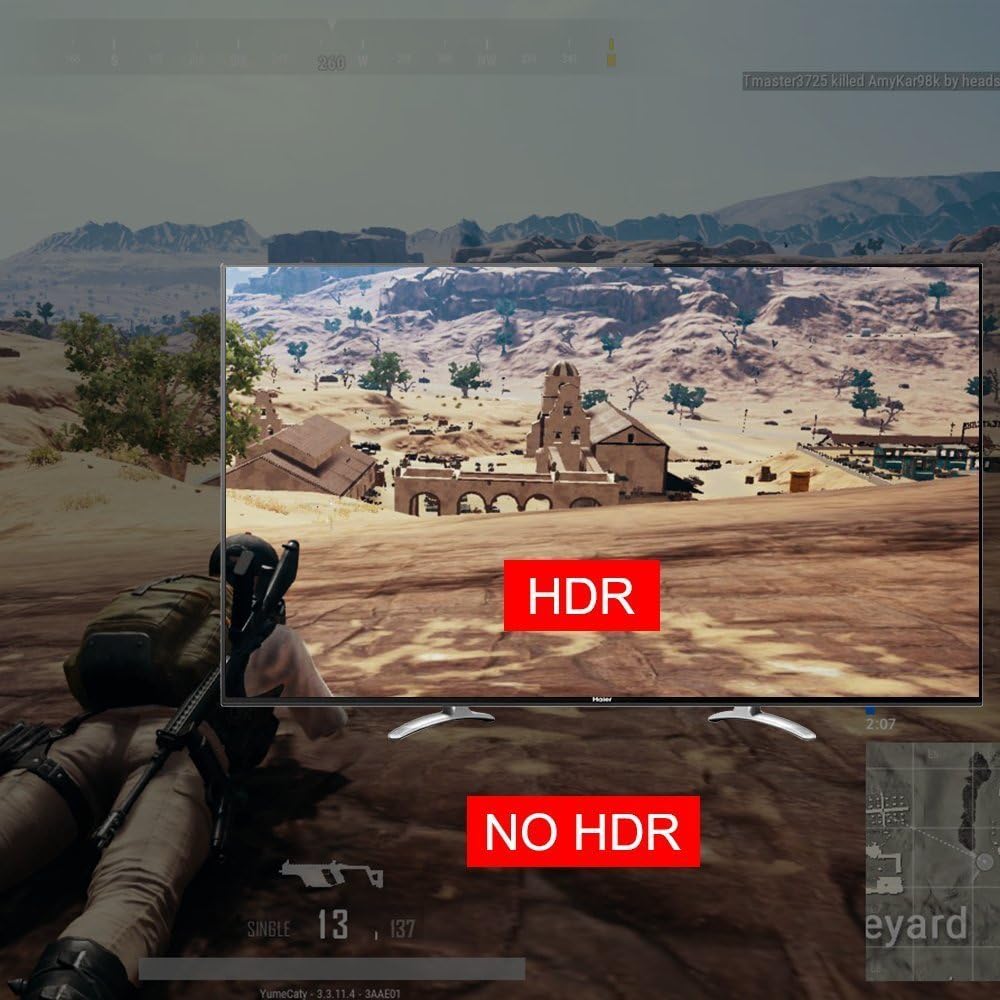
If you’re deciding between a splitter like this and a more basic 1xN model, the AV Access unit offers HDR, 3D, and a more robust audio path, plus EDID management that helps with mixed displays. If your priority is independent outputs or multi‑content streaming (different material on each screen), you’d likely look at alternatives designed for matrix switching rather than a simple splitter.
FAQ snapshot
- Does it support 4K at 60Hz on all outputs at the same time? It supports up to 4K@60Hz with HDR/3D, but actual output behaviour can vary with display compatibility and EDID negotiation.
- Can I downscale 4K to 1080p on all outputs? Auto downscaling is supported, but there is a note that 4K2K@60Hz downscaling to 1080p may not be universally supported depending on colour subsampling and signal path.
- What about audio formats? It supports HD lossless formats including Atmos, DTS:X, DTS-HD Master Audio and TrueHD when routed through the appropriate HDMI path.
Is it worth it?
Worth considering if you need a straightforward way to mirror one source to four displays with HDR and high‑quality audio, and you value automatic EDID handling to simplify setup. It may not be the best fit if you require independent content on every screen or guaranteed 4K downscaling across all cases.
Final verdict
It makes sense for compact, multi‑display environments where the content remains the same across screens and where HDR/immersive audio is a priority, provided you review resolution dynamics and cable lengths in advance.