

UANTIN DP to HDMI splitter for 3 monitors
Product description
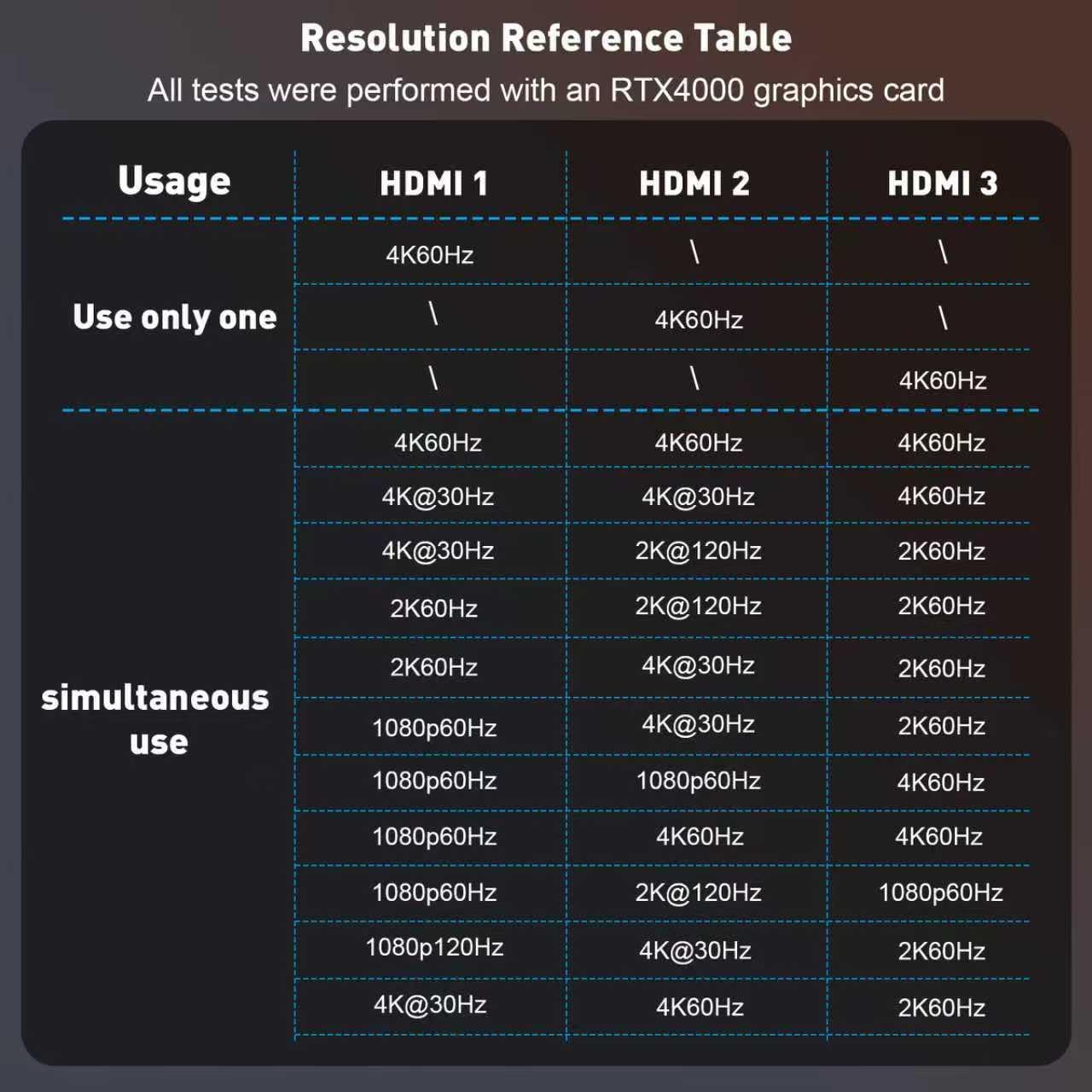
If you want a cleaner multi screen setup for design work, gaming sessions, or everyday office tasks, this UANTIN DisplayPort to HDMI splitter is built for that kind of expansion. It takes a single DisplayPort input and converts it into three HDMI outputs, helping you run up to three HDMI monitors from one graphics card connection. According to the manufacturer, it supports resolutions up to 4K at 60Hz, so you can aim for a sharp, smooth experience across your screens ⚙️.
Key points
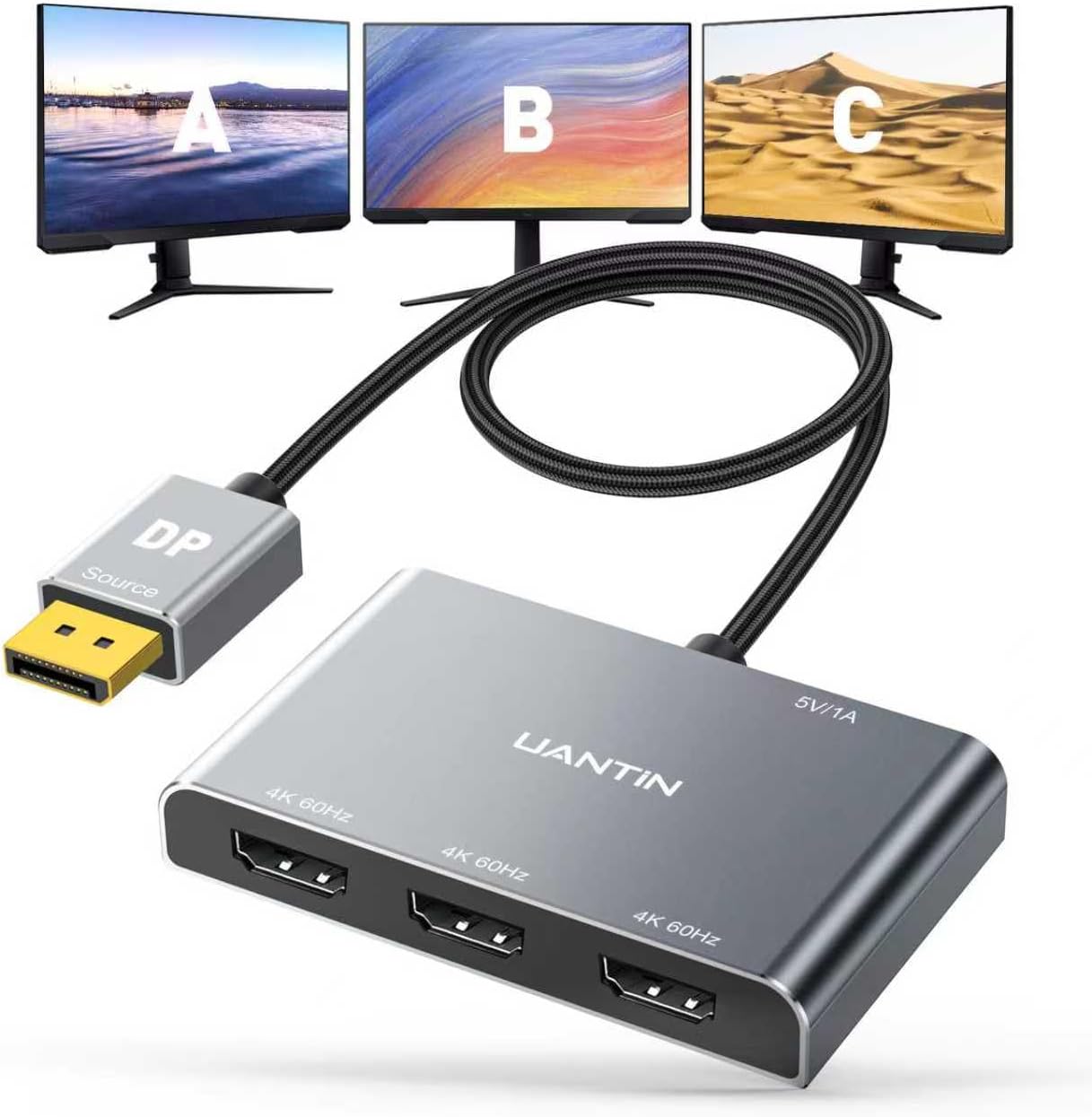
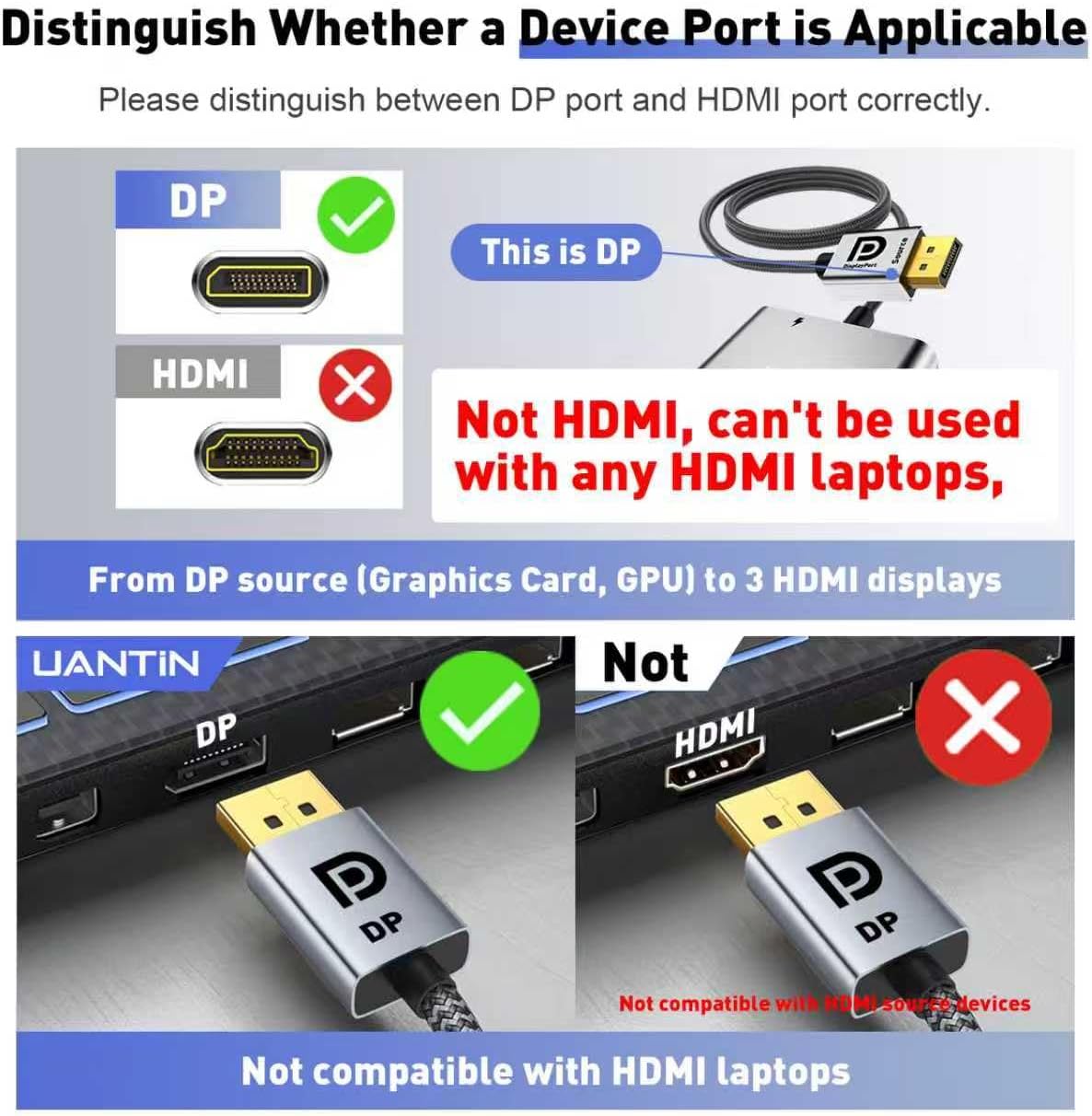
This DisplayPort to HDMI splitter is designed for screen expansion, turning one DisplayPort signal into three HDMI displays. It is described as a one way signal conversion, meaning you connect the DP interface to your graphics card and use the HDMI ports to attach monitors. That one way setup is a helpful detail to keep in mind, because it prevents accidental reverse use. You can also benefit from the plug and play approach, with no driver installation mentioned by the manufacturer.
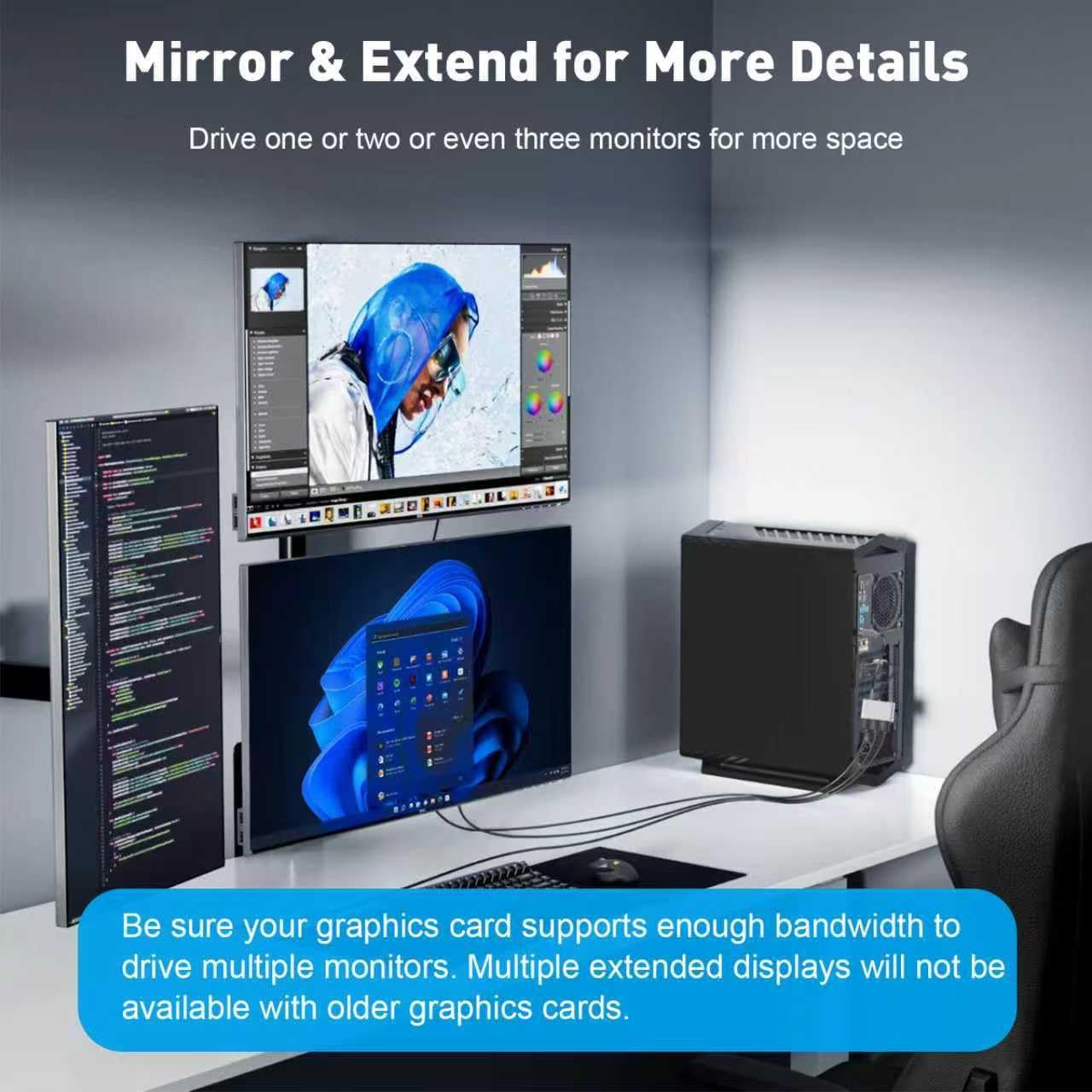
Built around the idea of multi monitor productivity and entertainment, it fits common scenarios like multitasking, working with multiple windows, or setting up a wider view for games and casual media. It also supports triple screen synchronisation or split screen display, depending on how your source output is configured. 😊 The aluminium casing and anti interference focus are there to support long and stable operation, which matters if you plan to leave it running through busy workdays.
Tech specs
- Name: UANTIN DisplayPort to HDMI Splitter for 3 Monitors MST Hub
- Type: DisplayPort to HDMI one way signal conversion
- Number of outputs: 3 HDMI out
- Maximum resolution: 4K at 60Hz
- Supported bandwidth requirement: 18Gbps graphics card connection minimum requirement
- Connection standards: DP 1.2, DP 1.4, DP 2.1 compatible graphics cards
- Monitor HDMI compatibility: HDMI 1.2, HDMI 2.0, HDMI 2.1 monitors
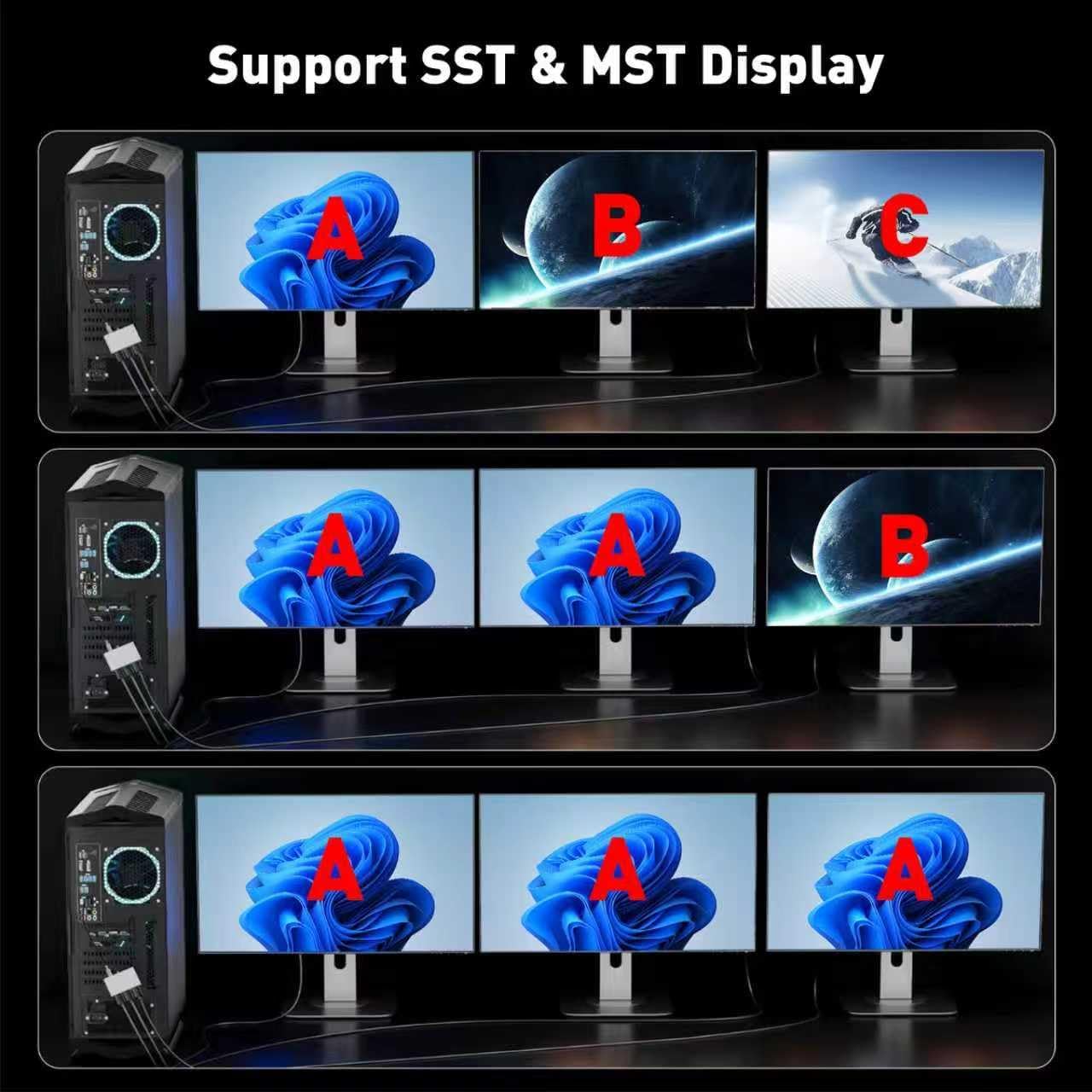
What stands out
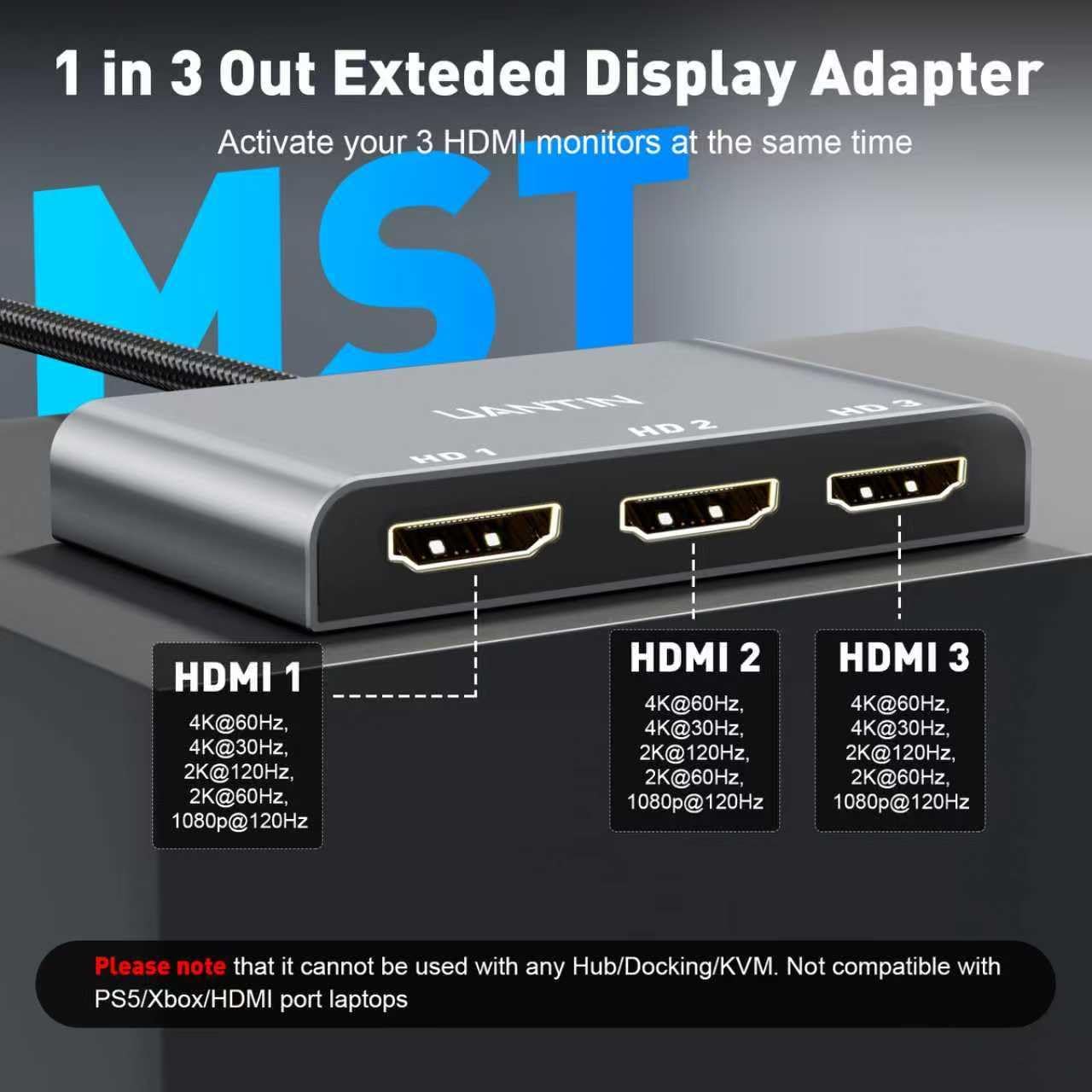
The most important advantage is the straightforward expansion from one DP input to three HDMI monitors, enabling multi screen workflows without needing a more complex conversion setup. The manufacturer states it is compatible with Windows 7 through Windows 11, which is useful if your desktop or laptop runs on an established system. It is also presented as MST hub style support for multiple monitor display port workflows, helping you build a practical triple screen layout.
When you are planning your setup, two checks help you avoid frustration. First, ensure your graphics card supports multi screen output function, since the splitter depends on the source device being able to output appropriately. Second, confirm the HDMI interface version on your monitor is compatible with the splitter, as the product is listed for HDMI 1.2, 2.0 and 2.1. 👍
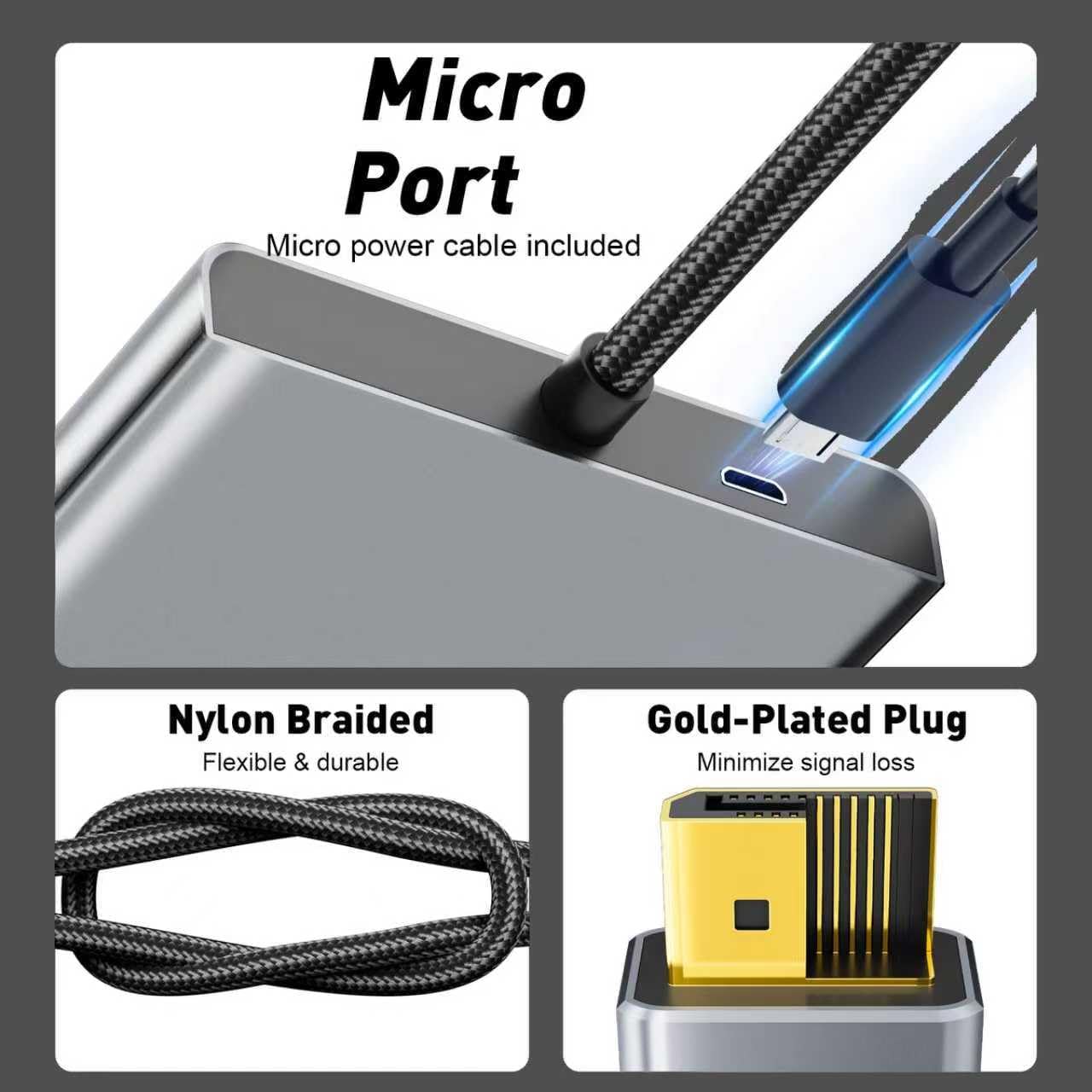
As for build and durability, the splitter is described with an all aluminium casing for efficient heat dissipation, plus high density braided nylon cabling for wear resistance and reduced pulling stress. It also includes gold plated interfaces and tin plated copper core mentioned by the manufacturer, aimed at reducing signal interference and extending service life. This combination can be especially valuable if you regularly connect and disconnect cables or route them through tighter desks.
Who it’s for
It’s a good fit if you already have a DisplayPort capable graphics card and you want to expand to three HDMI monitors for work or play. You’ll likely like it if your priority is a plug and play style multi monitor conversion, with no driver installation mentioned in the product details. It also suits people who want a simple, one way DP to HDMI conversion rather than a bidirectional cable or adapter.
It might not be a great match if you need HDMI to DisplayPort conversion, because the manufacturer clearly describes the conversion as one way. You may want to skip it if your graphics card does not support multi screen output, since the splitter relies on the source device for the display expansion. It can be a practical choice for Windows users who want a stable triple monitor setup built around a single DP connection.