

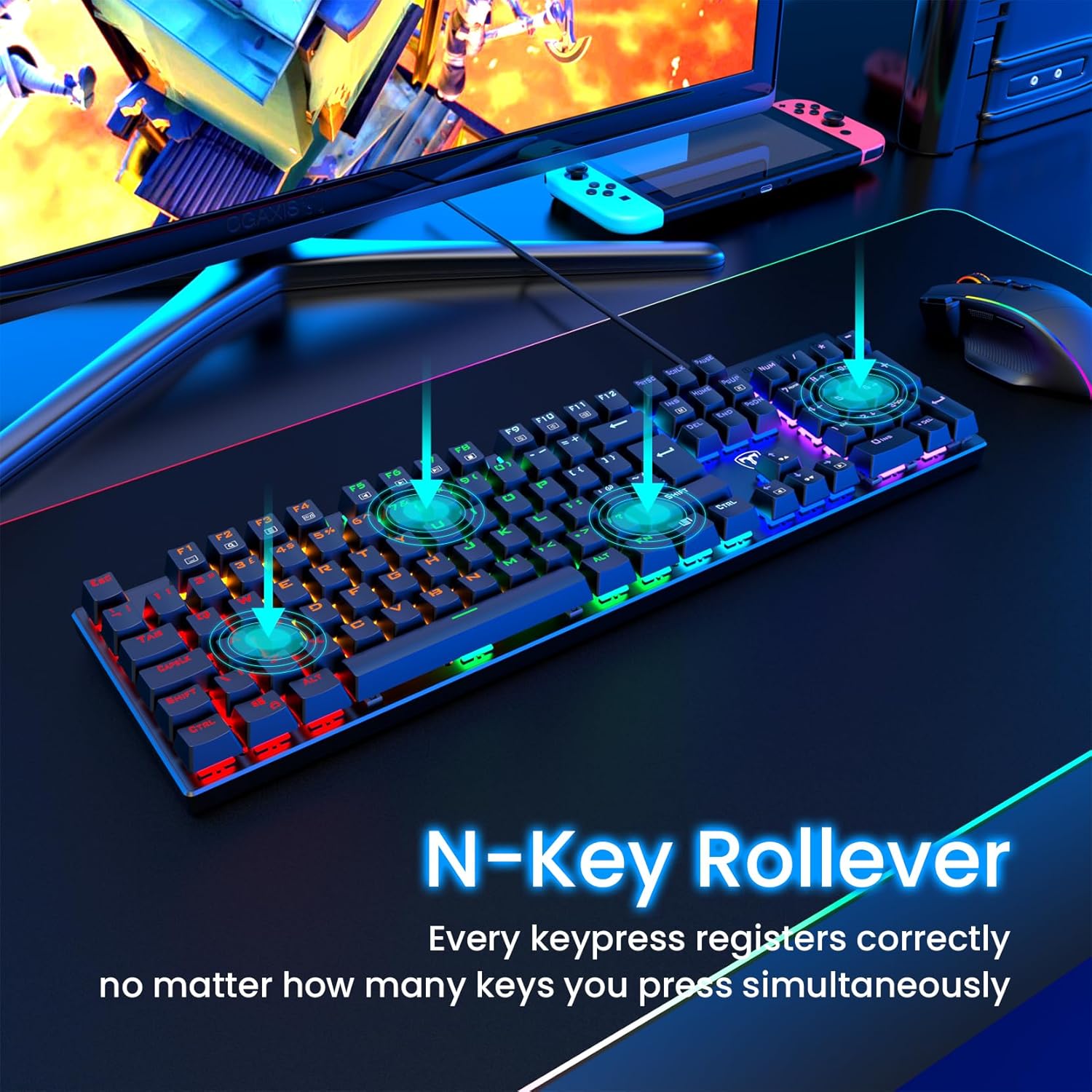
RisoPhy Mechanical Gaming Keyboard, 104-Key Ultra-Slim RGB Blue Switch USB Wired
Product description
If you like the feel of a proper clicky mechanical switch, this RisoPhy mechanical gaming keyboard is built around Blue switches and a full-size layout with a number pad. It’s also aimed at people who want RGB lighting that’s more than “just on/off”, with rainbow backlighting modes for darker setups.
That said, it’s not trying to be quiet or subtle. Blue switches come with that characteristic click sound and deeper key travel, so it’s better suited to gaming desks and shared spaces where noise is acceptable.
The essentials (what it is and what it solves)
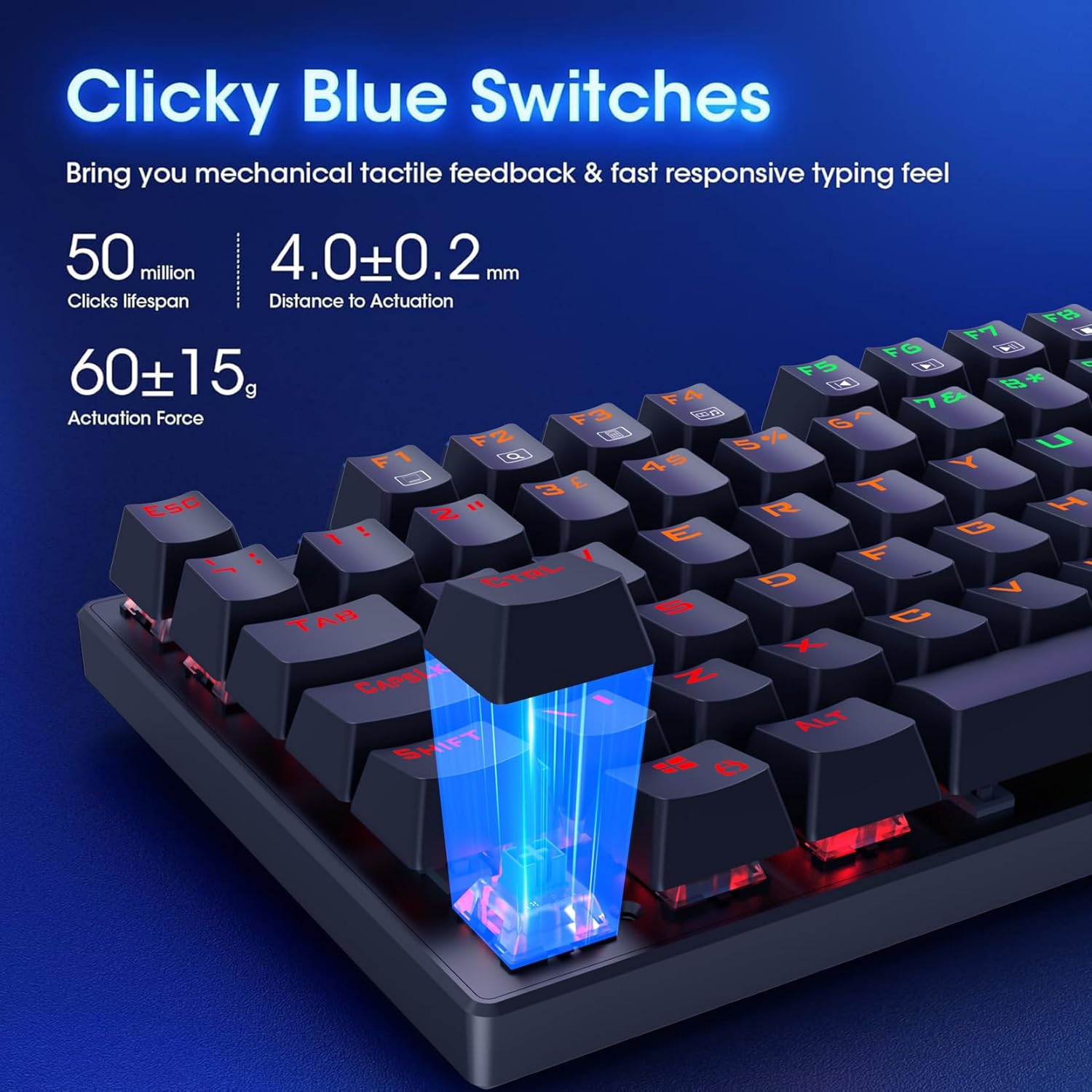
This is a wired 104-key mechanical keyboard for PC and gaming-focused use, featuring Blue switches described as clicky and tactile. The idea is simple: more immediate, responsive key feel for accuracy and faster interaction while you play or type for long sessions.
On top of the switch choice, the keyboard focuses on practical usability during gameplay: - 100% anti-ghosting support so multiple keys can register at once when typing quickly. - A Win lock function (Fn+Win mentioned) to reduce accidental Windows key presses while gaming.
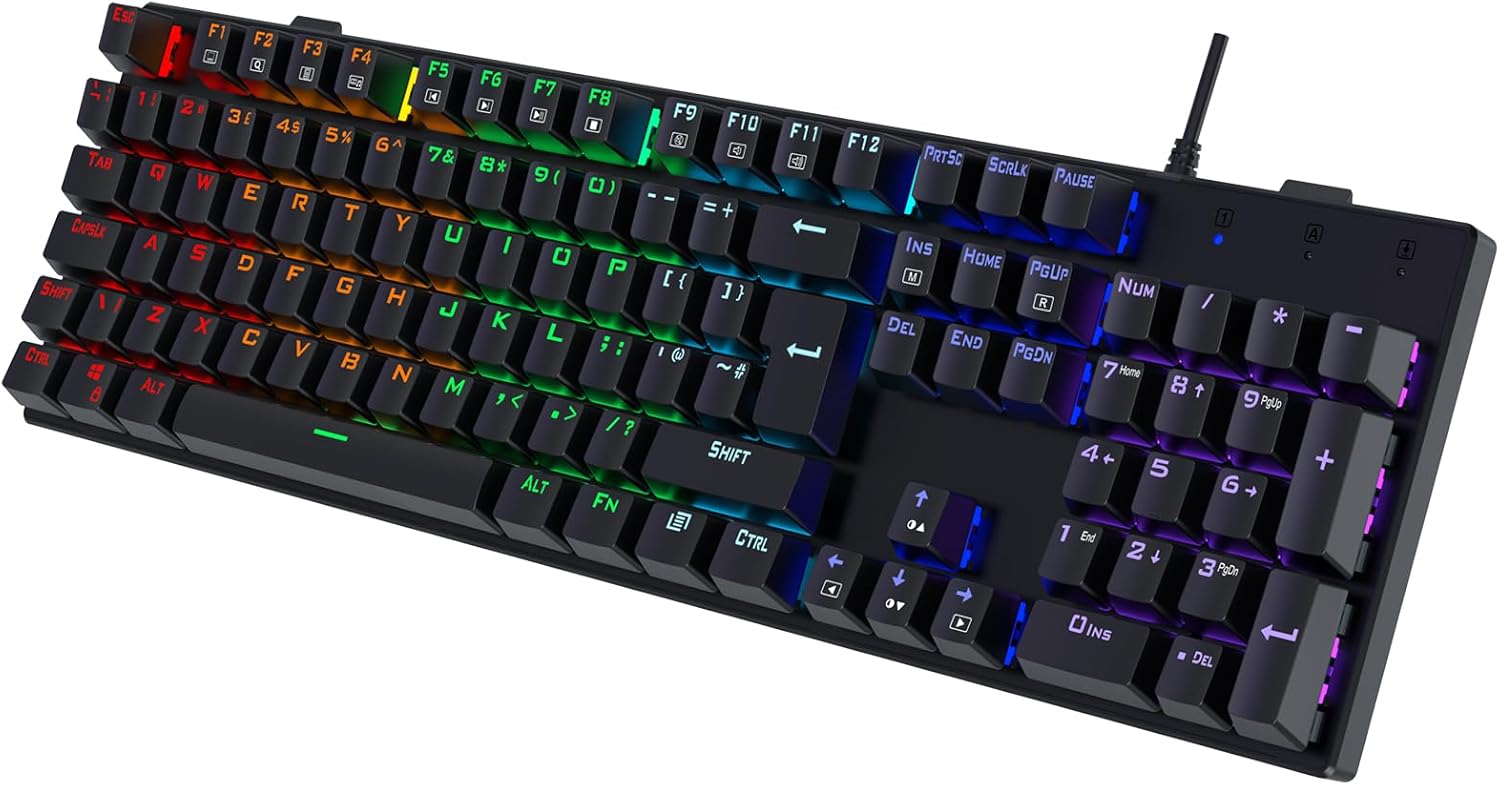
In daily use, the full-size layout with a number pad is the “productivity tax” some people are happy to pay—spreadsheets, quick data entry, and general desk work tend to feel more natural than with a smaller board.
Key points: where it stands out
The standout theme here is the combination of clicky switch feel, RGB rainbow backlighting, and gaming-oriented safety features.
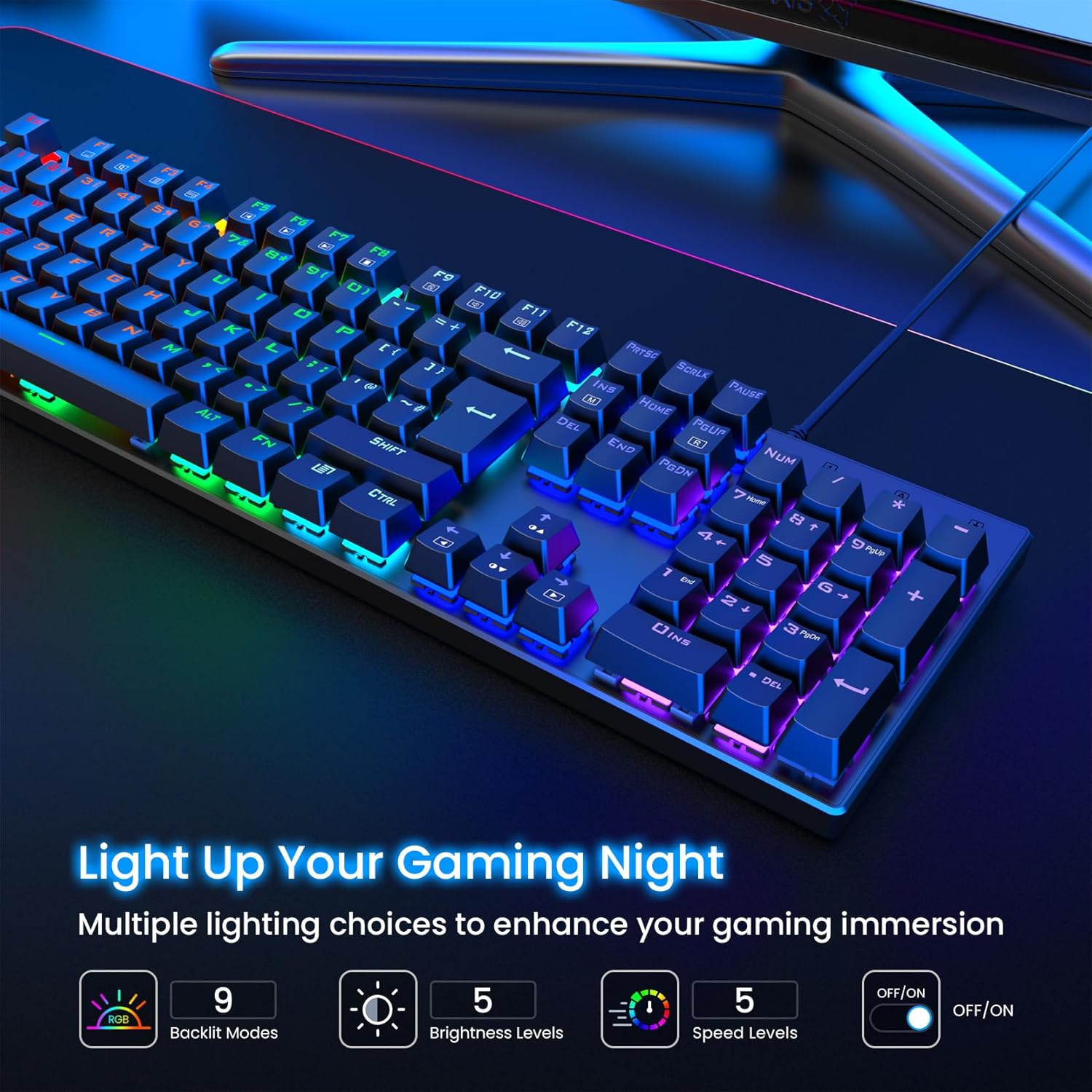
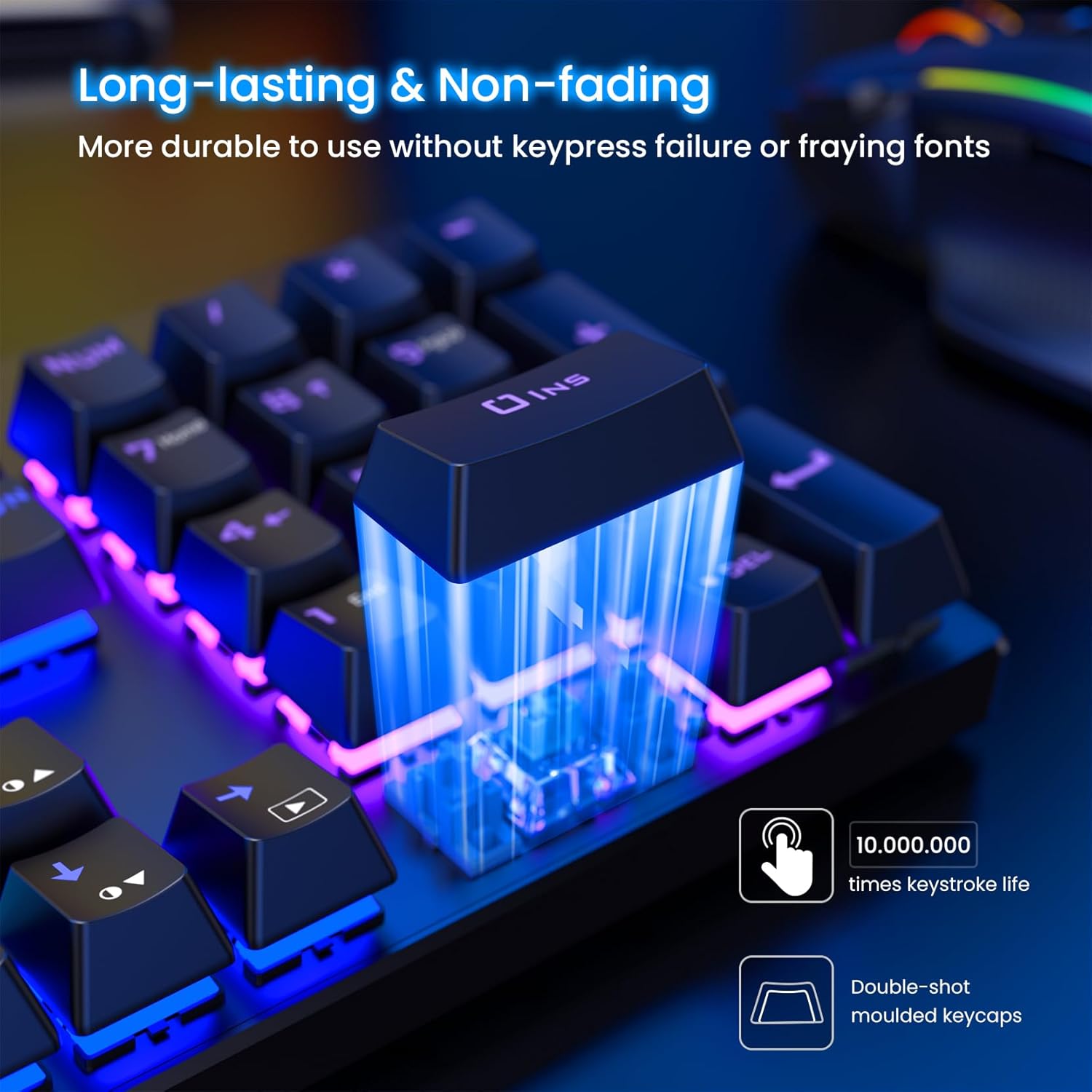
On the lighting side, it includes 9 different backlight options and 5 levels for light speed and brightness. There’s also talk of uniform, clear backlight visibility thanks to double injection ABS keycaps, which matters if you hate uneven glow.
Meanwhile, the anti-ghosting claim and the Win lock option are aimed at real gameplay moments: frantic inputs, quick sequences, and avoiding interruptions.
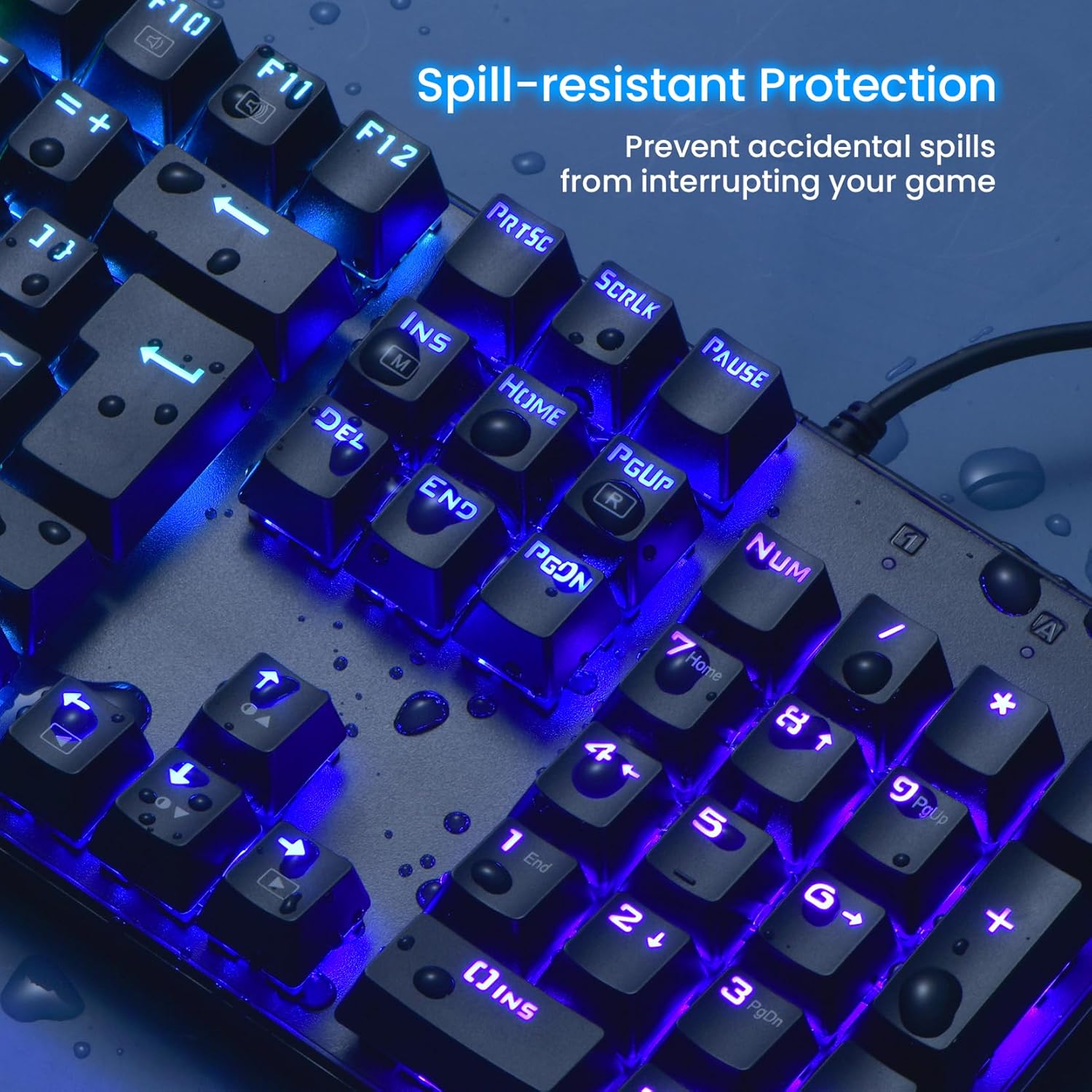
There’s also an interesting “accident resistance” angle. The keyboard includes hydrophobic holes described as helping water flow away quickly, plus it’s marketed as spill-resistant. Still, you should treat that as a helpful buffer rather than permission to be careless.
Tech specs
- Type: Mechanical gaming keyboard (Blue switches)
- Keys: 104 keys, full-size layout with number pad
- Connection: USB wired keyboard
- Anti-ghosting: 100% anti-ghosting (all keys simultaneously, per description)
- Win lock: Fn+Win
- Backlighting: Rainbow LED backlit with 9 backlight modes
- Backlight controls: 5 levels of light speed and brightness
- Key travel/feel: deeper key travel, tactile/clicky feel with click sound (as described)
- Keycaps: durable double injection ABS keycaps, pluggable keycaps for cleaning (as described)
- Water management: 4 hydrophobic holes for water to flow away quickly (as described)
- Durability: up to 50 million keystrokes (as claimed in description)
- Ergonomics features: stair-up keycap design, 2 foldable rear kickstands, 4 rubber padding underneath
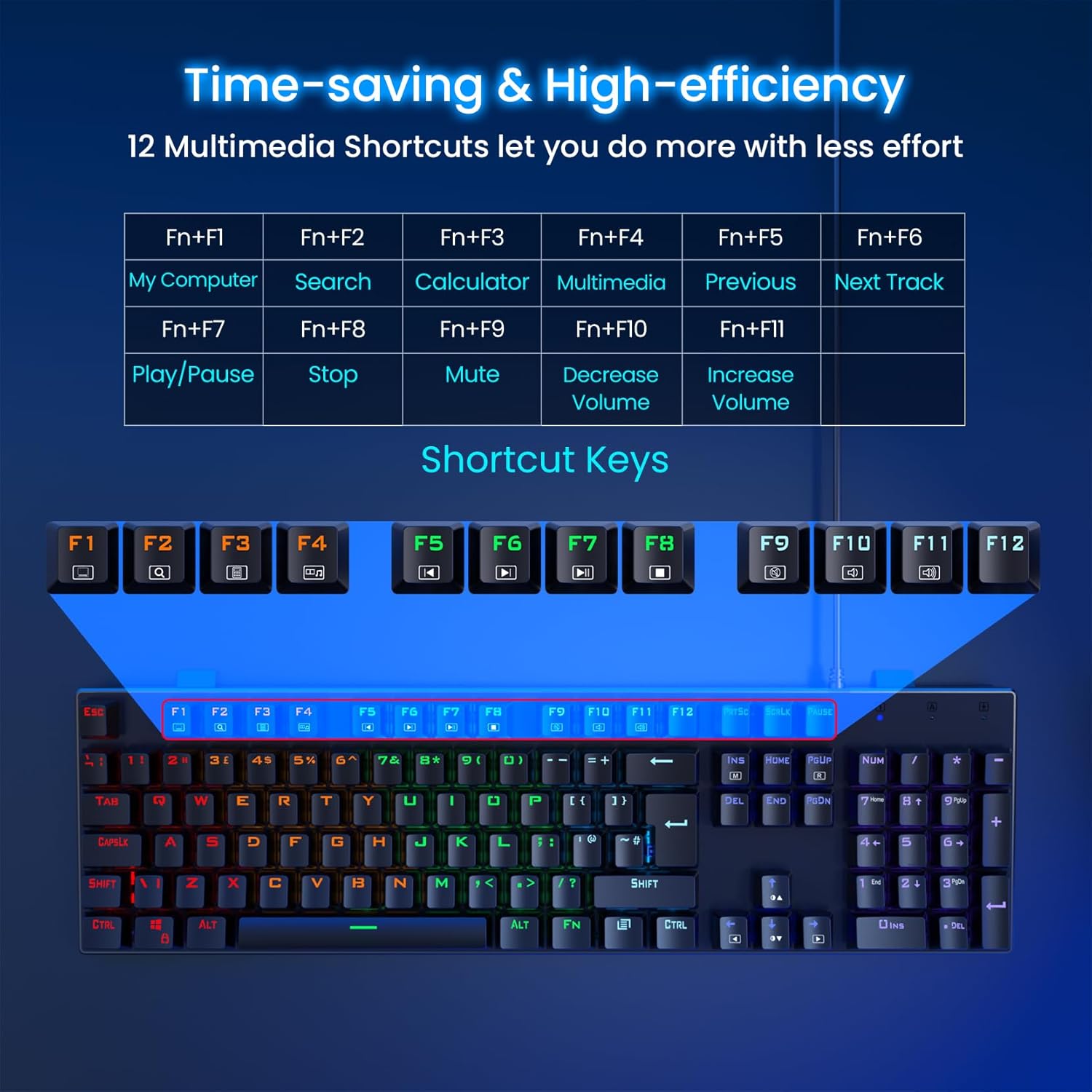
- Multimedia shortcuts: 12 multimedia key combinations
- Extra: includes a keycaps puller (mentioned in the description)
Pros
- Strong match if you want a clicky, tactile typing experience from Blue switches.
- Anti-ghosting is positioned for fast input gaming, plus the Win lock helps stop accidental disruptions.
- RGB rainbow backlight with multiple modes and adjustable brightness/speed.
- Full-size 104-key layout with number pad, useful for spreadsheets and productivity.
- Spill-resistant approach with hydrophobic holes, plus pluggable keycaps for cleaning.
What you’ll notice day to day (and the limitations)
In use, the deeper key travel and clicky sound are the headline experience. If you like feedback when you press keys, that’s exactly what this is trying to deliver.
However, it may not be the best choice if you need a quieter keyboard for shared households or offices—Blue switches tend to be more “audible” than linear options.
Also, while the listing mentions “works well” across a wide range of Windows versions and Mac OS/Xbox contexts, the description is fairly general on compatibility specifics. It’s worth checking your exact device and OS needs before you commit, especially if you rely on particular multimedia shortcuts.
Finally, the RGB setup sounds engaging, but if you prefer a clean, low-light desk, you might find yourself turning lighting down more often than you expect.
¿Merece la pena?
It’s worth considering if you want a wired 104-key mechanical keyboard with Blue switches, RGB rainbow backlighting, anti-ghosting, and a Win lock function—basically, a board that leans towards gaming responsiveness and a tactile feel for typing.
It may not be the best fit if noise is a deal-breaker, or if you’d rather spend on a more premium build with quieter switch options. For value-focused buyers, it looks like it’s aiming for “feature-heavy” rather than minimalist.
Who it’s for (and who should skip it)
It makes sense if you: - prefer the clicky/tactile feel of Blue switches - want a full-size layout with a number pad - play games where accidental key presses (like Win) are frustrating - like RGB effects and want adjustable brightness/speed
You may want to skip it if you: - need a quieter keyboard for close shared spaces - dislike clicky switch feedback - want detailed software-based customisation (the description doesn’t spell out software features)
Practical tips for getting the best out of it
If you’re gaming, using the Win lock (Fn+Win) is the easiest way to reduce distractions during matches. For calmer night sessions, adjust the brightness and light speed so the keyboard doesn’t overpower your screen.
If you spill something by accident, the hydrophobic holes concept is meant to help water move away quickly—just don’t assume it’s waterproof. Unplug it, let it dry properly, and use the included keycaps puller only once it’s safe to clean.
Mini FAQ
Does it support anti-ghosting for fast typing?
The description states 100% anti-ghosting, with keys able to work simultaneously even when typing quickly.
How loud are Blue switches?
The listing explicitly describes them as clicky with an enjoyable click sound and deeper key travel. If you’re sensitive to noise, that’s a factor to consider.
Is it good for a dark room setup?
Yes—rainbow RGB backlighting with 9 modes and adjustable brightness/speed is designed to be used especially in the dark.
Can the keycaps be cleaned easily?
Keycaps are described as pluggable, and a keycaps puller is included for cleaning or other needs.