

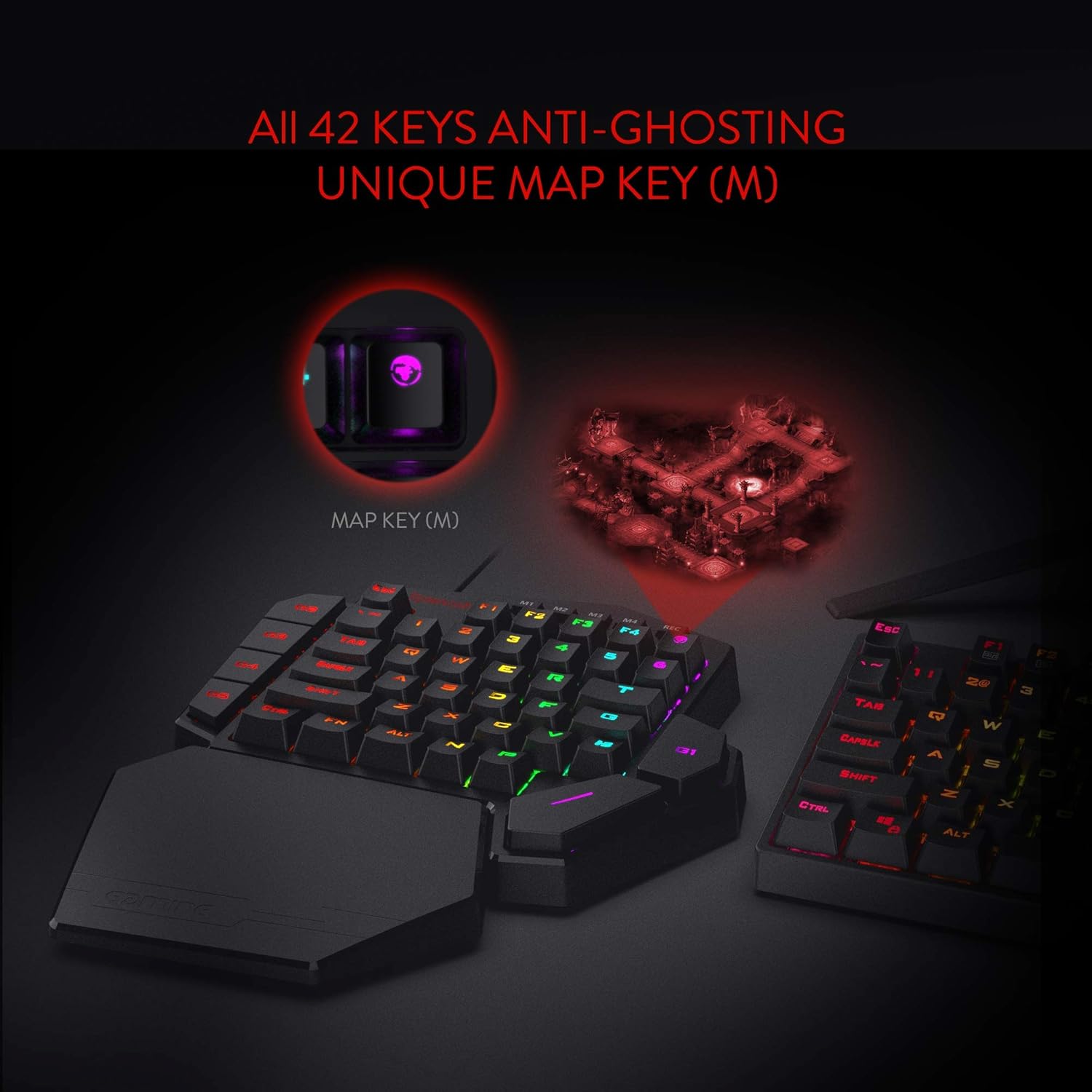
Redragon K585 DITI one-handed RGB mechanical gaming keypad with 7 macro keys (Type-C wired)
Product description
At a glance
If you like mechanical keyboards but don’t want the full size footprint, the Redragon K585 DITI is built around a one-handed, “keypad-style” layout. It keeps your most-used action keys close together in a slim, portable form, with the idea that you can stay focused on gameplay rather than fighting your own key placement.
It also leans into speed: with seven programmable macro keys and RGB backlighting modes, it’s aimed at people who want quick command triggers without having to fumble in the middle of a match. The detachable wrist rest is another practical touch, because comfort matters when you’re using it for longer sessions.
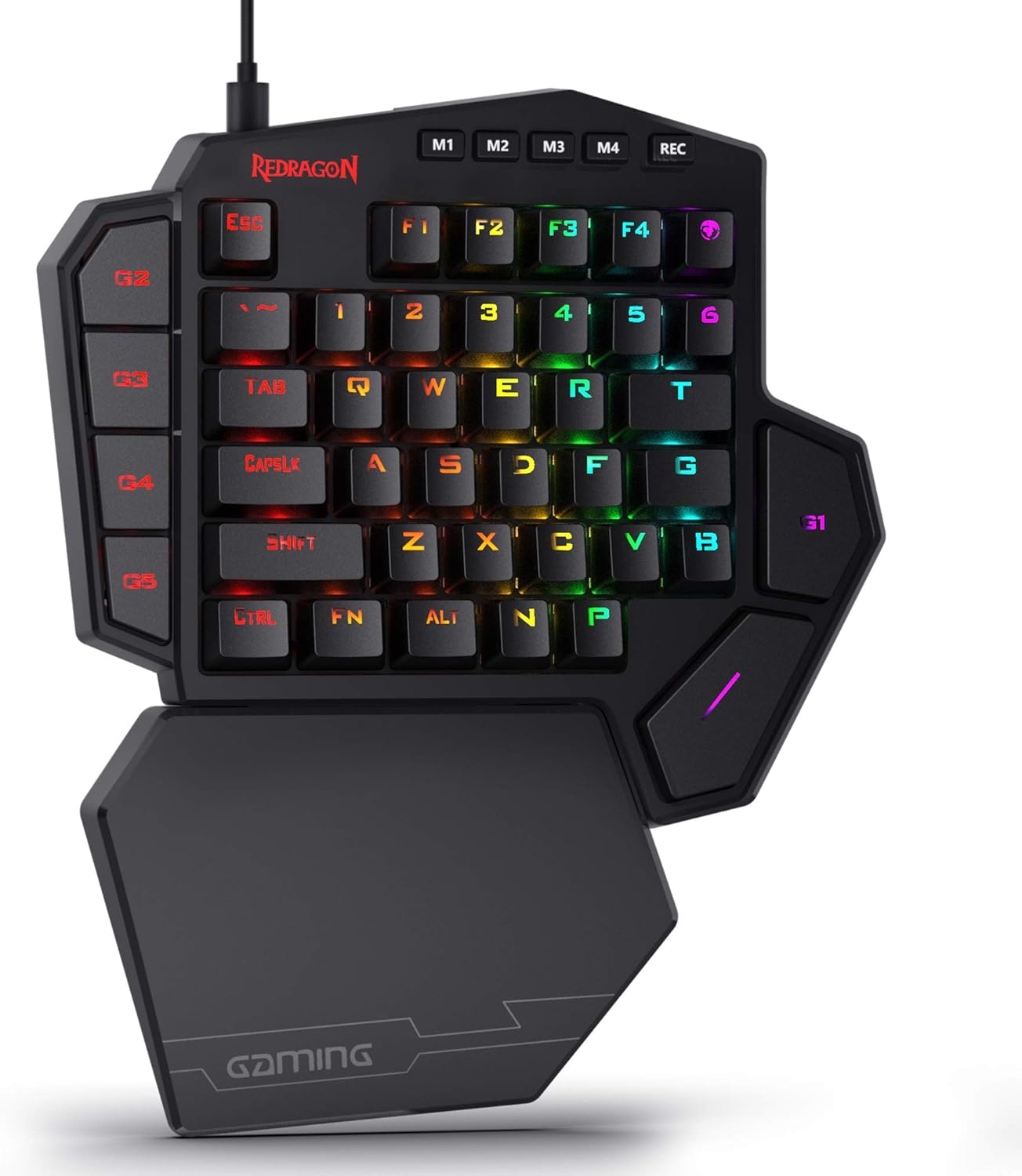
That said, this isn’t meant to replace a full keyboard for general typing or desk-wide productivity. It’s more of a specialist tool—great when your playstyle benefits from a one-handed setup, but potentially restrictive if you need complete standard key coverage.
Key features
A few design choices stand out on paper.
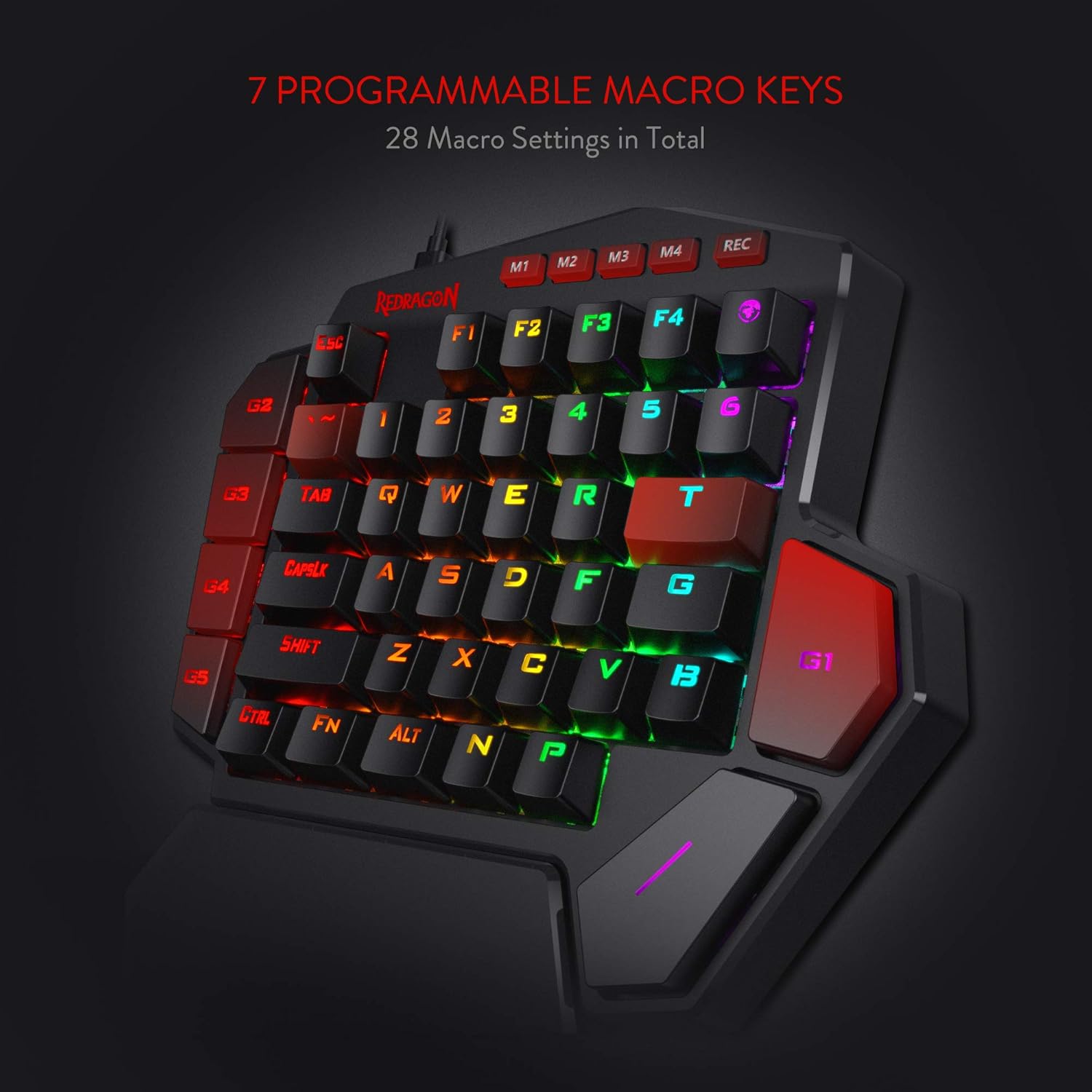
First, the “slim & portable” approach: by removing extra keys and concentrating the useful ones into a compact area, you’re less likely to hit the wrong key during fast inputs. That’s the kind of benefit that can feel small until you’ve used a cramped layout and then realised how much misclicks slow you down.
Second, the macro system. The K585 includes seven onboard macro keys, and the way Redragon describes it is straightforward: bind single keystrokes or combinations to macro keys so you can activate multiple commands instantly. For gameplay, that can be useful for things like triggering a sequence, switching loadouts quickly, or repeating a common action.
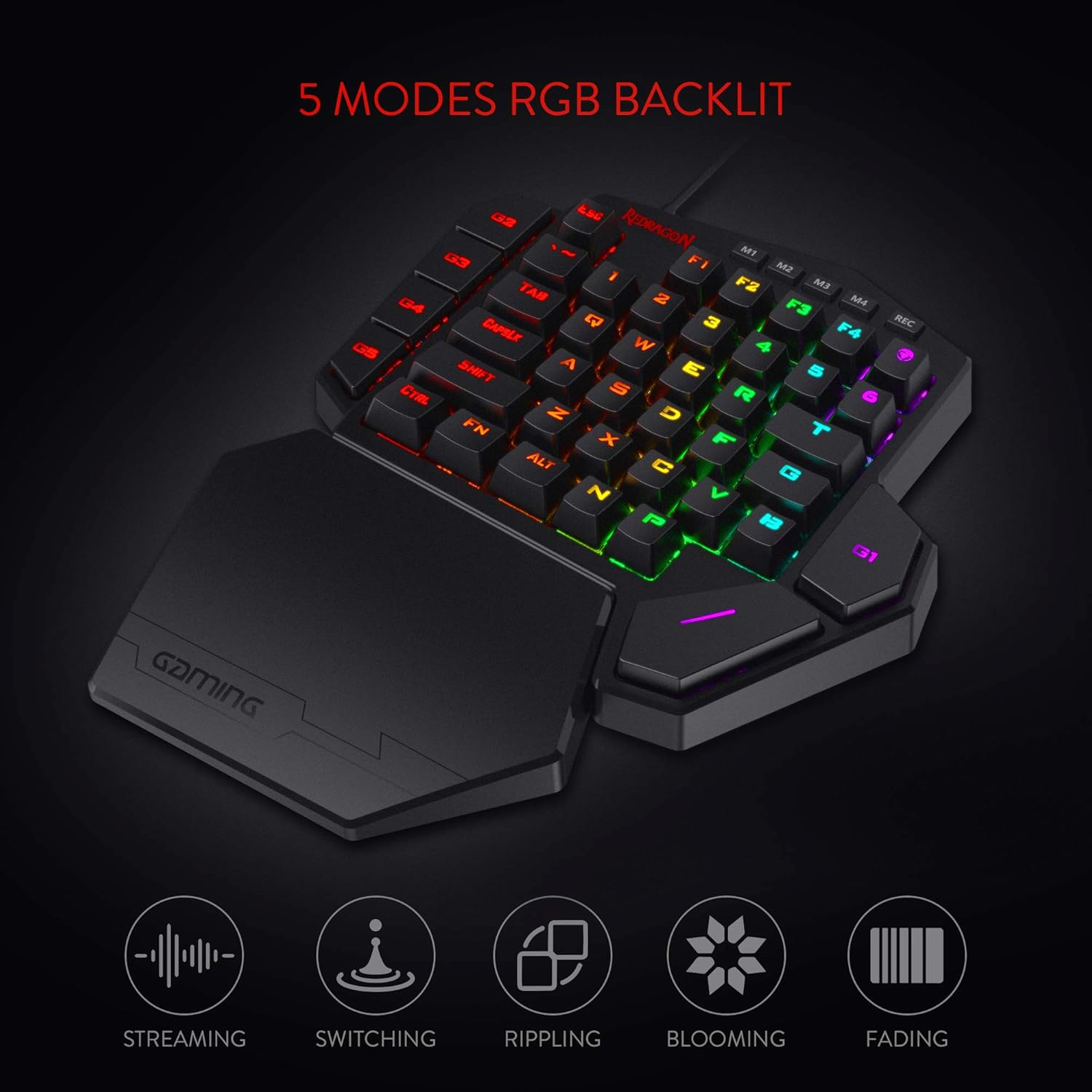
Third, RGB customisation without overcomplicating it. There are five selectable RGB backlight modes with 16.8 million colours, giving you lighting options that won’t require you to treat the keypad like a mini lighting project.
What you’ll notice day to day
The everyday feel is likely to come down to two things: how well the one-handed layout fits your habits, and how comfortable the wrist support is.
The wrist rest is detachable and attached via magnets, so you can choose to use it when you want the extra support and remove it when you’re travelling or simply prefer a cleaner setup. In a practical sense, it’s the sort of feature you’ll appreciate if you alternate between desk sessions and moving your setup around.
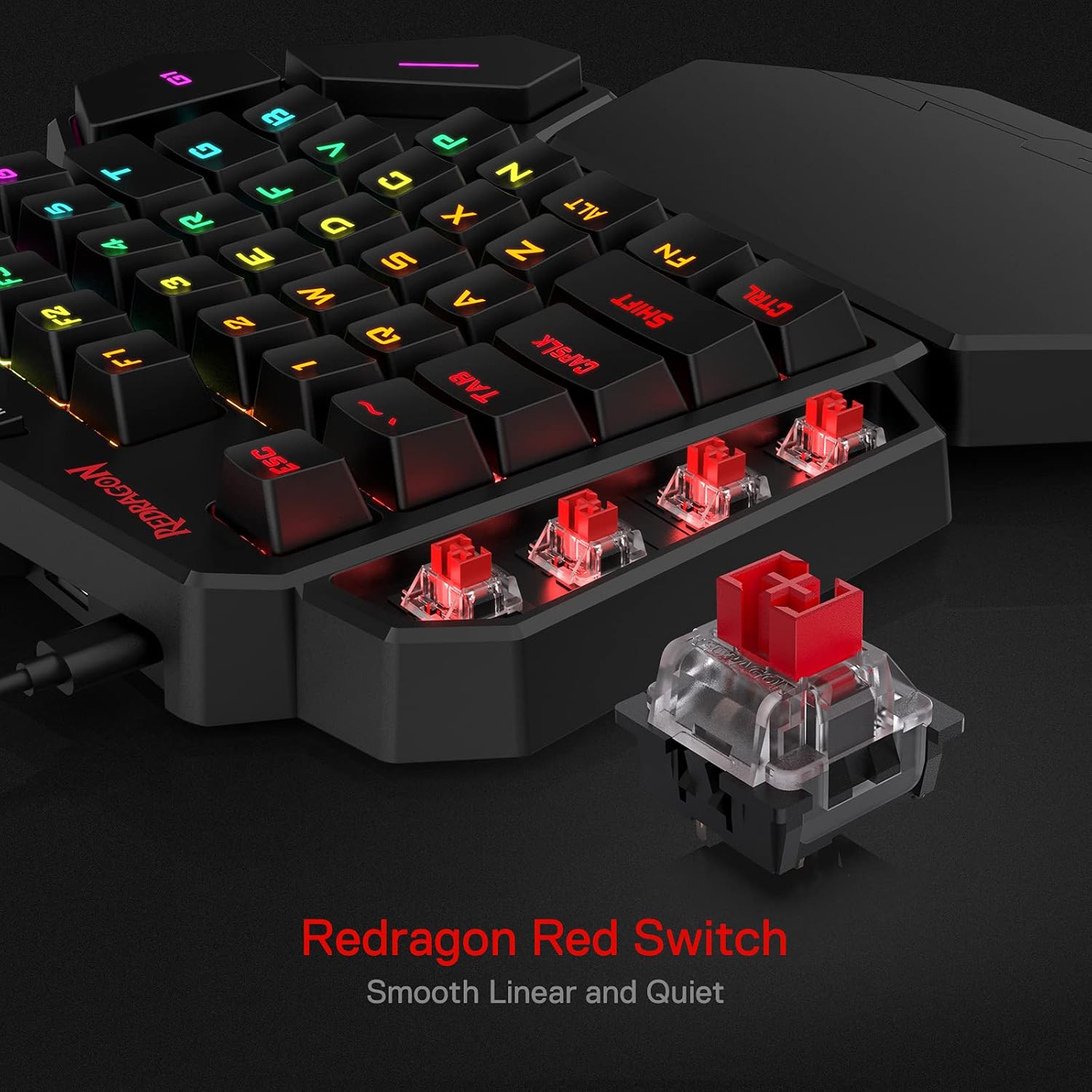
There’s also a USB pass-through port positioned for uninterrupted gameplay and to be ready for a mouse, wireless headset adapter, or other USB device. If your desk setup already relies on USB dongles, this can reduce the “swap ports mid-game” annoyance.
One limitation to keep in mind: with only 42 keys, you’re not getting the full spread of a traditional keyboard. If you need lots of non-game functions at hand, or you type heavily outside gaming, you may find yourself reaching for alternatives.
Tech specs
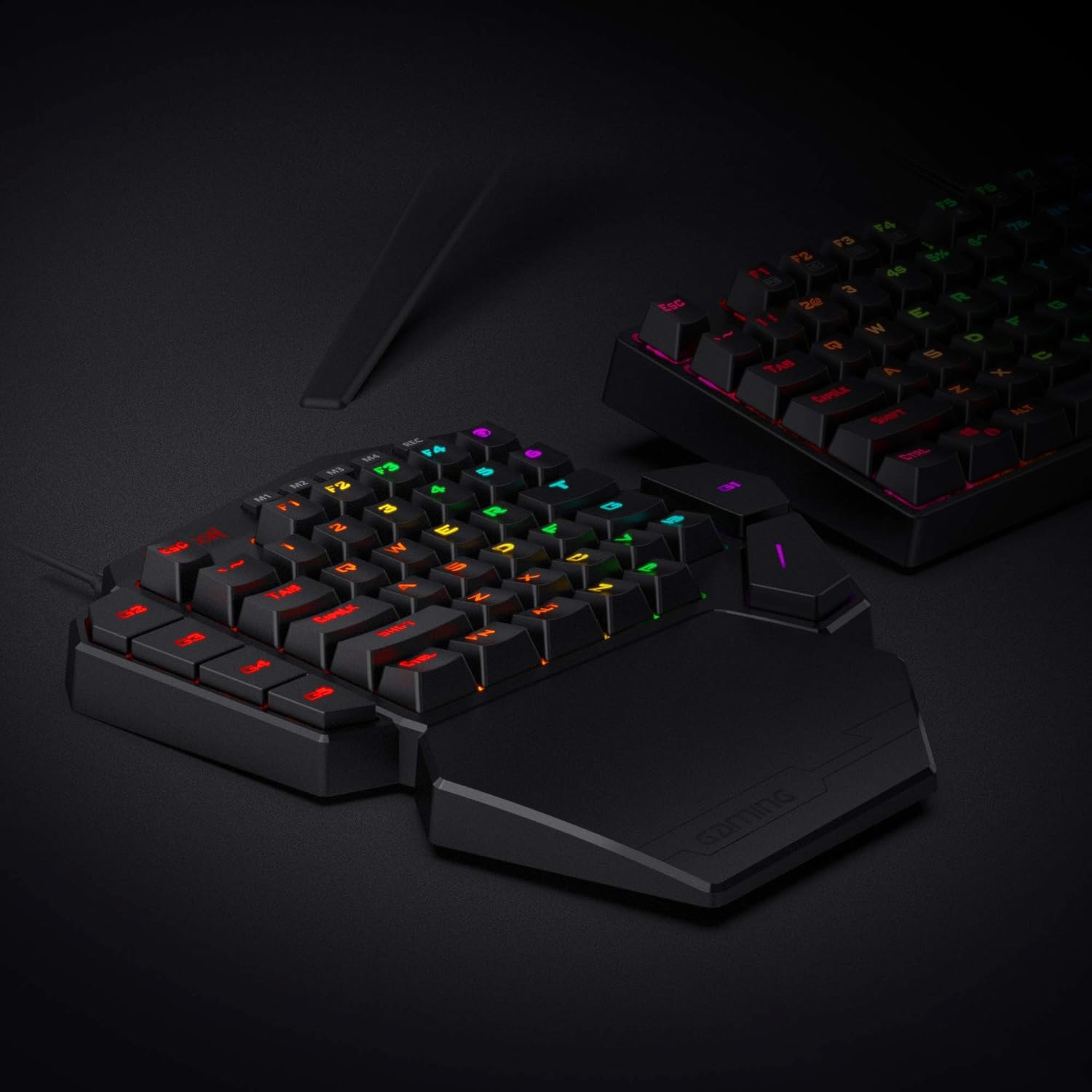
- Name: Redragon K585 DITI One-Handed RGB Mechanical Gaming Keypad
- Type: Type-C wired
- Format: one-handed / gaming keypad layout
- Keys: 42 keys
- Switch type: linear red switch
- Onboard macros: 7 programmable macro keys
- Backlighting: RGB with 5 selectable modes, 16.8 million colours
- Wrist rest: detachable (magnet-connected)
Who it’s for (and who should skip it)
It makes sense if you play games where a one-handed input style is part of your muscle memory, and you want a compact mechanical keypad with direct access to action keys. It’s also a strong fit if your routine includes repeating certain commands and you’d rather trigger them via dedicated macro keys than rely on multi-step key presses.
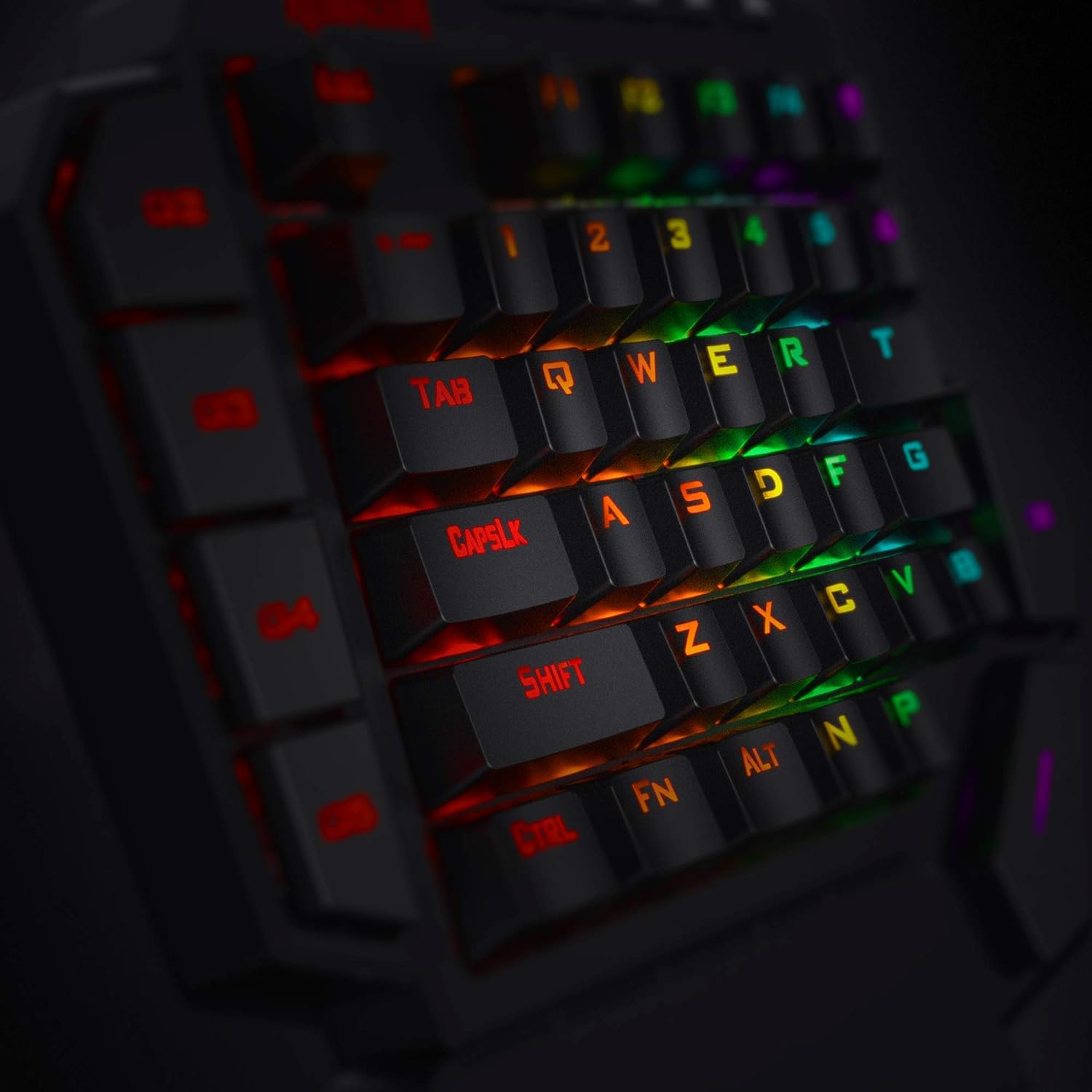
It’s not the best choice if you’re expecting a full keyboard experience. The 42-key layout and “gets rid of extra keys” approach are designed to reduce misclicks, but that also means fewer available options for everyday typing, heavy productivity workflows, or players who prefer standard full-size key coverage.
You may want to skip it if you’re particularly sensitive to comfort differences—because while the wrist rest is included, fit and preference vary from person to person.
Practical tips for day-to-day use
Before you commit to a one-handed setup, do a short “mapping test” in your usual game. Focus on your real action keys and decide where each macro should go, based on what you actually do during a match. The key is to avoid binding macros you’ll forget—seven macro keys can be powerful, but only if they match your playstyle.
Also, spend a minute adjusting your wrist rest position (or removing it) before a longer session. When comfort is right, your inputs feel more consistent, and that’s where the benefit of a detachable, magnet-connected rest tends to show.
A quick example: if you have a favourite ability rotation, you could assign the first part of that sequence to one macro key and the follow-up to another, then use the rest of your key area for movement and core actions.
Final verdict
Worth considering if you want a compact, slim one-handed mechanical gaming keypad with linear red switches, seven dedicated onboard macro keys, and RGB modes—especially if USB port convenience matters in your current desk setup.
It might not suit you if you need a full-size keyboard for general use, or if your games don’t align with a keypad-style layout. In other words: this is a specialist purchase. Choose it when it matches your setup and habits, otherwise, a standard keyboard (or a different input layout) will probably feel less restrictive.