


AOC U34E2M 34-inch QHD Monitor – 100Hz VA panel with Low Blue Light
Product description
What to know
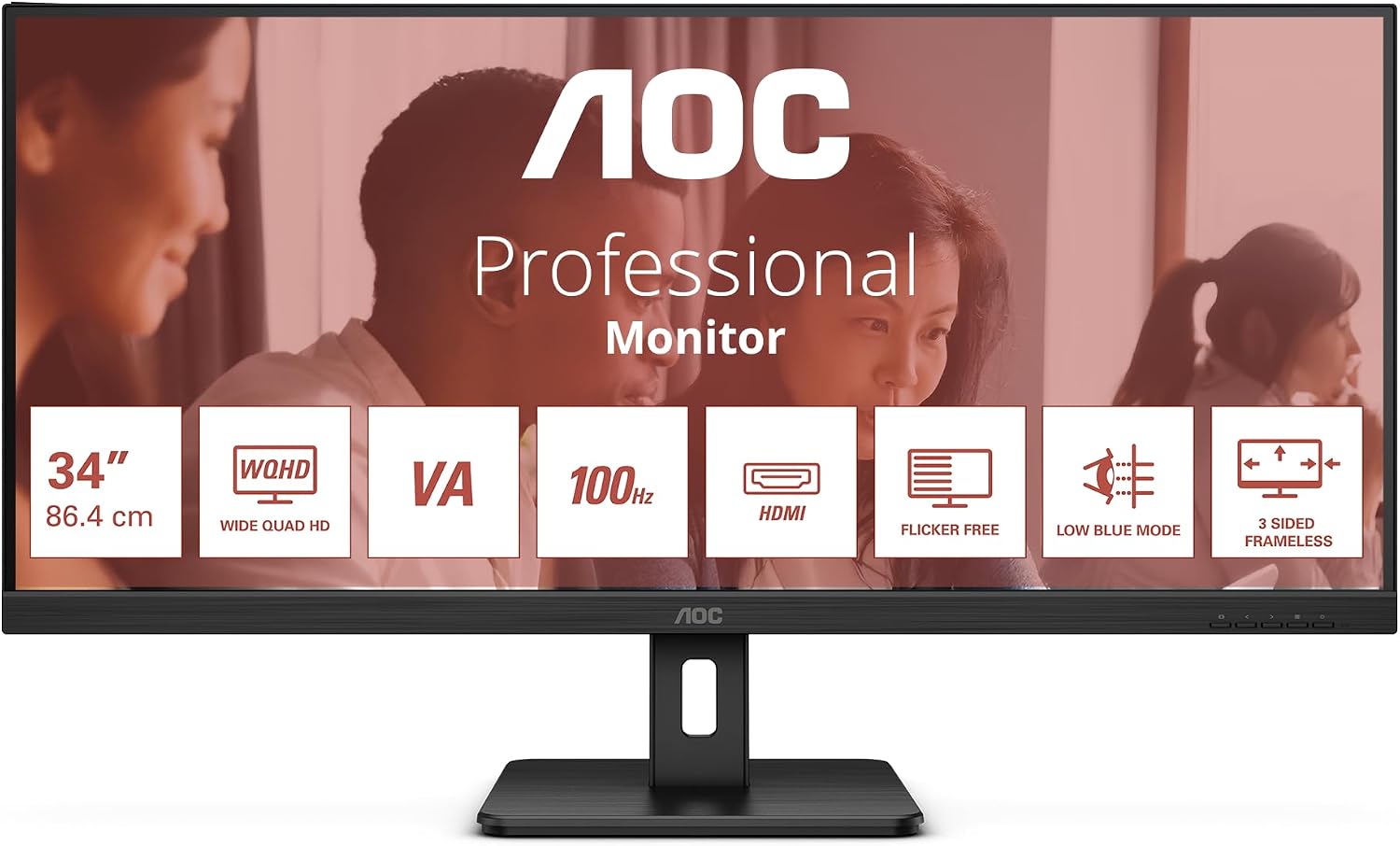
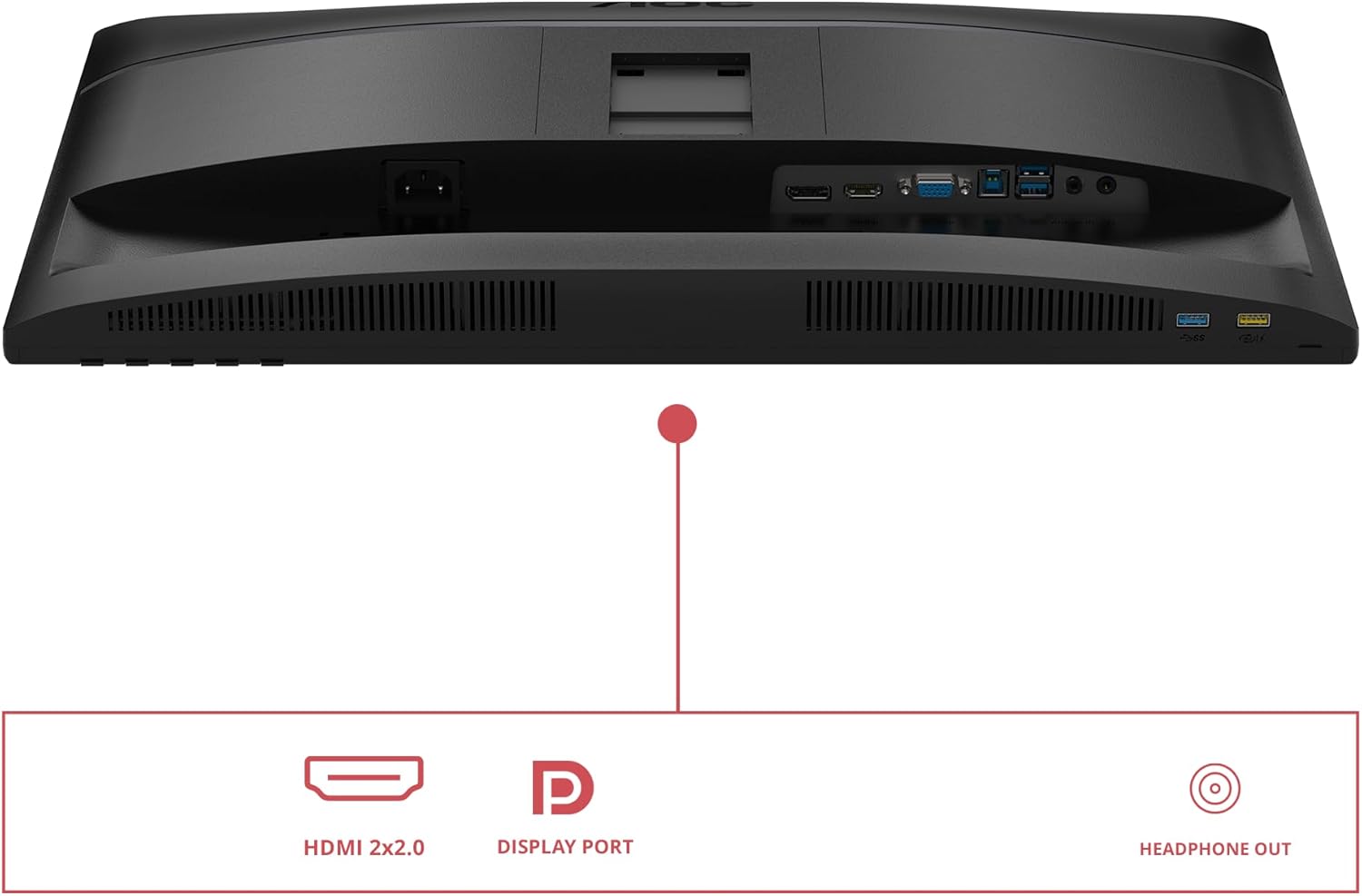
The AOC U34E2M is a 34-inch ultrawide monitor offering QHD resolution (3440 x 1440) at a 100Hz refresh rate. It uses a VA panel and includes features aimed at reducing eye strain, such as Low Blue Light and Flicker Free technology. It supports Adaptive Sync and arrives with HDMI 2.0 and DisplayPort 1.2 inputs, and it is VESA mountable. This makes it a practical option for a multitasking setup, light content creation or immersive media viewing, without venturing into high-end enthusiast territory.
Key features
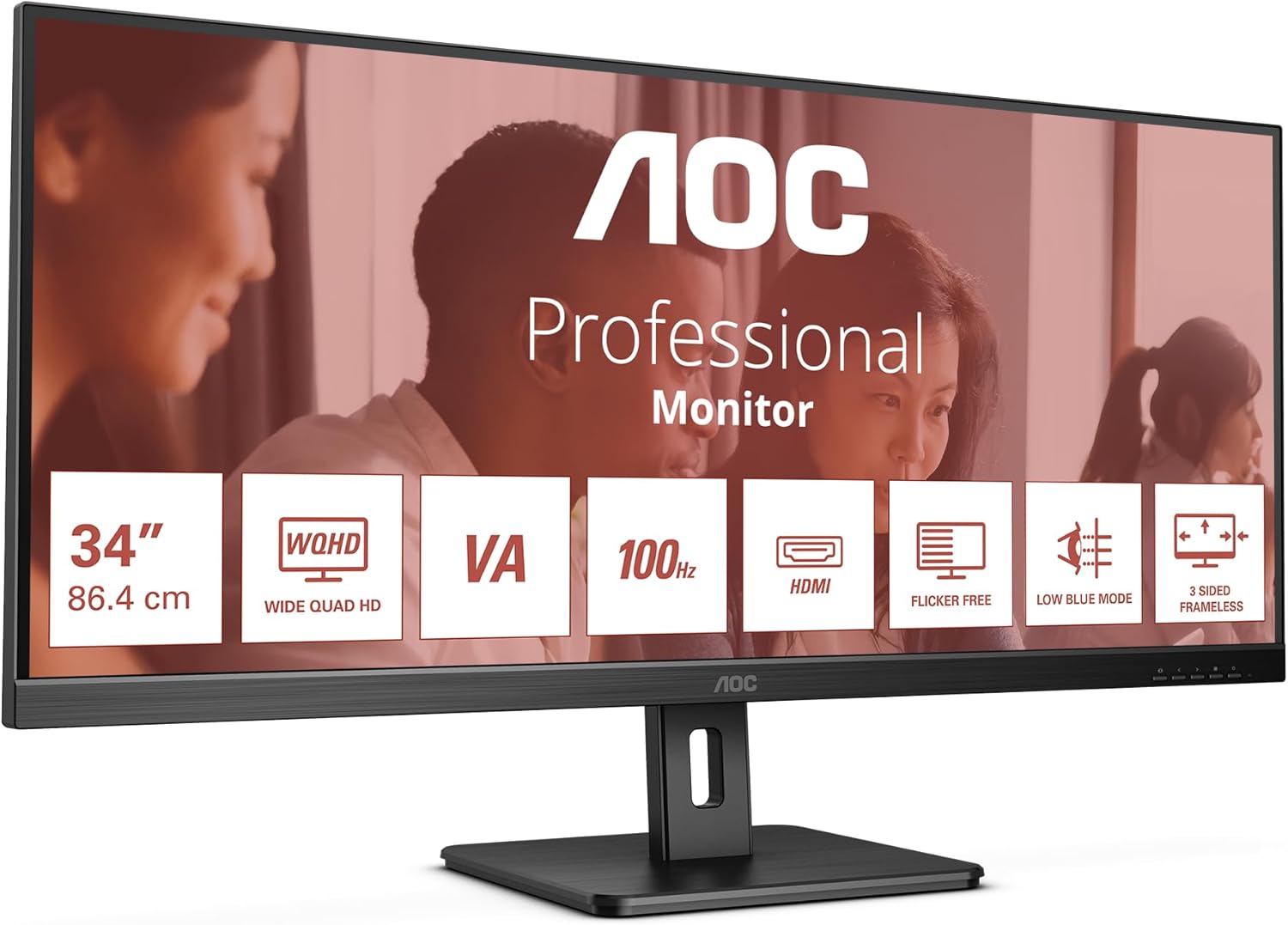
User value rests on a relatively simple, cohesive package: a large ultrawide screen, 100Hz refresh rate for smoother scrolling and navigation, and VA panel contrast that typically helps with deeper blacks in darker scenes. The monitor is designed to reduce eye fatigue through Low Blue Light and Flicker Free technology, which can be helpful for long sessions. Adaptive Sync helps with steady frame delivery in varied usage, from productivity to casual gaming, while the stand-out practical details include VESA mounting and tilt adjustment for ergonomic setup.
Pros
- Large ultrawide workspace that can replace multiple monitors, potentially boosting productivity.
- 100Hz refresh rate provides smoother motion than standard 60Hz panels, useful for scrolling, video and casual gaming.
- VA panel tends to offer strong contrast, which can help with immersive watching and document review in darker environments.
- Eye-comfort features (Low Blue Light, Flicker Free) may reduce strain during long sessions.
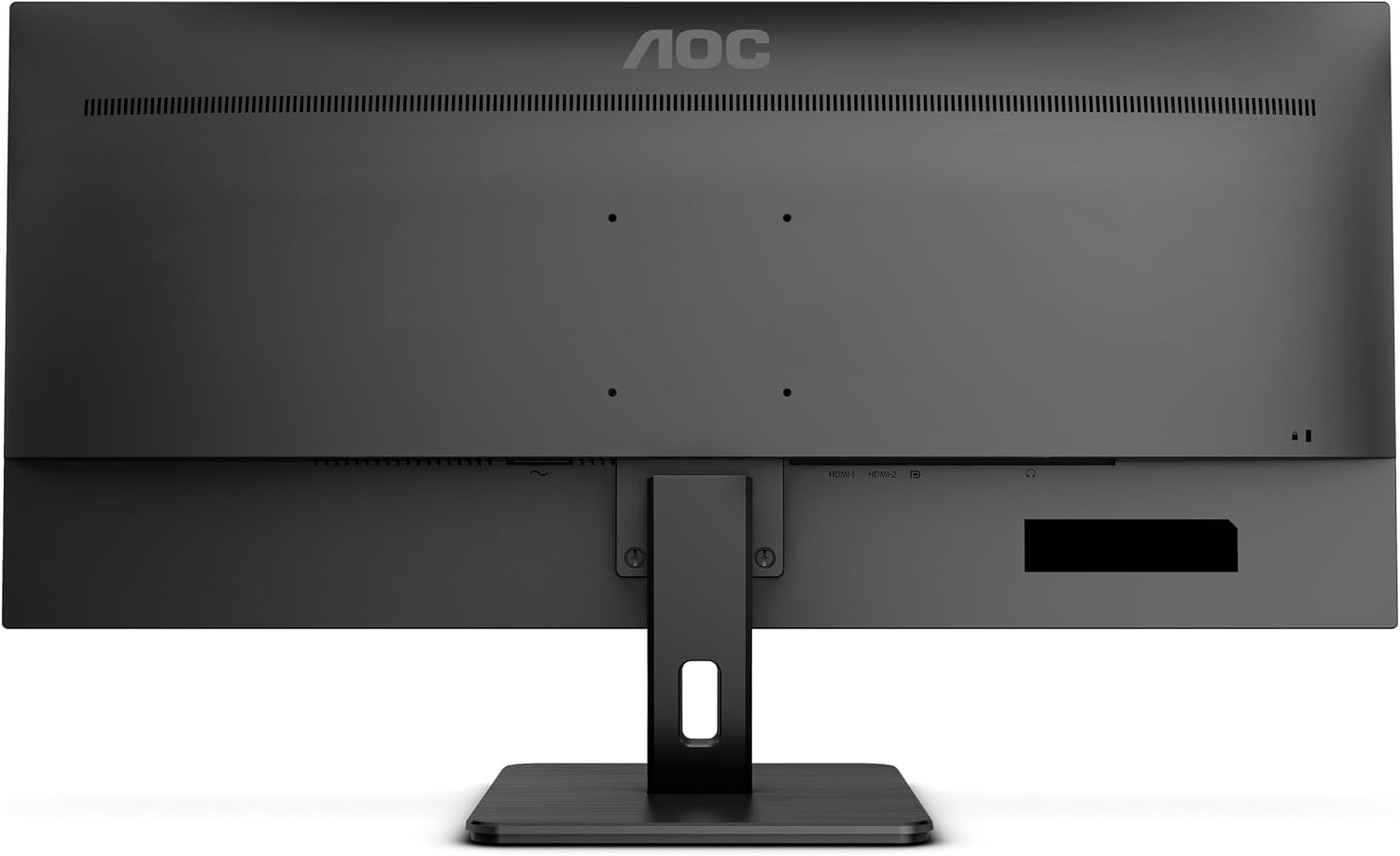
- Flexible mounting options with VESA compatibility and tilt adjustment.
Cons
- Not a true high-end gaming panel, 100Hz is solid, but response times and overall brightness may not satisfy demanding competitive gamers.
- The ultrawide aspect ratio means some software windows and apps may display with letterboxing or scaling quirks in non-wide modes.
- HDR capability is not highlighted, so peak highlights may be modest compared with pricier models.
- Build materials and ergonomics are adequate, but not luxurious, it’s more a value-forward choice than a premium chassis.
Who it’s for
This monitor suits busy professionals who benefit from ample screen real estate—writers, developers, data workers, and multi-tab researchers. It’s also a reasonable pick for home cinema or media consumption in rooms where space is at a premium and a curved panel isn’t a priority. If you value eye comfort for long sessions and want a flexible, mountable display with reasonable performance, the U34E2M checks several boxes.
When it makes sense to buy
- You need a wide enough canvas to view multiple documents side by side without tiling.
- Your work involves long computer sessions and you value eye-friendly features.
- You want a single display that can serve both productivity and occasional media/gaming without paying a premium for a high-end gaming monitor.
- You have space for an ultrawide and appreciate VESA mounting for a cleaner desk setup.
What to check before you buy
- Ensure your desk and GPU support ultrawide resolutions at acceptable performance, if you rely on older GPUs, verify compatibility with 3440 x 1440 at 100Hz.
- Check that your cabling (HDMI 2.0 or DP 1.2) and stand/arm setup fit your workspace, especially if you need precise tilt.
- Consider room lighting, VA panels can show off colours well, but peak brightness may limit HDR-like impact in bright rooms.
- If you’re after true professional colour accuracy, consider whether a dedicated colour calibration path is necessary, as this model focuses on general usability.
What stands out in use
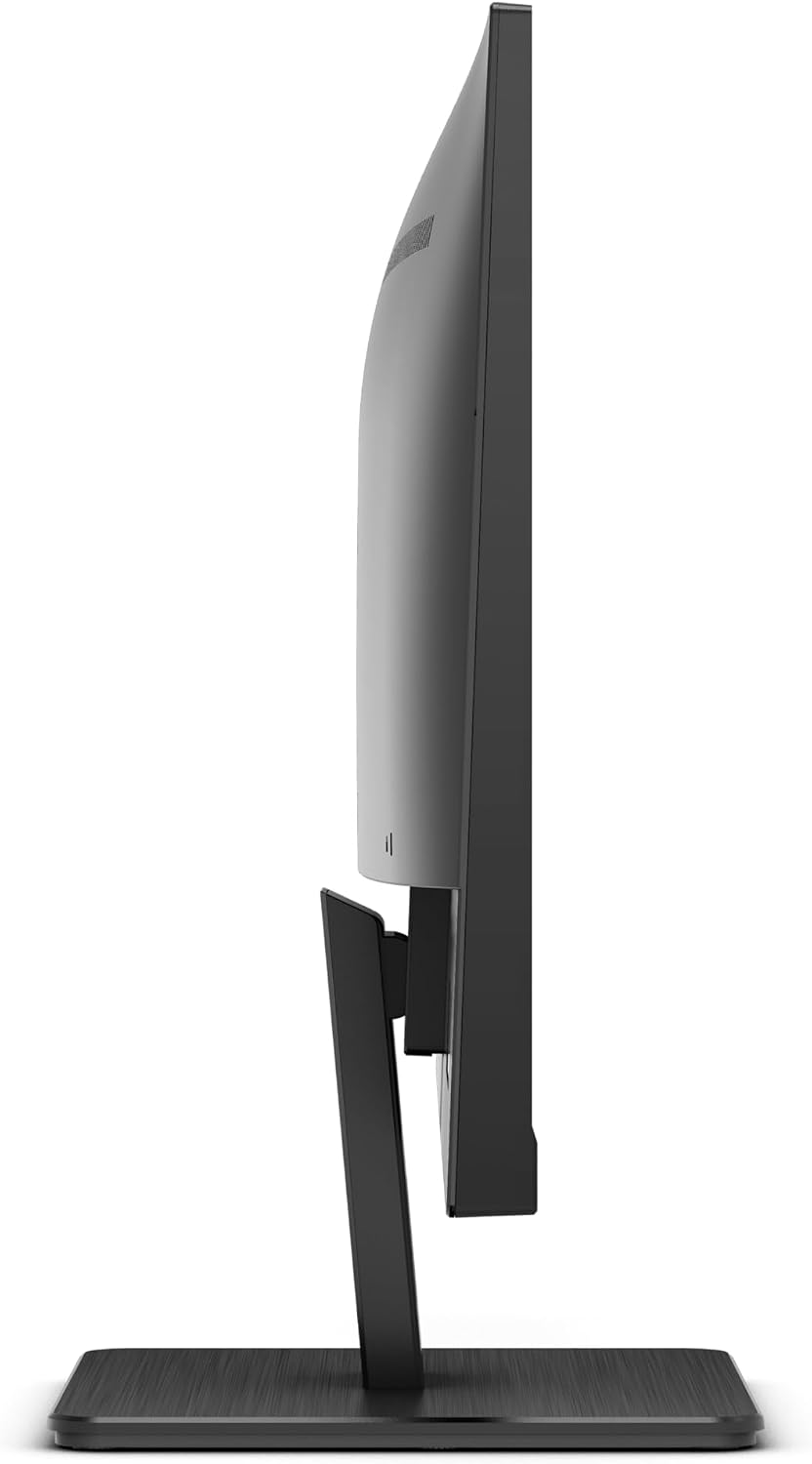
In day-to-day tasks, you’ll notice generous horizontal space that makes editing documents or comparing spreadsheets more efficient. The 100Hz refresh helps with smoother cursor movement and scrolling, which can feel pleasant when navigating large web or code projects. For movie night or casual gaming, the deep contrast of a VA panel adds depth to scenes, especially in darker content.
FAQ
- Q: Is it suitable for gaming at 3440 x 1440? A: It provides a 100Hz experience with Adaptive Sync, which is adequate for casual gaming and smooth office tasks, but it’s not a high-end gaming monitor.
- Q: Does it support HDR? A: HDR support isn’t highlighted, so expect standard dynamic range performance.
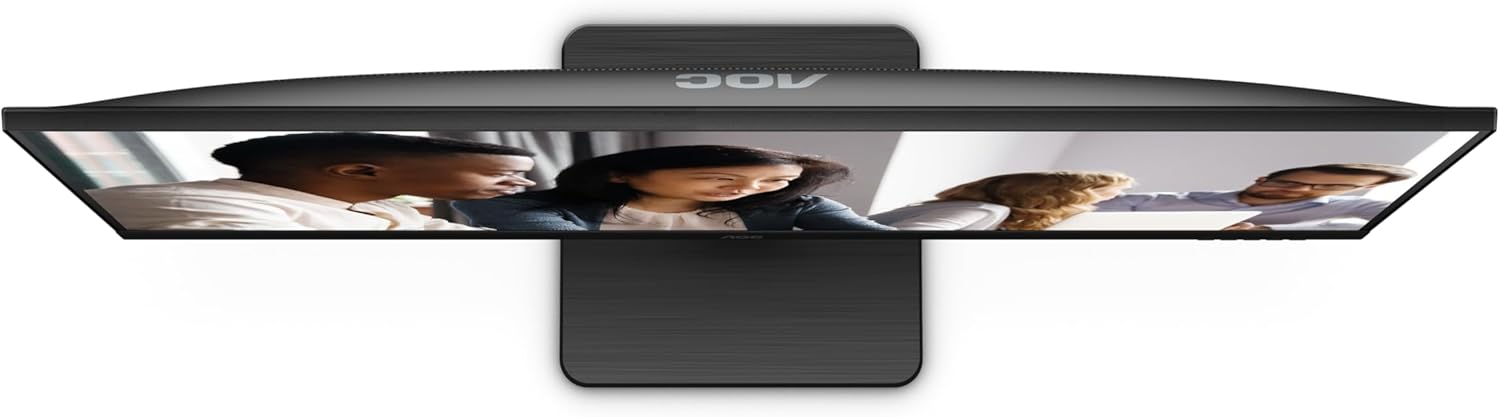
- Q: Can I mount it on a wall or arm? A: Yes, it’s VESA mountable, which offers flexibility for desk or wall setups.
Final verdict
Worth considering if you prioritise screen real estate and value eye-friendly features over maxed-out gaming specs. It’s a sensible mid-range ultrawide option for productivity and media, with pragmatism over hype. If your needs include serious colour accuracy or high-end gaming performance, you may want to explore other paths. A solid buy for a balanced, value-driven setup.
Quick-use example
Imagine having three documents open side by side: a contract, a spreadsheet, and a research browser. The U34E2M gives you that horizon of space without a cluttered desk, and the tilt helps you dial in a comfortable viewing angle while you draft or review.
Is it worth it?
It makes sense if you want a generous ultrawide display for everyday work and casual entertainment without venturing into premium pricing.