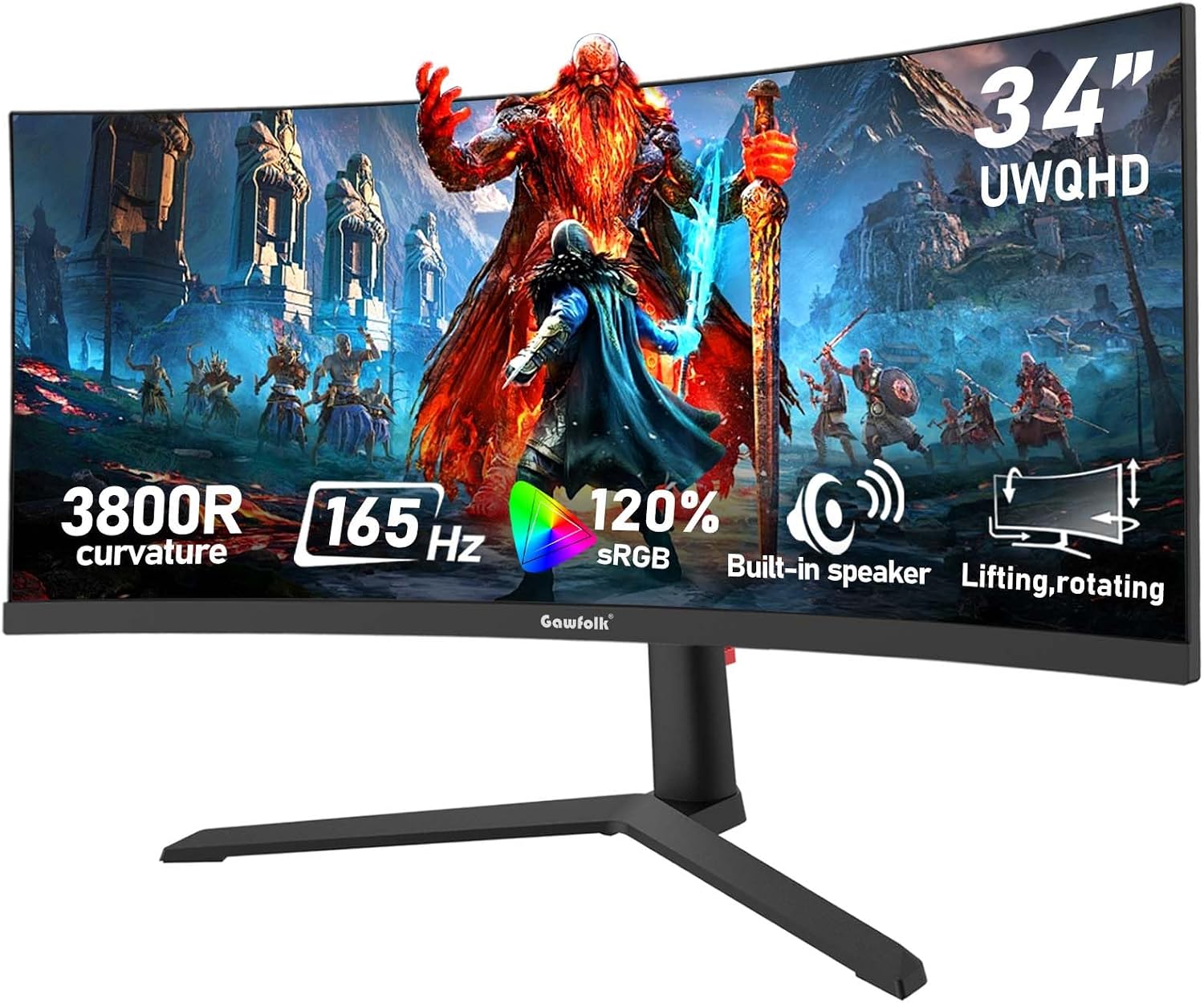
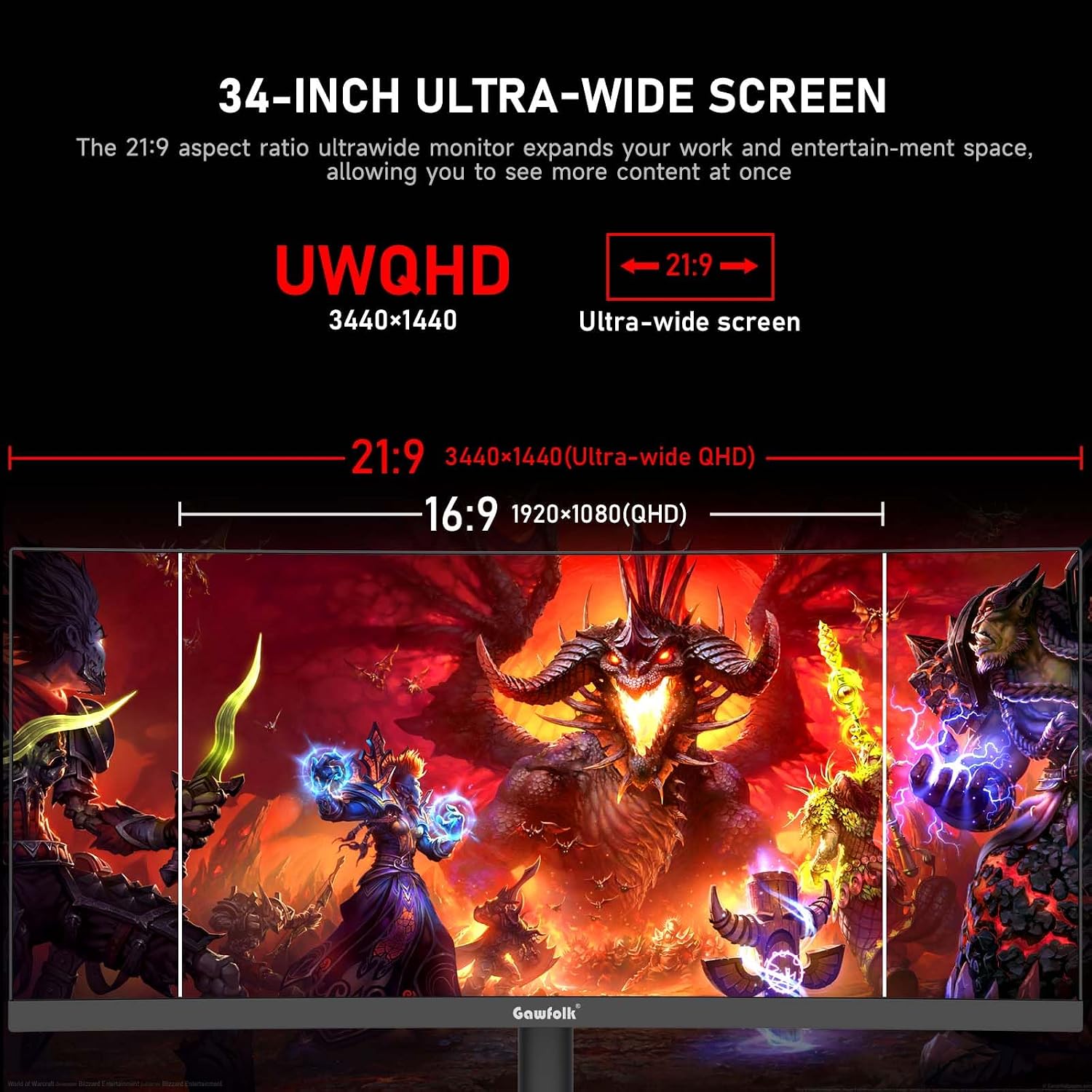
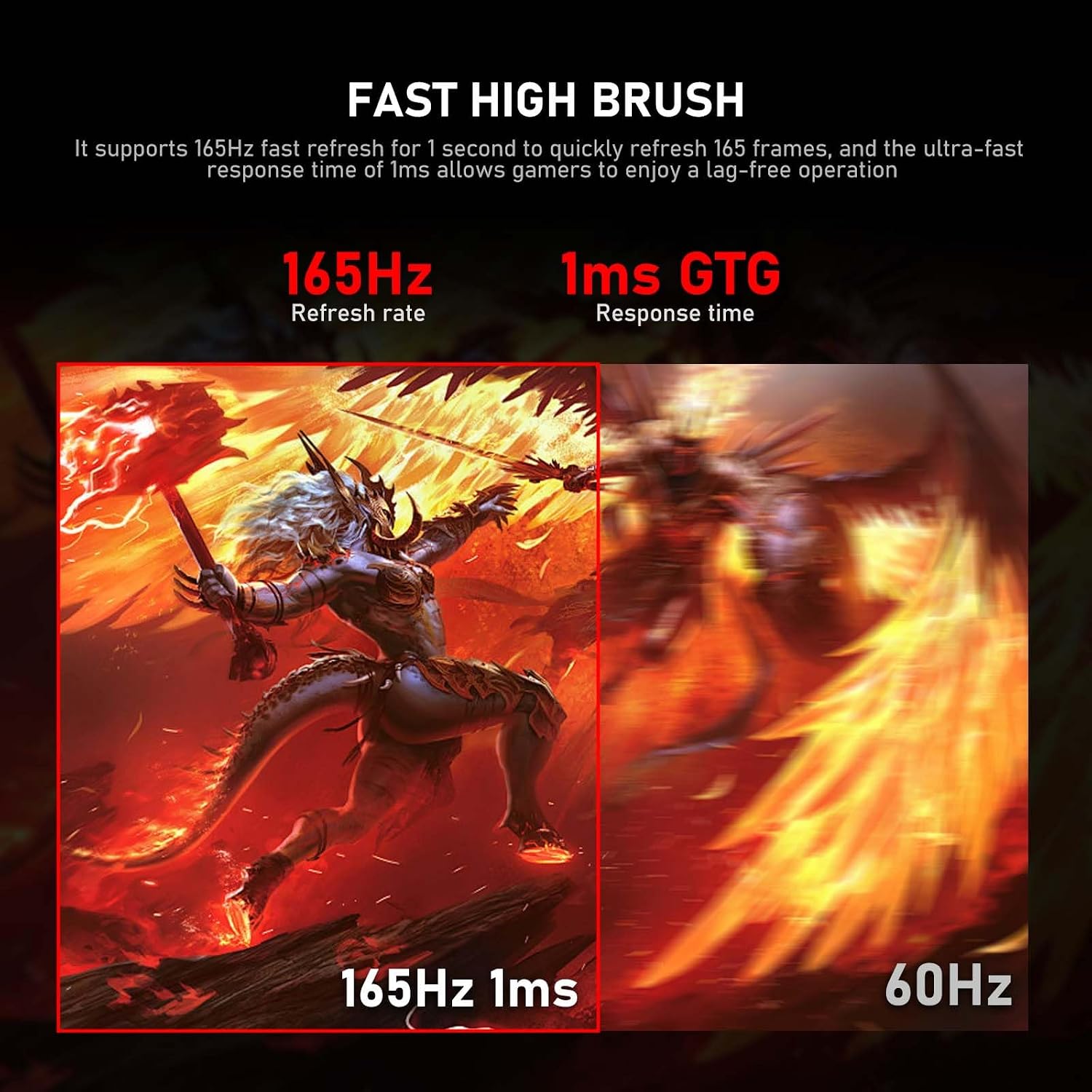
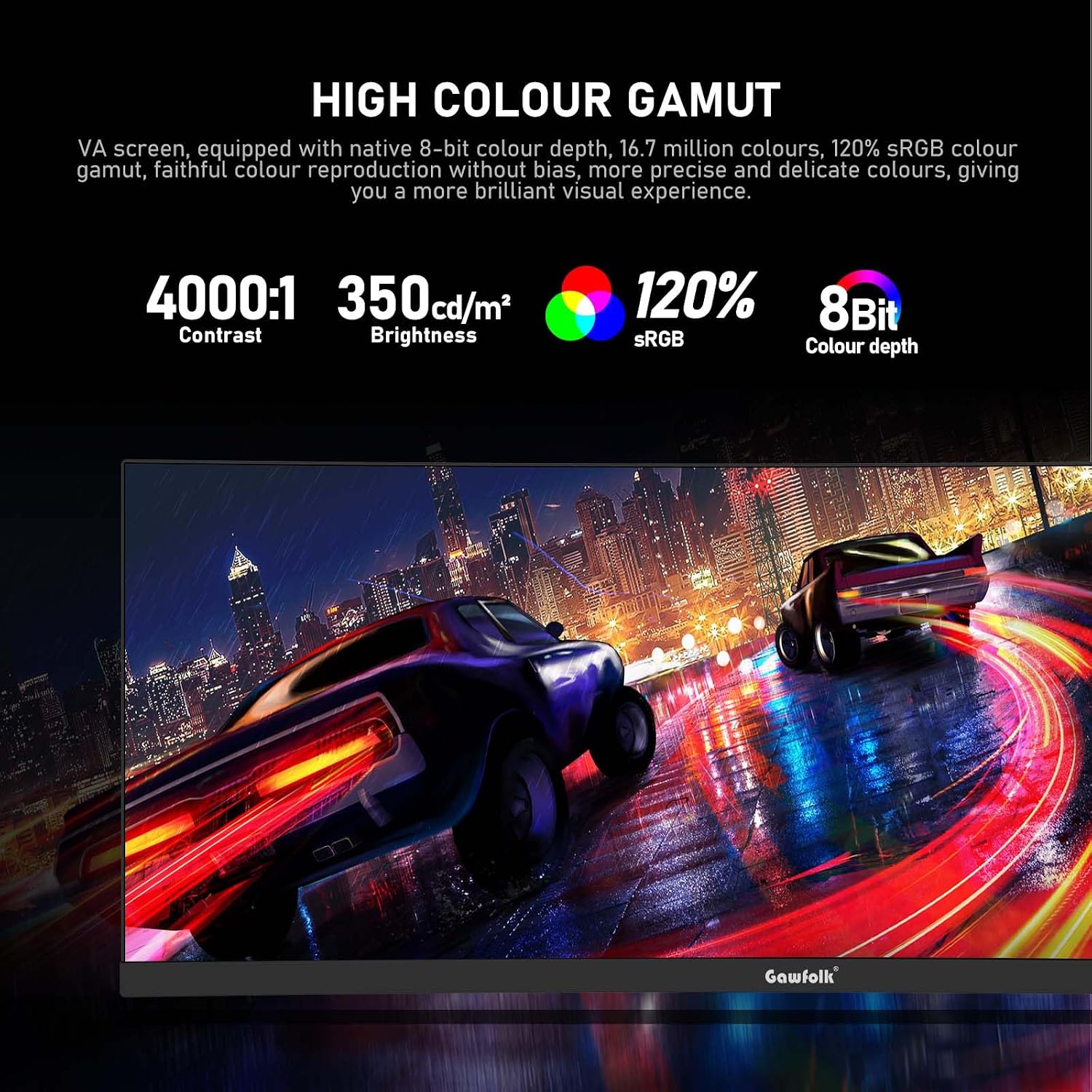
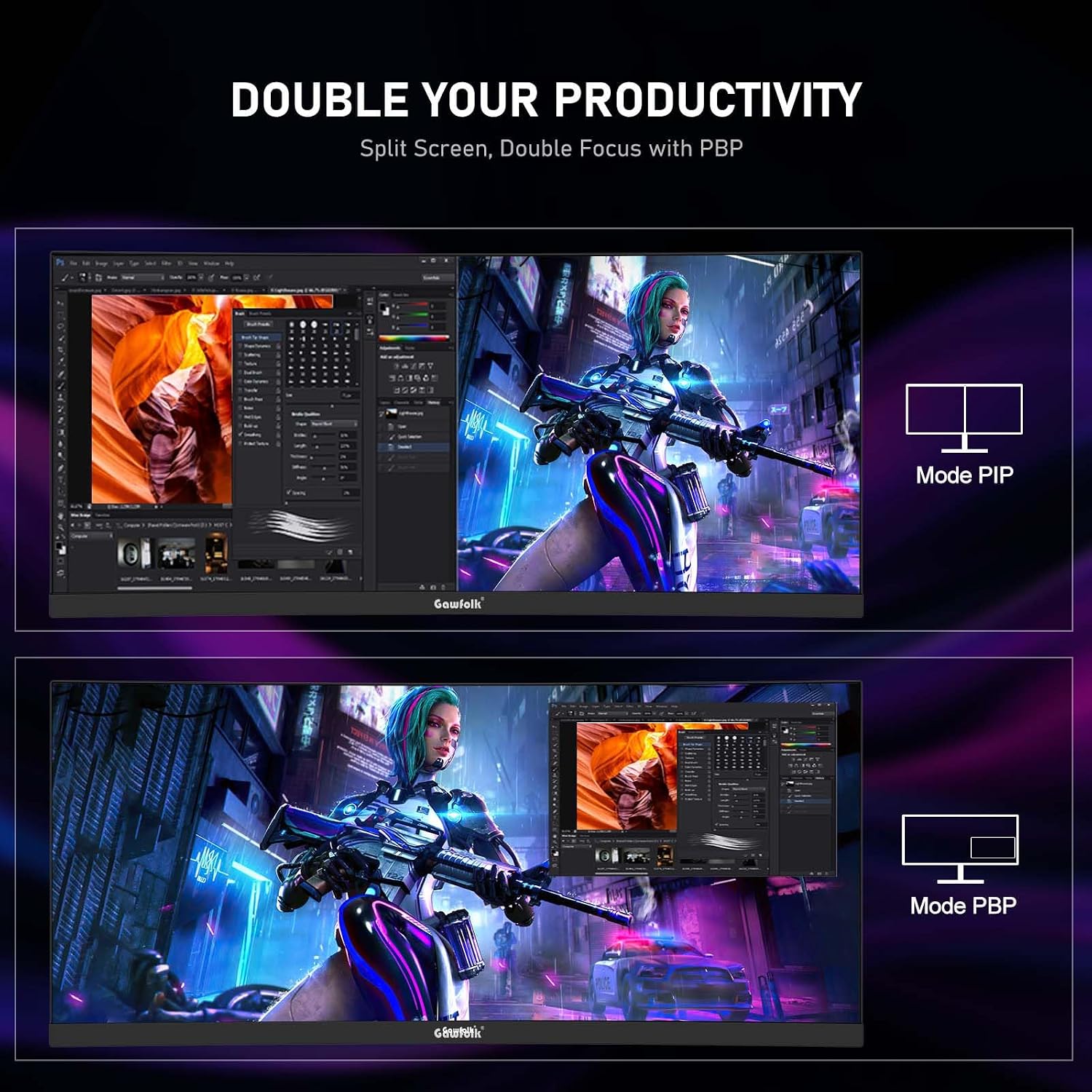
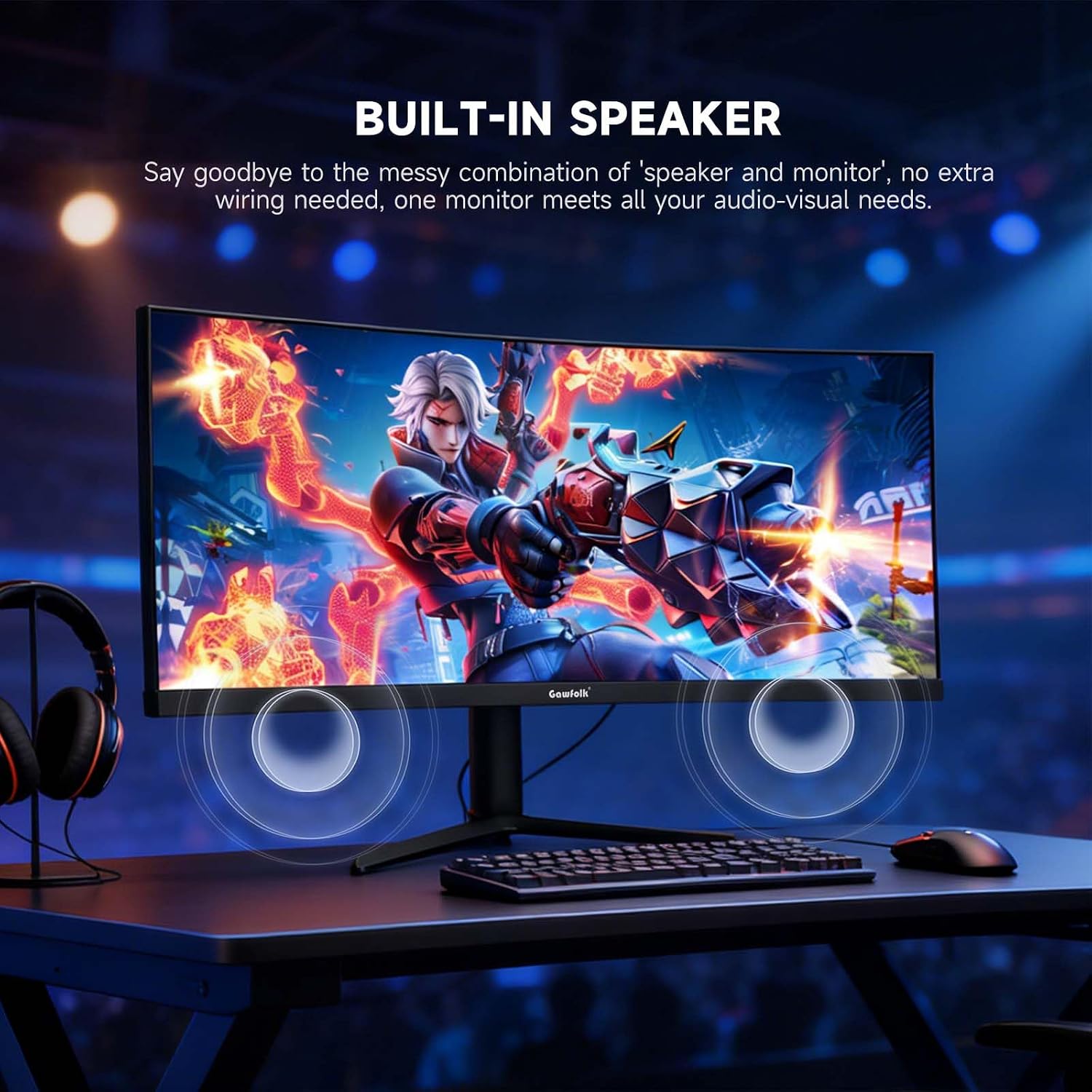
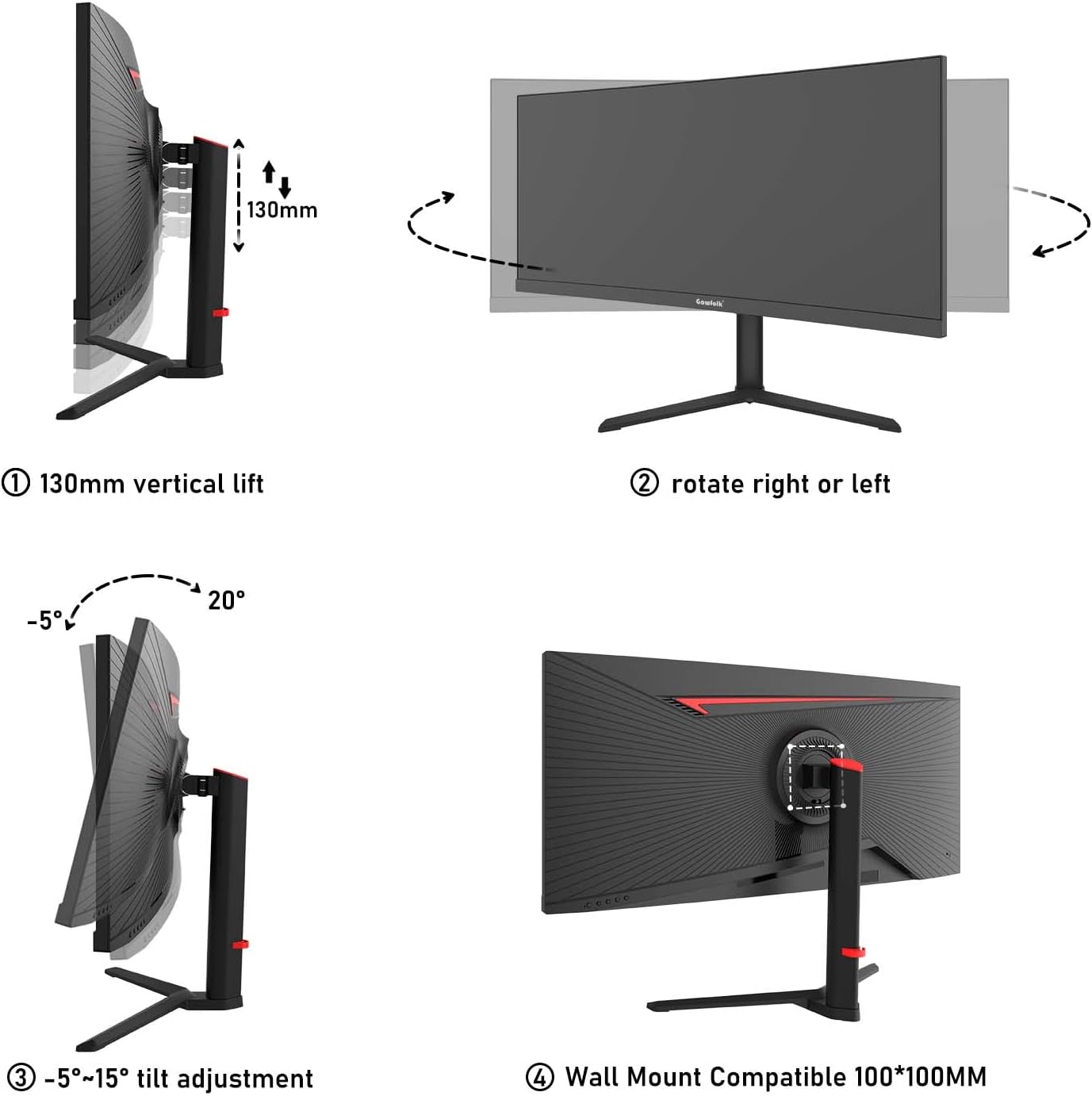
What it is and what it aims to solve\nThe Gawfolk 34 Inch Ultrawide Curved Monitor is designed for both immersive gaming and productive work. With a 21:9 UWQHD panel (3440x1440) and a pronounced 3800R curvature, it offers a wider field of view and deeper colours that can help separate work windows and reduce the need to pan across the screen. On paper, the monitor supports a high refresh rate of 165Hz and Adaptive Sync, which should translate to smoother motion and fewer tearing issues in fast-paced games. If you prioritise a single display for gaming and multitasking, this model aims to deliver.\n\n## Core strengths you’ll notice in use\nThe 34" ultrawide format paired with 3440x1440 resolution provides more horizontal real estate than standard 16:9 screens, which is handy for side-by-side workflows or expansive game UI. The 165Hz refresh rate and 1ms response are aimed at reducing motion blur and improving responsiveness in fast titles. The monitor also carries 120% sRGB, which suggests a broader colour gamut that can render more vibrant greens and reds, subject to source content. Built-in speakers and a liftable stand add convenience for desk setup and everyday use.\n\n## What stands out and where it may fall short\nOn the positives, the combination of ultrawide real estate, high refresh rate and adaptive sync is compelling for a fluid gaming experience that also doubles as a productive monitor for multi-window tasks. The inclusion of multiple inputs (2x HDMI, 2x DisplayPort) helps with switching between devices like PC, laptops and game consoles. However, a potential limitation is the stated brightness around 350 nits and a noted 1920×1080/60Hz compatibility limit for some consoles, which means it won’t deliver 4K or higher refresh rates from those devices. The stand supports height adjustment and a 100 x 100 mm VESA mount, but the mount is not included in the box.\n\n## Who this is for\nIf you’re after an expansive, immersive display for PC gaming and you also want to keep work tasks or media viewing on the same screen, this model could fit well. It’s likely most appealing to gamers who value wide field of view and smooth motion, plus users who benefit from extra screen width for productivity. It may be less ideal if you mainly play at 1080p or if you require the brightest HDR performance, as the brightness figure is modest and there’s no explicit HDR specification mentioned.\n\n## Who may want to rethink it\nNot the best choice if you primarily game at 1080p on consoles with strict display limits, or if you need high-end HDR brightness and performance. If desk space is tight or you rely on a stand that doesn’t offer the needed tilt or height for your setup, the adjustability may not fully compensate.\n\n## When it makes sense to buy\nChoose this monitor if you want a single screen that can handle immersive gaming and heavy multitasking, and you don’t mind relying on the standard adaptive sync ecosystem. It’s sensible to verify your GPU and console outputs align with the stated inputs and refresh rates, and to confirm that your preferred viewing distance benefits from an ultrawide curvature.\n\n## What to check before buying\n- Confirm the source devices can push 165Hz via DisplayPort 1.4 or 100Hz via HDMI 2.0 to get the most from the panel.\n- Check if the 100×100 mm mount option is compatible with your chosen VESA arm or stand.\n- Consider whether you need higher brightness or true HDR, this model does not list HDR specs beyond “bright and vivid colours.”\n- Evaluate desk space to ensure the 34" ultrawide fits comfortably and the liftable stand aligns with your seating height.\n\n## Practical usage example\nA typical day might involve editing documents across two web pages on the left while gaming or media is on the right, with the 165Hz panel keeping motion smooth in fast scenes. The curved screen helps keep peripheral content within view, which can reduce eye movement during long sessions.\n\n## Alternatives and comparable approaches\nIf you’re weighing options, you could compare to flatter ultrawide or 27–32 inch 1440p monitors that may offer higher brightness, HDR or PCIe-connected features. This model sits toward the mid-to-upper end of ultrawide gaming monitors, emphasising a balance of width, refresh rate and colour gamut rather than niche HDR extremes or extreme brightness.\n\n## FAQ (brief)\n- Does it support G-Sync? It uses Adaptive Sync, compatibility may depend on your graphics card.\n- Can I use it with a console? Yes, but expect up to 1920×1080/60Hz depending on the input.\n- Is the stand height-adjustable? Yes, with tilt and height adjust features.\n\n## Is it worth it?\nBuying this monitor makes sense if you value an expansive 21:9 workspace with a high refresh rate for gaming and multitasking, and you’re okay with the modest brightness and lack of explicit HDR. If you prioritise peak brightness or true HDR61, you may want to explore other options.