

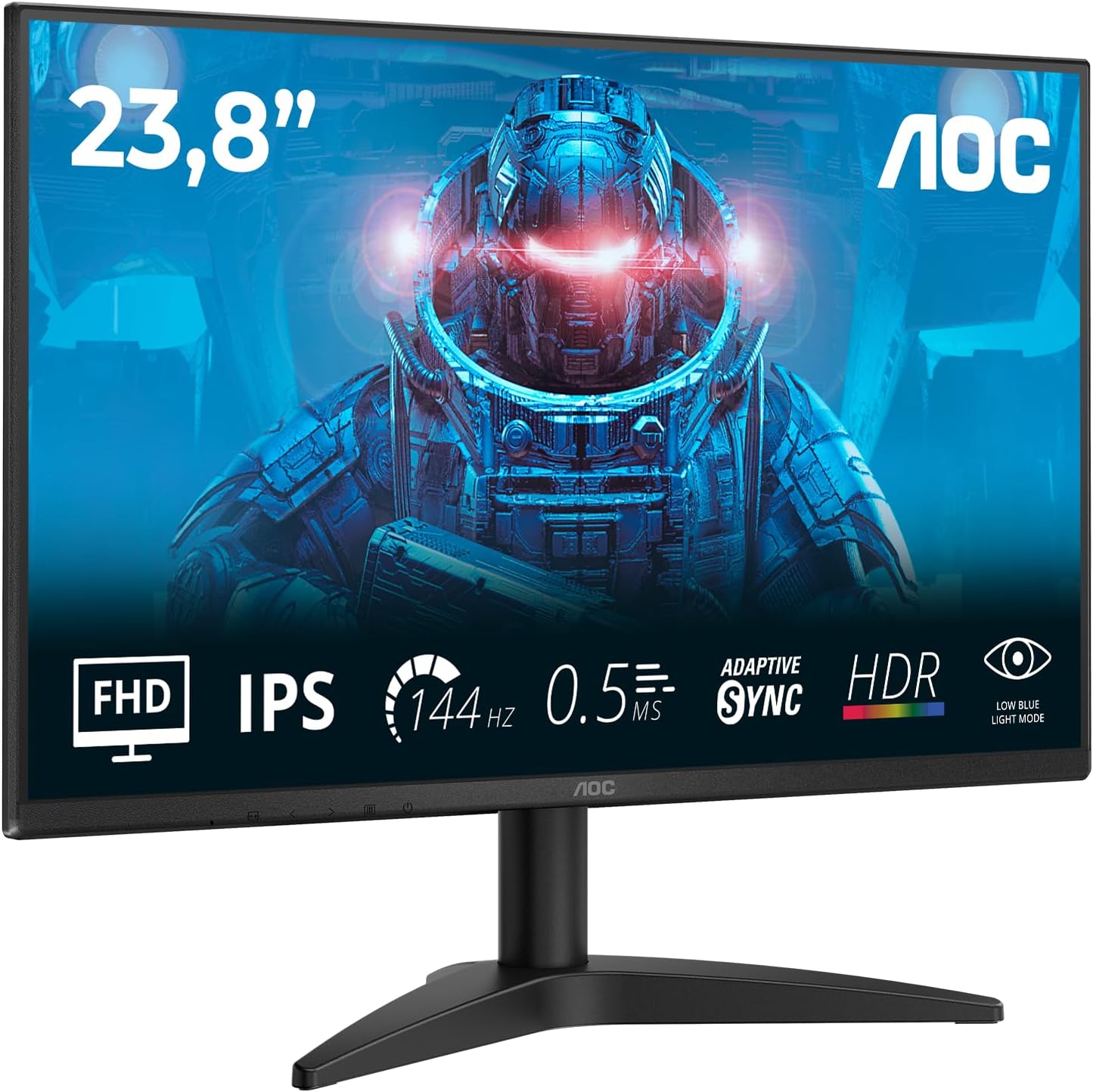
AOC 27B36X 27 inch FHD Gaming Monitor – 144Hz, IPS, HDR10
Product description
What it is
The AOC 27B36X is a 27-inch Full HD gaming monitor designed to blend responsive gameplay with comfortable, everyday use. It uses an IPS panel to deliver wide viewing angles and reasonably accurate colours, making it suitable for both gaming and shared screen scenarios at home or in a small office setup.
What matters most
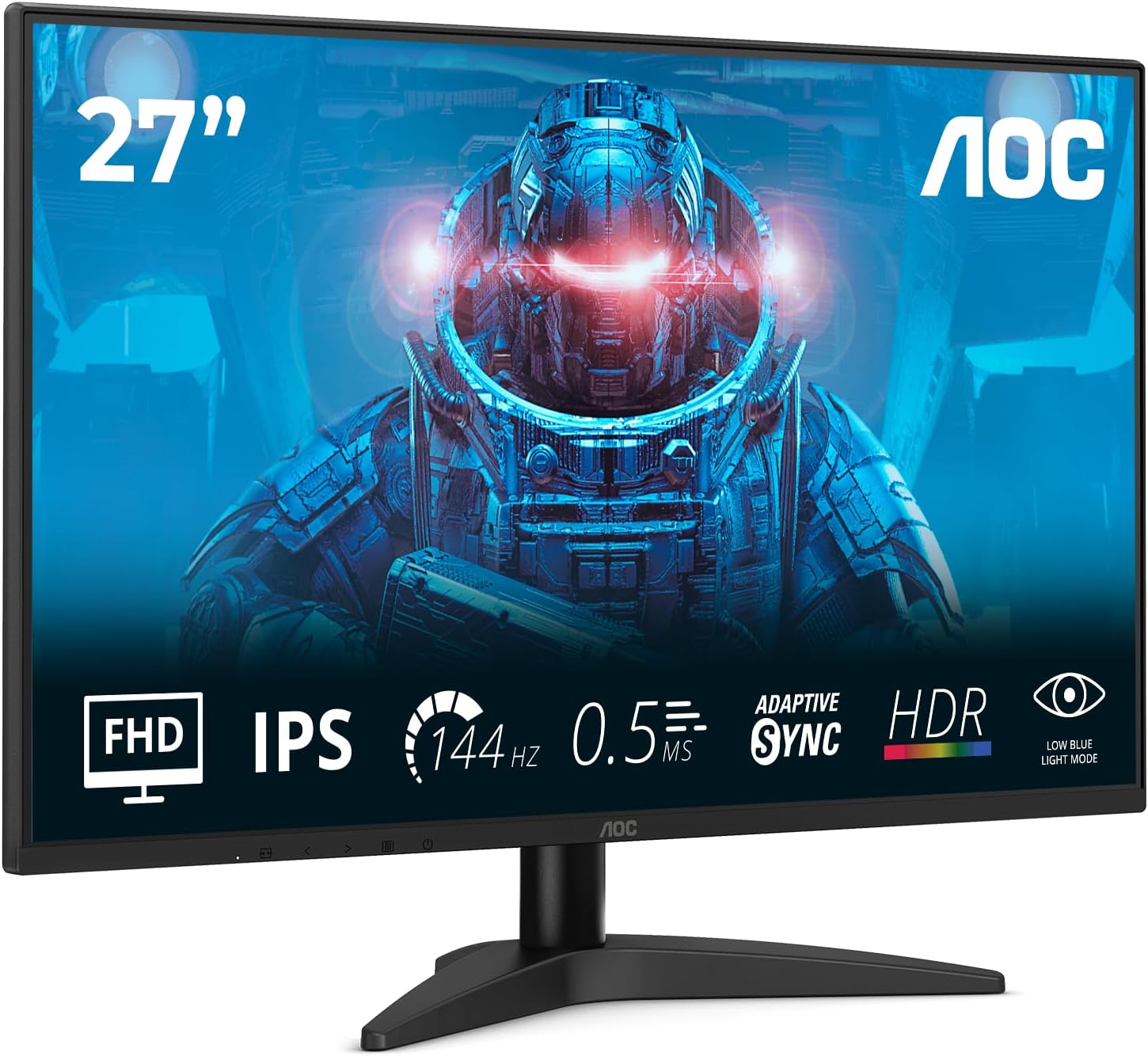
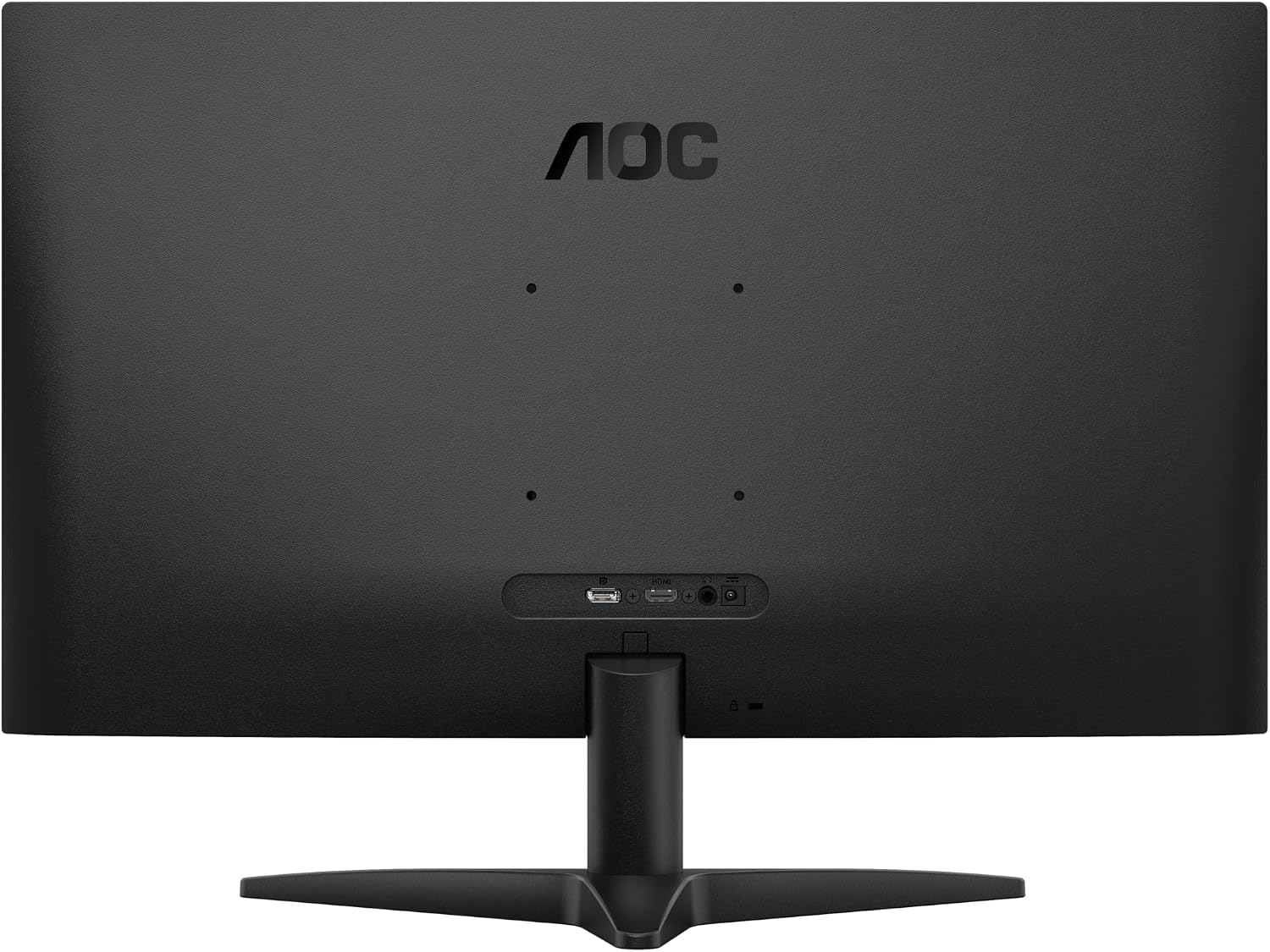
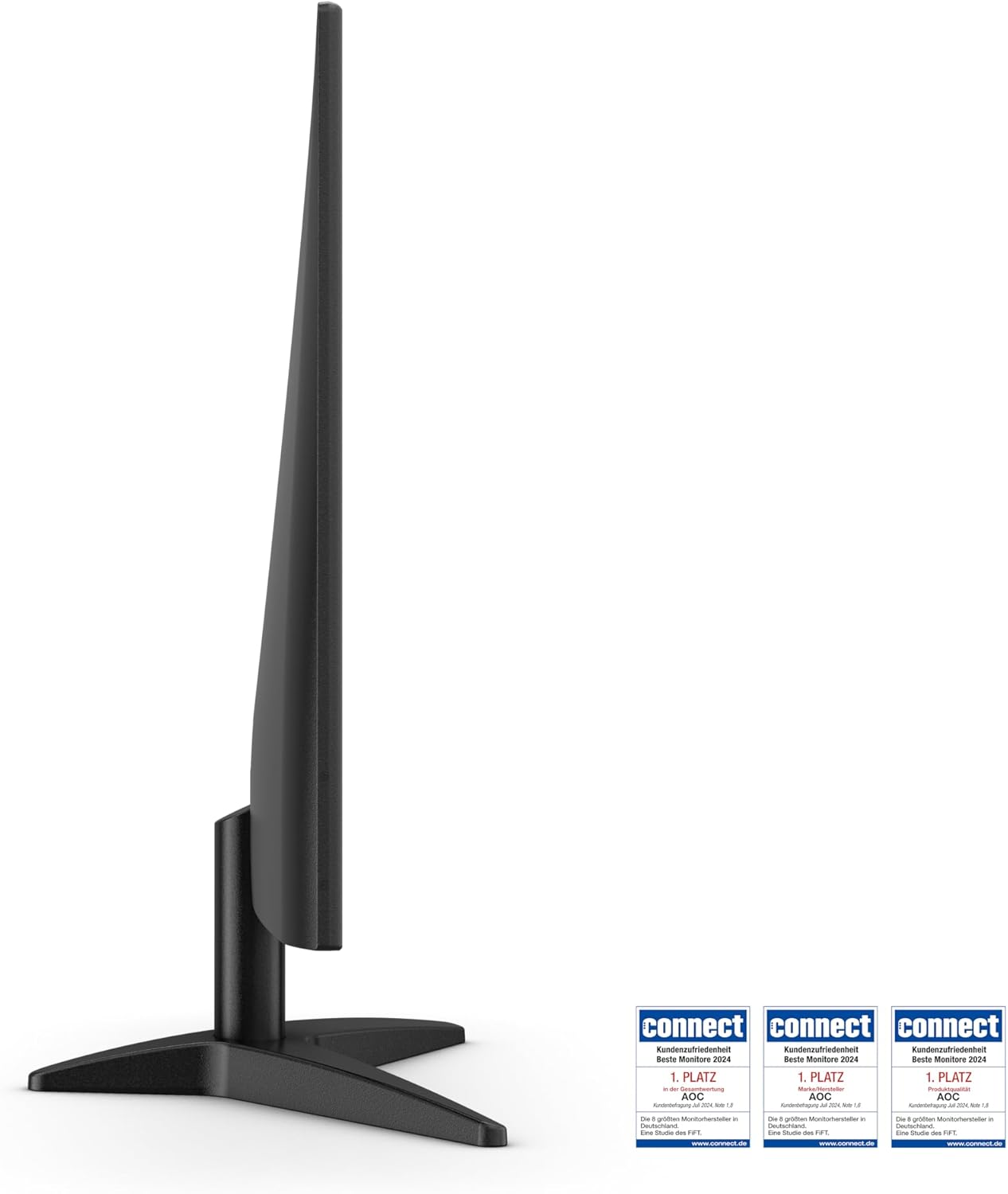
Key strengths on paper include a 144Hz refresh rate for smoother motion, a 4ms GtG response, and HDR10 support which can enhance realism in HDR-enabled games and streaming content. Flicker-free technology aims to reduce eye strain during longer sessions, while ergonomic height adjustment and VESA compatibility offer practical flexibility in desk arrangement or wall mounting.
How it performs for gaming and everyday tasks
In fast-paced games, the 144Hz refresh can help with smoother target tracking and motion clarity. The IPS panel generally provides wide viewing angles, so teammates or family members can view the screen without needing to sit directly in front of it. HDR10 support indicates potential for enhanced contrast in supported titles, though the impact will depend on the content and the monitor’s brightness capability. For text and productivity, the 1080p resolution on a 27-inch panel is serviceable but not as sharp as higher-resolution options, which is a trade-off you’ll want to consider.
The best and the not-so-great bits
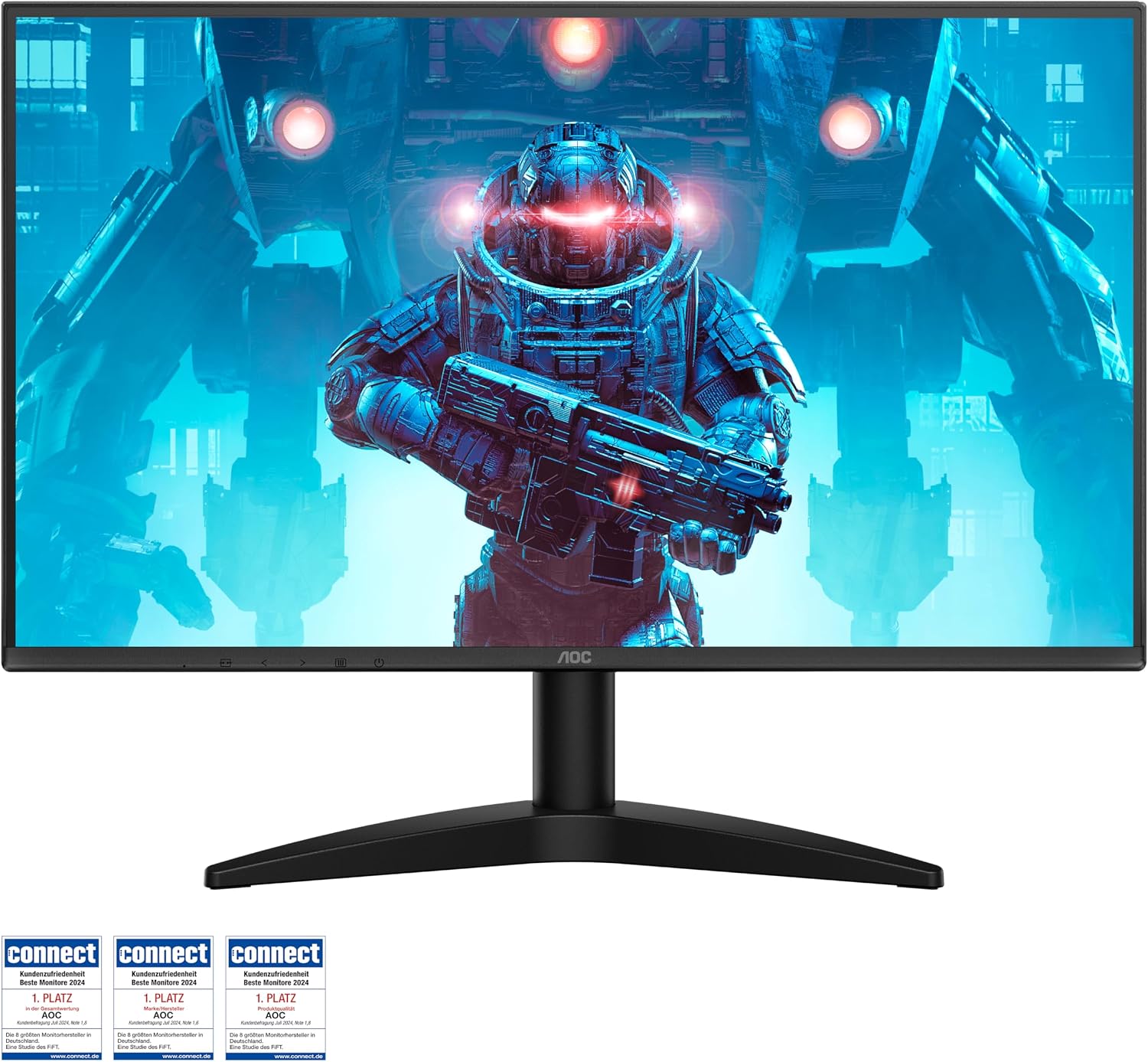
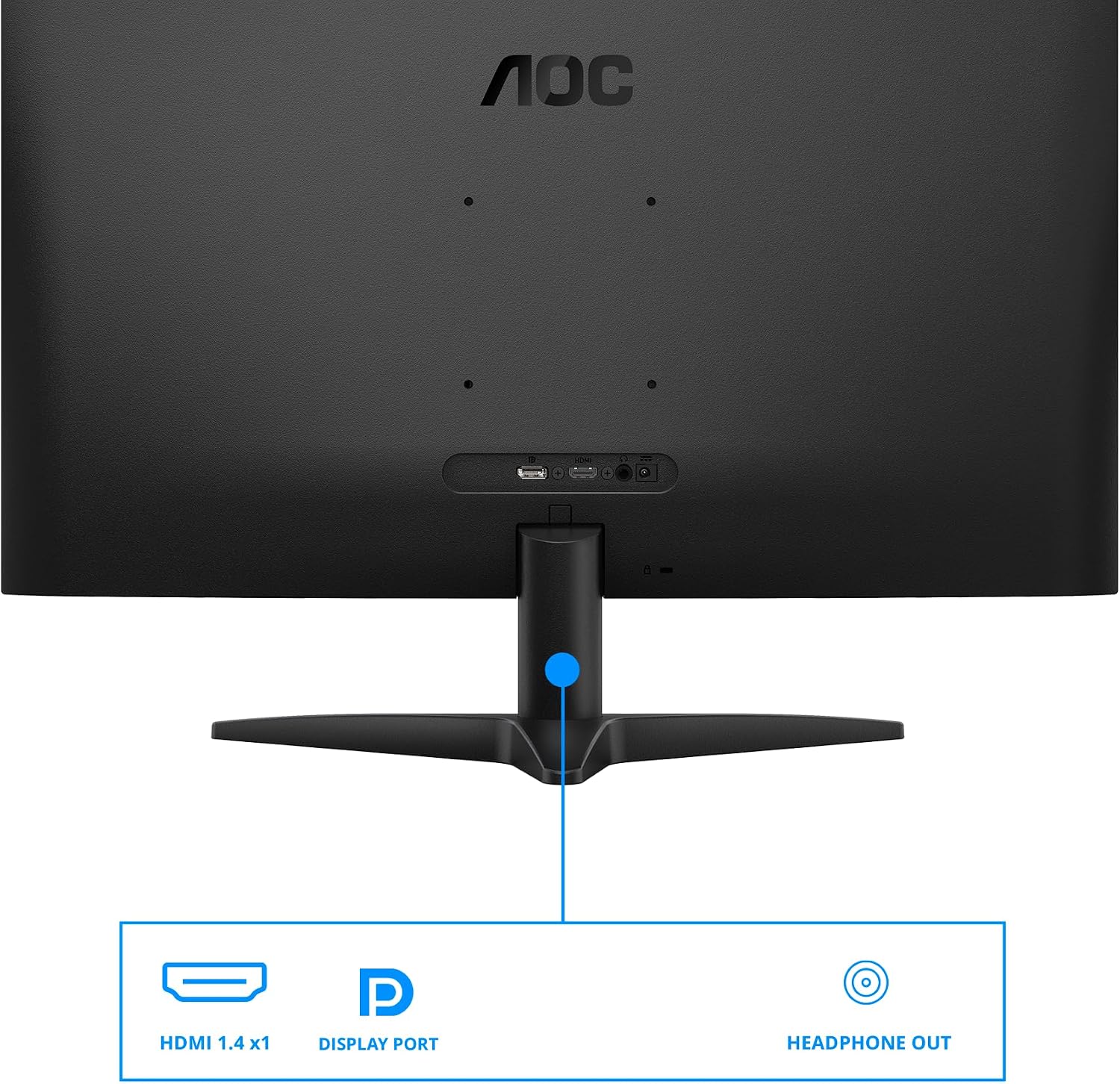
What stands out is the combination of high refresh rate, IPS colour fidelity, and eye-friendly features like flicker-free tech and adjustable stand. On the downside, the monitor sticks to 1080p, which may feel limited on a large 27-inch screen if you’re coming from higher-resolution displays. The HDR experience is contingent on content and brightness, and the single HDMI 1.4 port plus a DP 1.4 port may constrain cable setups for multi-device desks.
Who it’s for
This model suits casual to mid-range gamers who prioritise a higher refresh rate for smoother motion without needing 1440p or 4K clarity. It’s also a practical option for collaborative setups where multiple people may view the screen at once, thanks to the wide viewing angles. For productivity, it remains handy if you value a comfortable viewing position and simple, space-saving mounting.
Who it’s not ideal for
If you’re chasing sharp text and desktop clarity at 27 inches, or you require abundant brightness for HDR to really pop, this may not be the best fit. Those who need multiple HDMI inputs or plan to run very brightness-demanding HDR content might want to look at models with more comprehensive connectivity or higher peak brightness.
When it makes sense to buy
If you favour a responsive gaming experience without paying to push into higher resolutions, and you have a desk setup where ergonomic adjustments or wall-mounting could matter, this monitor offers a balanced package. It’s sensible to buy if you’re scaling a shared-screen workstation or a compact gaming nook where budget and practicality take priority.
What to check before you buy
Consider your current PC GPU capability for 1080p at 144Hz, and ensure your cable choices align with the monitor’s ports (DP 1.4 or HDMI 1.4). Assess room lighting to manage HDR expectations and note that the true HDR impact on a 1080p IPS panel will be modest compared with higher-end HDR displays. If you rely heavily on productivity text, think about whether 1080p on a 27-inch screen meets your clarity needs over time.
Practical use case
Imagine a late-evening co-op session where friends crowd around the desk, the IPS panel’s wide viewing angles help everyone enjoy the game without turning heads awkwardly. You can sit slightly off-centre and still get consistent colours while the 144Hz refresh helps with rapid-fire moments. For daily tasks, the stand’s height adjustability makes it easier to keep your neck relaxed during long work-from-home days.
What you get and how it compares
In practice, this monitor sits in a pragmatic niche: a solid 27-inch, 1080p, 144Hz option with pleasant viewing angles and a modest HDR flavour. If you prioritise image quality at a higher resolution or need more than one HDMI input, you might look at models that cater to those needs. If value-for-money and a dependable gaming experience are your priorities, this model presents a reasonable compromise with useful ergonomic features.
Final decision
Is it worth it?
Worth considering if you prioritise a high refresh rate and comfortable viewing in a compact setup, while staying within a sensible budget. It may not be the best choice if you want a higher-resolution panel or more HDMI versatility. For a user who values ergonomic adjustability and shared viewing, it makes sense to test how the 27B36X fits your space and routine.
Quick FAQ
- Does it support both HDMI and DisplayPort? Yes, it includes HDMI 1.4 and DP 1.4 connections.
- Is HDR useful on this monitor? It offers HDR10 support, but the overall impact depends on content and brightness capabilities.
- Is the stand adjustable? Yes, the monitor features ergonomic height adjustment for customised viewing comfort.
- Is 1080p enough on a 27-inch screen? It’s serviceable for gaming and general use, but you may notice a softer text and less pixel density compared with higher-resolution options.