

CronusPro 34 Inch Ultrawide Curved Gaming Monitor (UWQHD 3440x1440) – 165Hz, 1ms MPRT, 1500R Curved, FreeSync Premium
Reviews
Price
Product description
What it is and who it’s for
The CronusPro 34 Inch Ultrawide Curved Gaming Monitor is a 34-inch, 21:9 display designed to envelop your field of view for immersive gaming and cinematic viewing. With UWQHD resolution (3440x1440) and a 165Hz refresh rate paired with a 1ms MPRT response time, it aims to deliver smooth, responsive gameplay and crisp detail. If you value a wider canvas for racing sims, shooters, or story-driven titles, this model is pitched as a capable all-rounder that can help you spot threats earlier and enjoy more expansive scenes in films and media.
On-screen performance and what it feels like
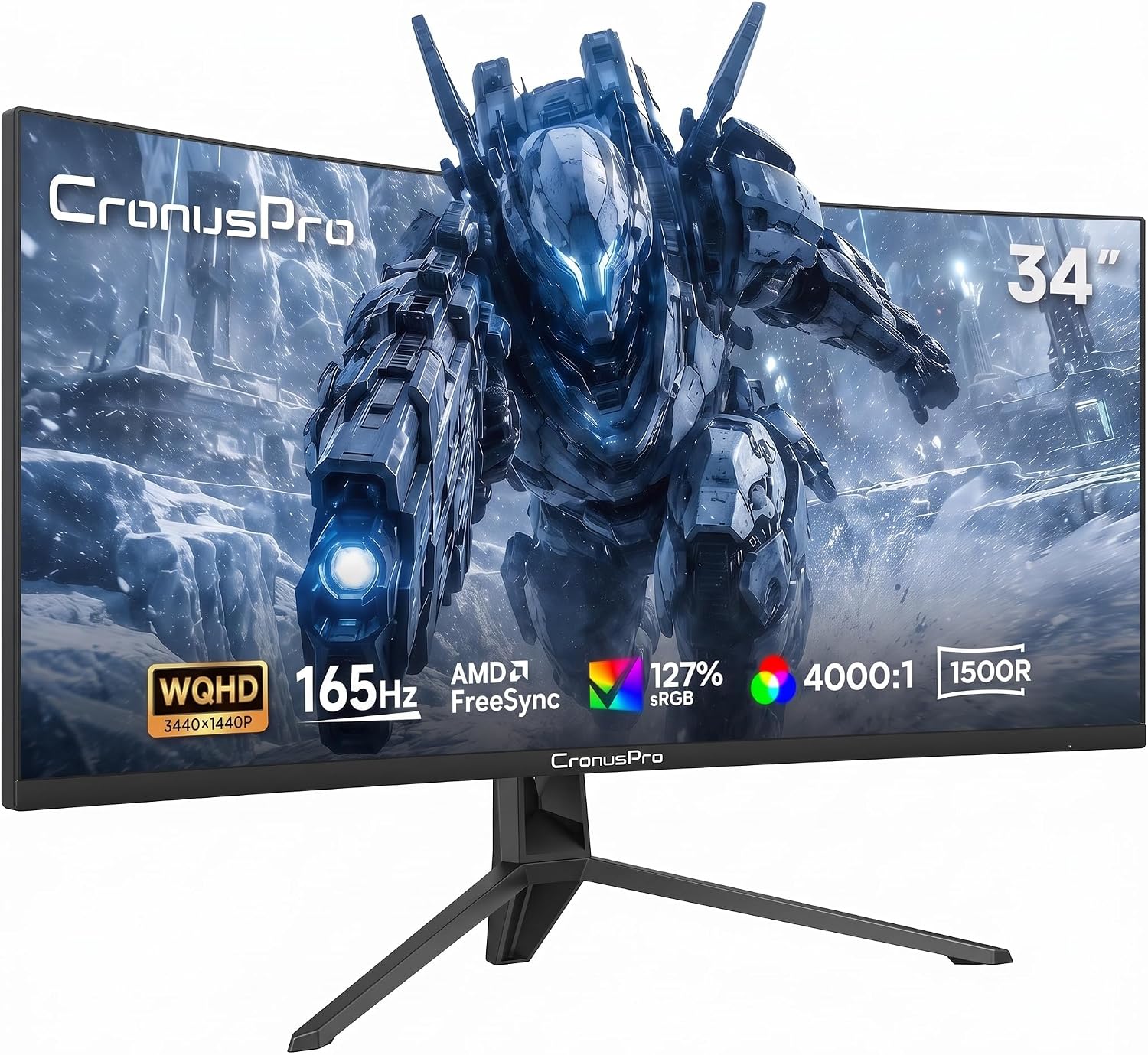
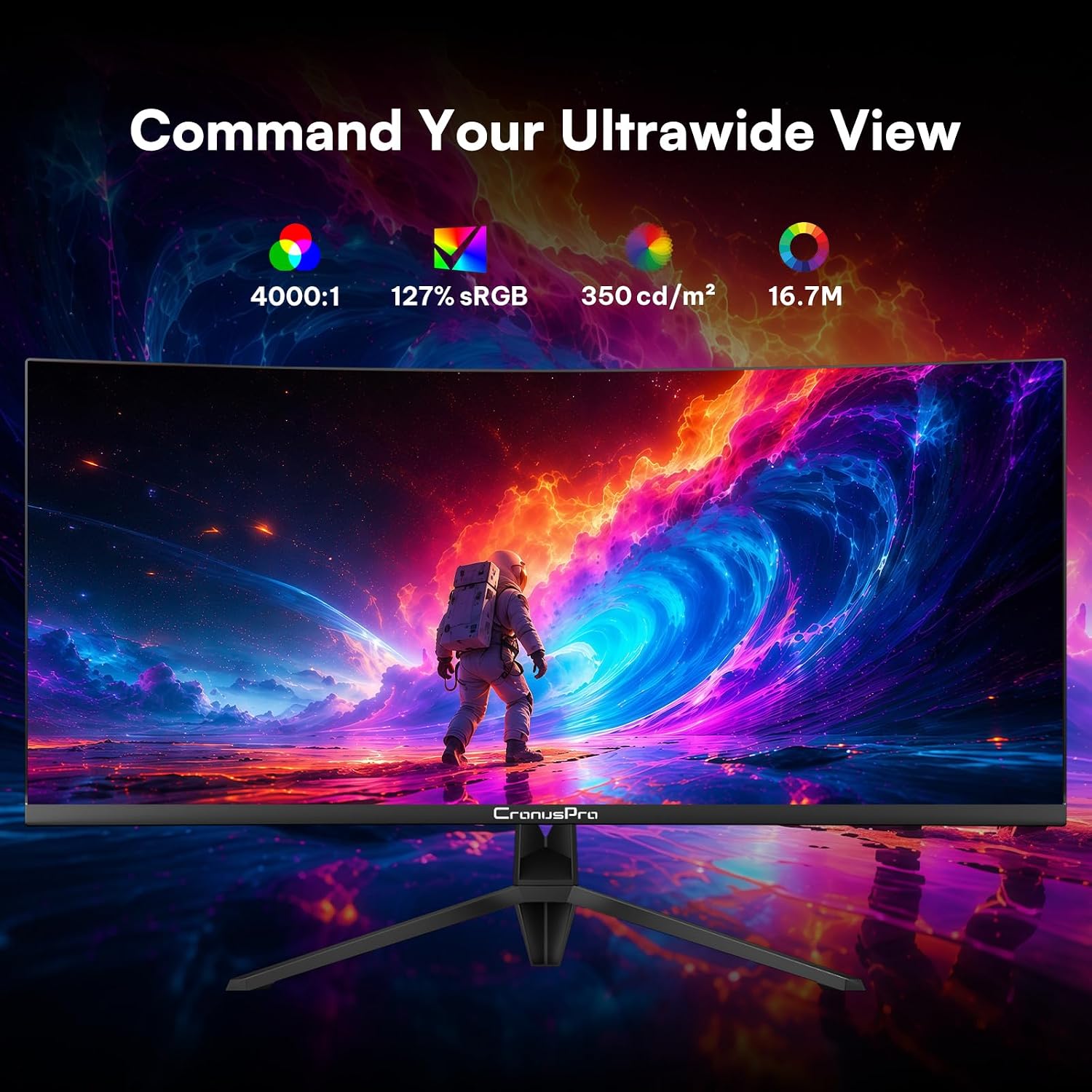
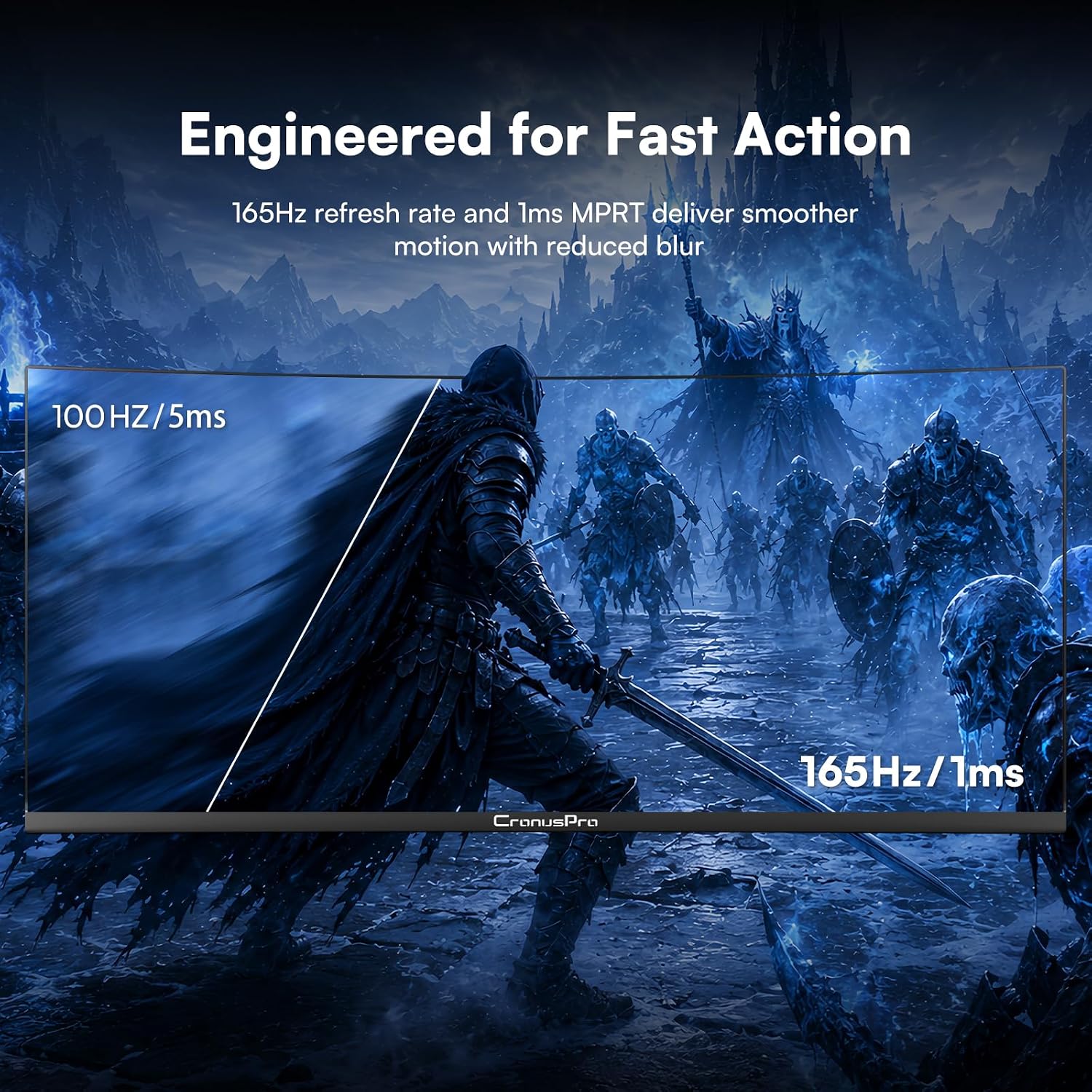
On paper, the combination of 165Hz and 1ms response reduces motion blur and input lag, which matters in fast-paced titles. The 1500R curved screen is designed to wrap around your eyes for a more immersive look and potentially improved depth cues, though experiences may vary depending on seating distance. The monitor also boasts a high contrast ratio of 4000:1, which should yield deeper blacks and more distinct highlights, contributing to a punchier image in both dark and bright scenes.
Colour and image quality
With 127% sRGB coverage, colour reproduction should feel reasonably vibrant for gaming and multimedia use, while ensuring textures and environments appear within a believable colour space. The 300 cd/m² brightness is adequate for typical living rooms or home setups, but it isn’t a high-brightness panel, in very bright rooms, you might notice some washout in HDR-like scenes or glare in direct lighting.
Connectivity and compatibility
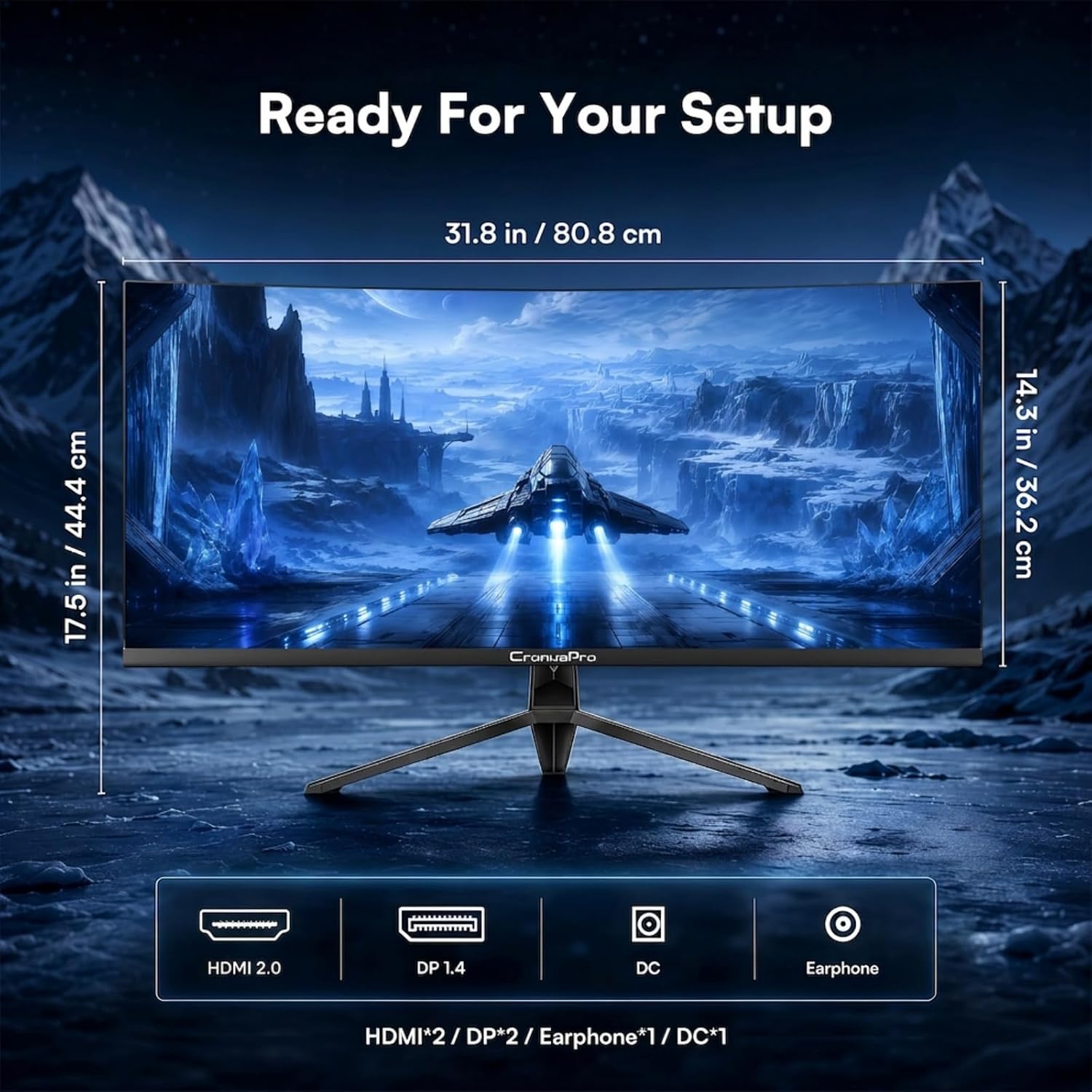
The CronusPro provides multiple HDMI 2.0 ports plus a DisplayPort input, making it straightforward to connect a gaming PC and consoles or other devices. This kind of versatility is convenient if you want a single monitor for both PC gaming and media playback without swapping cables.
Design and ergonomics
A large ultrawide panel means a broad footprint on your desk, ensure your space can accommodate it and that your stand or mounting option fits your setup. The design is standard for gaming-focused screens and prioritises a clean, opaque black finish that blends into most desks and entertainment areas.
Why it stands out and where it may fall short
It stands out for its combination of ultrawide aspect, high refresh rate, and fast response time in a single, reasonably priced package. For players who prioritise a wide field of view and smooth motion, the CronusPro offers a balanced set of features. However, it may fall short for those chasing peak HDR performance or extremely bright displays, as the listed brightness is not exceptionally high and the spec sheet provided does not mention HDR capability.
Who it’s for
- Gamers who want a widescreen, immersive cockpit experience without upgrading to a multi-monitor setup.
- Entertainment enthusiasts who enjoy movies or streaming on a broad 21:9 canvas.
- PC hobbyists seeking a capable monitor with solid all-round performance rather than a specialist high-end display.
Who it isn’t for
- If you prioritise top-tier HDR experiences or maximum peak brightness, you may be disappointed as the panel properties don’t emphasise HDR or extreme luminance.
- If your space is tight or you need a compact 16:9 alternative, this ultrawide may feel overwhelming or require a larger desk footprint.
Practical tips before buying
- Measure your desk to ensure there’s enough width for a 34-inch screen plus space for speakers or a webcam.
- Consider your seating distance, a 1500R curvature is designed to be most comfortable at moderate distances, but sitting too close can exaggerate curvature.
- Check whether your GPU and cable setup can consistently push 1440p at 165Hz, you may need to calibrate settings to balance resolution, frame rate and quality.
- If glare is an issue, think about room lighting and anti-glare solutions to keep images clean.
How this compares to other approaches
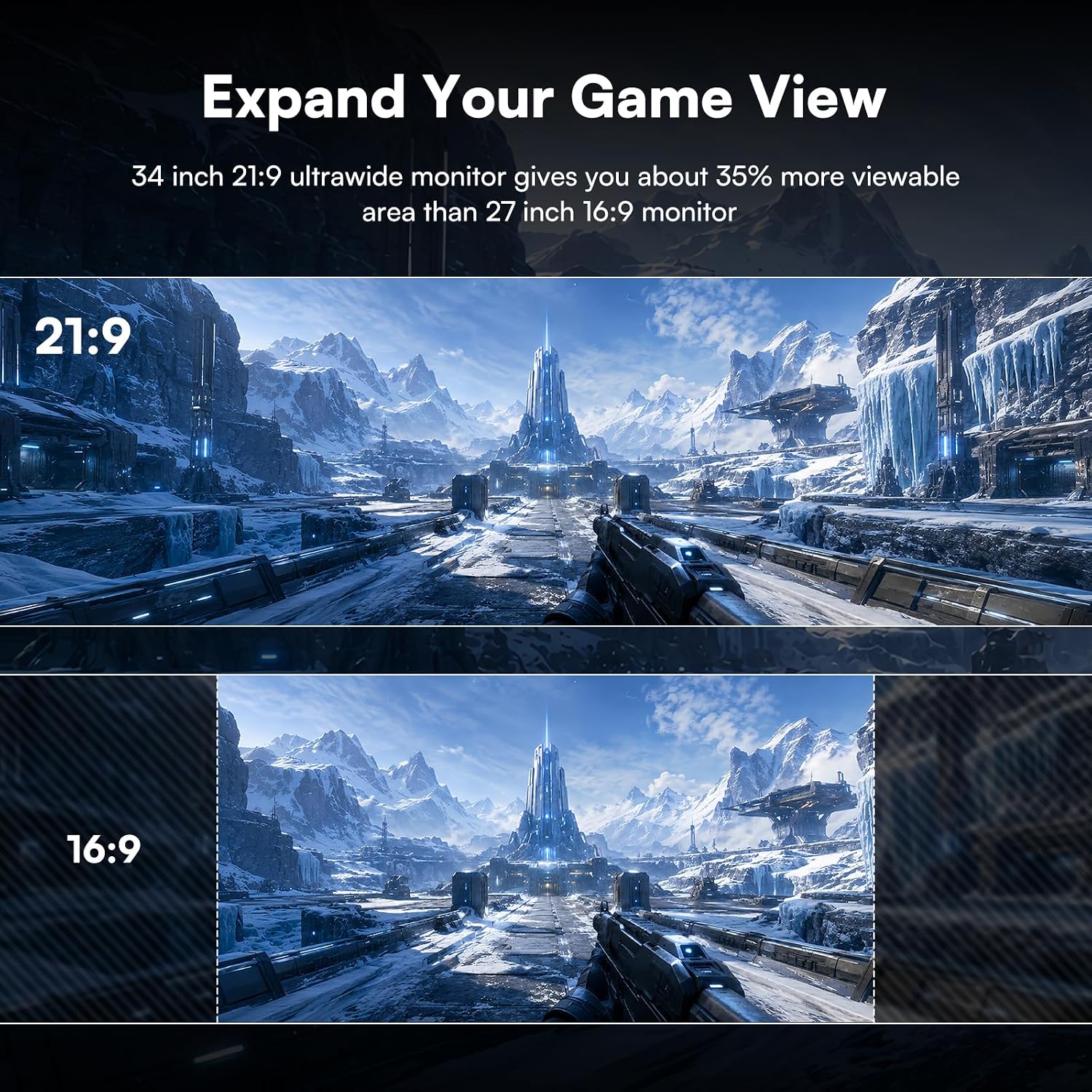
In this segment, you’re choosing between ultrawide gaming, standard 16:9 high-refresh displays, or a curved ultrawide with similar specs. The ultrawide approach suits users who want more horizontal workspace and a cinematic feel without moving to quad-monitor rigs. It’s a pragmatic middle-ground: more immersion than typical 16:9 screens, without venturing into premium HDR territory or extremely high peak brightness.
What you’ll notice in everyday use
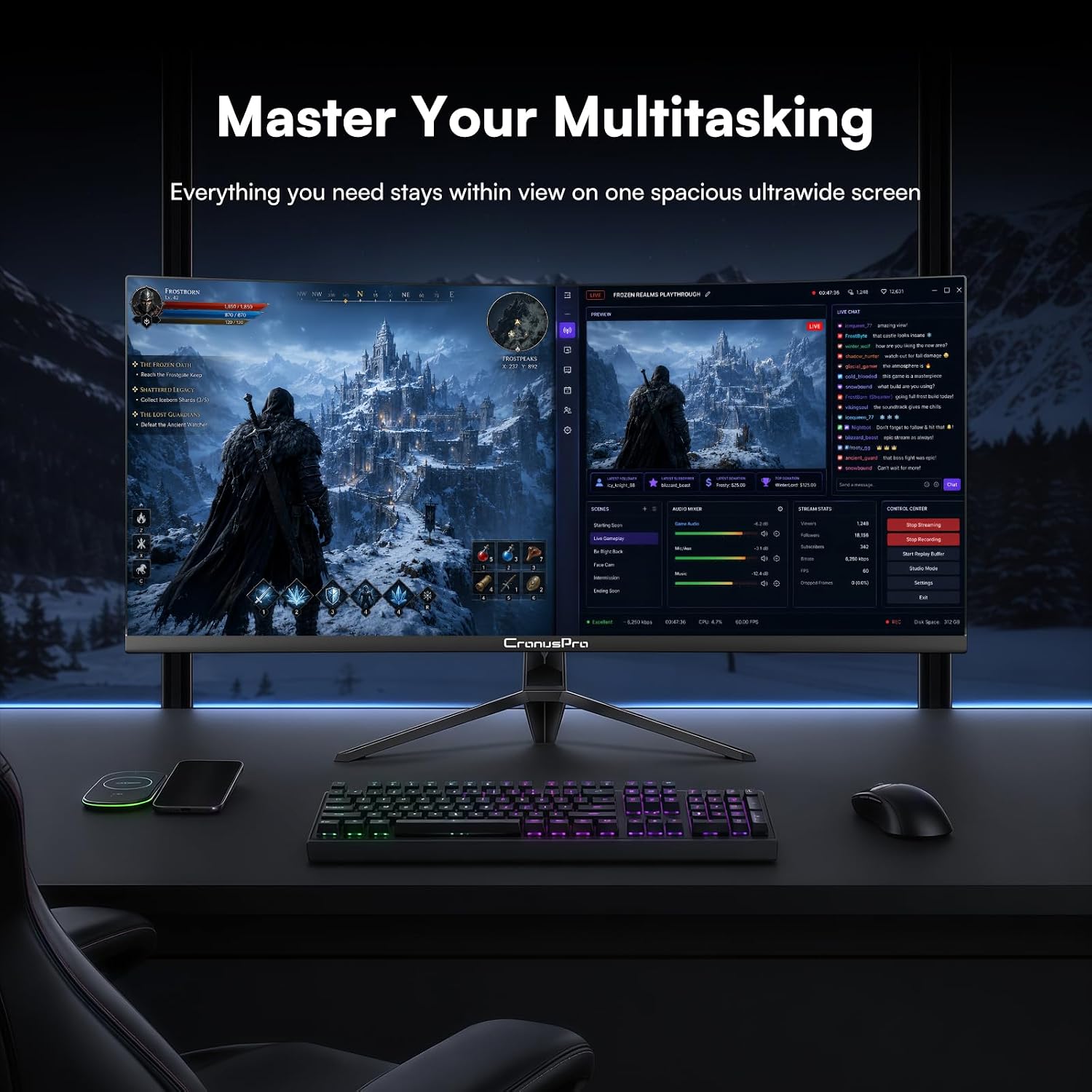
The extra screen width shines in open-world games where you can scout wide terrain, as well as in productivity tasks that benefit from extended timelines or multiple windows. In fast shooters, the 165Hz refresh and 1ms response can smooth motion enough to feel more responsive, though the real-world gains depend on your system’s capabilities and the game title.
Decision at a glance
Is it worth it?
It makes sense if you want a substantial ultrawide upgrade for both gaming and media, and you’re not chasing the absolute brightest HDR or the most intense peak brightness. If your priority is a compact desk footprint or budget-restricted build, weigh the broader canvas against potential compromises in HDR and brightness.
Mini FAQ
- Does it support HDR? The provided data does not specify HDR support, plan for standard dynamic range visuals unless confirmed otherwise.
- Can I use it with consoles? Yes, HDMI 2.0 ports enable console connections in addition to DisplayPort for PC usage.
- Is 1500R curvature comfortable for long sessions? Many users find it immersive, but comfort varies with seating distance and desk setup.