

Corsair K65 PLUS Wireless 75% RGB Mechanical Keyboard (UK Layout) with Pre-Lubricated MLX Red Switches
Product description
What it is and the problem it solves
The Corsair K65 PLUS Wireless is a compact 75% mechanical keyboard designed for gamers and typists who want desk space without sacrificing performance. It aims to combine a small footprint with flexible connectivity, so you can game on PC, PS5, PS4, or Xbox without chasing a wired mouse of compromises. The core idea is simple: fast, responsive keystrokes in a compact shell, with wireless options that remove clutter while keeping control within reach.
How it feels to type and game
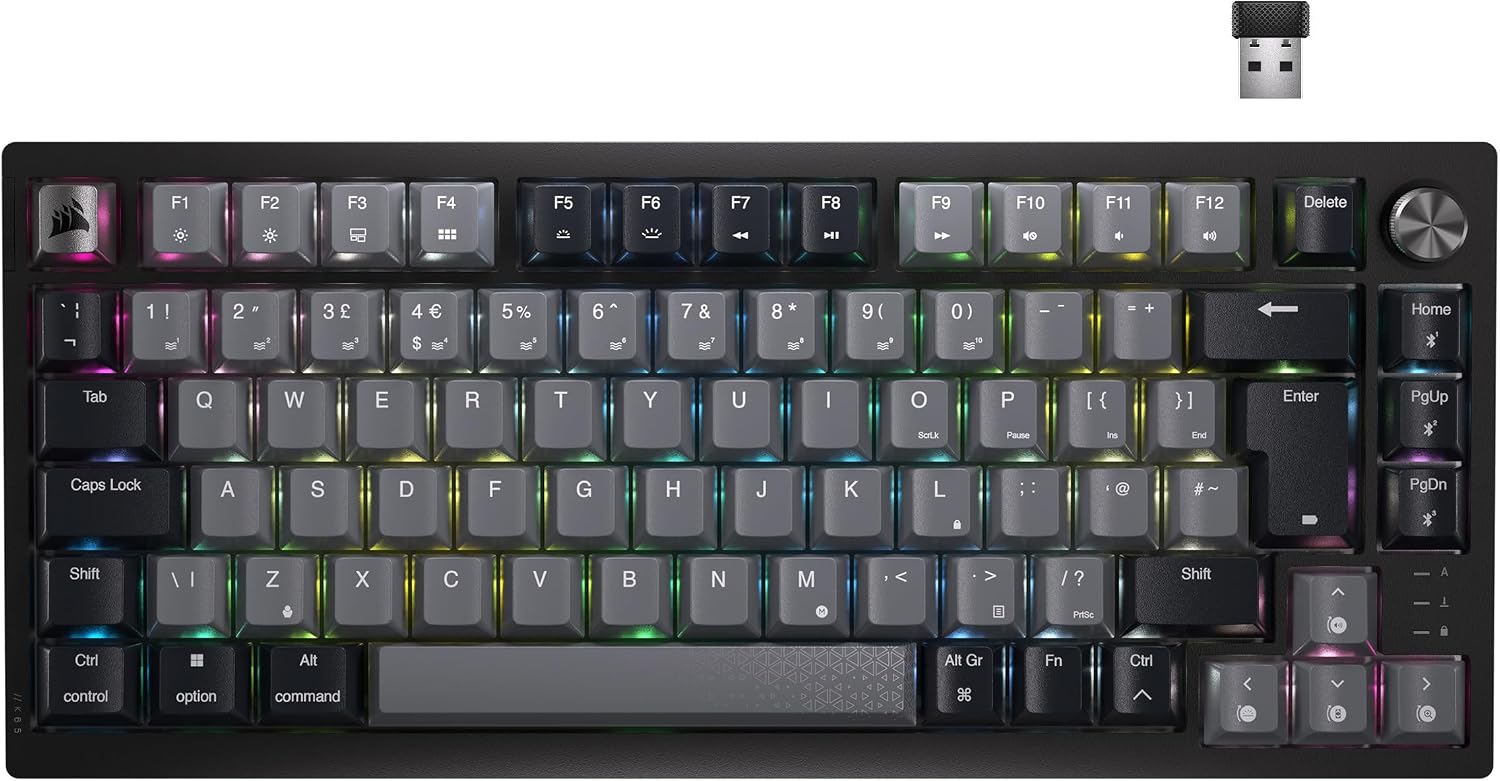
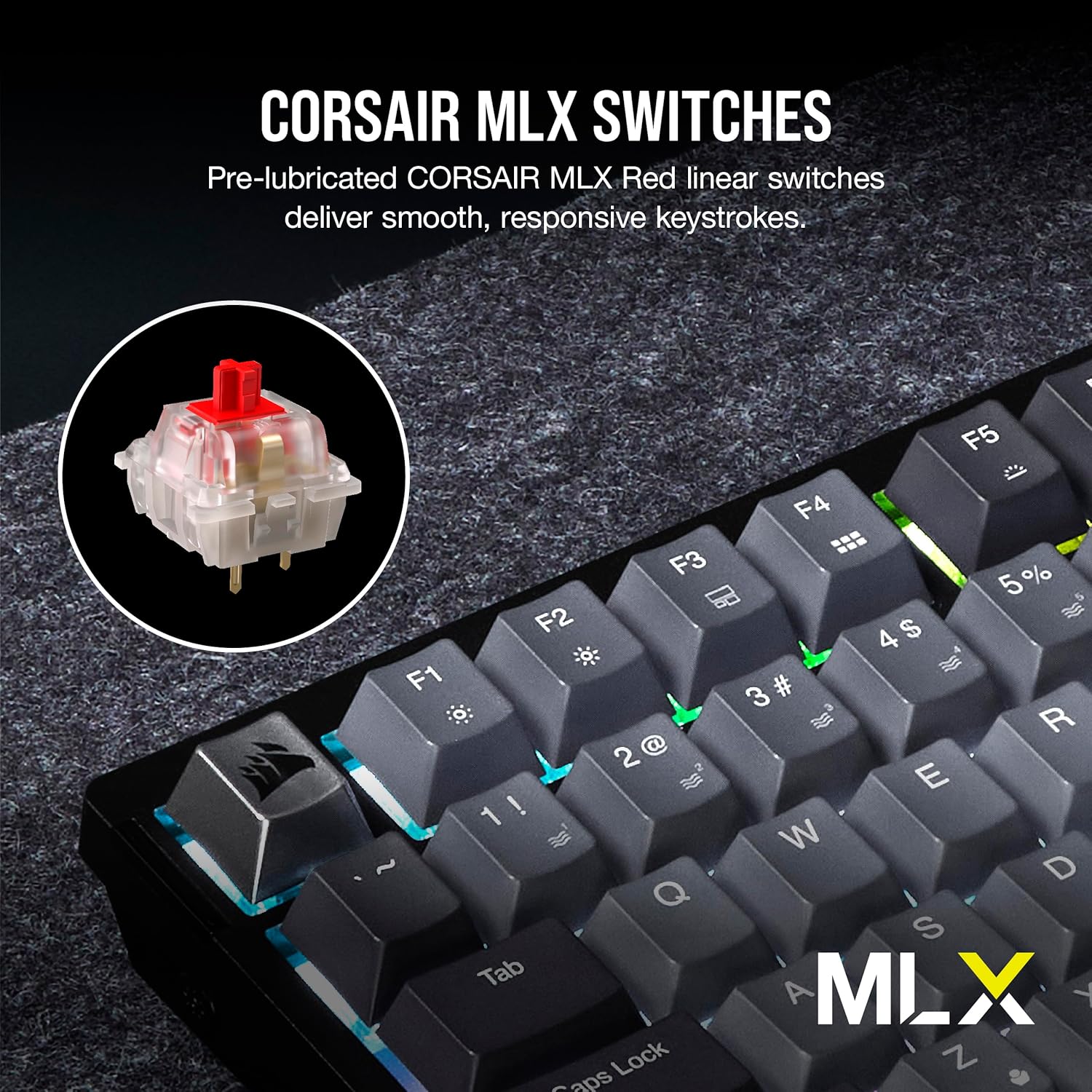
On paper, the Corsair MLX Red switches are pre-lubricated and linear, which translates to a smooth press that’s quiet enough for shared spaces but still responsive for fast actions. If you prioritise a consistent, low-drag keystroke for both gaming and long sessions of typing, this setup can feel reassuringly predictable. It’s not a tactile or clicky switch, it’s the kind that tends to disappear into the rhythm of your play rather than draw attention to itself. You’ll notice a steady, linear travel with minimal scratch as you bottom out a key.
Connectivity and daily use
The standout feature here is the ability to connect via low-latency 2.4GHz wireless, Bluetooth, or USB wired. That trio covers most real-world setups: a dedicated desk PC, a console-enabled workstation, or a couch-friendly setup when wired play isn’t convenient. AES encryption adds a layer of security for wireless use, which matters if you’re gaming in shared spaces or streaming. The 266-hour battery life (with RGB off) is the kind of figure that makes you think you can leave the cable behind for a while, though real-world usage with RGB lighting will shorten that estimate.
Build quality and aesthetics
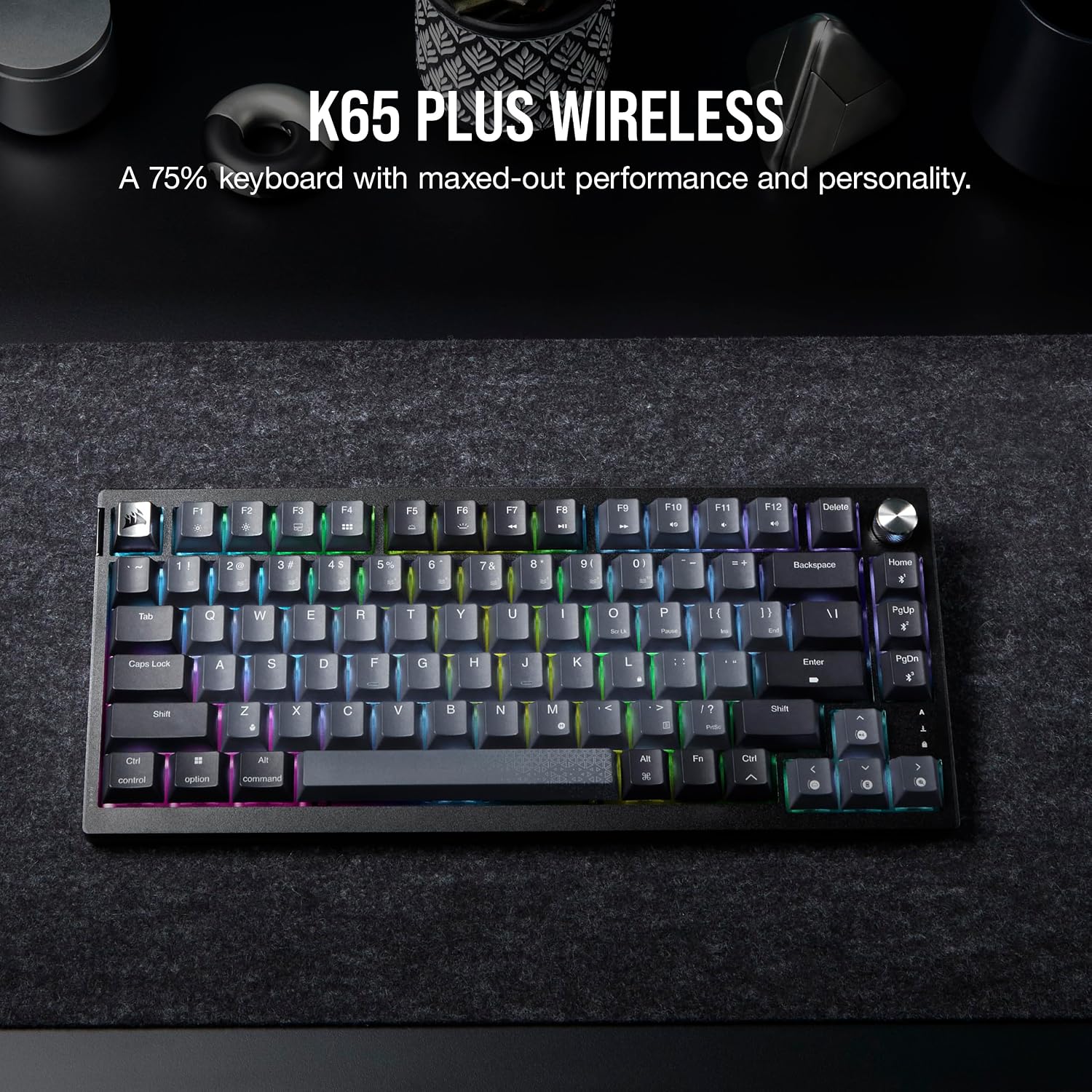
The K65 PLUS uses sturdy PBT dye-sub keycaps, which resist fading and shine with heavy daily use. The black/grey aesthetic is restrained, intended to fit alongside most desks and setups. The 75% form factor keeps arrow keys, a function layer, and media controls within reach, while removing the traditional full-size row. If you value a clean silhouette that doesn’t dominate the desk, this design aligns with that goal.
Which setup this makes sense for
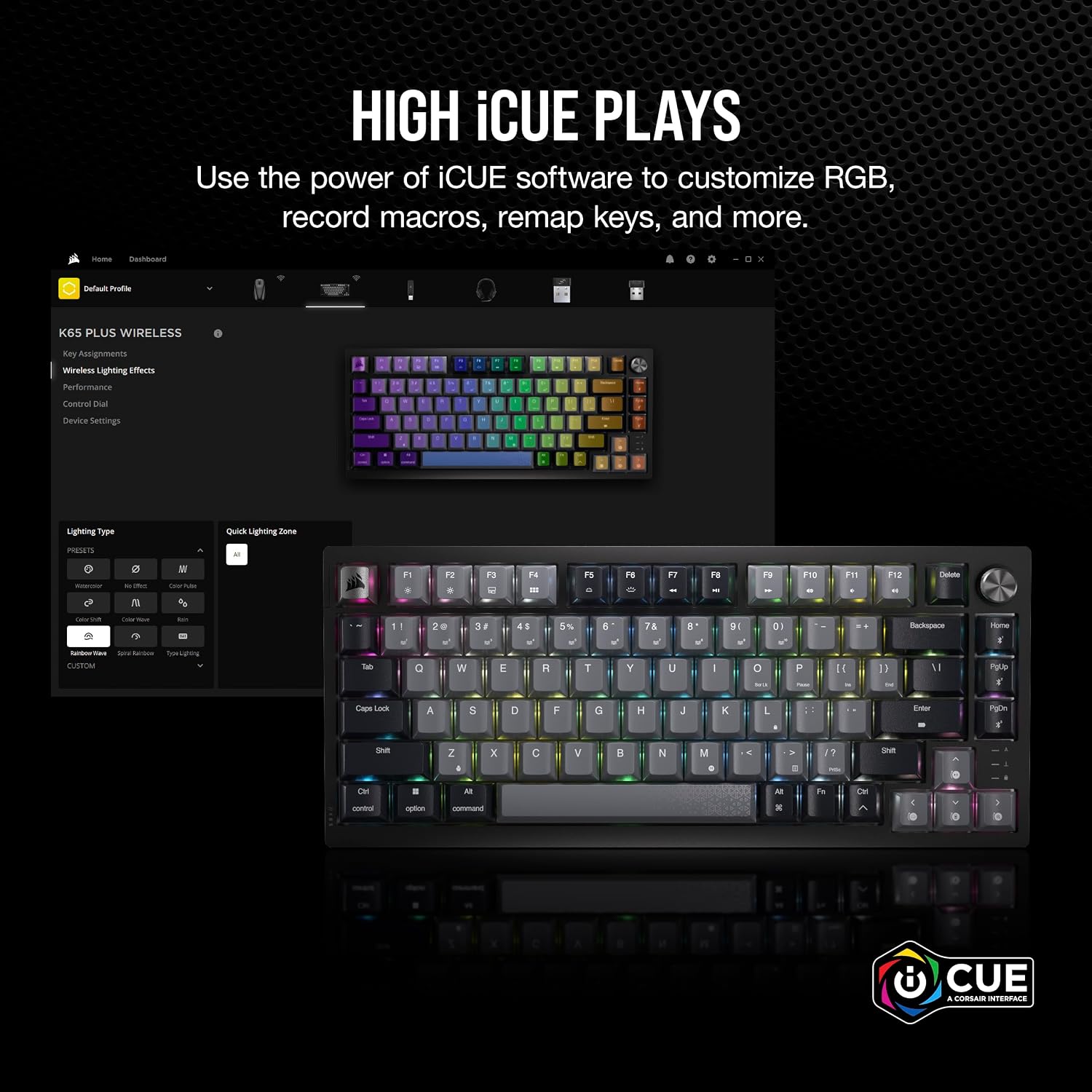
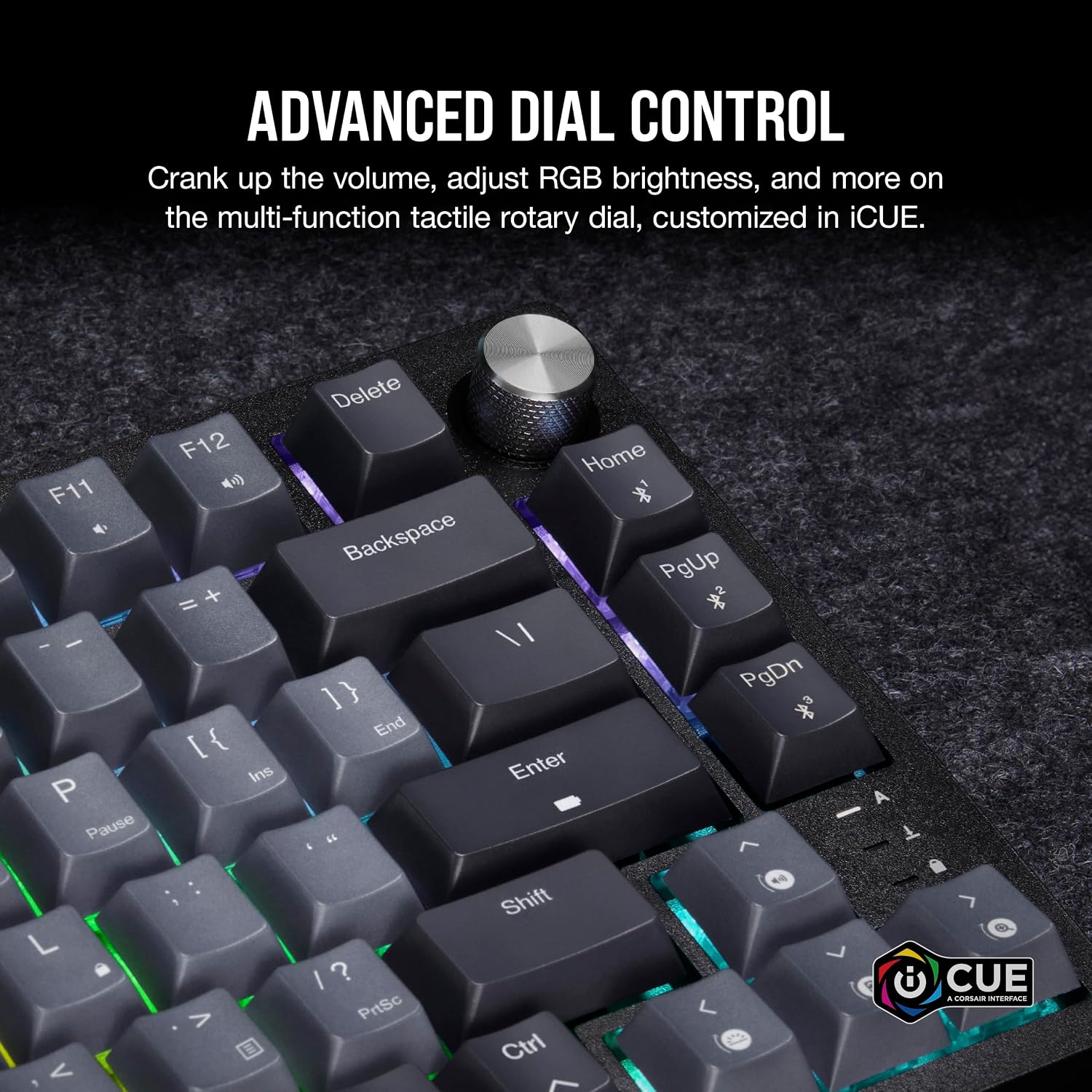
If you value versatility across multiple platforms, this keyboard makes sense, particularly for someone who wants a compact board but still needs robust wireless reliability. The iCUE compatibility means you can tailor lighting and macro profiles to your preferences, though you’ll want to ensure your creative workflow or gaming routine benefits from those features rather than requiring them. You may appreciate the multi-function dial and FN shortcuts for quick media control or app actions without leaving your game or work.
What could hold you back
It’s not the brightest star if you prefer a tactile or louder switch experience, the MLX Red is linear and pre-lubed, which may feel too smooth for some who like audible feedback or a more pronounced keystroke. The battery life, while impressive on paper, depends on how you light the board and how often you use wireless modes. If your desk typically requires a plugged-in solution for stability or lower latency, you might find the wireless options adequate but not perfect for every high-speed esports scenario.
When to buy and when to think twice
Buy if you want a compact, wireless-ready keyboard with a clean build, strong keycaps, and cross-platform compatibility. It suits users who value desk real estate and a straightforward, efficient layout. Think twice if you crave tactile feedback, want a bright or ultra-custom lighting profile, or rely on a pure USB-C wired experience with maximum potential latency minimisation for top-tier esports.
What to check before purchase

- Confirm UK QWERTY layout suitability for your typing preferences.
- Consider how much you’ll rely on wireless modes, ensure your gaming room has reliable 2.4GHz/BT coverage.
- If you rely heavily on media controls, test the multi-function dial and FN shortcuts to ensure they fit your workflow.
- Review iCUE compatibility with your existing ecosystem to capitalise on lighting and macro features.
- Factor in how much you value the feel of pre-lubed MLX Red switches versus alternatives that are tactile or louder.
Practical example in use
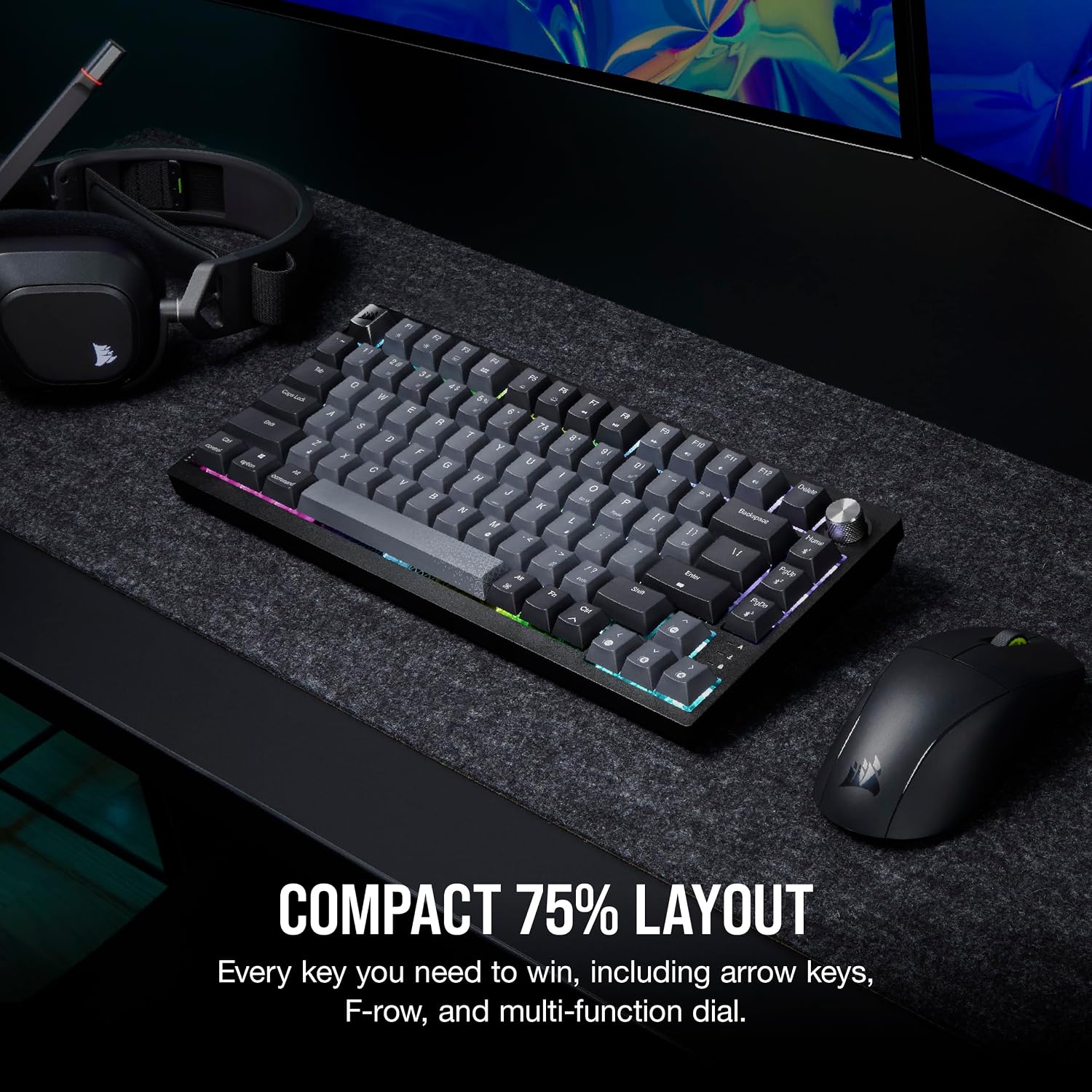
Imagine a late-night raid where you want minimal desk clutter: the K65 PLUS sits close to the monitor, wireless connection keeps the table tidy, and the space-saving layout leaves room for mouse movement. You can switch between PC and console with minimal fuss, adjust volume or media playback with the dial, and rely on smooth keystrokes when you’re mashing retreat or execute a sequence during a boss encounter. If you often type long notes between rounds, the PBT keycaps help maintain a consistent feel throughout.
Quick comparison in context
Compared with full-size boards or wired-only layouts, this keyboard trades a little surface area for flexibility and uncluttered gaming sessions. If you prioritise a compact setup with robust wireless options and a low-profile, frictionless keystroke, it can be a sensible middle ground between portability and performance. If you want the tactile feedback of a brown or blue switch, or a full-size array of keys for macros, you might consider other configurations.
What stands out day to day
You’ll notice the compact footprint, the quiet, smooth keystrokes, and the convenience of multiple connection methods. The PBT keycaps stay legible and resist shine, which is helpful if you’re a heavy user. The trade-off is that some users may wish for a more tactile or louder switch or a longer battery life when RGB is fully engaged, those are valid considerations depending on your preferences.
Is it worth it?
Final verdict: for a UK-based buyer who wants a compact, versatile keyboard with solid build quality and cross-platform compatibility, the Corsair K65 PLUS Wireless offers practical value. It’s a prudent choice if you prioritise desk space, convenience, and a smooth linear keystroke, rather than seeking the most tactile feedback or a full-size layout. If those latter priorities matter more, you may want to explore other options within the Corsair range or beyond.
FAQ
- Do the MLX Red switches feel similar to other Corsair linear switches? They are described as linear and pre-lubricated, aiming for a silky-smooth press. Actual feel may vary slightly with individual use.
- How robust is the wireless connection across platforms? The keyboard supports 2.4GHz wireless and Bluetooth with AES encryption, designed for low latency and security, but latency can vary with distance and interference.
- Can I personalise lighting without iCUE? iCUE compatibility is highlighted, non-compatible setups may have limited ability to synchronise lighting or macros.