

Blackview SCM8 15.6'' Laptop Screen Extender
Product description
What this is
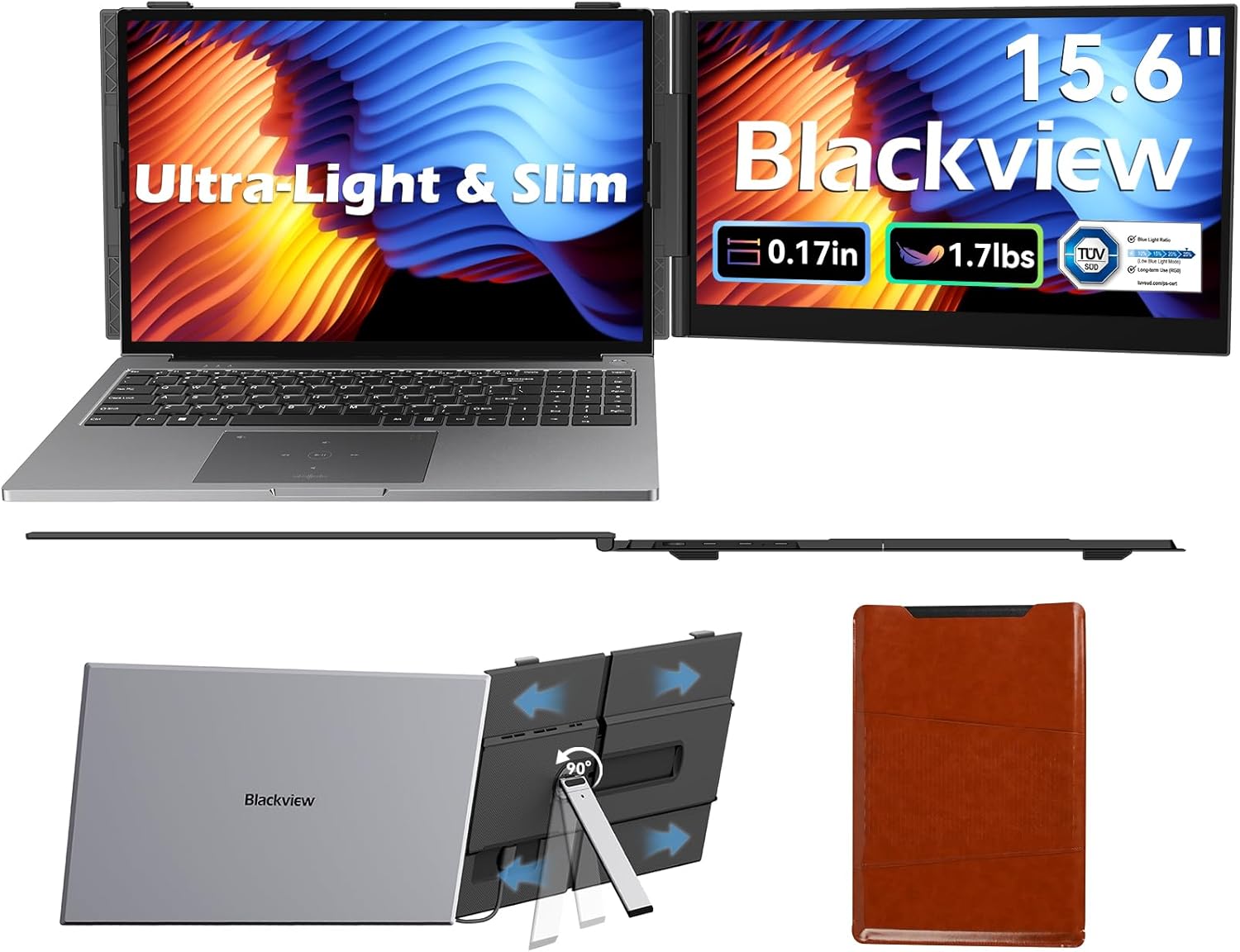
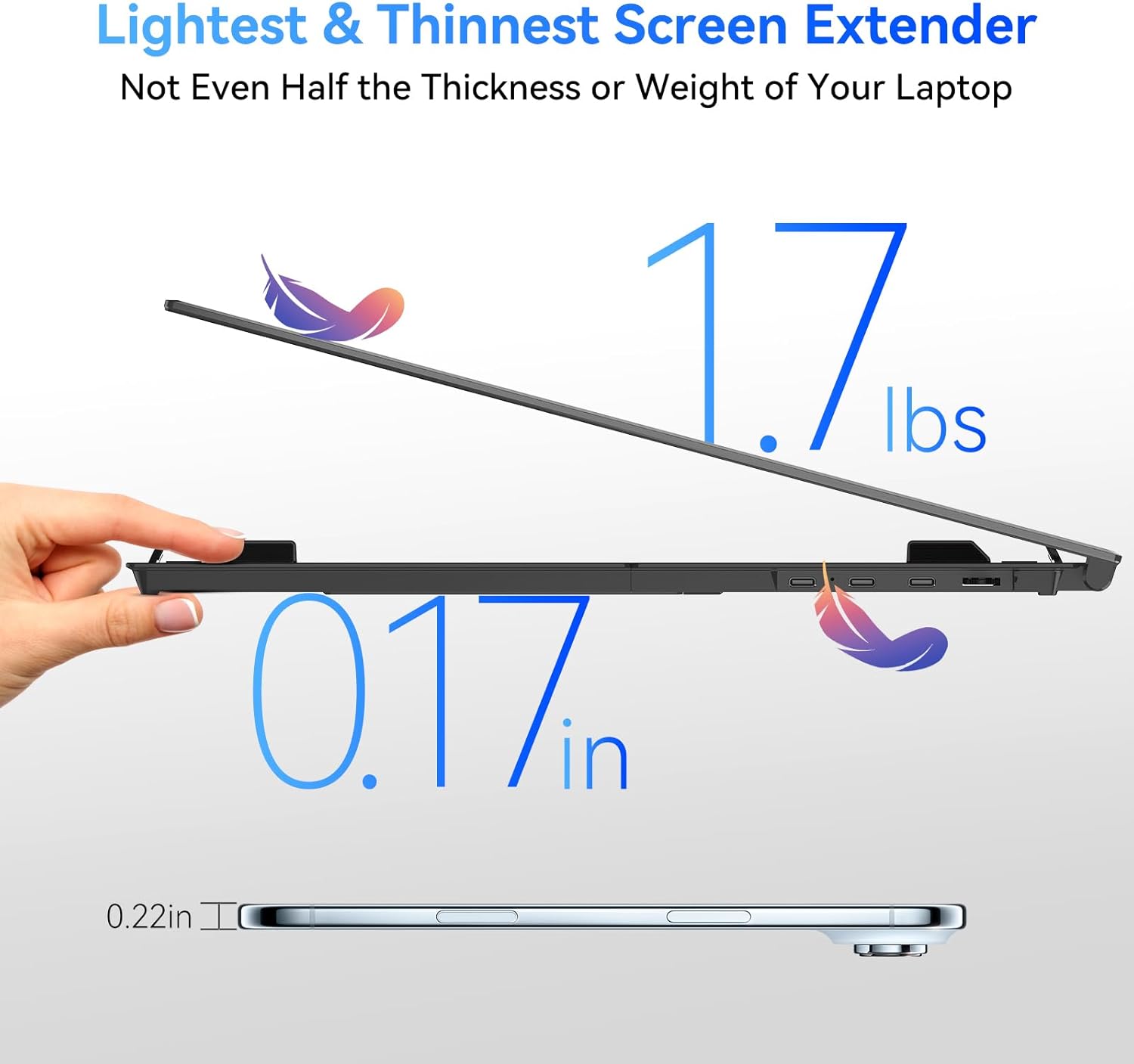
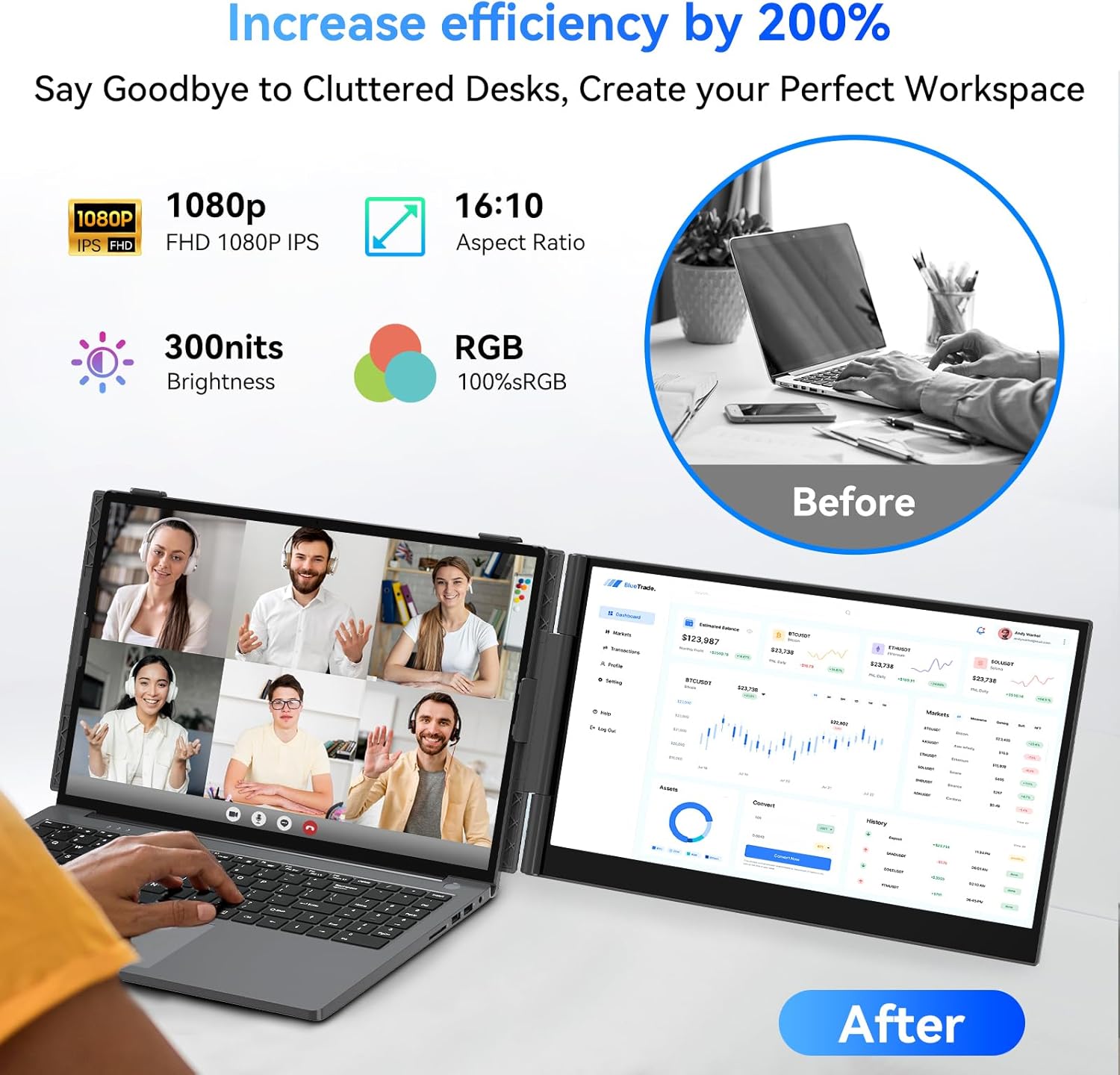
The Blackview SCM8 is a 15.6-inch external laptop monitor designed to extend your workspace on the go. It uses a 1920×1200 IPS panel with 180° viewing angles and a 16:10 aspect ratio to give you a little extra vertical space for documents, design work or multitasking. It’s advertised as ultra slim (4.5 mm) and lightweight (800 g), pitched as a practical companion for remote work, study, travel and light gaming without adding bulk.
Why you might consider it
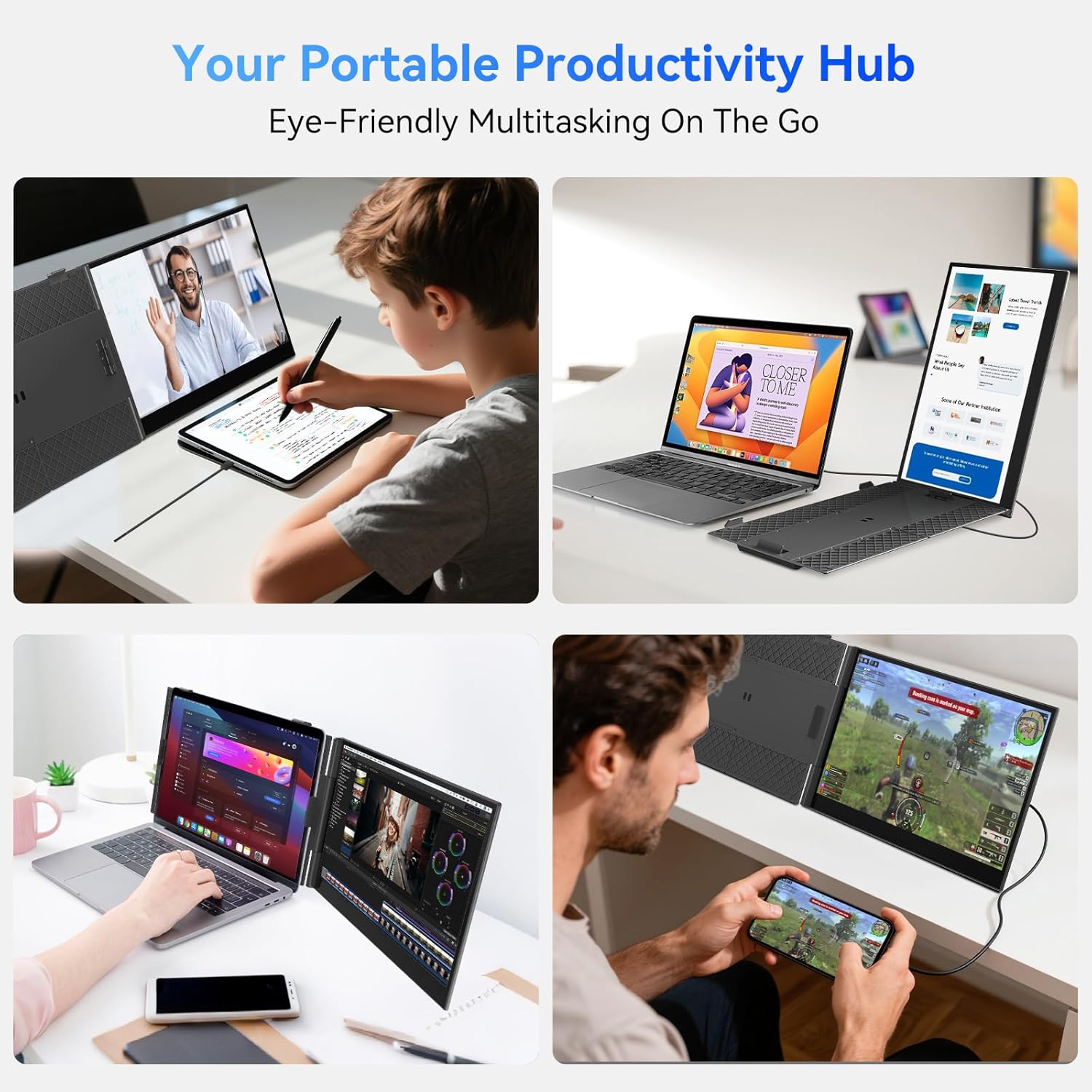
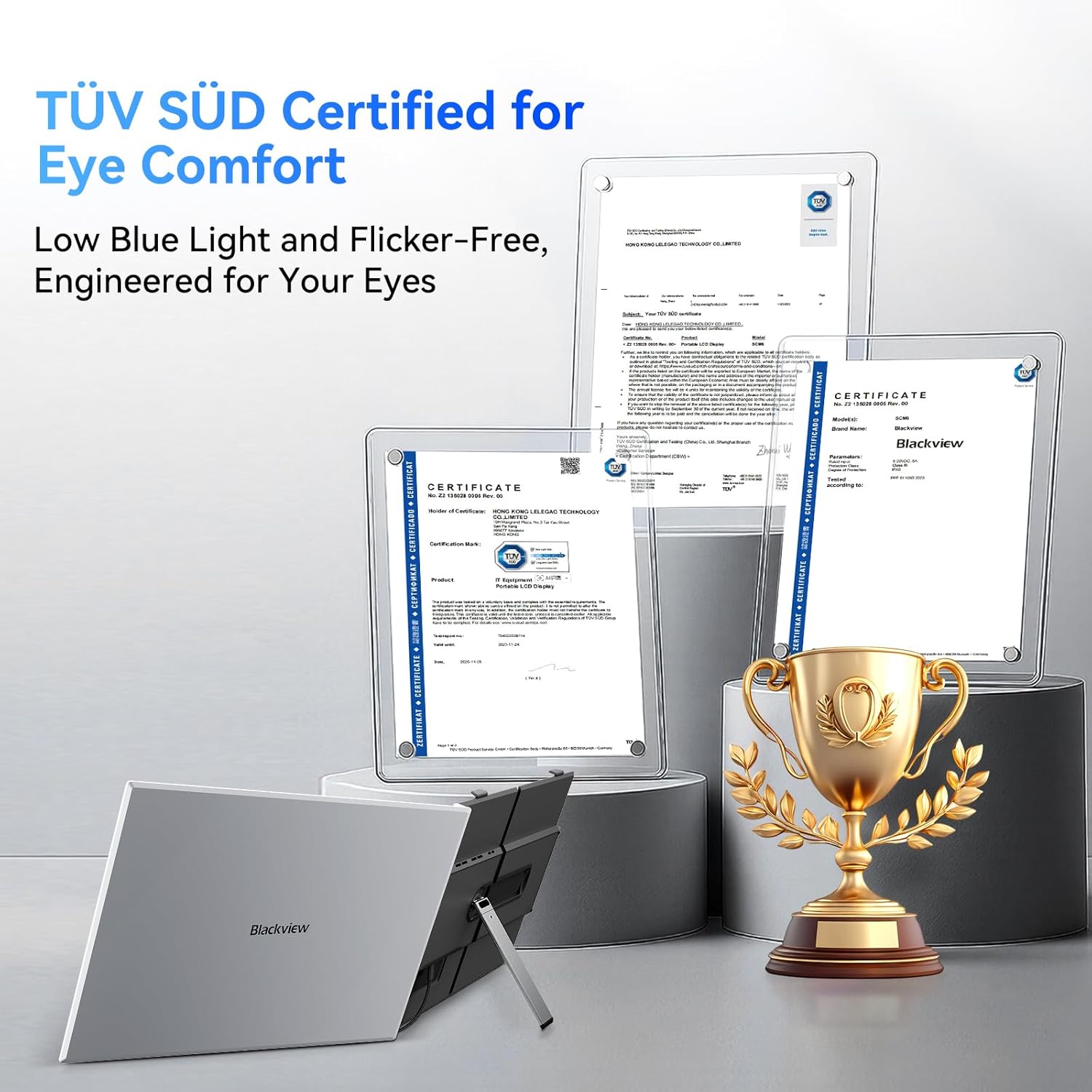
If you frequently work across multiple apps or keep several documents open at once, a second screen can help you stay organised and reduce constant window switching. The SCM8 also features TÜV SÜD Low Blue Light certification, which is worth noting if you spend long sessions in front of a display. The promise of a single-cable setup via USB‑C, plus 100 W reverse charging, can simplify your desk setup and potentially keep your laptop charged during extended work or travel.
What stands out in use
On paper, the panel offers 100% sRGB coverage and a bright, vivid image suitable for design tasks, reading and multimedia. The 16:10 aspect ratio gives more vertical space than a typical 16:9 panel, which can be helpful for editing documents or extracting content from left to right without constant scrolling. The build material includes an aluminium back panel described as durable and scratch-resistant, which aligns with portable use.
Potential drawbacks or limits
No device is perfect. While the SCM8 is light and compact for its size, it remains an external screen that relies on a laptop for power and processing. The 100 W reverse charging is a neat feature, but real-world performance depends on your host machine’s USB‑C power delivery and the kinds of tasks you run. Availability of inputs is tied to the included cables and adapters, if you need a wider range of ports you might have to plan your connectors in advance. Also, as with any portable display, brightness levels and viewing angles, while adequate for most environments, may vary in direct sunlight or very bright offices.
Who it’s for
This solution is well suited to designers, students and professionals who want a lighter, portable secondary screen for on-the-go work, multimedia, and light productivity. If you value a compact setup and straightforward USB‑C connectivity, it could be a sensible fit. If you require top-tier colour accuracy or higher brightness for outdoor work, you might want to compare with higher-end options.

Who it’s not the best for
If you need a primary display with extremely high brightness, wide external inputs, or want to game at high frame rates with adaptive sync, the SCM8’s strengths are more about portability and convenience than raw performance.
What to check before you buy
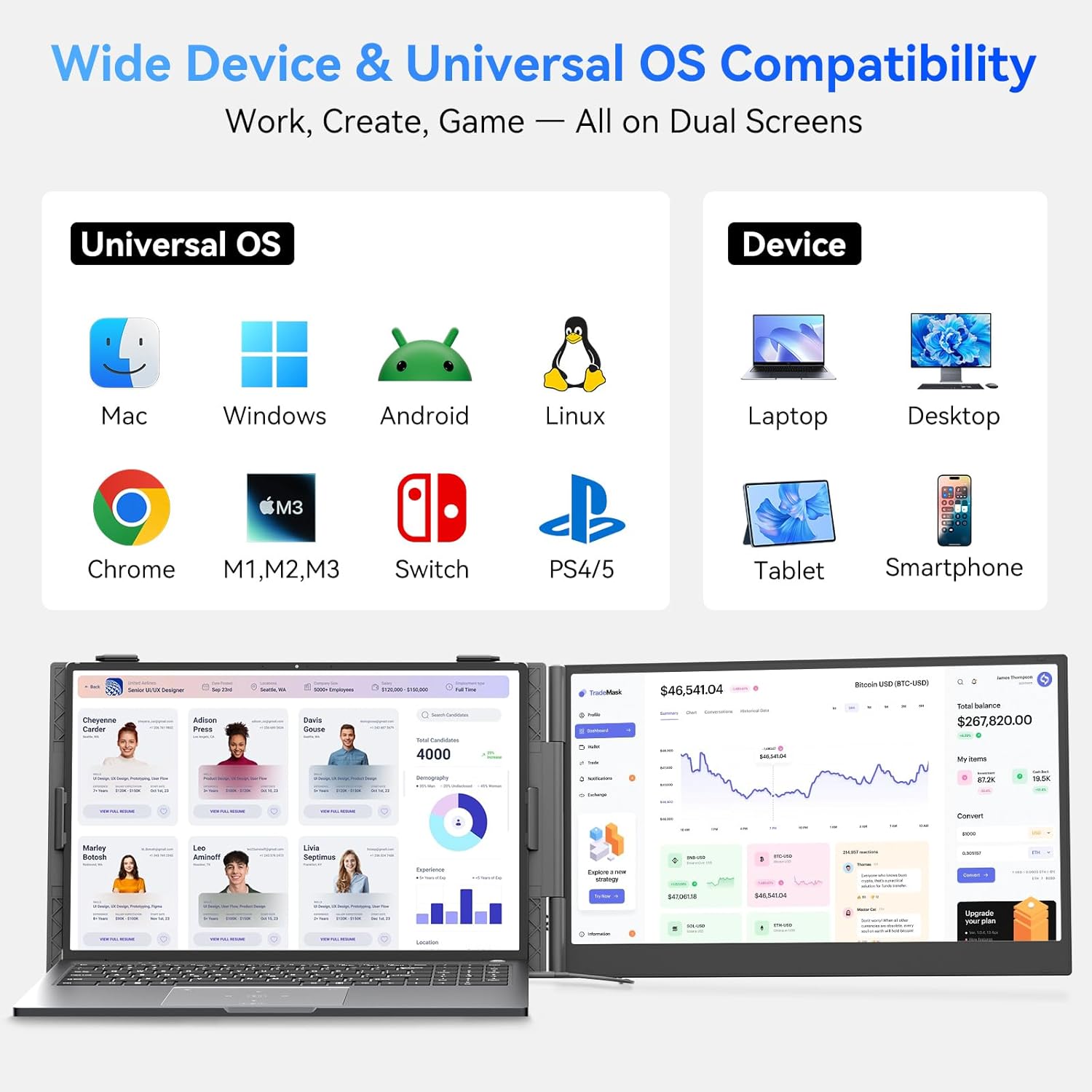
- Verify compatibility with your laptop’s USB‑C port and power delivery support to ensure the 100 W reverse charging works as expected.
- Consider the tilt and mounting options, the product claims 180° adjustability and a quick-fit mount, so assess whether this matches your usual working posture.
- Ensure your bag or carry setup fits the 15.6'' footprint without strain and that you’re comfortable relying on a single USB‑C connection for video, audio and power.
How it compares to other approaches
If you’re weighing this against a traditional desktop monitor or a bulkier external panel, the SCM8 offers portability and simple cable management as its main advantages. For those who primarily work at a desk, a larger or more feature-rich monitor might deliver better ergonomics and viewing comfort. If you prioritise a compact travel setup with the convenience of reverse charging, this model presents a practical middle ground.
Buying decision
Is it worth it?
Worth considering if you prioritise portability, a compact secondary screen and USB‑C single-cable connectivity with the bonus of 100 W reverse charging. It suits those who want a light extension to their laptop for multitasking travel or remote work. Not the best match if you need a primary, high-brightness display for outdoor use or for demanding colour-critical work on the move.
FAQs
- Do I need dedicated drivers? Not usually, as many USB‑C connections handle video, audio and charging via a single cable.
- Will it charge my laptop while in use? Yes, via 100 W reverse charging, subject to compatibility with your host device.
- Is the stand or mount included? The package includes a quick-fit laptop mount and necessary cables to connect and power the screen.
What’s included
In the box you’ll find the 15.6'' laptop monitor extender, a quick-fit laptop mount, USB‑C to USB‑C cable, USB‑A to USB‑C cable and HDMI to USB‑C adapter, plus a carrying case and full set of cables to get you started.