

TECKNET Wired Optical USB Mouse (Grey) – 3600 DPI, 6 Buttons, for Office, PC & Laptop
Product description
If you want a wired mouse that behaves predictably for everyday work (and doesn’t make you think too much), the TECKNET Wired Optical USB Mouse is a sensible bet on paper. It’s built around a 3600 DPI optical sensor, a DPI switch for stepping through up to four settings, and a straightforward 6-button layout aimed at office use and more creative tasks like graphic design.
That said, it won’t suit everyone. Depending on what you need from a mouse—especially if you’re after ultra-precise, top-tier gaming performance—this is more of a practical, workplace-first option.
The essentials
This is a full-size, ambidextrous wired optical mouse for Windows, Linux, macOS, and Chrome OS setups. The “plug and play” approach is the headline here: connect it to a USB port and you’re ready to go, with no fuss.
The 3600 DPI gaming-grade sensor positioning is there to support smooth cursor movement and responsive tracking. On a day-to-day basis, it’s mainly about controlling the cursor reliably across documents, spreadsheets, and web pages—plus a bit of extra flexibility if you’re doing detail work in design software.
What’s actually on the controls
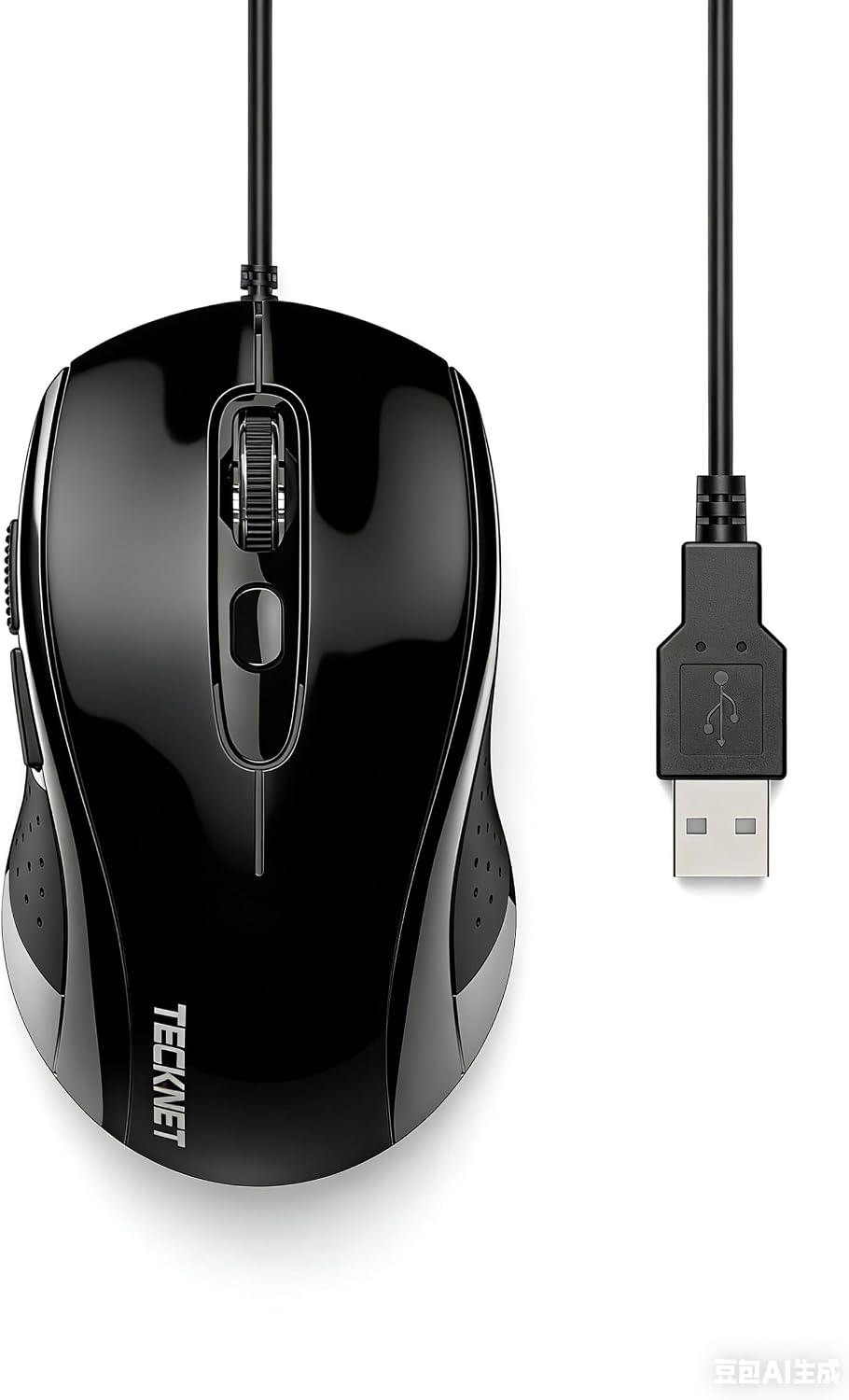
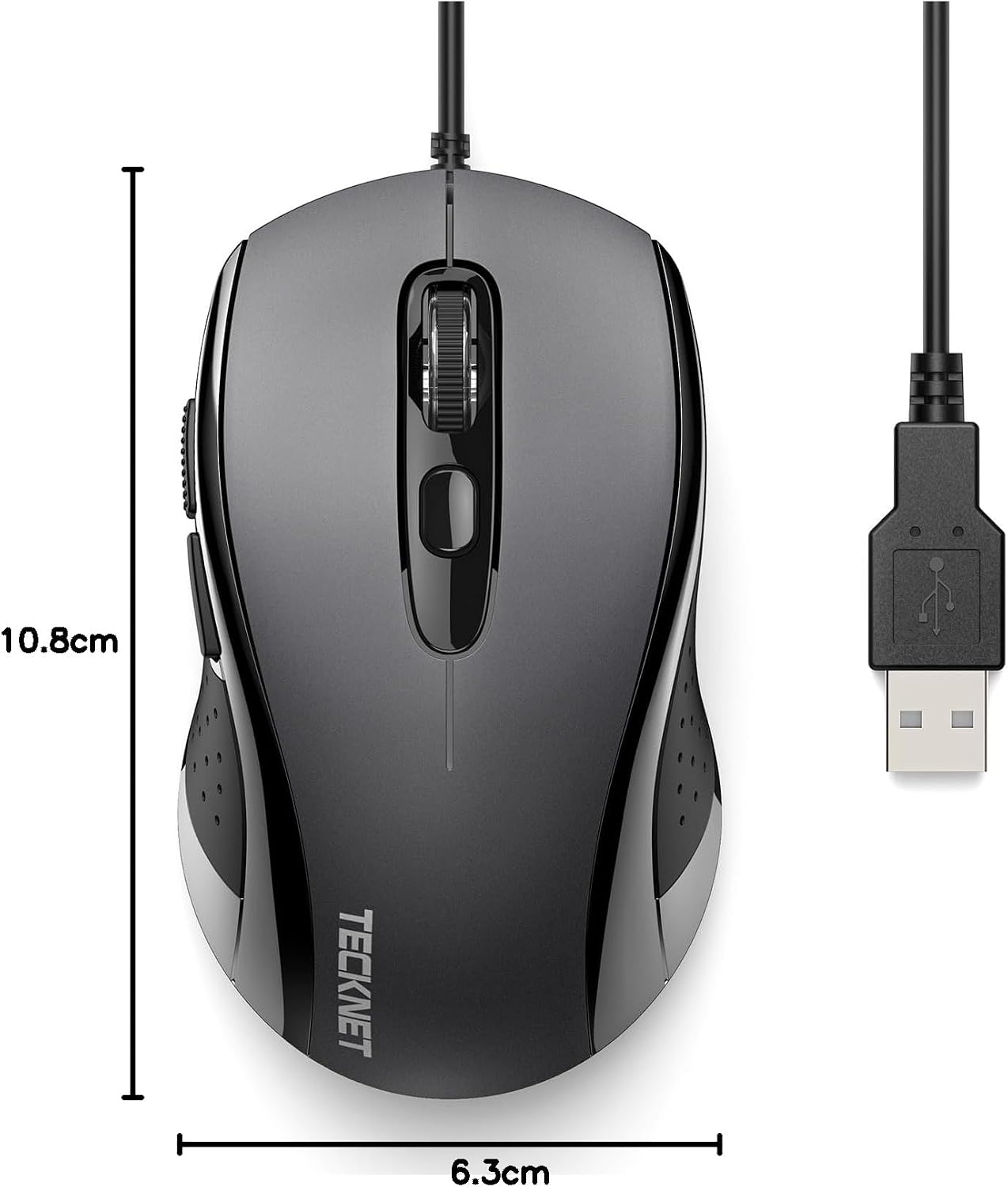
You get left and right click buttons plus a scroll wheel, along with three additional buttons: a DPI adjusting button and two side buttons. The side buttons are described as back/forward shortcuts, which can be genuinely handy when you’re flicking between pages during research, client work, or general browsing.
Where this mouse can feel more “complete” than basic office models is the DPI switch. Instead of permanently committing to a single sensitivity, you can cycle between up to four DPI settings with the button—useful if you sometimes want faster cursor movement and other times need steadier control.
Key features for everyday work
For anyone using a laptop and desktop at work, the wired setup is often a benefit. It avoids battery management entirely and can help maintain consistent performance while you’re busy.
In use, you can expect the cursor to stay controllable across common tasks: scrolling through long pages, moving between sections of a document, and using the side buttons to navigate in browsers. If you do occasional graphic design work, the DPI step-down/up can make it easier to switch between rough positioning and finer adjustments.
It’s worth noting that the ambidextrous shape is described as providing comfort for extended use. Still, comfort is personal—if you have a strong preference for a specific hand orientation or a narrower mouse shape, you may want to check how this “full-size” feel matches your grip.
Compatibility and setup
This TECKNET mouse is listed as compatible with Windows 11, Windows 10, Windows 8, Windows 7 or Vista, Linux kernel 2.4+, macOS 10.3.9 or later, and Chrome OS.
Installation is the simple part: plug into your computer’s USB port and you’re ready. If you’re the sort of user who just wants hardware that works across multiple machines, this wide compatibility is one of the stronger reasons to consider it.
Tech specs
- Name: TECKNET Wired Optical USB Mouse
- Type: Wired optical mouse (USB)
- Display: Not applicable
- Resolution: Up to 3600 DPI (4 DPI settings via DPI switch button)
- Buttons: 6 buttons
- Material: Not specified
- Colour: Grey
- Weight: Not specified
Final verdict
Worth considering if you want a wired, no-nonsense optical mouse for office tasks, browsing, and general computer use, and you’d like the convenience of DPI switching for more controlled cursor movements. The side buttons (back/forward) are a practical touch, and the plug-and-play setup is exactly the kind of thing that saves time on day one.
Not the best choice if you’re trying to “max out” competitive gaming performance or you need a specialist feel for fast esports-style play. In that scenario, you may want to look for mice that focus more heavily on high-end gaming tuning rather than workplace usability.
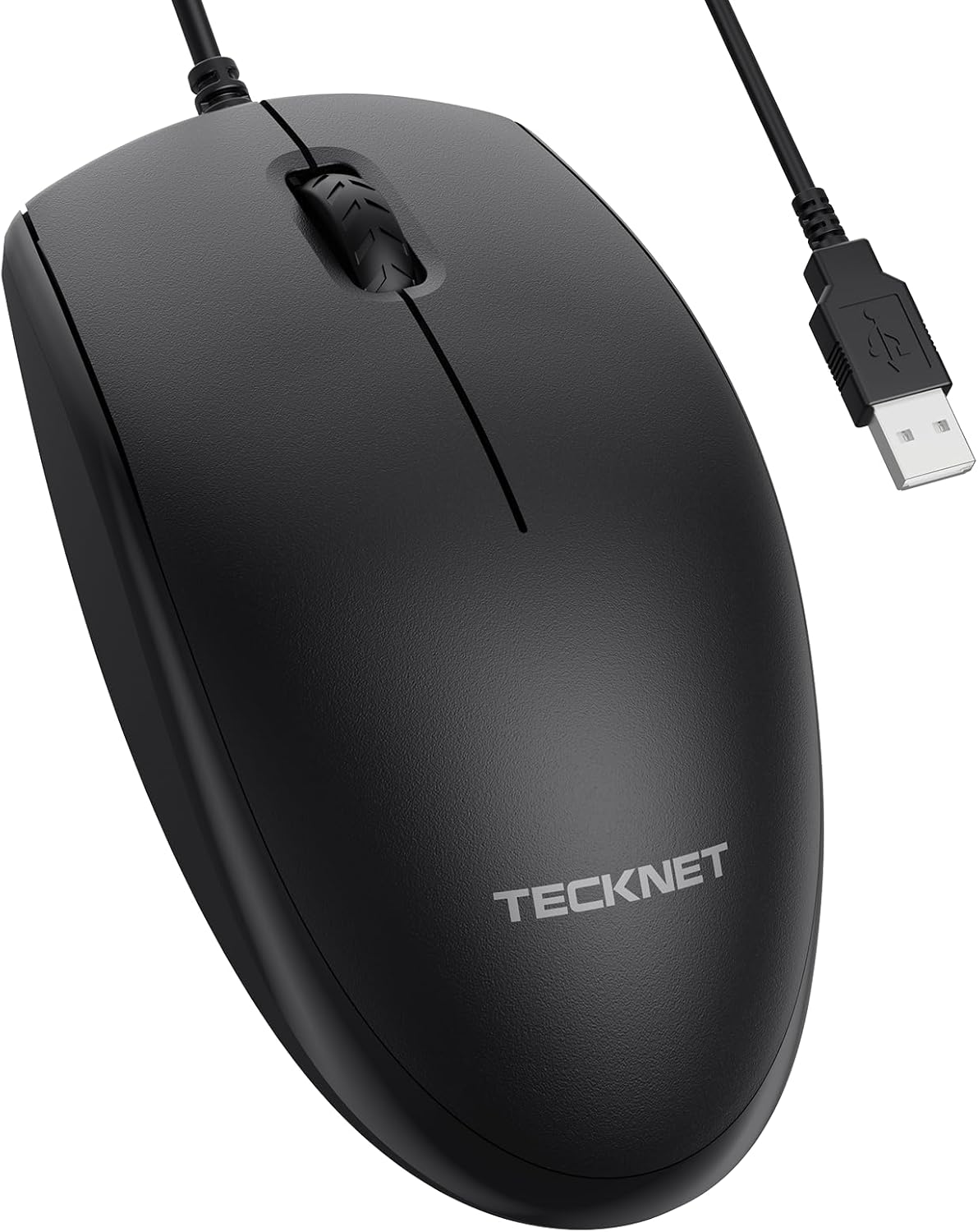
For buyers who care about value and simplicity—especially if you’re buying for a PC, a laptop, or a mixed work setup—this one makes sense. But if comfort and ergonomics are your top priority, it’s wise to double-check how the full-size ambidextrous shape suits your hand.
Mini FAQ
Does it support DPI changes on the fly?
Yes. There’s a DPI adjusting button that lets you cycle through up to four DPI settings.
What are the extra buttons for?
Besides the main clicks and the scroll wheel, it includes two side buttons described for back/forward navigation in web browsing.
Is it suitable for both office work and graphic design?
The positioning is that it’s ideal for workplace use and graphic design, mainly through accurate cursor tracking and DPI control.
Is it easy to set up?
According to the description, it uses a plug-and-play setup: connect the mouse to a USB port and it’s ready.
Which operating systems does it work with?
It’s listed as compatible with Windows 11/10/8/7/Vista, Linux kernel 2.4+, macOS 10.3.9 or later, and Chrome OS.