

Attack Shark G3Pro gaming mouse 25000 DPI
Product description
Key features
If you want a gaming mouse that keeps you moving and reduces charging interruptions, the ATTACK SHARK G3PRO brings a magnetic charging dock into the mix. Place the mouse on the dock for quick, snap-on charging so it is ready for your next session. You also get a fast, responsive PixArt sensor up to 25,000 DPI with multiple DPI steps, which helps when you switch between everyday tasks and more precise aim. 🎮
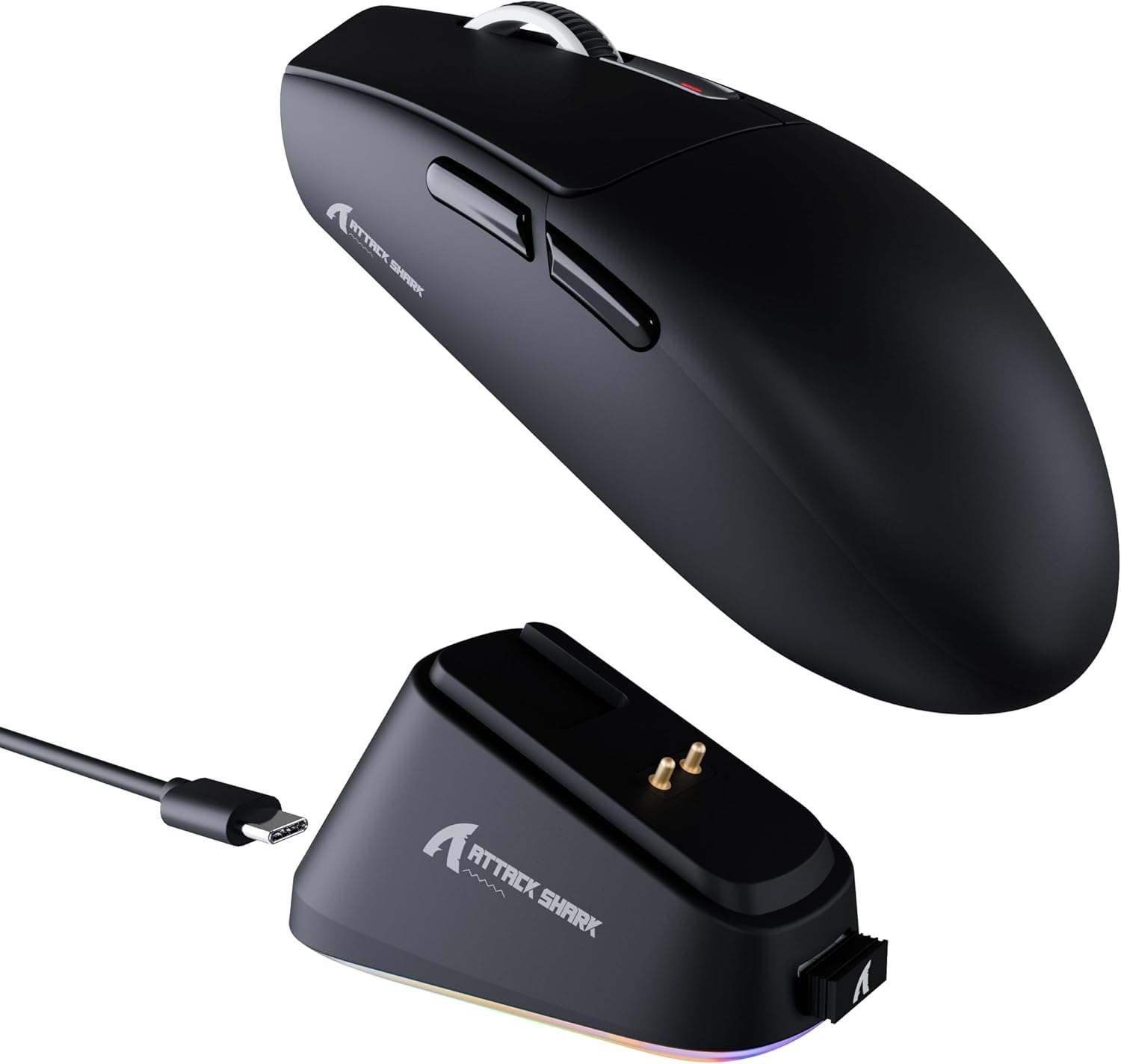
The G3PRO is also built for flexibility. It supports three connection modes, wired USB-C, 2.4GHz, and Bluetooth, so you can match the setup you have at the time. BT and wireless modes make it convenient across different devices, while the wired option is there when you want a stable, no-compromise feel. 🤝
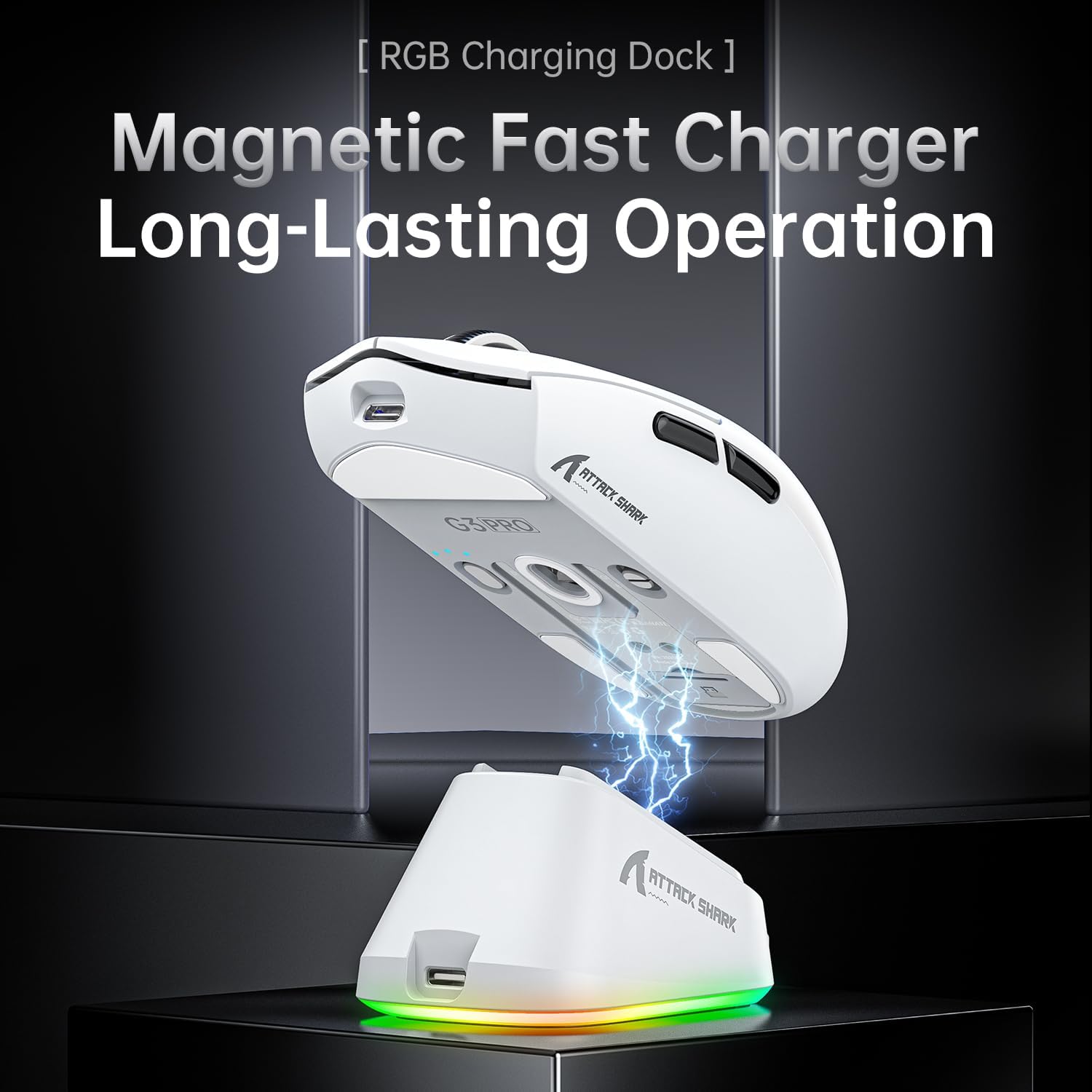
A big practical win is the dock itself. It uses a magnetic snap-on design for easy charging, then the dock includes a touch-sensitive switch to toggle lighting effects, so you can adjust the look without extra buttons. On the mouse, the design focuses on lightweight control, which matters during longer play sessions when you do not want extra strain building up. 😄
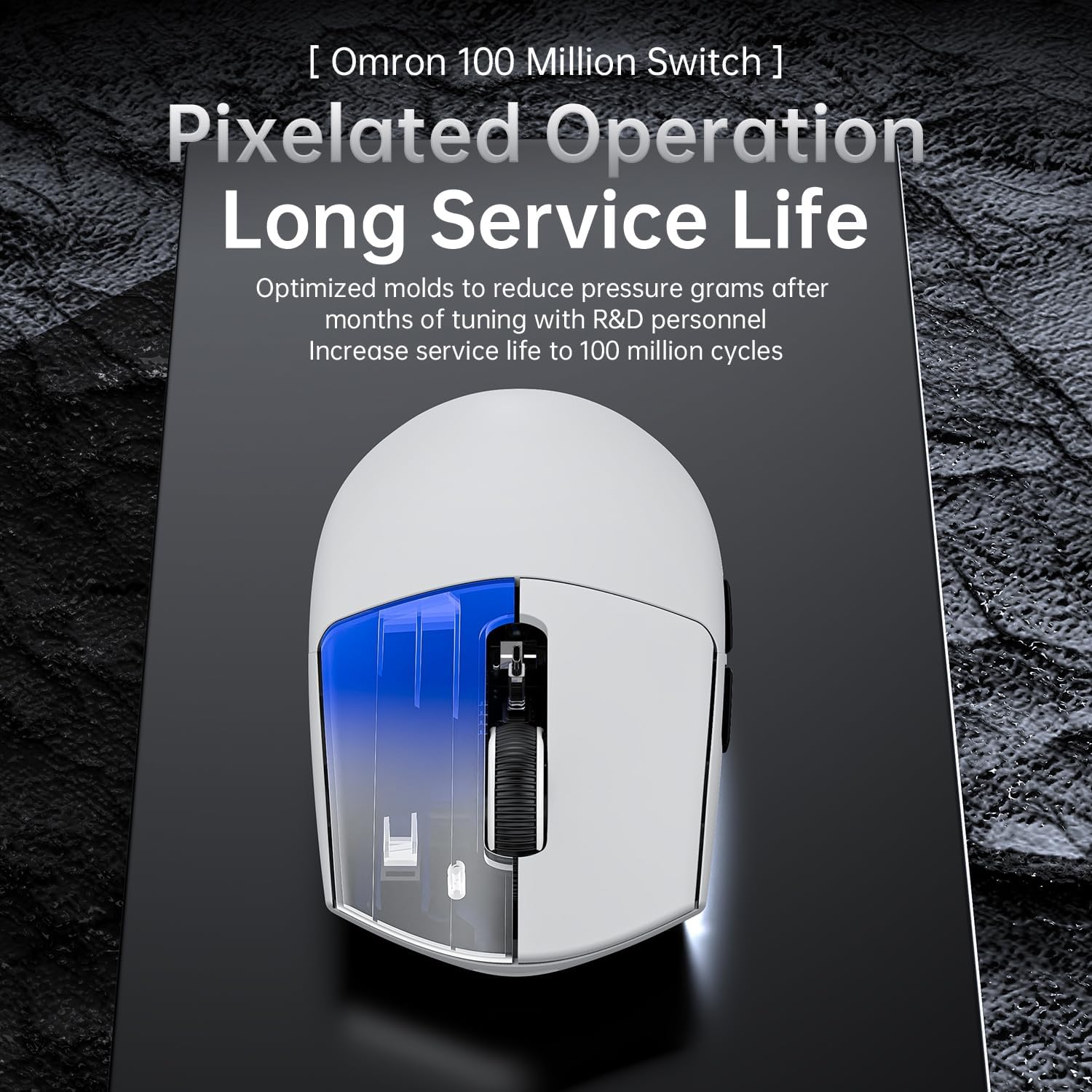
Finally, durability is part of the design brief. The mouse uses ultra-durable micro switches tuned by engineers to reduce double-clicking and keep the click feel consistent over time, with a lifespan rated for up to 100 million clicks. That makes it a sensible choice if you want a gaming mouse that can keep up with day-to-day use rather than needing frequent replacements.
Tech specs

- Name: ATTACK SHARK G3PRO Gaming Mouse with Magnetic Charging Dock
- Type: Gaming mouse with magnetic charging dock
- Sensor: PixArt PAW3311 gaming sensor
- Resolution: Up to 25,000 DPI
- Connection modes: Wired USB-C, 2.4GHz, and Bluetooth
- Weight: 62 g
- Click lifespan: 100 million clicks
Pros
The standout convenience here is the magnetic charging dock. Instead of plugging in a cable each time, you simply place the mouse on the dock to keep it charged and ready. That kind of routine helps if you game frequently or you are mixing gaming with work and study, because the mouse is less likely to be left low when you sit down to play. The touch-sensitive switch on the dock also gives you a straightforward way to toggle lighting effects on the fly.

You also get a sensor that is made for responsiveness. The PixArt PAW3311 is listed with a maximum of 25,000 DPI, plus adjustable DPI levels, so you can set a speed that suits your preferences. If you like different sensitivity profiles depending on what you are doing, having multiple DPI options is useful. Do keep in mind that very high DPI settings can feel different across surfaces, so it is worth testing with your mouse mat and adjusting gradually.
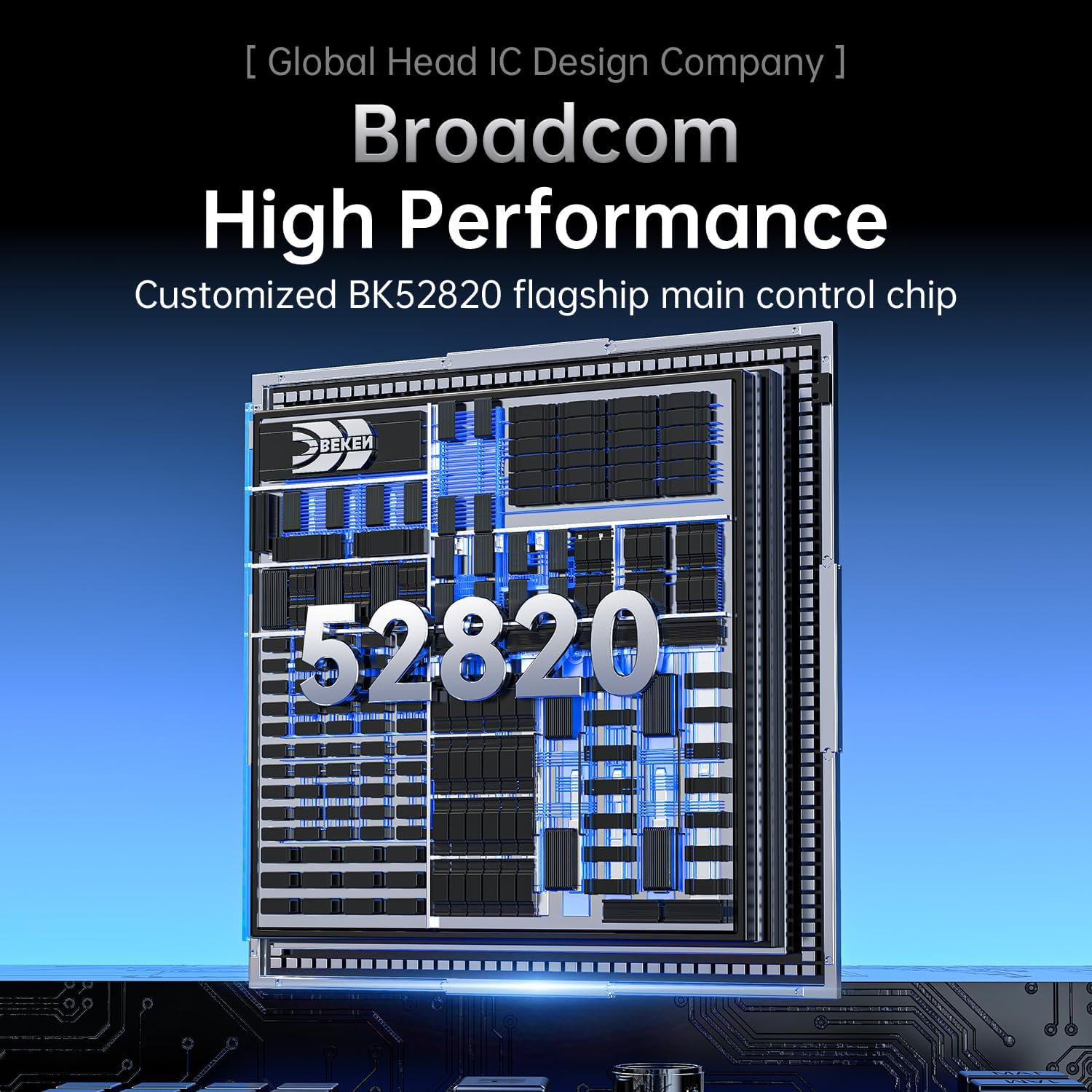
Another practical strength is the three-way connectivity. The BK52820 chip supports wired USB-C, 2.4GHz, and Bluetooth with a button on the bottom of the mouse, which helps when you need to swap between a desktop setup, a console setup, or a mobile workflow. It is especially handy if you use multiple devices or you often change where you play from.
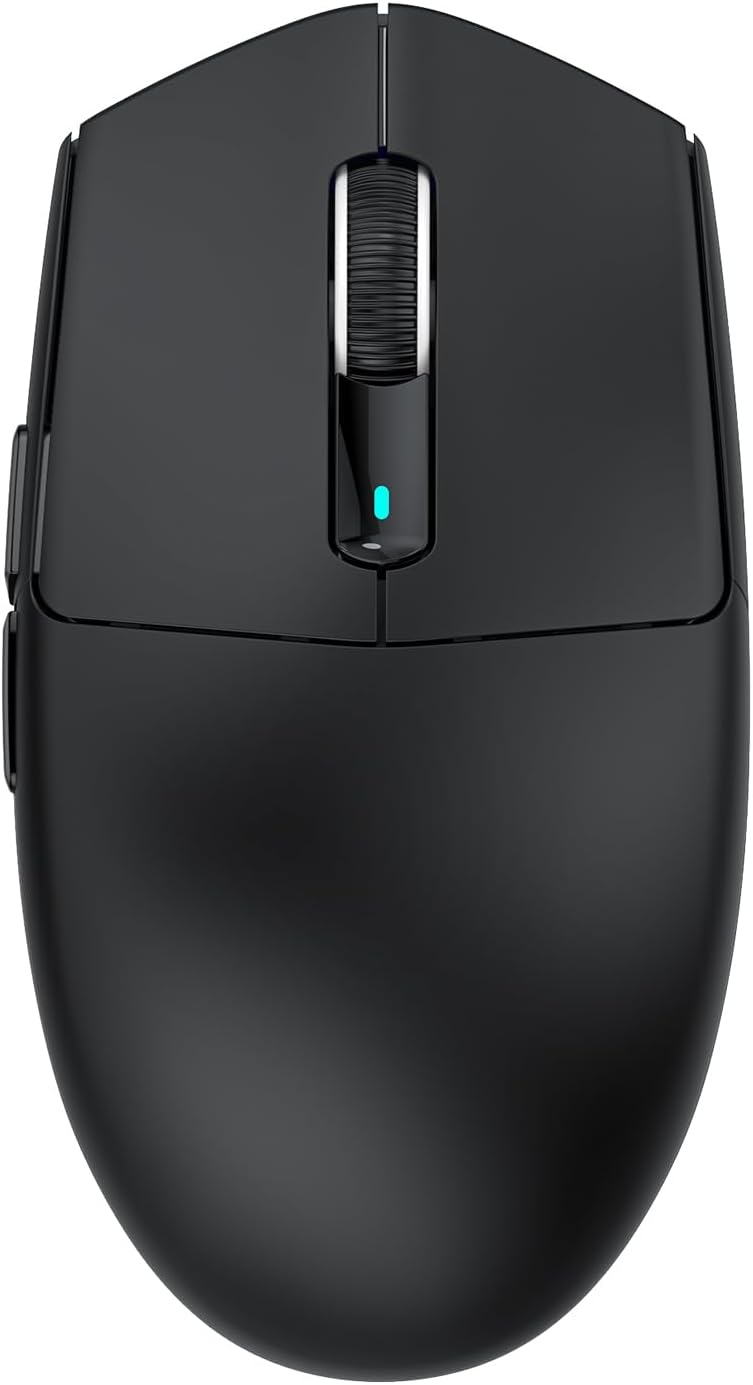
The lighter build is also a real day-to-day benefit. At 62 g, the mouse is designed to help with faster movement and quicker reaction times, which can reduce fatigue over longer sessions. Paired with micro switches tuned for a softer, more responsive feel and a 100 million click lifespan, it is the sort of spec sheet that aims to stay consistent, not just perform once.
What’s included
You get the ATTACK SHARK G3PRO gaming mouse along with the magnetic charging dock. The dock is designed for magnetic snap-on charging, so it becomes part of your desk routine rather than a one-off accessory. It also includes the touch-sensitive switch for toggling between different lighting effects.
When you are setting up, the three connection modes are the main thing to plan around, because they determine how you connect it to your devices. There is a wired USB-C option, plus 2.4GHz and Bluetooth, so you can choose the method that best matches your setup at the time. If you keep your mouse docked regularly, the charging flow becomes simple enough for everyday use.