

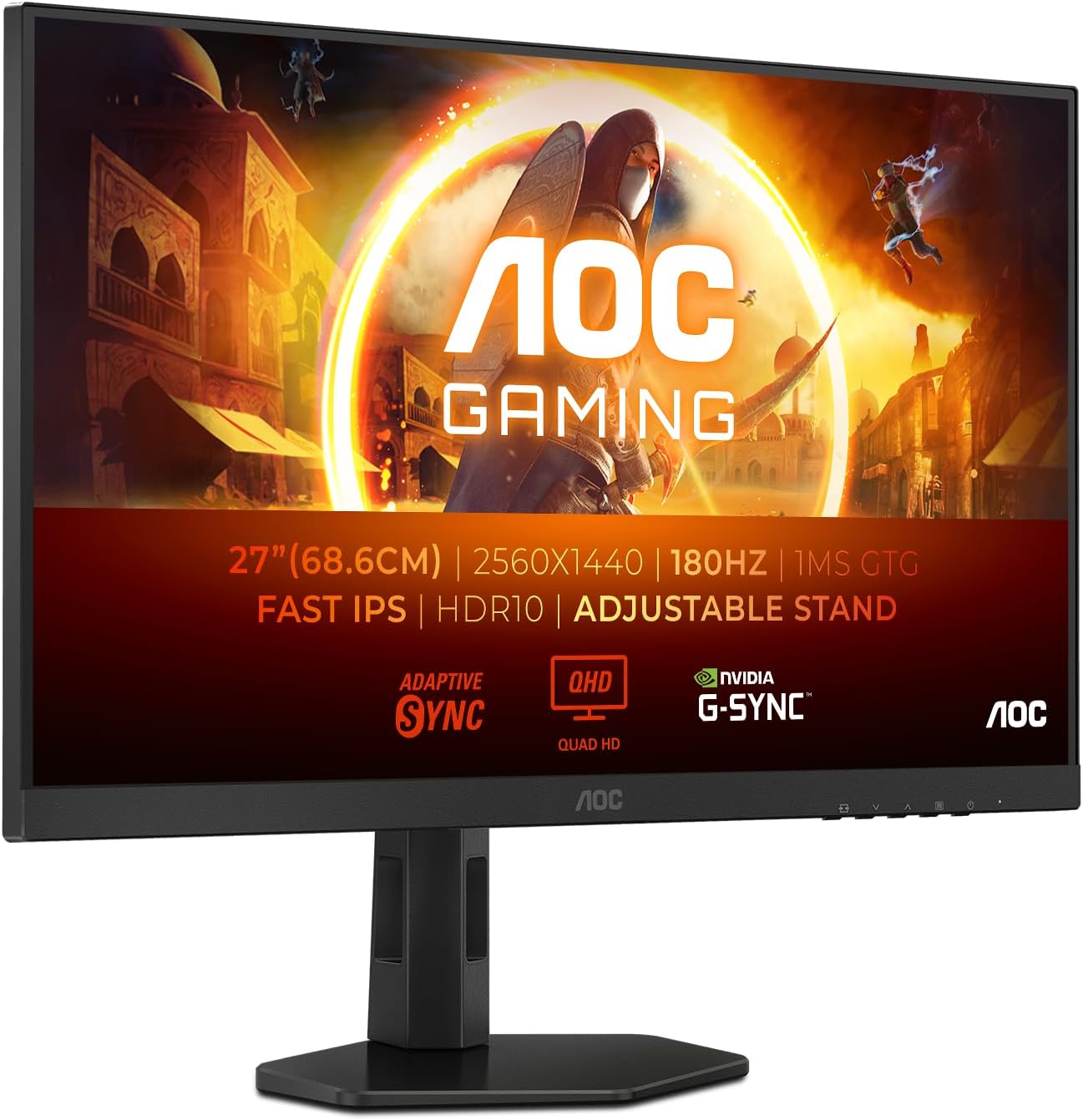
AOC Q27G4XD 27-inch WQHD Gaming Monitor (180Hz, Fast IPS, Adaptive Sync, HDR400)
Reviews
Price
Product description
The essentials
If you’re looking for a 27-inch gaming monitor that targets smooth motion without going ultra-high-end, the AOC Q27G4XD is aimed squarely at that sweet spot. On paper it brings a fast 180Hz refresh rate and a Fast IPS panel, plus a quick response mode rated at 0.5ms (MPRT). It’s the kind of spec mix that typically appeals to players who notice stutter or tearing and want a more fluid feel.
That said, a monitor isn’t just numbers. The real question is whether this one’s feature set matches your setup: you’ll get the most out of the higher refresh rate when your graphics card and game settings can actually feed it consistently. If you play more casually or your hardware doesn’t hold high frame rates, it can feel like you’re paying for speed you’re not fully using.
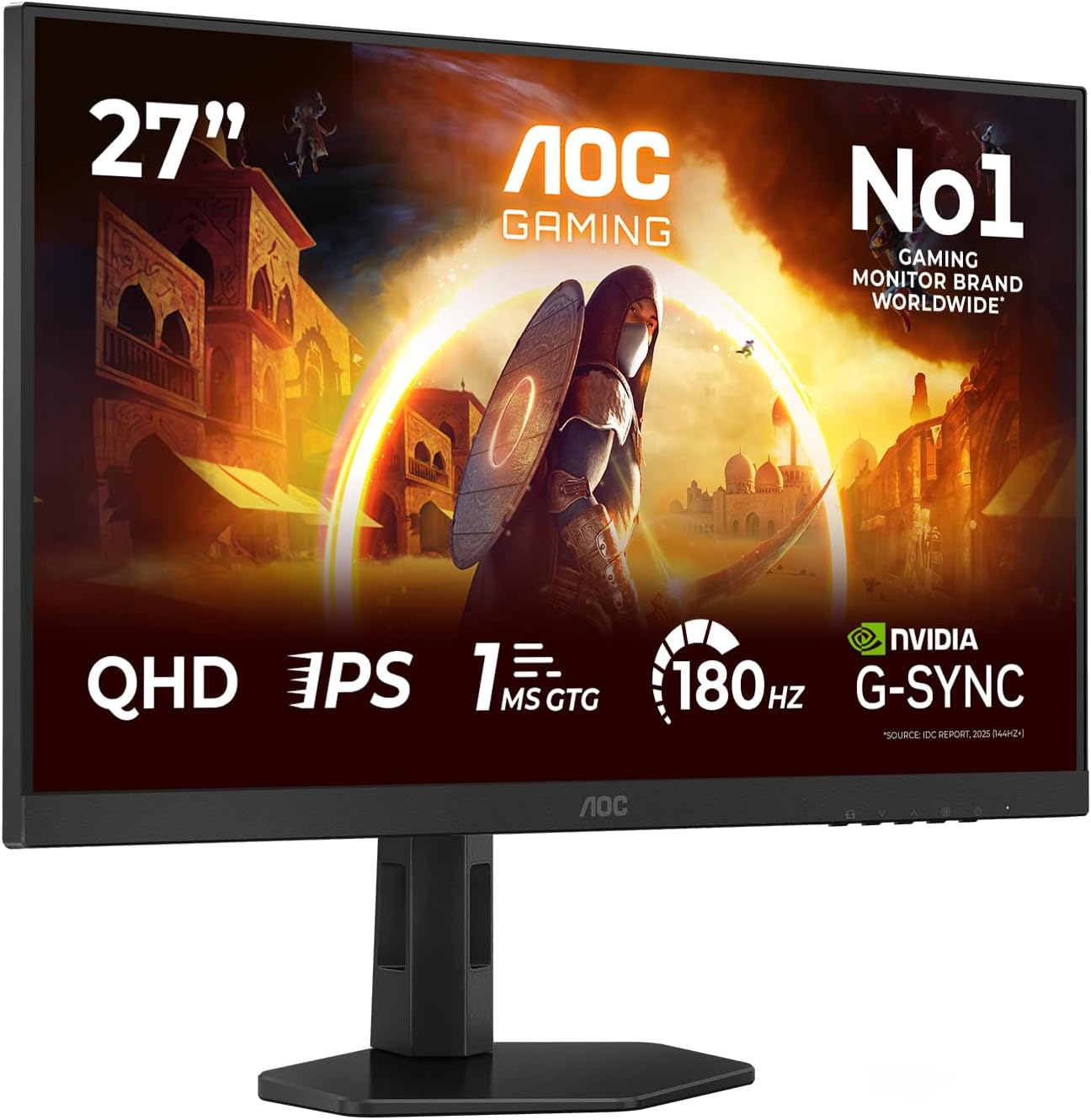
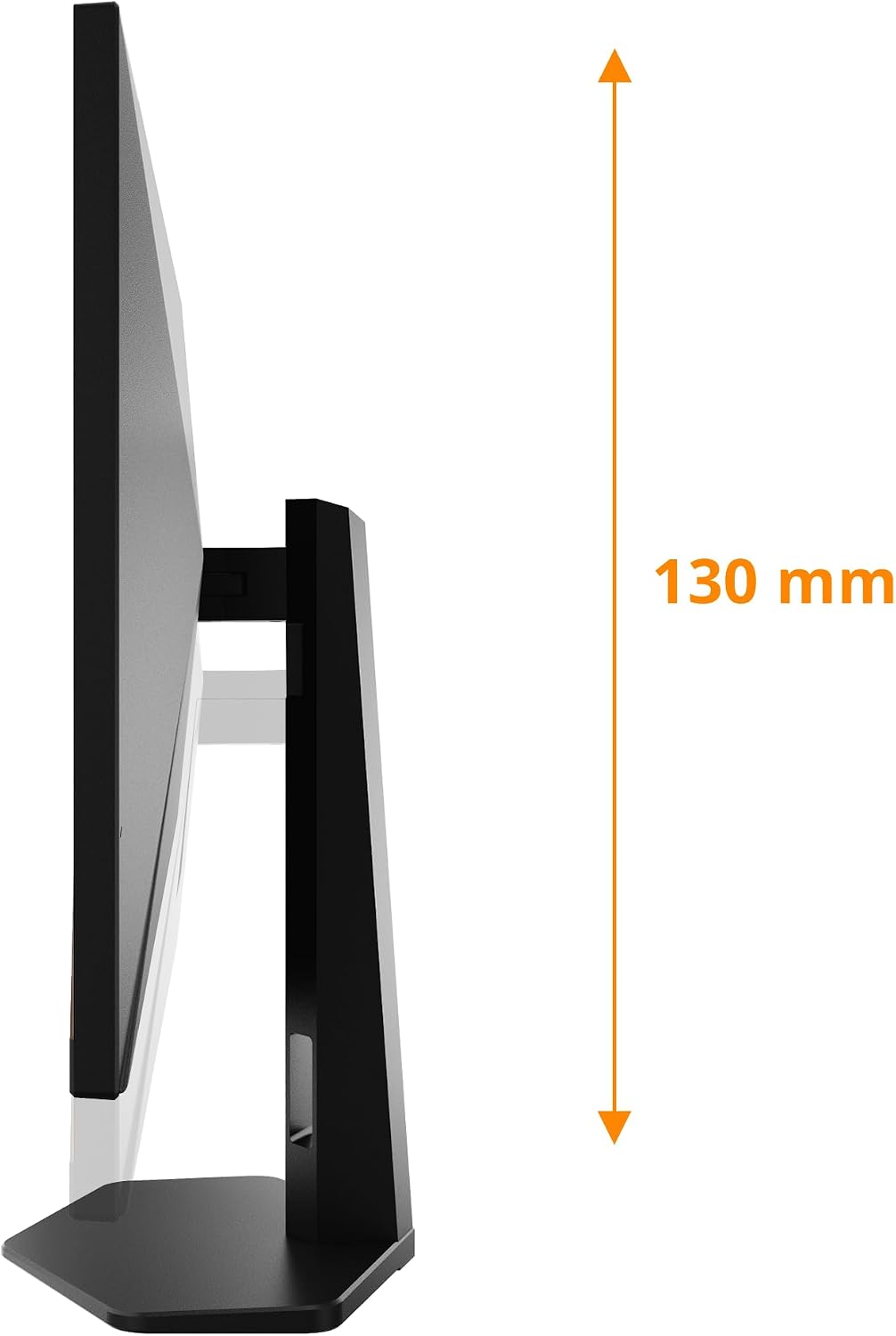
There’s also height adjustment, which matters more than people think if you spend long sessions at a desk. You can make it easier to find a comfortable viewing position, rather than forcing your posture.
What it’s designed for
This AOC model is built around gaming performance cues: higher refresh rate for smoother gameplay, and synchronisation support to reduce disruptive screen tearing/stuttering. The description also highlights HDR400, so there’s an angle for games and media that benefit from stronger contrast and punchier highlights—though HDR performance is never only about the headline number, so it’s worth viewing it as “support for HDR” rather than a replacement for top-tier HDR displays.
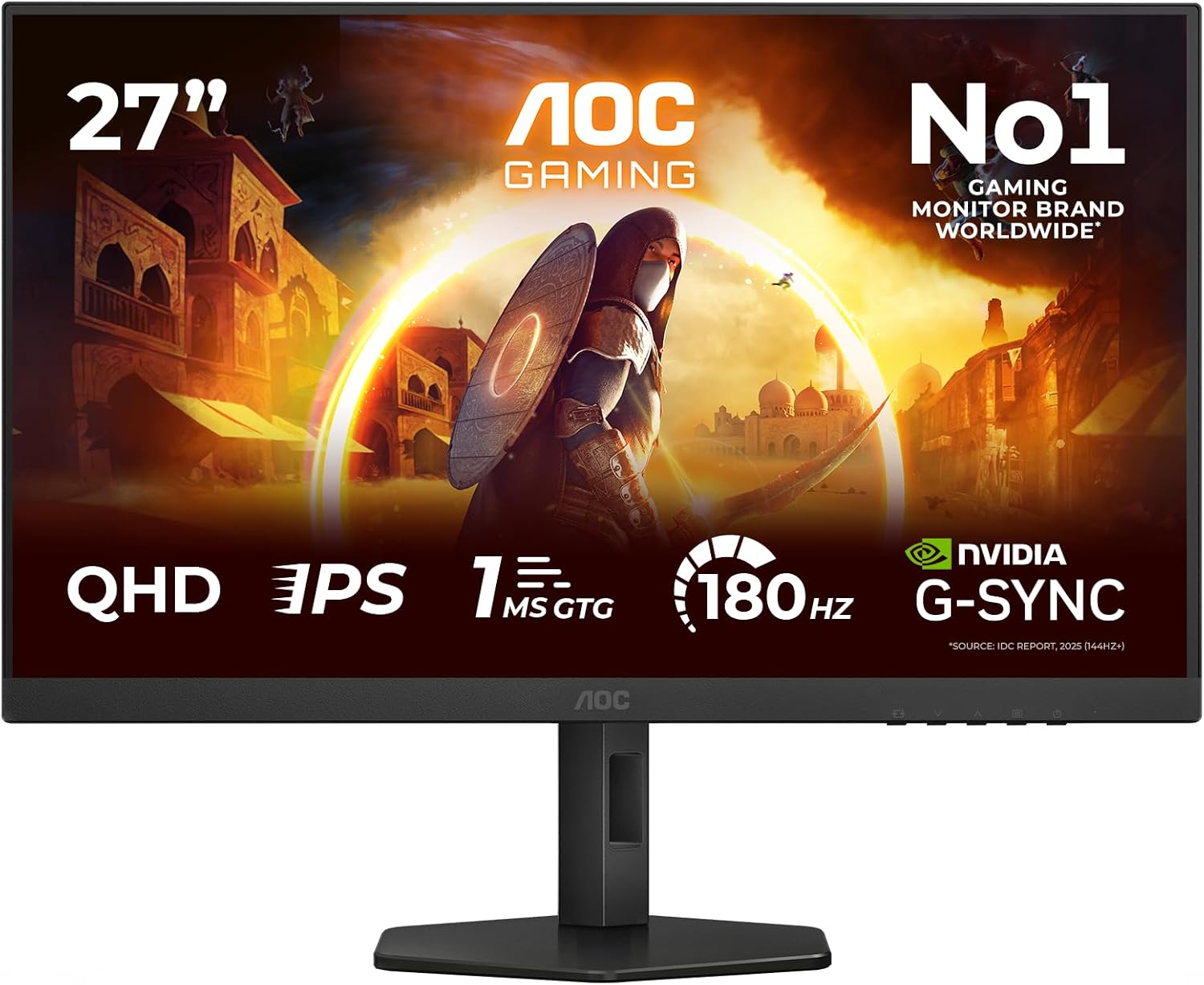
A quick micro-scenario: imagine you’re in a fast shooter, you’re tracking targets while moving the camera around. With Adaptive Sync doing its job, you’re aiming to keep the monitor’s refresh aligned with what the GPU is sending, which is exactly the sort of behaviour that tends to make motion look calmer.
Key takeaways on performance
The combination of 180Hz, Fast IPS, and 0.5ms (MPRT) suggests AOC is targeting crisp motion and fewer “draggy” frames. IPS panels can be a practical choice if you also care about colour and viewing angles in day-to-day use (not just gaming in a dark room).
It also supports G-Sync compatibility (as stated), which is helpful if you’re using an NVIDIA GPU and want that synchronised behaviour. If you’re someone who regularly sees tearing when V-Sync isn’t set up ideally, this is the kind of monitor that can make your experience feel more controlled.
Still, tenser moments depend on your settings. Adaptive Sync and the high refresh rate can only smooth what’s actually being produced by the system—so if your frame rate swings a lot, the “ultra-smooth” feel may not be constant.
Connectivity and setup considerations
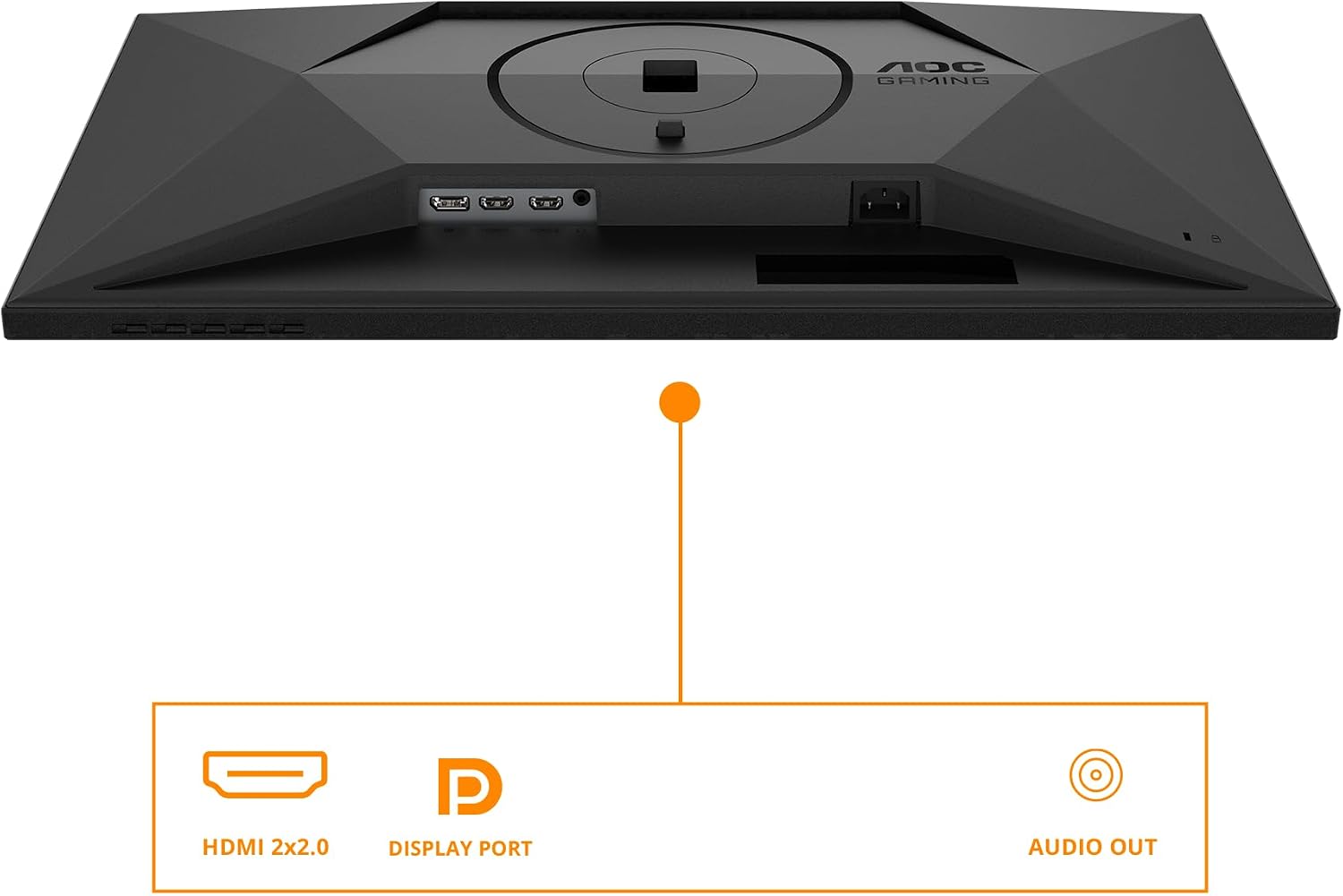
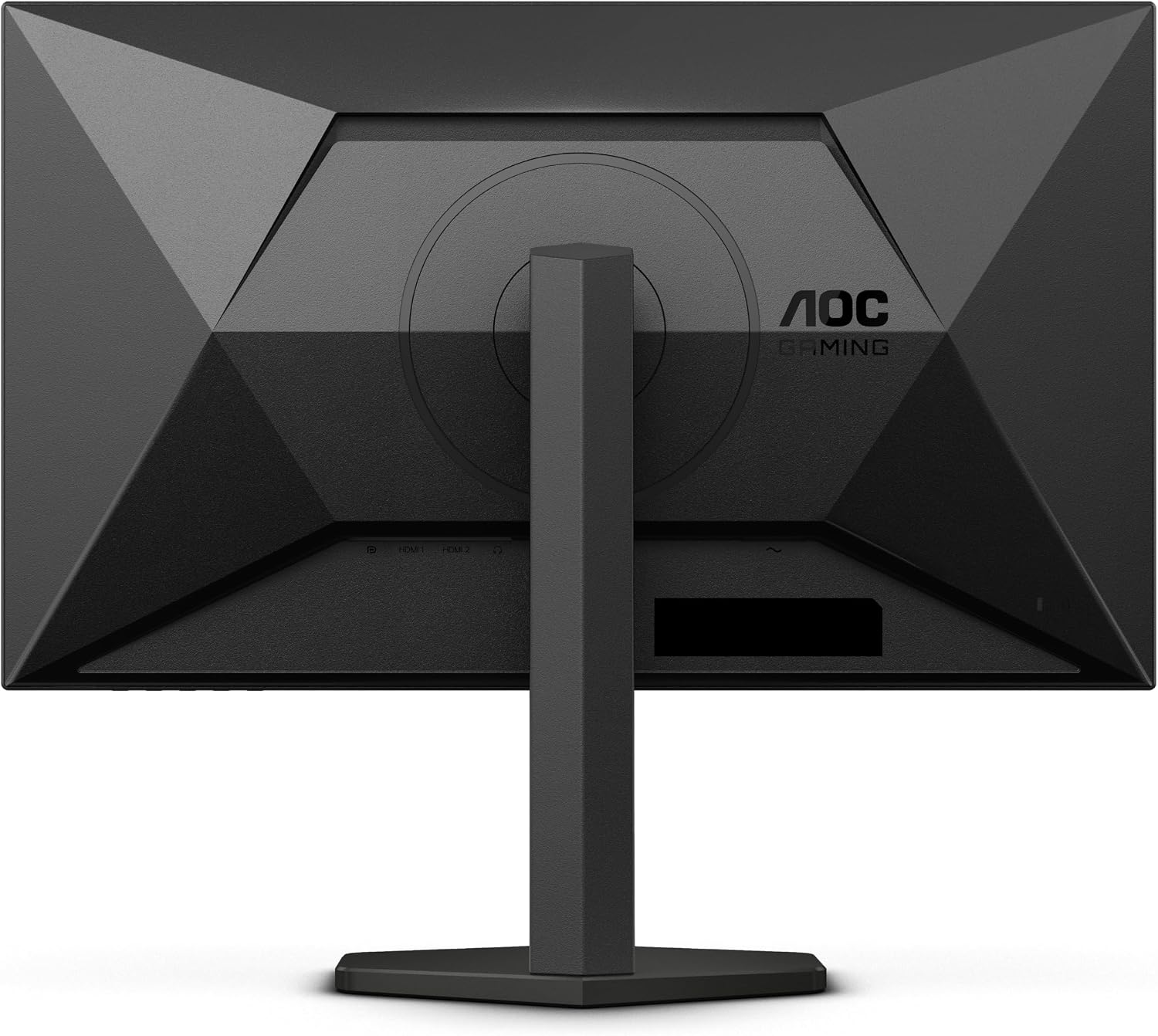
Connectivity is covered with HDMI 2.0 x2 and DisplayPort 1.4 x1, which is a decent spread for typical desk setups. If you run multiple inputs (for example PC and console), having two HDMI ports can simplify switching without constantly replugging.
You’ll also likely like the fact the monitor is height adjustable. It’s a small feature with big day-to-day impact: raising or lowering the screen can reduce neck strain and help you align your eyes comfortably. Not everyone needs it, but if you’re fussy about ergonomics, it’s a genuine quality-of-life addition.
What to watch before buying: make sure the ports you plan to use match your devices (especially if you rely on DisplayPort), and check whether your desk has enough clearance for the height movement.
Where it shines (and where it may not)
It makes sense if you want a 27-inch WQHD gaming monitor that leans into higher refresh rate smoothness, and you care about synchronisation to reduce tearing/stutter. The Fast IPS panel and support for G-Sync compatible adaptive sync are also strong signals for players who like responsive play.
You may want to skip it if you mostly play slower games, use a setup that can’t reliably push higher frame rates, or you’re mainly after the best-in-class HDR experience. HDR400 is a support level, not a guarantee of dramatic HDR, so if your priority is premium HDR tone-mapping and peak brightness, you might find stronger HDR-focused alternatives more aligned with your expectations.
Tech specs
- Name: AOC Q27G4XD
- Type: Gaming monitor
- Size: 27 inch
- Resolution: 2560x1440 (WQHD)
- Refresh rate: 180Hz
- Panel type: Fast IPS
- Response time: 0.5ms (MPRT)
- Display sync: Adaptive Sync, G-Sync Compatible
- HDR: HDR400
- Height adjustment: Yes
- Colour: Black
- Format/ports: HDMI 2.0 x2, DisplayPort 1.4 x1
Final verdict
A solid pick if you’re building a WQHD gaming setup and you want the smoother gameplay feel that comes with 180Hz, while also reducing tearing/stuttering via Adaptive Sync (and G-Sync compatibility). The Fast IPS panel and height adjustment also make it easier to live with day to day.
It’s not the best choice if your hardware or games don’t consistently reach higher frame rates, or if you’re buying primarily for standout HDR performance. In that case, it may feel more like a middle-ground gaming monitor than the “every box ticked” solution.
If you want, I can also help you sanity-check whether your GPU and typical game settings would let you benefit from the 180Hz target—just tell me what graphics card and games you play most.