

Minifire 24 Inch 180Hz Gaming Monitor – Full HD, FreeSync, 110% sRGB
Reviews
Price
Product description
What it is
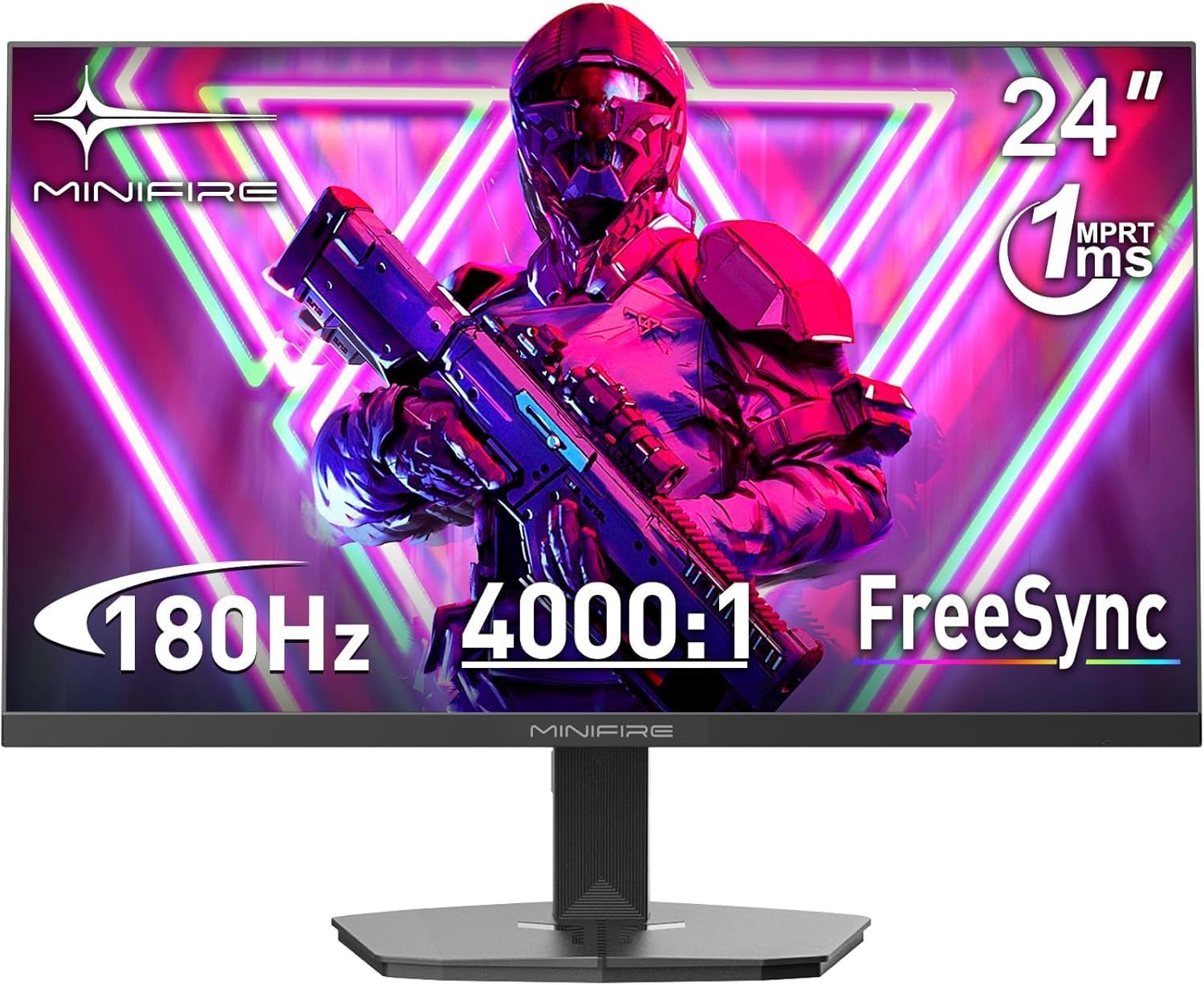
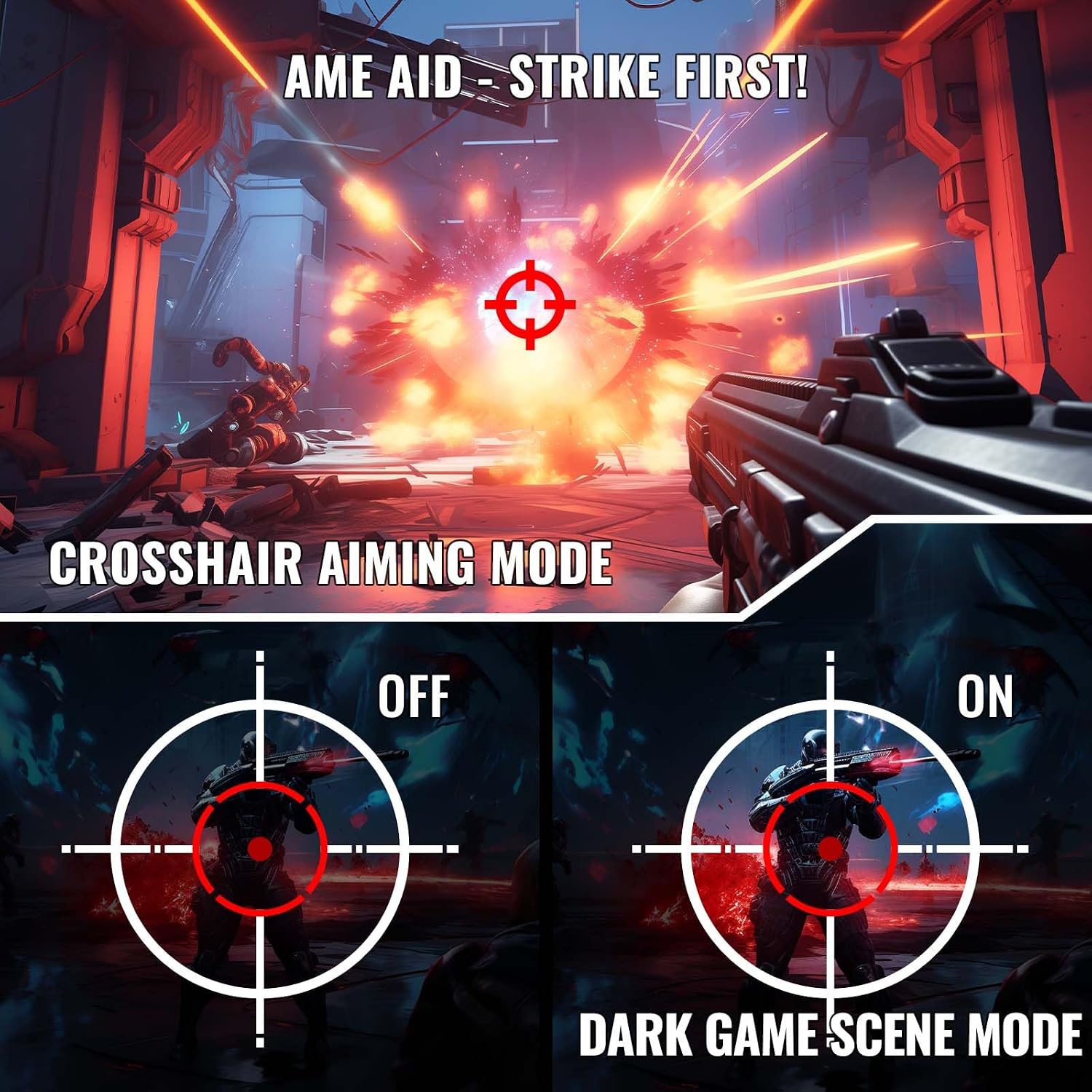
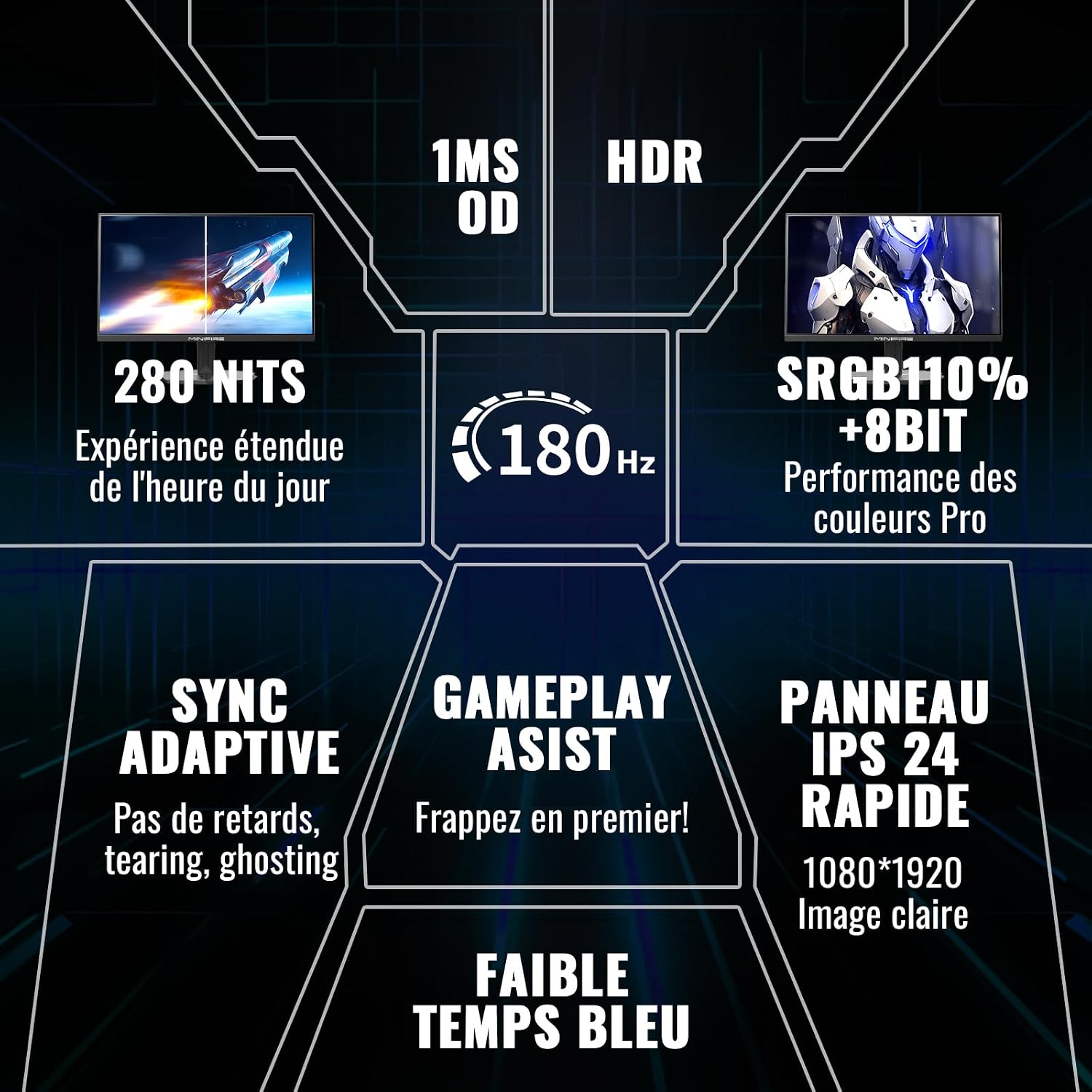
The Minifire 24 Inch gaming monitor is a Full HD (1920 x 1080) display designed with gaming in mind. It aims to deliver smooth motion thanks to a 180 Hz refresh rate and a 1 ms MPRT response time, making it a practical option for fast-paced titles or everyday workstation use. It supports FreeSync to reduce screen tearing and has an ergonomic stand with tilt adjustment and VESA compatibility for flexible mounting.
What it’s for
If you’re prioritising a higher refresh experience on a budget, this screen is positioned as a mid-range option that can handle both gaming and office tasks. The colour coverage of 110% sRGB and 80% DCI-P3 provides richer colour reproduction than basic panels, while HDR adds a step up in highlights and depth—though it’s important to manage expectations about HDR performance on a 300-nit panel.
Performance highlights and limits
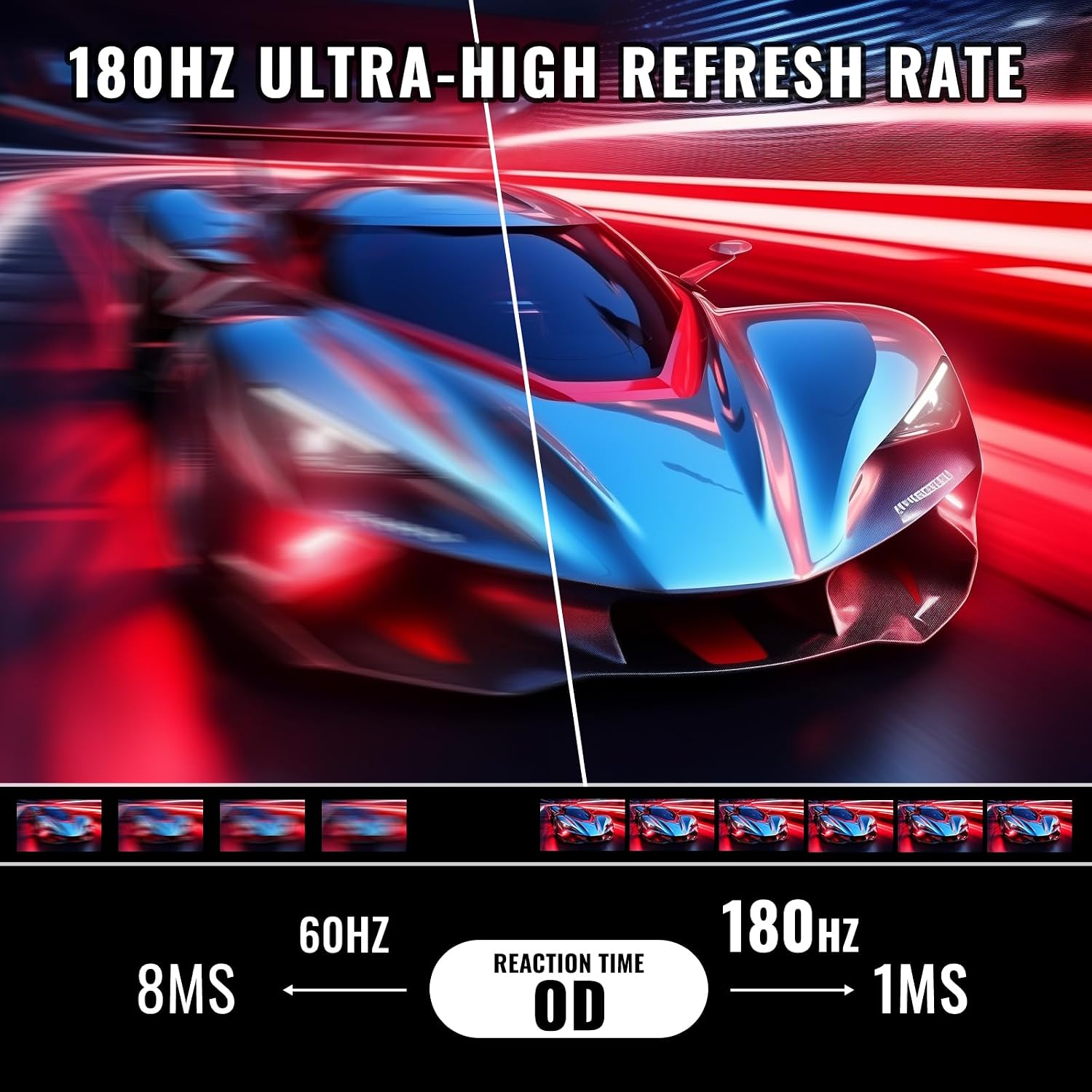
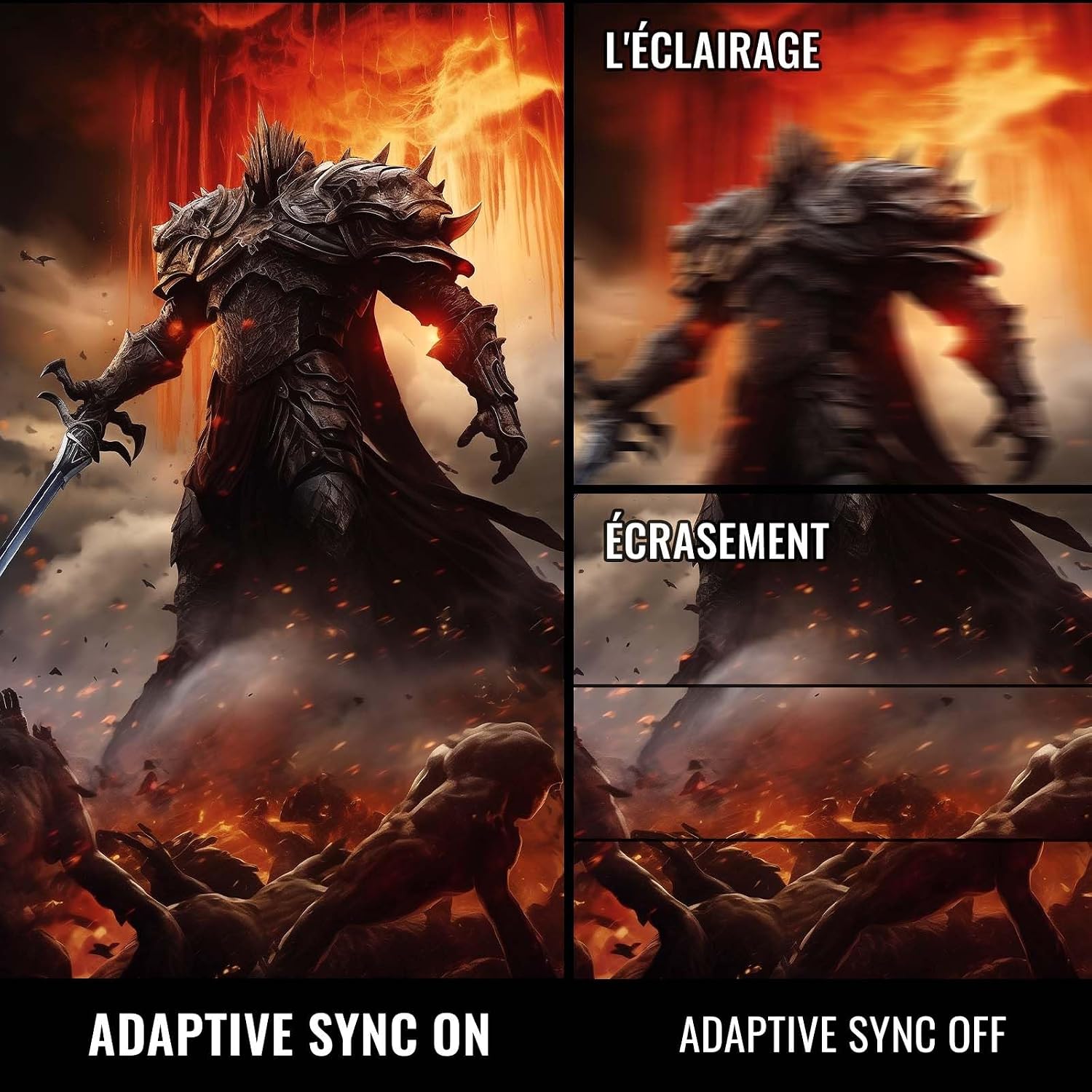
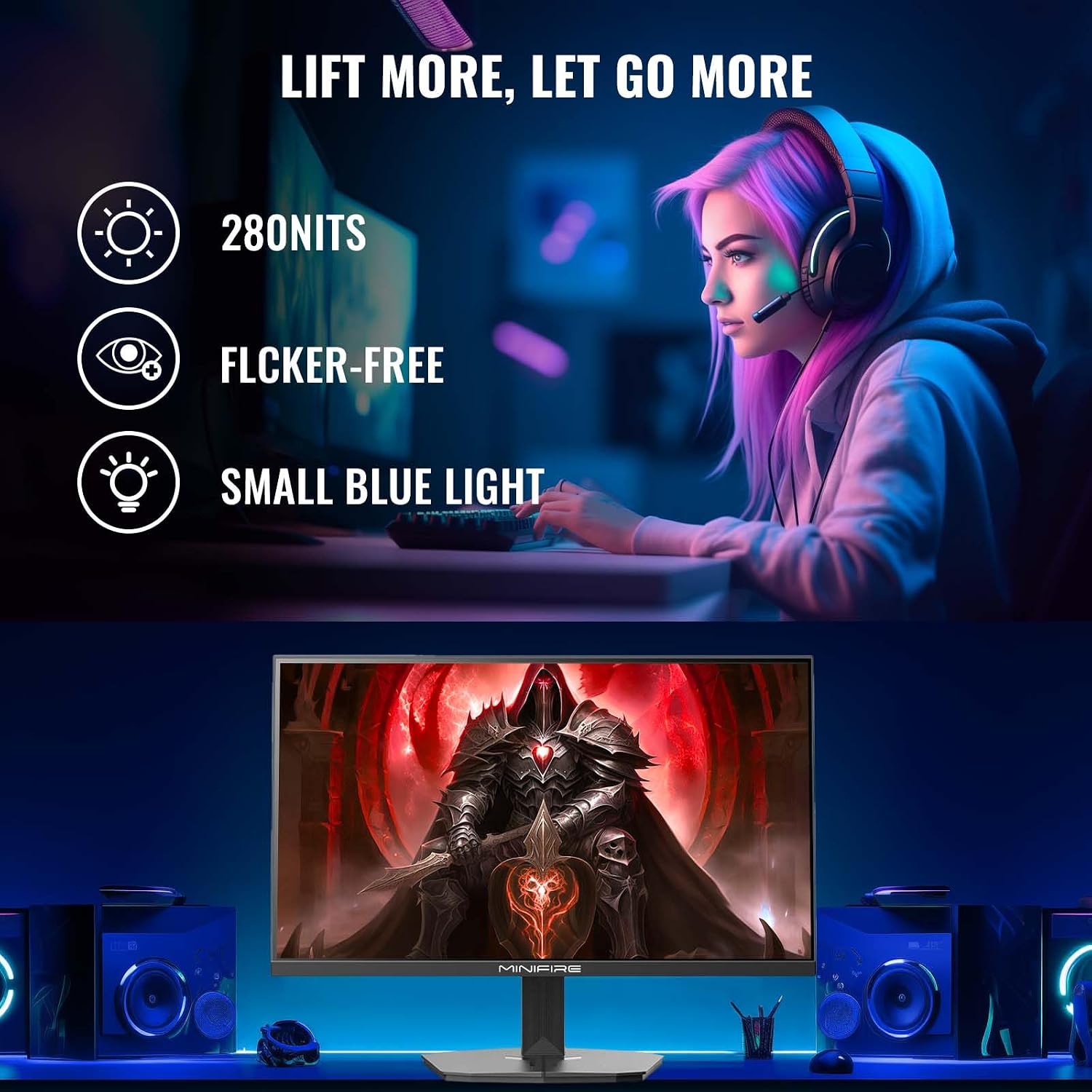
On paper, the 180 Hz refresh rate and 1 ms MPRT suggest snappy motion and reduced blur, which is attractive for shooters and racing titles. FreeSync helps maintain a smoother image when frame rates fluctuate. The monitor is described as flicker-free with blue-light reduction, which can help reduce eye strain during long sessions. However, no built-in speakers are included, so you’ll need external audio when watching media or playing games with audio.
What stands out
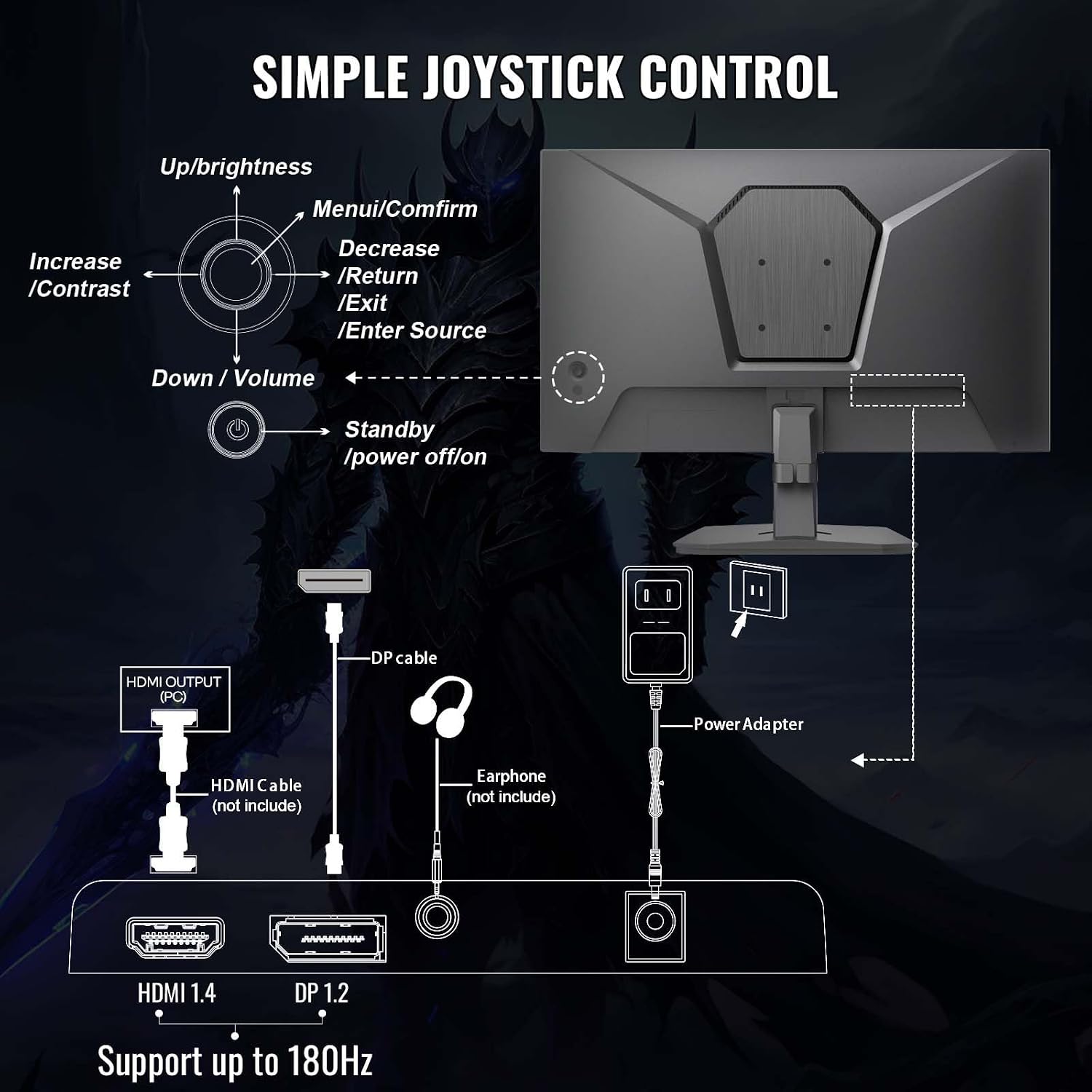
Its combination of high refresh rate and broad colour gamut for a 24-inch panel is notable in this price range, especially the 110% sRGB and 80% DCI-P3 figures. The stand offers ergonomic tilt, and the VESA compatibility adds mounting flexibility for different desk setups. The inclusion of HDMI and DisplayPort means you can connect a variety of devices and still benefit from the higher refresh on supported inputs.
What could be better
While the spec sheet looks strong on paper, HDR performance on a 300 nits panel is limited compared with true HDR displays, so it won’t replace a flagship HDR experience. The lack of built-in speakers may be a downside for casual users who want a simple plug-and-play setup. Also, as with many gaming monitors, the real-world benefit of 180 Hz is most noticeable when you have a capable GPU and fast-paced titles, at lower frame rates the advantage is far less apparent.
Who this is for
This monitor is well suited to gamers on a budget who still want a high-refresh experience and good colour out of the box, plus desktop users who appreciate a screen with a wide viewing angle and adjustable stand. It’s reasonable to consider if you’re building a compact gaming rig or a secondary monitor for mixed use.
For whom it isn’t the best option
If you require loud, built-in speakers or top-tier HDR performance, this isn’t the right pick. It’s also worth noting that at 1080p, you’ll be aiming at 1440p or higher if you want a sharper image on larger screens, though in a 24-inch form the 1080p resolution remains a sensible pairing with 180 Hz.
What to check before buying
- Confirm you have a compatible GPU to drive high refresh rates on 1080p for your games.
- Consider your desk space and whether you’ll use the VESA mounting option for a cleaner setup.
- If HDR is important, set expectations accordingly given the panel’s brightness level.
- Plan for external speakers or headphones since there are no built-in speakers.
Practical use example
Imagine you’re jumping into a fast-paced shooter at 1080p, the screen should deliver smooth scene transitions and minimal blur, helping you track quick movements more reliably than a standard 60 Hz panel. For long work sessions, the blue-light reduction and flicker-free design can make a noticeable difference to comfort, especially when you’re glued to the screen for several hours.
Is it worth it?
It makes sense if you prioritise a high-refresh gaming experience at a reasonable price and are fine with 1080p, if you want true HDR performance or built-in speakers, you may want to look elsewhere.
FAQ
- Does it include speakers? No, there are no built-in speakers.
- What inputs are available? HDMI 1.4 and DP 1.2, with support for up to 180 Hz on DP.
- Can I mount it on a wall or a monitor arm? Yes, it’s VESA 75 x 75 mm compatible.
Tech specs
- Name: Minifire 24 Inch Gaming Monitor
- Type: 24 inch Full HD gaming monitor
- Refresh rate: 180 Hz
- Response time: MPRT 1 ms
- Colour coverage: sRGB 110%, DCI-P3 80%
- HDR: Yes
- Brightness: 300 nits
- Panel: 8-bit, 4000:1 contrast
- Inputs: HDMI 1.4 x 1, DP 1.2 x 1
- Speakers: None
- Stand: Tilt -5° to 15°, VESA 75 x 75 mm
- Blur/eye comfort: Anti-blue light, Flicker-free
- Additional: FreeSync