

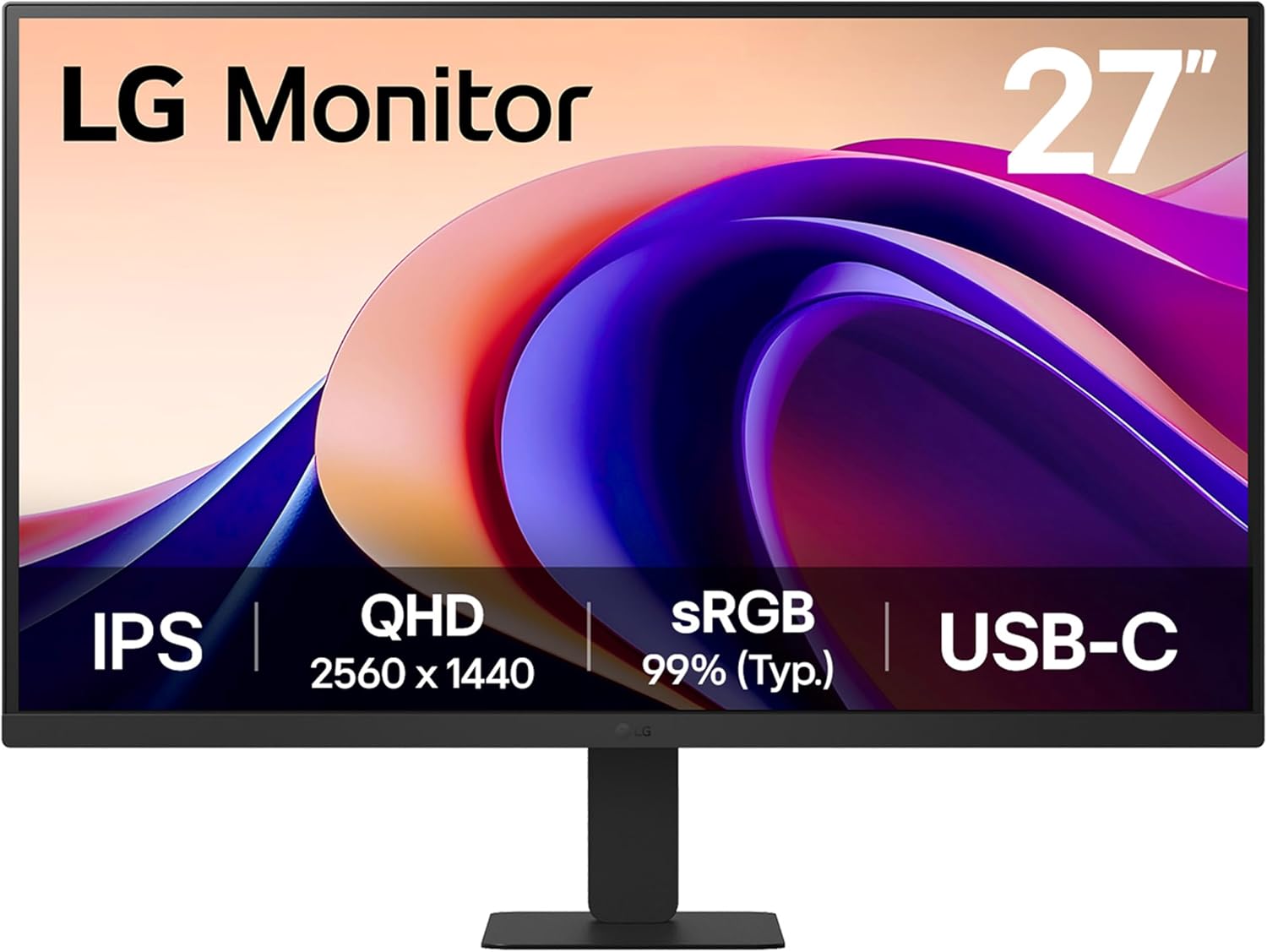
LG Monitor 27U631A 27-inch QHD IPS with USB-C, 100Hz and Reader Mode
Product description
The essentials
If you’re shopping for a 27-inch QHD desktop monitor that’s meant to do more than one job, the LG Monitor 27U631A is built around the basics people actually notice day to day: smoother motion than standard 60Hz, IPS viewing angles, and a couple of built-in “comfort” features for longer stretches at your desk. It’s not trying to be a one-size-fits-all gaming monster, but it does look like a sensible middle-of-the-road screen for work, study and casual gaming.
On paper, the headline things are the 100Hz refresh rate, QHD (1440p) resolution, and IPS panel with wide viewing angles. Add USB-C connectivity for simpler laptop setups, plus Reader Mode and Flicker Safe, and you’ve got a monitor that’s easy to live with. Whether it’s the right pick depends on what you expect from motion performance and colour accuracy, because you’ll still want to check your own priorities rather than assuming every feature will “feel” perfect to you.
What to know before you buy
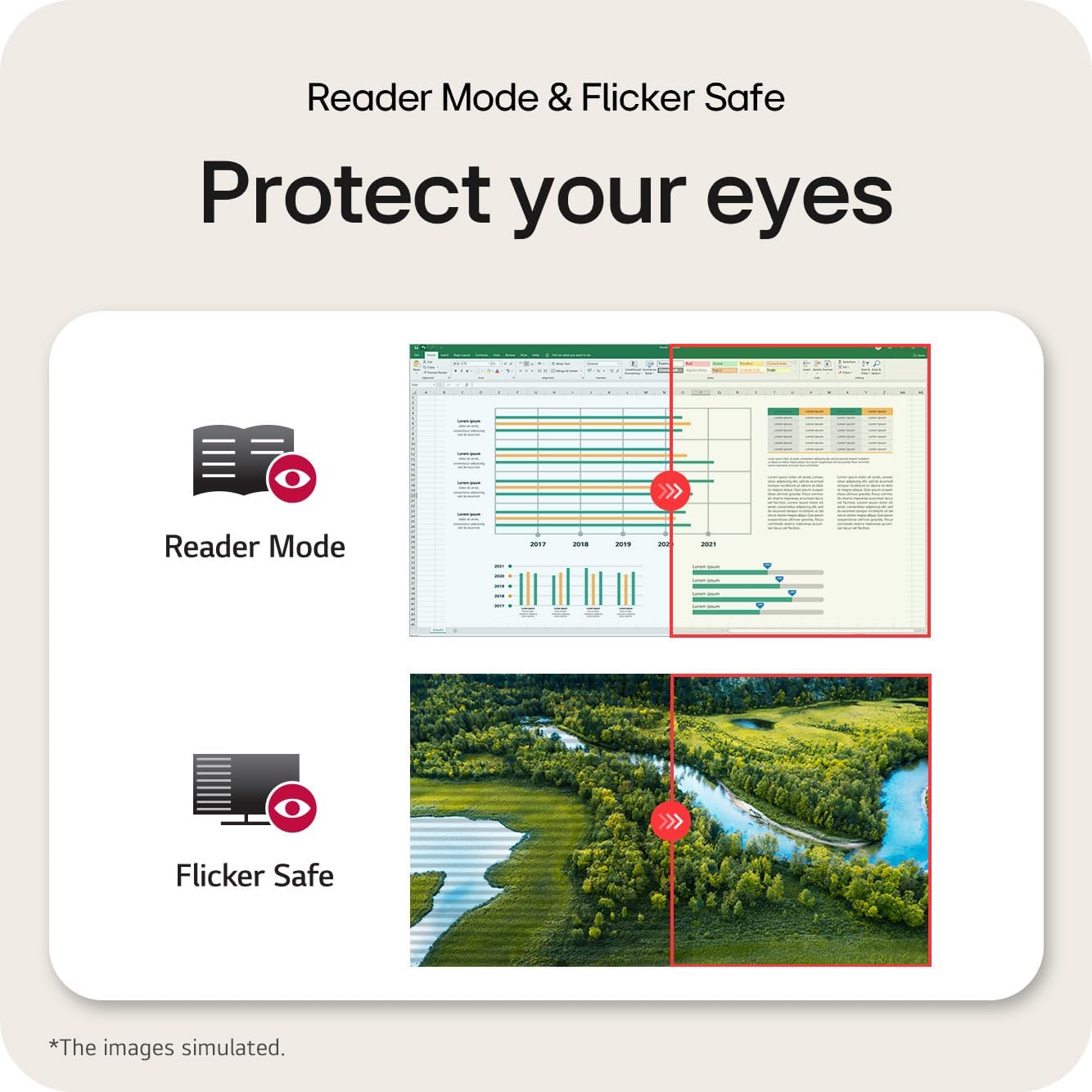
Before committing, it’s worth thinking about how you’ll use the monitor. If you’re mainly doing office work, web browsing, spreadsheets, coding, or reading, the comfort-oriented features matter more than raw spec-chasing. Reader Mode adjusts colour temperature and luminance for reading on a monitor, while Flicker Safe is there to reduce invisible flickering.
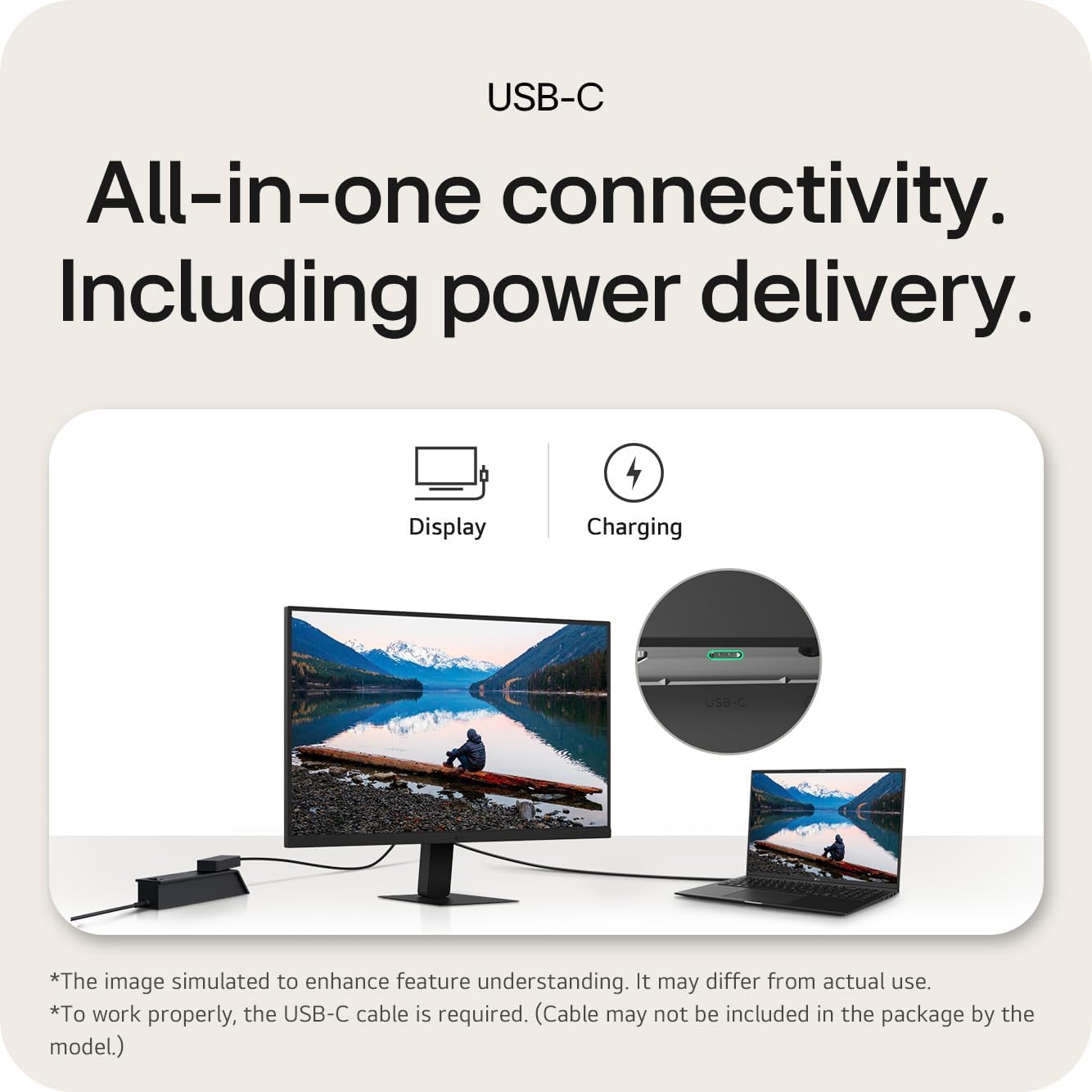
If you’re bringing a laptop as your main computer, USB-C is a genuine convenience here. The monitor supports up to 15W power delivery “on paper”, which should be enough for basic laptop charging in many setups, but it’s still something to consider depending on your specific laptop’s power needs. If you require higher power delivery or a more powerful charging solution, you may want to look closely at your device requirements first.
And if you game, 100Hz can help make everyday gameplay feel smoother than a typical 60Hz screen. That said, it’s still a desk display with a general feature set, so it may not satisfy people who are chasing ultra-competitive performance above everything else.
Key features that affect everyday use
Motion and responsiveness
The 100Hz refresh rate is the clearest “feel” improvement. In practical terms, that often means less stuttery frame loading in day-to-day programs and smoother motion when scrolling, moving windows around, or playing games.
LG also mentions Smooth Gaming features including Dynamic Action Sync and Black Stabiliser. These are designed to support more responsive action and improved visibility in darker scenes. You’ll likely notice the benefit most if you play relatively fast-paced games or you tend to run your monitor settings for gaming without constantly tweaking.
Colour and viewing angles
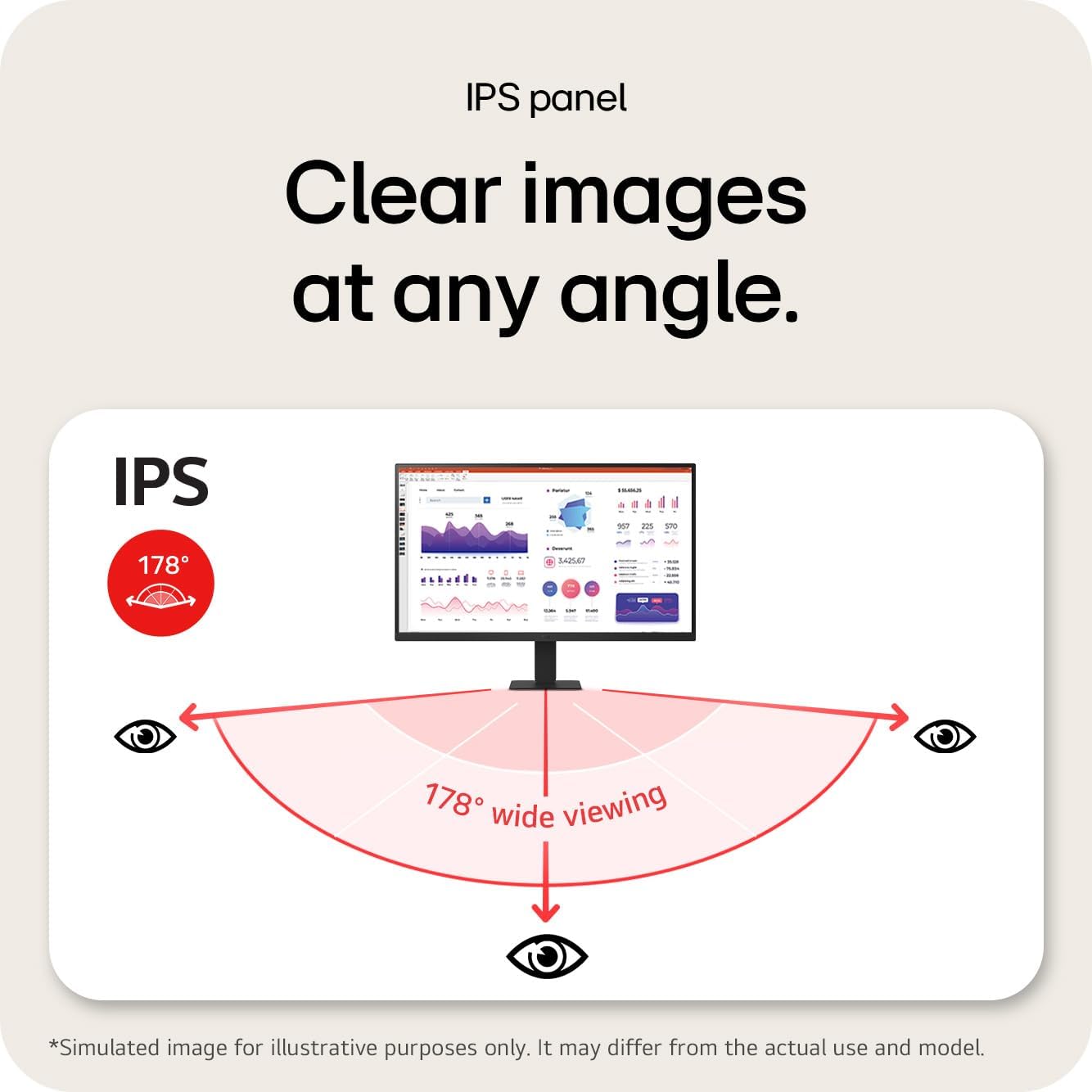
This is an IPS panel, and the spec claims a wide viewing angle plus 99% coverage of the sRGB spectrum (typical). For most people doing mixed work—photos for personal projects, design tasks, or just wanting more natural-looking screen output—covering most of sRGB is a solid baseline. It’s not the same as a full pro-grade colour workflow, but for general use it tends to be the sweet spot.
Comfort for long sessions
Reader Mode and Flicker Safe are clearly part of the “desk comfort” story. Reader Mode adjusts colour temperature and luminance to suit reading. Flicker Safe is intended to reduce invisible flickering, which can matter for people who get eye strain over long hours.
There’s a small caveat: comfort settings are personal. Some people prefer the “reader” look for evenings, while others leave it off for normal work. If you’re sensitive to colour temperature shifts, it’s worth giving yourself time to compare.
Connectivity and setup
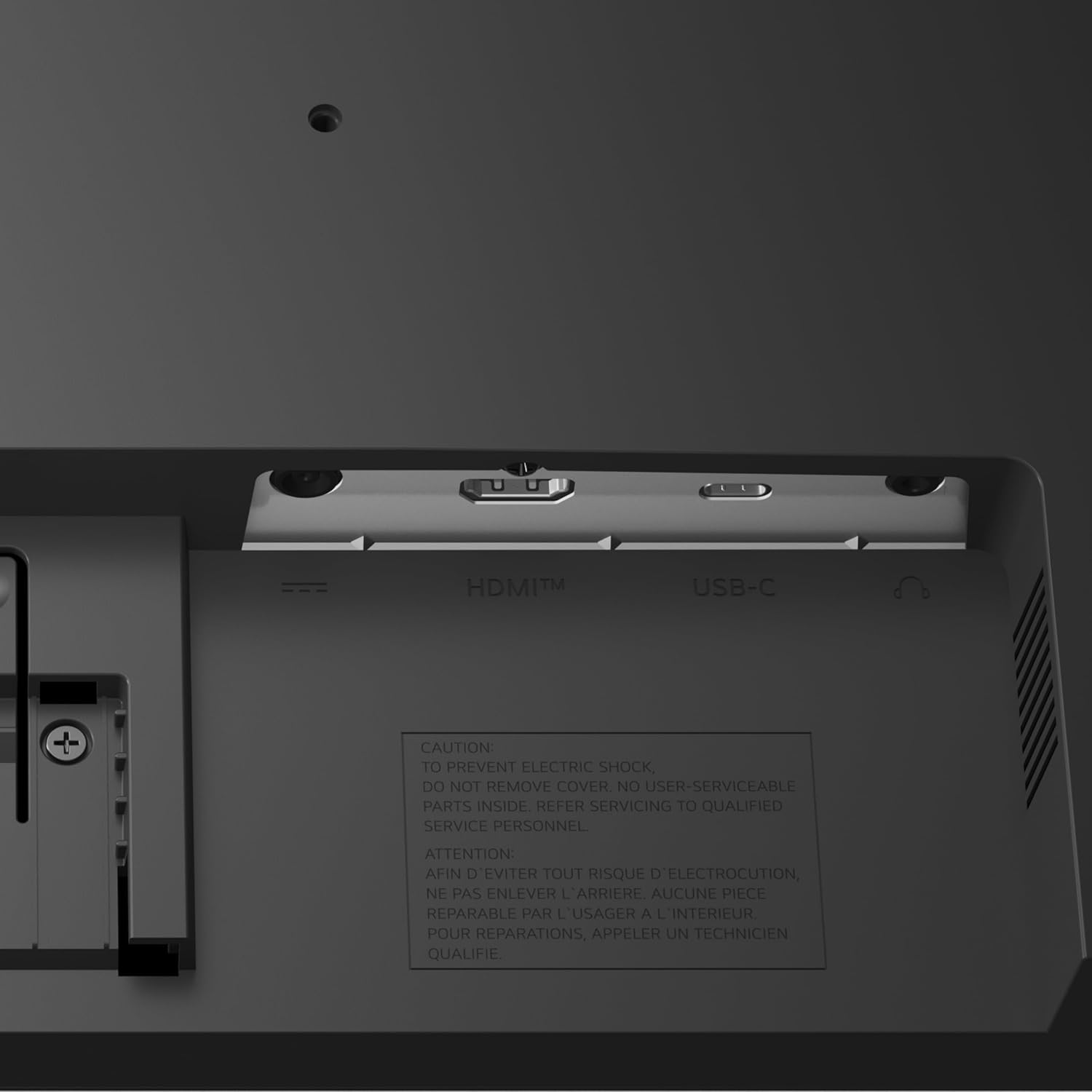
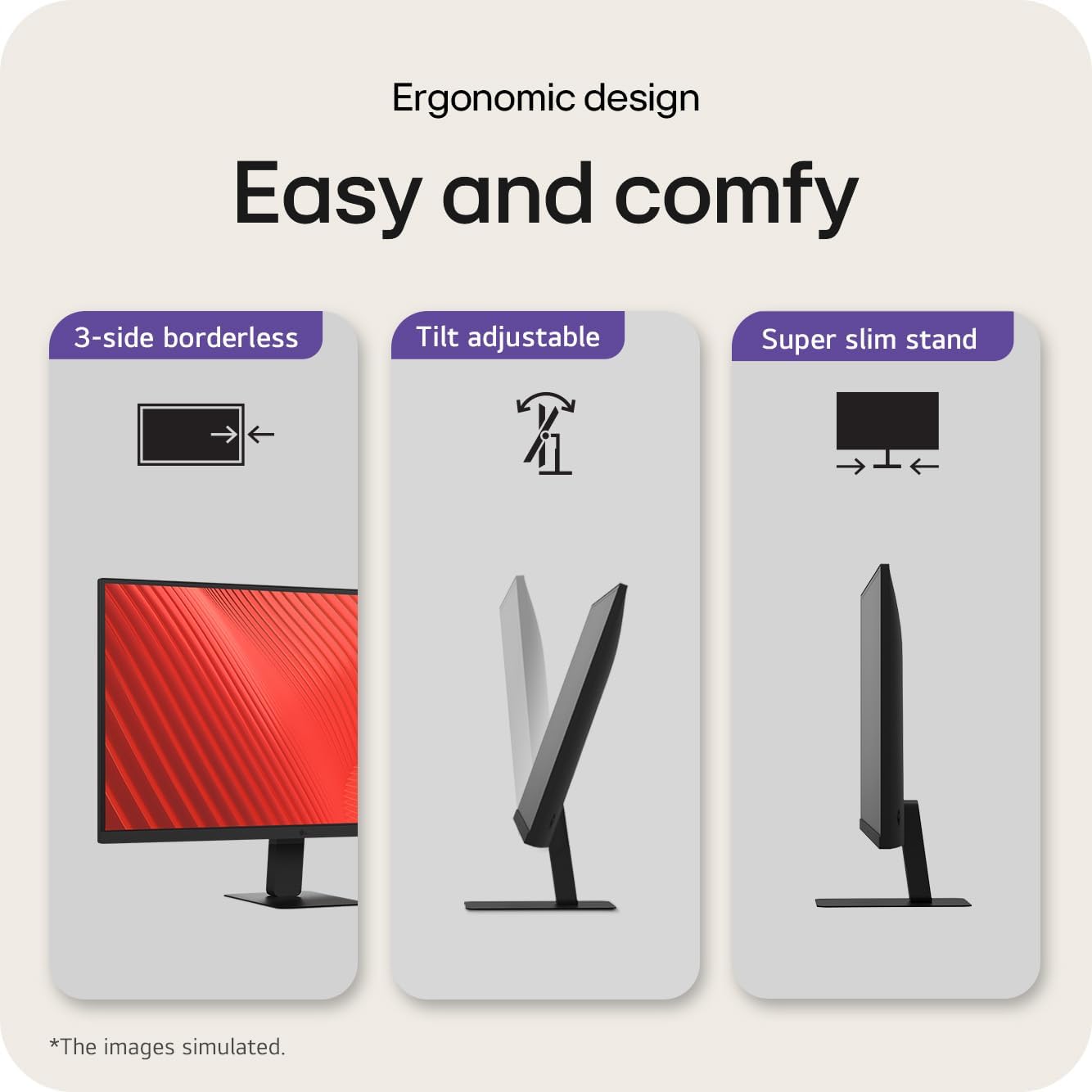
USB-C is included alongside HDMI, which helps if you run multiple devices (for example, a work laptop via USB-C and a desktop via HDMI). The slim bezel on three sides also points to a cleaner multi-monitor style, especially if you’re arranging a more focused work environment.
Tech summary (the useful bit)
Tech specs
- Display size: 27 inch
- Resolution: QHD (1440p)
- Panel type: IPS
- Refresh rate: 100Hz
- Response time: 5ms
- Connectivity: USB-C, HDMI
- Power delivery via USB-C: up to 15W
- Reader Mode: adjusts colour temperature and luminance
- Flicker Safe: reduces invisible flickering
- Colour claim: IPS with 99% sRGB (typ.)
- Gaming features mentioned: Dynamic Action Sync, Black Stabiliser
- Ergonomics: tilt adjustment
- Bezel: slim bezel on three sides
- Colour: Matte Black
Where it shines (and where it may not)
It’s a strong fit if you want a QHD IPS monitor with a smoother 100Hz refresh rate for everyday productivity and some gaming. The combo of USB-C plus HDMI also suits people who switch between a laptop and a desktop, rather than sticking to one device.
It may not be the best match if you’re chasing the most advanced, high-end gaming performance, or if you need very specific colour management beyond sRGB coverage for professional print-grade or wide-gamut workflows. It’s more “sensible desk monitor” than “top-tier enthusiast kit”.
Worth considering if your priority is comfort for reading and long hours, too—Reader Mode and Flicker Safe are the sort of features that can quietly make a difference.
Final verdict
Should you buy it?
You’ll likely be happy with the LG Monitor 27U631A if you want a 27-inch QHD IPS screen that feels smoother thanks to 100Hz, includes laptop-friendly USB-C setup, and offers reading-focused comfort modes for day-to-day use. It’s the kind of monitor that fits real routines: working for hours, switching inputs, and occasionally gaming without needing constant tinkering.
You may want to skip it if your laptop charging needs go beyond what “up to 15W” can cover, or if you’re specifically aiming for the highest tier of gaming performance and ultra-specific display calibration. In that case, it might be smarter to compare against options built with those goals as the primary focus.
Quick FAQ
Who is it for?
It suits people who want a straightforward 27-inch QHD IPS monitor for work and reading, with smoother motion for general entertainment and occasional gaming.
Does it support laptop connection via USB-C?
Yes—USB-C is included, with power delivery up to 15W (as stated). If you’re relying on USB-C charging, double-check your laptop’s power needs.
Is Reader Mode useful or just a gimmick?
It’s designed to adjust colour temperature and luminance for reading, which can help during longer reading sessions, especially if you prefer a different screen “feel”. It’s still personal, so it may take a bit of settling.
Is 100Hz good for gaming?
100Hz should feel smoother than standard 60Hz in typical scenarios, and LG mentions gaming-support features. It’s best treated as a capable desk-gaming option, not a specialised esports-level display.
Is this monitor aimed at colour-critical work?
It claims 99% sRGB coverage (typ.), which is a helpful baseline for many everyday colour needs. For more demanding colour work, you may want to do additional research beyond the headline figures.