

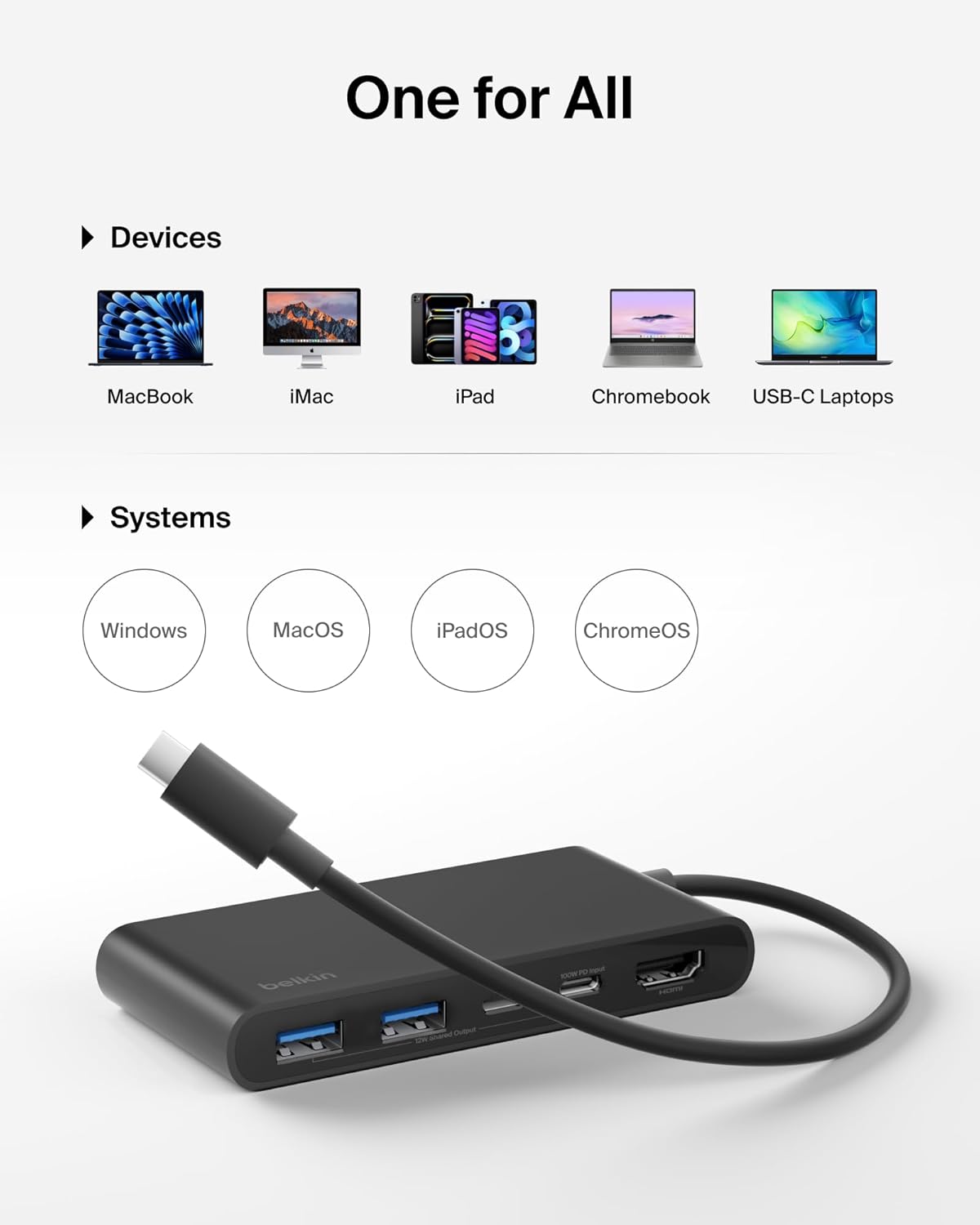
Belkin USB-C Hub 5-Port with 4K HDMI (up to 60Hz) and 100W Power Delivery, 5Gbps Data Transfer
Product description
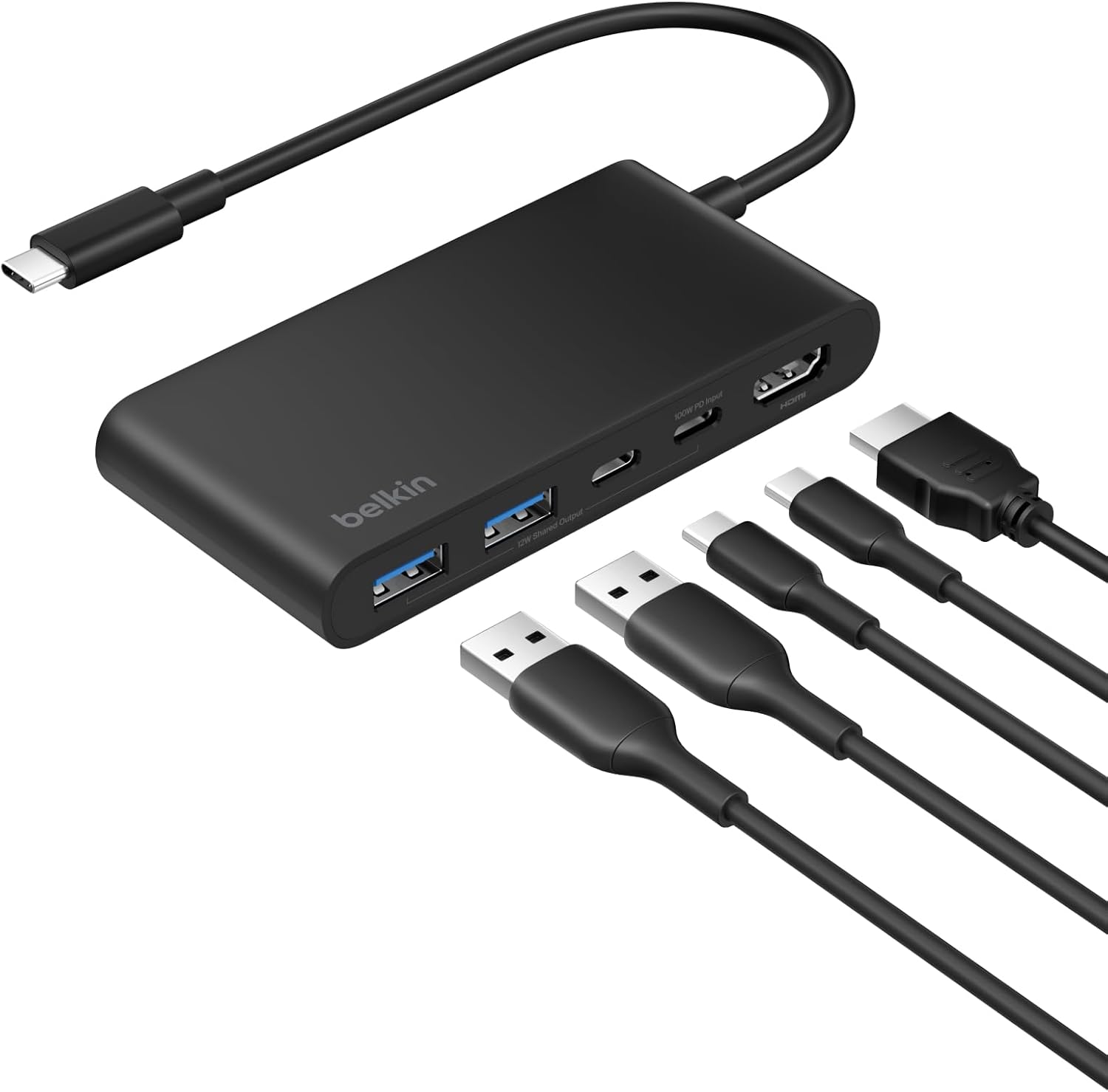
If you’re running out of ports on a laptop or tablet, a USB‑C hub is often the cleanest workaround. This Belkin USB‑C Hub is built around one USB‑C connection that brings an HDMI display out of the box, plus room for up to four extra devices—while also supporting charging via power delivery.
It’s also the kind of hub you’d buy for a real daily setup: docking a laptop at a desk, connecting an HDMI monitor for work, and still having enough USB‑A/USB‑type connections for your usual accessories. Not perfect for every desk (there are always limits with multiport adapters), but on paper it ticks a lot of practical boxes.
Key takeaways
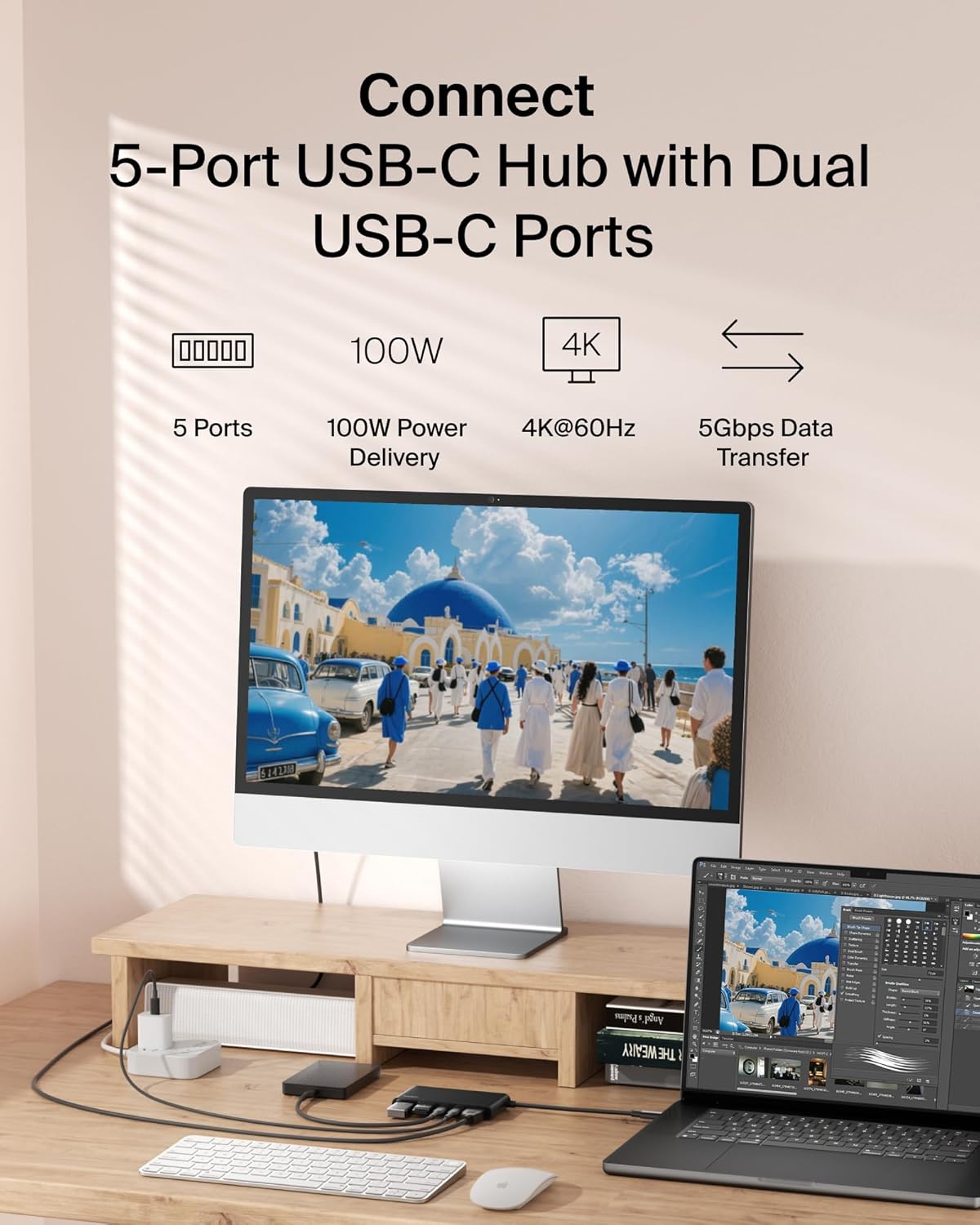
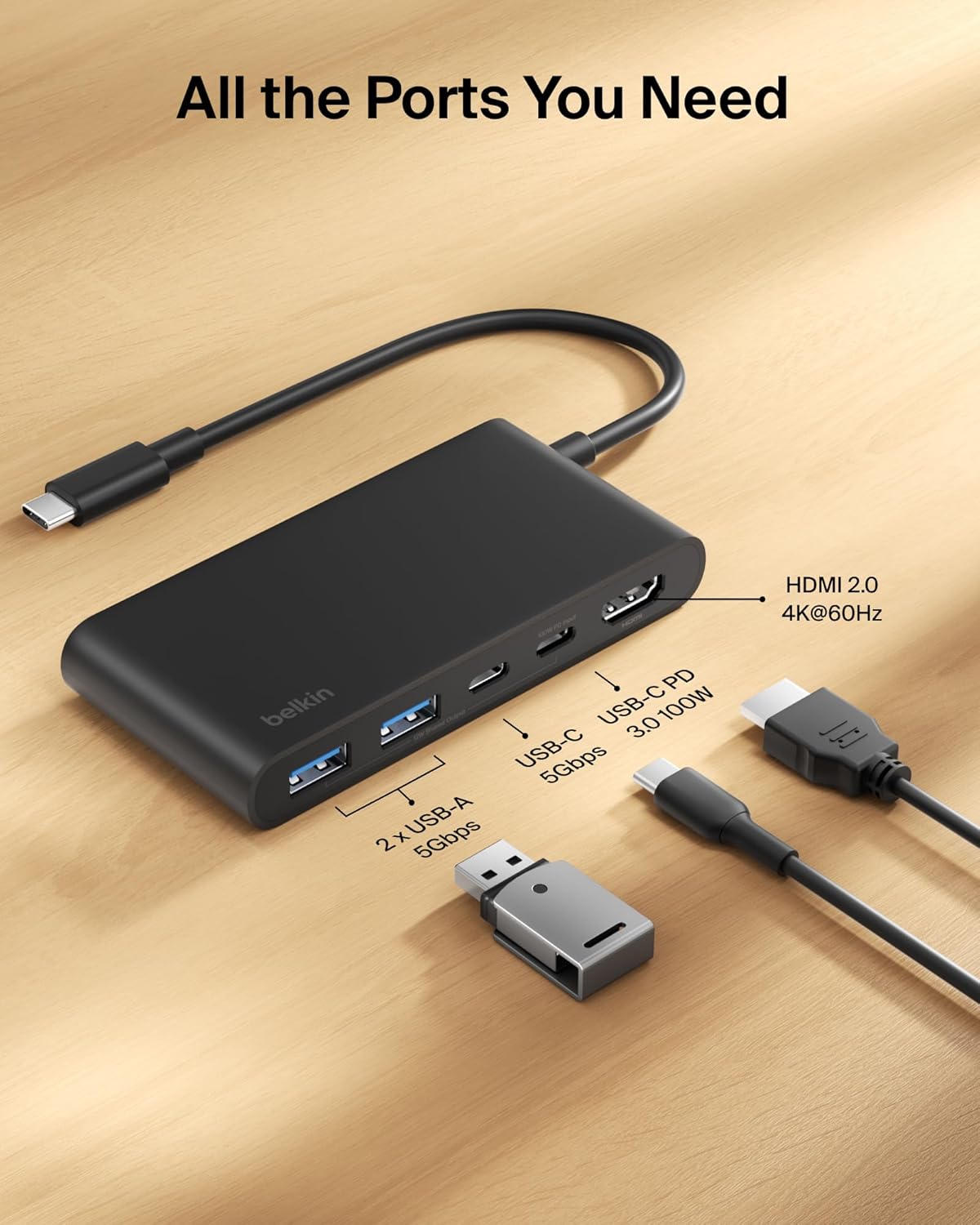
With 5 ports total, HDMI 2.0 support for up to 4K at 60Hz, and fast data transfer rated up to 5Gbps, this is aimed at people who want one compact adapter that can handle video, everyday peripherals, and charging at the same time. The 100W Power Delivery element is especially relevant if you don’t want to juggle separate power leads once you’ve plugged everything in.
What it’s for (and what you’ll notice)
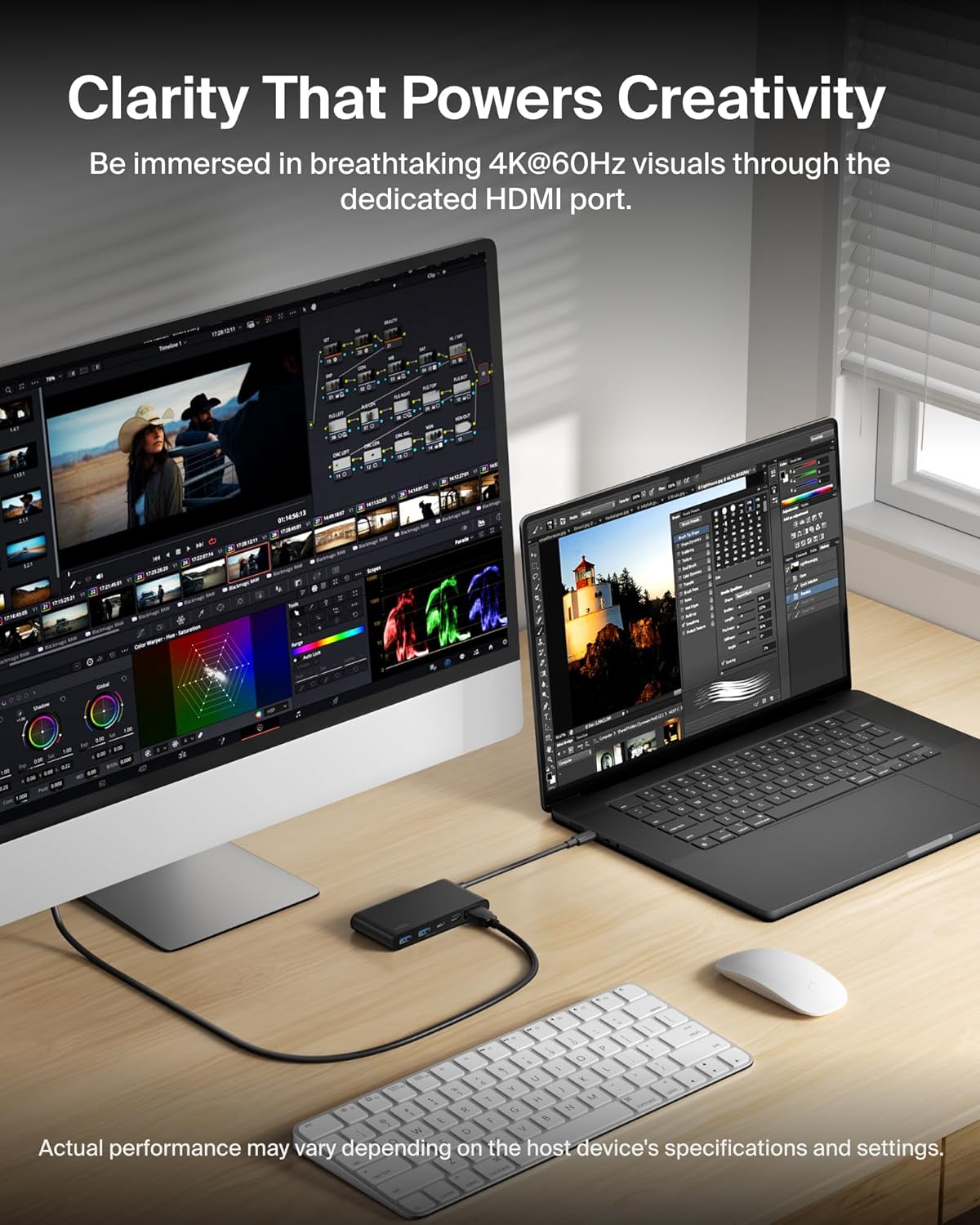
The main job here is simple: turn a single USB‑C port into a small multiport station. The hub lets you connect an external display via HDMI, and then add up to four more devices for data transfer and charging needs.
In everyday terms, imagine you plug the hub in at the start of the work day: HDMI to your monitor for a larger workspace, a couple of peripherals for files and accessories, and the remaining port(s) for your routine connectivity. If you’re streaming video or working with sharper visuals, the 4K HDMI support (via HDMI 2.0) is the feature you’ll actually see, rather than just read about.
That said, it’s worth remembering that “up to” performance figures can depend on your device and workload. If you’re expecting consistently maxed-out speeds for heavy transfers or demanding displays, you should treat the headline numbers as best-case guidance.
Tech specs
- Type: USB-C multiport adapter (5-port USB-C hub)
- HDMI standard: HDMI 2.0 (upgraded)
- Max HDMI resolution/refresh: up to 4K at 60Hz
- Power Delivery: up to 100W
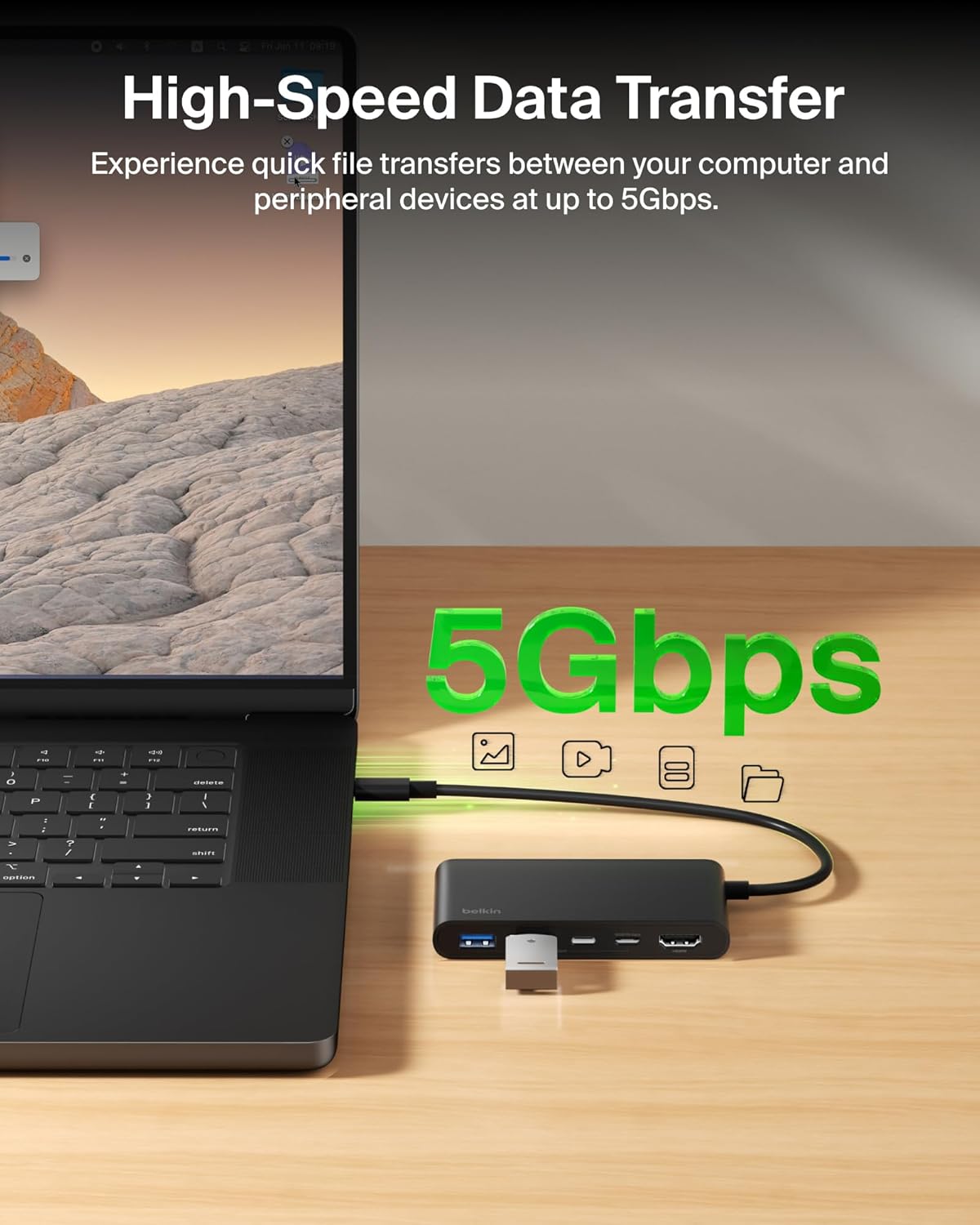
- Data transfer speed: up to 5Gbps
- Safety system: over-voltage, overload, overcurrent, over-temperature protection, short-circuit defence, fire-resistant materials
- Build materials: housing made with 75% PCR materials (sustainably made)
- Coverage: 2-year coverage
Where it shines in daily use
This hub is designed to be the “one cable” answer when your laptop or tablet doesn’t have enough native ports. The pairing of charging and data via the dedicated USB‑C port is the bit that typically makes a desk setup feel less messy—fewer cables to trace, fewer plugs to hunt for when you’re switching between home and office.
The safety system is also a real purchasing consideration. You’re not buying it just for convenience, you’re buying it to stay plugged in near your power supply. On paper, the 6‑point safety approach (including temperature and short-circuit defence, plus fire-resistant materials) suggests the company has aimed for reliability rather than just feature count.
Worth noting before you buy
A couple of practical limits to consider. First, the hub supports HDMI for an external display, but it doesn’t claim to drive multiple displays at once—so if your setup needs several screens, you may need a different style of solution.
Second, charging via 100W Power Delivery is helpful, but exact charging behaviour can vary depending on the host device’s capabilities. If you’re hoping for a particular charging outcome for a specific model, it’s sensible to double-check compatibility and charging support details before committing.
Finally, with any slim, travel-ready hub, cable management matters. It’s great for bags and desk swaps, but you’ll want to keep strain off the connectors so the adapter keeps its place long-term.
Mini FAQ
Is this hub good for connecting a monitor?
Yes—its HDMI 2.0 support is rated up to 4K at 60Hz, which is aimed at sharp, high-definition external display use.
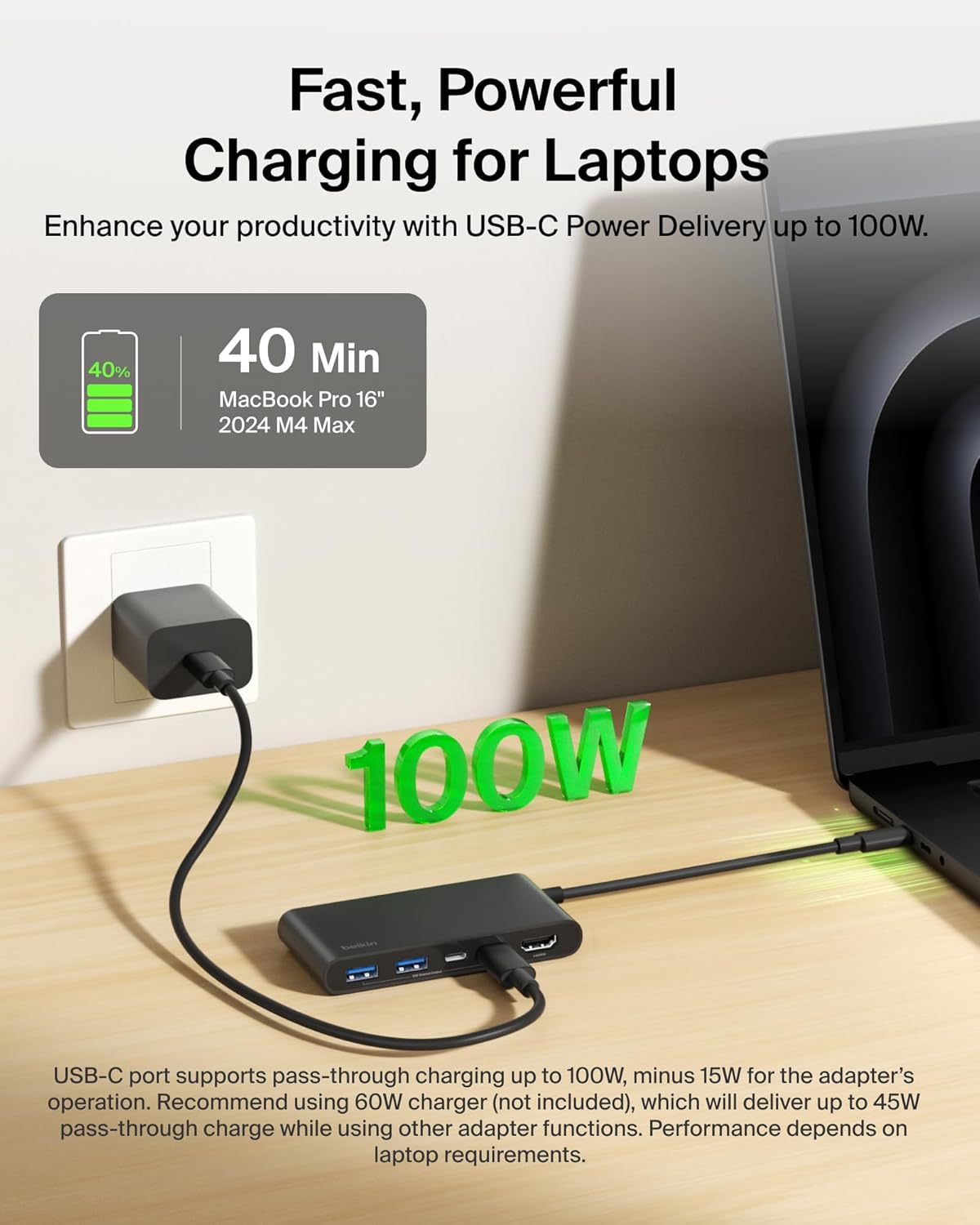
Does it charge your laptop while you use other ports?
It includes Power Delivery rated up to 100W, and it’s designed so you can keep your laptop powered while connected to peripherals.
How fast is the data transfer?
Belkin lists data transfer speeds up to 5Gbps.
Is it travel friendly?
Yes. It’s described as compact and slim/lightweight, intended to slip into a bag for work, school, or travel.
Final verdict
Worth considering if you want a compact USB‑C hub that covers HDMI video output (up to 4K at 60Hz), has space for multiple peripherals, and can also handle up to 100W Power Delivery so your setup is easier to run day to day.
It may not be the best choice if you need multiple displays, very niche connectivity, or you’re chasing guaranteed max performance in demanding scenarios (the headline specs are “up to” and can depend on your device).
For buyers who like a tidy desk—one USB‑C cable in, monitor connected, and charging handled without extra fuss—this Belkin hub makes sense on paper, and the safety and coverage details give it some extra confidence for regular use.