

GLOBAL TECH 7-Port USB Hub 3.0 with individual switches 🔌
Product description
This 7-port USB 3.0 hub expands a single USB connection into multiple high-speed ports for desktops, laptops and MacBooks, making it easier to connect flash drives, external HDDs, cameras and peripherals. It works as a high-speed USB hub for laptop users who need extra ports and quick file transfers, and helps keep devices powered and visible with individual on/off control and LED indicators.
Key Points
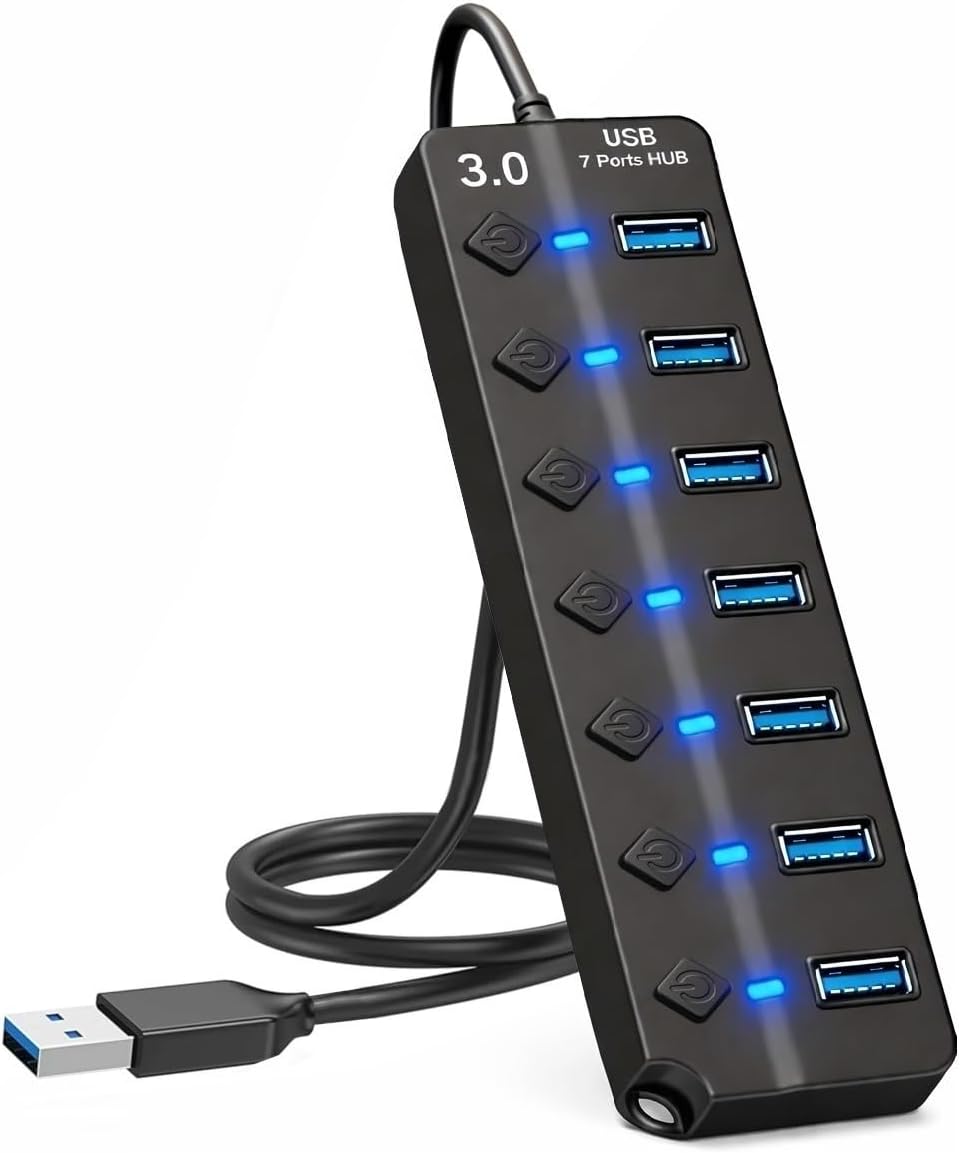
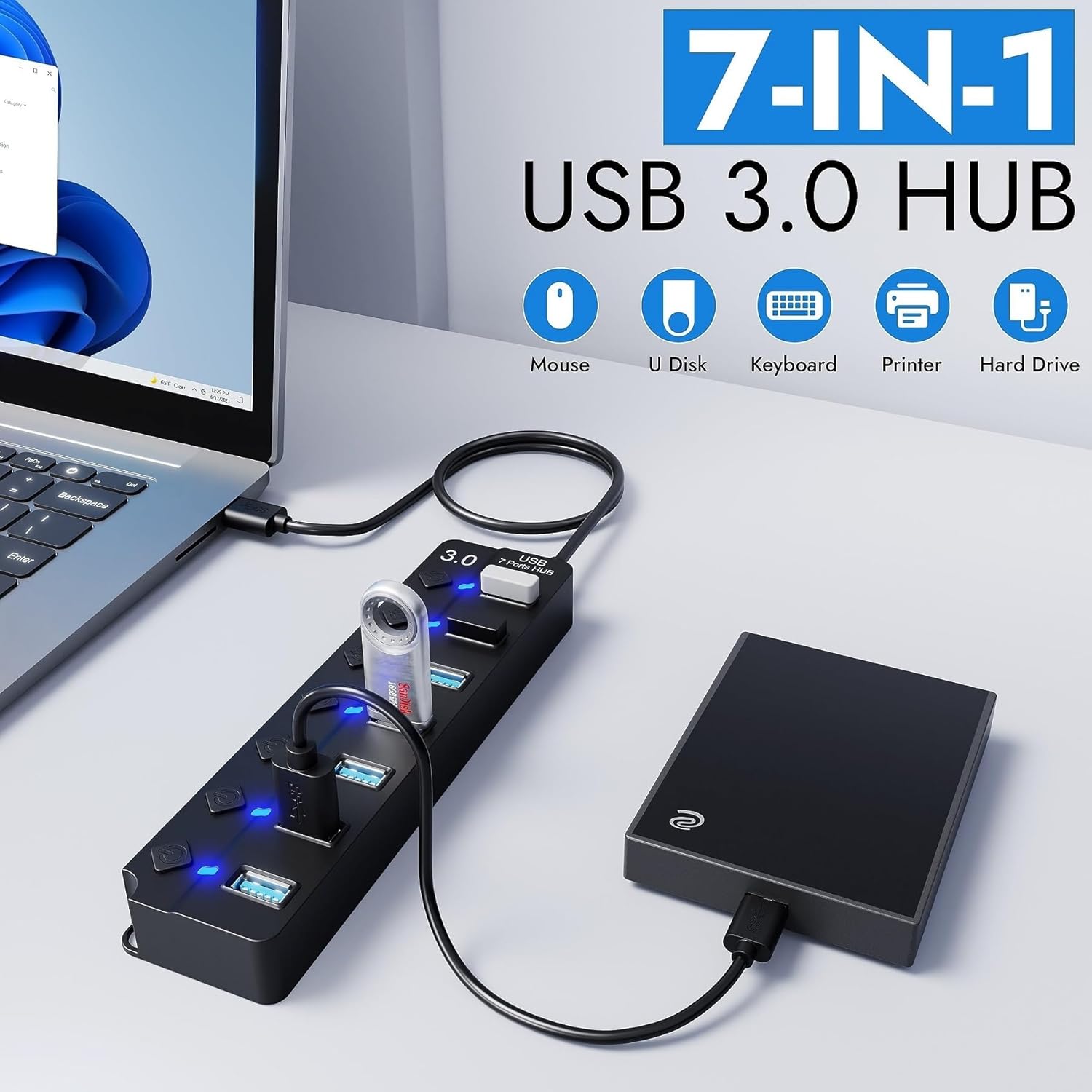
This USB multiport adapter allows simultaneous connection of up to seven USB devices while keeping cable clutter to a minimum. The hub supports fast transfers at 5 Gbps for compatible devices, which is roughly ten times the speed of USB 2.0 according to the manufacturer. An array of LED lights shows which ports are active, and the individual switches let you power specific devices without unplugging them, reducing energy use and simplifying management. ⚡📁
Technical Specifications
- Name: GLOBAL TECH 7-Port USB Hub 3.0
- Ports: 7 USB 3.0 ports
- Transfer speed: 5 Gbps
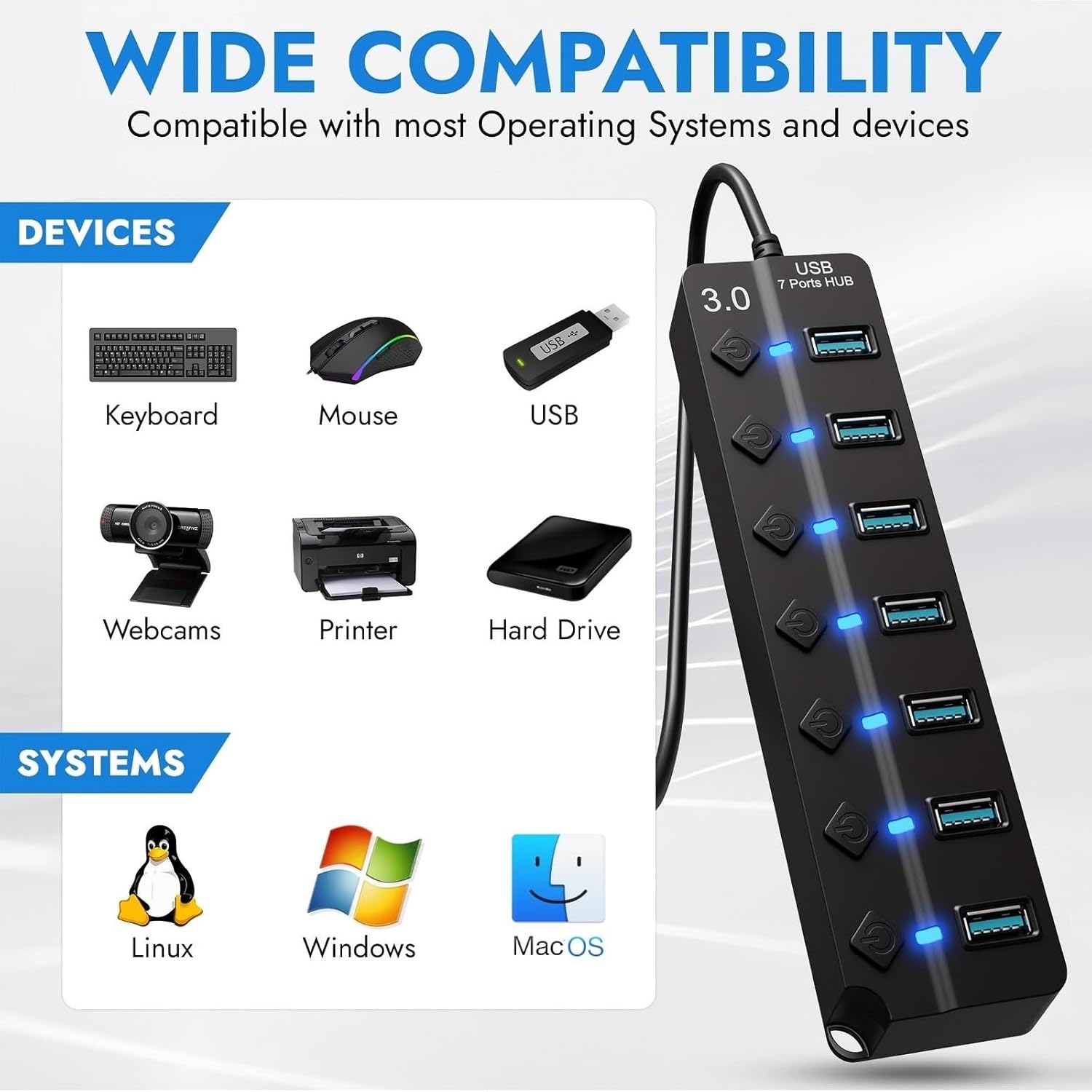
- Compatibility: Windows, Mac and Linux systems
- Protections: over-current, over-voltage and surge protection via smart chip
Benefits
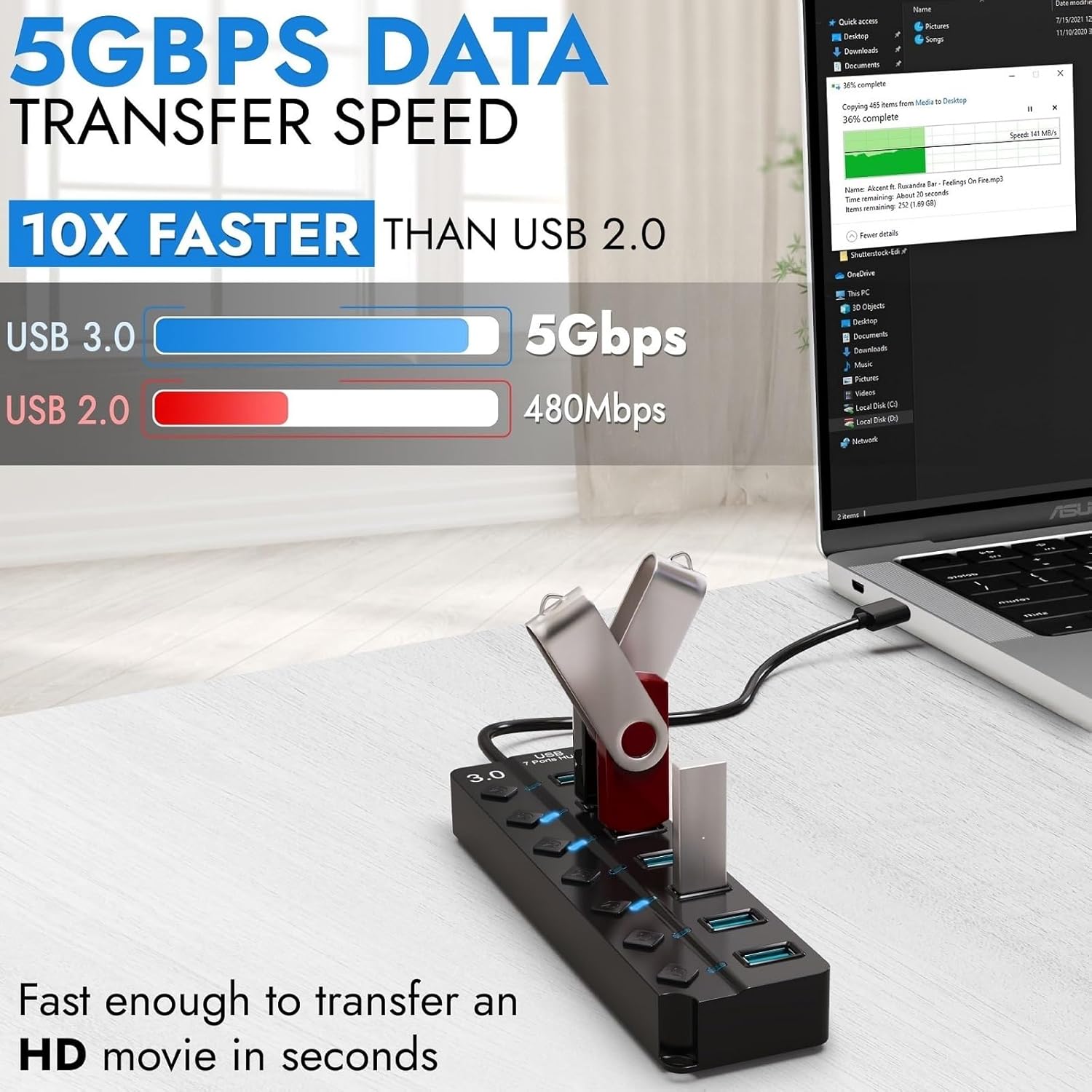
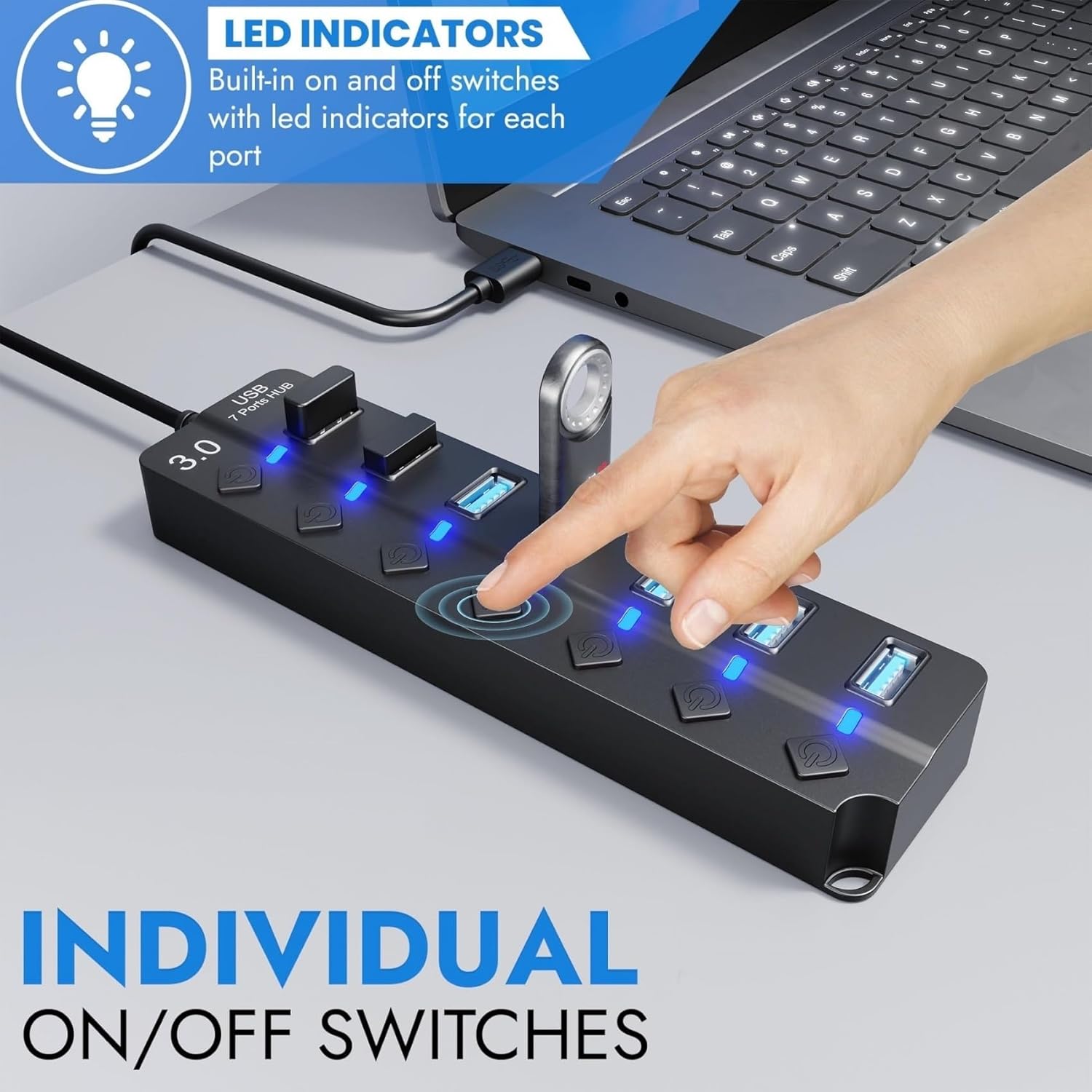
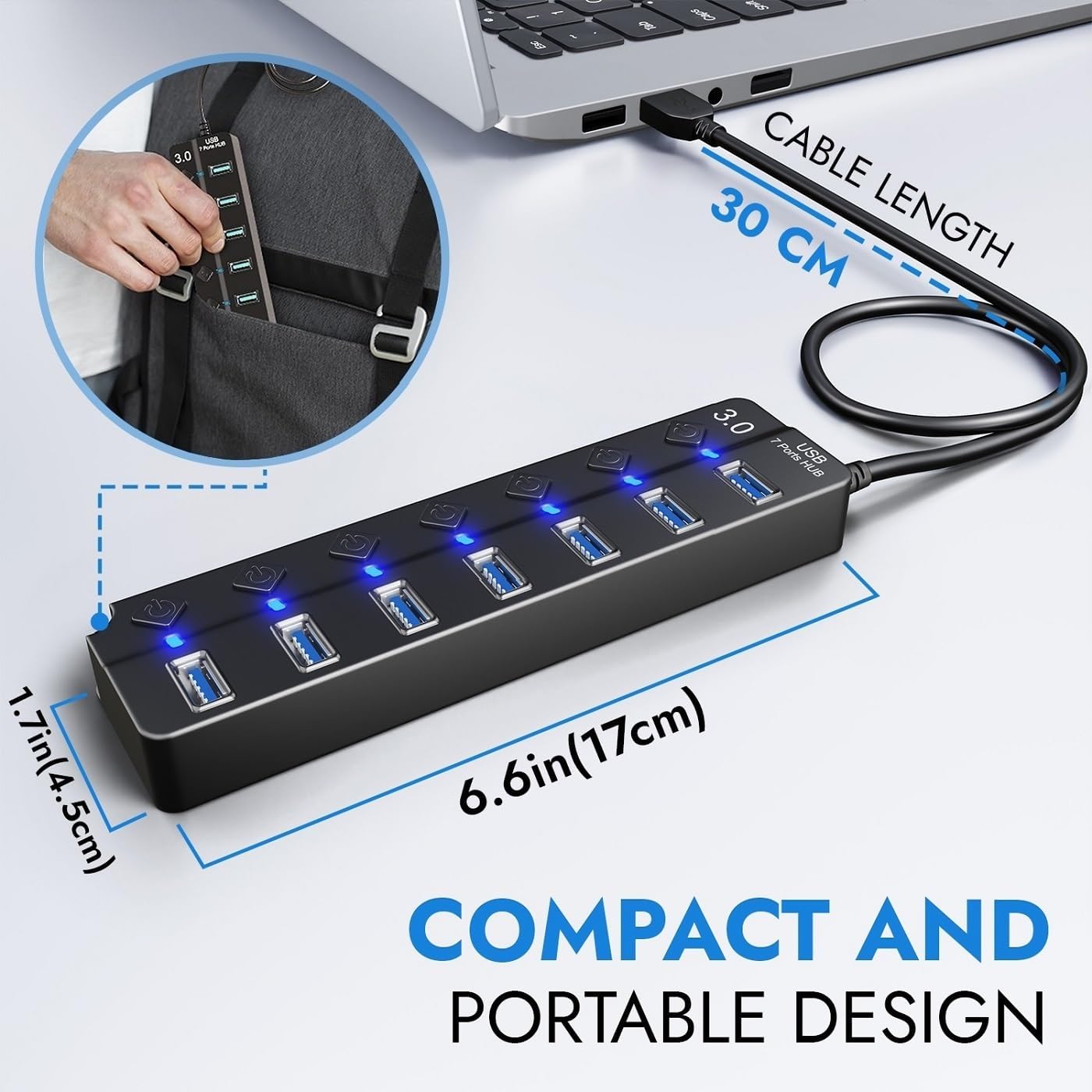
Individual control over each port makes charging and data transfer more flexible, especially when different devices require different power or when you want to isolate a drive for safety. The hub is compact and lightweight, so it slips into a laptop bag and is useful for travel or shared workspaces. It supports a wide range of peripherals including printers, cameras, consoles and mobile HDDs, which increases its usefulness across home and office setups. The presence of LED indicators also helps quickly identify active ports in dim environments.
Usage Recommendations
For best results plug the hub directly into a computer USB 3.0 port for full transfer speeds. When connecting high-power devices such as some external hard drives consider using a powered USB port on your host or an externally powered hub if you encounter power limitations. If you need to frequently connect and disconnect devices, use the individual switches to cut power to a port rather than removing cables, which can prolong connector life and reduce wear on drives. 🔌💼.