

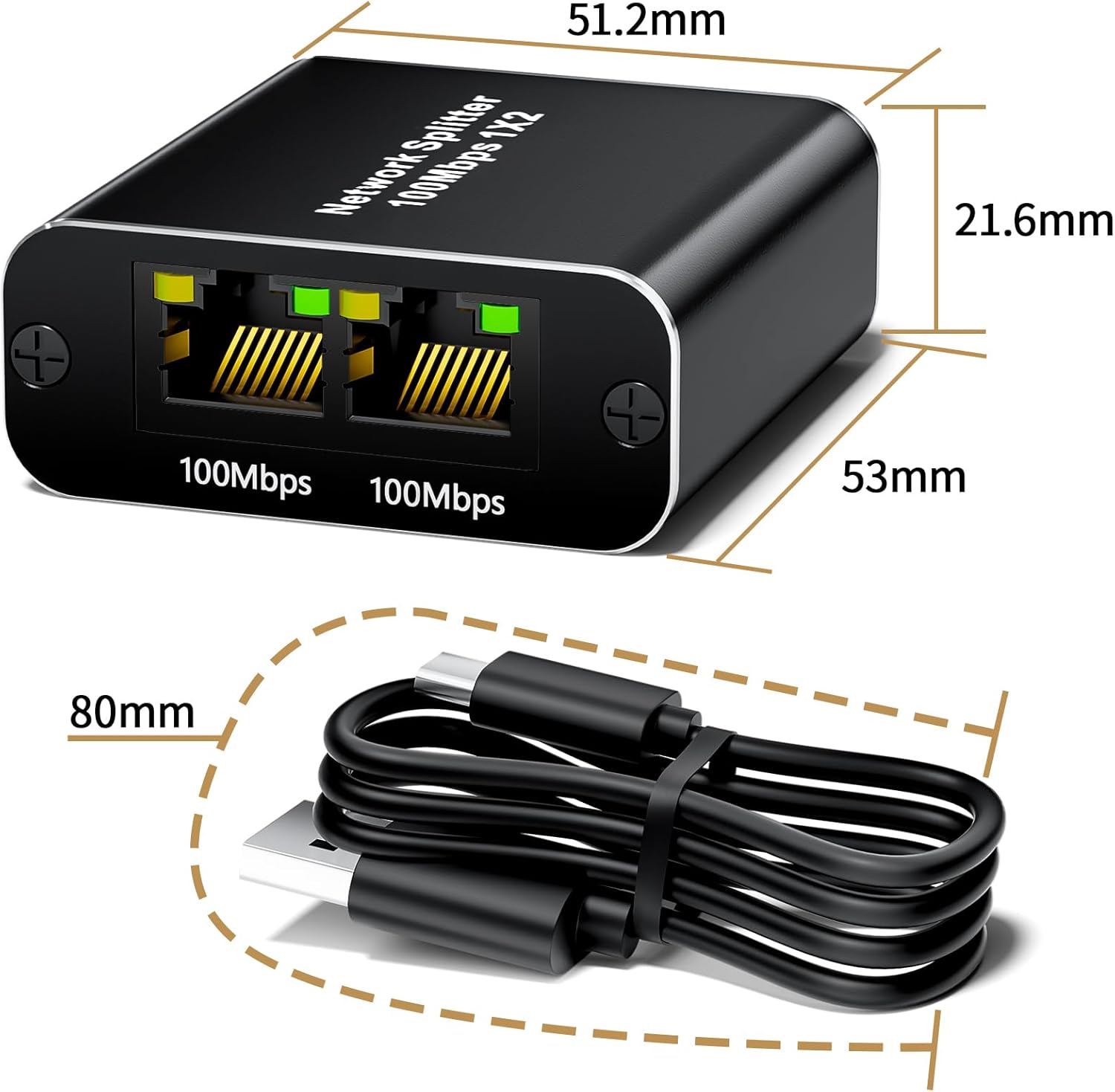
BolAAzuL Ethernet Splitter 1 to 2 (100Mbps) RJ45 – 1 in, 2 out LAN/Internet adapter for two devices
Reviews
Price
Product description
What it is (and the job it’s trying to do)
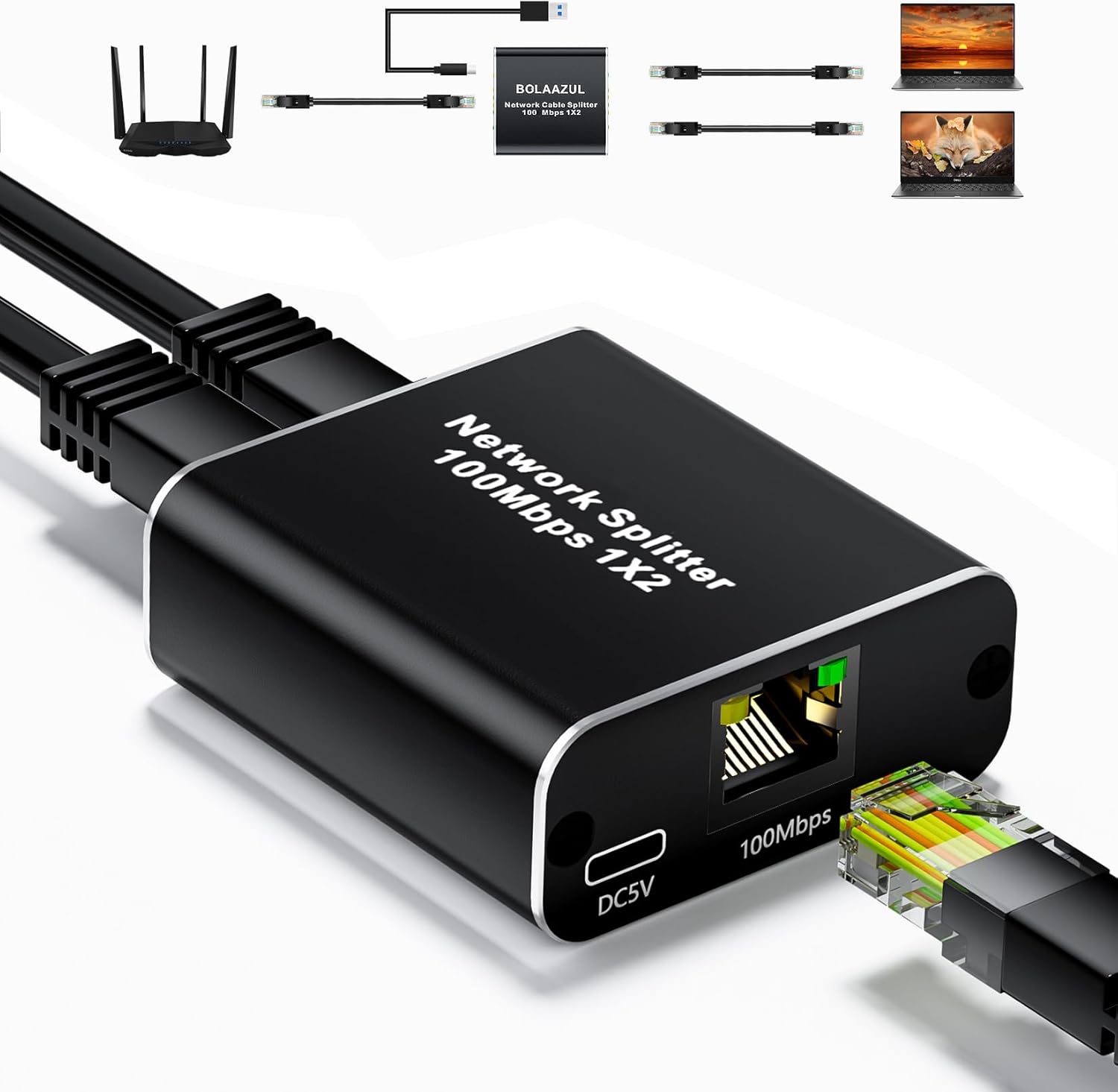
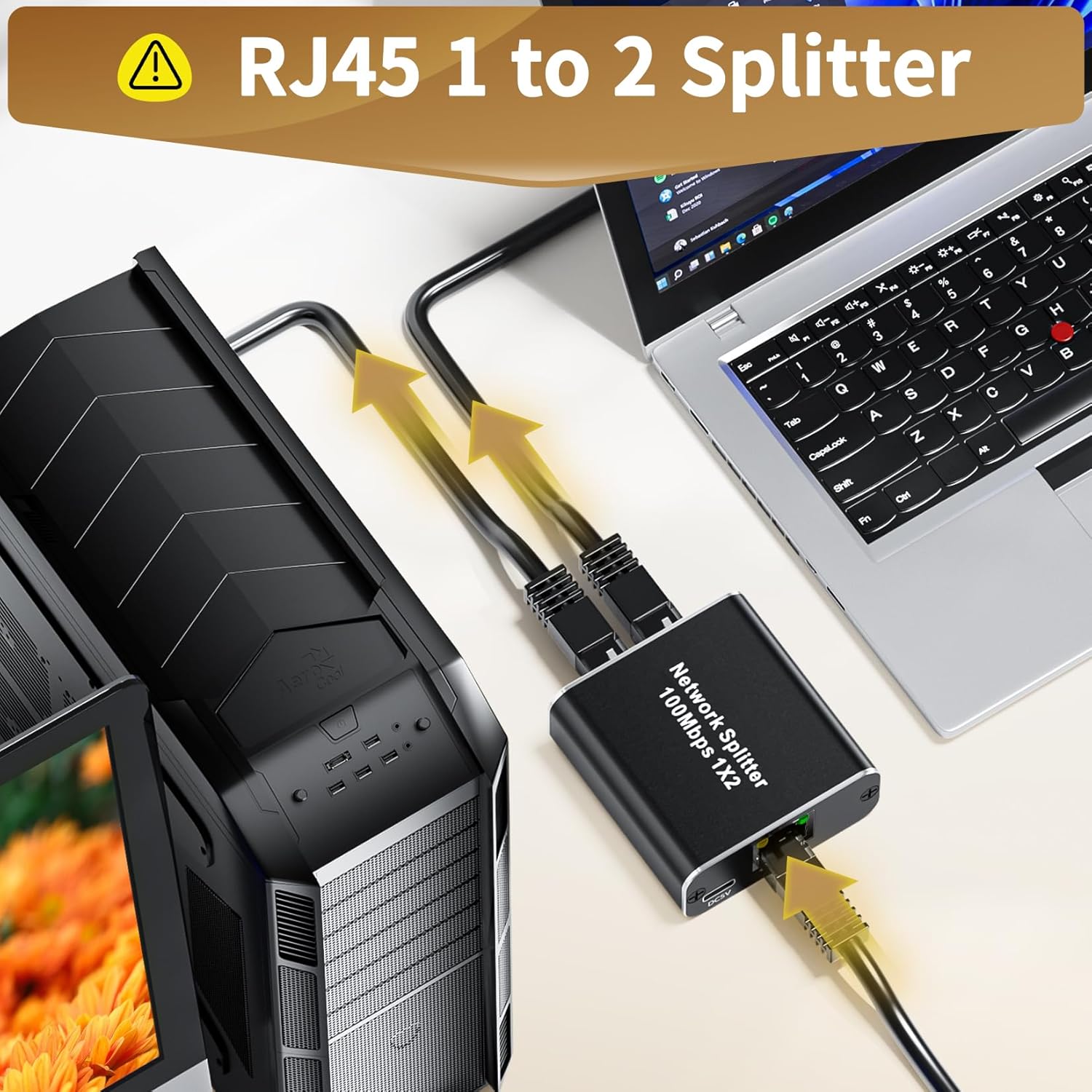
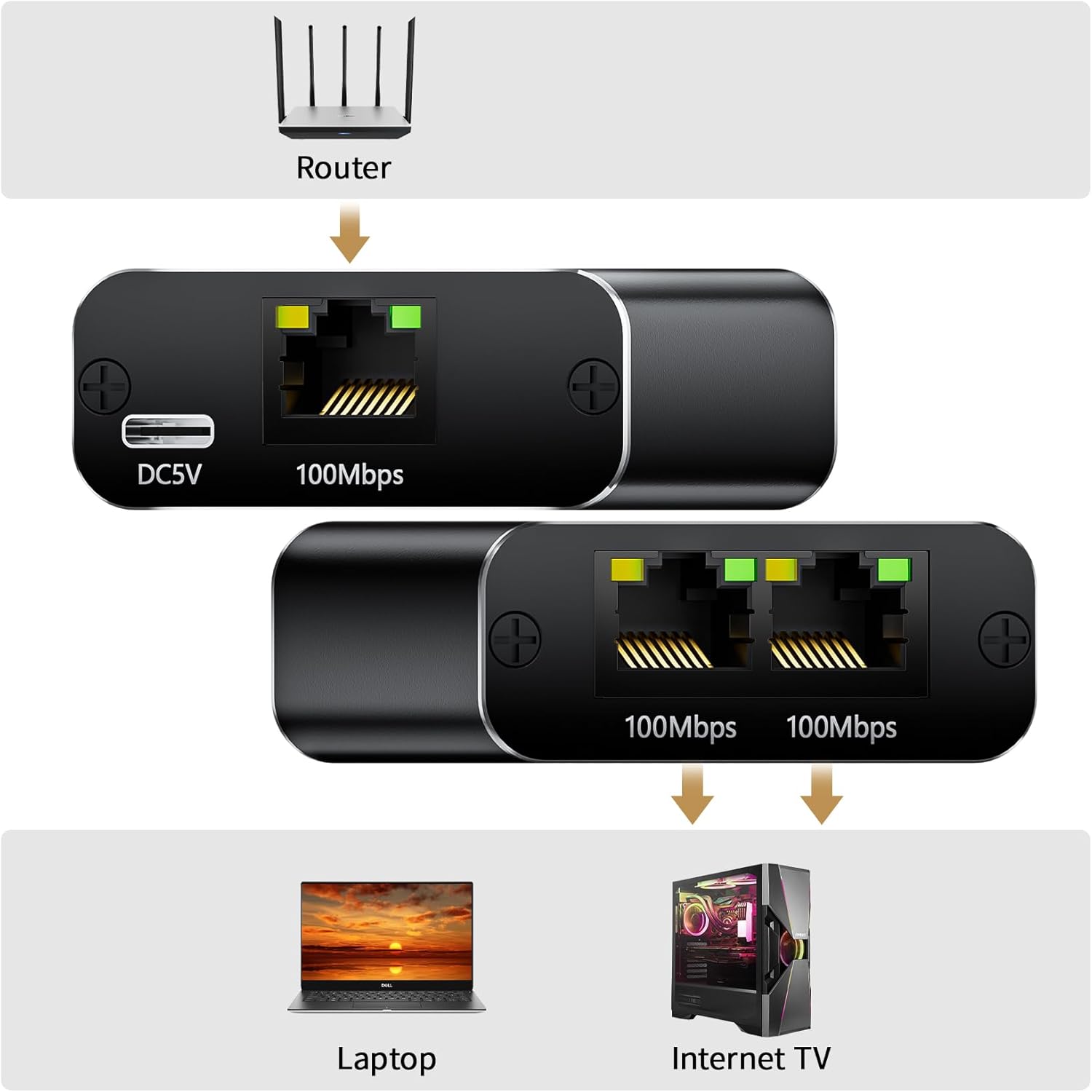
This BolAAzuL Ethernet splitter is a simple RJ45 “1 in, 2 out” adapter. On paper, its purpose is straightforward: let a router or Ethernet switch feed two Ethernet connections at the same time. If you’ve got a wiring bottleneck—perhaps only one usable Ethernet line where you’d like to connect two devices—this type of splitter can be a practical way to avoid hunting for additional cabling.
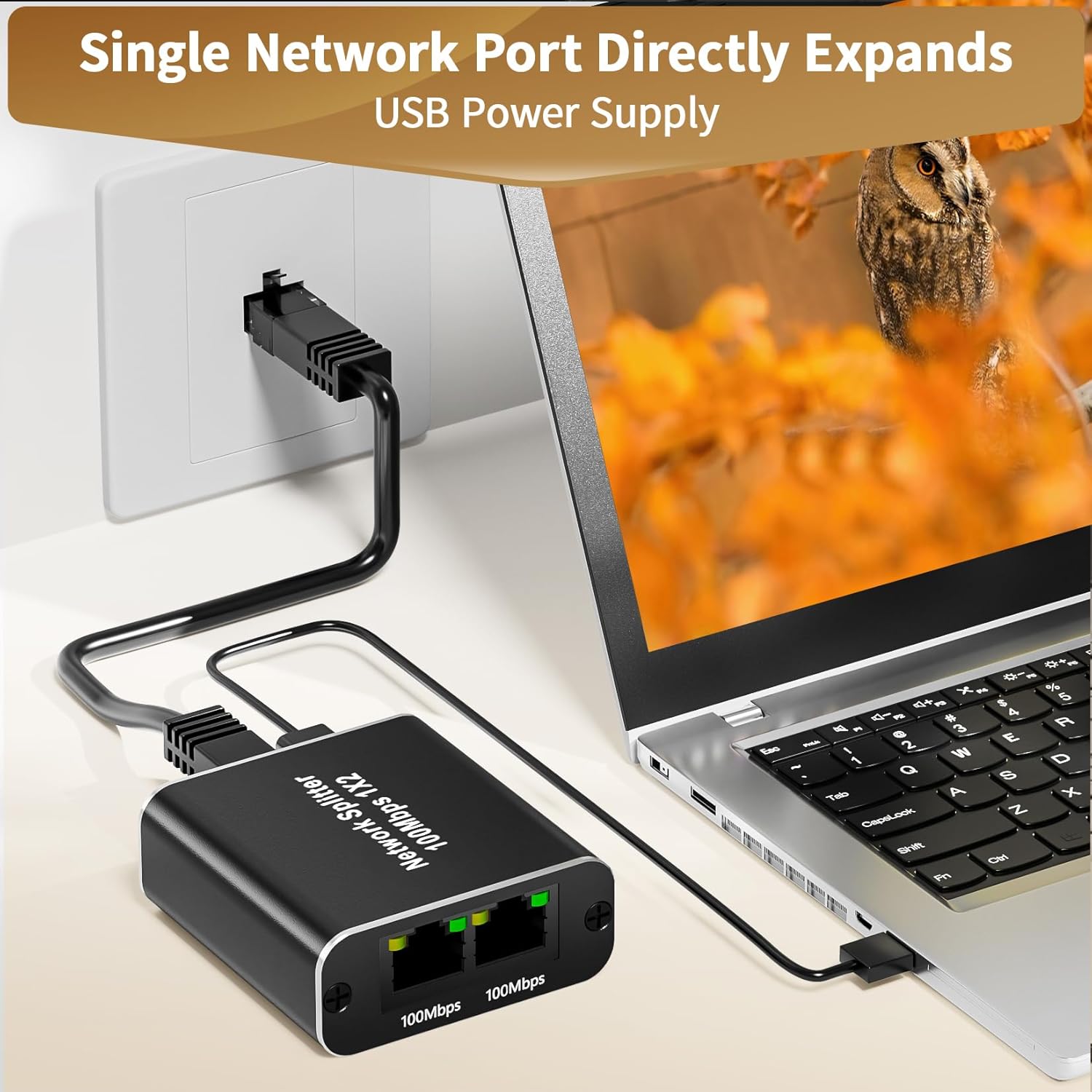
It’s also described as a plug-and-play solution, powered via a USB cable. That matters if you want something you can set up quickly without getting into driver installs or complicated networking steps.
What you’ll notice day to day
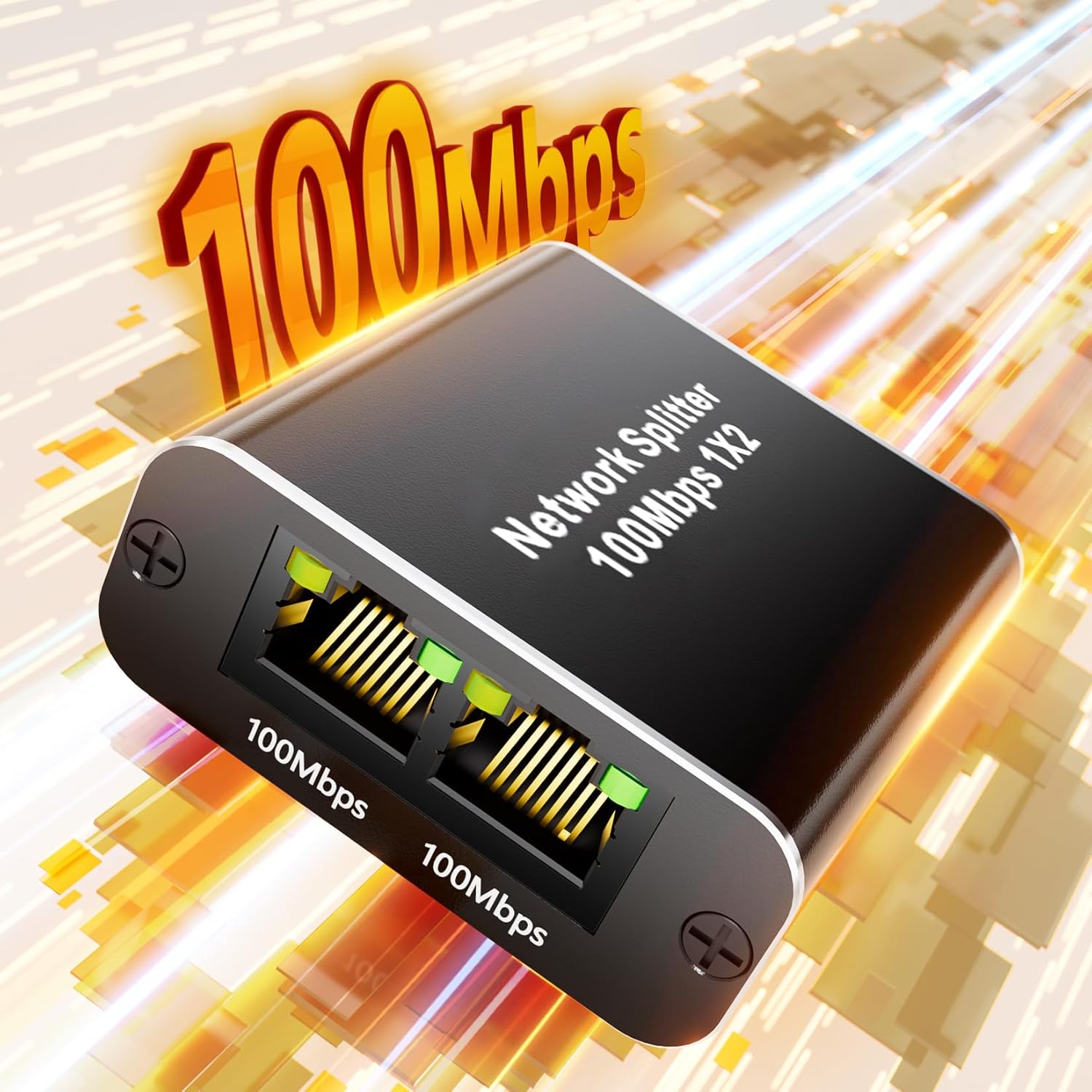
The key headline here is speed: the splitter is rated up to 100Mbps. That’s fine for a lot of everyday tasks (web browsing, streaming, general office use), but it’s not aimed at the fastest networking requirements. So while it can help you “expand” your available port(s), you’ll want to keep expectations realistic if your devices are capable of higher speeds.
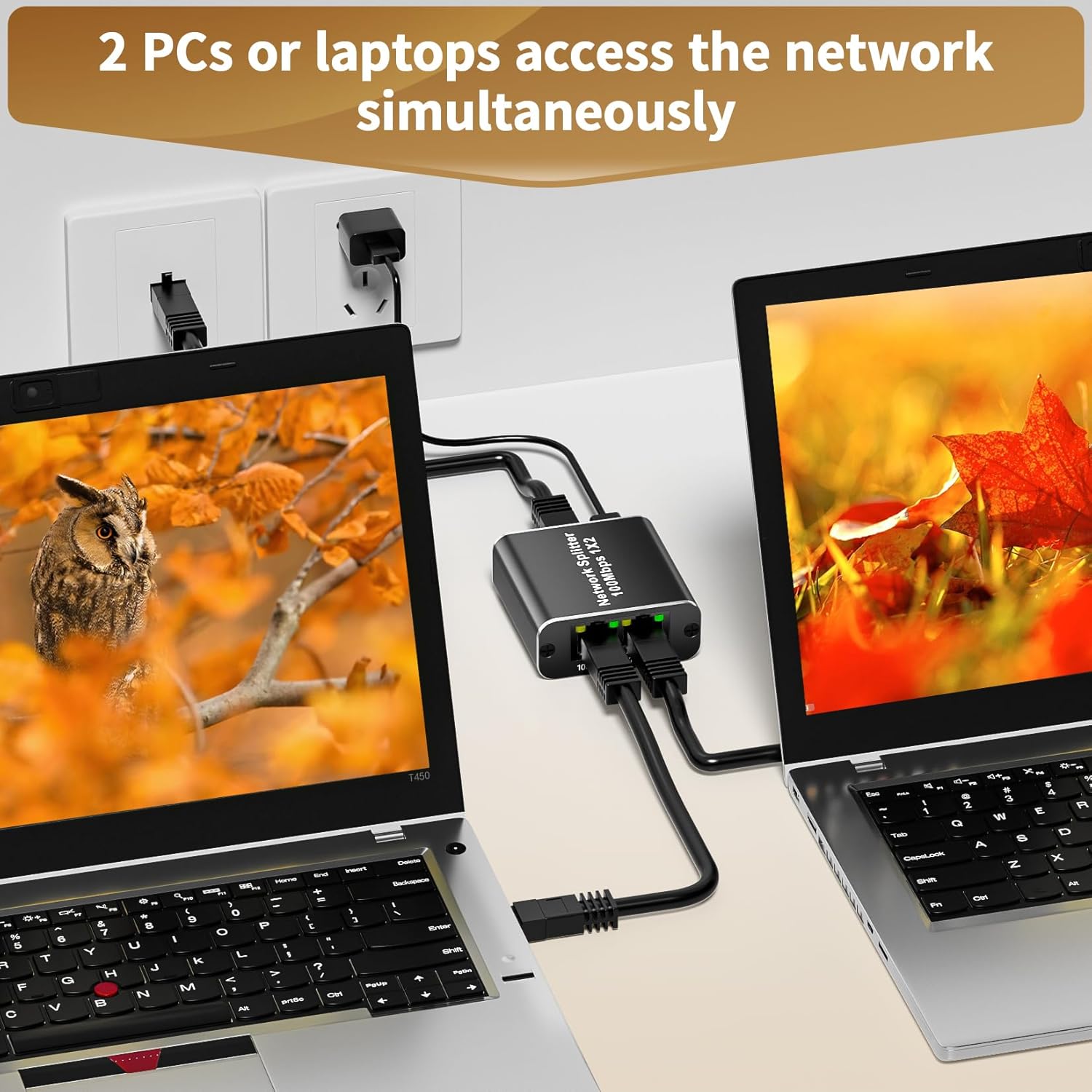
Because it’s designed to let two devices share the same Ethernet line simultaneously, it can be a convenient workaround when you’re short on ports. For example, imagine you have one available LAN outlet near a desk, and you want both a PC and a smart TV connected without reworking the whole setup. This is the kind of scenario where a splitter approach can feel like a quick win.
Still, there’s a nuance: the stated 100Mbps is the maximum of the chipset, and real-world performance can depend on the devices connected.
Key features that matter for buying
Plug & play setup
The USB power lead is included and the adapter is described as requiring no extra software or drivers. For many home users, that’s the difference between “works today” and “spend the evening troubleshooting.”
One-to-two expansion (1x2)
With one input port and two output ports, it’s built to increase how many devices you can connect from a single Ethernet source. This can make it feel flexible, especially where you don’t want to invest in more substantial networking hardware.
Compatibility range for Ethernet cables
The product is aimed at Cat5/Cat5e/Cat6/Cat7/Cat8 Ethernet cabling. If your existing wiring sits within that range, it reduces the chance you’ll be forced to change everything before you even start.
What’s the trade-off?
It’s worth noting that this is positioned as a network splitter/distributor, not as a full “replacement” for proper switching. Splitters can help with port availability, but they don’t magically create independent high-throughput links in the way more robust networking solutions do.
So, it may feel a bit limiting if: - you need consistent high speeds for demanding tasks, or - you’re expecting performance that matches gigabit-style networking.
If you prioritise reliability under heavier loads, you may find you’re better off considering alternatives that don’t rely on splitting a single connection.
Who it suits (and who should think twice)
It’s a solid fit if you want a straightforward way to connect two devices to your network at up to 100Mbps, without additional configuration. You’ll likely appreciate it most in smaller setups where wiring is already in place but Ethernet outlets are limited.
It might not be the best match if you’re specifically trying to maximise speed and throughput, especially when multiple devices are active at once. Also, if your setup depends on consistent performance for bandwidth-hungry applications, the “up to 100Mbps” ceiling (and shared-line nature) is the first constraint to keep in mind.
Tech specs (as stated)
Tech summary
- Type: Ethernet splitter / network adapter (1 to 2)
- Ports: 1 input (RJ45) to 2 output ports (2 devices simultaneously)
- Max speed: up to 100Mbps (actual speed may vary depending on connected devices)
- Power: USB cord included for power supply
- Cable support: Cat5/5e/6/7/8 RJ45 Ethernet cables
Final verdict
Buying one can make sense if your main problem is “not enough usable Ethernet connections” and you’re happy working within a 100Mbps limit. The plug-and-play USB power approach is also a practical point for anyone who wants setup to be quick and low-fuss.
However, it’s not the route you take if you need top-end performance or you’re expecting it to behave like a higher-grade networking solution with independent bandwidth. If you’re trying to get the very best out of modern fast connections, this may feel more like a workaround than a proper upgrade.
Mini FAQ
Is it really plug and play?
The listing says it requires no additional software or drivers, with a USB cable included for power.
What speed can I expect?
It’s rated for up to 100Mbps. Actual performance can vary depending on the devices you connect.
Does it work with Cat5/5e/6/7/8 cables?
Yes, the splitter is stated to support Cat5/5e/6/7/8 RJ45 Ethernet cabling.
Can it connect two devices at the same time?
Yes—its purpose is to allow two devices to connect simultaneously from one Ethernet input.
Should I buy it for gigabit networking?
Based on the 100Mbps maximum rating, it’s not aimed at gigabit-level expectations. If speed is a top priority, you may want to consider other networking approaches first.